Table of Contents
- Why Drone Photo Editing Is Crucial for Luxury Listings
- Top 6 Tips for Drone Photo Editing for Luxury Listings
- Drone Photo Editing FAQ
- Ensure Captivating Aerial Real Estate Photos With PhotoUp
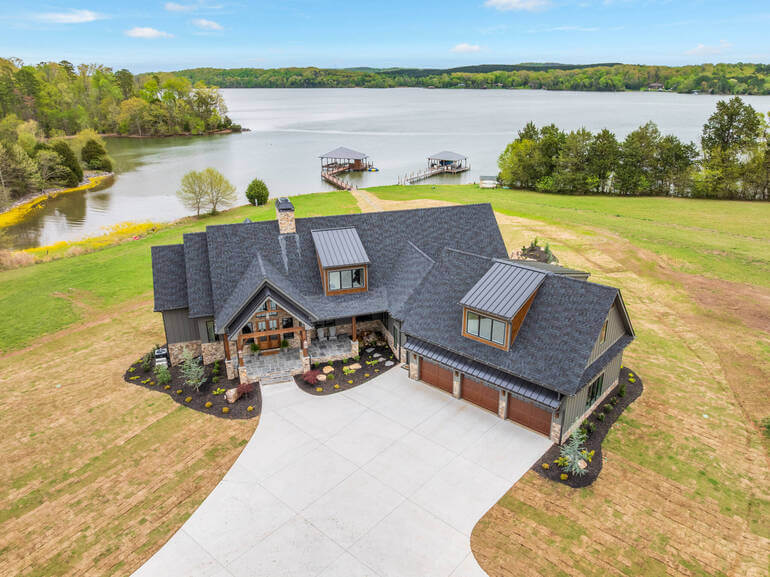
Aerial real estate photography has become a signature element of luxury listing marketing. High-end buyers expect breathtaking visuals—grand estates framed by lush landscaping, expansive waterfronts, sweeping ocean views, architectural symmetry, and meticulously manicured grounds.
But even with the best drone and ideal shooting conditions, RAW aerial photos rarely appear polished enough for luxury marketing materials. This is where drone real estate photo editing becomes non-negotiable!
High-net-worth buyers are deeply visual. They want images that evoke emotion, showcase exclusivity, and highlight the lifestyle a property provides—and expertly edited drone photos do exactly that.
In this guide, you’ll learn why drone photo editing matters, plus 6 actionable editing techniques that elevate your aerial real estate photos into magazine-worthy images.
Let’s begin by explaining why drone photo editing is crucial for luxury listings.
Why Drone Photo Editing Is Crucial for Luxury Listings🚁
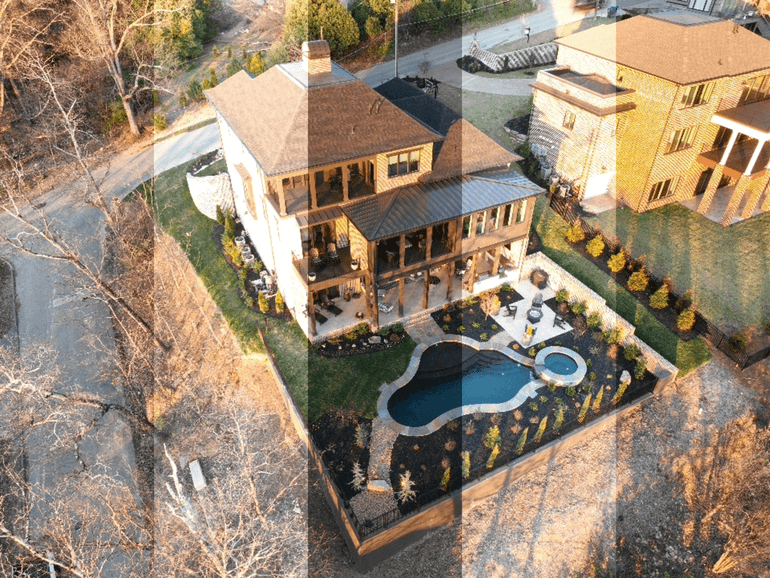
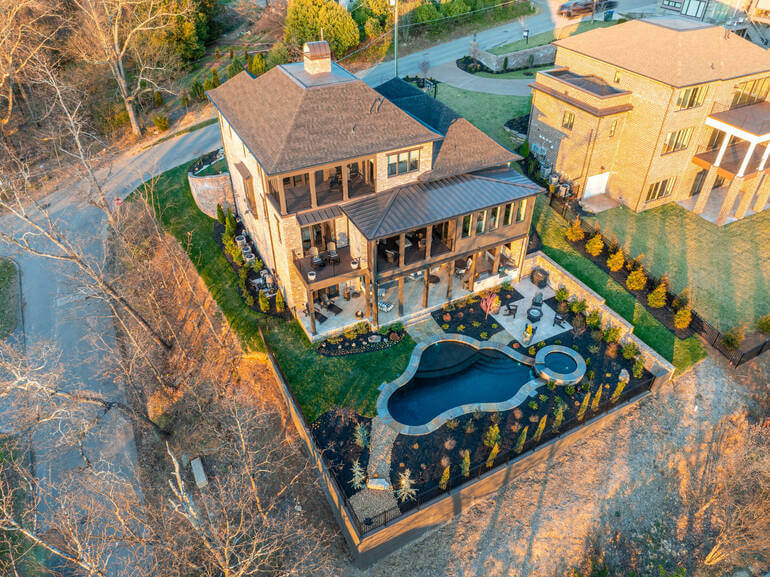
Luxury real estate is all about perception. Aerial photos can dramatically elevate that perception—but only when they’re professionally edited.
According to Barnes Real Estate Blog, professional real estate photography can increase the price per square foot by 47%, which makes editing crucial to boost sales prices. High-quality images also get 118% more online views.
Here’s why drone photo editing matters so much:
- Showcases the Full Scale and Lifestyle: Luxury properties often span large acreages, include resort-style amenities, and feature unique architectural layouts. Editing helps bring clarity to these big-picture visuals
- Corrects Drone Camera Limitations: Even high-end drones can struggle with exposure, haze, distortion, and color accuracy. Editing restores natural tones and enhances visual depth
- Enhances Sky, Water, and Landscape Appeal: Blue skies, bright pools, and vibrant greenery are essential for luxury marketing. Editing ensures these elements look crisp and inviting
- Creates a Consistent Luxury Aesthetic: Luxury real estate photos must look cohesive across the full set—clean, elegant, and immersive. Editing provides that consistency
In short, professional aerial editing turns RAW drone footage into breathtaking visuals that capture the true essence of luxury living.
Top 6 Tips for Drone Photo Editing for Luxury Listings🖼️
Here are 6 essential drone photo editing techniques to transform RAW drone shots into premium marketing imagery:
1. Correct Lens Distortion
Drone cameras often produce barrel or perspective distortion.
Use tools like Lens Correction, Transform, or Perspective Warp in Lightroom or Photoshop to straighten lines and ensure buildings look natural and proportionate.
Remember to correct the distortion first before adjusting colors or contrast. For more details, check out our tutorial on how to do lens correction in Photoshop.
2. Replace Overcast or Dull Skies
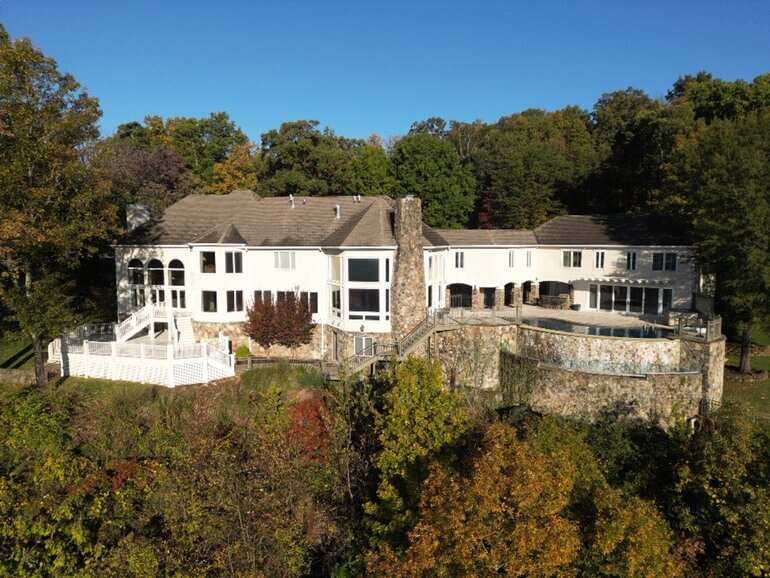
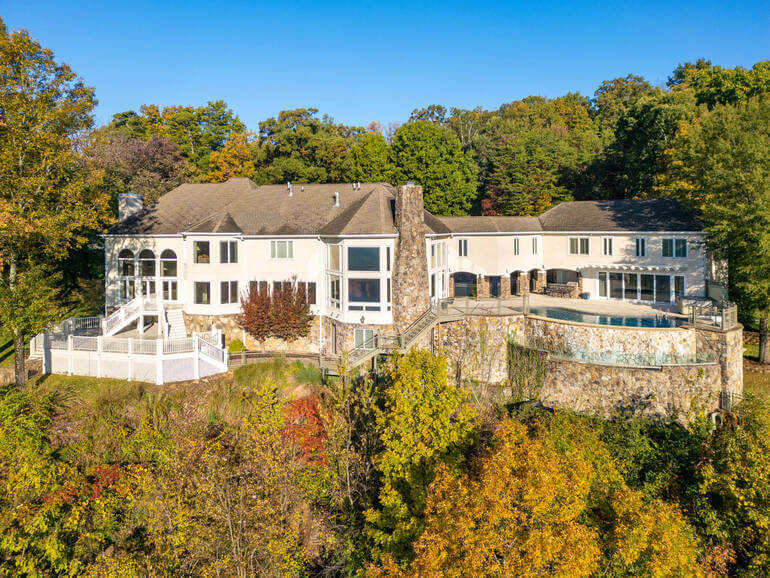
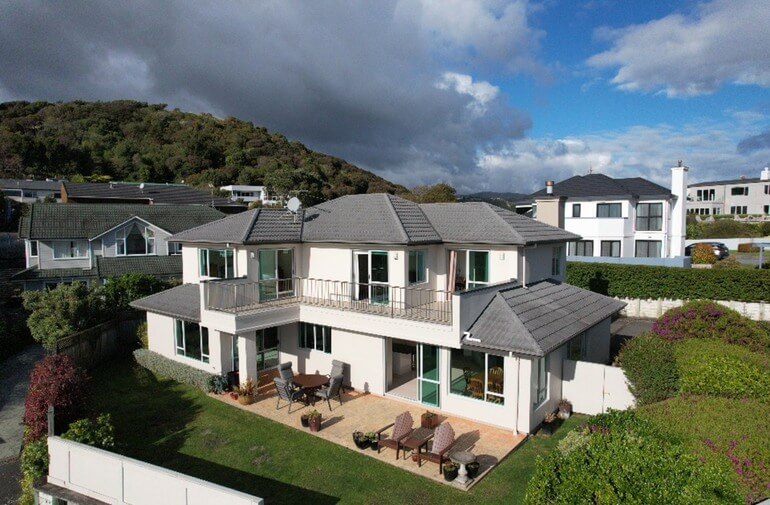
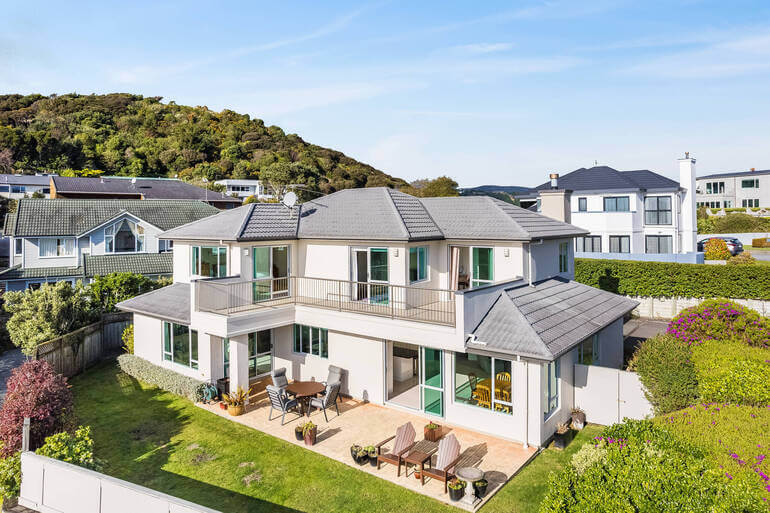
Luxury listings demand beautiful skies🌤️. If the weather wasn’t ideal at the time of the shot, a clean sky replacement can completely transform a shot.
- Use a bright blue sky for daytime exteriors
- Add mild sunset warmth for emotional impact
- Avoid overly dramatic skies—they can look unrealistic
These tutorials will help you create beautiful and inviting skies:
- How to Do a Sky Replacement in Photoshop
- How to Replace the Sky Using Adobe Lightroom
- How to Edit a Day to Dusk Image for Real Estate Photo Editing
3. Enhance the Greenery and Landscape
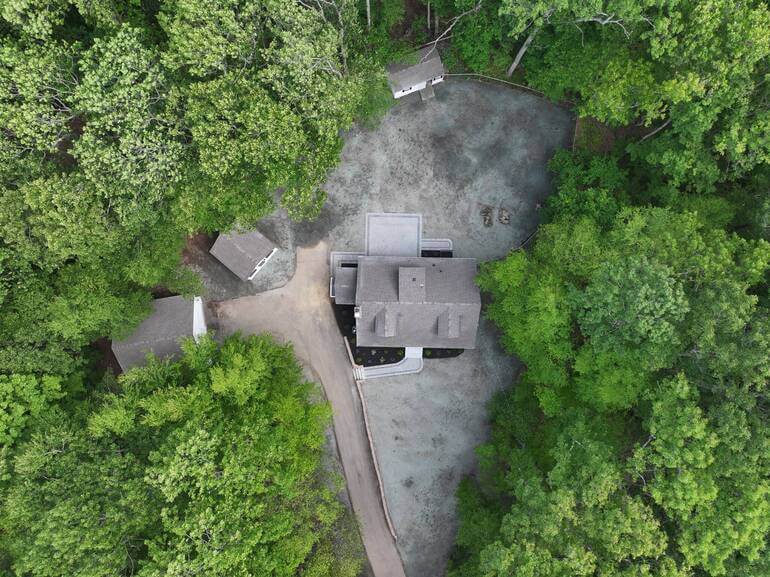
A brown, patchy lawn doesn’t convey a property that is well cared for. On the other hand, green landscapes convey luxury🌿.
Adjust the following for a lush, healthy look:
- Increase vibrance and saturation on greens
- Fix brown or patchy lawns
- Add subtle clarity and texture to landscaping
A vibrant landscape makes the property look better maintained and more valuable.
To learn how to create green luxury, you can check out our guide on how to create a lush green lawn in Photoshop and boost curb appeal.

Have You Ever Thought To
Outsource Photo Editing?
Try it today with 5 free edits from three professional photo editors.

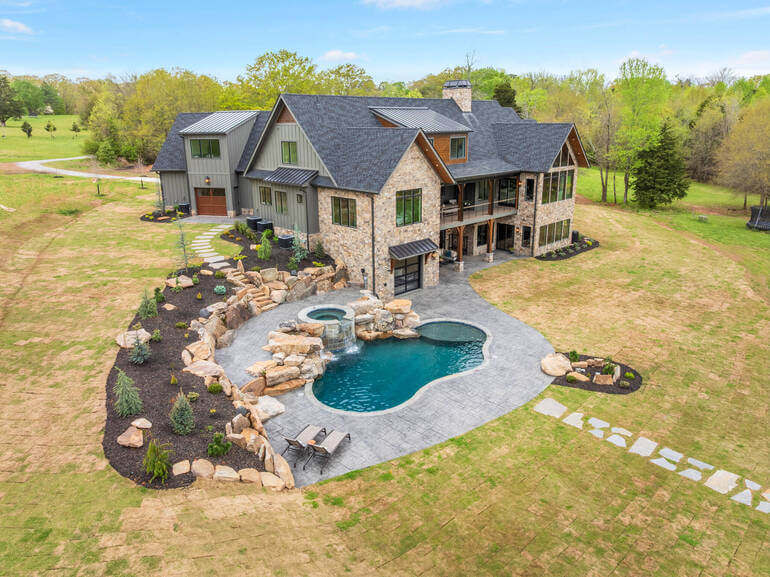
4. Brighten Amenities (Pools, Patios, Water Features)
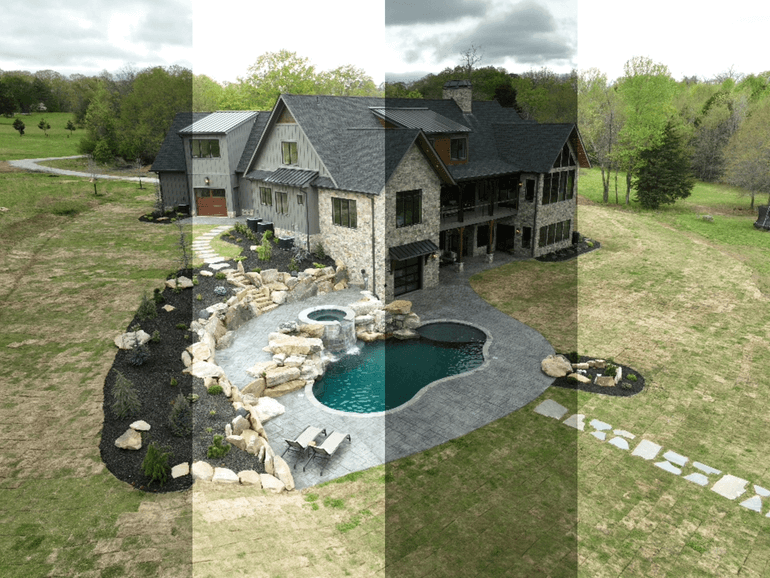
Drone shots highlight the estate’s lifestyle features. Consider amplifying them through:
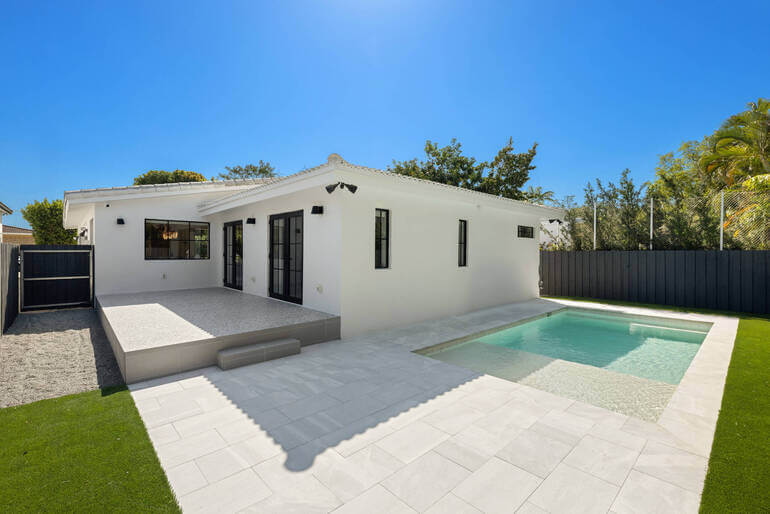
- Boosting pool aqua tones
- Increasing sparkle and contrast in water
- Removing debris from pools or patios
- Brightening stone surfaces and decks
These enhancements help buyers envision relaxation and resort-style living.
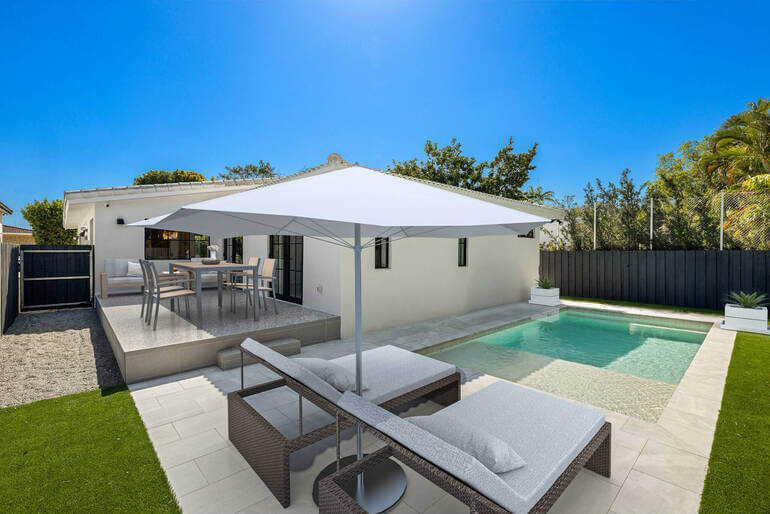
If the property doesn’t have a pool, you can use a AI virtual staging service, like PhotoUp, to add an inviting pool in the yard, as long as you disclose that your images are virtually staged.
5. Remove Distractions
Luxury images must be clean and refined. Remove distracting elements such as:
- Cars in driveways
- Trash bins
- Roof stains
- Construction materials
- Neighboring clutter
Cleanliness indicates exclusivity and value. Here are three tutorials that will help you learn how to declutter your real estate photos:
- How to Remove Objects in Lightroom
- How to Remove Unwanted Objects Using Photoshop
- How to Edit a Car Out of the Picture
6. Manage Color Temperature Consistently
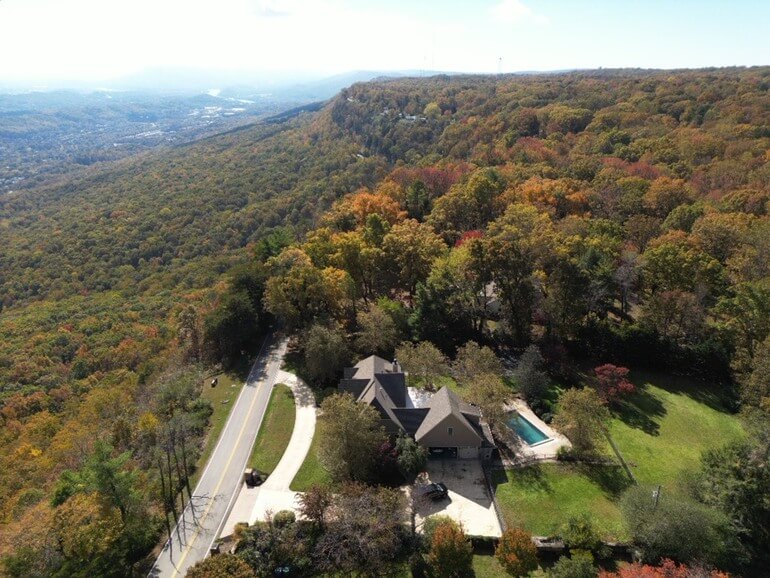
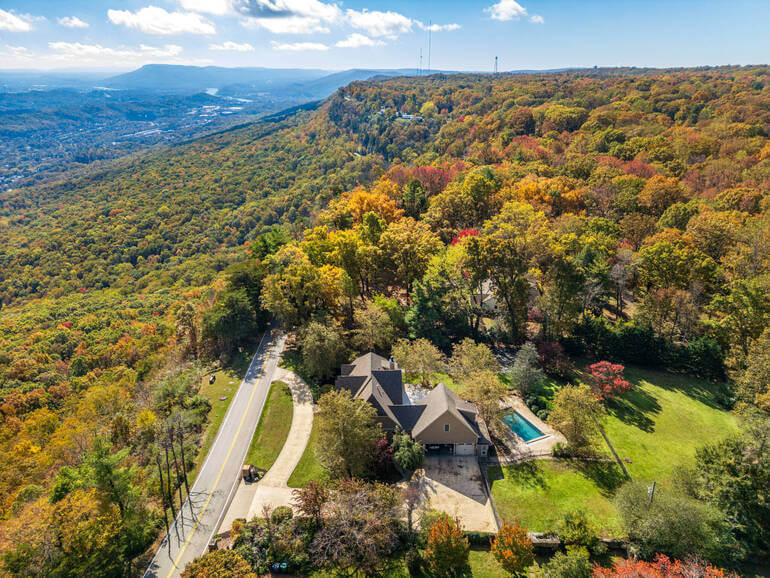
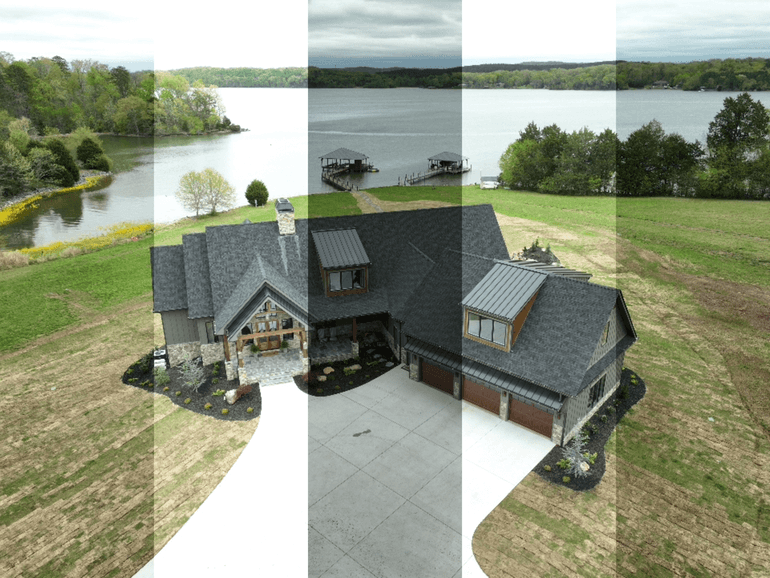
Aerial photos often vary in temperature due to altitude changes. Ensure a cohesive look across your set by:
- Keeping exterior tones neutral or slightly warm
- Avoiding overly orange or blue hues
- Matching ground and sky temperatures
Consistency elevates the luxury aesthetic. To learn how to manage color temperature, you can visit our guide on how to adjust white balance in Photoshop.
And there you have 6 actionable drone photo editing tips to help you create that impressive, magazine-worthy, and luxury feeling in your aerial real estate photos!
If you have any questions about aerial editing, we hope to answer them in the FAQ below.
Drone Photo Editing FAQ📚
How important is editing for aerial photos?
Extremely important. RAW drone images often appear flat, hazy, or distorted. Editing enhances clarity, lifestyle appeal, and professional polish—crucial for high-end listings.
Can I edit aerial photos using only Lightroom?
Yes, Lightroom works well for global adjustments, like exposure, white balance, color, and gradients. But for object removal or sky replacement, Photoshop or a service like PhotoUp is better.
What resolution should aerial photos be delivered at?
Aim for at least 3000px on the long edge for MLS and 4K+ for luxury marketing brochures.
Are sky replacements allowed on MLS?
Yes, as long as the changes do not misrepresent the property. Avoid adding elements that weren’t there originally.
Do luxury listings require HDR aerial editing?
HDR can be helpful for balancing exposure and enhancing the detail in your images, but keep it subtle. Overdone HDR looks unnatural.
If you feel aerial editing is overwhelming, you don’t need to do it yourself. Let’s show you how to easily outsource your editing to the experts at PhotoUp.
Have You Ever Thought To
Outsource Photo Editing?
Try it today with 5 free edits from three professional photo editors.
Ensure Captivating Aerial Real Estate Photos With PhotoUp🚁
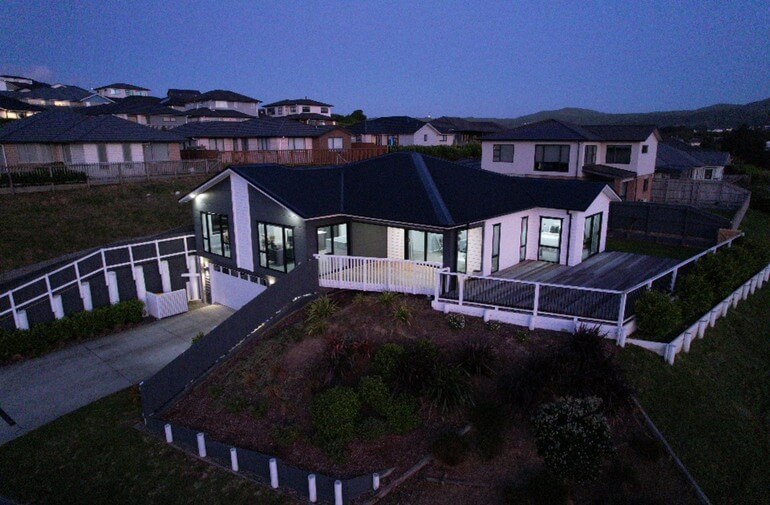
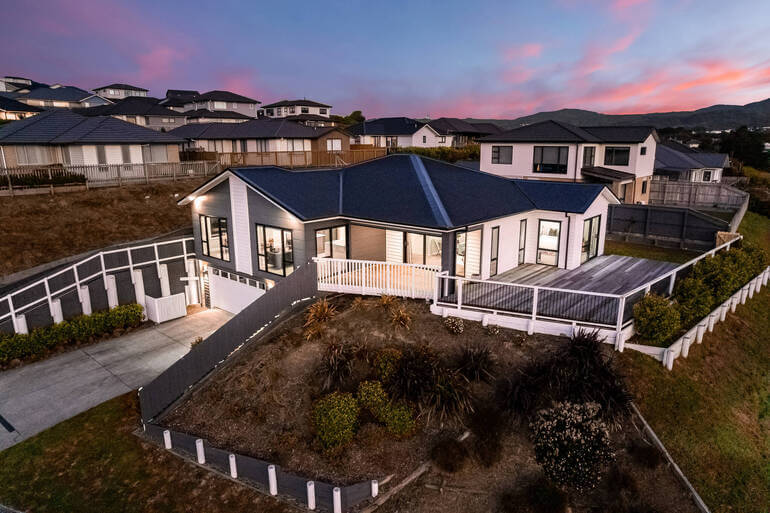
Aerial photo editing requires precision, time, and consistent artistry—especially for luxury listings. That’s where PhotoUp excels!
PhotoUp’s professional real estate photo editors can handle:
- Sky replacements
- Lens correction
- Perspective adjustments
- Lawn and landscape enhancements
- Pool and water feature touchups
- Color grading and luxury styling
- Object removal
- Full image retouching
- And much more!
With 12–24 hour turnaround, affordable pricing, and specialized luxury editing, PhotoUp ensures your aerial photos make every listing look extraordinary.
With our help, your listings will always look their best—captivating more buyers and closing deals faster.
And there’s more…
Browse Top Dedicated
Real Estate Photo Editors
Ready-to-hire editors for real estate photo editing, and more.
Access to Powerful Real Estate Marketing Tools
On top of that, PhotoUp also offers other powerful real estate marketing services, allowing you to expand your product offerings and become more valuable to your clients.
Here are some of our marketing tools:
We have everything you need to create eye-catching visuals, streamline your editing workflow, grow your business, and deliver high-quality content that sells.
How to Get Started
Getting started using PhotoUp’s photo editing service is super easy.
This is all you need to do:
Step 1. Sign up for a free PhotoUp account.
Step 2. Upload your photos to our easy-to-use software.
Step 3. Choose the level of editing that you need and provide instructions (optional).
Step 4. Wait for PhotoUp professional editors to edit and return the photos in less than 24 hours (48 hours for virtual staging).
Step 5. Download and start using your beautifully edited photos.
PhotoUp Real Estate Photo Editing Uploader Demo
To see how easy it is to get started, have a look at our real estate photo editing uploader demo:
And that’s it! It’s as simple as 1-2-3 to outsource your editing needs to the experts at PhotoUp.
So what are you waiting for?
👉Sign up for a free PhotoUp account today and let our expert real estate photo editors help you create captivating aerial photos that convey luxury!
And the best part? When you sign up for an account, you’ll receive a bonus of 10 free credits to use however you please!
We hope this blog post helped you learn how to do drone photo editing for luxury listings. Before you go, you may also want to check out the following resources: