Table of Contents
- Why Exterior Photo Quality Affects How a Listing Performs
- What AI Image Enhancement Fixes Well in Exterior Shots
- Where AI Still Needs a Human Editor
- How to Use AI Image Enhancement Without Losing Quality Control
- That’s Where PhotoUp Comes In
Exterior real estate photos rarely come out listing-ready. Blown-out skies, patchy grass, and objects left around the property can quickly turn a straightforward edit into a growing cleanup list.
A good chunk of that list is now something AI image enhancement handles on its own.
This piece breaks down what AI fixes well in exterior real estate photos, what still needs a trained eye, and how to build a workflow that uses both without slowing down your turnaround.
Why Exterior Photo Quality Affects How a Listing Performs
Exterior photos usually carry the listing. It’s the first image a buyer sees in a search results grid, on Zillow, on the MLS, before they click into anything else.

That single image decides whether a buyer clicks in or scrolls past. Redfin’s data backs this up: listings with professional photos average 89 days on market, compared to 123 days for listings without them.1
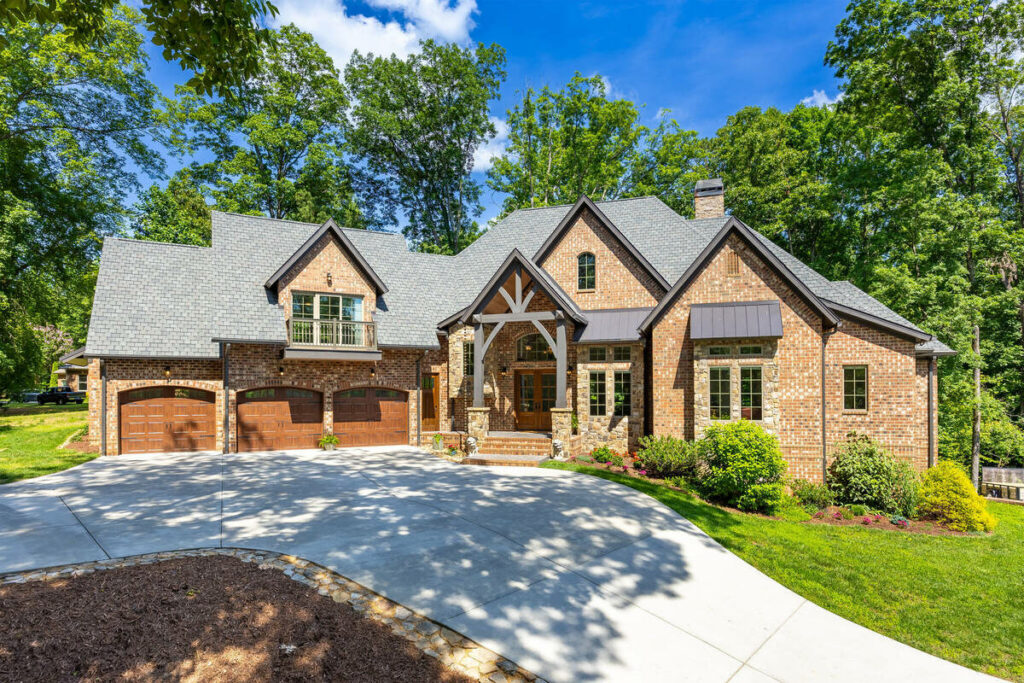
None of that requires the photo to be flashy. It needs to be exposed correctly, color-accurate, and clear of anything pulling attention away from the house. That’s the kind of correction AI image enhancement is built to handle at scale.
Now that we know what’s riding on exterior shots, here’s what AI actually fixes.
What AI Image Enhancement Fixes Well in Exterior Shots
Here’s what AI photo enhancement consistently gets right on exterior photos:
- Exposure and HDR blending: merging multiple brackets into one balanced exposure, so the sky and the siding aren’t fighting each other for detail
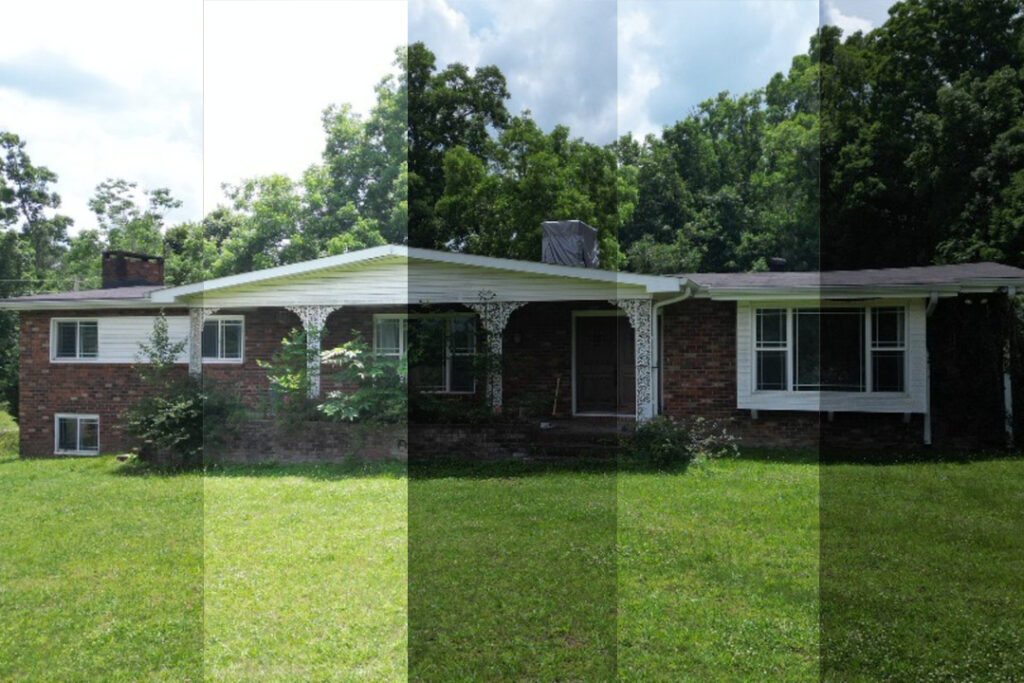
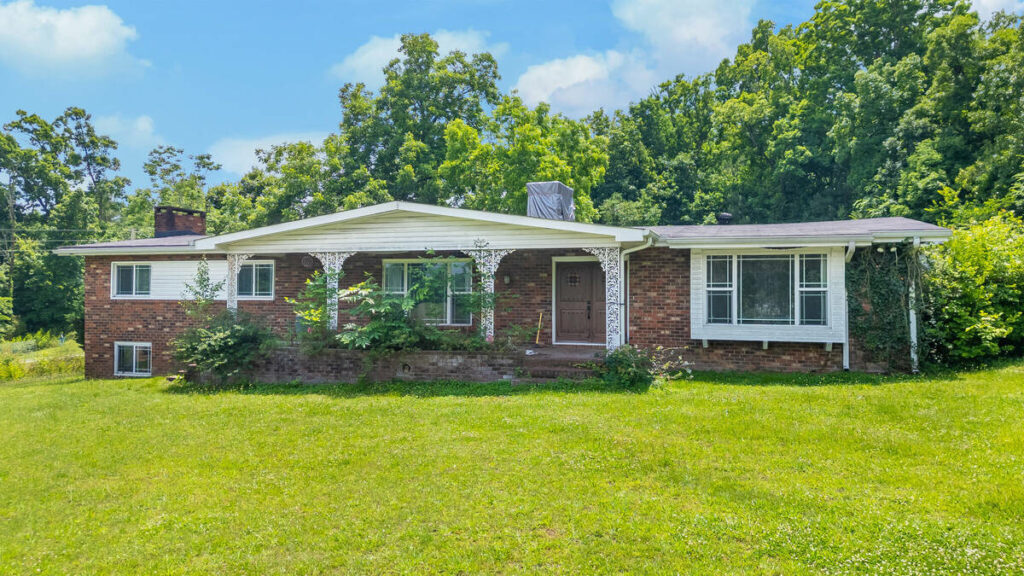
- White balance and color correction: pulling the blue or orange cast that shows up in different light conditions, so grass, brick, and trim read as natural-looking
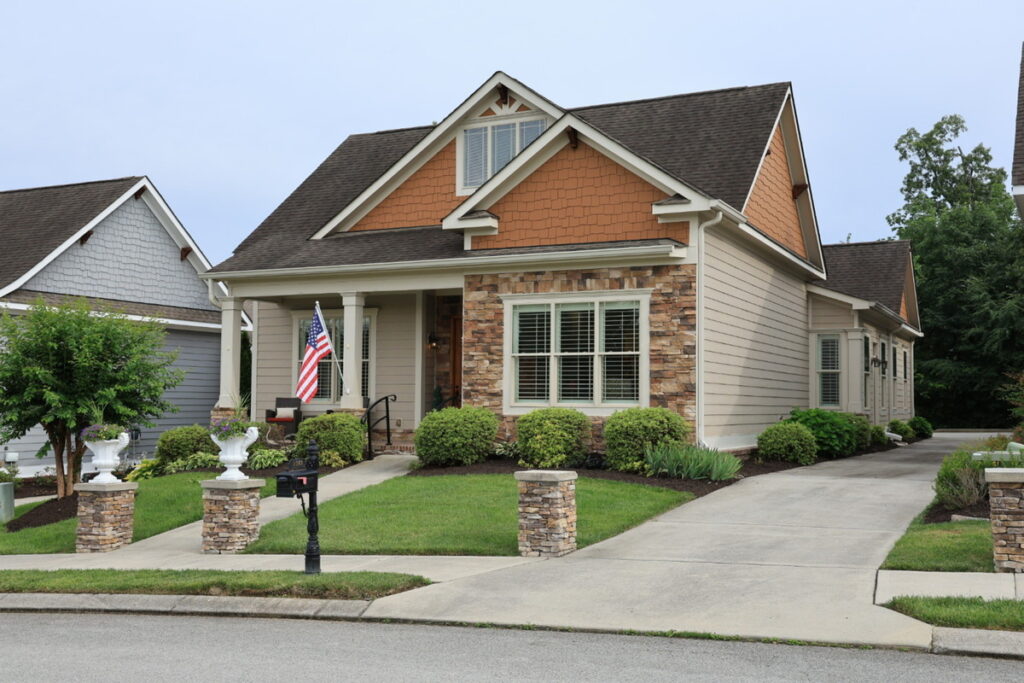
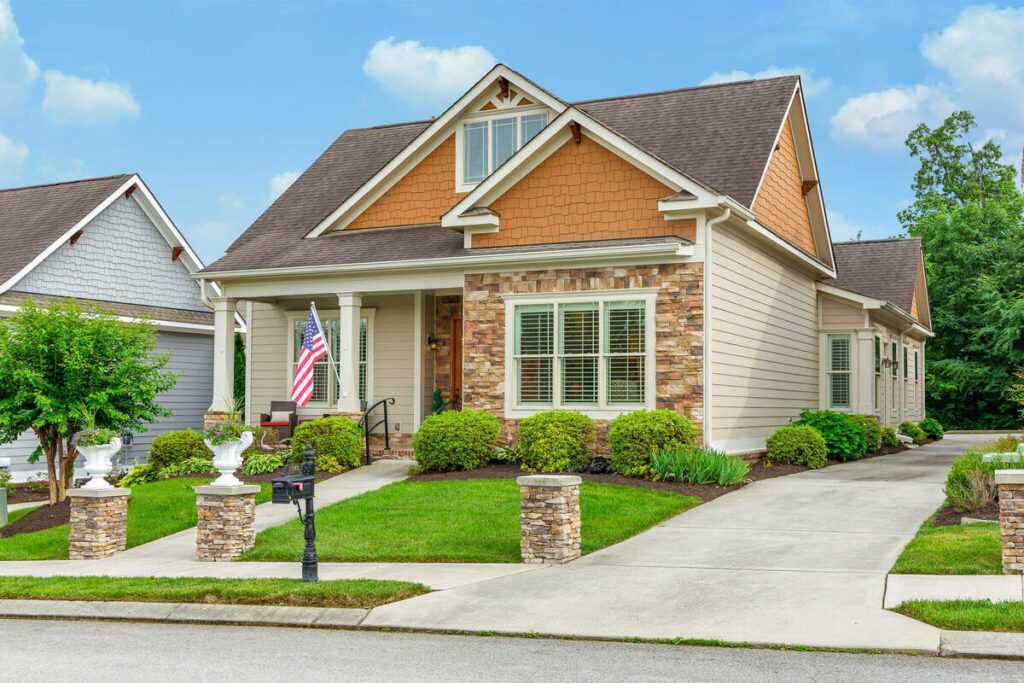
- Minor clutter removal: clearing hoses, trash cans, cars parked at the curb, and other small distractions that weren’t part of the shot list
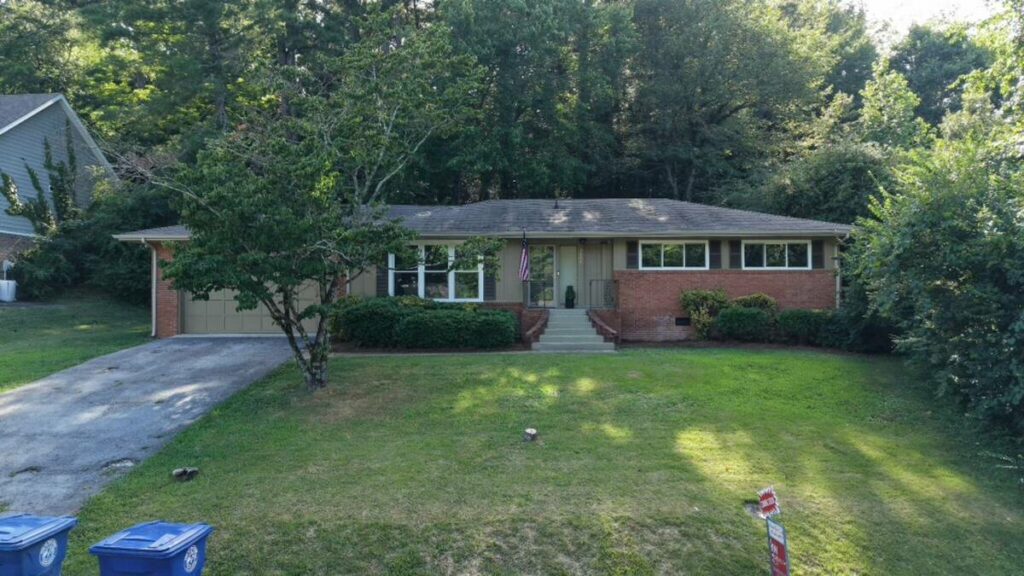
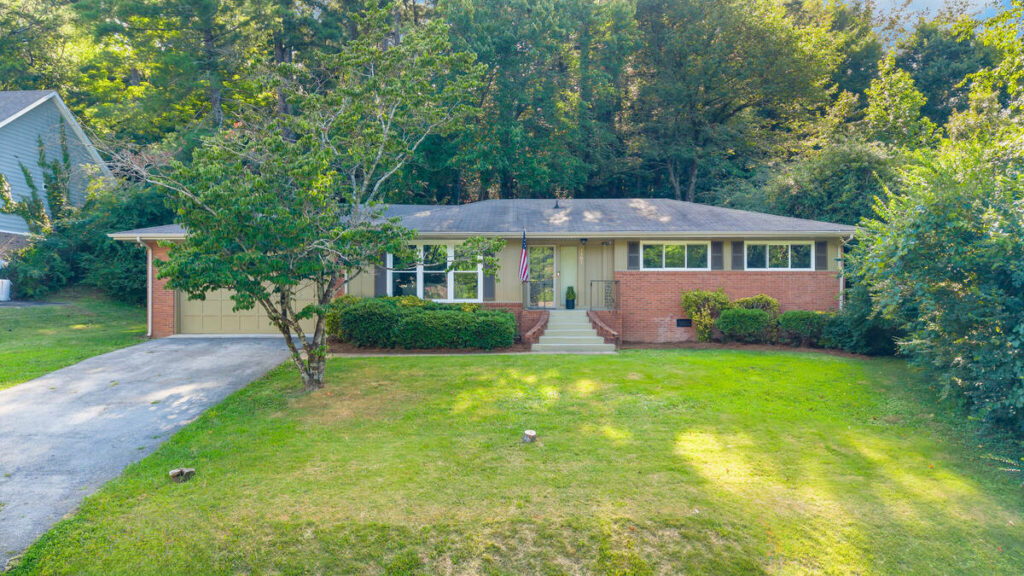
- Perspective and lens correction: straightening converging vertical lines so the house doesn’t look like it’s leaning
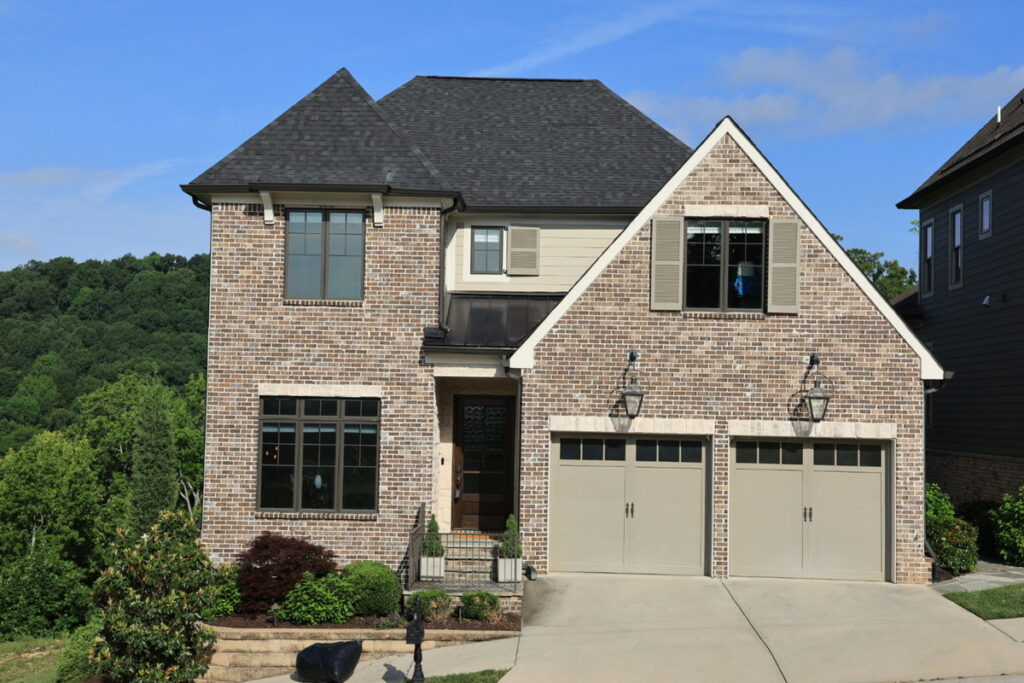
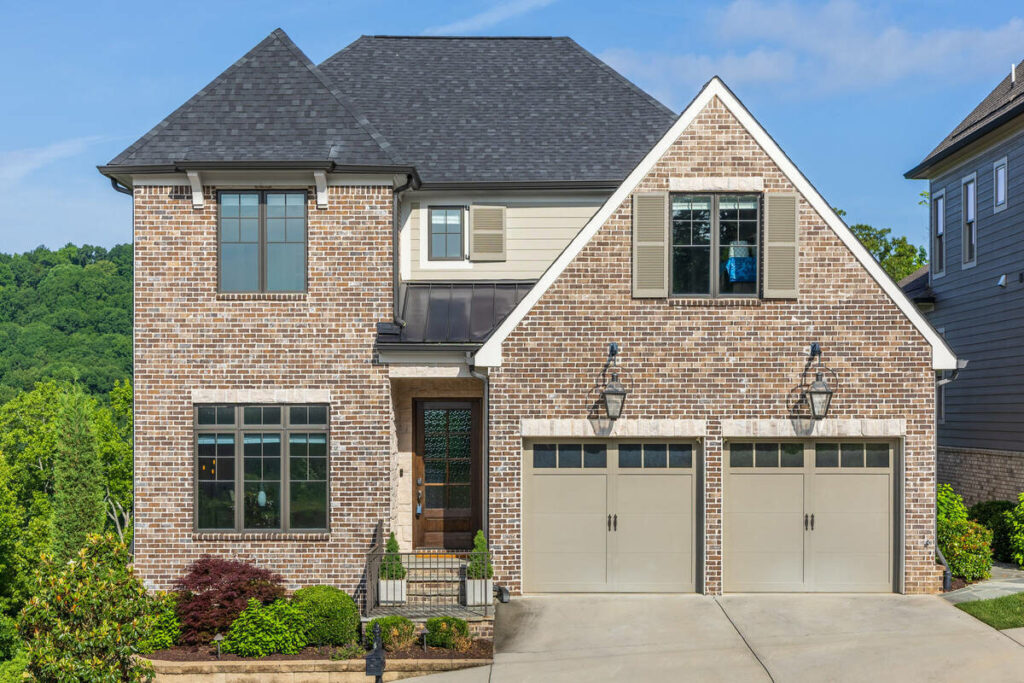
Batch color consistency is where this pays off most. A shoot with 30 to 80 images from the same property can run through the same corrections evenly across every frame, instead of someone eyeballing each one individually.
Where AI Still Needs a Human Editor
AI image enhancement isn’t complete on its own, and PhotoUp doesn’t pretend otherwise. A few specific situations still call for a human pass:
- Sky replacement with complex tree lines or roof edges: irregular edges are where automated masking tends to leave halos or soft spots
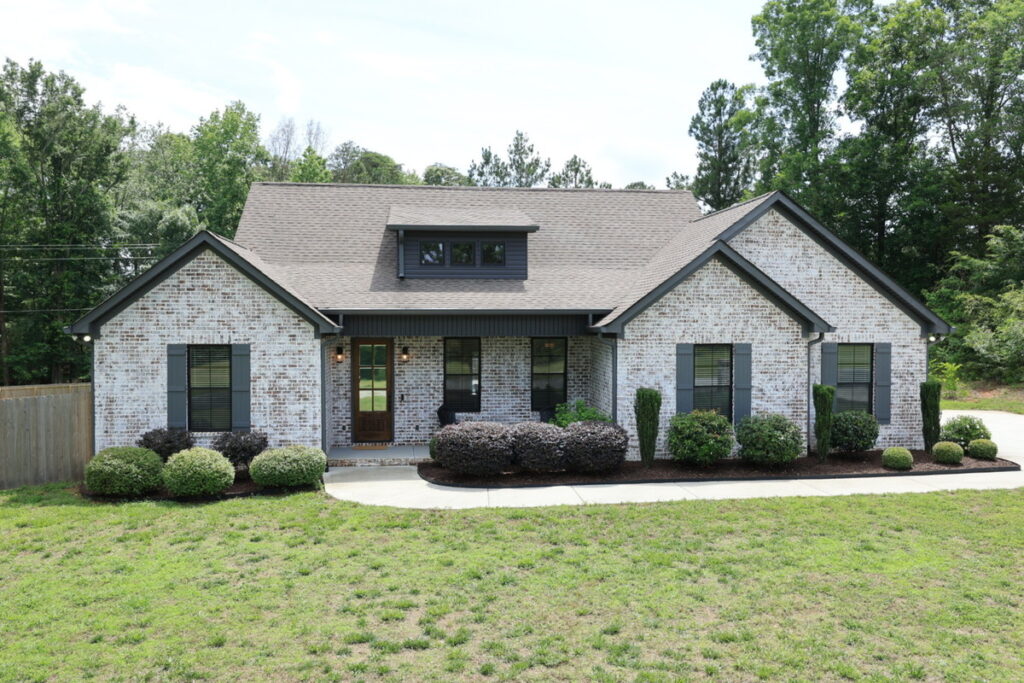
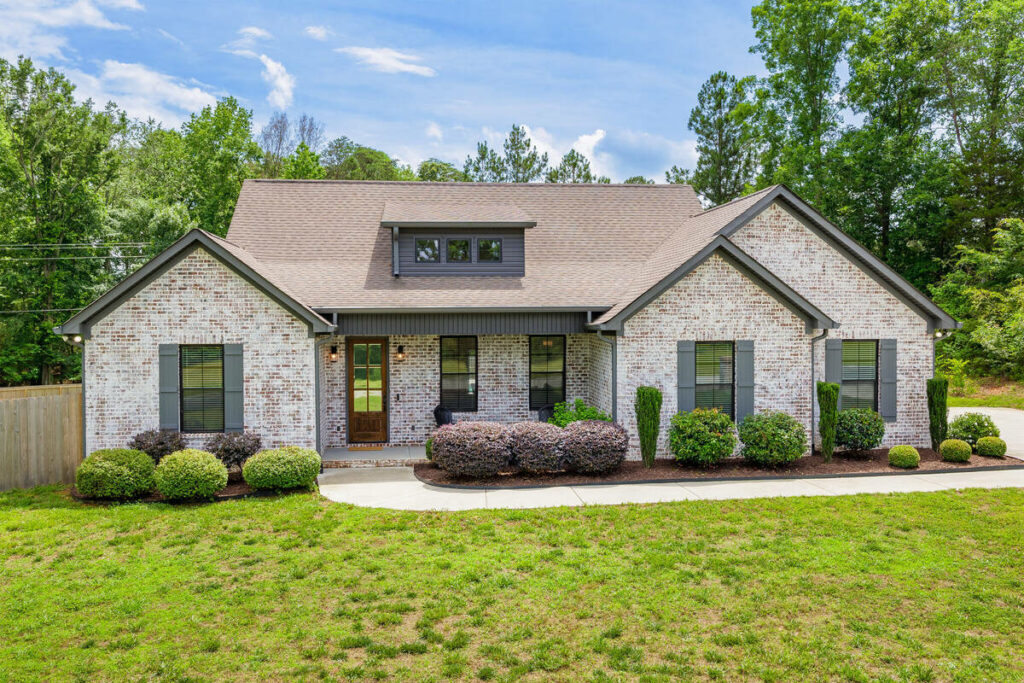
- Twilight and day-to-dusk conversions: these need judgment calls on color temperature and window glow that vary from property to property
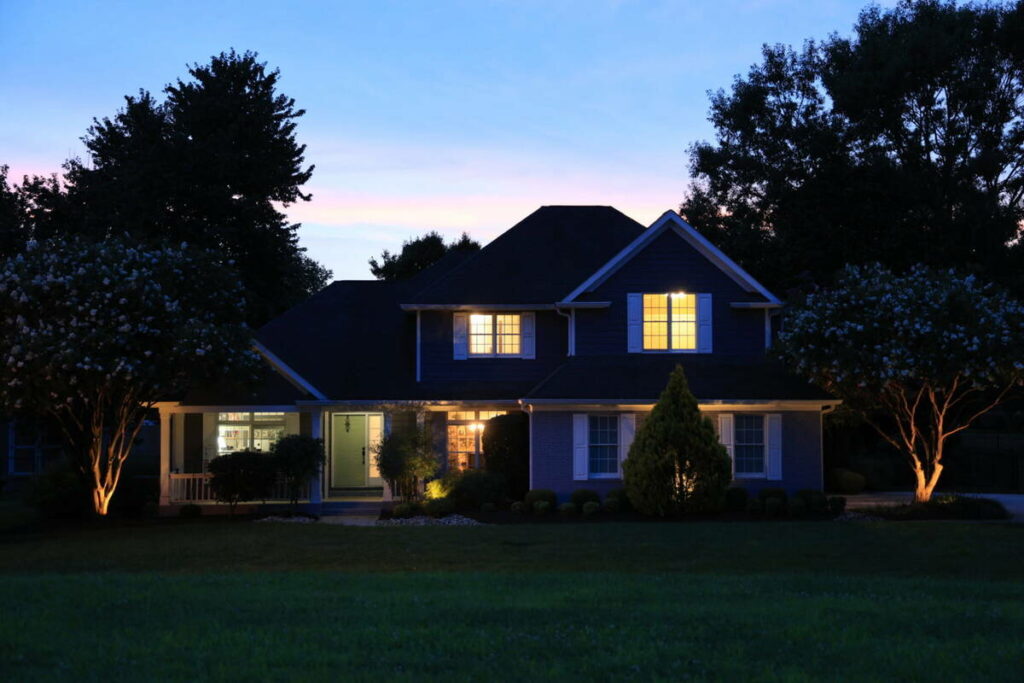
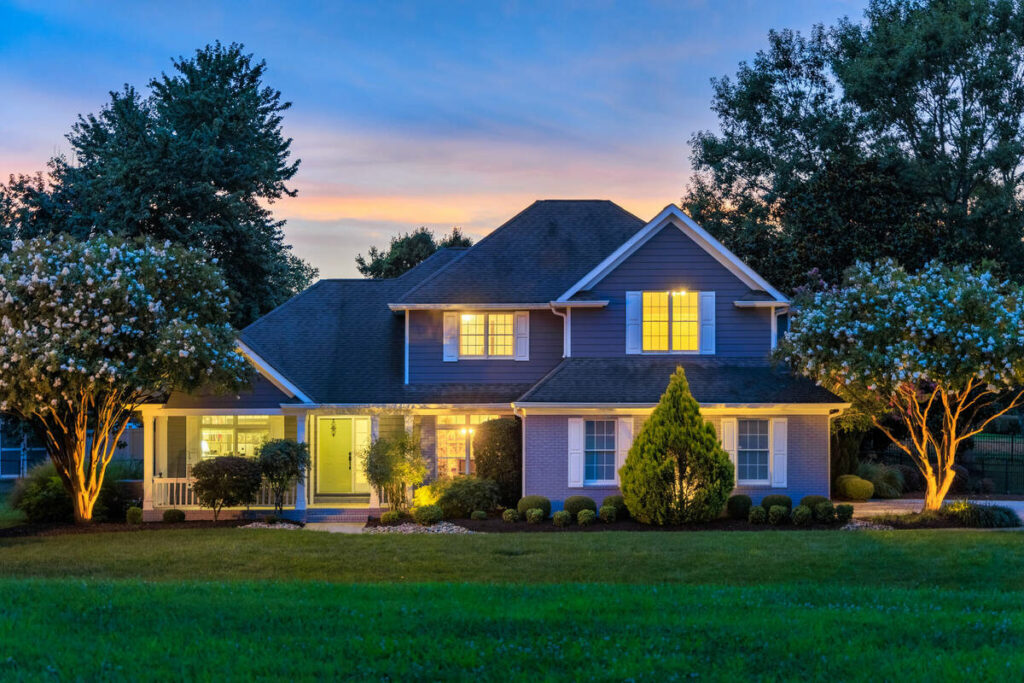
- Luxury listings: clients at this level expect subtlety, and a slightly-off correction is more noticeable on a $2 million listing than a starter home
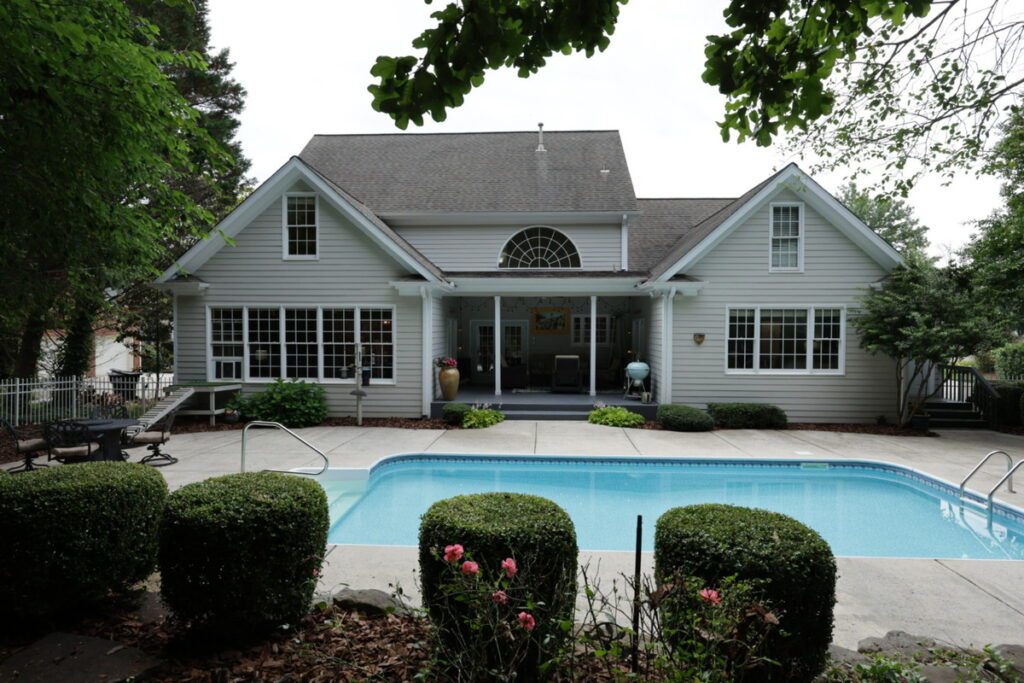
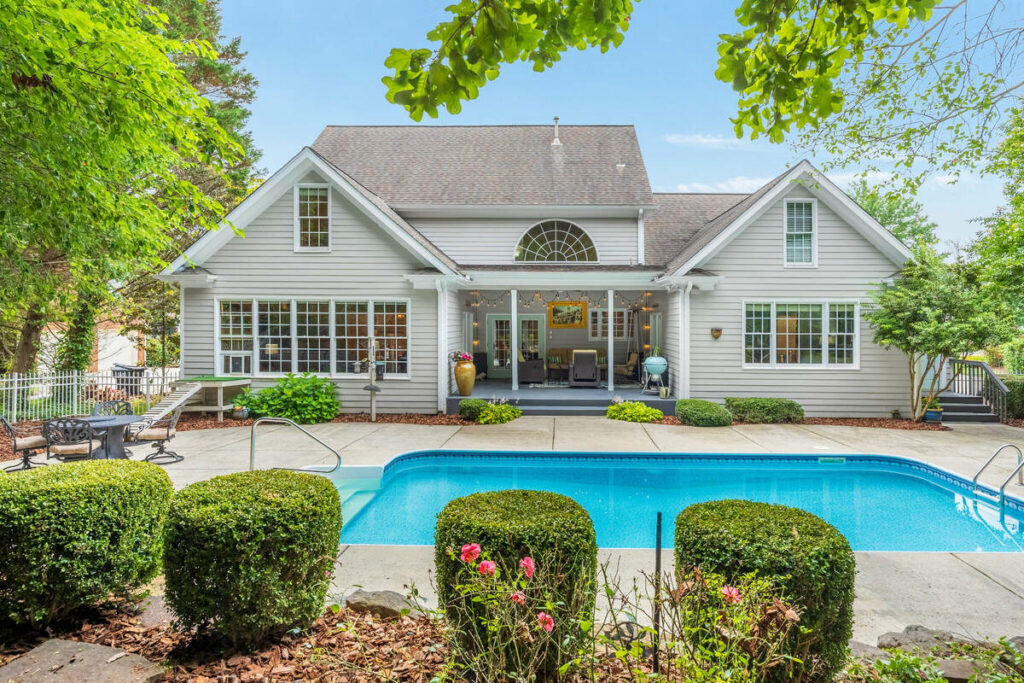
- Mixed-light exteriors: shots with patchy shade, direct sun, and reflected light in the same frame often need local adjustments AI hasn’t fully solved
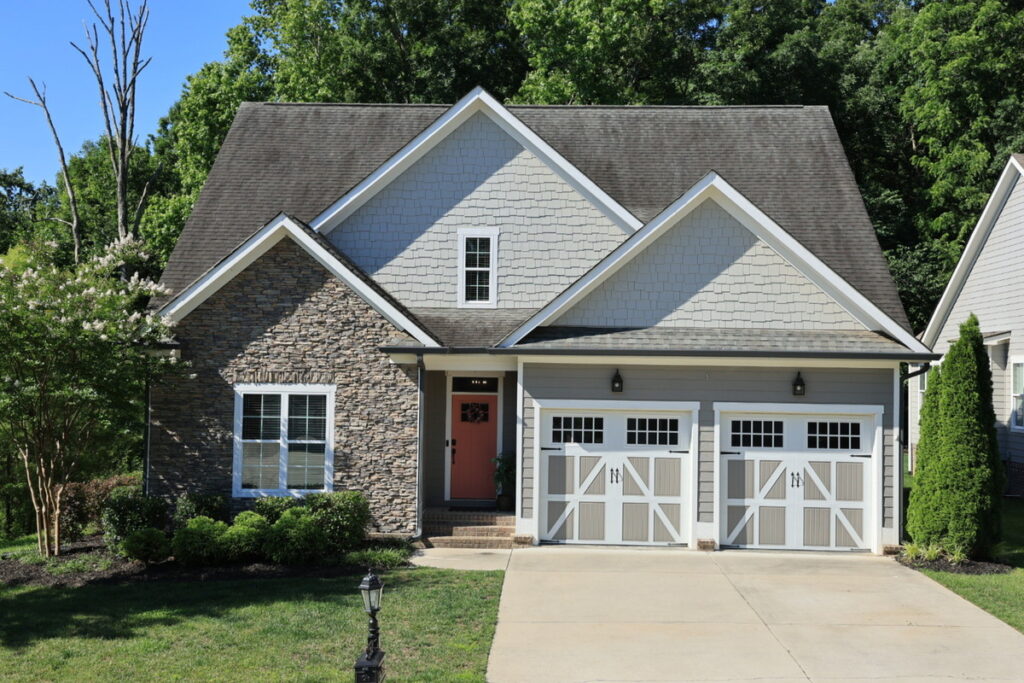
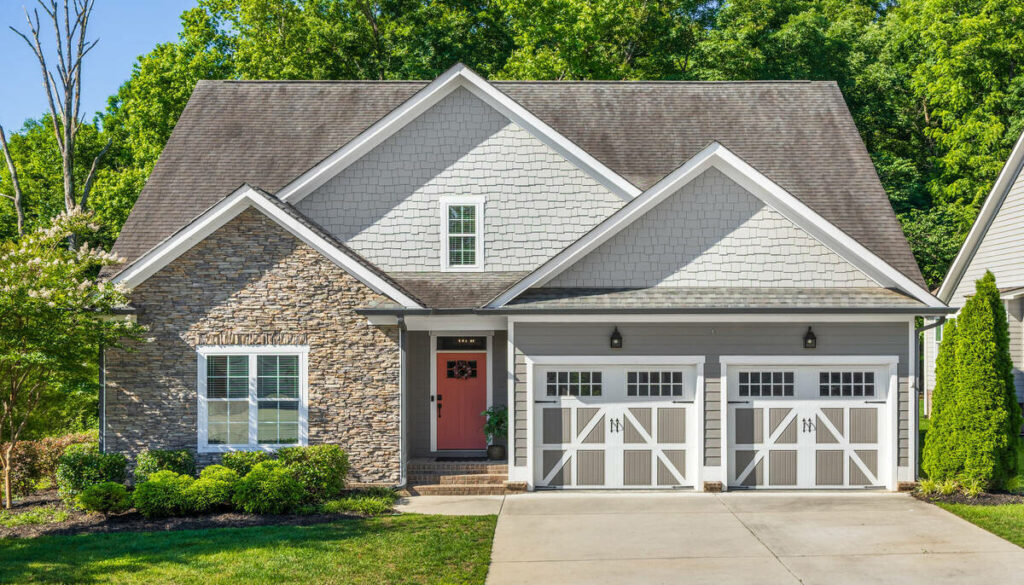
- Recurring clients with a defined style: if an agent has preferences that don’t match a standard correction, that’s a judgment call, not an algorithm
Want Better Edits in Less Time?
AI Speed. Human Precision.
Every image is reviewed for quality before delivery.

AI handles the 80%, the foundational corrections that stay consistent across listings. A human editor catches the 20% that requires judgment, context, or a client-specific standard. That split is the practical argument for combining both, not a reason to skip AI tools altogether.
Browse Top Dedicated
Real Estate Photo Editors
Ready-to-hire editors for real estate photo editing, and more.
How to Use AI Image Enhancement Without Losing Quality Control
A workflow that leans on AI for the repetitive fixes and a human editor for final review tends to hold up best. A few things worth building into that process:
- Run exposure, white balance, and clutter removal through AI first, since those corrections scale cleanly across a full shoot
- Flag anything with a complex sky, twilight conversion, or luxury-listing standard for manual review before it goes out
- Spot-check a sample from each batch rather than every image, once the AI corrections are running consistently
- Keep a short style note for repeat clients so reviewers know what “done” looks like for that account
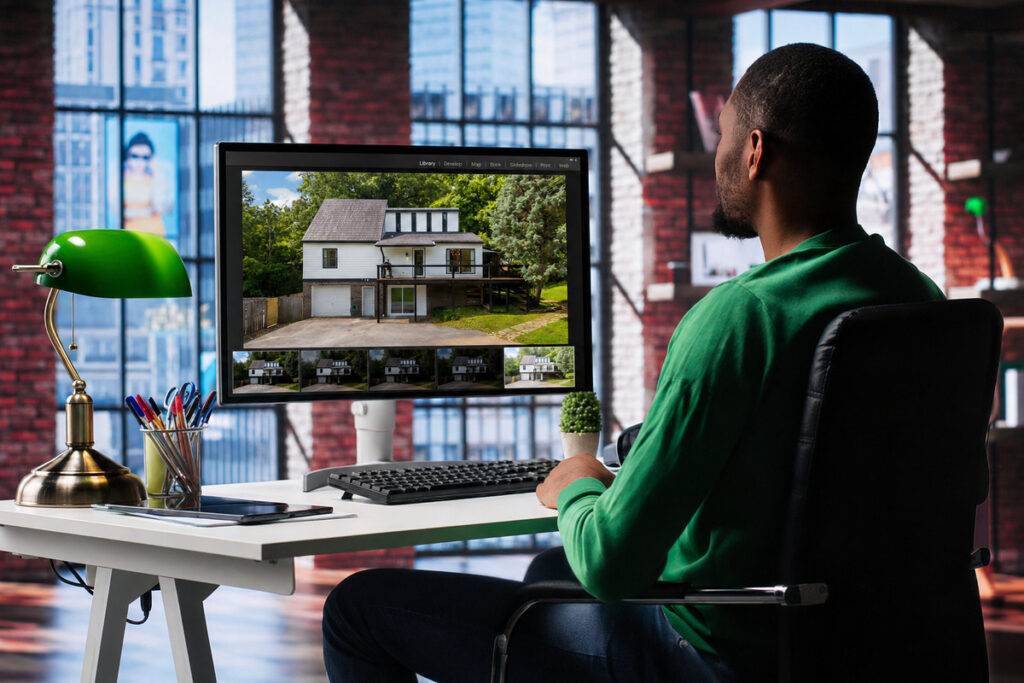
AI photo enhancement isn’t a replacement for a review step. It’s what makes the review step manageable, because the reviewer is checking a handful of judgment calls instead of correcting every image from scratch.
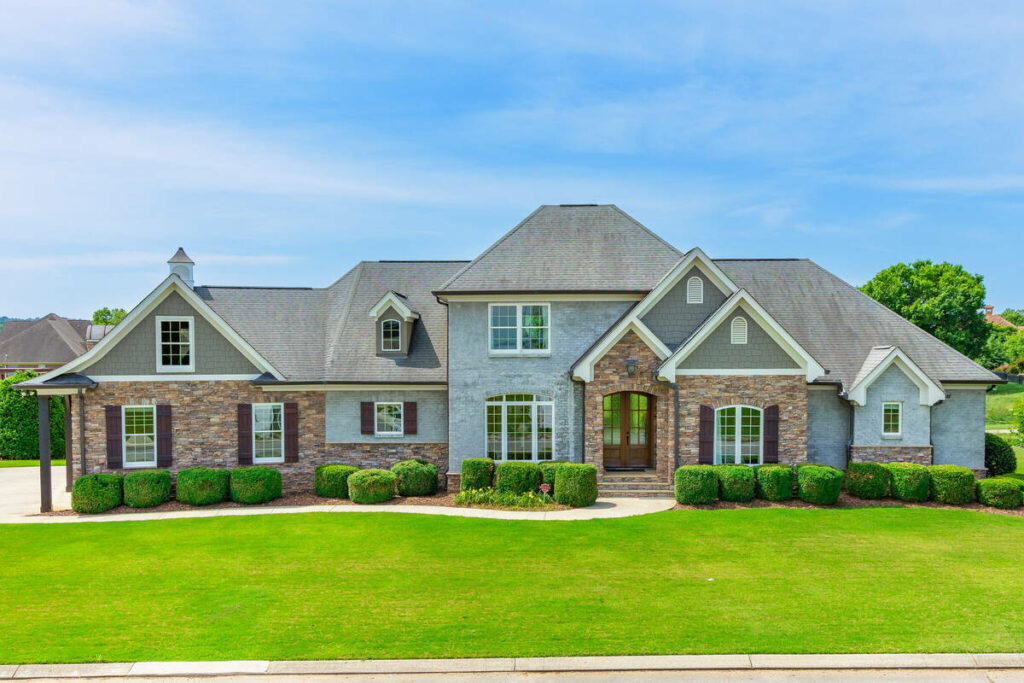
Exterior photos carry more weight than any other image in a listing, and AI now handles the bulk of what makes them market-ready: exposure, color, minor clutter, and perspective. What’s left is the judgment work, and that’s still worth a trained editor’s time.
That’s Where PhotoUp Comes In
PhotoUp pairs AI image enhancement with a professional editor review on every order, so exterior shots get the consistency of automated correction and the judgment call of a trained eye.
Our services include:
- AI-assisted photo editing with HDR blending and color correction
- Sky replacement and twilight conversions handled by human editors
- AI virtual staging for vacant exteriors and interiors
- Batch processing for shoots of any size, with consistent results across the set
Want Better Edits in Less Time?
AI Speed. Human Precision.
Every image is reviewed for quality before delivery.
PhotoUp delivers edited images in 12–24 hours, with virtual staging completed within 48 hours. Every AI-corrected image receives a human review before delivery, with flexible pricing that scales from single listings to enterprise-level volume.
How to get started:
- Sign up for a free PhotoUp account
- Upload your exterior shots
- Choose your edit level and add notes if needed
- PhotoUp’s editors process and review each image
- Download market-ready photos, ready for MLS
Try a test order, free. Upload one listing, get the edits back within 24 hours, and compare the AI-enhanced result against your own baseline.
Related Articles:
- How to Enhance a Photo With AI for Real Estate Living Rooms
- How to Choose the Right AI Photo Editing Software for Your Workflow
- Real Estate Photo Editing AI in 2026: Trends, Tips, and Best Practices
- How AI Enhances Kitchen Photos for Real Estate Listings
- Edit Hundreds of Real Estate Photos Faster with the Right AI
References: