Table of Contents
- Why Does Batch Editing Speed Matter So Much?
- What Should the Best AI for Batch Photo Editing Include?
- What Does AI Batch Editing Handle Well?
- Where Does AI Still Need a Human Editor?
- How Do You Test the Best AI for Batch Photo Editing?
- Streamline Your Batch Editing with PhotoUp
A busy week of shooting can put 500 or more images in your editing queue. At three to four minutes per photo, that’s 25+ hours behind the computer, often more time than the shoots themselves took. For many real estate photographers, editing is the bottleneck that caps how many listings they can take on.
AI batch editing promises to fix that. But the tools vary widely, and the wrong one creates rework instead of saving time.
This guide covers what the best AI for batch photo editing needs to handle, where AI saves real hours, where it still falls short, and how to test a tool before you trust it with a client’s listing.
Why Does Batch Editing Speed Matter So Much?
Editing speed isn’t just about getting your evenings back. It determines how many clients you can serve and how quickly their listings go live.
Professional real estate photography helps listings make a stronger first impression, which is why agents expect both high-quality images and fast turnaround times. Speed and consistency are what keep clients coming back.

Now consider the workflow. Editing 250 images at three minutes each takes about 12 hours. If AI handles the initial corrections and reduces editing to about one minute per image, the same batch can be finished in four to five hours, including review.
Those time savings only matter if the AI delivers consistent results across the entire gallery. That’s what separates a helpful batch editing tool from one that creates extra work.
What Should the Best AI for Batch Photo Editing Include?
Plenty of AI editors look impressive on a single hero shot. Batch work is a different test: 40 photos from one listing, shot across different rooms and light conditions, that all need to match. Here’s what to evaluate:
1. Consistency Across the Full Shoot
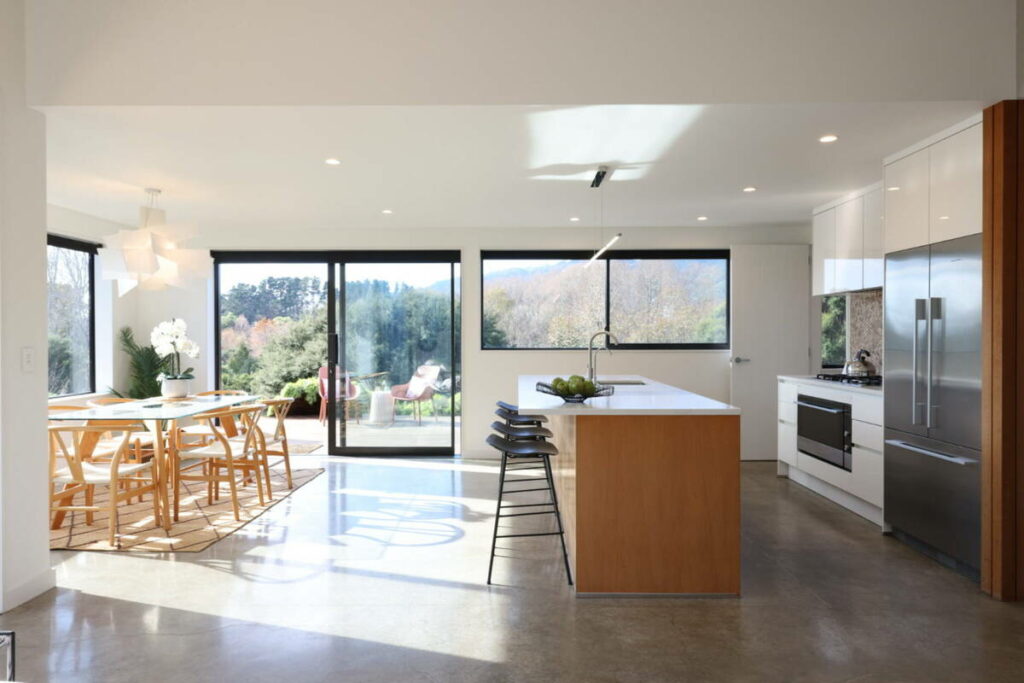
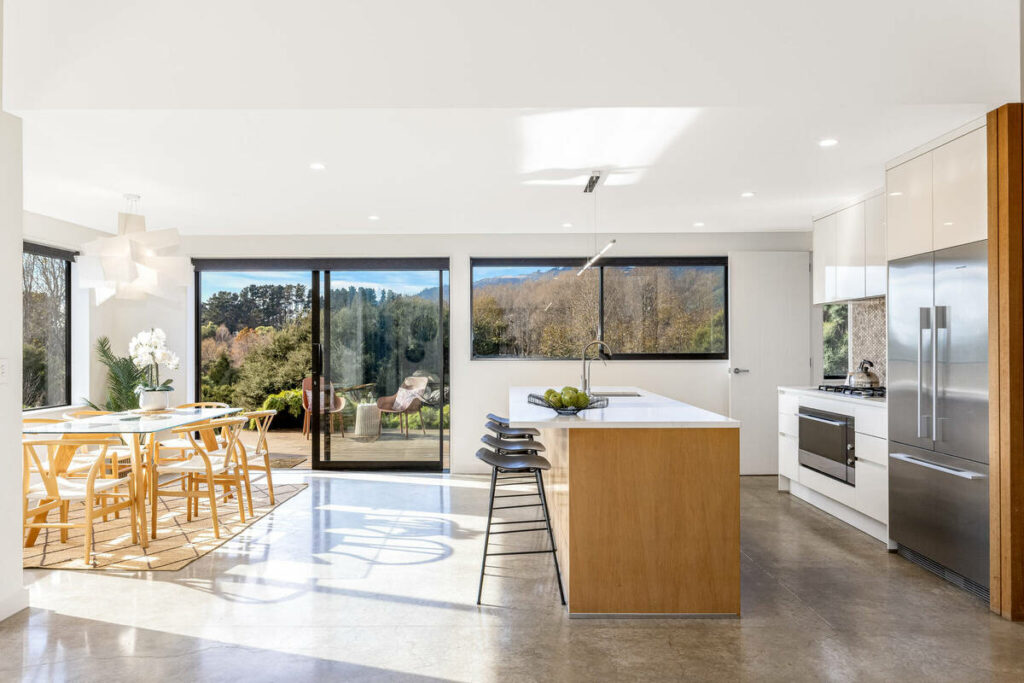
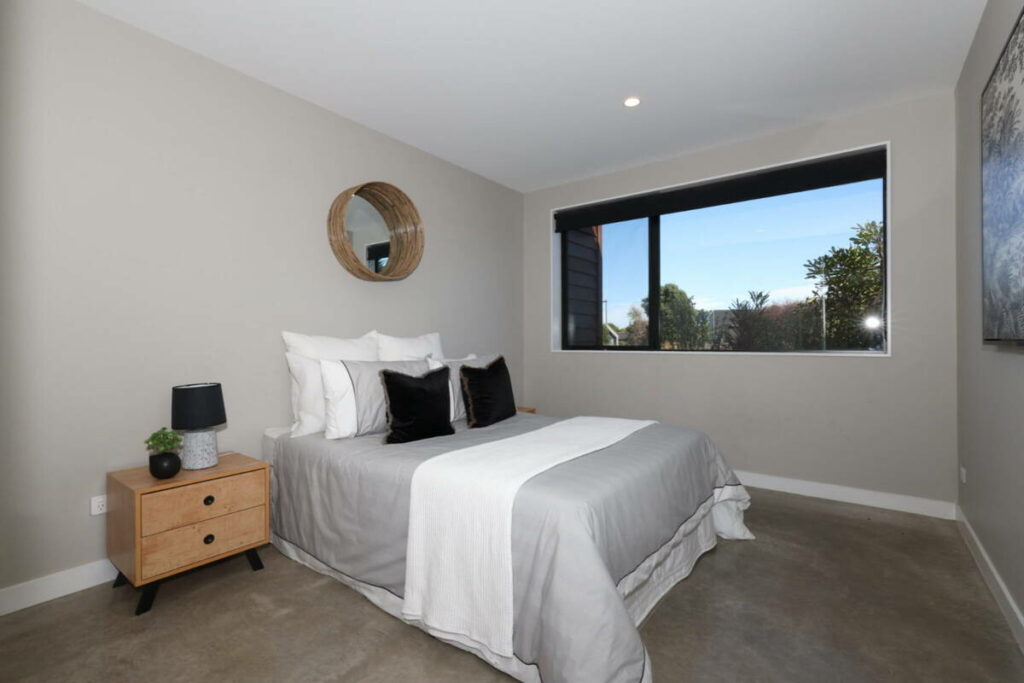
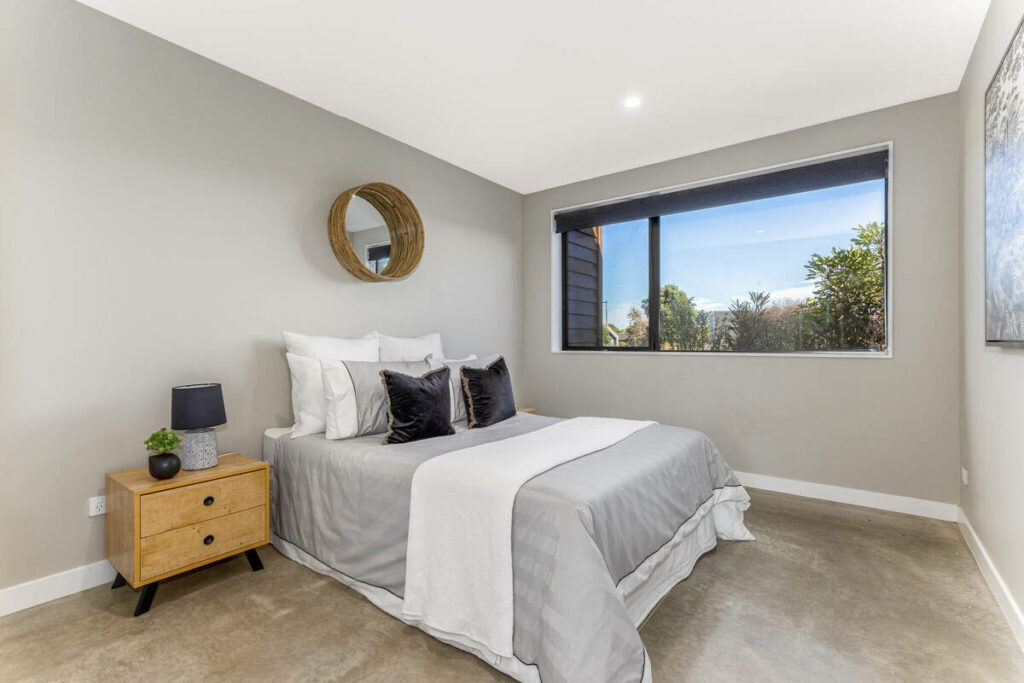
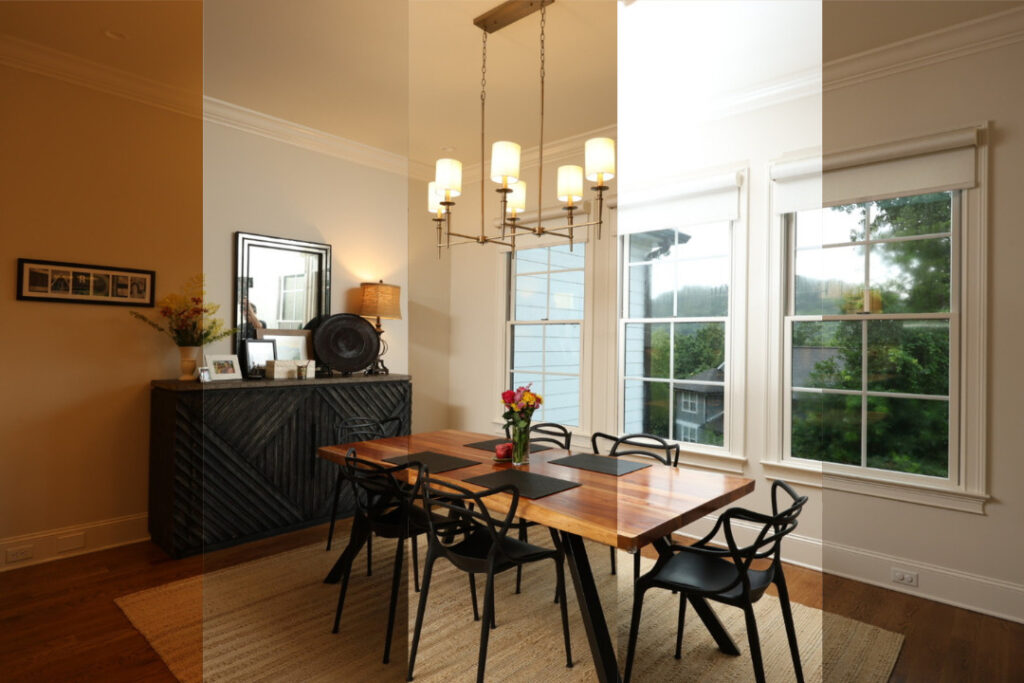
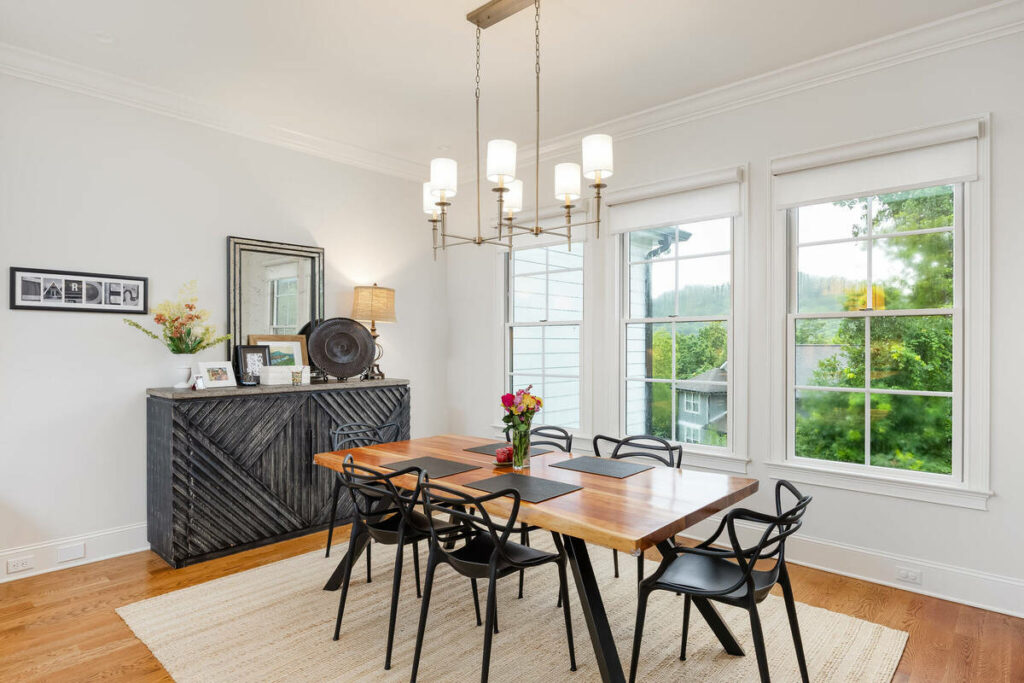
The best AI for batch photo editing treats a listing as one set, not 40 separate images. White balance, exposure, and color grading should match from the kitchen to the primary bedroom to the backyard. If room 12 looks warmer than room 3, you’re back to editing by hand.
2. Bracketed Exposure and HDR Support
Real estate work runs on bracketed sets. A capable tool should merge brackets and balance exposures automatically, keeping window views intact without the crunchy, over-processed HDR look that agents have learned to distrust.
3. RAW Support and Workflow Fit
If a tool only accepts JPEGs, it’s built for phone snapshots, not professional work. Look for RAW support and a sensible path in and out of your existing Lightroom or Photoshop workflow, so AI becomes a step in your process rather than a replacement for it.
AI + Human Review
Fast Edits. Trusted Results.
AI handles the workload. Humans handle the quality check.

4. A Style Profile That Learns Your Look
Your editing style is part of what clients hire. Stronger tools let you set or train a profile so output matches your look, then apply it across every listing. Without this, every batch drifts back toward a generic default.
5. Turnaround That Holds at Volume
Processing 10 test images quickly is easy. The question is whether the tool returns 400 images overnight during peak season. Ask about volume limits before you commit, not after an agent is waiting on photos.

6. A Human Review Option
This is the feature that protects your reputation, and it’s the one pure-software tools skip. More on why it matters below.
Feature lists only tell you so much, though. The honest way to evaluate AI editing is to look at what it does well and where it breaks.
What Does AI Batch Editing Handle Well?
On standard listing work, current AI editing is strong. It handles the repetitive corrections that used to eat most of your editing time:
- Exposure balancing across bracketed sets
- White balance correction on standard daytime interiors
- Color consistency across 30 to 80 images from the same shoot
- HDR blending on clean, well-shot brackets
- Basic object removal, like cords, small clutter, and minor distractions
- Perspective and lens correction
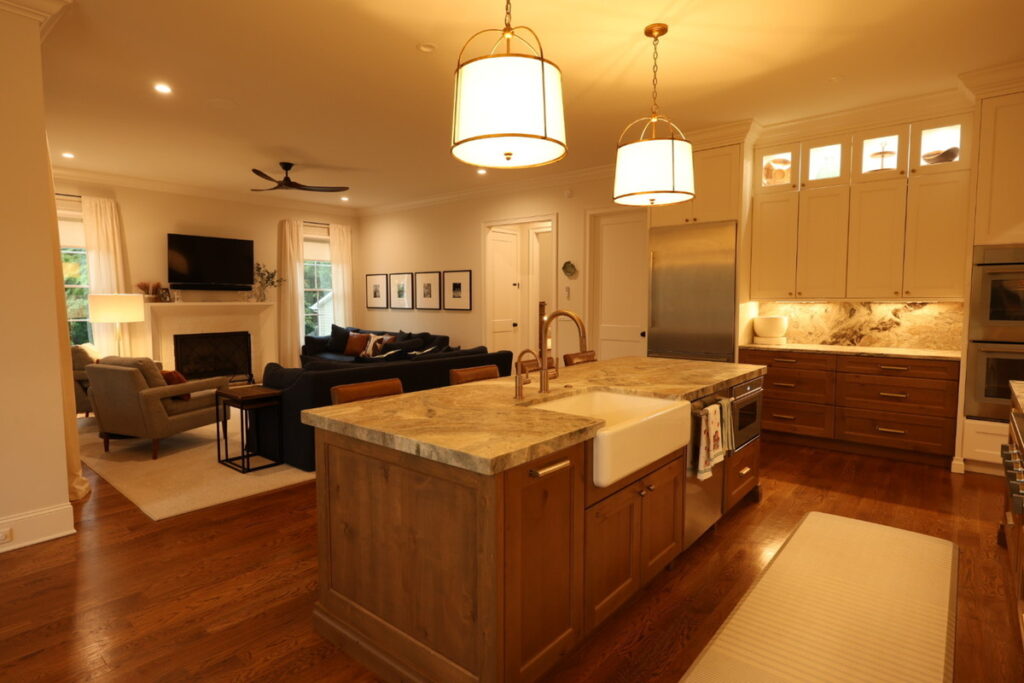
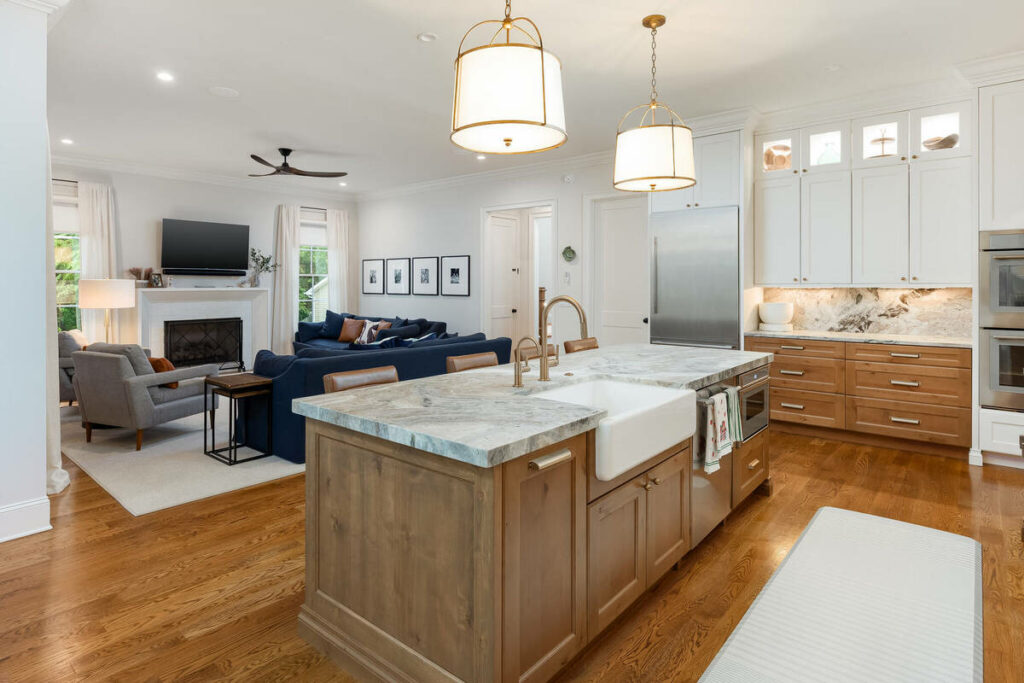
That list covers most of the work in a typical listing. For a photographer shooting standard residential properties, AI can take the base edit from minutes per image to seconds.
The takeaway is that AI has earned its place in the batch workflow. The mistake is assuming that’s the whole job.
Where Does AI Still Need a Human Editor?
Certain edits still require judgment, and this is where unsupervised AI output gets photographers in trouble:
- Sky replacements around complex tree lines or irregular rooflines
- Twilight and day-to-dusk conversions
- Luxury listings, where subtlety is the standard and expectations are exacting
- Mixed-light interiors that need local, room-by-room adjustments
- Recurring clients with a defined style that doesn’t match AI defaults
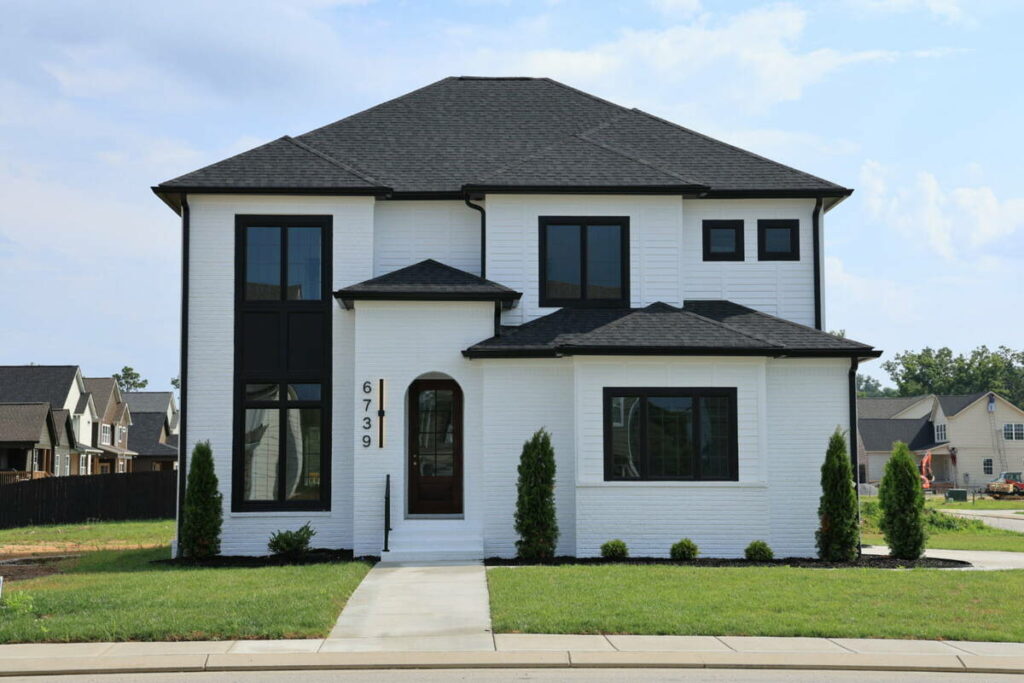
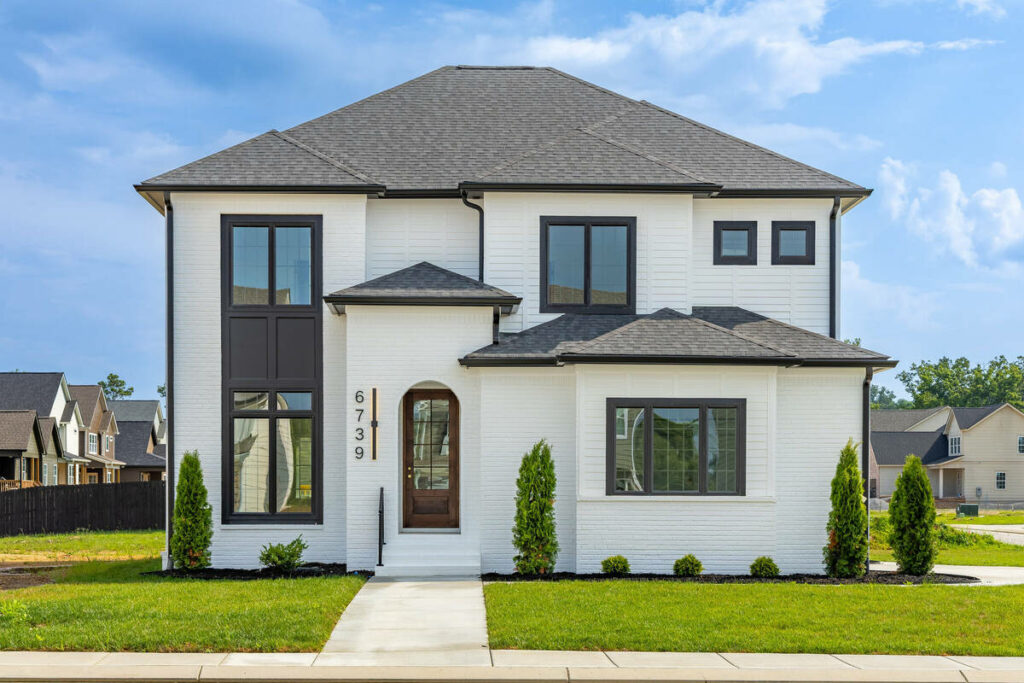
For most photographers, the real fear isn’t whether AI is fast enough. It’s what happens when AI ships something you wouldn’t have approved: a halo along a roofline, a lawn that reads neon green, a window view blown out on the one listing your best client cares most about.
The answer is process, not avoidance. Every AI workflow worth using includes a human review gate before anything reaches the client.
Browse Top Dedicated
Real Estate Photo Editors
Ready-to-hire editors for real estate photo editing, and more.
AI handles the 80%: the foundational corrections that are consistent across listings. A human editor catches the 20% that requires judgment, context, or a client-specific standard.
How Do You Test the Best AI for Batch Photo Editing?
Skip the marketing pages and run a real trial. Here’s a simple process:
- Upload a complete listing, not cherry-picked images. Include your problem shots: mixed light, bright windows, awkward exteriors
- Judge the worst five images, not the best five. Averages hide the photos that would embarrass you in front of a client
- Check consistency across the set by opening the images in a grid and looking for color or exposure drift between rooms
- Confirm the review process, including whether a human checks the output and what happens when an image needs a re-edit
- Time the full cycle from upload to delivery-ready, since that’s the turnaround your clients will actually experience
If a tool passes that test on your own shoot, it’s a fit. If it only shines on easy images, keep looking.
In short, the practical answer for batch editing is a hybrid: AI for the repetitive base work, plus human review and refinement where judgment matters. That combination gets you the speed without gambling your client relationships on it.
AI + Human Review
Fast Edits. Trusted Results.
AI handles the workload. Humans handle the quality check.
Streamline Your Batch Editing with PhotoUp
That’s where PhotoUp comes in. PhotoUp pairs AI editing speed with professional human editors, so every image that reaches your client has been through a review gate.
PhotoUp’s services for real estate photographers include:
- AI photo editing backed by human review
- Manual photo editing for complex or high-end shots
- Day-to-dusk and twilight conversions
- Object and clutter removal
- AI and manual virtual staging
- Property websites
- Virtual tours
PhotoUp combines the speed of AI with the precision of experienced human editors to help you deliver consistent, market-ready images at any scale. With turnaround times as fast as 12 to 24 hours, dedicated editors who learn your editing style, and the capacity to handle peak-season workloads, PhotoUp makes it easy to maintain quality and consistency across every listing.
How to get started:
- Sign up for a free PhotoUp account
- Upload a listing’s photos and set your editing preferences
- Let our editors work, with AI handling base corrections and humans refining the rest
- Review your polished images and request any tweaks
- Download and deliver market-ready photos to your client
Try a test order, free. Upload one listing, get edits back in 12 hours, and compare AI plus human editing against your current workflow on your own shoot.
Related Articles:
- How AI Enhances Kitchen Photos for Real Estate Listings
- What to Look for in AI Virtual Home Staging Services
- How Far Can AI Photo Editing for Real Estate Go?
- 7 Editing Details That Separate Amateur and Professional Property Photos
- Can AI Real Estate Photo Editing Services Match the Eye of a Professional Editor?