Table of Contents
- Why Choosing the Right AI Editing Tool Affects Your Bottom Line
- What to Look for in AI Photo Editing Software
- What to Prioritize by Photography Niche
- How to Test AI Photo Editing Software Before You Commit
- Where PhotoUp Fits In
AI photo editing software has moved from a novelty to a standard part of the workflow for photographers across nearly every genre. Recent industry research puts adoption at 83% of all photographers, with working professionals using AI weekly or daily at twice the rate of hobbyists.1
The question isn’t whether to use AI anymore. It’s which tool actually fits how you work.
That’s harder to answer than it sounds. Dozens of AI editing tools solve different problems, from high-volume culling to creative effects and niche photography. Choosing based on a demo instead of your workflow often means paying for features you’ll never use.
Why Choosing the Right AI Editing Tool Affects Your Bottom Line
The gap between a good fit and a bad one shows up in your time. Editing 250 images at three minutes each takes about 12 hours. If AI handles the base corrections and cuts that to around one minute per image, the same batch can be finished in four to five hours, including review.
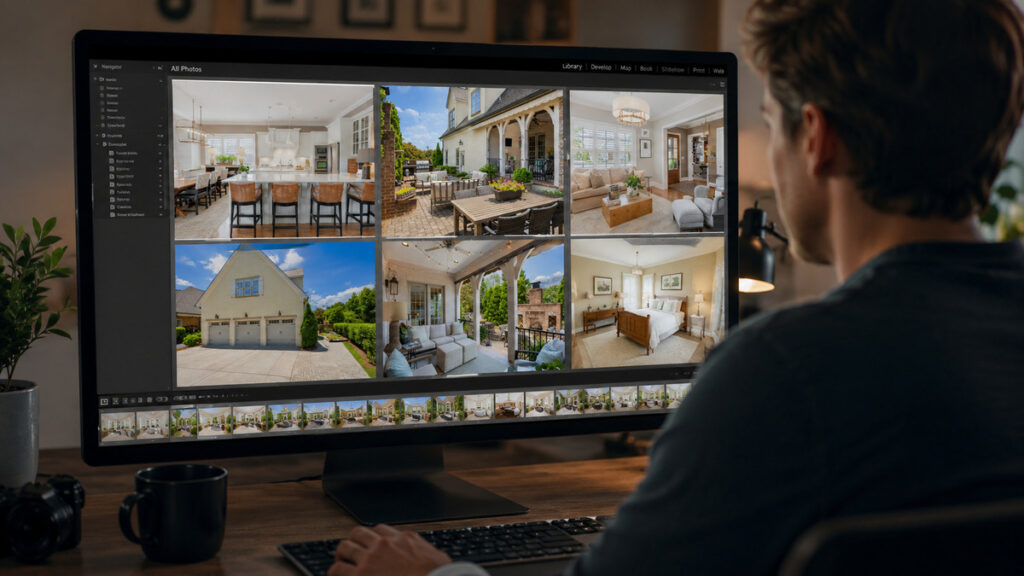
Turnaround matters just as much as raw speed. Clients increasingly expect next-day or same-day delivery, and photographers who consistently hit that window tend to win repeat business over those who don’t.
Aftershoot’s 2025 industry survey found that 81% of respondents reported better work-life balance after adopting AI editing tools.2 But the software is only half the equation. The real benefit depends on choosing a tool that matches your workflow, volume, and niche, which is what the rest of this guide explores.
What to Look for in AI Photo Editing Software
Feature lists look similar across most AI editors until you run your own images through them. Here’s what separates a tool that fits your workflow from one that creates rework:
1. Style Personalization and Consistency
The strongest AI editors let you train a profile on your own past work, so output matches your look instead of a generic default.
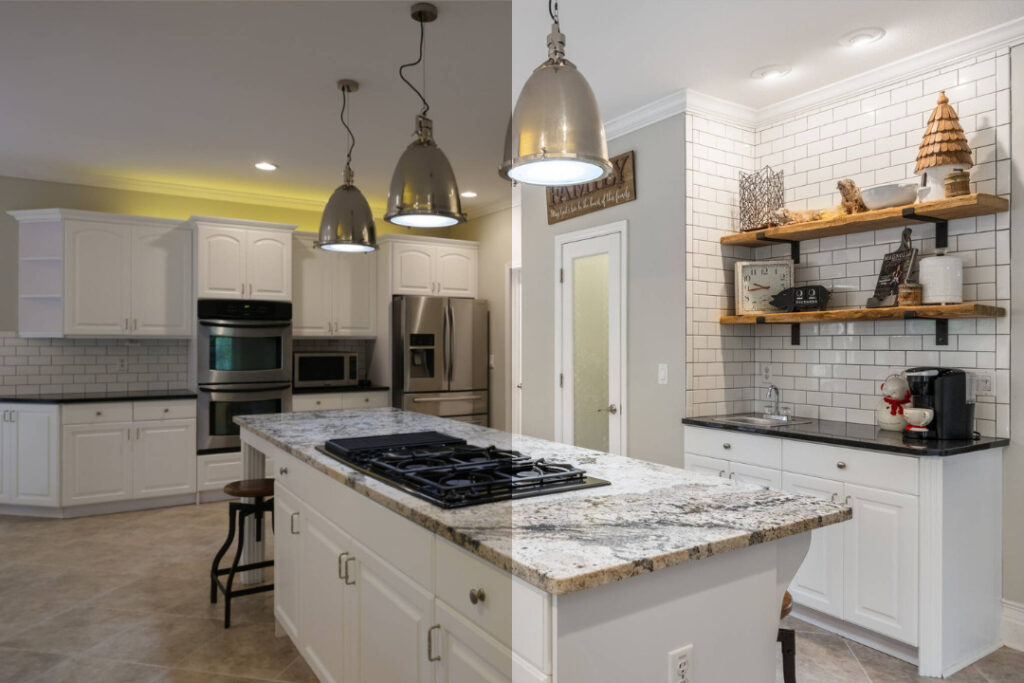
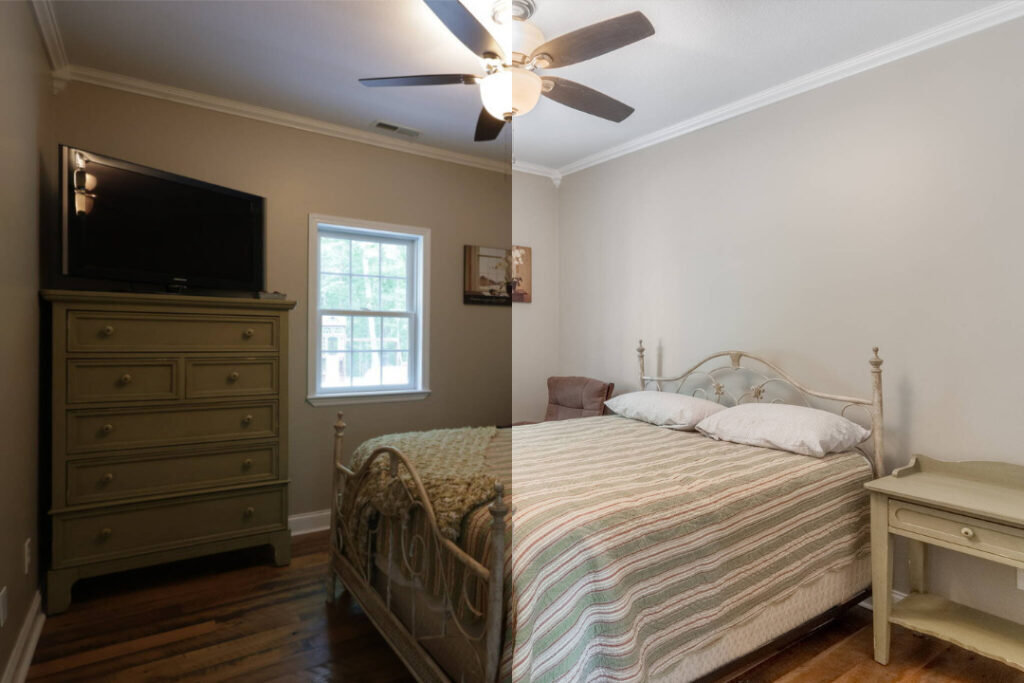
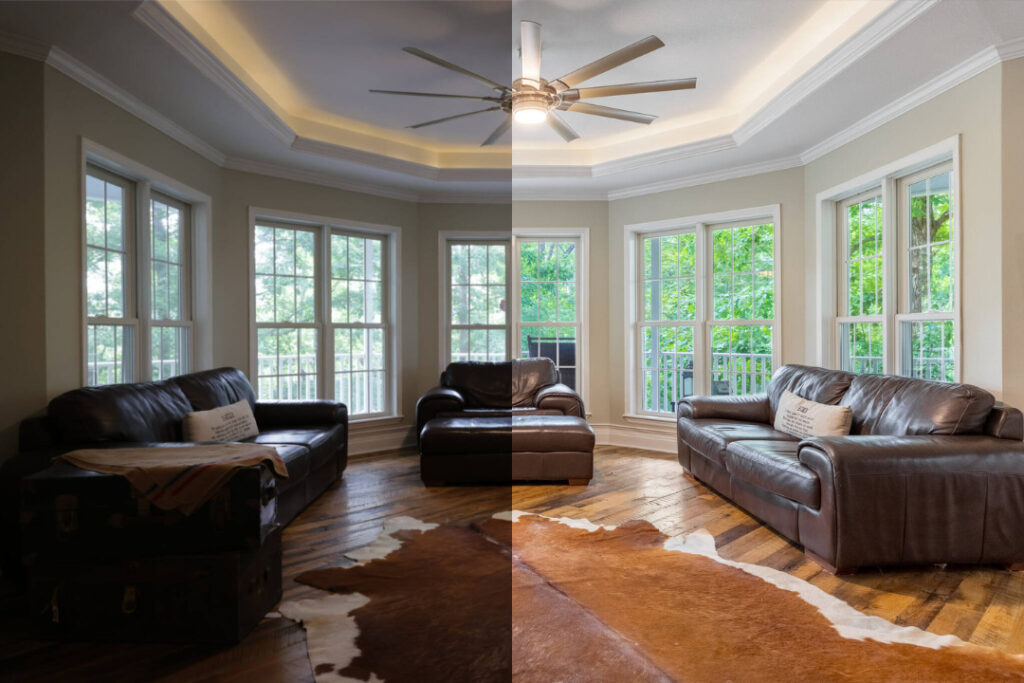
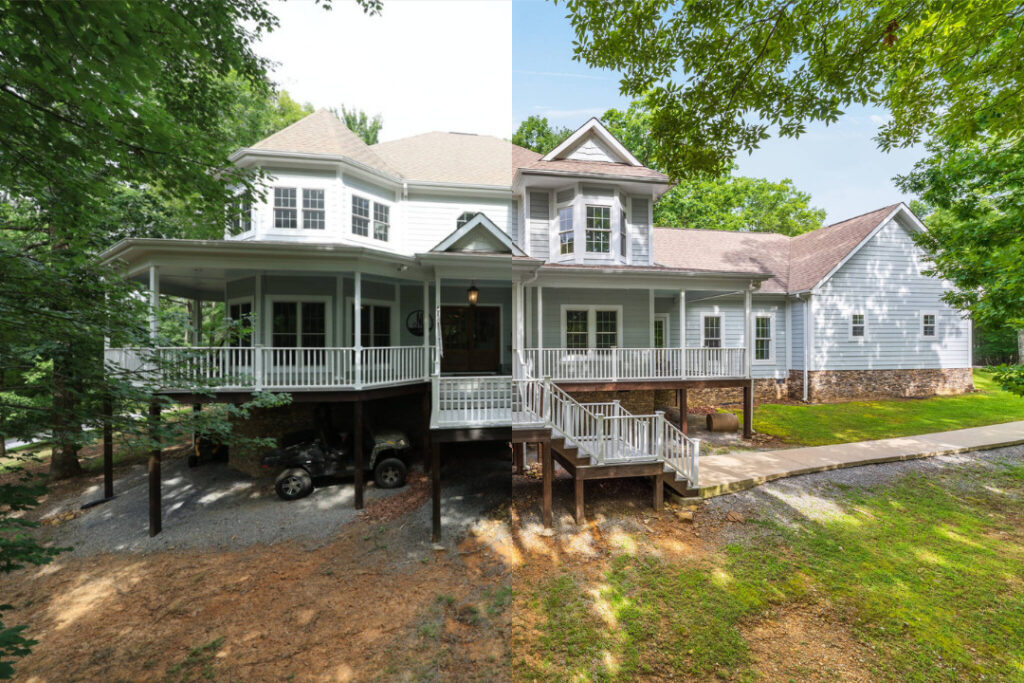
Without that, every batch drifts back toward the software’s baseline style, and you end up re-editing anyway.
2. Workflow Integration
Check whether the tool plugs directly into Lightroom, Capture One, or whatever you already use. Exporting to JPEG and re-importing to another app degrades quality and adds steps you don’t need.
3. RAW Engine Quality and Accuracy
A tool that only accepts JPEGs is built for casual use, not professional delivery. Confirm RAW support and test it on a file with a tricky exposure range before you commit.
Want Better Edits in Less Time?
AI Speed. Human Precision.
Every image is reviewed for quality before delivery.

4. Processing Speed at Real Volume
Ten test images processing quickly tells you almost nothing. Ask whether the AI photo editing software holds that speed at 300 or 500 images during a busy week, since that’s the volume that puts real strain on it.
5. Pricing Model
AI editors typically charge one of three ways: flat subscription, per-image, or one-time license. Per-image pricing looks affordable until you run a 1,200-image wedding gallery through it, so model your actual monthly volume before you compare prices.
6. Human Review Option
This is the feature pure-software tools skip, and it’s the one that protects your reputation. AI handles the repetitive corrections well. A human editor is still what catches a bad sky replacement or a blown-out window before a client sees it.
Browse Top Dedicated
Real Estate Photo Editors
Ready-to-hire editors for real estate photo editing, and more.
7. Niche Fit
A tool built for wedding galleries and one designed for real estate batches solve different problems. Choose the one that matches the type of work filling most of your calendar, not the way it’s marketed.
What to Prioritize by Photography Niche
The criteria above apply broadly, but which ones matter most shifts depending on what you shoot.
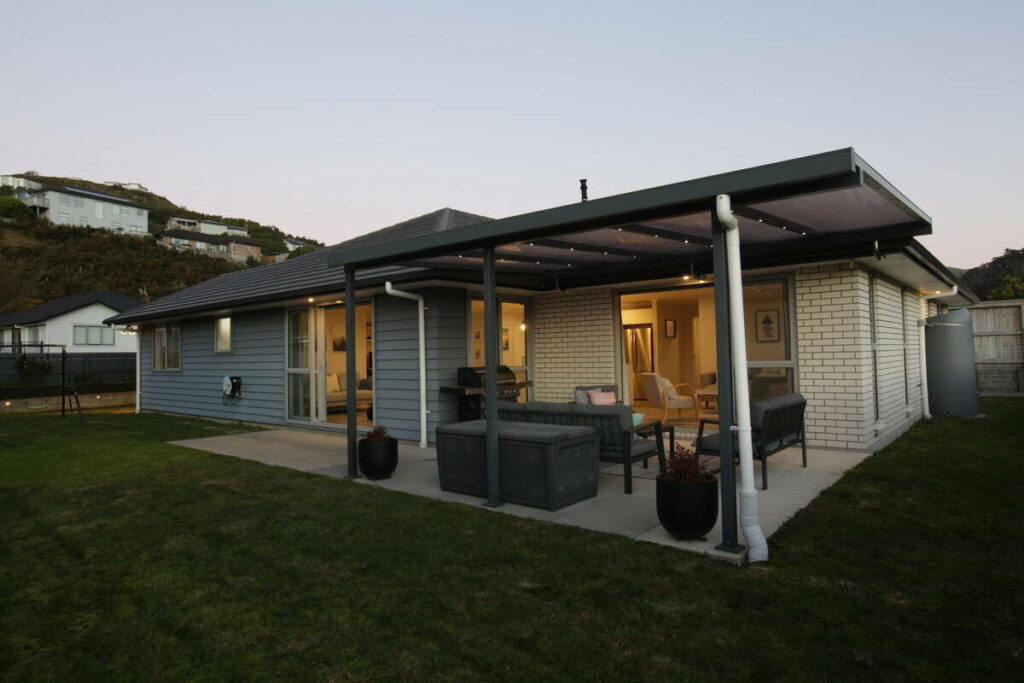
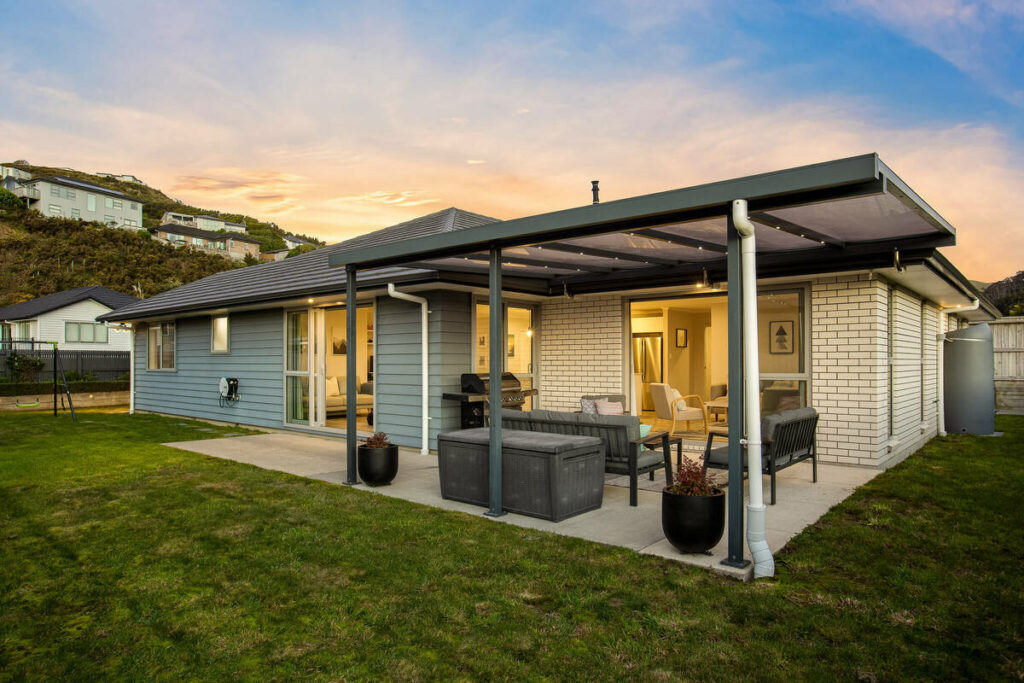
Real Estate and Property Media
Volume and consistency across a full listing carry more weight than stylized flair.
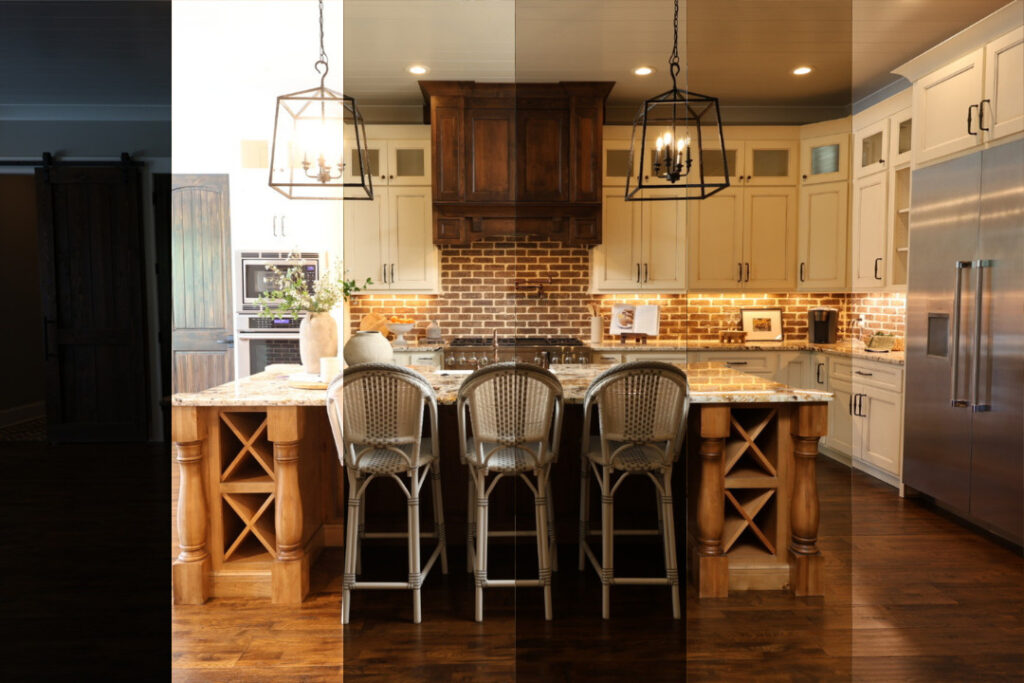
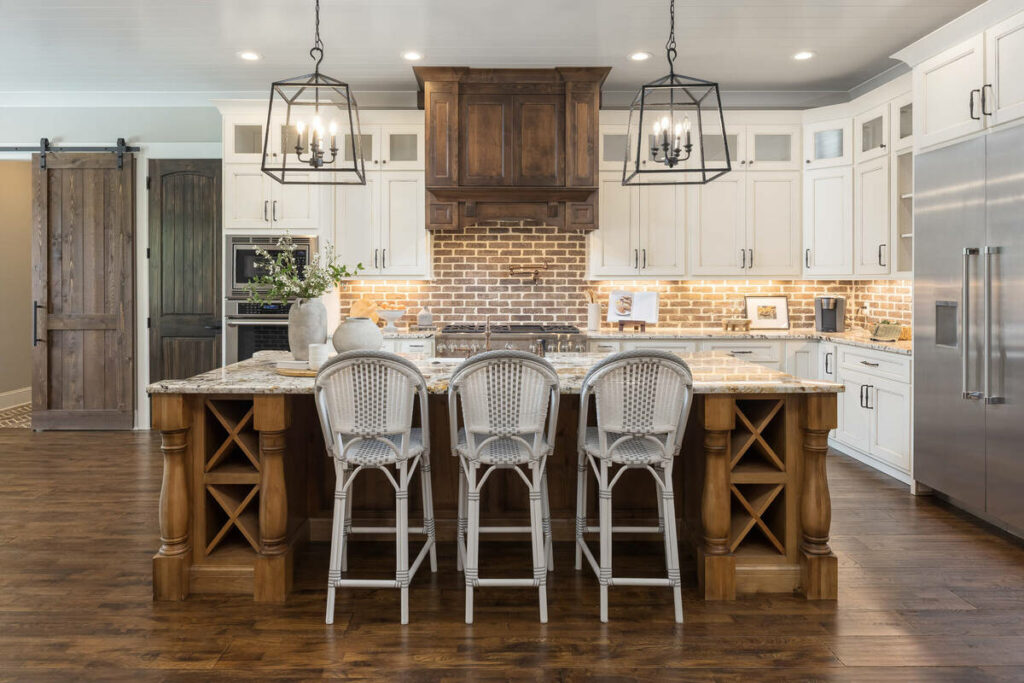
Look for software that handles bracketed exposures, matches white balance room to room, and offers a human review step for twilight conversions and luxury listings where subtlety is the standard.
Wedding and Portrait
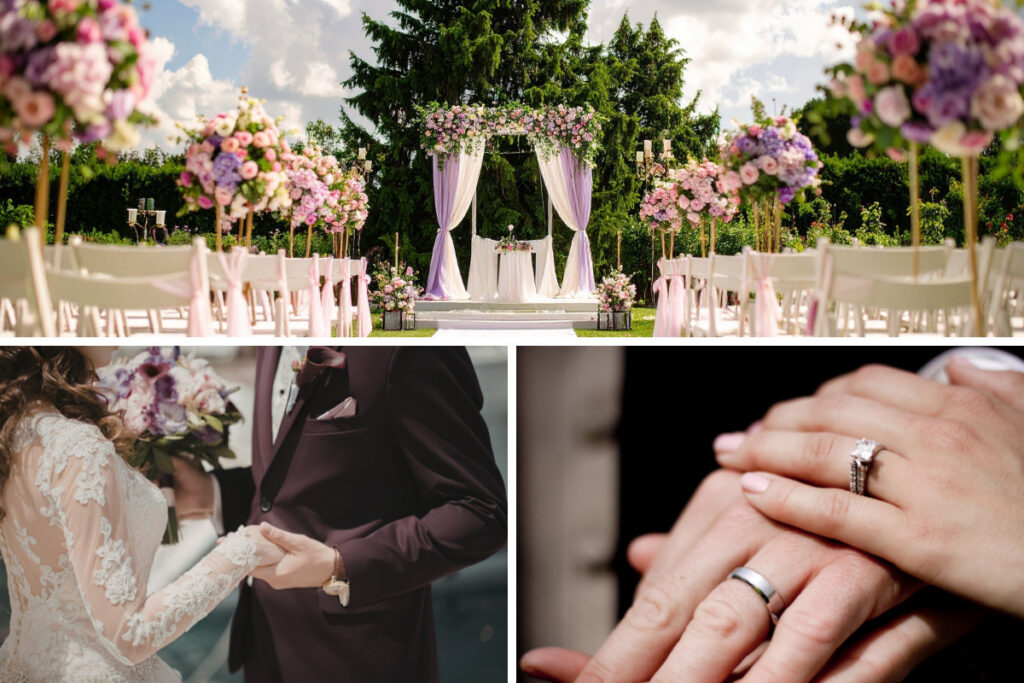
Skin tone accuracy and style matching across a large gallery are the priorities here. A tool that learns your editing profile from past weddings will save more time than one built for one-off creative effects.
Product and Ecommerce
Background consistency and color accuracy across dozens or hundreds of SKUs take priority, along with fast turnaround during launch windows.

Landscape and Travel
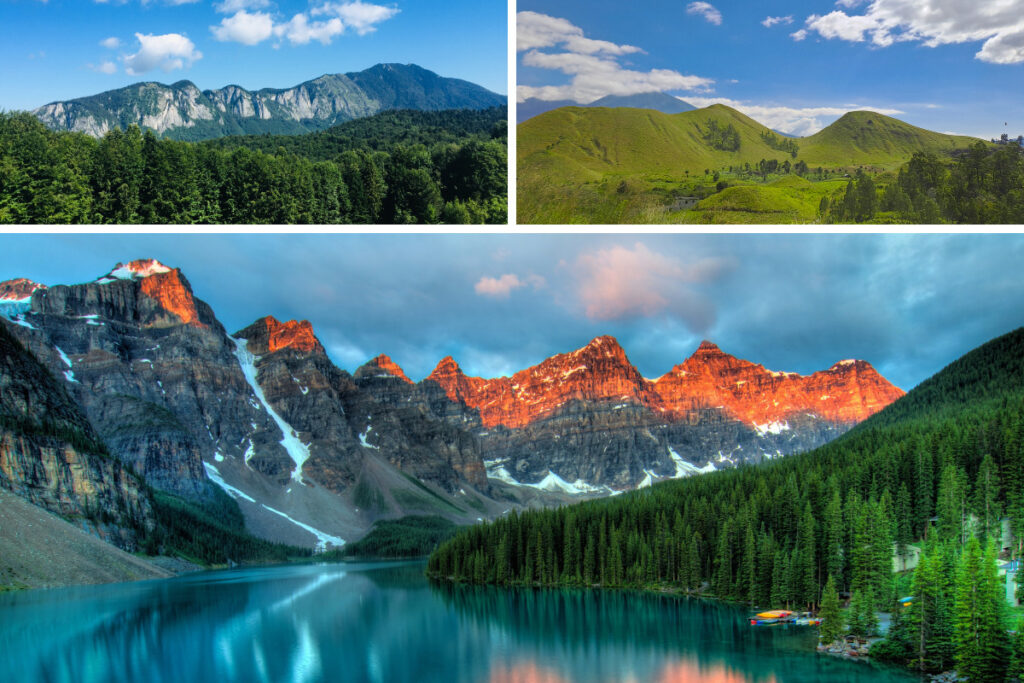
Creative, stylized tools built for dramatic skies and mood carry more weight here than batch-processing speed, since gallery sizes are typically smaller.
How to Test AI Photo Editing Software Before You Commit
Marketing pages show you the best-case output. A real trial shows you what the tool actually does with your work:
| Upload a complete, unedited shoot instead of cherry-picked images |
| Judge the weakest five results, not the strongest five |
| Check consistency across the full set by viewing it as a grid, not one image at a time |
| Confirm whether a human reviews the output and what happens when something needs a redo |
| Time the full cycle from upload to delivery-ready, since that’s the number your clients will actually experience |
If a tool holds up on your own problem shots, it’s a legitimate option. If it only performs well on easy images, keep looking.
The practical answer for most photographers is a hybrid approach: AI photo editing software for the repetitive base work, plus human review where judgment matters. That combination gets you the speed without gambling client relationships on it.
Where PhotoUp Fits In
If your work is centered on real estate and property media, that’s exactly what PhotoUp is built for. PhotoUp pairs AI editing speed with professional human editors, so every image that reaches your client has passed through a review gate before delivery.
PhotoUp’s services include:
- AI photo editing backed by human review
- Manual editing for complex or high-end shots
- Day-to-dusk and twilight conversions
- AI and manual virtual staging
- Property websites
- Virtual tours
Why Choose PhotoUp?
PhotoUp combines AI processing speed with the precision of experienced human editors, so you get consistent, market-ready images at any volume. Turnaround runs as fast as 12 to 24 hours, editors learn your specific style over time, and the platform is built to hold up during peak-season workloads instead of buckling under them.
Want Better Edits in Less Time?
AI Speed. Human Precision.
Every image is reviewed for quality before delivery.
How to get started:
- Sign up for a free PhotoUp account
- Upload a listing’s photos and set your editing preferences
- Let PhotoUp’s editors work, with AI handling base corrections and humans refining the rest
- Review your polished images and request any adjustments
- Download and deliver market-ready photos to your client
Try a test order, free. Upload one listing, get edits back in 12 hours, and compare AI plus human editing against your current workflow on your own shoot.
Related Articles:
- How Far Can AI Photo Editing for Real Estate Go?
- Real Estate Photo Editing AI in 2026: Trends, Tips, and Best Practices
- Can AI Real Estate Photo Editing Services Match the Eye of a Professional Editor?
- How AI Real Estate Photo Editing Reshapes Photographers Workflows
- How to Combine AI and Manual Real Estate Photo Editing for Fast & Flawless Results
References: