Table of Contents
- Why Balanced Exposure Matters in Listing Photos
- What HDR Real Estate Photo Editing Services Actually Do
- How Editors Create the Balanced Look
- What AI Handles vs. What Needs a Human Editor
- Signs Your HDR Edits Are Balanced, Not Overdone
- Get HDR Real Estate Photo Editing Services From PhotoUp
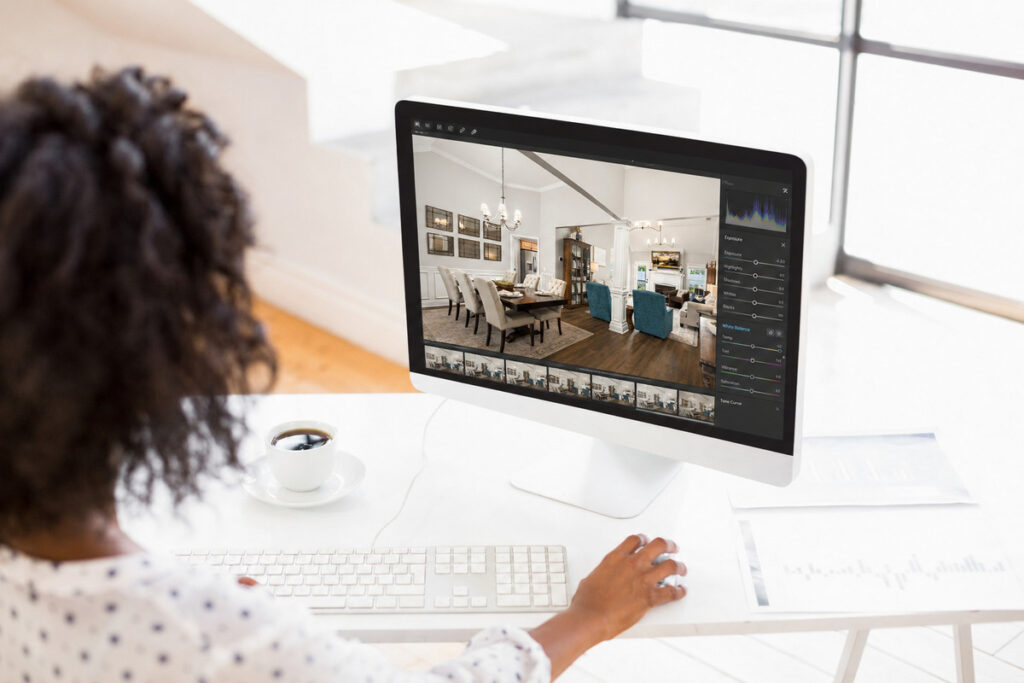
A single camera exposure can’t capture a bright window and a properly lit room at the same time. Solving that exposure problem is exactly why HDR real estate photo editing services are used, balancing bright highlights and darker interiors in a single, natural-looking image.
Photographers shoot the brackets. Blending them into one clean image is the editing job.
Here’s what happens between the raw brackets and the photo that goes into the MLS.
Why Balanced Exposure Matters in Listing Photos
Buyers decide fast. Eye-tracking research found that buyers spend just one to three seconds on the first listing photo before deciding whether to keep scrolling or click.1 Blown-out windows or dark interiors can lose their attention before they even read the description.
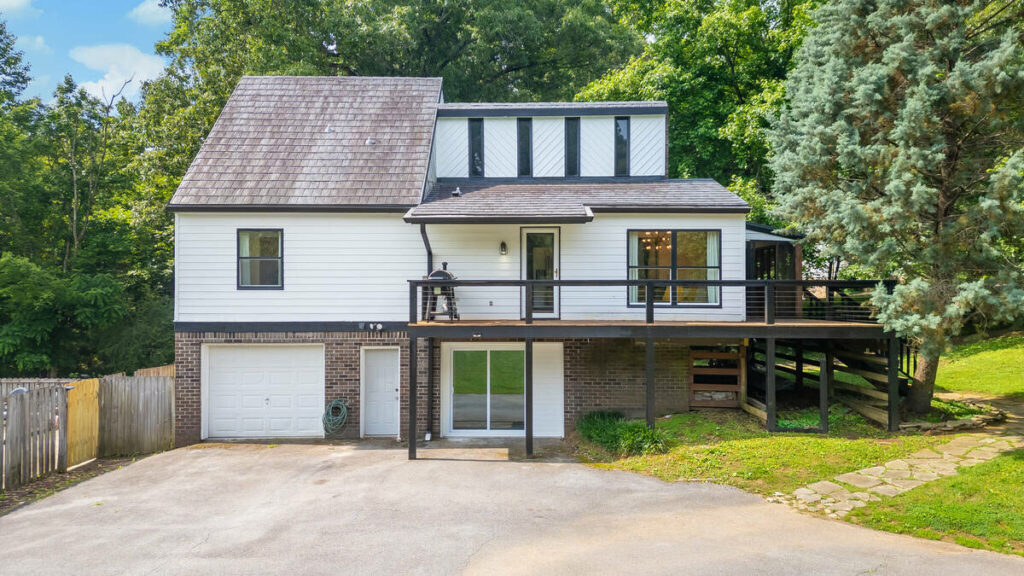
Properties with high-quality photos sell 32% faster than those with standard photos, averaging 89 days on market compared to 123 days for listings with lower-quality images.2
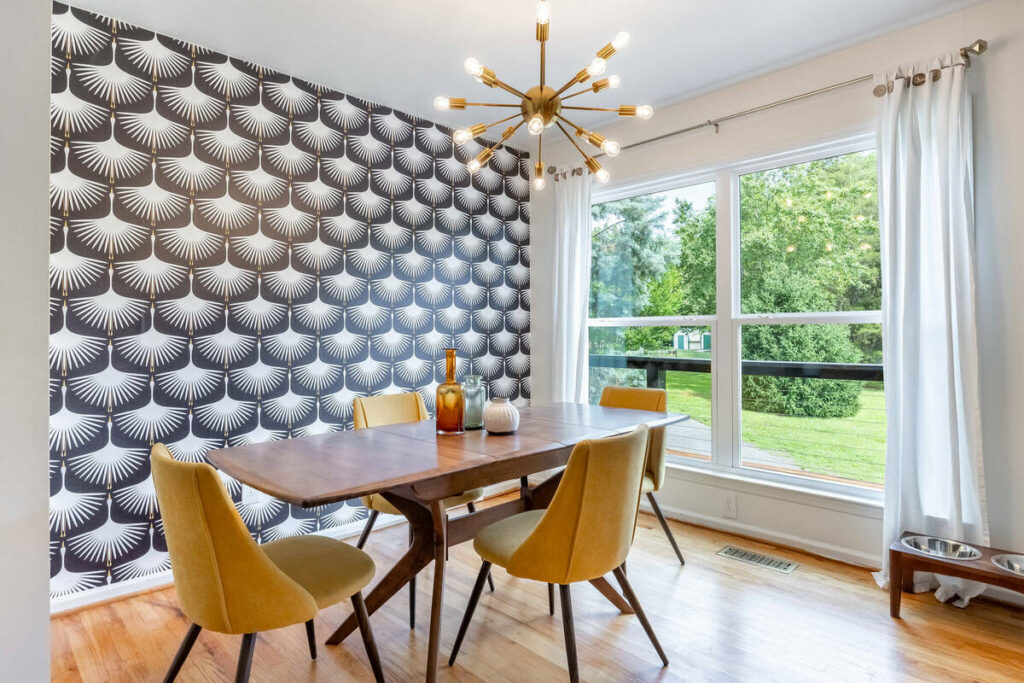
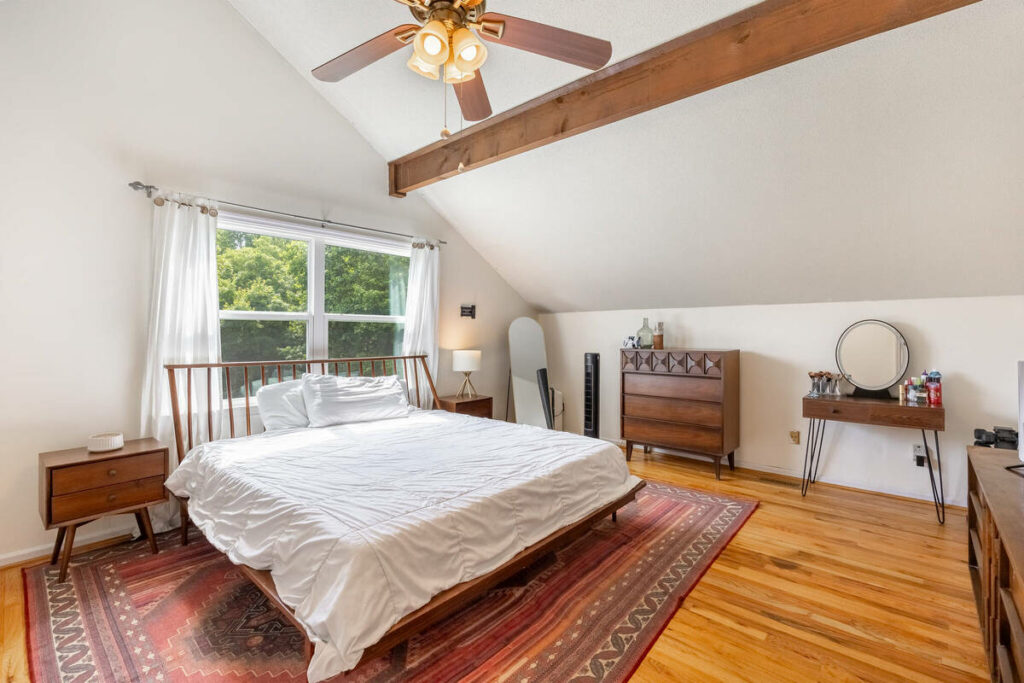
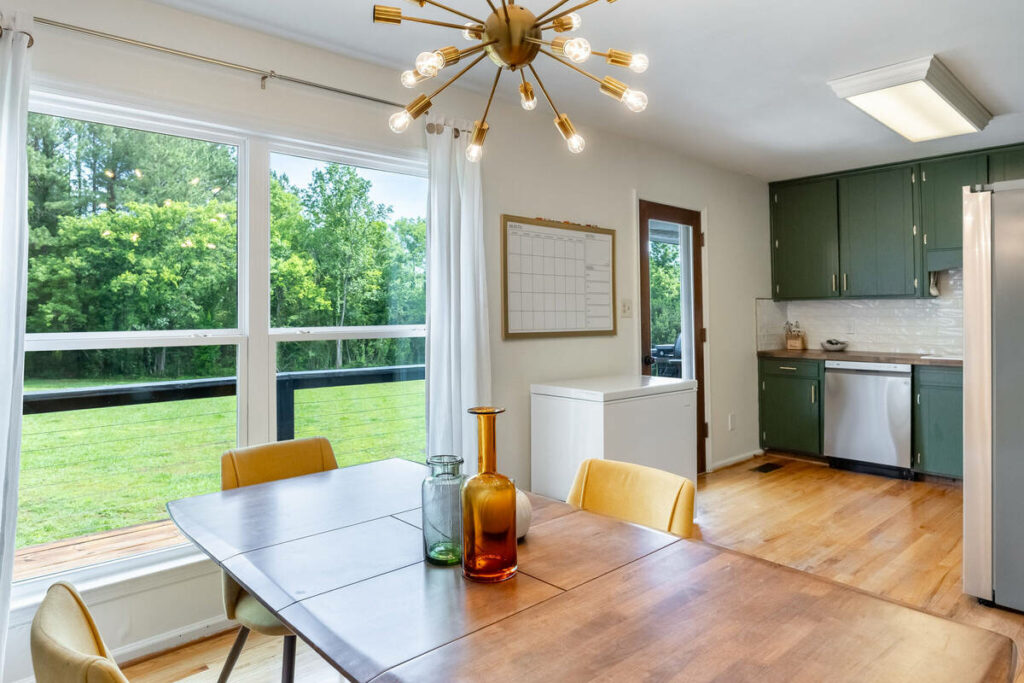
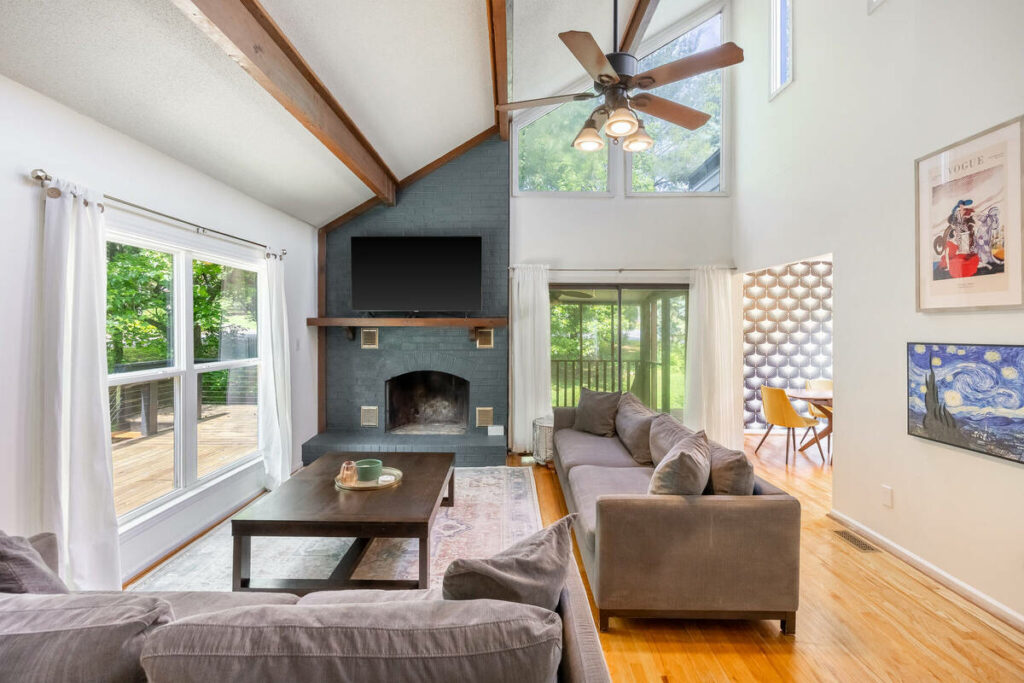
NAR’s 2025 Profile of Home Buyers and Sellers also found that 85% of buyers rated listing photos as the most useful feature during their online home search.3 HDR editing helps meet that expectation by balancing bright and dark areas for a clearer, more accurate view of the room.
What HDR Real Estate Photo Editing Services Actually Do
HDR starts with multiple exposures of the same shot, usually at -2, 0, and +2 EV. Three brackets cover most rooms. Homes with bright windows or strong natural light often need five. Twilight shots or high-contrast scenes can call for seven.
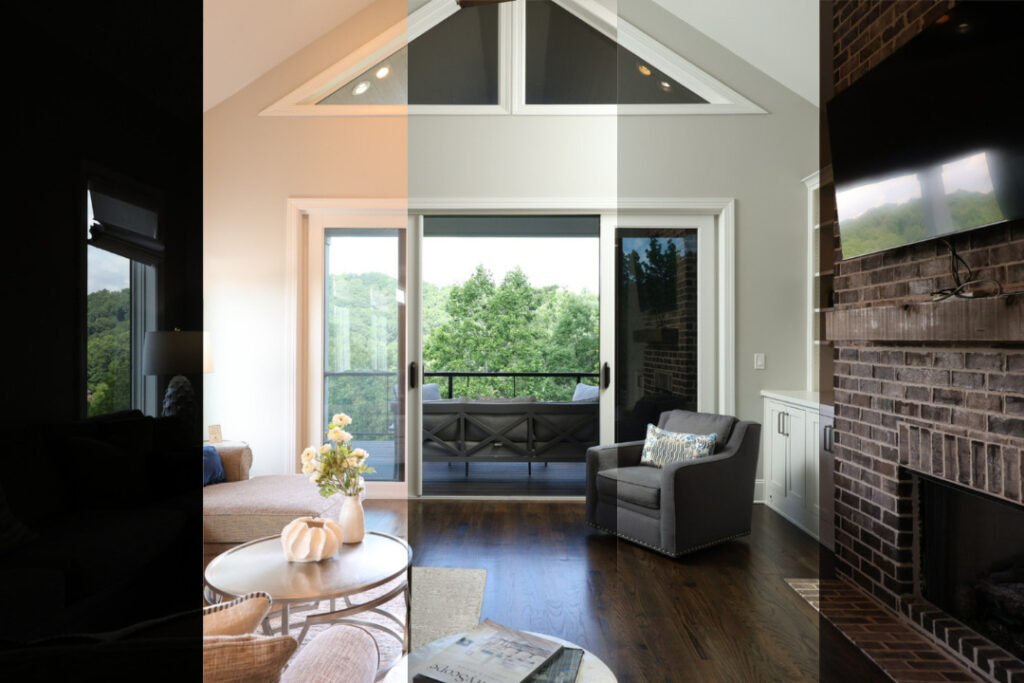
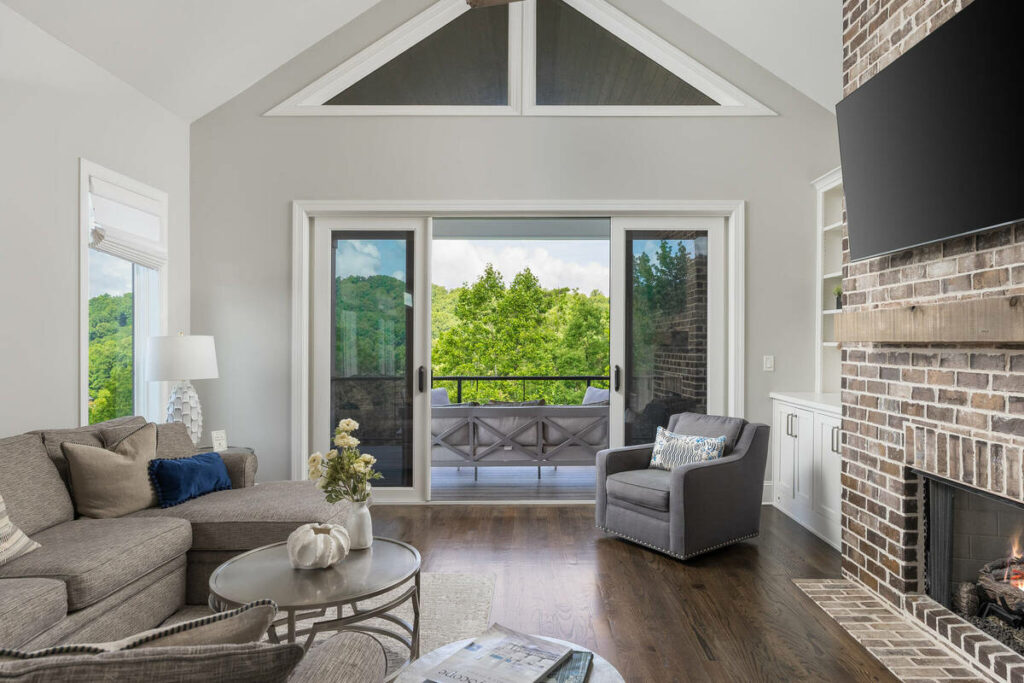
None of those brackets is usable on its own. The underexposed frame protects window detail but makes the room look dark. The overexposed frame shows the room clearly but blows out anything near a light source. Editing blends the usable parts of each into a single image, which is the part that actually determines whether the final photo looks natural or artificial.
How Editors Create the Balanced Look
A finished HDR edit is really several corrections stacked together:
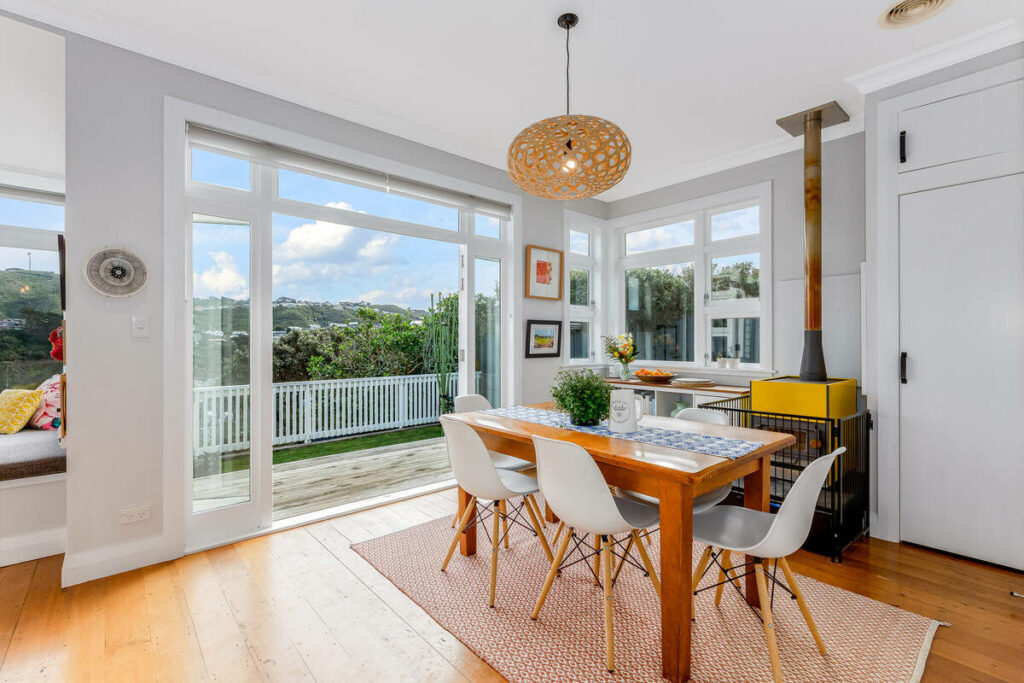
- Exposure blending: merging the bracket set so shadows keep detail and highlights stay controlled, without one exposure visually dominating
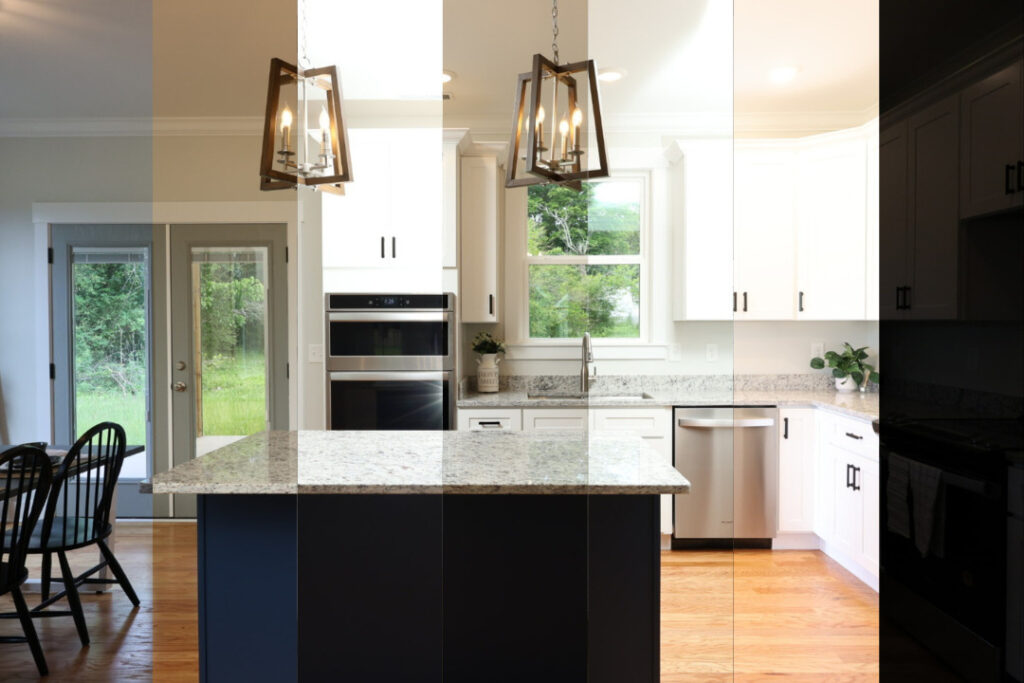
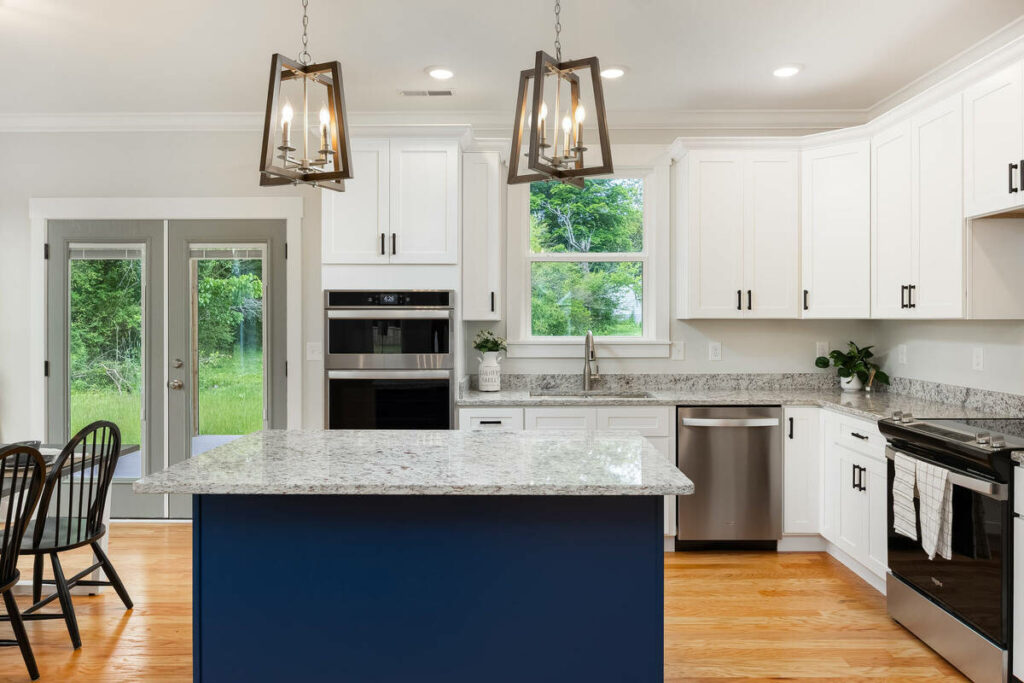
- White balance correction: neutralizing mixed lighting, tungsten bulbs indoors against daylight outside, so walls read their actual color
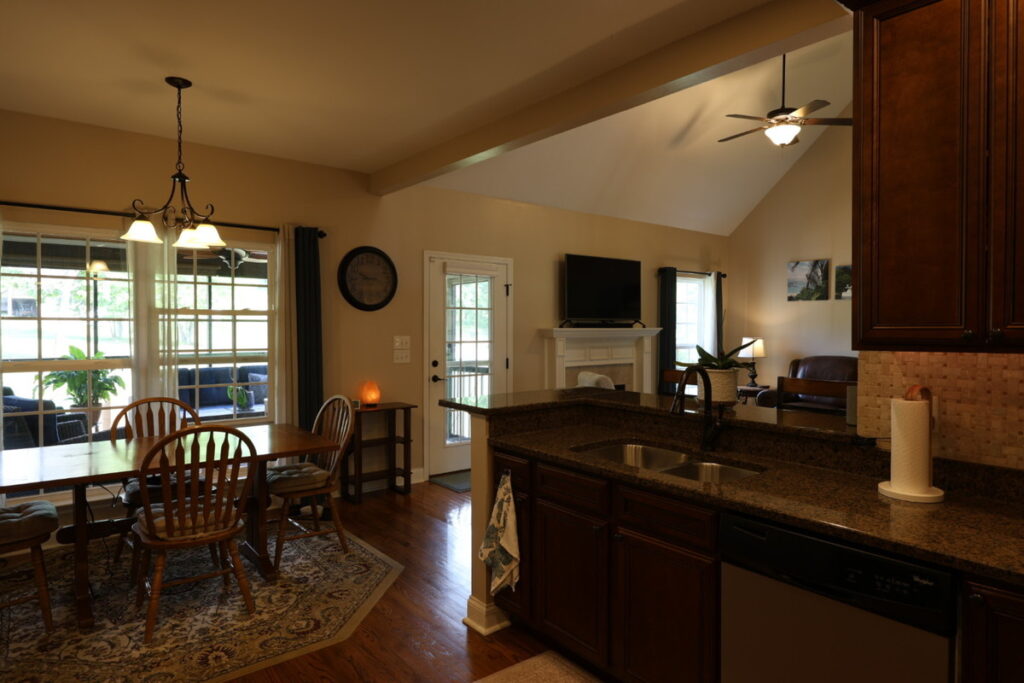
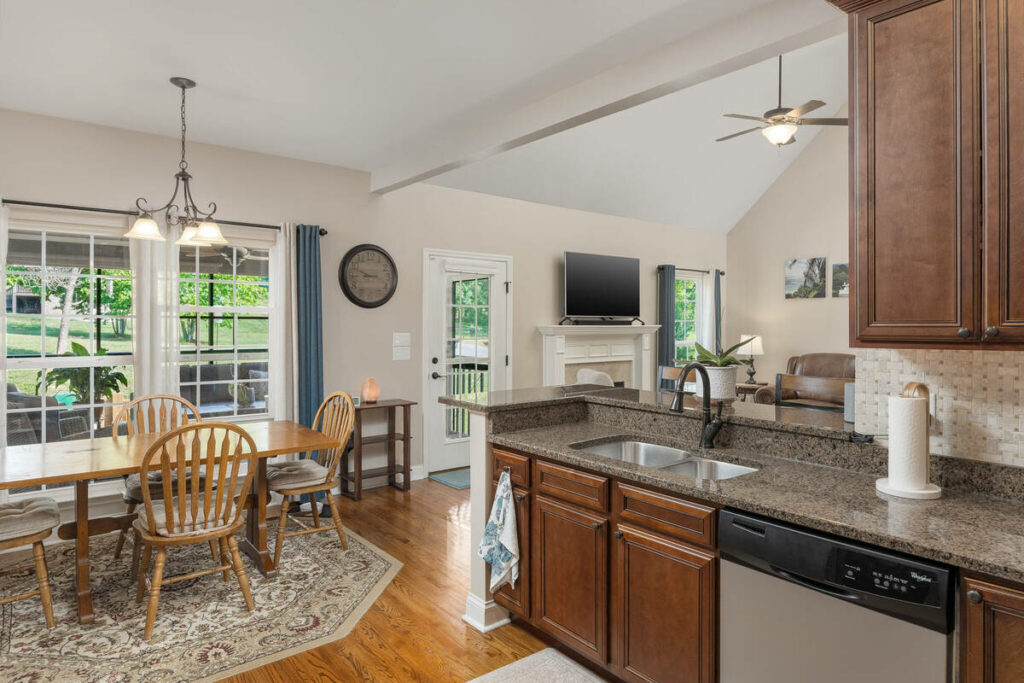
- Window pulls: replacing blown-out windows with detail from a darker bracket so the outside view stays visible
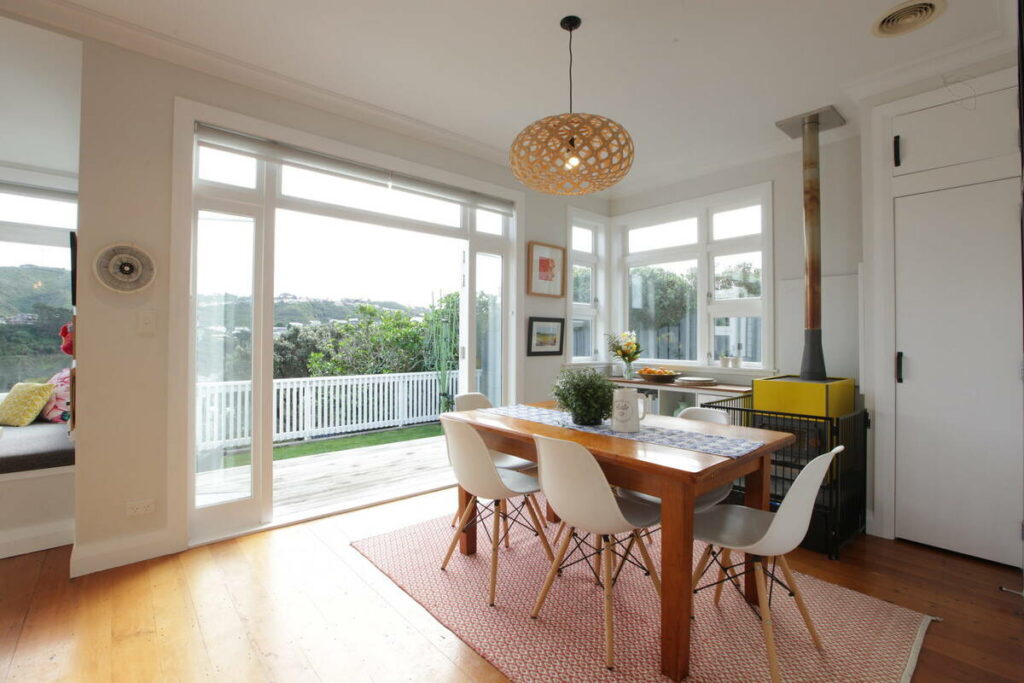
- Perspective and lens correction: straightening verticals so walls and door frames don’t lean
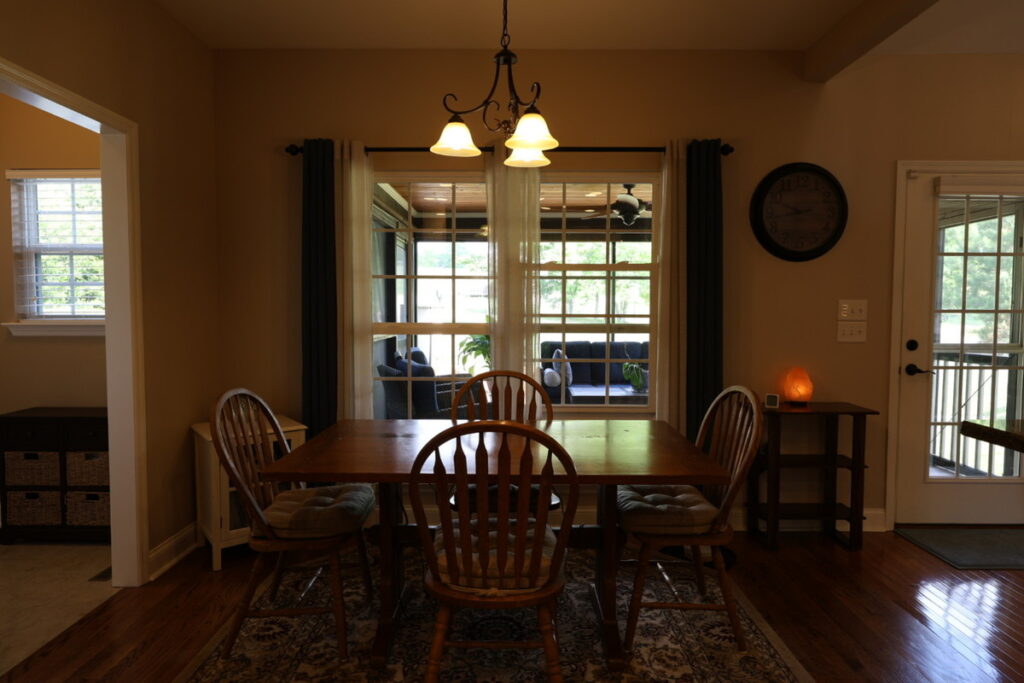
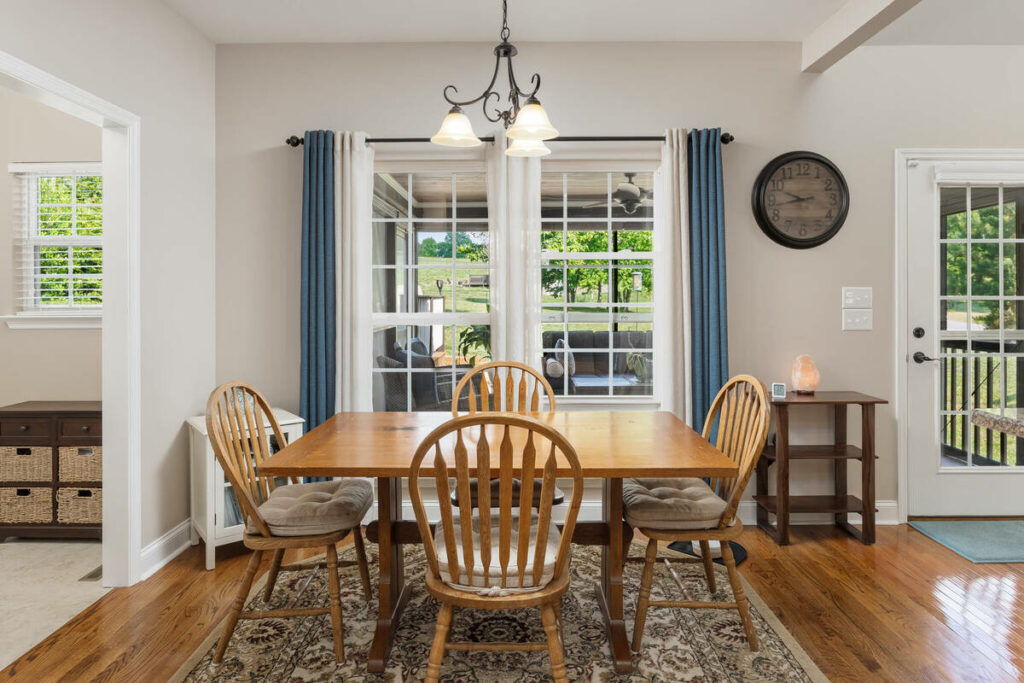
- Color consistency: matching tone and exposure across every photo in the shoot so the gallery doesn’t look like it came from five different cameras
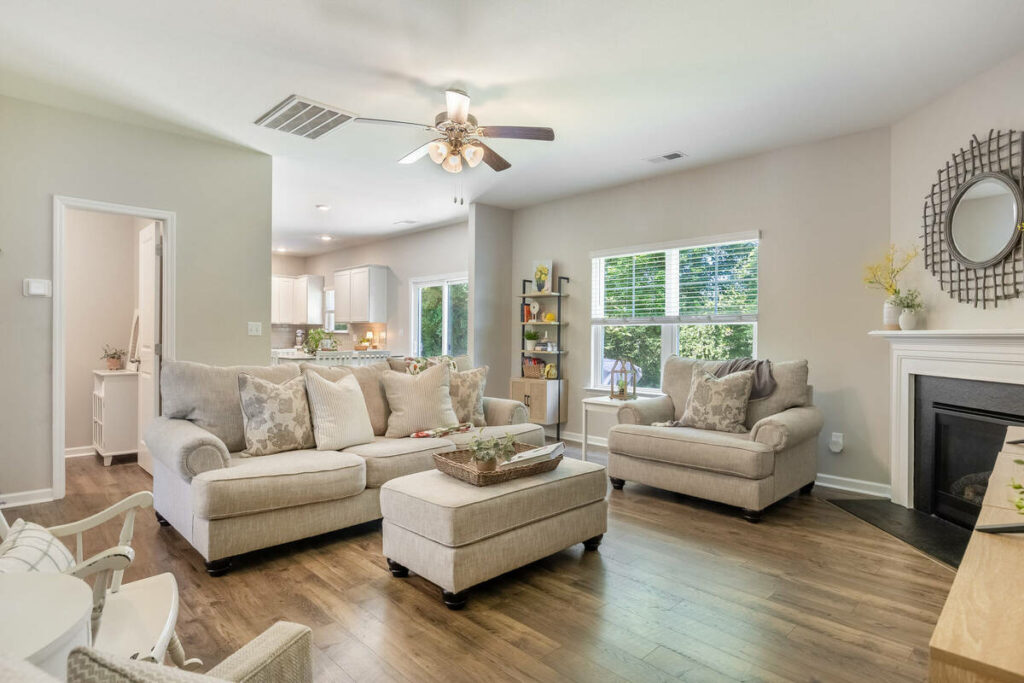
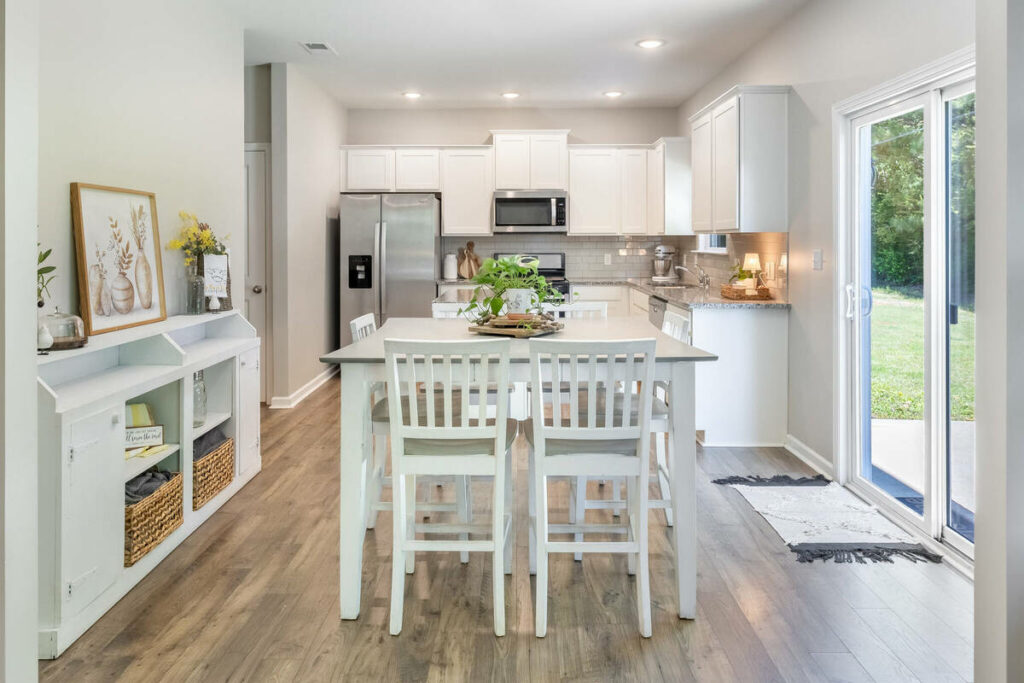
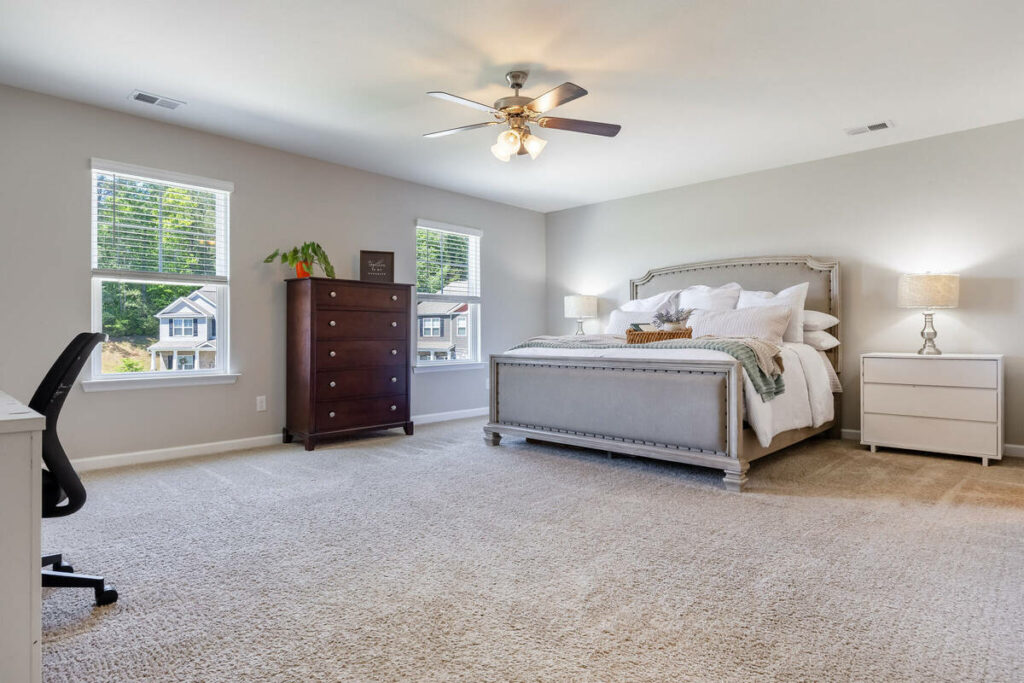
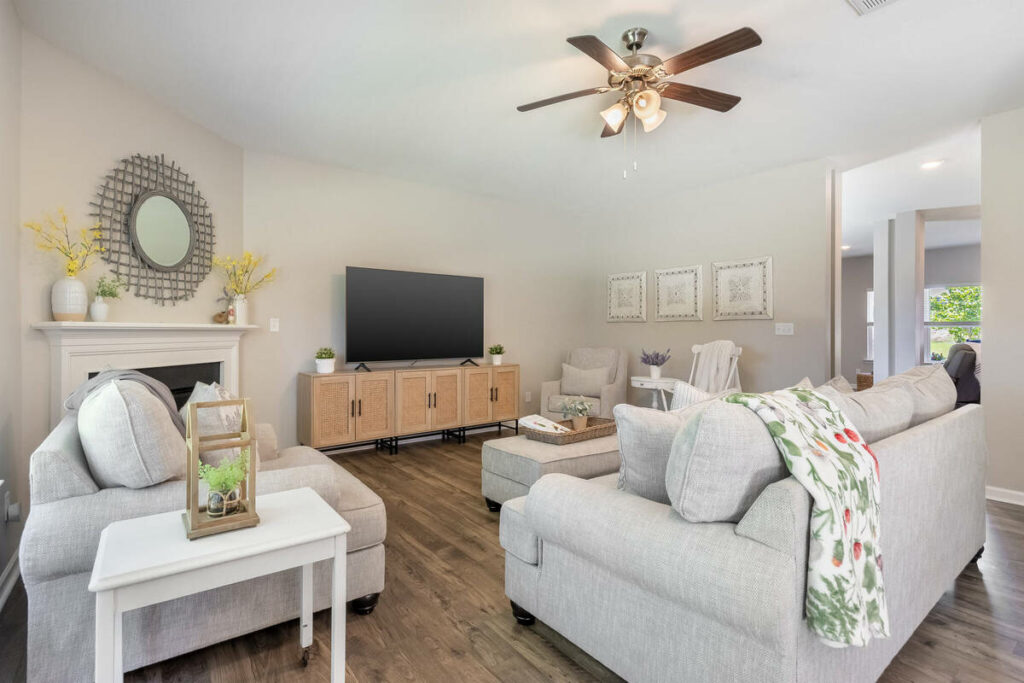
Each of these is a small fix on its own. Together, they’re what separates a photo that looks edited from one that just looks like the room.
Stop Spending Hours on HDR Editing
Get Your Listings Edited Faster
Save time on editing and focus on capturing more listings.

What AI Handles vs. What Needs a Human Editor
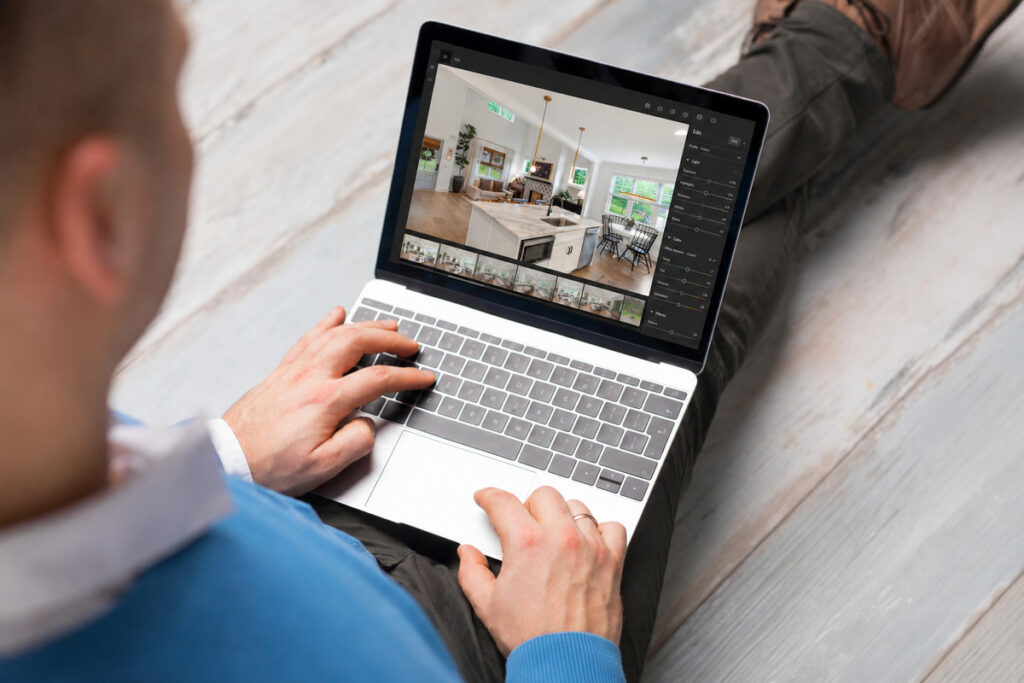
Modern HDR real estate photo editing services use AI to handle exposure balancing, white balance correction, and consistent color across an entire shoot. For clean, standard-light HDR blends, AI can often produce results that hold up well next to manual editing.
It’s less reliable on judgment calls. Sky replacement gets shaky when tree lines or roof edges are complex. Twilight and day-to-dusk conversions still need a human eye to judge what looks natural instead of overdone. Luxury listings, where the client’s standard for polish is exacting and specific, usually need manual review. So does any shoot with mixed lighting that requires local adjustments room by room.
Browse Top Dedicated
Real Estate Photo Editors
Ready-to-hire editors for real estate photo editing, and more.
That’s the practical split: AI handles the corrections that are consistent across every listing. A human editor catches the cases that need judgment or a client-specific standard.
Signs Your HDR Edits Are Balanced, Not Overdone
A few things to check before a set of edits goes out the door:
- Windows show real detail: you can see outside, not just white space or a faint smear
- No visible halos: no glowing outline around window frames or light fixtures where exposures were blended
- Consistent color across the set: every room in the gallery reads the same white balance, not a mix of warm and cool
- Shadows aren’t crushed: dark corners and under-cabinet areas still show some detail instead of going pure black
- The room looks like it did in person: brightness and color feel accurate, not artificially lit
If a photo fails more than one of these, the blend needs another pass before it’s client-ready.
Balanced HDR editing isn’t about making a room look brighter than it is. It’s about capturing what a camera can’t get in a single shot and reconciling it into something that matches what a buyer would see walking through the door.
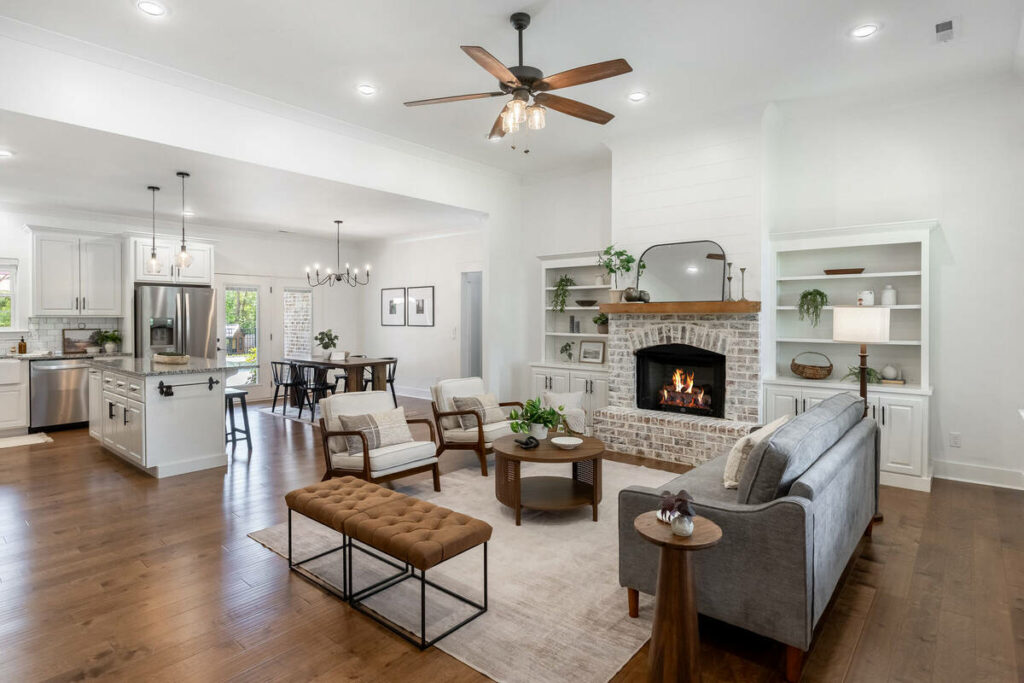
Get the blend right, and buyers spend more of those first three seconds actually looking at the room instead of registering that something feels off.
Get HDR Real Estate Photo Editing Services From PhotoUp
PhotoUp’s editors handle HDR blending, white balance, window pulls, and lens correction on every listing, with human review built into the process.
Services include:
- HDR exposure blending and window pulls
- White balance and color correction
- Perspective and lens correction
- Batch color consistency across full listings
- Sky replacement and twilight conversion
- AI virtual staging for vacant rooms
Stop Spending Hours on HDR Editing
Get Your Listings Edited Faster
Save time on editing and focus on capturing more listings.
PhotoUp offers a 12-hour turnaround on most orders, human-reviewed AI edits, and consistent editing across your entire shoot. Flexible pricing also makes it easy to scale from single listings to high-volume production.
How to Get Started:
- Upload your brackets through the PhotoUp platform
- Select HDR editing as your service
- Add virtual staging or sky replacement if the shoot needs it
- Receive edited images in about 12 hours
- Review and request revisions if anything needs adjusting
Try HDR real estate photo editing services with a free test order. Upload one listing’s brackets and compare the finished blend with your own editing before committing.
Related Articles:
- When to Use Real Estate HDR Photography in Property Listings
- How HDR Photo Editing Fixes Dark Interiors Without Losing Window Views
- How Real Estate HDR Photo Editing Services Elevate Property Listings
- How to Edit HDR Photos for Real Estate Photography (Ultimate Guide)
- Ghost-Free HDR: Perfecting Exposures Bracketing in Real Estate Photos
References: