Table of Contents
- What “Best” Actually Means for an AI Real Estate Photo Editor
- The Factors That Actually Separate These Tools
- Matching a Tool to Your Shoot Volume and Style
- What to Test Before You Commit to an AI Real Estate Photo Editor
- How PhotoUp Helps You Choose and Implement the Right Tool
Every AI real estate photo editor on the market claims to handle sky replacement, twilight conversion, and virtual staging. Read four different comparison pages and you’ll find four different “winners,” usually the one the page happens to be selling.
That’s not a useful way to choose one.
Here’s a framework for actually comparing these tools, on the factors that determine whether one fits a specific shoot volume and editing style, instead of which one has the longest feature list.
What “Best” Actually Means for an AI Real Estate Photo Editor
There isn’t a single best AI real estate photo editor, because “best” depends on variables that differ from one studio to the next: shoot volume, how much twilight and staging work a studio actually books, and how much a photographer is willing to hand off versus review personally.

A solo shooter doing eight listings a month has different priorities than a studio running forty. The first cares more about ease of use and price per image. The second cares more about batch speed and whether the tool integrates cleanly with a delivery platform.
Real estate photography gets less attention in general AI coverage. A VSCO survey of 401 photographers found real estate represented just 11%, compared with 60% for travel and lifestyle and 58% for landscape.1 That helps explain why generic AI editing comparisons often miss what matters in a real estate workflow.
The Factors That Actually Separate These Tools
A few categories account for most of the real differences between platforms, more than the marketing copy tends to suggest.
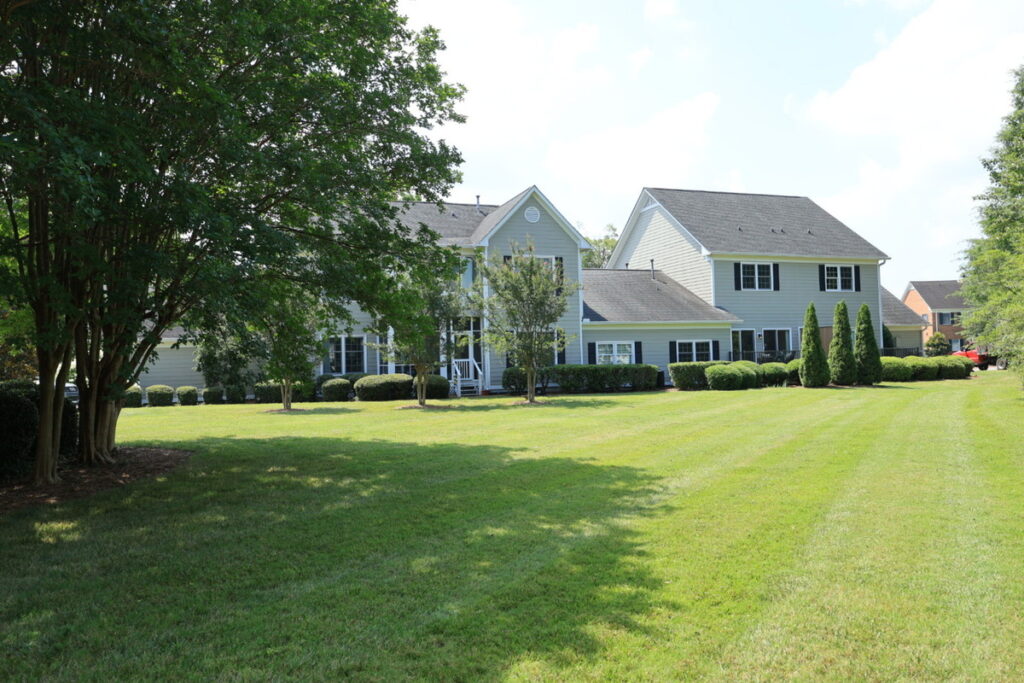
Sky replacement quality varies more than most photographers expect, especially on complex rooflines, chimneys, and trees breaking up the horizon line. A tool that handles a clean suburban roofline well can still struggle with a property that has a lot of edge complexity.

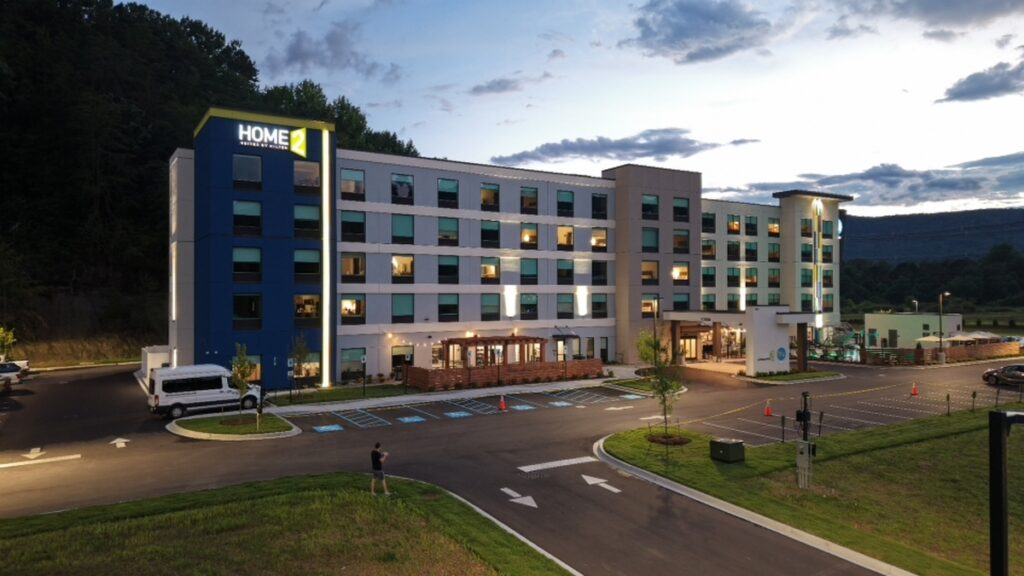
Twilight conversion is one of the harder corrections to automate convincingly. Window glow, exterior lighting, and sky color all need to work together, and a tool’s output here is one of the fastest ways to tell how mature its editing model actually is.

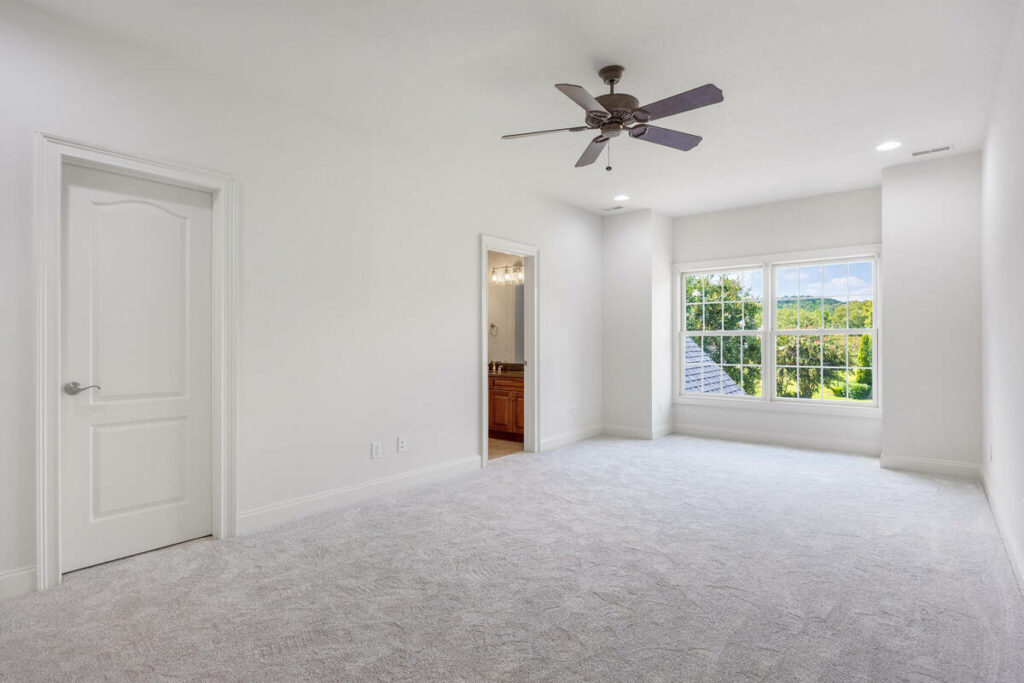
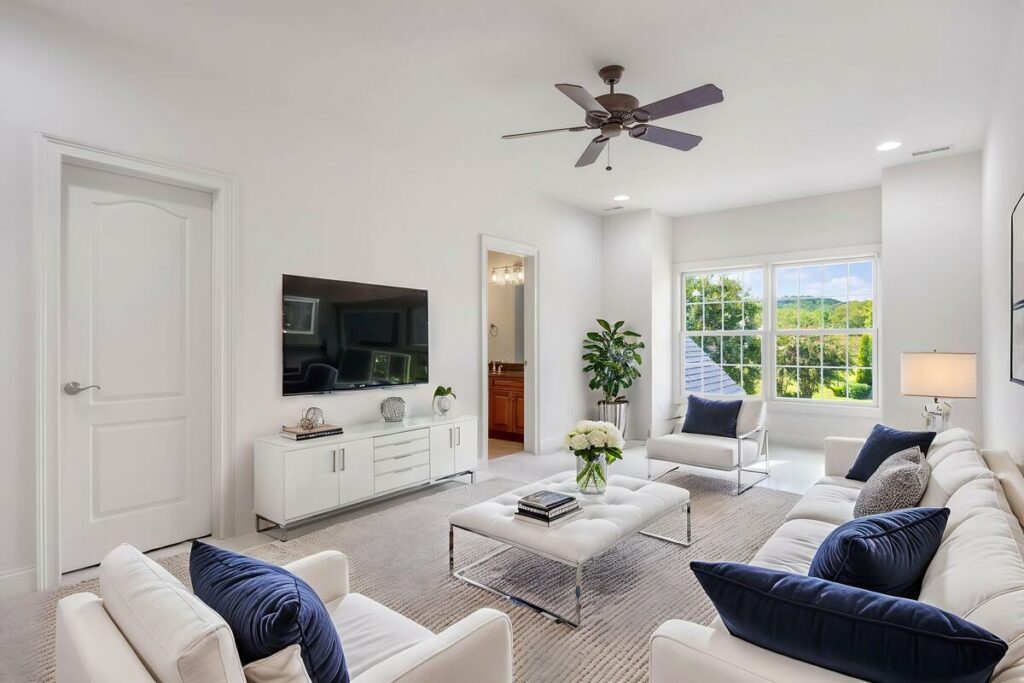
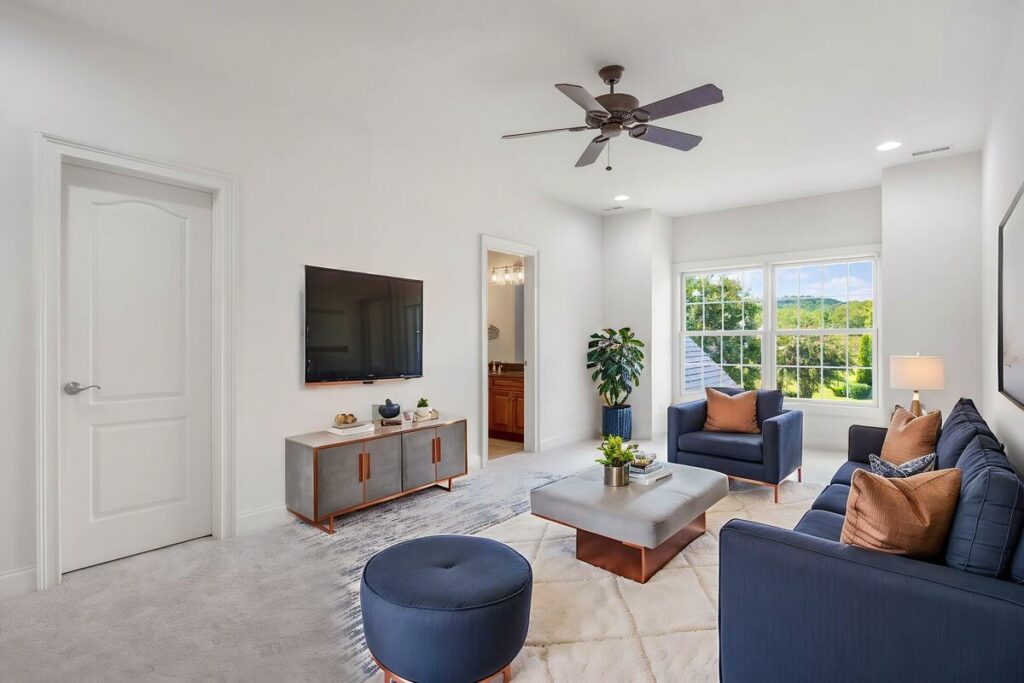
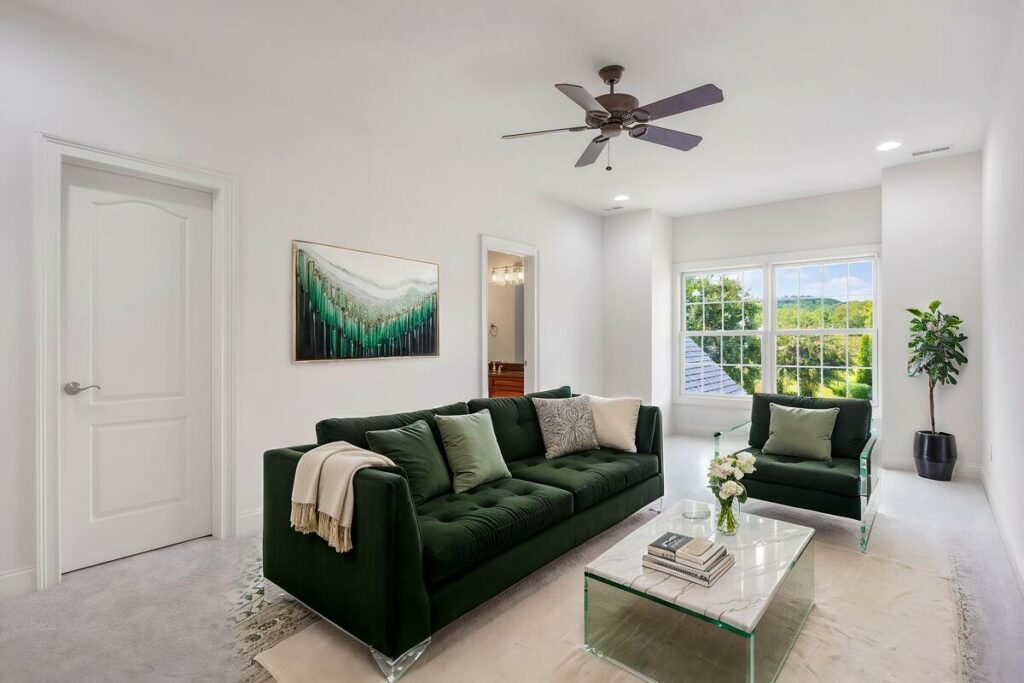
Virtual staging accuracy depends on how well a tool respects a room’s actual architecture, scale, and perspective. Furniture that doesn’t match the room’s proportions or lighting is an obvious tell, and it’s a category where quality differs sharply across platforms.
Batch speed at real volume matters more than a demo ever shows. A tool that processes ten sample images quickly can behave differently across a batch of 300 from a twelve-listing weekend.
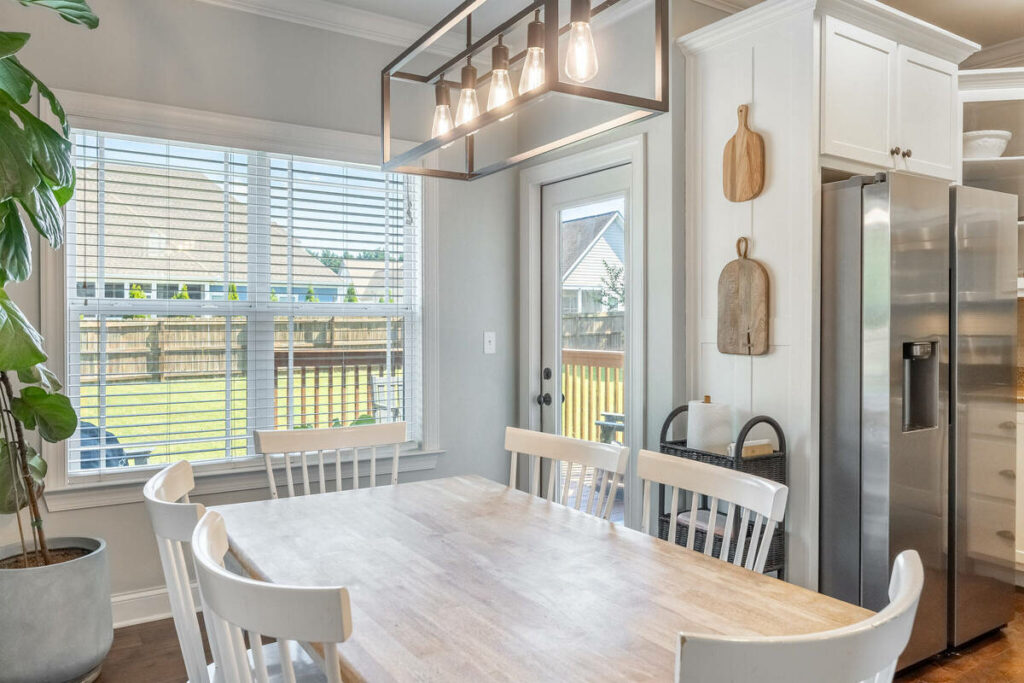
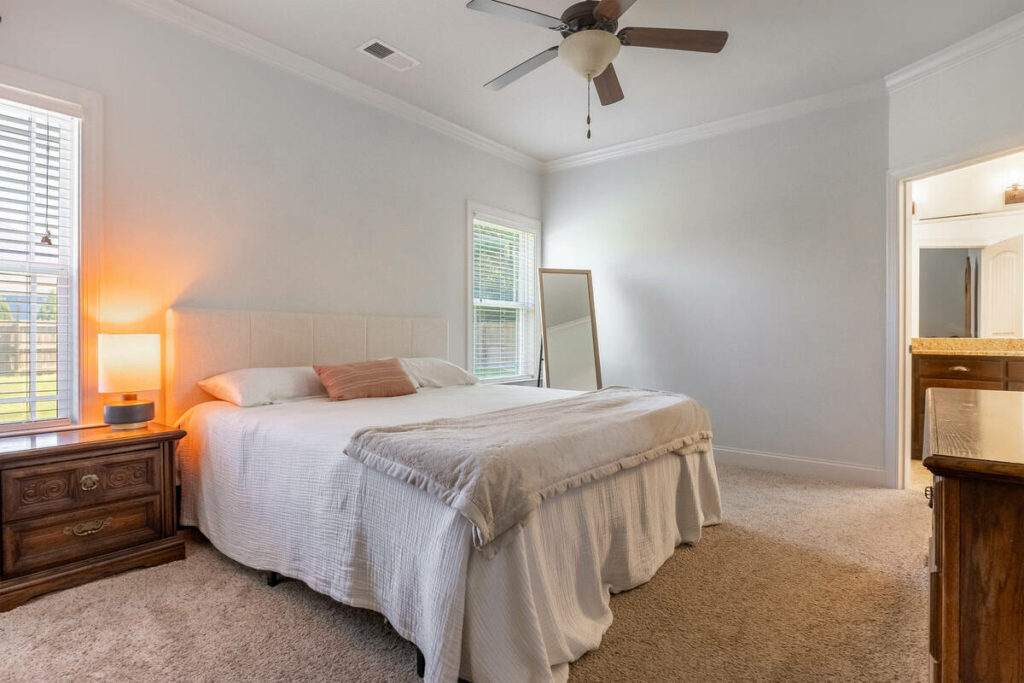
Pricing model is the factor most likely to get overlooked until a bill arrives. Per-image pricing and subscription tiers scale very differently depending on shoot volume, and the cheaper-looking option on a sample calculation isn’t always cheaper at a studio’s actual monthly volume.
Two studios can compare the same platforms and reach different conclusions. At six listings a month, the cost difference may be minimal. At thirty, a higher subscription tier can cost less per image. That’s why there’s rarely one “best” option for every studio.
Where Most Comparisons Get It Wrong
Most comparison content lists features side by side: does the tool do sky replacement, yes or no, does it do twilight, yes or no. That format treats every feature as binary, when the real differences show up in execution quality, not in whether a checkbox is present.

Two tools can both claim virtual staging, and one can produce results that look convincing on a complex room while the other only holds up on simple, rectangular spaces. A feature list can’t capture that difference. Only looking at actual output can.
This is exactly why a direct side-by-side comparison on real sample images tends to be more useful than a spec sheet. It shows what each tool actually does with the same input, not what it claims to do.
Frequent updates can quickly make feature comparisons outdated. A tool that struggled with twilight conversion or batch speed six months ago may perform differently today, so testing current output matters more than relying on older reviews.
Focus on Photography
We'll Handle the Rest
Save time with a dedicated PhotoUp Coordinator.

Matching a Tool to Your Shoot Volume and Style
| Studio Profile | What Matters Most | What Matters Less |
|---|---|---|
| Solo shooter, low volume | Ease of use, price per image, simple interface | Advanced batch controls |
| Small team, moderate volume | Consistency across editors, moderate batch speed | Enterprise-level integrations |
| High-volume studio | Batch speed, delivery platform integration, cost at scale | Per-image customization on every shot |
None of these profiles makes the other two wrong. A tool built for high-volume batch work can feel unnecessarily complex for a solo shooter doing a handful of listings a week, and a tool built for simplicity can become a bottleneck once volume climbs past what it was designed to handle smoothly.
What This Looks Like When You Actually Compare Two Tools
Run two platforms on the same listing photos for a month, and the differences become clearer. Daytime interiors may look nearly identical, but harder shots like complex sky replacements, twilight conversions, and unusual staged rooms reveal where each tool performs best.
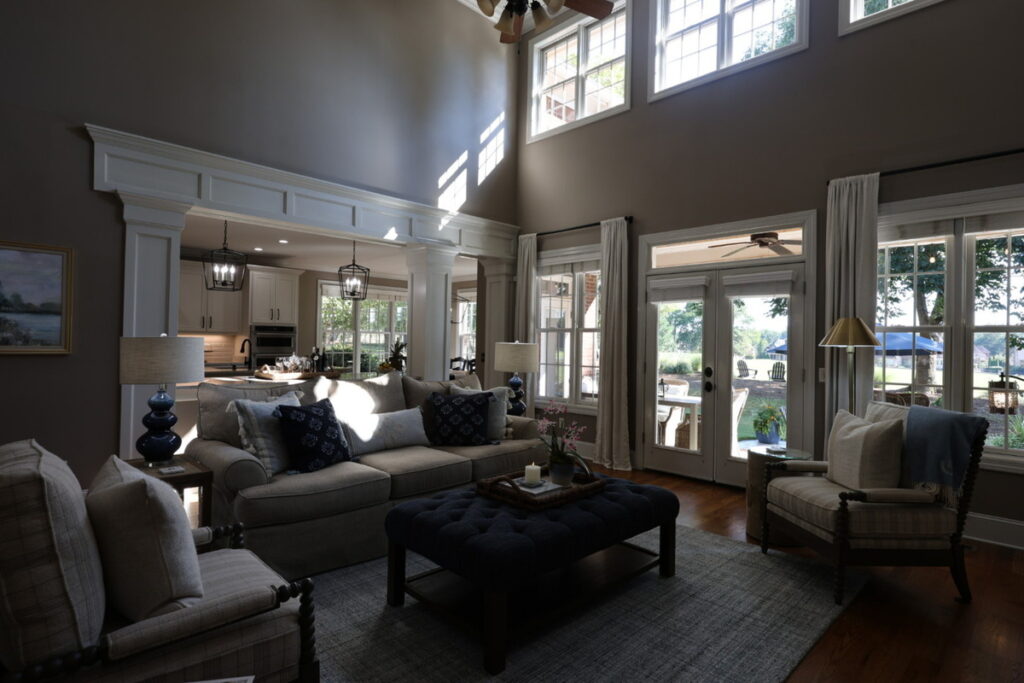
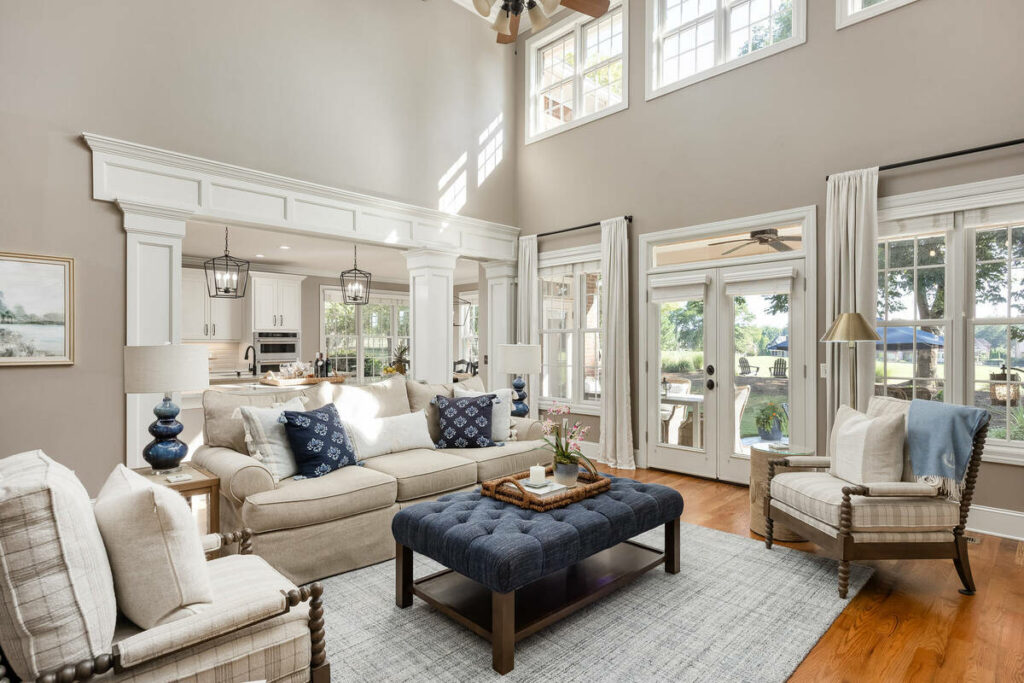
The better choice is the one that handles your toughest properties consistently and keeps up during busy weeks. That’s a stronger test than any feature list when choosing an AI real estate photo editor long term.
What to Test Before You Commit to an AI Real Estate Photo Editor
A short test run answers more than any comparison article can:
| Run your actual worst-case shot through the tool, not just an easy, well-lit interior. A complex roofline, a mixed-light room, or a cluttered space reveals more than a clean sample ever will. |
| Time a full batch, not a handful of sample images, to see how the tool performs at something closer to real volume. |
| Check the twilight and staging output specifically, since these are the categories where quality differs most across platforms. |
| Map the pricing to your actual monthly volume, not the sample calculation shown on a pricing page. |
Any AI real estate photo editor worth adopting should hold up to all four of these checks, not just look good in a five-minute demo.
How PhotoUp Helps You Choose and Implement the Right Tool
A PhotoUp Coordinator runs this evaluation for you instead of leaving it to trial and error between shoots. That means testing sky replacement, twilight conversion, and staging output against your actual sample images, not a vendor’s demo gallery, and mapping pricing to your real monthly volume before you commit.
Browse Top Dedicated
Real Estate Photo Editors
Ready-to-hire editors for real estate photo editing, and more.
This isn’t about pushing one platform. The Coordinator’s job is finding the AI real estate photo editor that actually fits your shoot volume and style, then running the human QA checkpoint on top of it regardless of which platform you land on.
Get Started With the Right AI Editing Setup
A PhotoUp Coordinator handles the evaluation and setup for you:
- Tests candidate tools against your actual shoot volume and toughest real images, not demo samples
- Maps pricing models to your real monthly volume before you commit to one
- Sets up the tool alongside a defined workflow and human QA checkpoint
- Revisits the choice as your volume or the available tools change
Focus on Photography
We'll Handle the Rest
Save time with a dedicated PhotoUp Coordinator.
Why work with PhotoUp: a dedicated Coordinator who evaluates tools against your actual work, not an affiliate-driven ranking that changes depending on who’s paying for placement, backed by real estate photo editing experience since 2011.
How to get started:
- Talk to a PhotoUp Coordinator about your current shoot volume and editing priorities
- Get a side-by-side test of candidate tools against your own sample images
- Roll out the tool that actually fits, with a human QA checkpoint already built in
Get an AI workflow review from a PhotoUp Coordinator.
Related Articles:
- Auto Enhance vs Auto HDR vs Photello vs Imagen: Which AI Real Estate Photo Editing Tool Fits Your Workflow
- What Imagen AI’s Fast Track Workflow Means for Real Estate Photo Editing
- How to Build an AI Photo Editing Workflow for Real Estate Photography
- How Human QA Catches What AI Photo Editing Misses in Real Estate Photos
- How to Integrate AI Photo Editing Tools Into Your Real Estate Business
References: