Table of Contents
- What AI Photo Editing Actually Gets Right
- What a Human QA Checkpoint Actually Checks
- Who Should Run This QA Checkpoint
- How PhotoUp’s Coordinators Run This QA Checkpoint for You
- Get Started With a Human-Backed AI Editing Workflow
A batch of AI-edited listing photos can look clean at first glance. But open a twilight shot full-screen, and the sky may not match the light hitting the house.
That gap between “looks fine at a glance” and “actually correct” is where a QA checkpoint earns its place.
Here’s what AI photo editing gets right, what it still misses, and what a human checkpoint actually checks before those photos reach a client.
What AI Photo Editing Actually Gets Right
AI photo editing is genuinely good at corrections that show up on nearly every listing. Exposure balancing, white balance, perspective and lens correction can all be handled quickly and consistently.
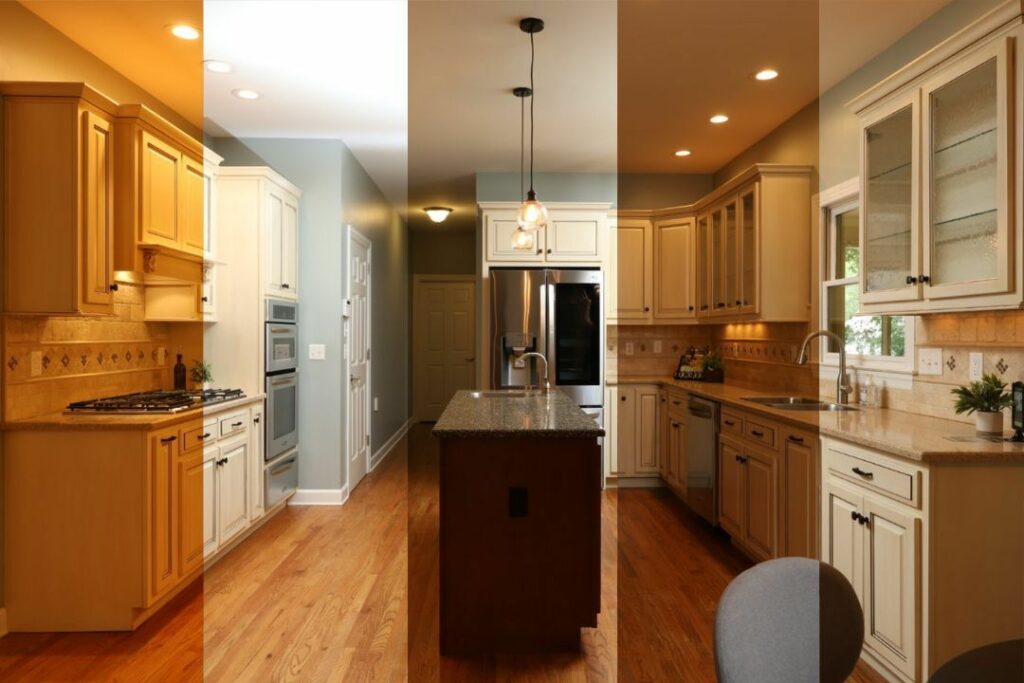
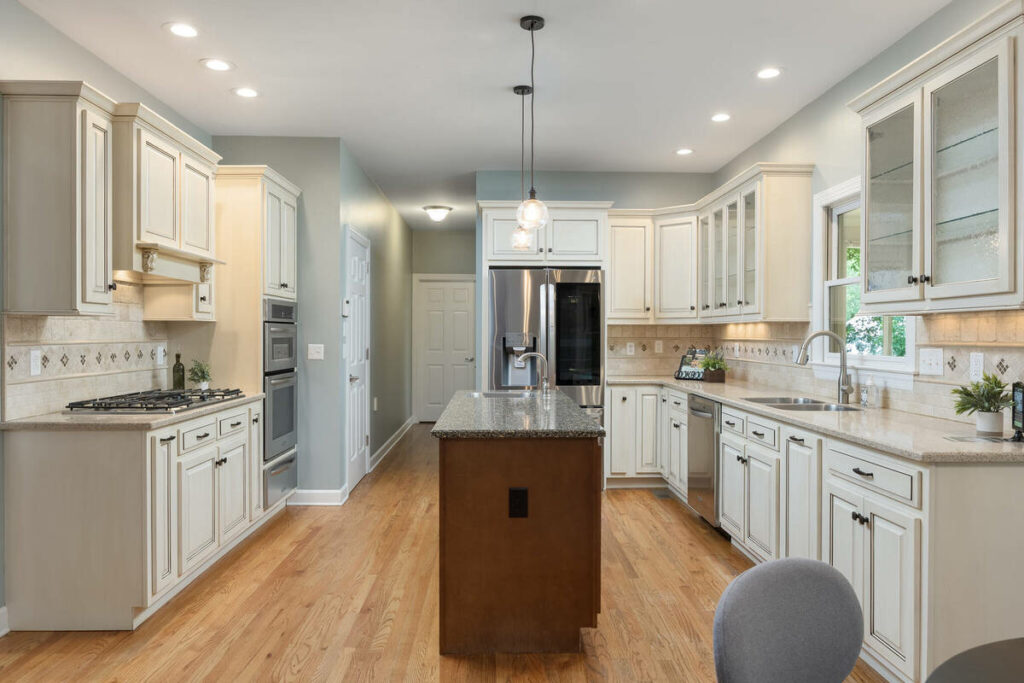

Batch color consistency is another major strength. AI can process 30 to 80 images from the same shoot with matching color and tone, while also handling standard HDR blending and basic object removal.
That repeatable, consistent editing is exactly where AI photo editing should be doing the work.
The Specific Things AI Photography Editing Still Misses
The other 20% is where a human still needs to be paying attention, and it’s a specific list, not a vague caveat.
Sky replacement with complex tree lines or irregular rooflines. A clean horizon is easy. A roofline with multiple angles, a chimney, or trees breaking up the skyline is where the mask can slip, leaving a faint edge or a patch of the wrong sky bleeding into a branch.
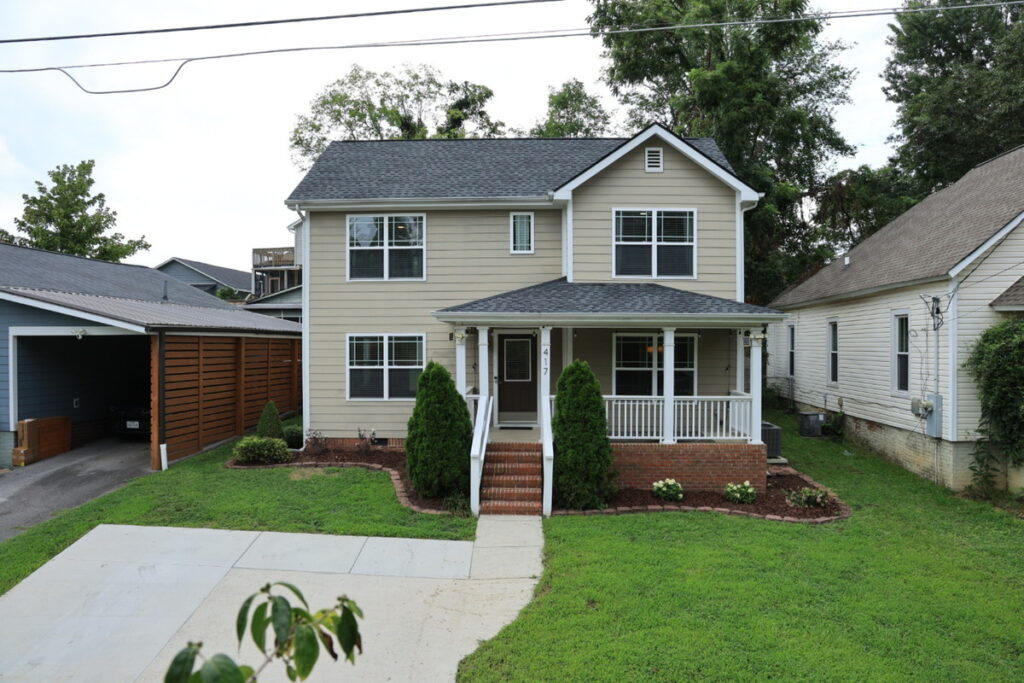
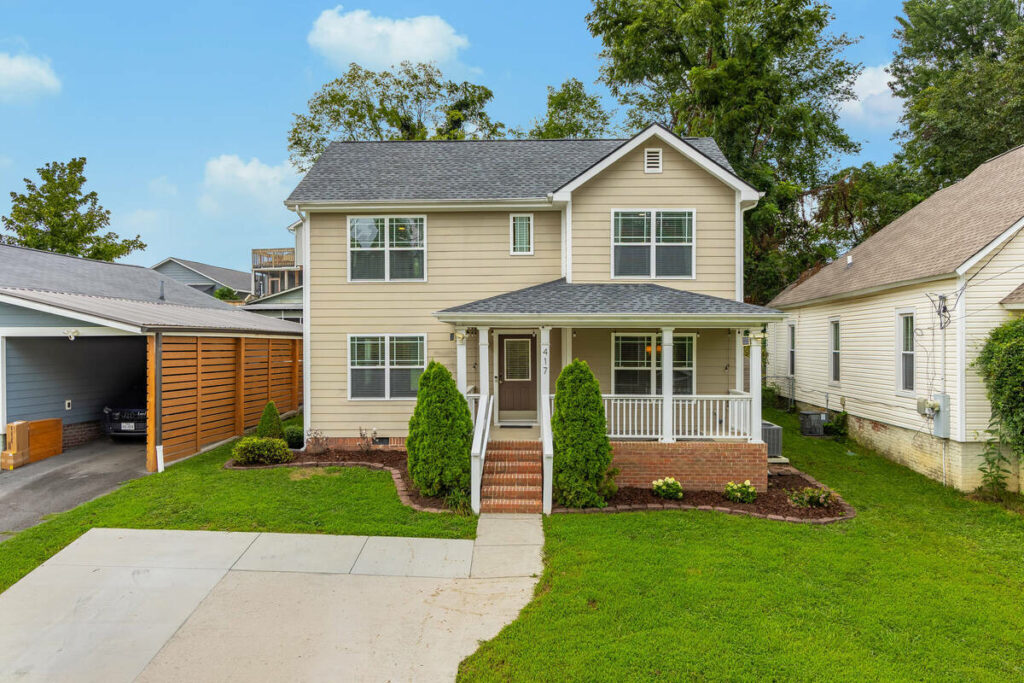
Twilight and day-to-dusk conversion. Getting the sky and window glow physically plausible for the actual time of year and the direction the house faces takes judgment. An AI tool can produce a twilight image that looks striking and still be lit in a way that wouldn’t happen in real life.
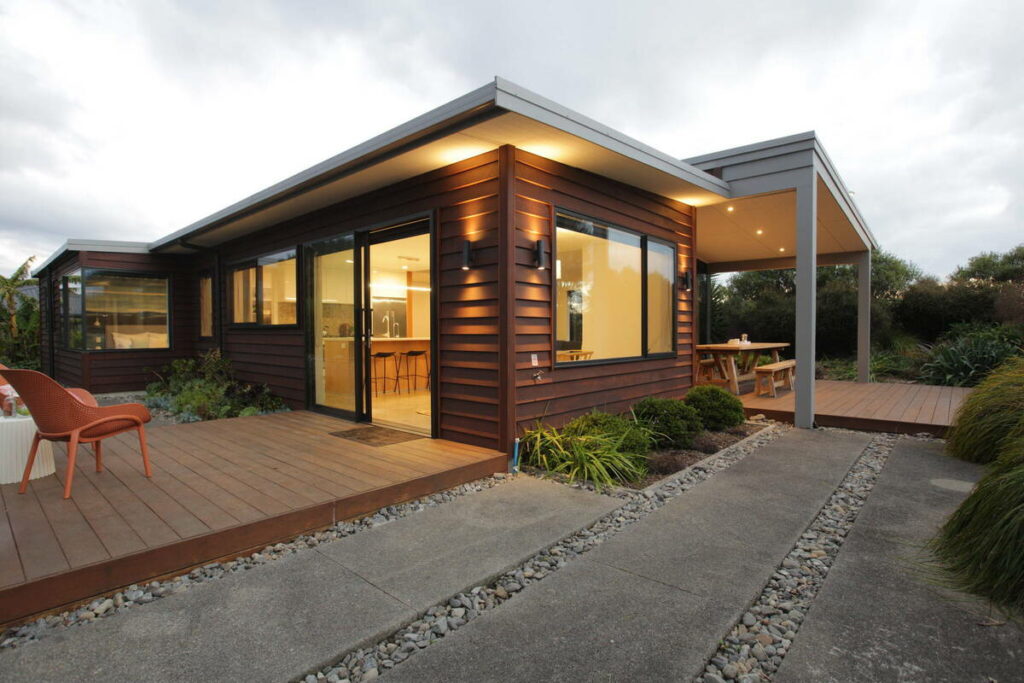

Luxury listings. Subtlety is the standard, and client expectations tend to be exacting. An edit that would pass on a standard listing can look heavy-handed on a property where the client notices everything.
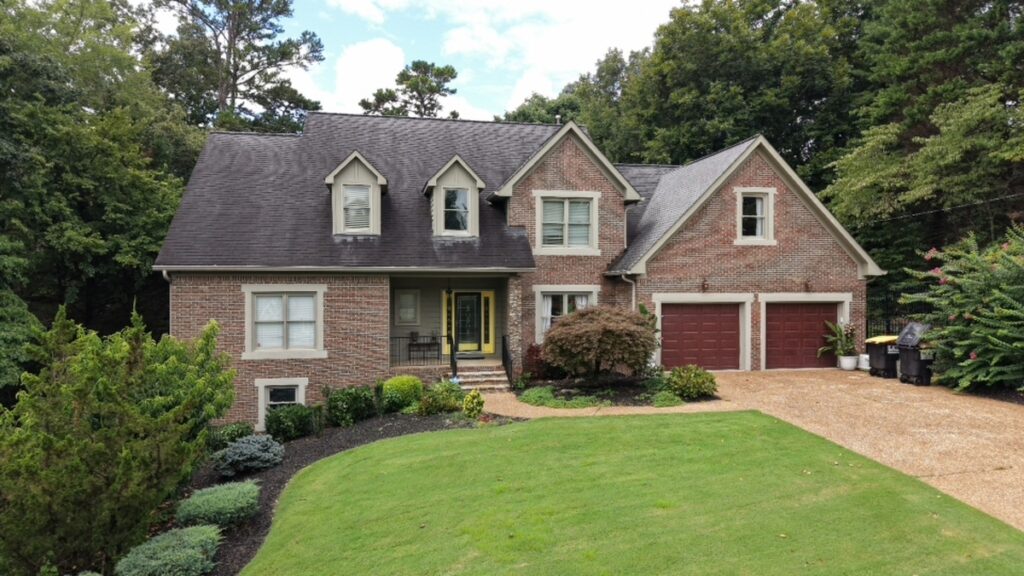

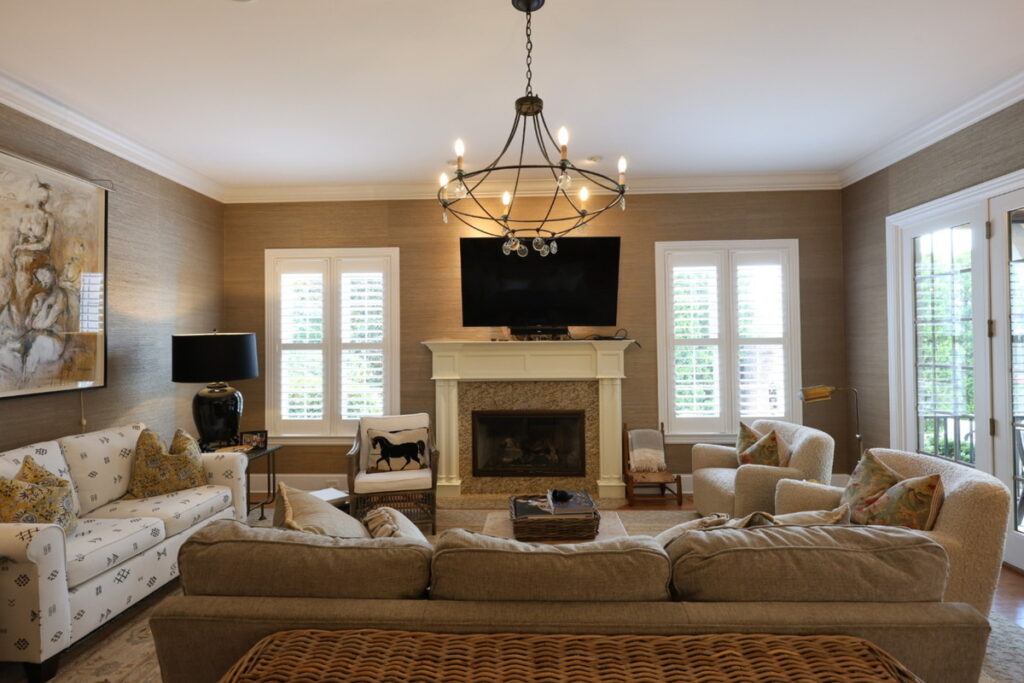
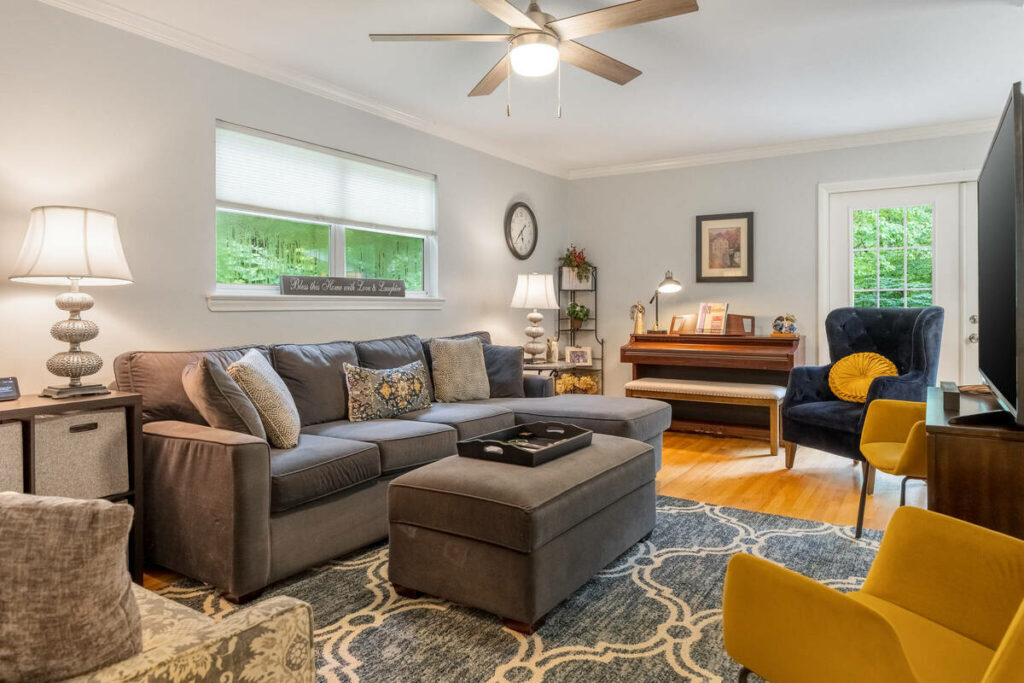
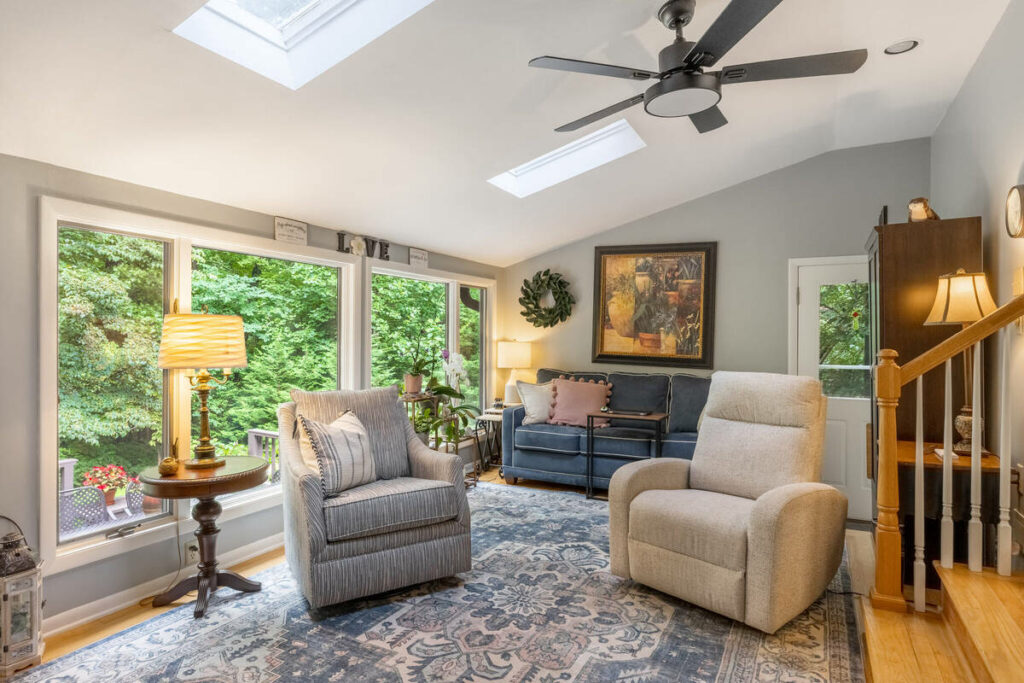
Mixed-light interiors. A room with daylight from one window and lamps in another corner needs local adjustments, not a single global correction applied to the whole frame.


A recurring client’s non-standard expectations. Some clients have a specific look they expect (warmer tones, a particular crop, less aggressive HDR) that a generic AI tool has no way of knowing about.
Why These Misses Matter More Than They Used To
A missed edit used to be mostly a quality issue. Increasingly, it can be a compliance issue too.
California’s AB 723 took effect on January 1, 2026, requiring disclosure when certain listing photos are digitally altered, along with a link to the original image. The law covers changes to features like furniture, flooring, walls, landscaping, and exterior elements, according to MortgagePoint.1
New York has raised similar concerns. The New York Department of State warned that AI-generated images can misrepresent properties and undermine buyer trust.2

These rules aren’t about eliminating AI photo editing. They make human review more important. A sky replacement that accidentally changes a roofline, for example, isn’t just a poor edit. It could also affect how accurately the property is represented.
As scrutiny around digitally altered listing photos grows, sending AI-edited images without a final QA check carries more risk than it used to.
Focus on Photography
We'll Handle the Rest
Save time with a dedicated PhotoUp Coordinator.

What a Human QA Checkpoint Actually Checks
A QA checkpoint isn’t a second look at every pixel. It’s a short, specific list of things a reviewer checks before an image ships:
| Does the sky replacement follow the actual roofline and tree edges, without a visible seam |
| Does a twilight conversion look physically plausible for the property’s actual orientation and season |
| Does virtual staging match the room’s real architecture, scale, and existing light |
| Does anything altered fall under a disclosure requirement like AB 723, and is that documented |
| Does the edit match this specific client’s established style, not just a generic default |
That list is short on purpose. A reviewer isn’t re-editing the image. They’re checking the handful of places AI photography editing is known to get wrong, and sending anything that fails back for a fix.
| What AI Photography Editing Might Miss | What the QA Check Looks For |
|---|---|
| Sky replacement seam near a complex roofline | A clean edge with no visible mask line or mismatched sky patch |
| Twilight conversion | Light and sky tone that match the property’s actual orientation and season |
| Virtual staging | Furniture scale, shadow direction, and style that fit the room |
| Any altered fixture, landscape, or exterior feature | Whether the edit falls under a disclosure requirement like AB 723 |
| Client-specific style | Tone, crop, and processing that match this client’s established standard, not a generic default |
Who Should Run This QA Checkpoint
Someone has to own the QA process. At lower volumes, the photographer can review every image personally. An in-house editor can also handle it with proper training, while a dedicated Coordinator can manage QA as part of the broader editing workflow.

Volume usually determines the best option. Reviewing 100 images a week may be manageable. As volume grows, though, QA needs a clear owner or it risks being rushed or skipped during the busiest weeks.
How a QA Checkpoint Fits Into an AI Editing Workflow
The sequence is straightforward. The AI tool runs the first pass on every image in a batch, and a reviewer checks each one against the criteria above, focusing on the categories most likely to need it, like twilight shots, complex skies, and staged rooms.

Anything that fails gets flagged and either reworked manually or re-run with different settings. Everything else moves straight to delivery.
Most images in a normal batch clear the checkpoint without any changes. That’s the point. The QA step isn’t slowing down the images AI photo editing already handles well. It’s catching the smaller number that don’t.
What Happens When There’s No QA Checkpoint
Without QA, small problems start slipping through: an unnatural twilight image, staging that doesn’t quite fit the space, or an altered exterior with no clear disclosure record.
One mistake is usually fixable. Repeated across enough listings, those misses can erode client confidence and, in some states, create compliance concerns.
How PhotoUp’s Coordinators Run This QA Checkpoint for You
That’s where PhotoUp comes in, not as a replacement for whatever AI photo editing tool you’re already using. A PhotoUp Coordinator runs the human QA checkpoint on top of it: checking sky replacements, twilight conversions, staging, and disclosure requirements before anything reaches your client.
Browse Top Dedicated
Real Estate Photo Editors
Ready-to-hire editors for real estate photo editing, and more.
This isn’t PhotoUp versus AI photography editing. It’s one workflow, where the AI tool does the consistent, repeatable editing and a Coordinator catches the judgment calls it isn’t built to make alone.
You don’t have to build this checklist yourself or remember to apply it consistently across a busy week. The Coordinator runs it on every job, whether it’s a quiet Tuesday or a twelve-listing weekend.
Get Started With a Human-Backed AI Editing Workflow
A PhotoUp Coordinator sets up the QA checkpoint around whichever AI editing tool you use:
- Reviews your current AI editing setup and typical listing types
- Runs a human QA check on sky replacements, twilight conversions, staging, and disclosure-sensitive edits
- Flags anything that needs a fix before it reaches your client
- Keeps the checkpoint consistent whether it’s a slow week or a busy one
Focus on Photography
We'll Handle the Rest
Save time with a dedicated PhotoUp Coordinator.
Why work with PhotoUp: a dedicated Coordinator who applies a consistent, specific QA checklist to every job, not a vague promise of “human review,” backed by real estate photo editing experience since 2011.
How to get started:
- Talk to a PhotoUp Coordinator about the AI photo editing tools you’re currently using
- Get a walkthrough of what the QA checkpoint would catch on your typical listings
- Run a batch through the checkpoint and see what it flags
Set up an AI editing workflow with human QA built in. Talk to a PhotoUp Coordinator.
Related Articles:
- Why Photographers Need a Production Coordinator for AI Photo Editing Workflows
- AI-Powered Real Estate Photo Editing Services for Photographers
- What Professional Photo Editing Looks Like in the Age of AI
- Real Estate Photo Editing AI in 2026: Trends, Tips, and Best Practices
- How AI Real Estate Photo Editing Reshapes Photographers Workflows
References: