Table of Contents
- What Imagen AI’s Fast Track Workflow Actually Does
- What This Means for an Imagen AI Real Estate Workflow
- What Imagen AI Still Doesn’t Solve
- How This Fits Alongside Other AI Photo Editing Tools
- Get Started With an AI Photo Editing Setup That Keeps Up
Imagen AI shipped an update in June that changes the order photographers normally work in. Culling and editing used to be two separate steps, done one after the other. Now they can happen in a single pass.
That’s a real change, not a marketing label on the same process.
Here’s what the update actually does, what it means for an Imagen AI real estate workflow specifically, and what it still doesn’t solve.
What Imagen AI’s Fast Track Workflow Actually Does
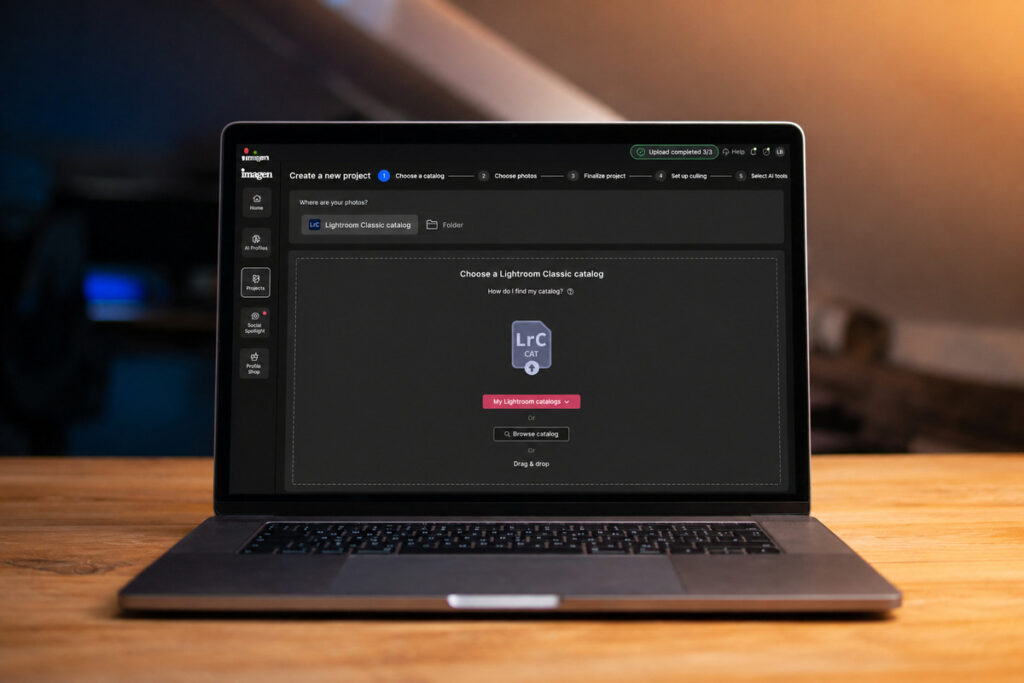
Fast Track Workflow, released June 17, 2026, combines culling and editing into one continuous step. A photographer sets their editing preferences once at the start, and the system processes the whole project from there, returning images already culled and edited in that style, ready for delivery.
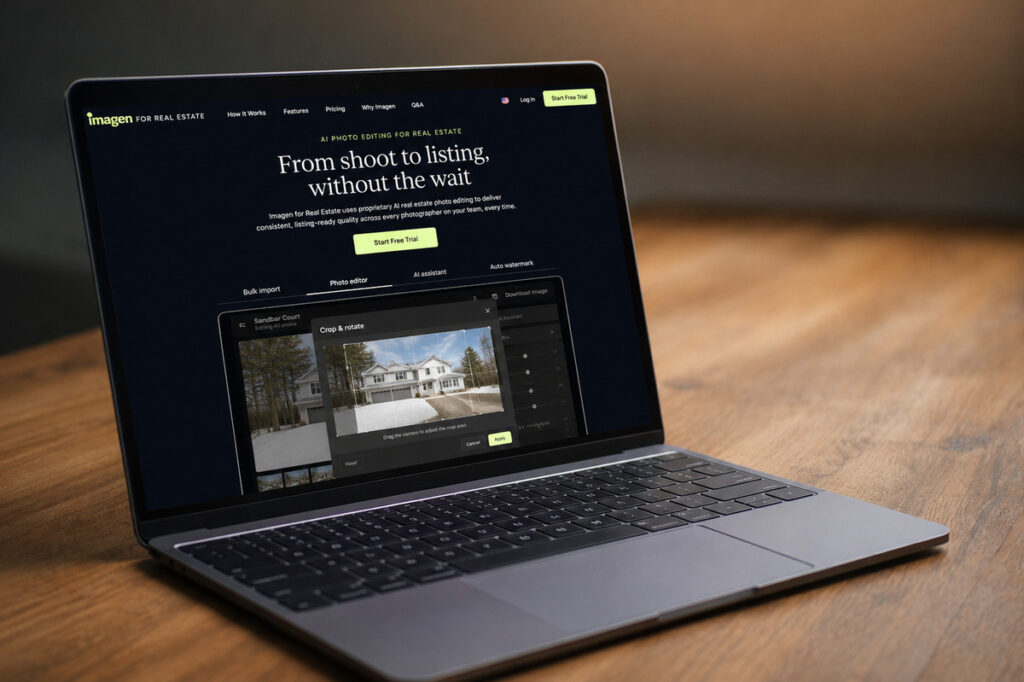
The old sequence was cull first, then edit what’s left. Fast Track collapses that into a single pass, with the editing preferences applied automatically as the system works through the project rather than as a separate stage afterward.
Imagen hasn’t published much detail on exactly which preferences get set upfront or how much control that leaves mid-project. For an Imagen AI real estate workflow, that’s worth testing directly before assuming it behaves the same way across a full shoot as it did on a sample batch.
A photographer editing a standard three-bedroom listing and a photographer editing a mixed-light, multi-room shoot are setting the same upfront preferences under Fast Track, even though those two jobs would have gotten different attention under the old two-step process. That’s not necessarily a problem. It’s just a different place where judgment needs to happen, earlier, at the preference stage, instead of stage by stage as the project moves along.
The Culling Improvements That Came With It
A second update, shipped June 29, added two culling-specific features: side-by-side photo comparison with zoom, and automatic flagging of photos with potential technical issues directly in the grid view.
The technical issue detection doesn’t make the culling decision for the photographer. As Imagen’s own changelog puts it, “you still decide what stays and what goes, but you just have more context to do it faster.” That’s a meaningful distinction. The tool is surfacing information, not replacing judgment.

Together, these two updates point in the same direction: less time spent switching between views and stages, more of the process happening in one continuous flow.
What This Means for an Imagen AI Real Estate Workflow
A defined photo editing workflow usually treats culling and the AI editing pass as separate stages, for good reason: culling first keeps the editing stage focused on images that will actually be used. Fast Track Workflow blurs that line by handling both in one pass.
For a studio shooting several listings a week, that could mean less manual handoff between stages. It could also mean less visibility into what got culled and why, since the decision happens inside the same pass as the edit rather than as its own reviewable step.
| Step | Before Fast Track | With Fast Track |
|---|---|---|
| Culling | Separate stage, reviewed on its own | Happens inside the same pass as editing |
| Editing preferences | Applied per batch or per stage | Set once at the start of the project |
| Visibility into what got culled | Its own reviewable step | Folded into the combined output |
| Handoff between stages | Manual, between culling and editing | Continuous, single session |
Neither outcome in that table is automatically better. Whether Fast Track actually saves time for an Imagen AI real estate setup, or just moves the same steps around without adding real efficiency, depends on testing it against a studio’s actual volume and shoot types, not on the changelog description alone.
For a studio shooting five listings in a weekend, Fast Track combines culling and editing preferences into one pass. It’s faster, but removes the checkpoint where culling mistakes could be caught before editing begins.
Focus on Photography
We'll Handle the Rest
Save time with a dedicated PhotoUp Coordinator.

What Imagen AI Still Doesn’t Solve
No update to culling or editing speed changes the categories where AI still needs a human decision. Sky replacement on a complex roofline, twilight and day-to-dusk conversion, virtual staging that matches a room’s actual architecture, and a specific client’s non-standard style expectations are still judgment calls, regardless of how fast the pass in front of them runs.


Imagen’s own real estate page acknowledges this directly, noting that complex or cluttered scenes may need a human revision. Fast Track Workflow speeds up the parts of the process that were already reliable. It doesn’t change what still needs a second look before delivery.


If anything, combining culling and editing into one pass makes that second look more important, not less. When culling and editing were separate stages, a mistake in culling had a chance to surface before the edit ever ran. Folding both into one pass means a QA checkpoint after the fact is doing more of the work that used to be split across two stages.
Should an Imagen AI Real Estate Studio Test This Update?
Probably, if the studio already uses Imagen and regularly deals with high shoot volume. Fast Track is already part of the platform, so testing it costs a batch or two, not a new subscription or a retraining effort.
Switching platforms specifically for this update is a different decision, and a much bigger one. A workflow built around a different AI tool comes with its own file conventions, export settings, and team familiarity. One feature update, however useful, rarely justifies unwinding all of that and rebuilding it around a new platform.

The more useful question isn’t which tool ships the most updates. It’s whether whatever tool a studio uses, Imagen AI real estate setups included, has someone actually watching for updates like this and deciding if they’re worth adopting before rolling them out across a full shoot volume.
That evaluation work is easy to skip when a studio is already busy shooting and delivering. Updates get adopted by accident, because a default setting changed, or ignored entirely, because nobody had time to read the changelog. Neither outcome is a deliberate decision about whether the update actually helps.
How This Fits Alongside Other AI Photo Editing Tools
Imagen isn’t the only platform shipping updates worth watching. PhotoUp’s comparison of Auto Enhance, Auto HDR, Photello, and Imagen covers how each platform handles the standard corrections differently, and Fast Track Workflow is a reminder that those differences don’t stay fixed. A platform that was behind on speed six months ago can close that gap with one release.

That’s exactly why a one-time comparison isn’t enough on its own. The tool that made sense to adopt when a studio last evaluated its options might not be the same tool that makes sense today, and the only way to know is to actually track what’s shipping across the platforms in use, not just the one that sent the latest press release.
How PhotoUp Tracks Updates Like This So You Don’t Have To
That’s where PhotoUp comes in. A PhotoUp Coordinator tracks platform updates across the AI tools photographers actually use, including Imagen AI, and evaluates whether a change like Fast Track Workflow is worth adopting for a specific studio’s volume and shoot types.
Browse Top Dedicated
Real Estate Photo Editors
Ready-to-hire editors for real estate photo editing, and more.
This isn’t about pushing one platform over another. The Coordinator’s job is implementing whichever tool fits, keeping it current as updates ship, and running the same human QA checkpoint on sky replacement, twilight conversion, and staging regardless of which platform produced the first pass.

You don’t have to read every changelog or test every update yourself to know if it’s worth your time. The Coordinator does that evaluation and handles the rollout if it makes sense for your setup.
That’s true whether the update comes from Imagen AI, one of the other platforms real estate photographers use, or a tool that hasn’t been named yet. The evaluation process stays the same regardless of which platform ships the change.
Get Started With an AI Photo Editing Setup That Keeps Up
A PhotoUp Coordinator keeps your setup current without you having to track it yourself:
- Monitors updates across the AI photo editing tools your studio uses
- Evaluates whether a new feature like Fast Track Workflow is worth adopting for your volume
- Handles implementation and testing before rolling a change out fully
- Runs a human QA checkpoint on every job, regardless of which tool or update produced it
Focus on Photography
We'll Handle the Rest
Save time with a dedicated PhotoUp Coordinator.
Why work with PhotoUp: a dedicated Coordinator who tracks platform changes and tells you what’s actually worth adopting, not a generic checklist that goes stale the next time a tool ships an update, backed by real estate photo editing experience since 2011.
How to get started:
- Talk to a PhotoUp Coordinator about the AI tools you’re currently using, including Imagen AI
- Get a walkthrough of how a new update would get evaluated and tested before rollout
- Keep your human QA checkpoint in place regardless of which tool or update is running the first pass
Set up an AI editing workflow with human QA built in.
Related Articles:
- Why Photographers Need a Production Coordinator for AI Photo Editing Workflows
- How to Integrate AI Photo Editing Tools Into Your Real Estate Business
- How Human QA Catches What AI Photo Editing Misses in Real Estate Photos
- Auto Enhance vs Auto HDR vs Photello vs Imagen: Which AI Real Estate Photo Editing Tool Fits Your Workflow
- How to Build an AI Photo Editing Workflow for Real Estate Photography