Table of Contents
- Why AI Photography Editing Tools Often Sit Outside Your Actual Workflow
- What “Integrating” AI Photo Editing Tools Actually Involves
- A Step-by-Step Framework for Integrating AI Into Your Photo Editing Workflow
- Signs Your AI Editing Workflow Is Actually Integrated
- How PhotoUp Handles AI Editing Integration for You
AI photo editing tools get added one at a time: a tool for exposure, another for sky replacement. Neither one gets connected to the rest of the business. The tool works fine on its own. It’s the step before and after it that usually stays manual.
A tool that isn’t connected to your workflow just becomes one more manual step, dressed up as automation.
Here’s what actually goes into integrating AI photo editing tools into a real estate photography business, a step-by-step framework for doing it, and the mistakes worth avoiding along the way.
Why AI Photography Editing Tools Often Sit Outside Your Actual Workflow
Adopting a new tool and integrating it are two different things, and the gap between them is where most of the wasted time lives. A 2026 analysis of B2B teams found a median of 14 disconnected tools in daily use, and roughly 12 hours per person per week lost to reconciling data and switching between them, according to Landing Platform.1
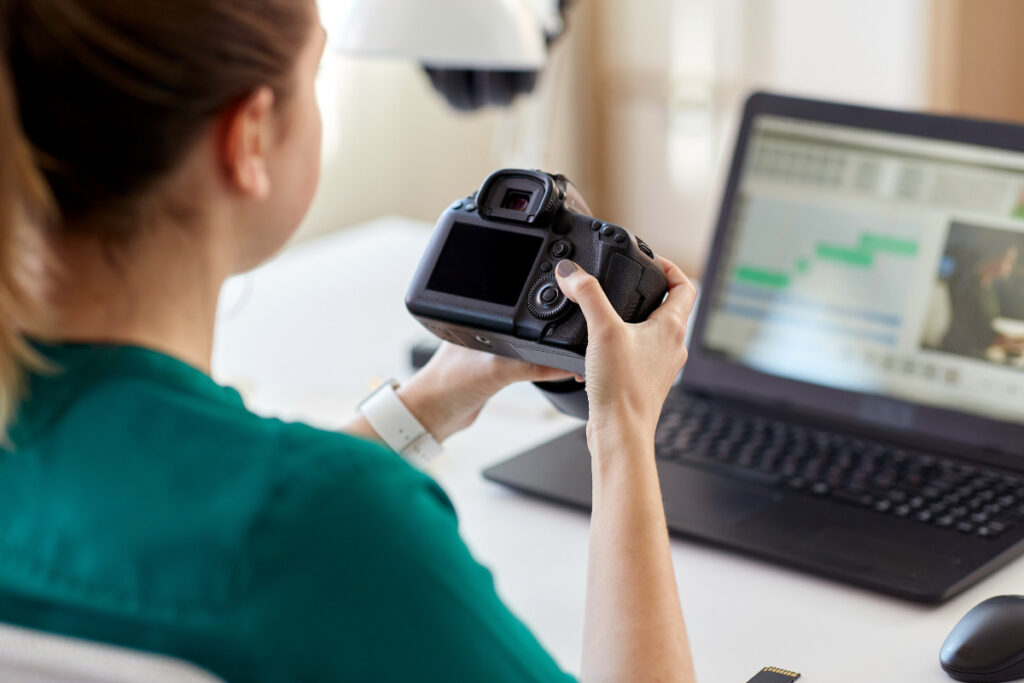
That research covers marketing teams at larger companies, not photography studios. But the pattern shows up at any scale: a tool that isn’t connected to the rest of your process adds a manual step instead of removing one.
For real estate photo editing, that usually looks like exporting from the AI tool, renaming files by hand, and uploading everything separately to a gallery or delivery platform. Each step is small on its own. Together, they cancel out most of the time AI photo editing tools were supposed to save.
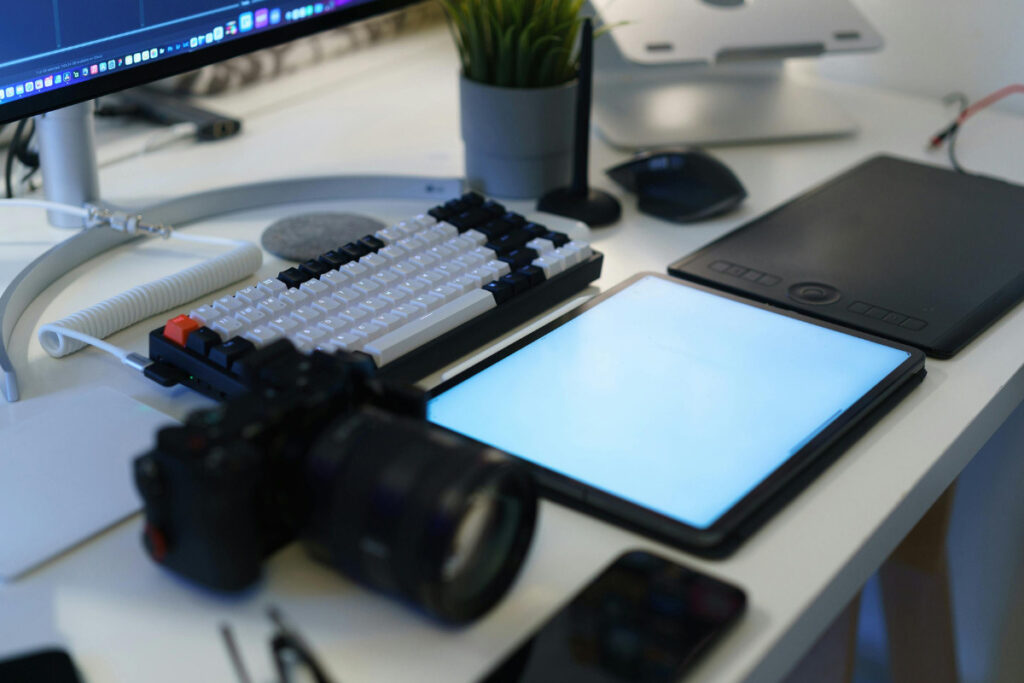
Picture a photographer running exposure correction through one AI tool, then manually renaming 40 files before uploading them to a gallery platform. The AI pass takes two minutes. The renaming and upload take twenty. The math on time saved stops working long before the AI tool itself gets blamed for it.
Scale that across a normal week (three or four shoots, a few hundred images), and the manual renaming and uploading alone can eat an hour or more that was supposed to go back to the photographer, not into new busywork.
What “Integrating” AI Photo Editing Tools Actually Involves
The AI already handles the editing itself. Integrating AI photo editing tools is about everything around that edit: how files are named, how they’re exported, and how they land in front of the client.
| File naming conventions that stay consistent whether an image was AI-edited or manually touched up |
| Export settings, including resolution, format, and color space, standardized across every tool in the chain |
| A connection to your delivery platform, so edited images land in the right gallery without a manual upload step |
| A defined QA checkpoint, so someone reviews output before it reaches the client, not after |
File naming sounds minor until inconsistent exports break an automated upload and force manual delivery.
QA matters just as much. Without a review checkpoint, errors in twilight conversions or sky replacements can reach the client.
Miss either, and the technology becomes an add-on instead of part of the workflow.
Focus on Photography
We'll Handle the Rest
Save time with a dedicated PhotoUp Coordinator.

A Step-by-Step Framework for Integrating AI Into Your Photo Editing Workflow
1. Map your current process. Write out every step from shoot to delivery, including the manual handoffs you might not think of as “steps,” like renaming files, uploading to a platform, or sending a delivery email. The gaps usually show up here first.

2. Decide where AI enters. Some studios run AI on one stage, like exposure correction. Others stack multiple AI photo editing tools across exposure, sky replacement, and batch color. Either works, but the decision should be deliberate, not accidental.
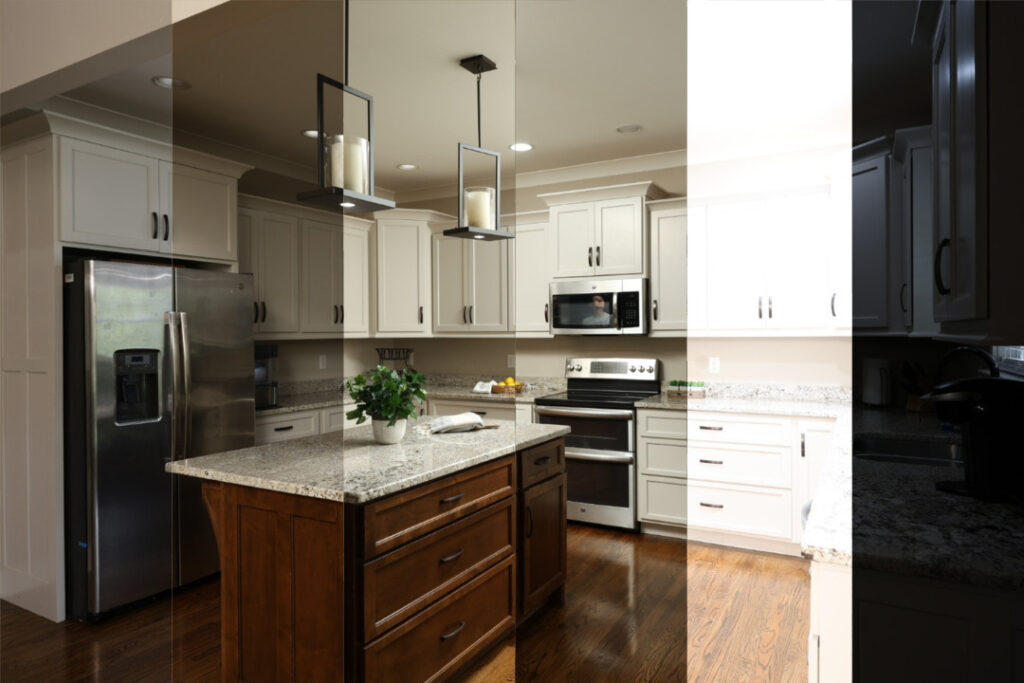

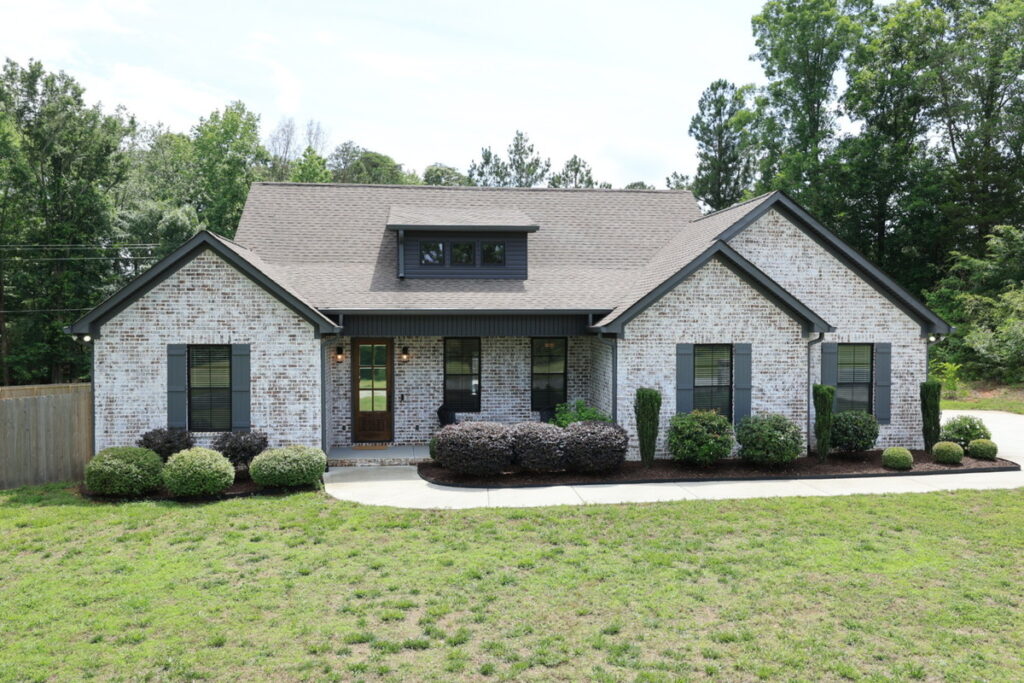
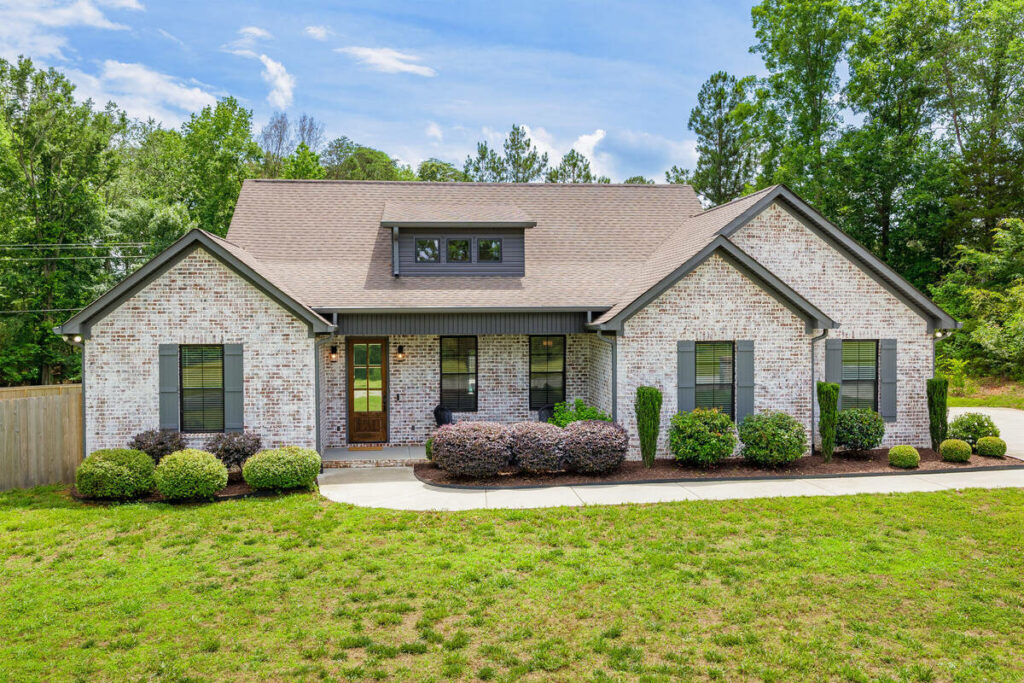
3. Standardize file and export settings. Resolution, format, and color space should match across every AI-edited and manually edited image, so nothing looks inconsistent by the time a gallery goes out.


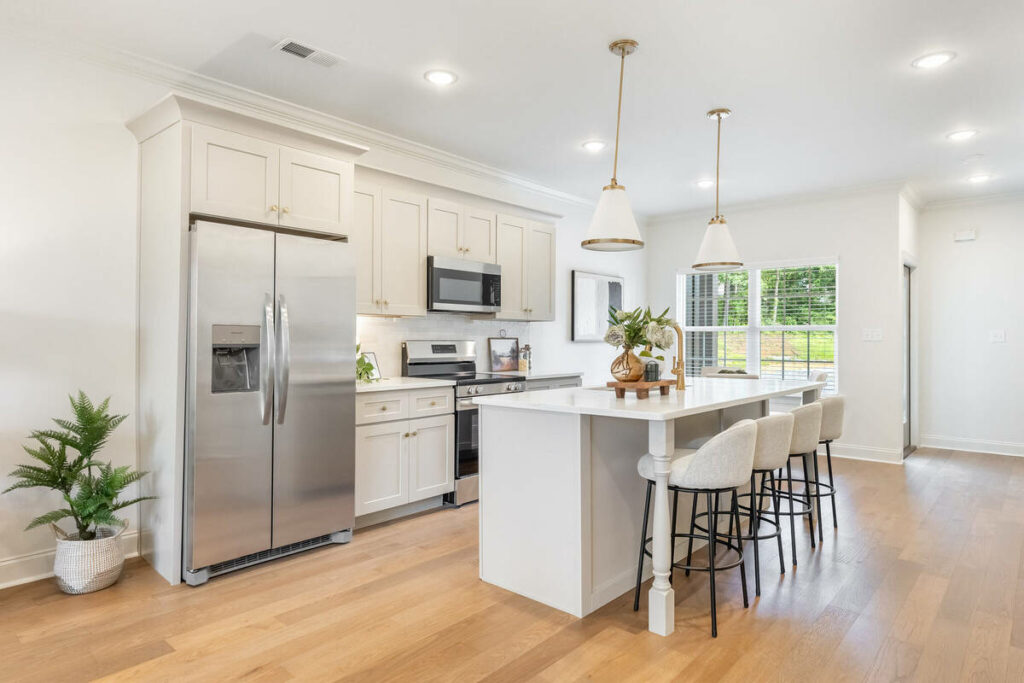

4. Connect output to your delivery platform. Instead of exporting from the AI tool and uploading separately, route the output directly into the system your clients already use to view galleries.

5. Build in a QA checkpoint. Decide who reviews AI-edited images before delivery, and what specifically they’re checking for. Not just whether an image looks fine, but the judgment calls AI shouldn’t be making alone.

6. Test on a small batch. Run one or two shoots through the full setup before switching your entire volume over, so any breakage shows up on ten images instead of two hundred.
Most of this only needs to be set up once. After that, the technology becomes part of the pipeline instead of a detour from it.
Common Integration Mistakes to Avoid
| ✖️ Skipping the QA checkpoint because the AI output looked fine on the first few jobs |
| ✖️ Inconsistent file naming that breaks automated uploads to a gallery or MLS platform |
| ✖️ Running multiple AI editing platforms with conflicting export settings |
| ✖️ Rolling out to full volume without testing on a smaller batch first |
The QA checkpoint is worth keeping. An AI tool may handle standard shots reliably but still miss details in twilight conversions or complex rooflines. Without review, those errors can reach the client.
Each of these mistakes is fixable, but they’re easier to prevent during setup than to untangle after a few hundred jobs have already gone through the pipeline.
Signs Your AI Editing Workflow Is Actually Integrated
A few checks tell you whether the setup is working, not just whether the tools are:
| ✔️ Files upload to your delivery platform without manual renaming or resorting |
| ✔️ Every AI-edited image gets the same QA check as a manually edited one |
| ✔️ Adding a new shoot to the pipeline doesn’t require remembering extra manual steps |
| ✔️ Export settings look identical whether an image came from AI or manual editing |
If any of these aren’t true yet, the tools are working fine. The integration around them isn’t finished.
Do You Need to Handle This Integration Yourself?
Nothing about this framework requires outside help. A photographer comfortable with their software can map the process, standardize settings, and test a batch without hiring anyone.
The trade-off is time and maintenance. Every new AI tool, platform change, or increase in volume can mean revisiting the setup. That may be manageable for a solo photographer, but for a growing studio, it quickly competes with shooting, booking, and client work.
How PhotoUp Handles AI Editing Integration for You
That’s where PhotoUp comes in. A PhotoUp Production Coordinator sets up the connection between your AI photo editing tools and your delivery workflow: file conventions, export settings, and the human QA checkpoint included.
Browse Top Dedicated
Real Estate Photo Editors
Ready-to-hire editors for real estate photo editing, and more.
You don’t have to map the process yourself or troubleshoot a broken upload the night before a gallery is due. The integration is handled, and the Coordinator maintains it as your volume changes.
That maintenance piece matters more than it sounds like at first. Adding a new AI tool, switching delivery platforms, or scaling from 150 images a week to 400 all mean revisiting the setup. That revisiting happens as part of the Coordinator’s job, not as an extra project added to yours.
Get Started With an Integrated AI Photo Editing Setup
A PhotoUp Coordinator handles the integration work directly:
- Maps your current editing and delivery process
- Sets up AI photo editing tools to connect directly to your workflow
- Standardizes file naming and export settings across every tool
- Builds in a human QA checkpoint before delivery
Focus on Photography
We'll Handle the Rest
Save time with a dedicated PhotoUp Coordinator.
Why work with PhotoUp: a dedicated Coordinator who sets up and maintains the integration, not a one-time setup guide you’re left to troubleshoot alone, backed by AI tools built specifically for real estate photo editing since 2011.
How to get started:
- Talk to a PhotoUp Coordinator about the AI photo editing tools you’re already using or considering
- Get a walkthrough of how file conventions, exports, and delivery would connect
- Test the integrated setup on a small batch before rolling it out fully
Set up an AI editing workflow with human QA built in. Talk to a PhotoUp Coordinator.
Related Articles:
- Why Photographers Need a Production Coordinator for AI Photo Editing Workflows
- What Can a Photography Coordinator Take Off Your Plate?
- Dedicated Real Estate Photo Editor for Consistent, High-Quality Edits
- Real Estate Photo Editing AI in 2026: Trends, Tips, and Best Practices
- Virtual Assistant vs. Employee for Photographers: Which Is Better?
References: