Table of Contents
- What to Look for in an AI Real Estate Photo Editing Tool
- How to Choose the Right AI Real Estate Photo Editing Tool for Your Workflow
- How PhotoUp Helps You Implement Any of These AI Photo Editing Tools
- Get Started With an AI-Assisted Real Estate Editing Workflow
Four names keep coming up in real estate AI editing conversations: Auto Enhance, Auto HDR, Photello, and Imagen. Each promises faster editing, and each works a little differently once you look past the homepage.
None of them is a universal answer. It depends on what you’re editing and how much human review you want built in.
Here’s what each AI real estate photo editing tool actually does well, where it falls short, and how to decide which one fits your listings.
What to Look for in an AI Real Estate Photo Editing Tool
Before comparing four products, it helps to know what actually separates a good AI real estate photo editing tool from one that just looks impressive in a demo video.

A few things matter more than a slick before-and-after slider. Does the tool handle HDR blending on real bracketed exposures, not just a single well-lit shot? Does it replace skies convincingly, including trickier scenes with trees or complex rooflines? Does it pull window detail without blowing out the interior?
Just as important: is there any human review step built into the workflow, or does every image ship straight from the algorithm to the client?
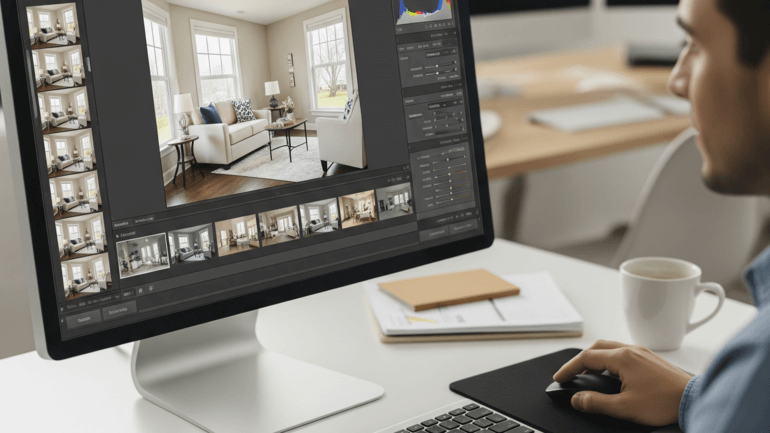
Turnaround time and batch handling matter too, especially for a studio editing 100 to 300 images a week. A tool that’s fast on ten test images can behave differently once it’s processing full shoots on a deadline.
Auto Enhance (Autoenhance.ai): What It Does Well and Where It Falls Short
Auto Enhance, sold as Autoenhance.ai, leans on automation across the corrections that show up on nearly every listing.1 It handles HDR merging from bracketed exposures, sky replacement, color and white balance correction, perspective correction, and camera removal from reflections. Photographers upload through a dashboard or connect via API, and the platform advertises results within minutes rather than hours.
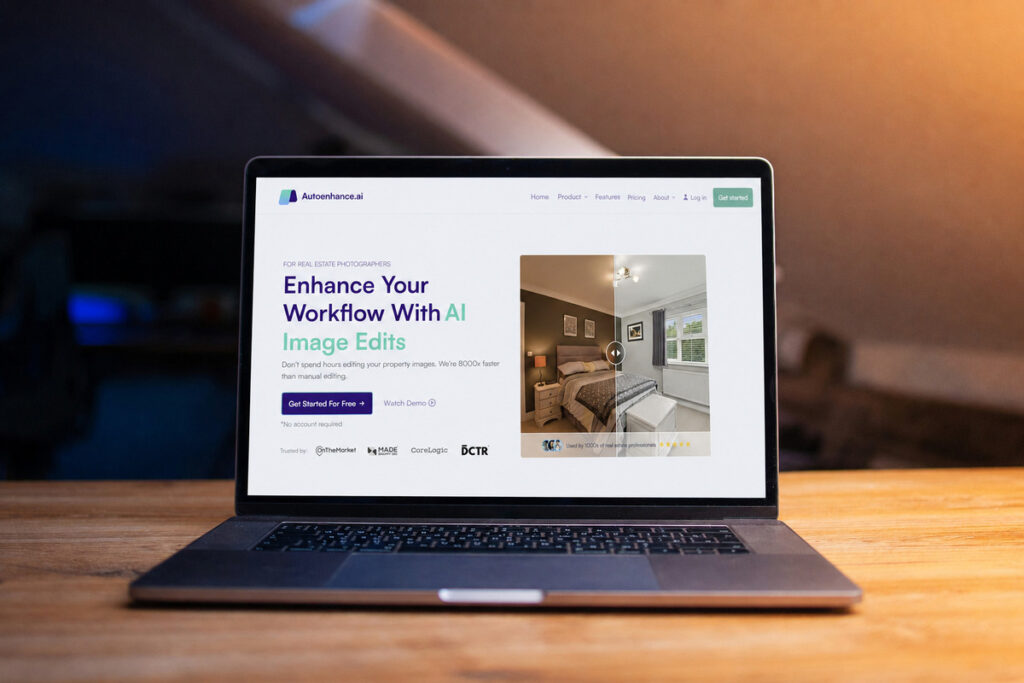
Where it’s strong: the core exposure and color corrections that apply to almost any interior or exterior shot. Batch processing through the dashboard or API also makes it a reasonable fit for studios already running other software they want to connect to.
Where it comes up short: Autoenhance.ai’s own site doesn’t mention virtual staging, and there’s no published detail on maximum batch size, revision policy, or what happens when an edit needs a second pass. For a straightforward listing, that’s rarely an issue. For anything unusual, like a twilight conversion or a luxury property where the client expects a specific look, there’s no stated human checkpoint in the process itself.
Auto HDR: What It Does Well and Where It Falls Short
Auto HDR positions itself around speed and cost.2 Pricing runs $0.37 to $0.50 per image, with a stated 20 to 30 minute turnaround, and the company says its model trained on more than a million professionally edited images.
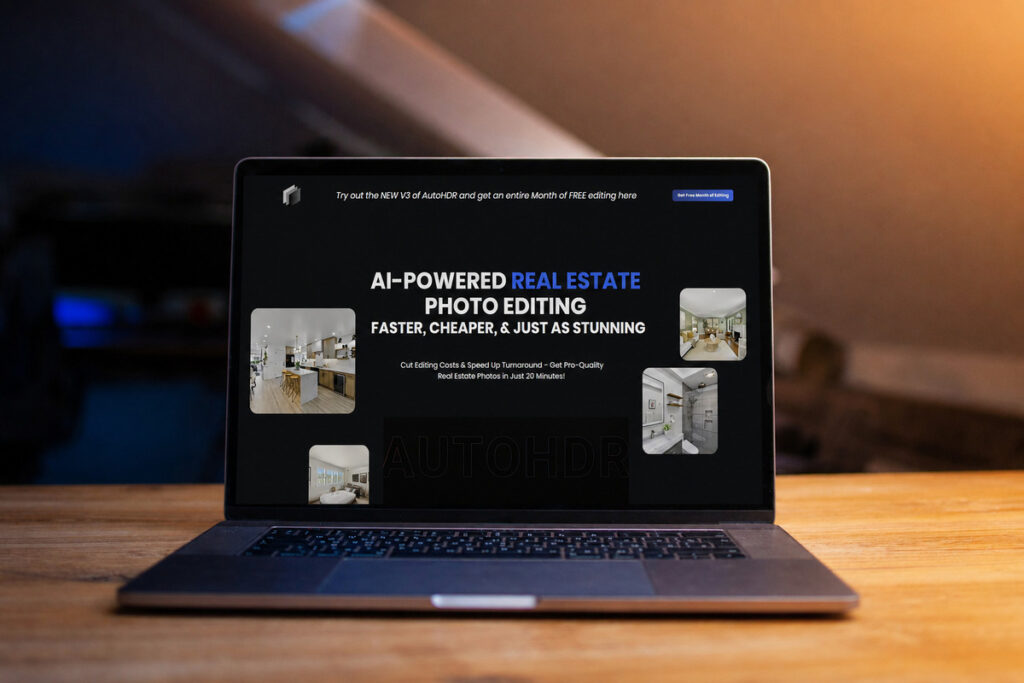
Where it’s strong: the price point and the built-in option for a human editor to refine the AI’s output before delivery. That’s a meaningful detail. Most tools in this space either skip human review entirely or leave it to the photographer to catch problems after the fact.
Where it comes up short: the public site doesn’t spell out specifics on sky replacement, virtual staging, or twilight conversion, so it’s hard to know how the tool handles those judgment calls without testing it directly. The marketing leans heavily on speed and savings, which makes sense for the price point, but it also means less documentation of what the AI actually does on harder shots.
Focus on Photography
We'll Handle the Rest
Save time with a dedicated PhotoUp Coordinator.

Photello: What It Does Well and Where It Falls Short
Photello is a general photo editing app, not a tool built specifically for real estate. It’s aimed at everyday photo enhancement: applying custom effects, adjusting color and tone, and giving casual photos a more polished look.

Where it’s strong: ease of use for basic touch-ups on individual photos, which is exactly what it’s designed for.
Where it comes up short: it lacks real estate-specific features like HDR merging, sky replacement, window pulls, and batch editing. Photello works for general AI editing, but real estate photographers will still need to handle many listing-specific tasks manually.
Imagen: What It Does Well and Where It Falls Short
Imagen treats real estate as a core use case rather than an afterthought.3 The platform covers HDR merge, window pull, sky replacement, perspective correction, and object removal for clutter and reflections. An “AI Assistant” feature extends that to custom edits, including virtual staging and twilight conversion, and the platform is built to keep editing consistent across a team of photographers shooting with different cameras.
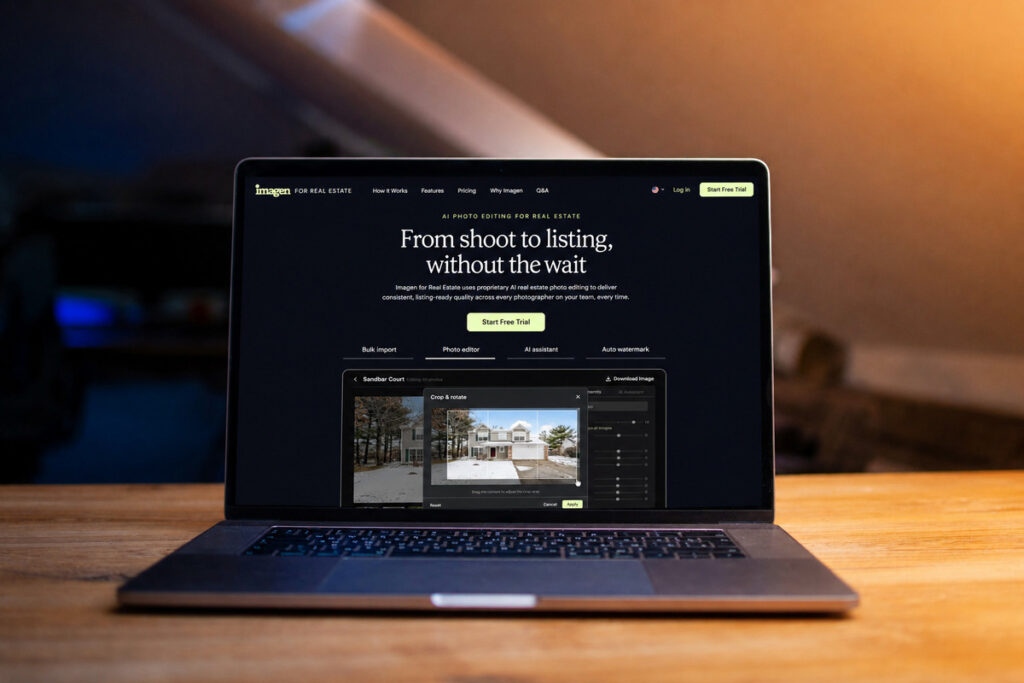
Where it’s strong: breadth. Between the standard automated edits and the AI Assistant’s custom options, Imagen covers more of the harder real estate-specific edits (twilight, staging) than the other three tools list explicitly.
Where it comes up short: Imagen’s own site notes that complex or cluttered scenes may need a human revision, which is included in the service. That’s an honest admission, and it lines up with how every AI real estate photo editing tool on this list actually behaves once a shot gets complicated. Batches also process in under 10 minutes for the first run, but the site doesn’t detail how that scales at high volume.
| Factor | Auto Enhance | Auto HDR | Photello | Imagen |
|---|---|---|---|---|
| Built for real estate | Yes | Yes | No | Yes |
| HDR merge | Yes | Not published | No | Yes |
| Sky replacement | Yes | Not published | No | Yes |
| Window pull | Not published | Not published | No | Yes |
| Virtual staging / twilight | Not published | Not published | No | Yes, via AI Assistant |
| Human review option | Not published | Yes, built in | N/A | Yes, included on complex scenes |
| Turnaround | Minutes | 20-30 minutes | N/A | Under 10 minutes for first batch |
| Pricing model | Not published | $0.37-$0.50/image | Free | Not published |
How to Choose the Right AI Real Estate Photo Editing Tool for Your Workflow
Choose based on your workload, not just the feature list. For standard interiors and exteriors, Auto Enhance and Auto HDR prioritize speed and simplicity. Imagen makes more sense if you regularly need staging, twilight conversions, or a broader set of tools in one platform.
Photello is better suited to general photo editing. Without HDR merge, sky replacement, or batch handling, it lacks the core features most real estate photographers need.

Also consider price and human review. A slightly slower tool with built-in QA can save more time than a faster option that leaves every final check to you.
What None of These Tools Should Handle Alone
Every AI real estate photo editing tool has limits. Complex sky replacements, irregular rooflines, and twilight conversions still benefit from human judgment to keep the final image realistic and believable.

Luxury listings raise the bar further, since client expectations tend to be more exacting and less standard. Mixed-light interiors that need local adjustments, and any recurring client with a specific, non-standard style, round out the list.
None of that means the AI is failing. It means the AI is doing the 80% it’s actually good at, consistently and fast, while the 20% that requires judgment still needs a person paying attention.
How PhotoUp Helps You Implement Any of These AI Photo Editing Tools
PhotoUp works alongside your chosen AI real estate photo editing tool rather than replacing it. A PhotoUp Coordinator helps configure the right tool for your workflow and adds human QA where AI still needs oversight.
Browse Top Dedicated
Real Estate Photo Editors
Ready-to-hire editors for real estate photo editing, and more.
The AI handles repeatable edits, while the Coordinator reviews results, manages exceptions, and adjusts the workflow as your volume or listing needs change.
Get Started With an AI-Assisted Real Estate Editing Workflow
A PhotoUp Coordinator handles the setup and the ongoing QA:
- Reviews your current shoot volume and listing types to recommend the right AI real estate photo editing tool, or combination of tools
- Configures the tool and connects it to your existing delivery process
- Runs a human QA checkpoint on every image before it reaches the client
- Adjusts the setup as your tools, volume, or listing mix change
Focus on Photography
We'll Handle the Rest
Save time with a dedicated PhotoUp Coordinator.
Why work with PhotoUp: a dedicated Coordinator who stays platform-agnostic and focuses on what actually fits your studio, not a vendor pushing one product, backed by real estate photo editing experience since 2011.
How to get started:
- Talk to a PhotoUp Coordinator about the AI tools you’re using or considering
- Get a walkthrough of how the QA checkpoint would work for your typical listings
- Test the setup on a small batch before rolling it out across your full volume
Get an AI workflow review from a PhotoUp Coordinator.
Related Articles:
- AI-Powered Real Estate Photo Editing Services for Photographers
- How to Combine AI and Manual Real Estate Photo Editing for Fast & Flawless Results
- AI Virtual Home Staging Software Checklist: 7 Things to Evaluate Before Choosing a Platform
- How to Use Real Estate Photo Editing to Sell Homes Faster in 2026
- Edit Hundreds of Real Estate Photos Faster with the Right AI
References: