In the competitive world of real estate marketing, time is money. As a real estate photographer, the faster you can deliver stunning, high-quality photos, the more clients you can serve — and the more your business can grow.
But let’s face it: real estate photo editing can be a time-consuming bottleneck. Between balancing lighting, correcting colors, and perfecting compositions, hours can disappear in front of your computer.
The good news? With the right systems and strategies, you can streamline your workflow and cut editing time dramatically —without sacrificing quality.
In this article, we’ll share 7 powerful workflow hacks that will help you edit real estate photos faster and more efficiently. We’ll also cover a solution to speed up your editing by 10x times.
Let’s begin by explaining why real estate photographers can never skip editing.
Why Real Estate Photographers Can’t Skip Editing❗
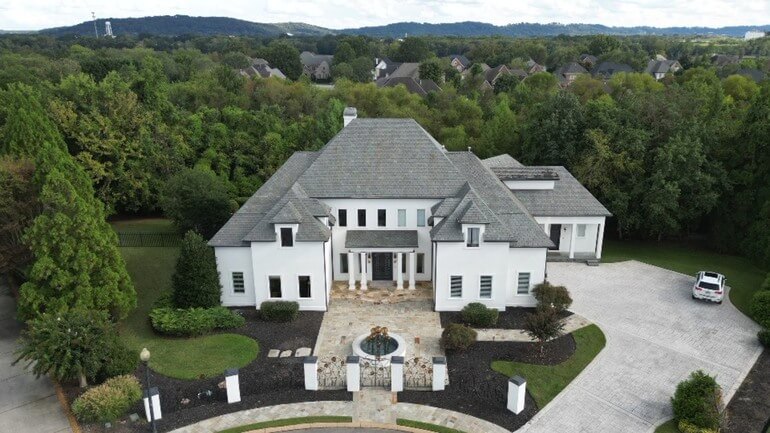
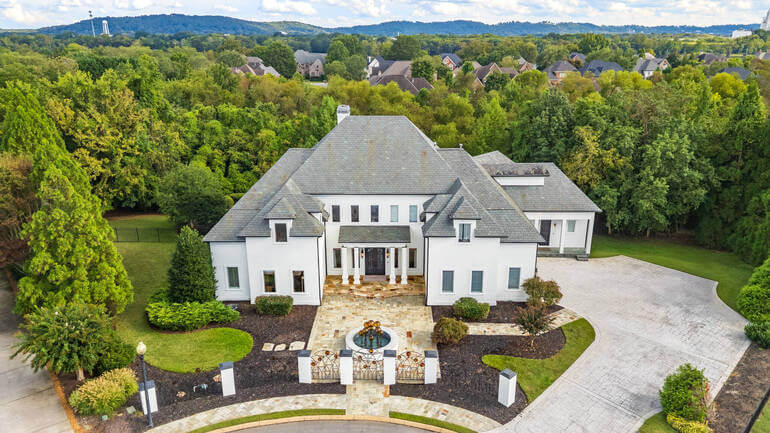
In today’s fast-paced real estate market, first impressions are everything. Studies show that 100% of buyers search online for their new home.
A potential buyer will decide within seven seconds whether a listing is worth exploring further—and the photos are the first thing they see.
In fact, 85% of homebuyers consider photos the most critical factor when evaluating a property online.
Even if you’re an expert with a camera, there are many factors you can’t fully control during a shoot, such as:
- Poor or uneven lighting
- Cluttered rooms or distracting objects
- Dull skies that make outdoor shots look flat
- Colors that don’t reflect the true look of a space
- Distorted angles from wide-angle lenses
- And more!
This is where real estate photo editing becomes essential.
Real Estate Photo Editing Helps Sell the Lifestyle, Not Just the Property
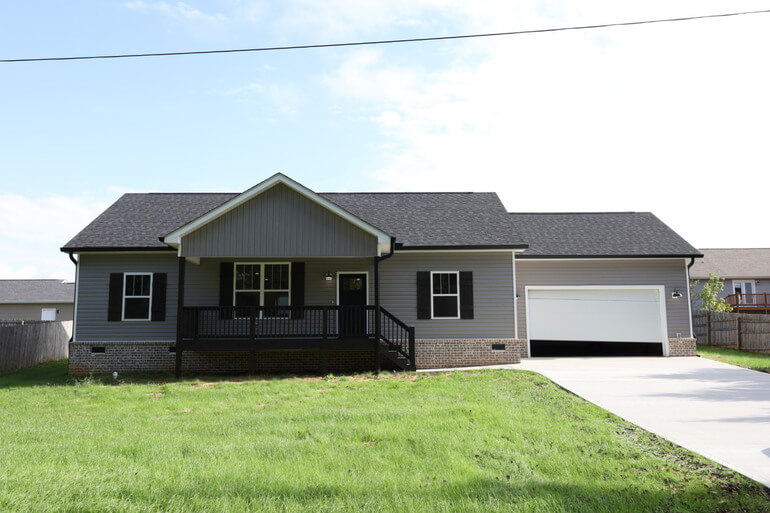
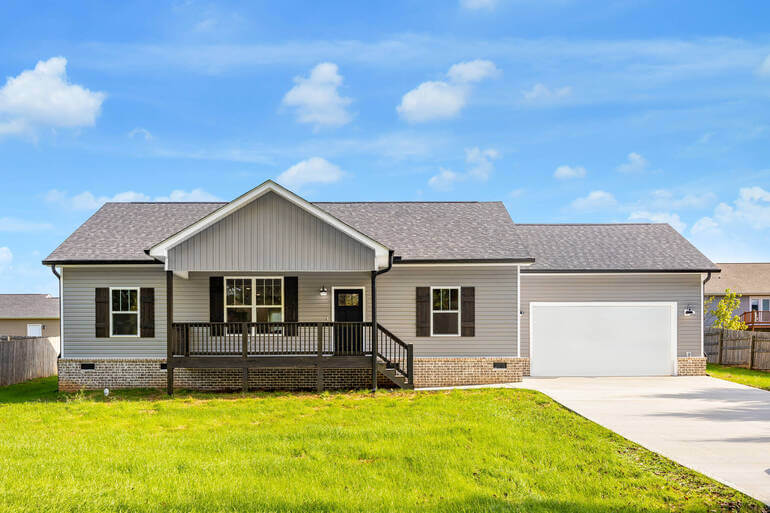
A home isn’t just four walls — it represents a lifestyle and a dream. Through careful editing, you can transform ordinary images into compelling visuals that evoke emotion and inspire buyers to take action.
For example:
- Sky replacements can turn a gloomy day into a perfect sunny afternoon
- AI Virtual staging can show the potential of an empty space
- And color correction can make interiors feel warm and inviting
Without editing, your images may fail to capture the true beauty of a property, causing buyers to scroll past the listing entirely.
The Professional Edge
In a crowded marketplace, edited photos help you stand out as a professional photographer.
They show clients that you take pride in your work and understand the nuances of marketing a property effectively.
Skipping editing isn’t just risky — it can damage your reputation and result in fewer repeat clients. In short, editing isn’t optional; it’s a critical step in your workflow.
Now that we understand why editing matters, let’s look at how to speed up the process without compromising quality.
The Ultimate All-in-One
Real Estate Photographer Business Platform
Grow a successful real estate photography business with PhotoUp.

7 Real Estate Photo Editing Workflow Hacks

Here are 7 powerful workflow hacks that will speed up your editing process, allowing you to dedicate more time to shooting properties.
1. Use Presets for Consistency and Speed 🎨
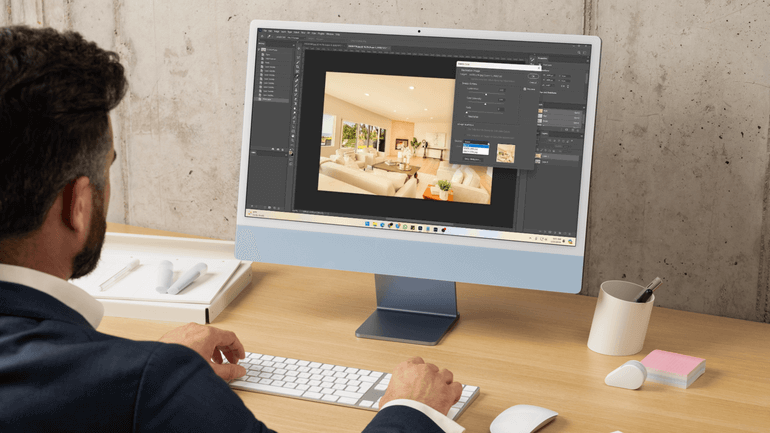
One of the easiest ways to cut down editing time is to create or download custom presets in Lightroom or Photoshop.
Presets enable you to apply consistent adjustments, such as exposure, white balance, and contrast, across multiple photos with a single click.
For example, if you regularly shoot interiors with lots of natural light, you can save a preset that automatically boosts shadows, adjusts highlights, and corrects white balance for warm, indoor tones.
Why this works:
- It speeds up repetitive edits
- It also maintains a consistent style across all your work, which builds your brand as a photographer
Pro tip: Create different presets for various lighting conditions, such as twilight shoots, cloudy days, or sunny exteriors, so you’re always ready to go.
2. Batch Edit Similar Photos⚡
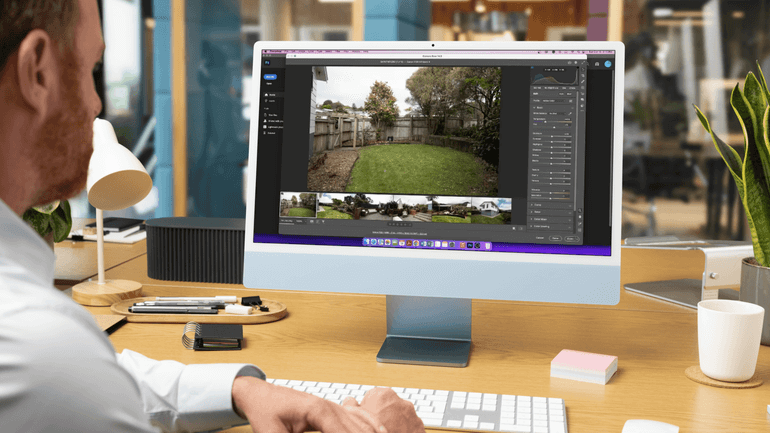
Instead of editing each photo individually, take advantage of batch editing features.
In Lightroom, for instance, you can edit one photo and then sync those adjustments across a whole series of similar shots.
This is especially useful for real estate shoots, where many photos are taken in the same room or lighting environment.
Here’s how to do batch editing in Lightroom:
- Edit one photo until it looks perfect
- Select the rest of the similar photos
- Hit “Sync” to apply the same adjustments instantly
This hack can cut your editing time in half while maintaining consistency throughout the shoot.
3. Master Keyboard Shortcuts ⌨️
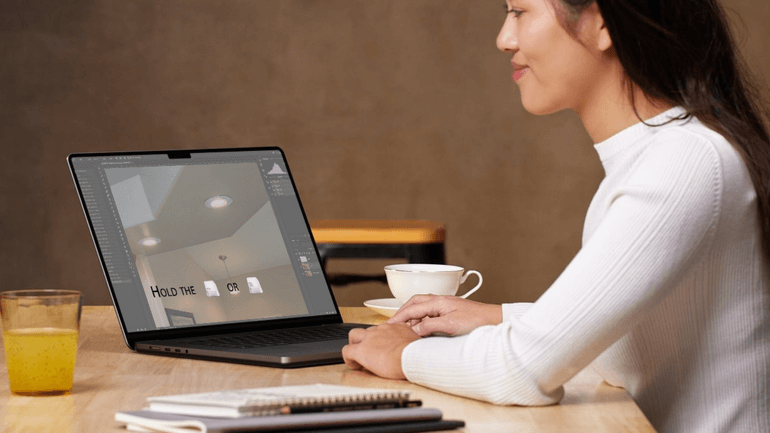
If you find yourself constantly reaching for your mouse to click through menus, you’re losing valuable seconds with every action.
Multiply that by hundreds of photos, and you could be wasting hours each week. By memorizing keyboard shortcuts, you can navigate your editing software much faster.
Here are some keyboard shortcuts that will help you save time in Lightroom:
- R for crop
- D for develop module
- \ to toggle before/after view
Additionally, here are useful keyboard shortcuts for Photoshop:
- Ctrl + J (Cmd + J on Mac) to duplicate layers
- B for brush tool
- E for eraser
Pro tip: Print out a cheat sheet of shortcuts and keep it near your workstation until they become second nature.
4. Automate Repetitive Tasks 🤖
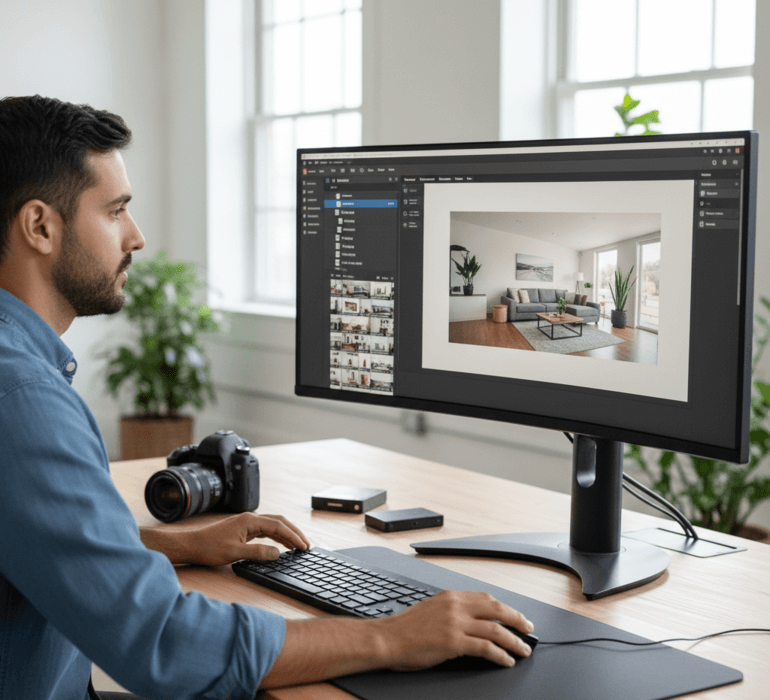
Automation is a game-changer when it comes to real estate photo editing. Many software tools allow you to automate routine actions using scripts or macros.
For example:
- Create a Photoshop action to automatically resize images for MLS requirements
- Use Lightroom to export photos with watermarks and file naming conventions in bulk
- Set up folder rules so images automatically sort into “Exteriors,” “Interiors,” and “Twilight” as soon as you import them
By automating repetitive tasks, you can focus on creative editing instead of tedious busywork.
5. Invest in a Calibrated Monitor 🖥️
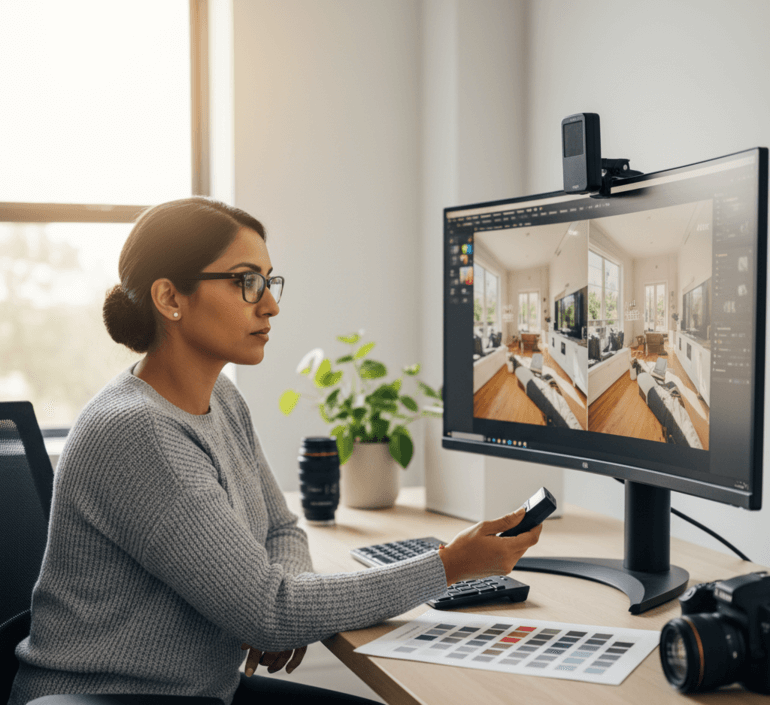
One often-overlooked way to speed up editing is to get it right the first time.
A poorly calibrated monitor can make colors appear inaccurate, leading to endless tweaking and back-and-forth adjustments.
Consider these benefits of a calibrated monitor:
- Less guesswork when adjusting colors and white balance
- Faster editing since you don’t need to second-guess your choices
- Consistent results across different screens and devices
Overall, a calibrated monitor ensures you’re seeing true-to-life colors, which is critical for real estate photos where buyers expect accurate representations of properties.
6. Create a Structured File Management System
Nothing slows down editing more than digging through disorganized folders trying to find the right images.
A clean, structured file management system can save you hours every month.
Here’s a simple structure to try:
- Main folder: Client Name_Date
- Subfolders: Raw, Edits, Finals, MLS-Ready
By keeping files organized from the start, you’ll spend less time searching and more time editing.
Pro tip: Name your files consistently using property addresses or MLS numbers to make them easy to locate later.
Have You Ever Thought To
Outsource Photo Editing?
Try it today with 5 free edits from three professional photo editors.
7. Outsource to a Professional Real Estate Photo Editing Team 🚀

Even with the best workflow hacks, real estate photo editing can still take up a huge portion of your time.
If you want to grow your business, your focus should be on shooting, networking, and serving clients — not getting stuck behind a computer screen.
That’s where outsourcing comes in!
Partnering with a professional editing team like PhotoUp can 10x your efficiency, allowing you to deliver stunning, polished images without spending hours in post-production.
Browse Top Dedicated
Real Estate Photo Editors
Ready-to-hire editors for real estate photo editing, and more.
Why PhotoUp?
| Fast turnaround times of 12-24 hours for basic editing and 48 hours for virtual staging so that you can impress clients. |
| Expert Dedicated Editors skilled in real estate-specific techniques. |
| Affordable rates that let you scale your business without hiring in-house staff. |
| A full suite of services, including AI virtual staging, virtual tours, twilight conversions, object removal, property websites, and much more! |
By outsourcing, you can reclaim your time, take on more clients, and ultimately boost your income.
Conclusion
Speeding up your real estate photo editing doesn’t mean cutting corners — it’s about working smarter, not harder.
By implementing these 7 workflow hacks, you’ll streamline your editing process, deliver higher-quality photos, and free up time to focus on growing your photography business.
And when you’re ready to supercharge your productivity, PhotoUp is here to help.
With their professional editing team, you can turn around stunning real estate photos 10x faster and position yourself as the go-to photographer or agent in your market.
Stop letting photo editing slow you down—sign up for a free PhotoUp account today, and start scaling your business!
For a limited time, you even get 10 free credits that you can use on any of our services when signing up for an account.
We hope this blog post provided you with useful workflow hacks to speed up the real estate photo editing process and grow your business at record speed. Before you go, you may also want to check out the following resources: