Table of Contents
- Why an Empty House Is Harder to Show
- How to Stage an Empty House: The Order That Works
- Where This Fits in an AI-Plus-Human Workflow
- Stage Empty Listings With a Human Review Built In
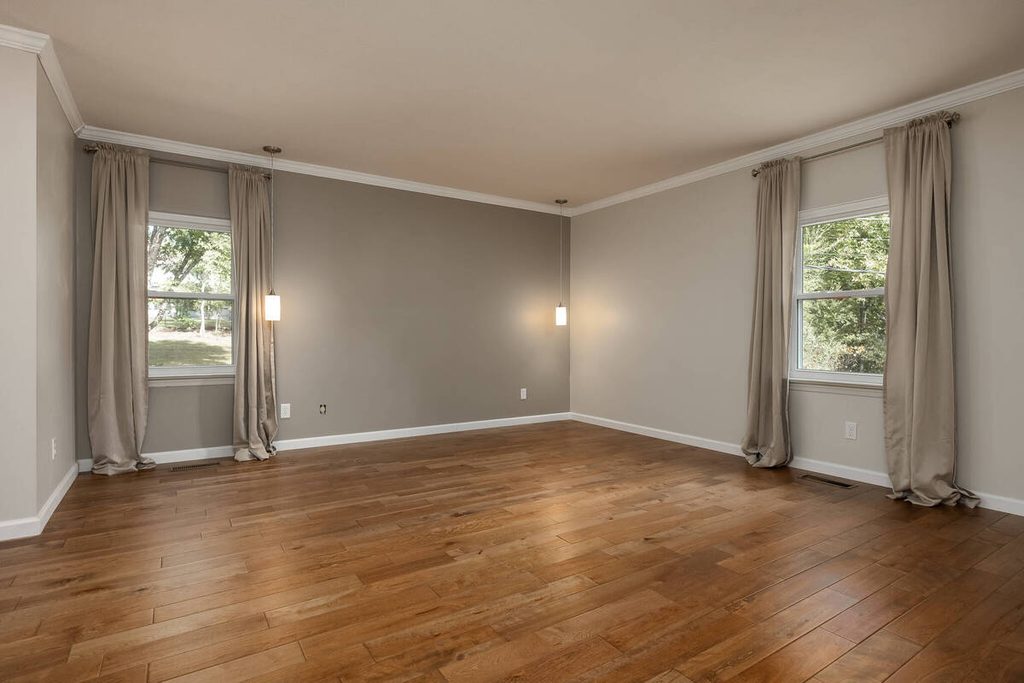
An empty room photographs as a box. Buyers can see the floor and the walls, but they can’t tell whether a bed or a dining table fits.
That’s the problem staging solves. The order you do it in matters just as much.
Here’s how to stage an empty house for listing photos: correct the photos first, stage each room, then review the result before it goes out.
Why an Empty House Is Harder to Show
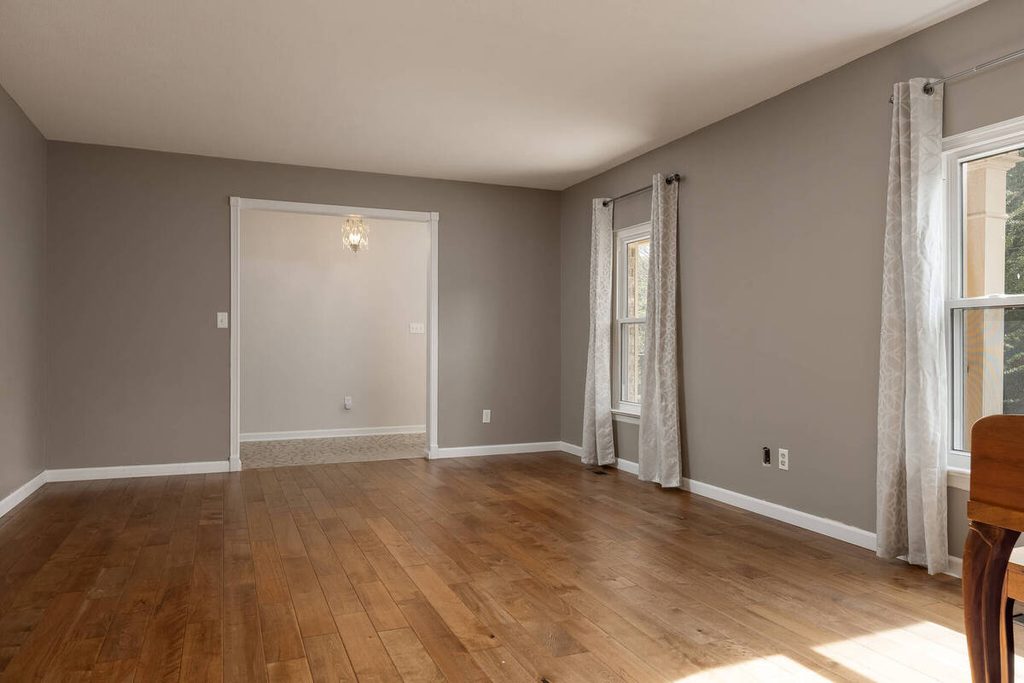
Without furniture, buyers have to guess how a space works. Redfin notes that empty rooms can look smaller than they are, and buyers struggle to tell whether their own furniture will fit.1 A furniture-rental executive quoted in the same article says the lack of visual cues makes it harder to grasp a space’s scale, purpose, and emotional potential.
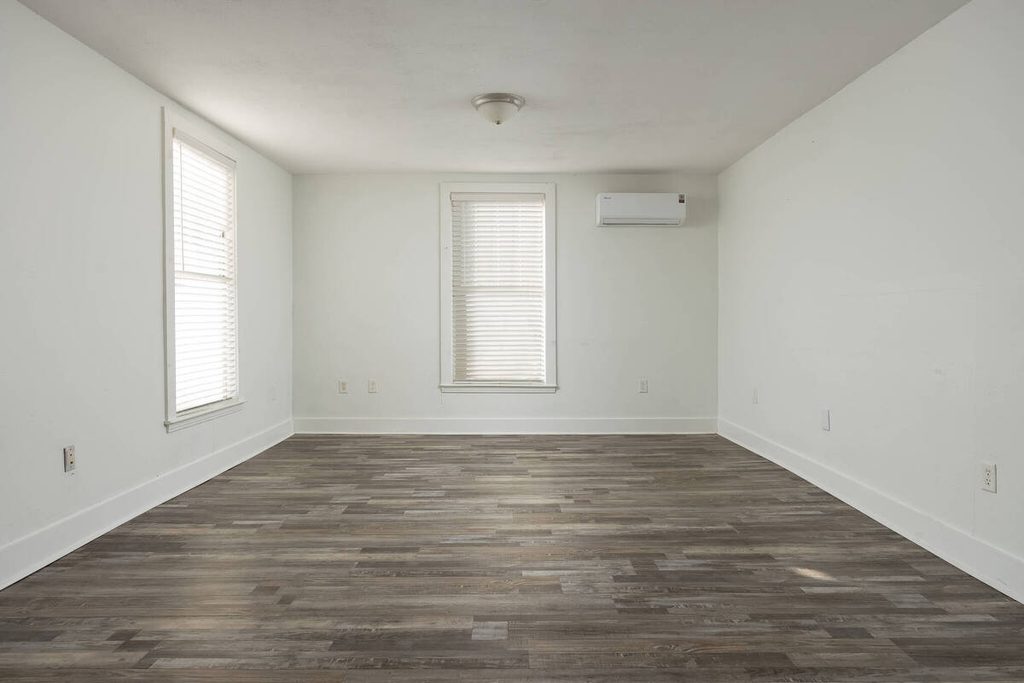
Flaws also stand out more. Scuffs, uneven flooring, and outdated fixtures have nothing around them to soften the view.
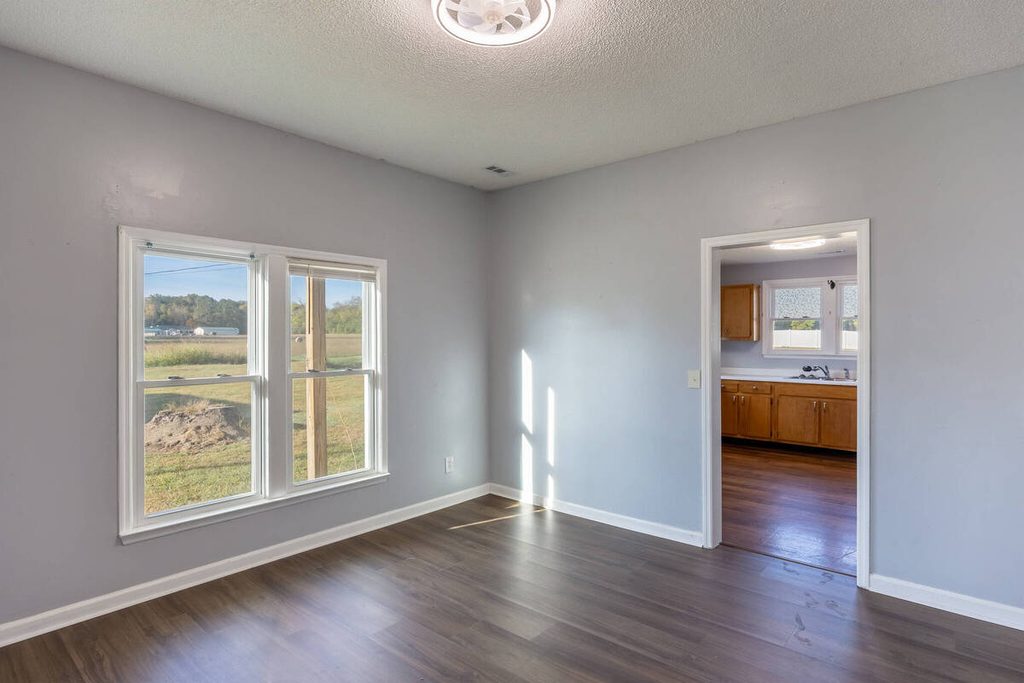
That’s why how to stage an empty house is as much a photo question as a furniture one: the room needs a clean, accurate photo and furniture that shows scale.
How to Stage an Empty House: The Order That Works
Staging works best as a sequence. Here are the three steps for how to stage an empty house:
| 1. Correct the photos: Straighten verticals and balance the exposure so the room is accurate before anything is added. |
| 2. Stage each room: Add furniture sized to the real space, starting with the rooms buyers care about most. |
| 3. Review before delivery: Check the scale, light, and labeling, and fix anything that looks off. |
Skipping the first step is the common mistake. Furniture placed on a leaning wall or a stretched corner inherits the problem.
Focus on Photography
We'll Handle the Rest
Save time with a dedicated PhotoUp Coordinator.

Step 1: Correct the Photos Before You Stage Them
Wide-angle lenses are standard in real estate photography, and they come with distortion. HomeJab calls wide-angle lenses the main reason behind perspective distortion, and says tilting the camera upward makes vertical lines lean inward.2 In an empty room that matters more, because there are no objects to distract from a crooked wall.
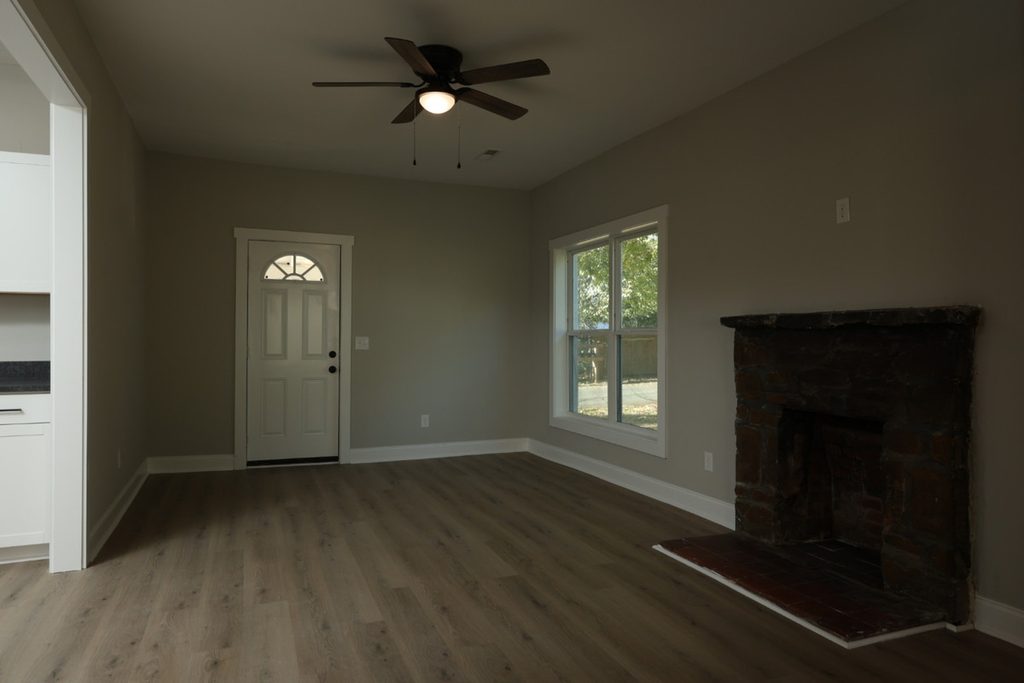
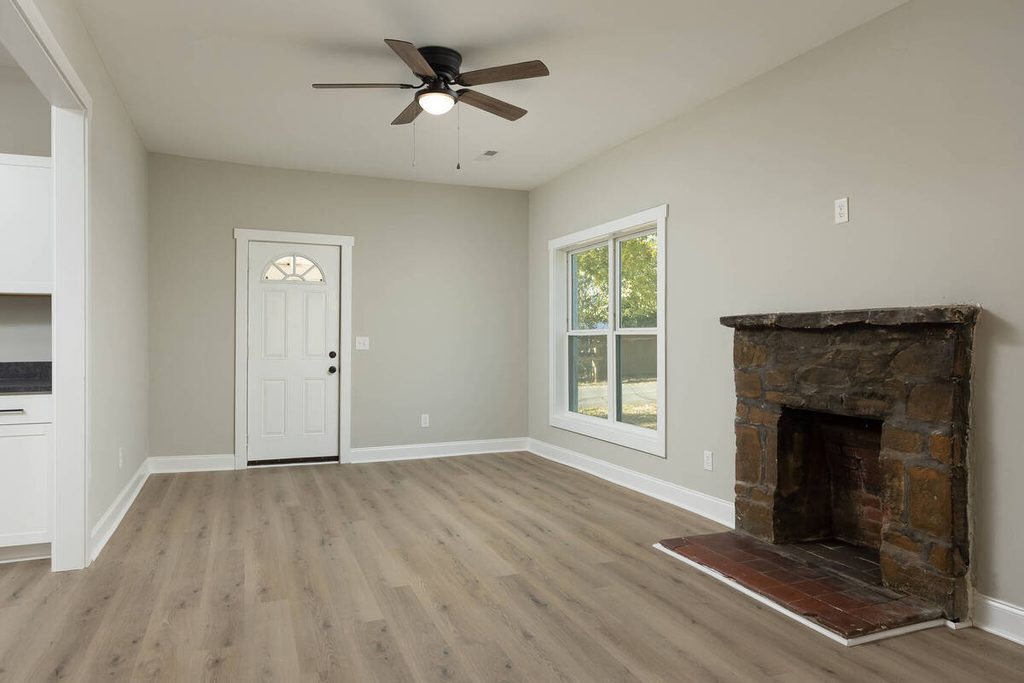
Automatic perspective correction handles the routine version of this. Lightroom’s Upright, for example, offers an Auto mode that Adobe describes as correcting vertical and horizontal distortion while balancing the overall image.3 AI perspective correction tools aim to do the same thing across a whole gallery in seconds.
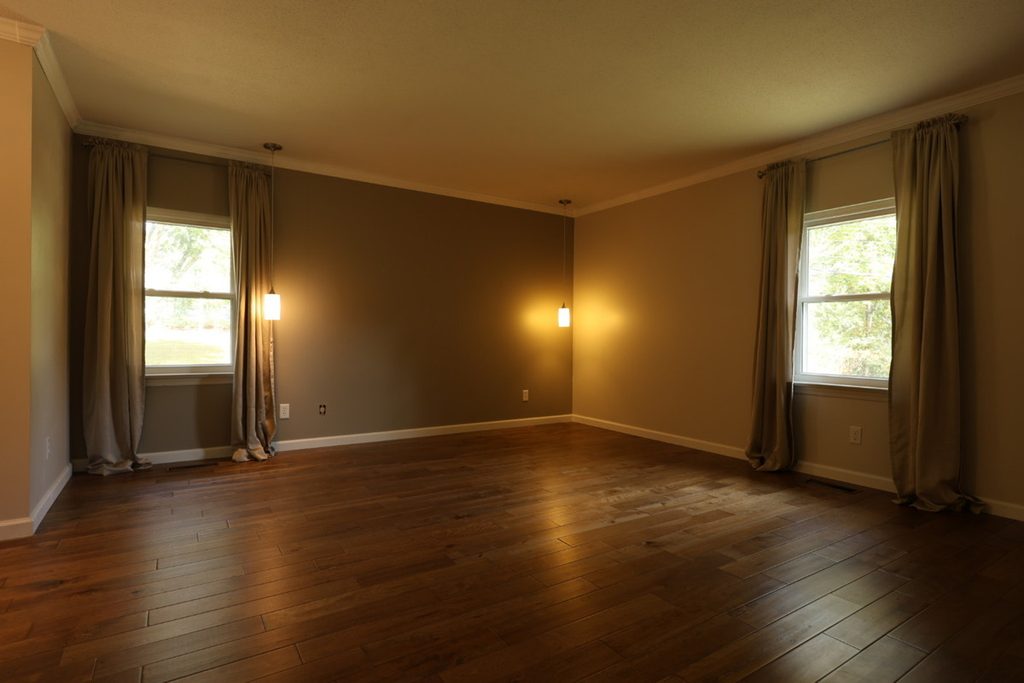
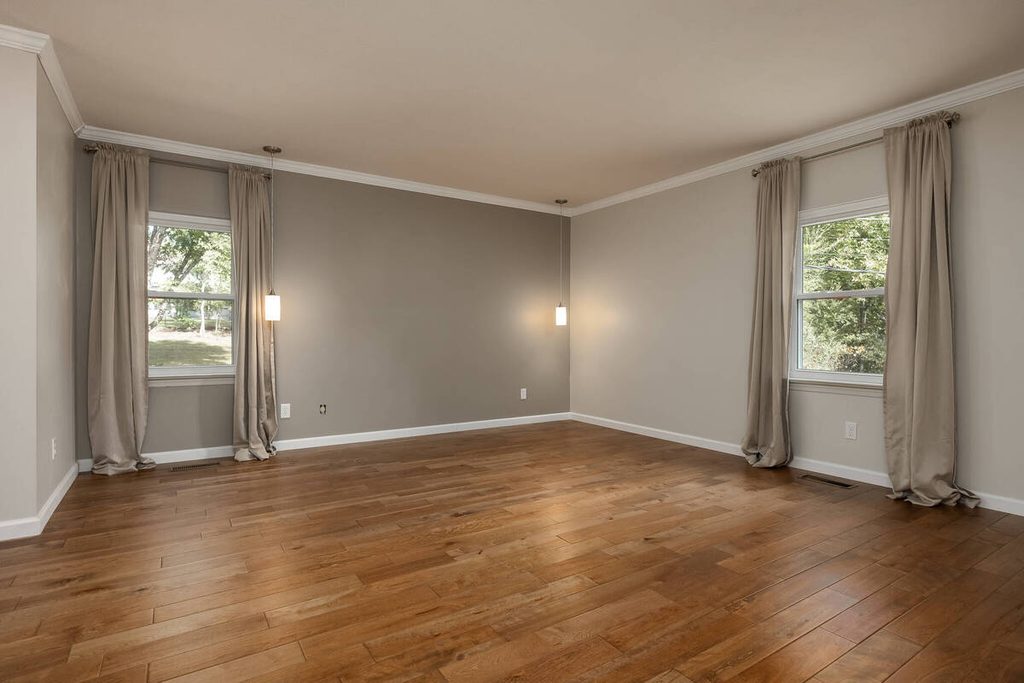
It works well on standard rooms with clear lines. It’s less reliable where a person needs to judge the result:
| Stretched corners: Strong correction on a wide-angle shot can make a room look wider or longer than it is. |
| Competing lines: A sloped ceiling, a built-in, or an arch can confuse a tool that assumes every line should be straight. |
| Cropping: Major corrections can crop edges, as HomeJab notes, which may remove part of the room. |
| Tone shifts: Warping can make some areas look darker or lighter, so exposure may need a second pass. |
Adobe itself says the best Upright setting varies from one photo to another. HomeJab recommends fixing perspective first, then adjusting exposure.
Step 2: How to Stage an Empty House Room by Room
Start with the rooms that influence buyers most. Redfin points to the living room, the primary bedroom, and the dining area, and those are also the rooms PhotoUp stages. For each one, the goal is to show how much fits comfortably.
- Living room: Keep it open, bright, and welcoming, since it’s often the first space buyers see. Use a rug and one clear seating group to define the space, especially in open floor plans.
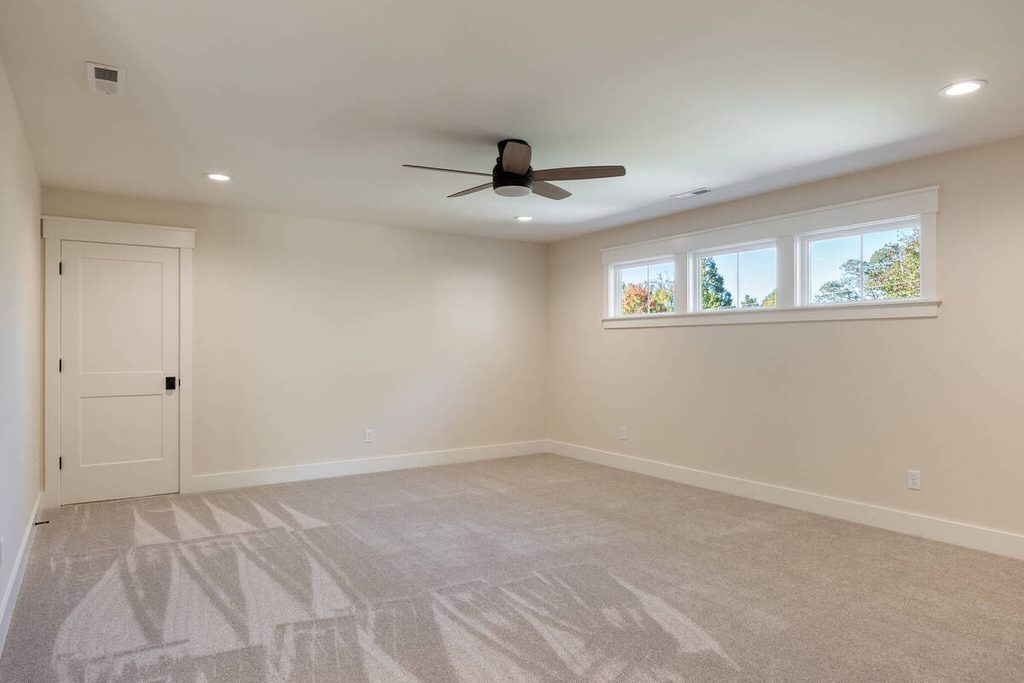
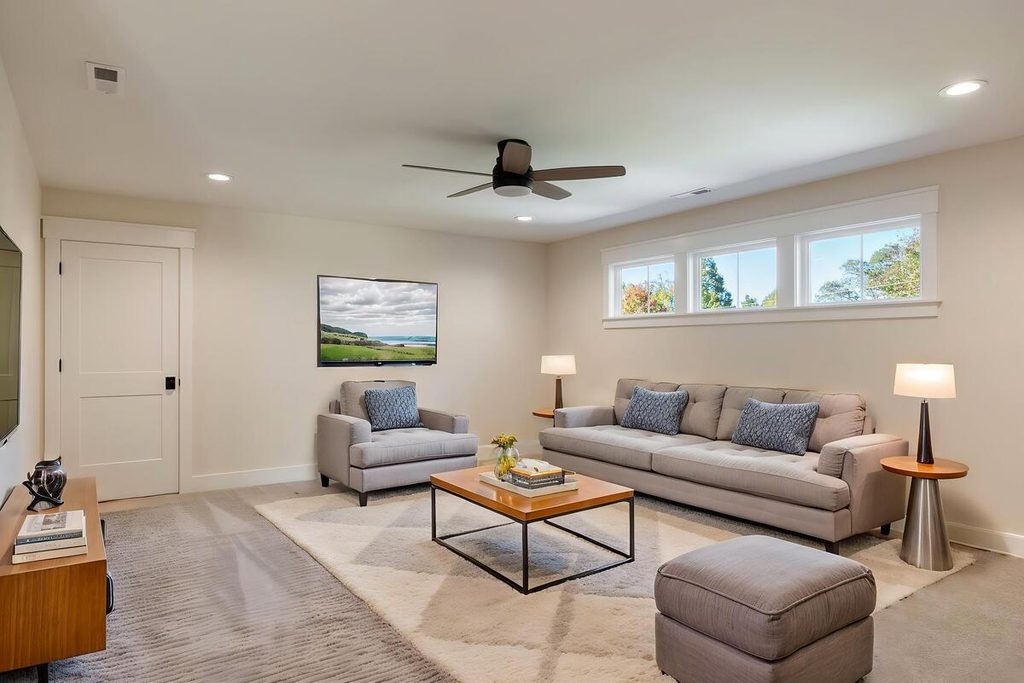
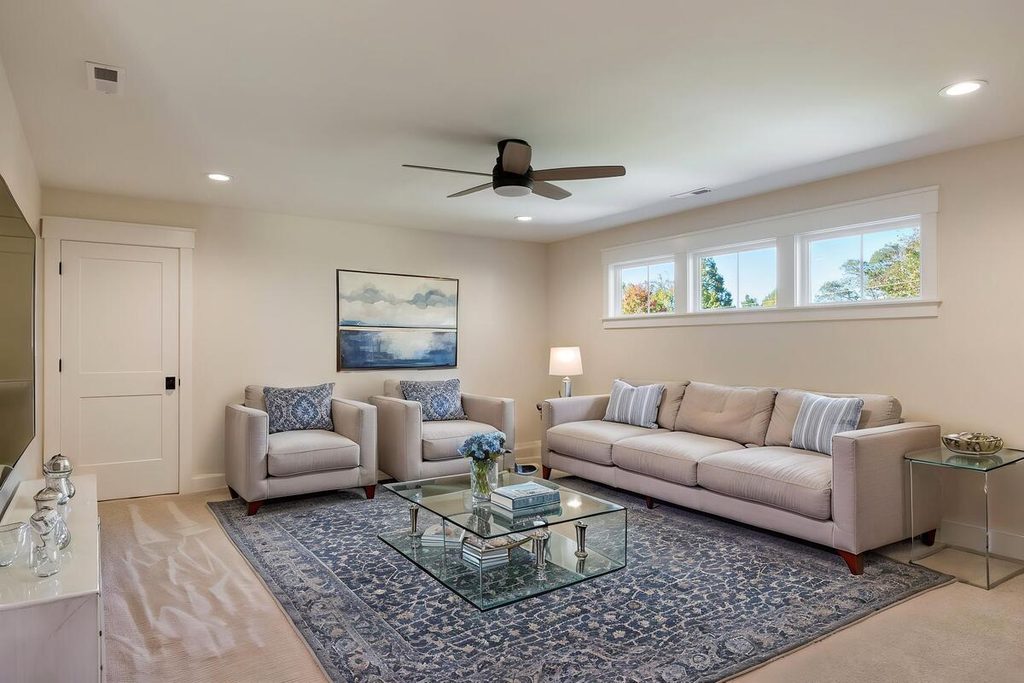
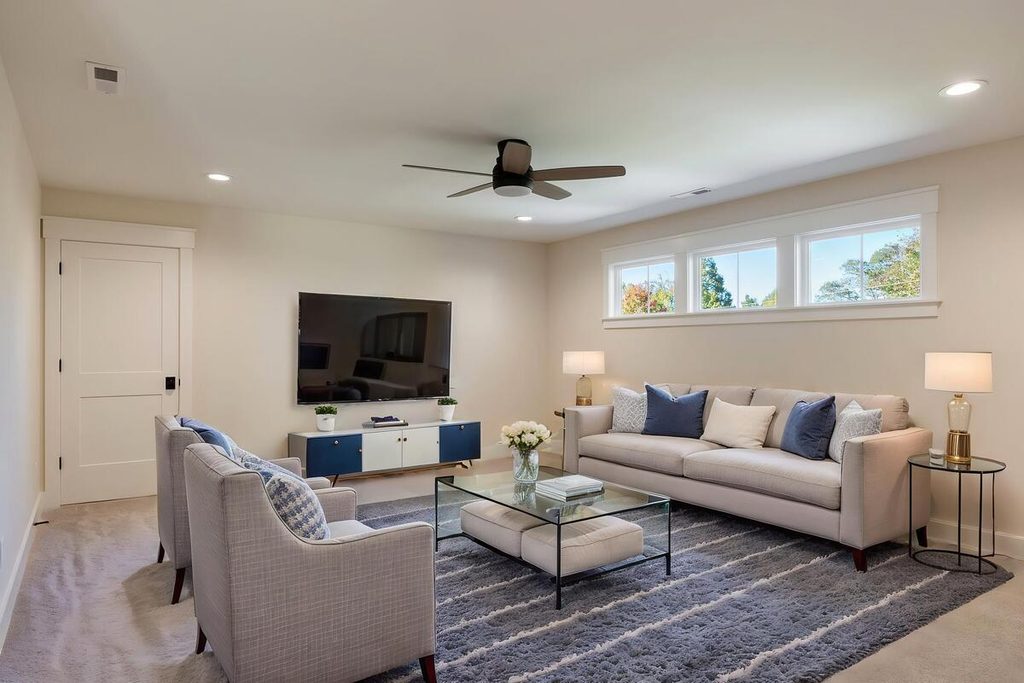
- Primary bedroom: Aim for a calm, neutral look. Make sure the bed fits the room, as placing a king bed in a space designed for a queen is one of the common virtual staging mistakes to avoid.
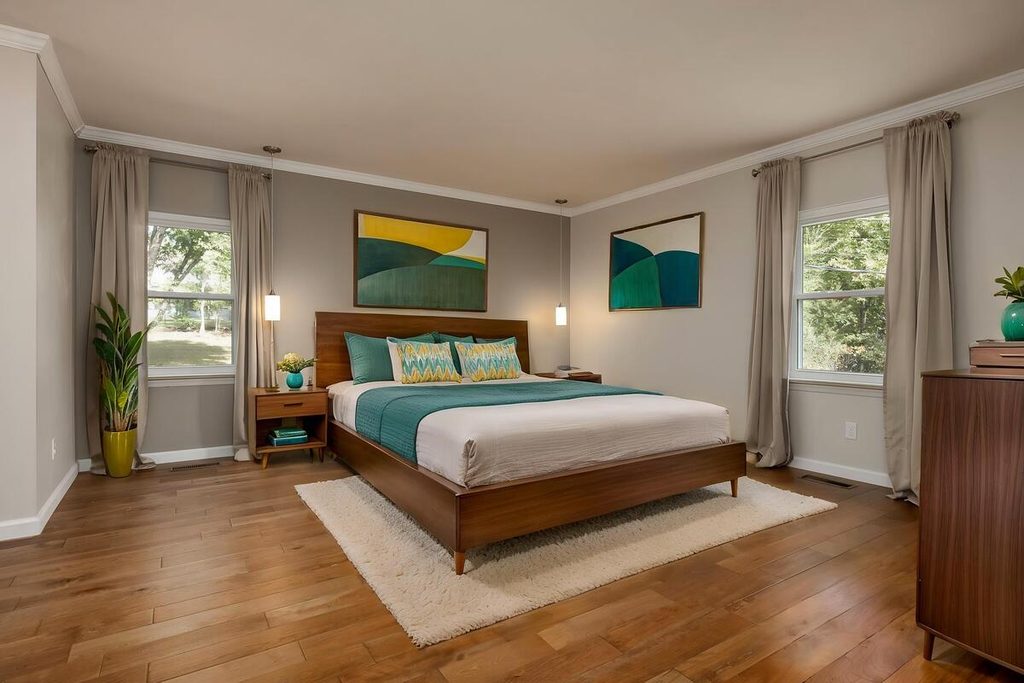
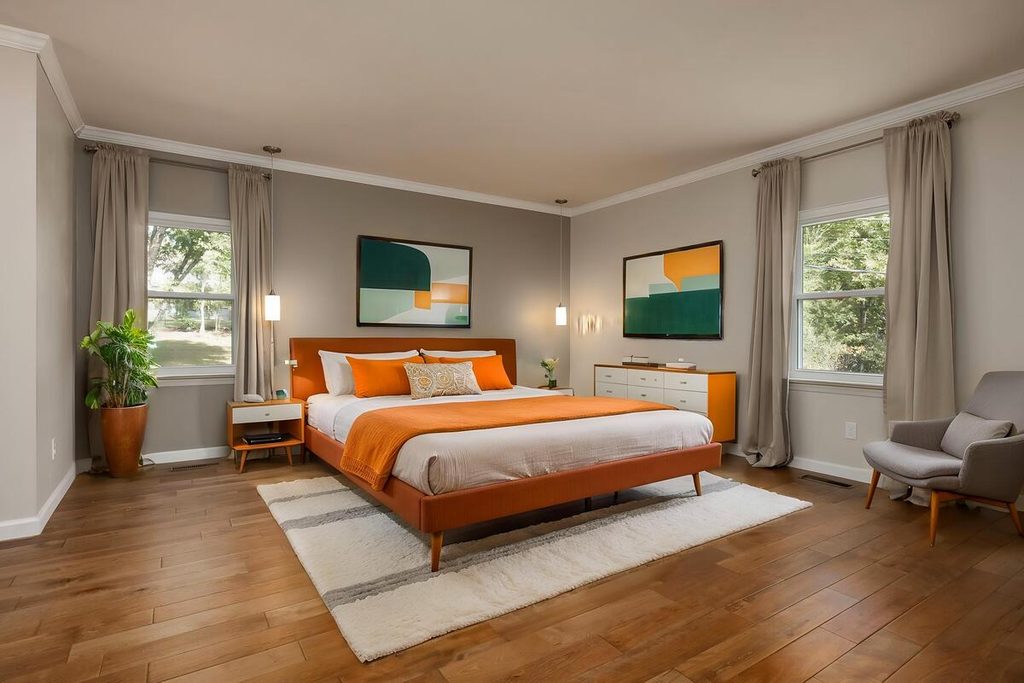
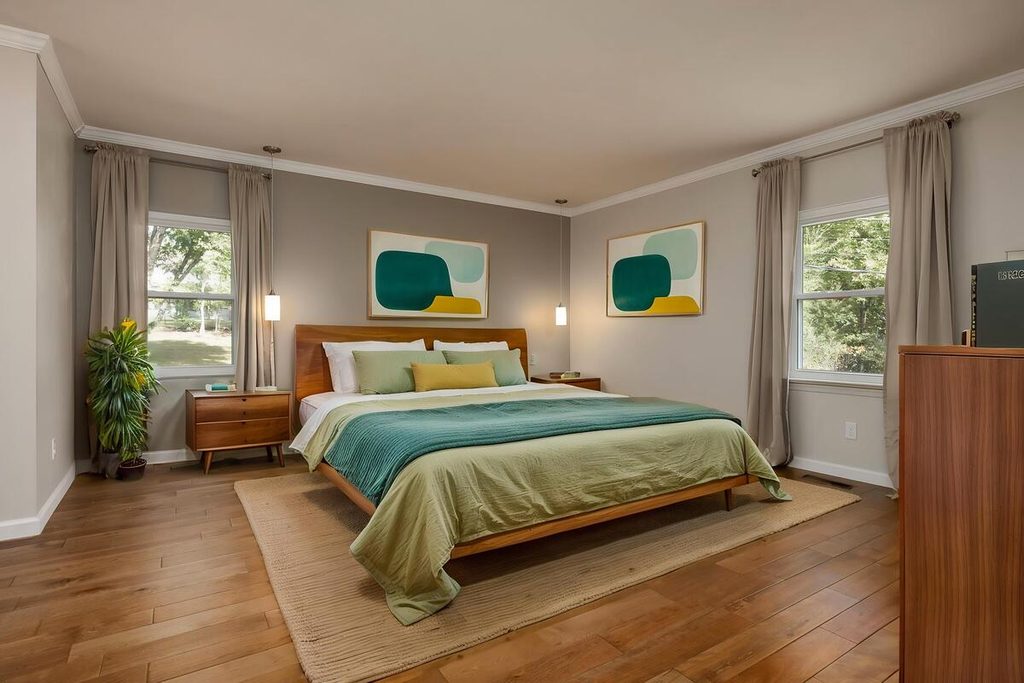
- Dining area: A table defines where the eating space starts. When staging a dining room, consider table size, chair count, and clearance to create a functional, balanced space.
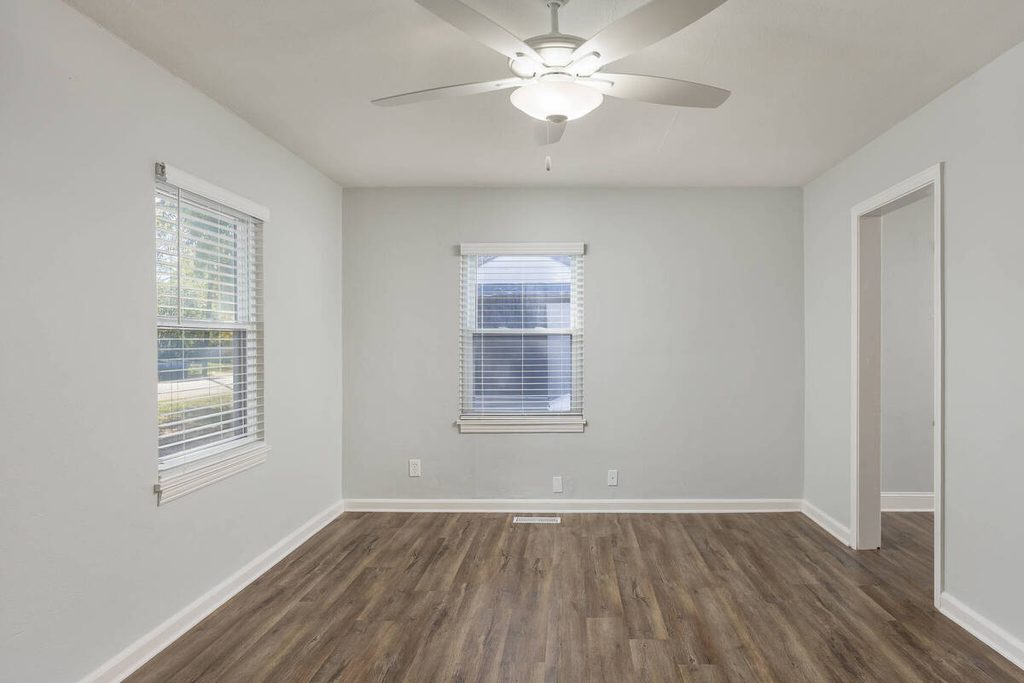
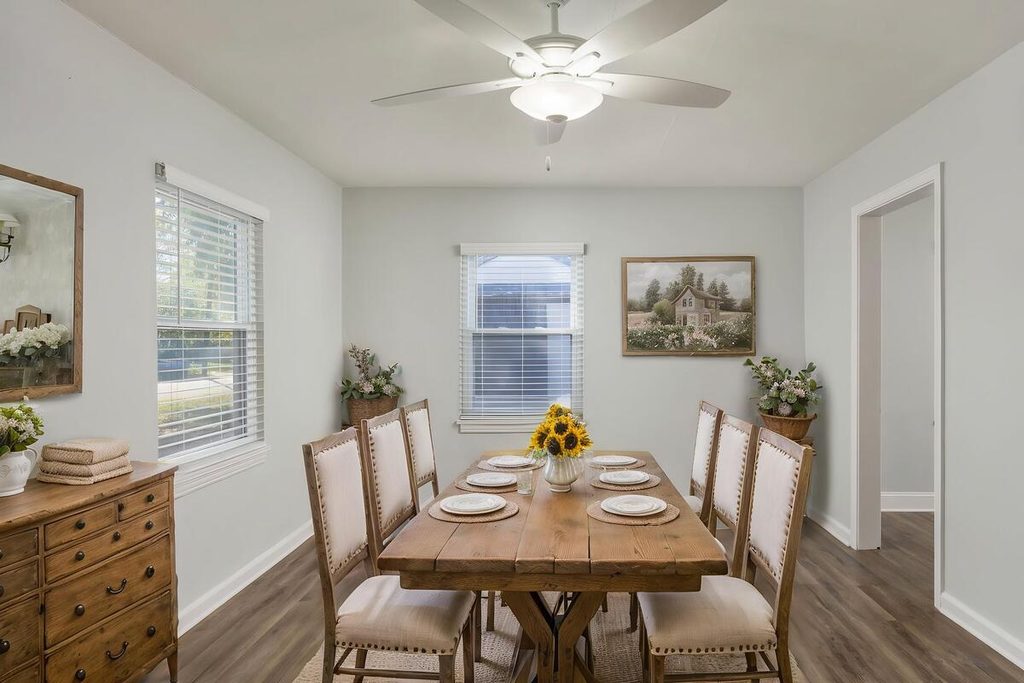
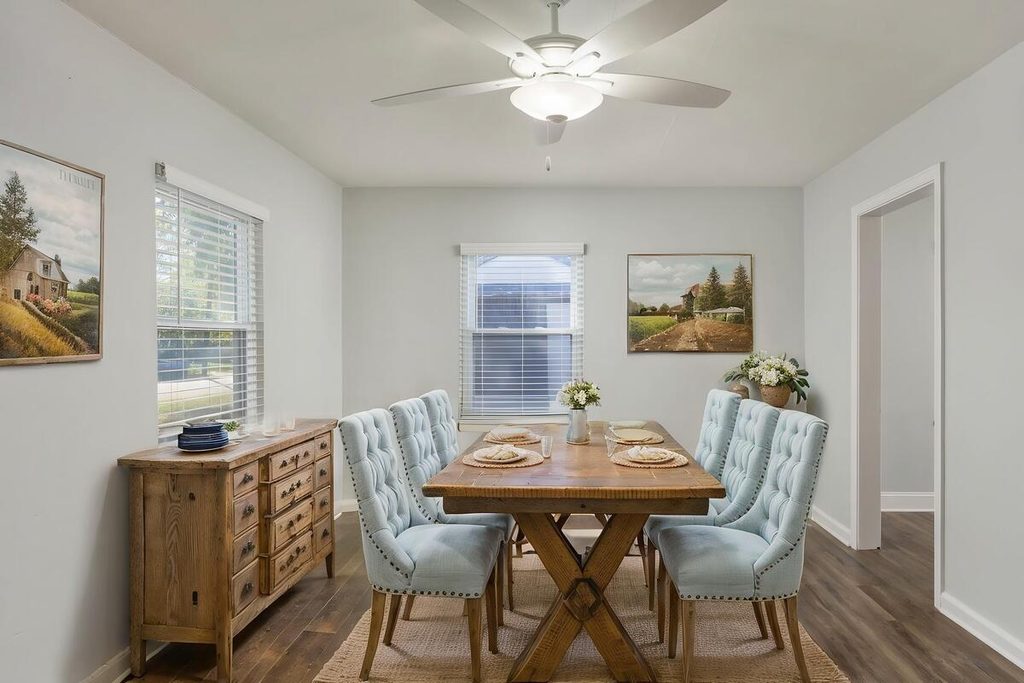
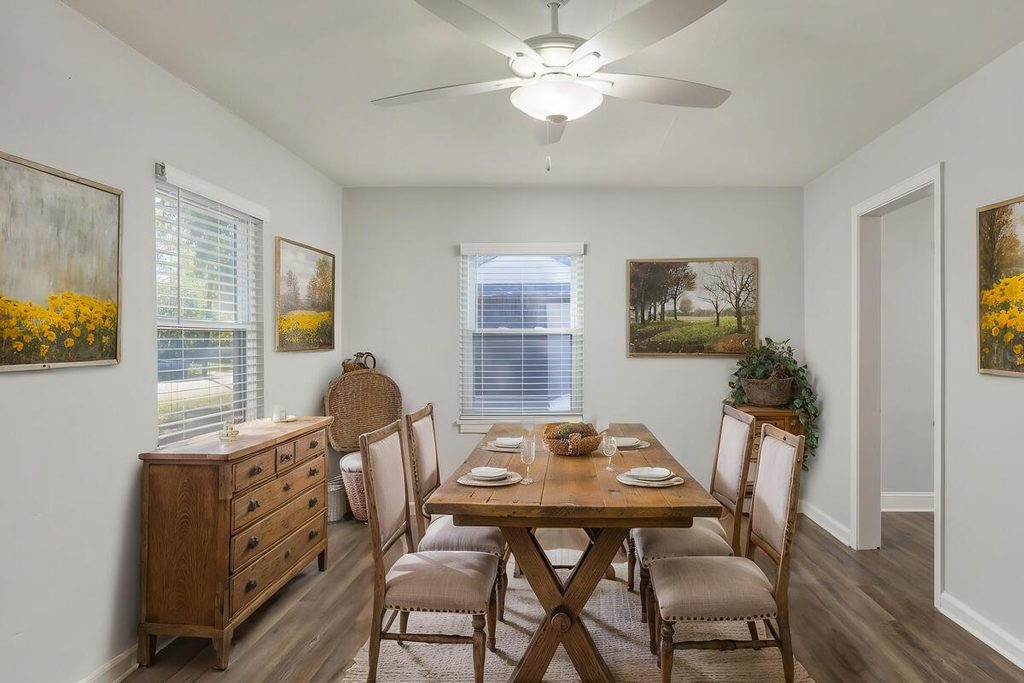
Across all three, keep the palette neutral and the furniture minimal. One focal grouping per room reads better than a showroom.
Step 3: Review Before You Deliver
A staged empty room needs a final check, and it needs a person to do it. Here’s the routine:
| 1. Check the verticals again: Walls, door frames, and furniture edges should line up. |
| 2. Check furniture scale: The table, bed, and sofa should fit the real dimensions of the room, not just look good. |
| 3. Check light and shadows: Shadows should fall the way the room’s real light falls. |
| 4. Check the style: The furniture should suit the home’s architecture and likely buyer. |
| 5. Check blocked features: Nothing should cover a window, a doorway, or a built-in. |
| 6. Label the photos: Mark virtually staged images clearly, and consider including the originals. |
HomeLight advises clearly labeling virtually staged photos so buyers know what they’re seeing, and including the original, unstaged photos alongside the edited versions.4 It also notes that if furniture looks too large or too small, buyers may question the accuracy of the photos.
Where This Fits in an AI-Plus-Human Workflow
Staging an empty house involves correcting, staging, and reviewing each image. A Production Coordinator manages the process, checks perspective and furniture scale, and provides human QA to catch what AI misses.
Browse Top Dedicated
Real Estate Photo Editors
Ready-to-hire editors for real estate photo editing, and more.
Doing it inside a defined AI editing workflow also keeps an empty listing from stalling between steps.
Stage Empty Listings With a Human Review Built In
If correcting, staging, and revising empty listings keep landing on your desk, a Production Coordinator can run the process end to end. A Coordinator owns:
| The AI editing and staging workflow, set up and run with a human checkpoint at each stage |
| Quality control on every image before it goes out, including verticals and furniture scale |
| Order tracking and delivery, so turnaround holds during busy stretches |
| Logistics communication, including status updates and revision requests |
Why work with a PhotoUp Coordinator? Every Coordinator is trained specifically on real estate photography workflows. You get AI implemented with human oversight, so the repeatable work moves fast and a person owns every judgment call.
Focus on Photography
We'll Handle the Rest
Save time with a dedicated PhotoUp Coordinator.
How to get started
- Walk through how your empty listings move from shoot to delivery today
- Get matched with a Production Coordinator trained on real estate photography workflows
- Have an AI-plus-human workflow with QA built in running within the first two weeks
Save time on staging while ensuring every image is ready for delivery.
Related Articles:
- How Human QA Catches What AI Photo Editing Misses in Real Estate Photos
- Staging a Dining Room: How Virtual Staging Handles It
- How to Correct Lines, Angles, and Distortion in Real Estate Photo Editing
- AI Virtual Staging Mistakes That Can Hurt Your Listing
- Real Estate Listing Marketing Checklist: Photos, Tours, Staging and a Property Website
References: