Table of Contents
- Why AI Virtual Staging Quality Matters More Than You Think
- Get AI Virtual Staging With Professional Quality Control
AI virtual staging has made it easier and more affordable to present vacant rooms as fully furnished spaces. Upload your listing photos, choose a style, and get polished staging back in hours — no trucks, no rental inventory, no scheduling.
But the speed advantage disappears when the output looks wrong. Buyers notice. They may not know exactly what’s off, but poorly staged images create doubt about the listing before they ever schedule a showing.
Here are the AI virtual staging mistakes most likely to hurt your listing — and what to do instead.
Why AI Virtual Staging Quality Matters More Than You Think
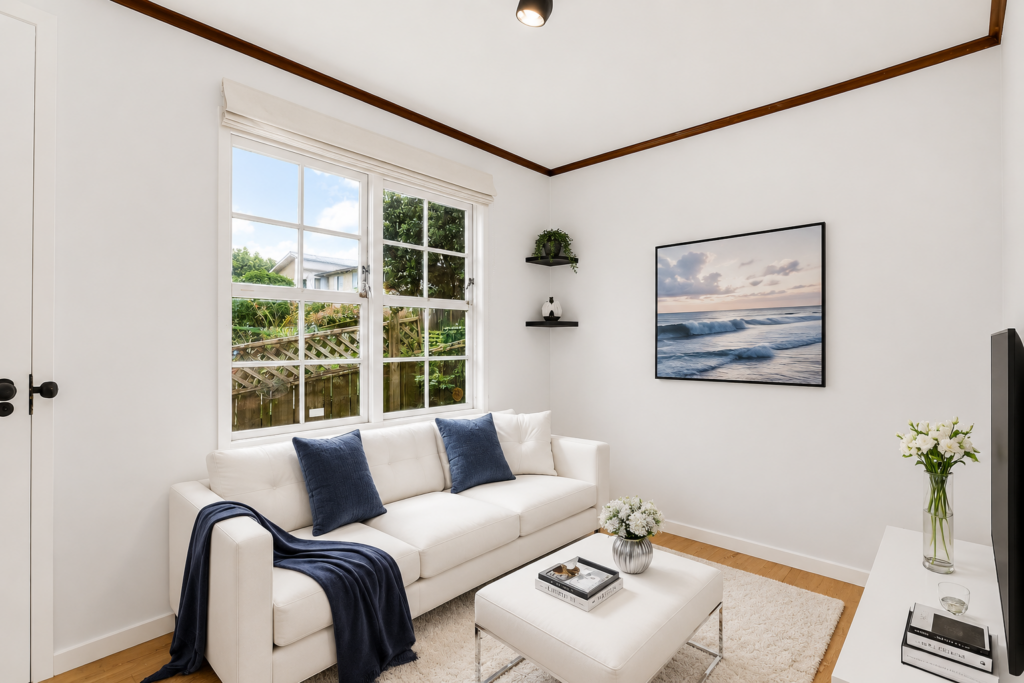
Buyers make fast decisions about listings. According to the National Association of Realtors, 81% of buyers’ agents say staging helps clients visualize the property as their future home. Virtual staging that looks natural and proportional supports that mental picture. Staging that looks artificial or off-scale works against it.
The risk isn’t just aesthetics. It’s credibility. When staging looks cheap or rushed, buyers start questioning what else about the listing isn’t quite right.
Mistake #1: Furniture That Doesn’t Fit the Room
Scale errors are one of the most common AI staging problems. A sectional that eats up two-thirds of a living room. A king bed crammed into a space where a queen would barely fit. A dining table for eight in a kitchen nook.
AI tools generate furniture based on visual patterns, not actual room measurements. Without calibration or a human review pass, the proportions can look physically impossible.
The result: buyers sense something is wrong even if they can’t identify it. Trust in the listing drops.
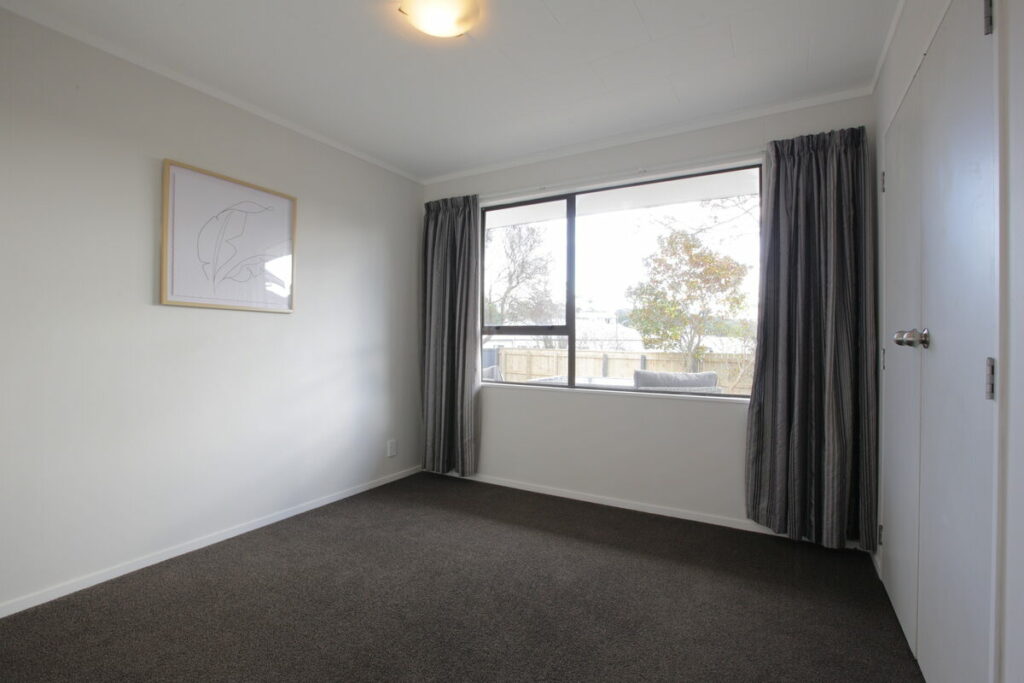

Fix it: Use staging tools that accept room dimensions as inputs. For any high-value listing, have a human editor review proportions before the images go to the client.
Mistake #2: A Style That Doesn’t Match the Property
Mid-century modern furniture in a 1920s craftsman. Industrial-style staging in a suburban colonial. AI tools default to what’s trending or what their training data rates as visually attractive — not what complements the home’s actual architecture.
Style mismatches create cognitive friction. The buyer is trying to picture themselves in the home, and the staging is making that harder, not easier.
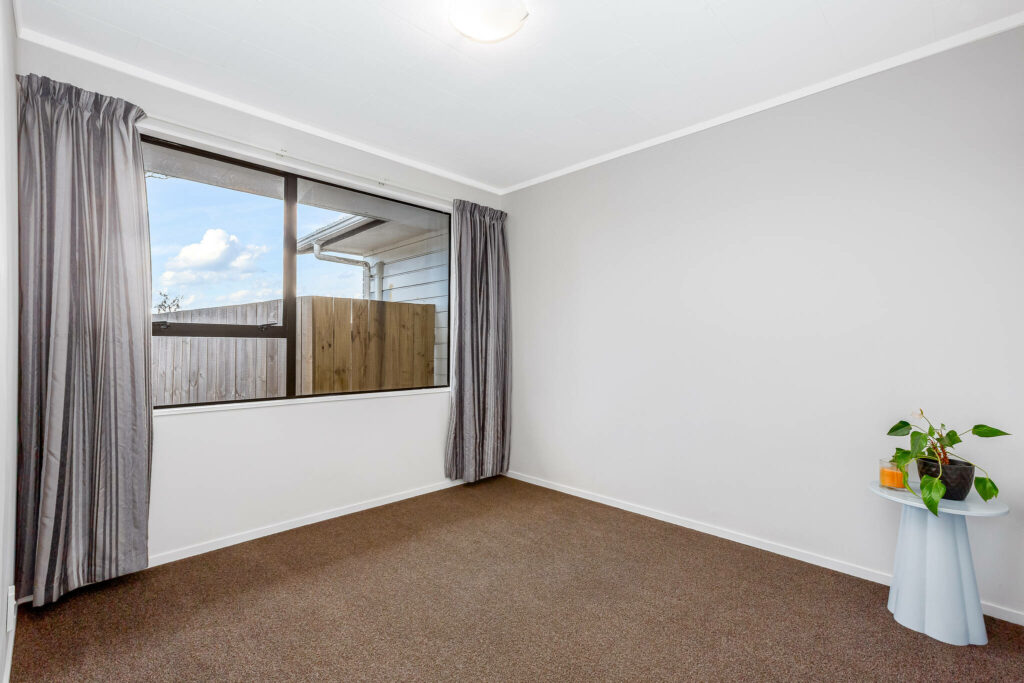

Fix it: Pick the staging style before you run the tool, not after. Know the property’s era and architecture, and match it. Traditional homes call for warmer, more classic furnishings. Clean-line contemporary builds handle modern staging well. When in doubt, neutral and transitional staging travels across property types better than anything trend-specific.
Quick & Easy
AI Virtual Staging
Interiors. Landscapes. Commercial. Virtually transform any space.

Mistake #3: Lighting and Shadows That Don’t Add Up
This is where AI staging most obviously reveals itself as artificial. Natural light in a room comes from a specific source — a window, a skylight, or a combination of both — and shadows follow accordingly. AI-generated furniture carries its own embedded lighting. When that light source doesn’t match the room’s actual conditions, the result looks like a cutout pasted over a photo.
Buyers describe these images as “fake” or “off.” They’re right, even if they can’t say exactly why.
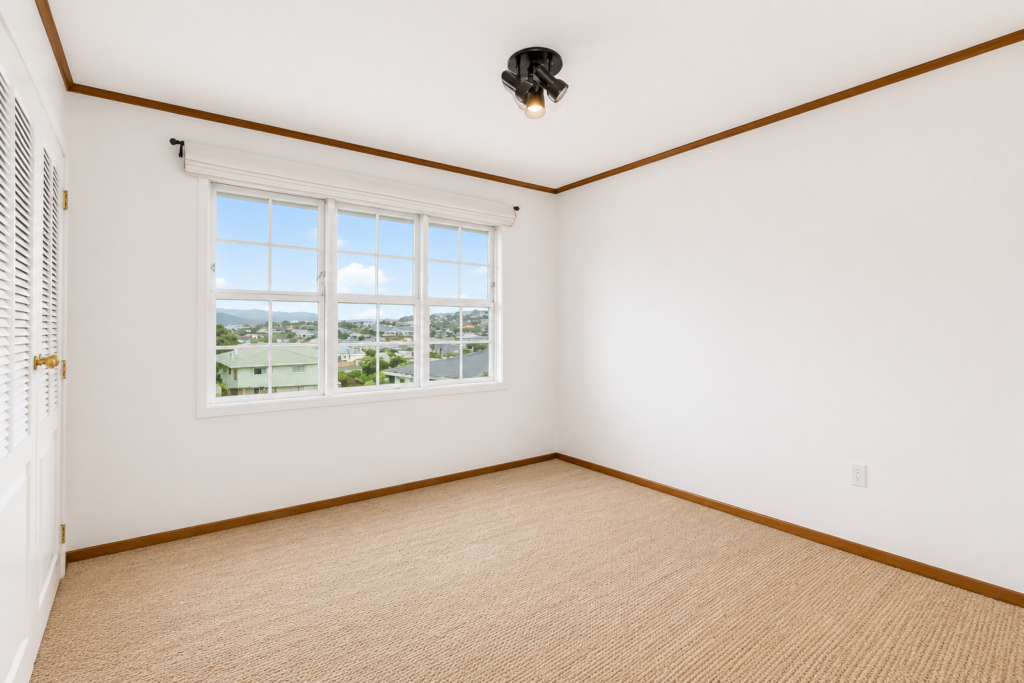

Fix it: Check that shadow direction, shadow angle, and floor reflections are consistent with the room’s visible light sources. This usually requires a human review step, especially in rooms with complex window light or mixed exposures.
Mistake #4: Overloading the Room With Too Much Furniture
There’s a logic to filling empty rooms — the goal is to show buyers what the space can hold. But AI tools can generate arrangements that look more like a furniture showroom than a lived-in home.
Dense staging crowds out the buyer’s imagination. A few well-placed pieces with breathing room around them let buyers project themselves into the space. Packed rooms make small spaces feel smaller and push buyers’ eyes toward clutter instead of features.
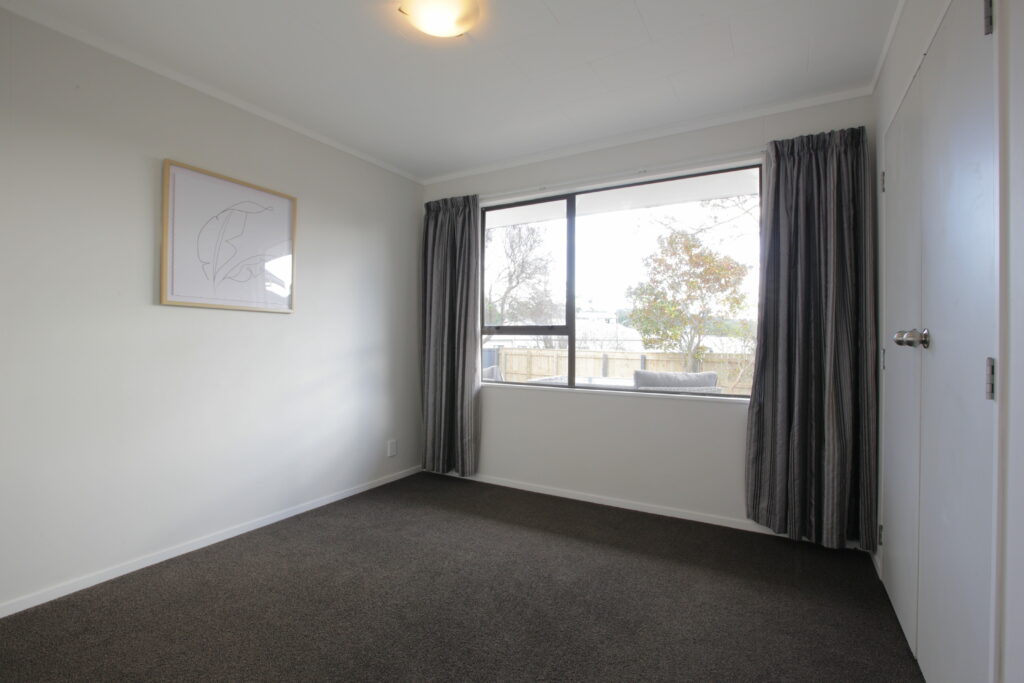
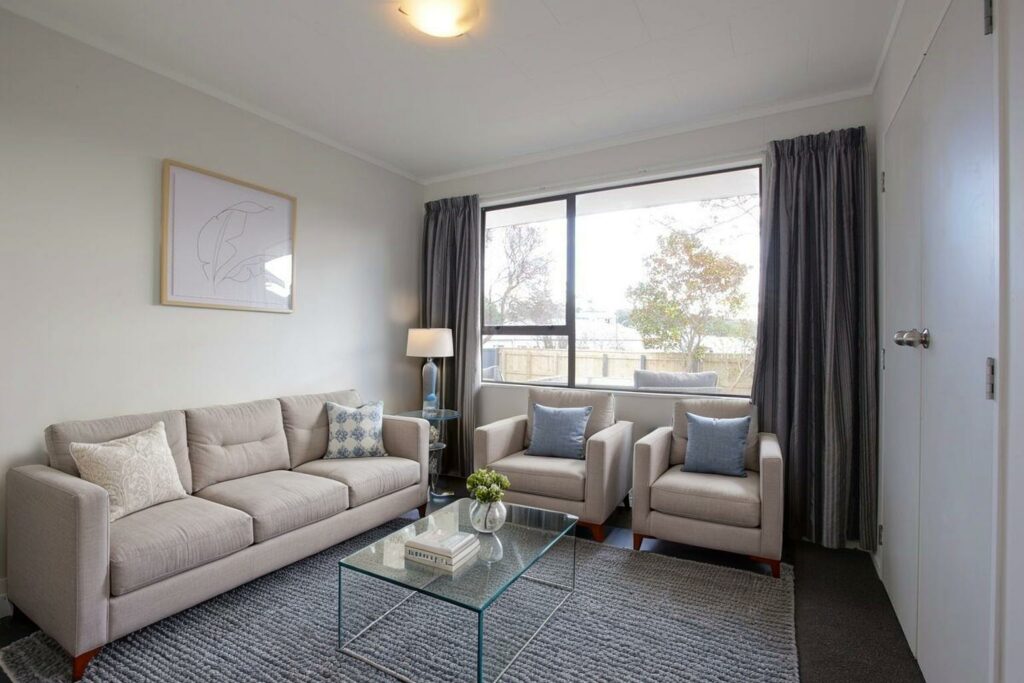
Fix it: If the AI output looks busy, trim it. One focal furniture grouping per room reads better than a fully furnished floor plan. The goal is suggestion, not inventory.
Mistake #5: Covering Up the Room’s Best Features
Bay windows, original hardwood floors, exposed brick, coffered ceilings — these are what buyers are actually paying for. AI staging that places furniture in front of architectural highlights, or draws attention to a generic sofa instead of a fireplace, is working against the listing.
AI doesn’t know what makes a specific room worth buying. It fills space according to patterns. In rooms with strong architectural character, that’s a problem.
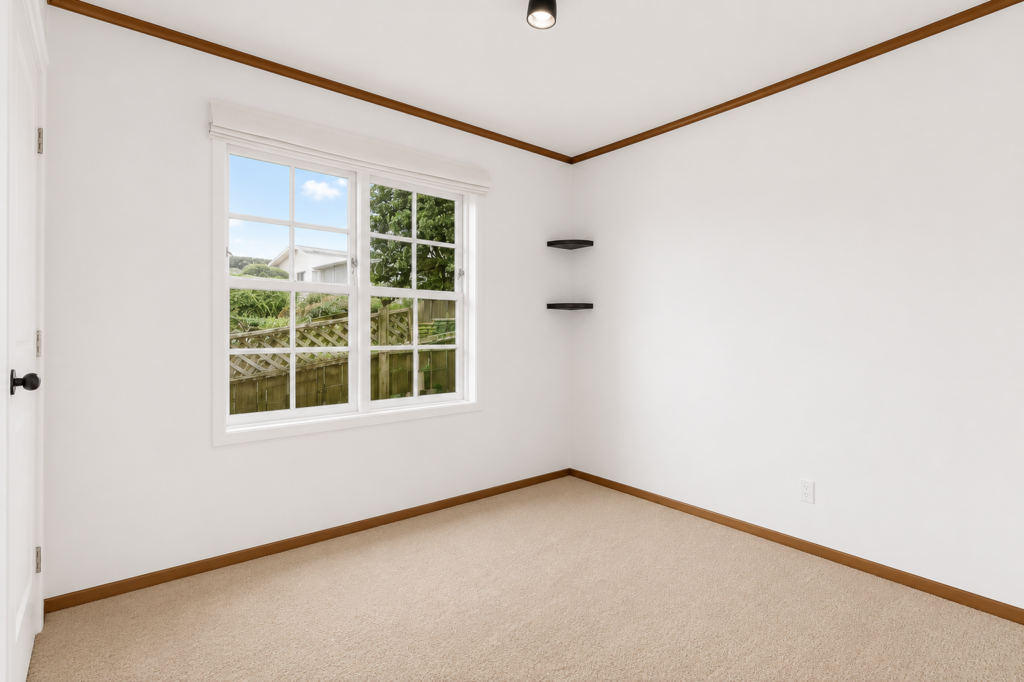
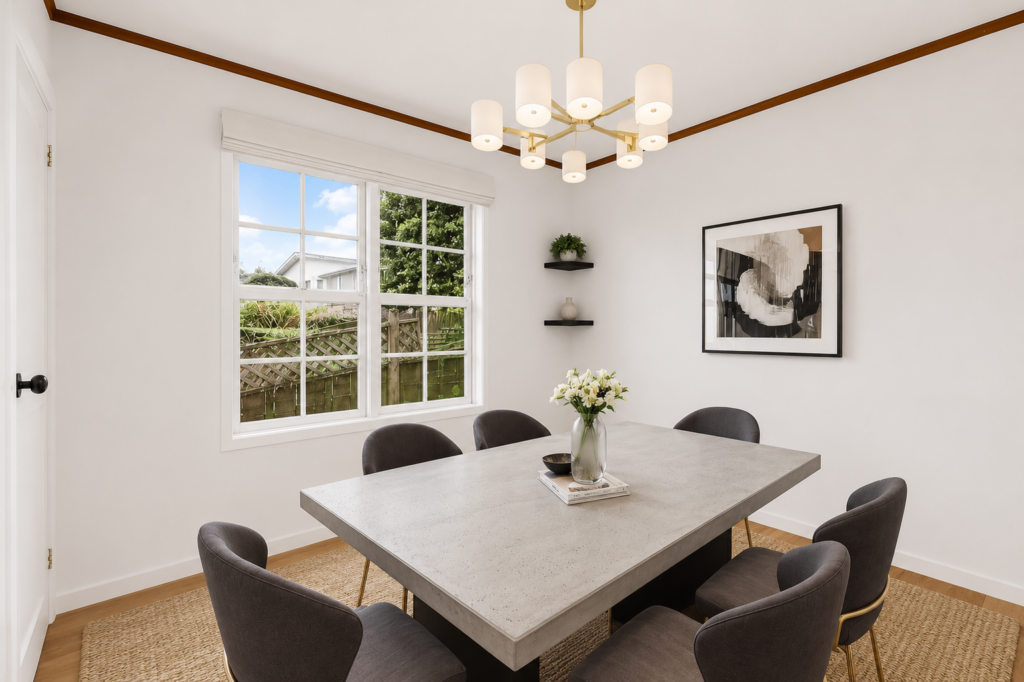
Fix it: Before running any staging tool, identify the one or two features the room should lead with. Position furniture to frame those elements, not block them. If the output buries the selling points, revise the placement or have an editor adjust it.
Quick & Easy
AI Virtual Staging
Interiors. Landscapes. Commercial. Virtually transform any space.
Mistake #6: Shipping Low-Resolution or Compressed Output
Some AI staging tools downsize or compress images during processing. The quality loss is easy to miss when reviewing on a phone. It’s obvious at full screen on a desktop — which is what MLS browsers and most listing platforms use.
Blurry furniture edges, visible artifacts around staged objects, and color banding near windows are all signs of output compression. These details signal to buyers — and agents — that the listing’s marketing wasn’t taken seriously.
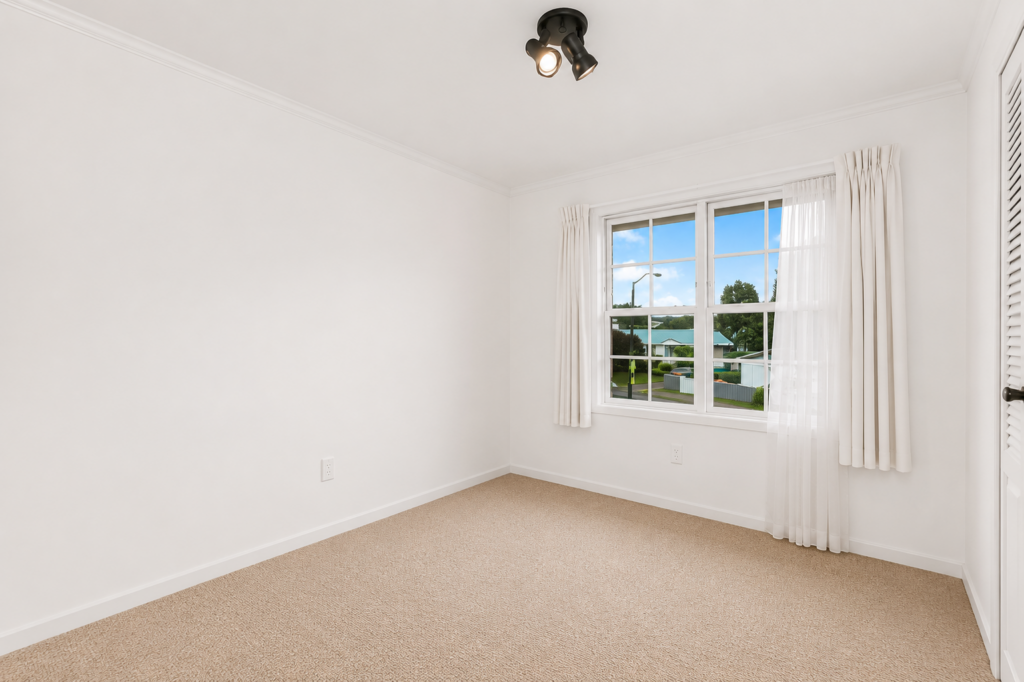
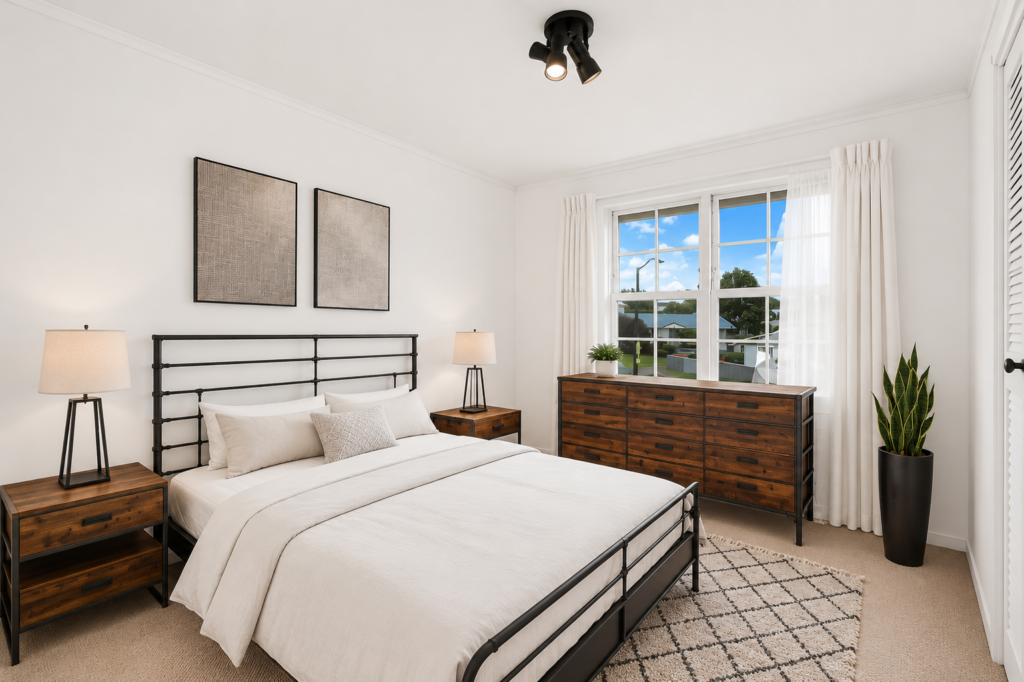
Fix it: Check final images at full resolution before sending to clients or uploading to MLS. Compare the output file size and pixel dimensions against the original. If the tool consistently delivers lower-quality output, it’s not the right tool for professional work.
Mistake #7: Skipping the Human Review Step
This is the root cause of most of the mistakes above. AI handles the heavy lifting — rendering furniture, applying style, compositing the staged scene. But AI doesn’t know your client’s quality standard, the buyer demographic, or what makes a specific room worth showing.
Every AI staging workflow worth using includes a human review gate. That’s not a workaround for AI limitations — it’s a good process.
A human editor catches the 20% that requires judgment: the shadow that doesn’t follow the light, the chair leg that fades into the floor, the staging style that fights the property’s character. AI handles the 80% — the foundational rendering that would take far longer to produce manually.
Browse Top Dedicated
Real Estate Photo Editors
Ready-to-hire editors for real estate photo editing, and more.
Skipping the review step doesn’t just risk one bad image. It risks the client’s trust and the listing’s performance.
Get AI Virtual Staging With Professional Quality Control
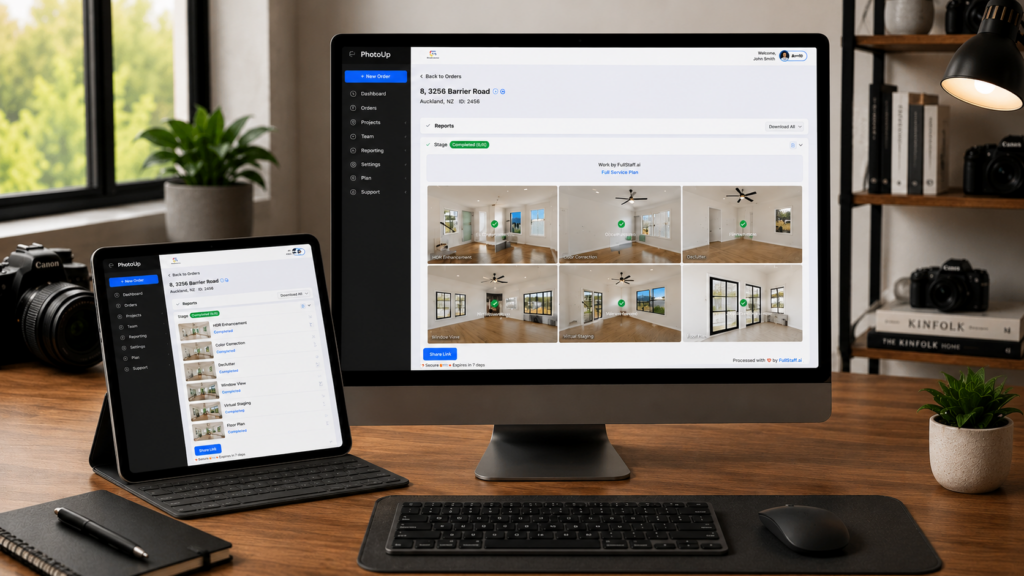
PhotoUp combines AI virtual staging with human editor review, so the output reflects how the property actually presents — not just what an algorithm generates.
PhotoUp’s virtual staging services include:
- AI virtual staging for vacant and occupied rooms
- Style selection matched to your property type
- Human quality review on every staged image
- Turnaround in 24–48 hours on standard orders
- Revisions included
Photographers and agents choose PhotoUp for its trusted editing services, fast AI-assisted turnaround times of up to 12 hours, consistent results across every listing, and dedicated account support.
How to get started:
- Create your free PhotoUp account
- Upload your listing photos
- Select your staging style and room type
- Receive reviewed, staged images within 24 hours
- Deliver polished results to your client
Related Articles:
- Is AI Virtual Staging Becoming a Must-Have for Modern Listings?
- Can AI Real Estate Photo Editing Services Match the Eye of a Professional Editor?
- How Real Estate HDR Photo Editing Services Elevate Property Listings
- How AI Real Estate Photo Editing Reshapes Photographers Workflows
- How to Combine AI and Manual Real Estate Photo Editing for Fast & Flawless Results