Table of Contents
- Why a Real Estate Listing Marketing Checklist Matters
- Your Real Estate Listing Marketing Checklist Before the Shoot
- Real Estate Listing Marketing Checklist at a Glance
- Keep Every Listing Launch on One Timeline
A listing goes live on Thursday. The photos are done, the tour isn’t, staging is still on the to-do list, and the property website is a maybe.
That’s how a good listing launches half-finished.
Here’s a real estate listing marketing checklist that covers photos, staging, tours, and a property website, in the order they should happen.
Why a Real Estate Listing Marketing Checklist Matters
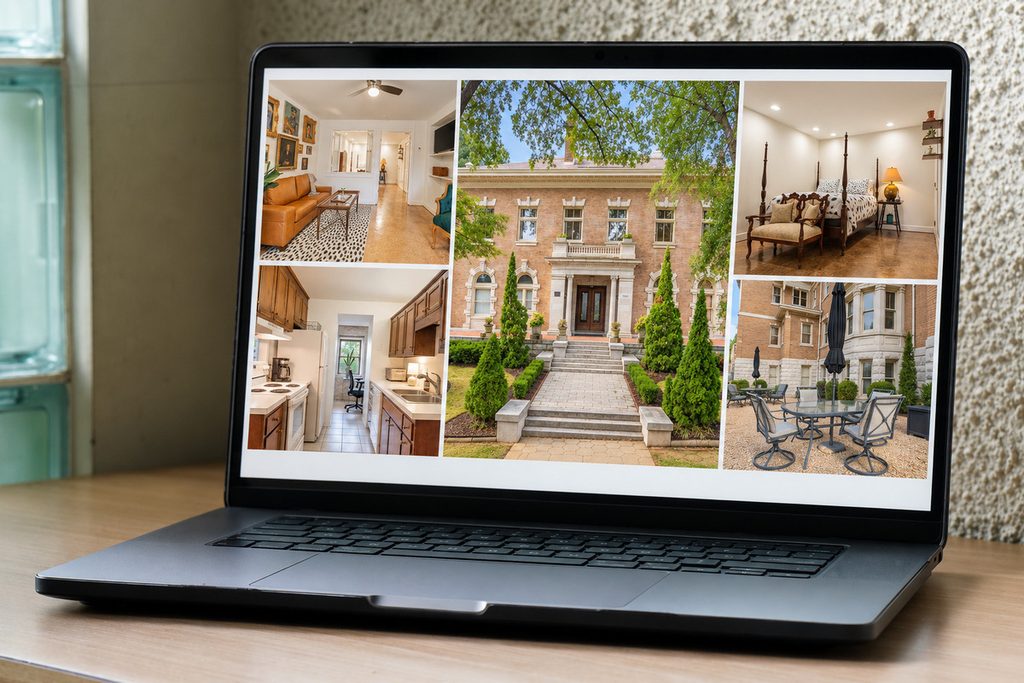
Listing marketing is a set of separate deliverables, each with its own turnaround. When one is late, the listing either waits or goes live without it.
The stakes are real. NAR data shows that 85% of homebuyers consider photos the most critical factor when evaluating a property online. Redfin found that listings with professional photos spend 89 days on market compared to 123 for those without.1
A real estate listing marketing checklist doesn’t make any single asset better. It makes sure every asset is ready, checked, and live on the same day.
Your Real Estate Listing Marketing Checklist Before the Shoot
The first part of any real estate listing marketing checklist happens before a camera comes out. Settle these first:
| Go-live date: Work backward from it. Every asset below needs a due date, not just a “soon.” |
| Assets for this listing: Decide which of photos, staging, a virtual tour, and a property website the listing gets. |
| Staging orders: If a room is empty or dated, order staging as soon as the edited photos exist, since it’s built on them. |
| Turnaround for each asset: Confirm how long each one takes. Our guide to real estate photography turnaround time covers what to expect. |
| One point of contact: Decide who tracks the assets and signs off before launch. |
Photos: What to Check Before They Go Live

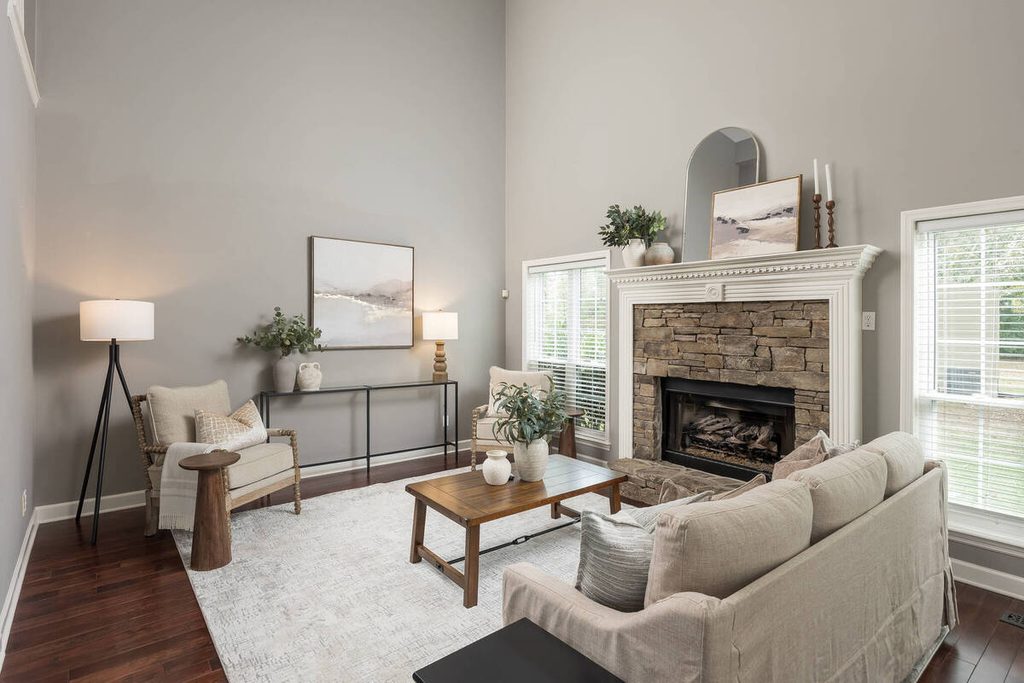
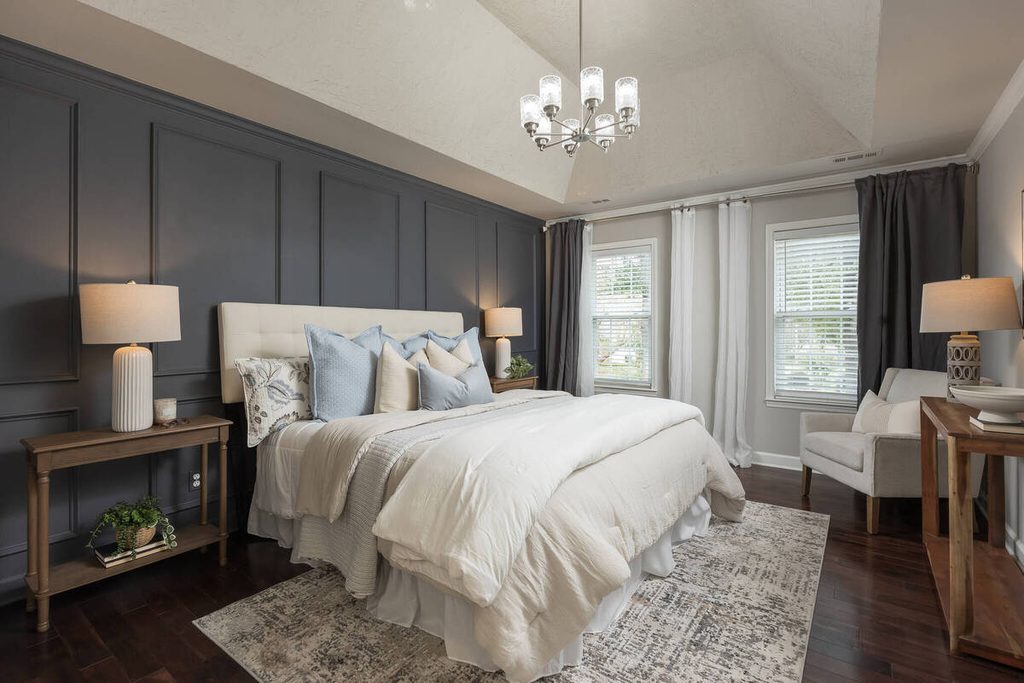
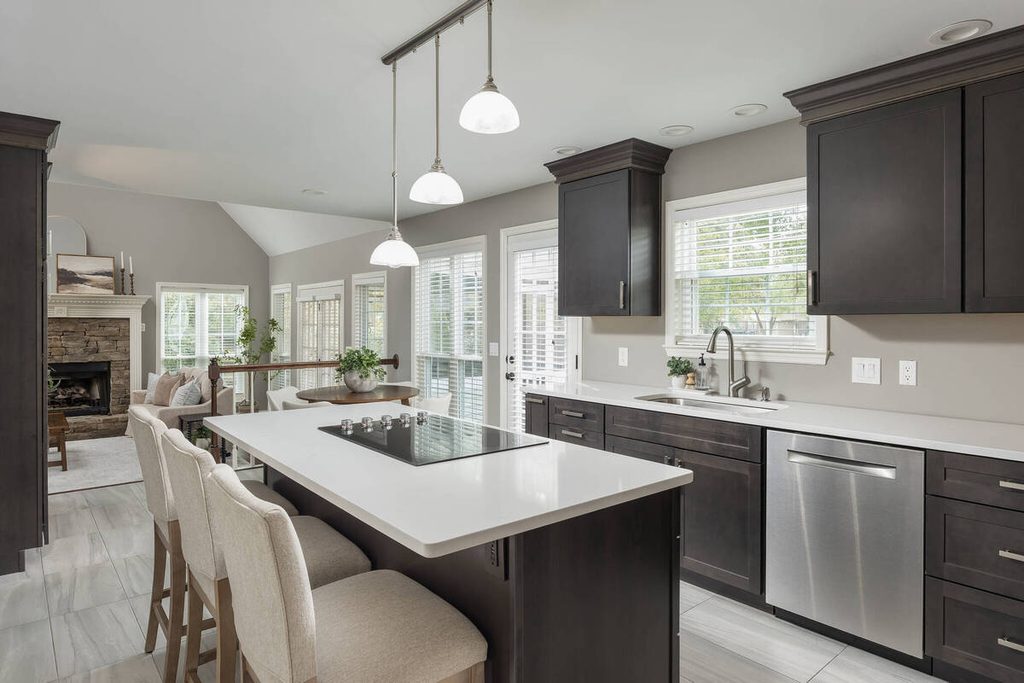
Photos lead the listing, so this part of the real estate listing marketing checklist gets the most scrutiny. Run through it before anything is published:
- Culling: The best frame from each bracket is selected, and obvious misfires are gone. See our guide to AI photo culling for what to review.
- Consistency: Color and white balance match from room to room.
- Verticals: Walls and door frames stand straight, not leaning.
- Lead image: The first photo is the strongest exterior or main living space, not whichever came first.
- Skies and reflections: Any sky replacement looks natural at full size, including edges and windows.


If AI is part of your editing, this is the human checkpoint. It’s where a person catches what the software can’t judge.
Staging: What to Decide Before You Order It
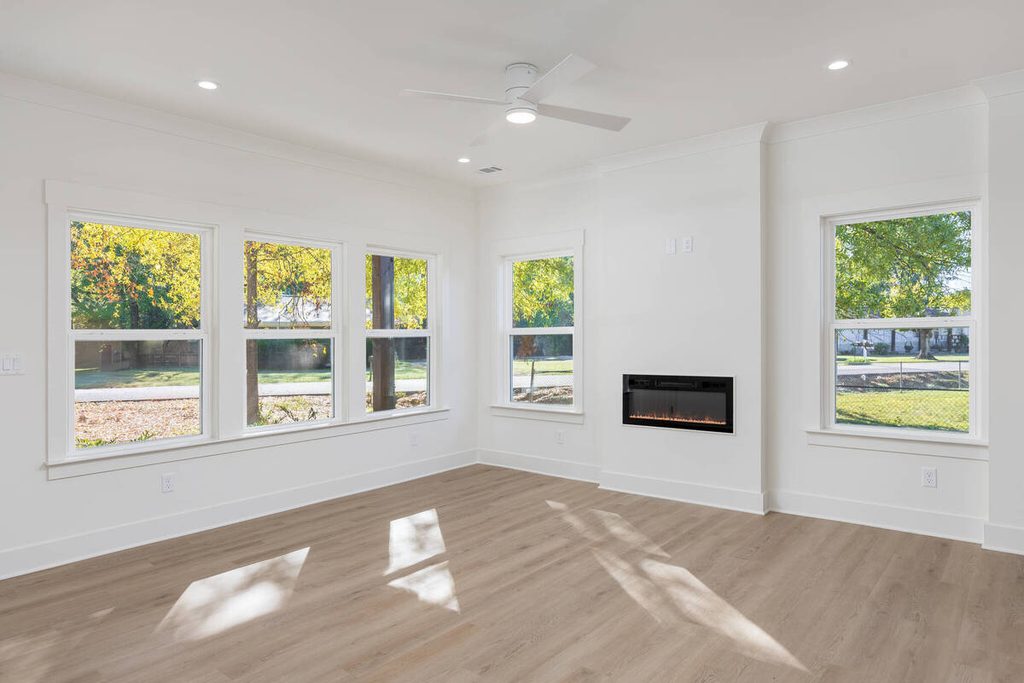

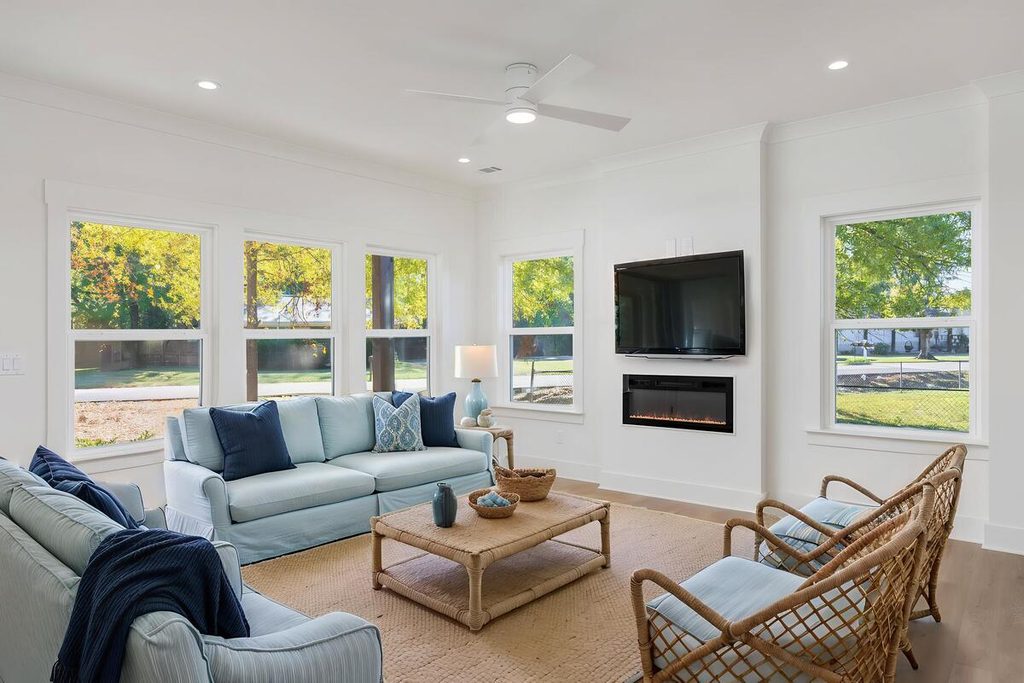
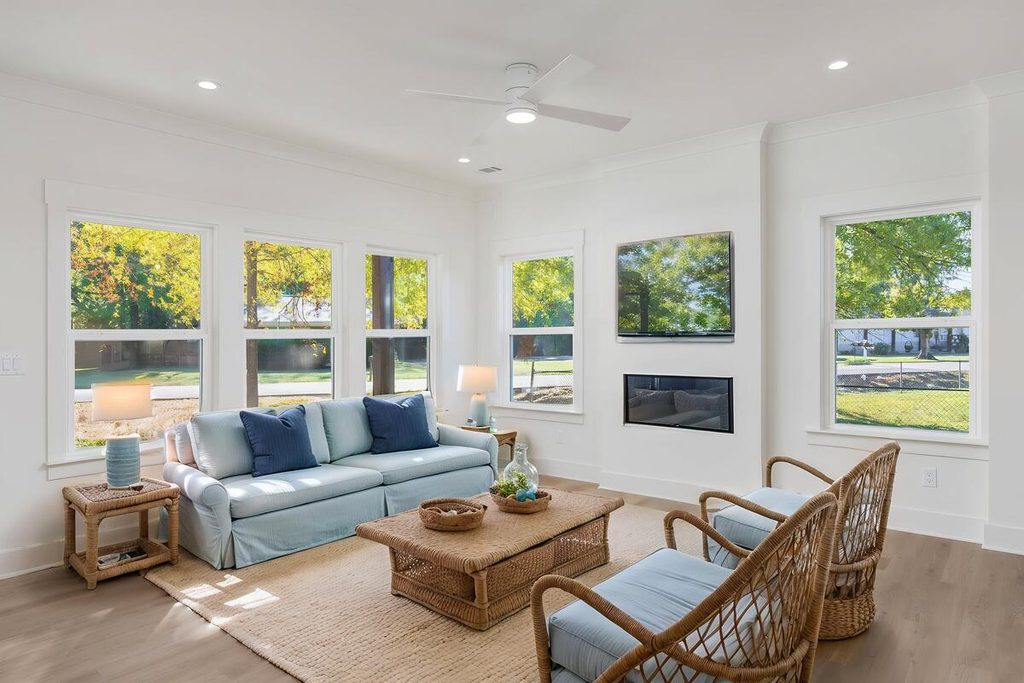
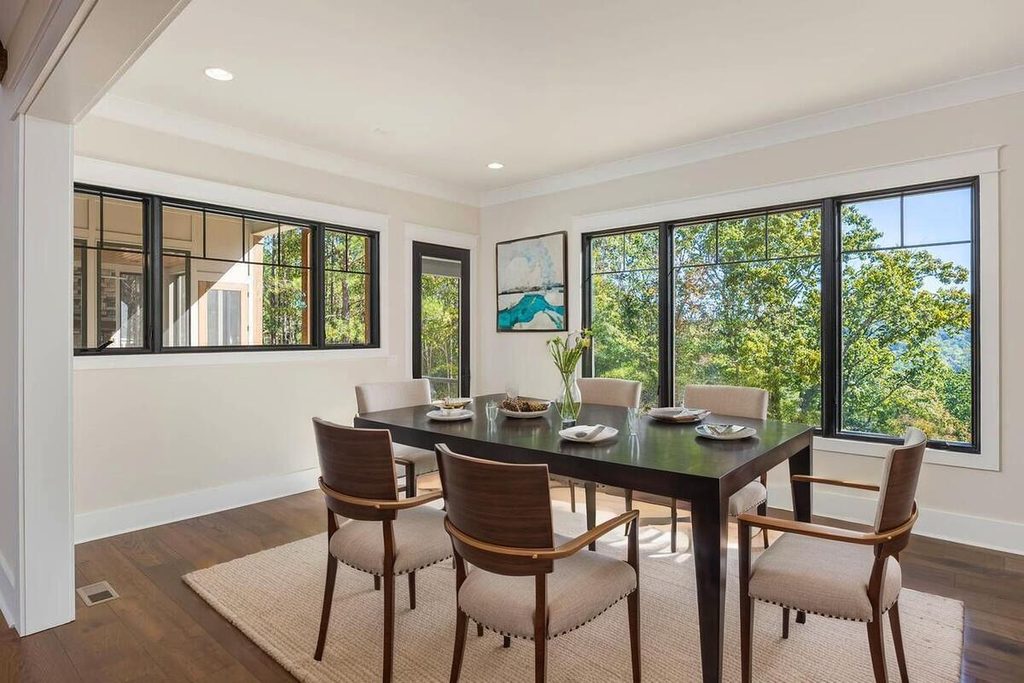
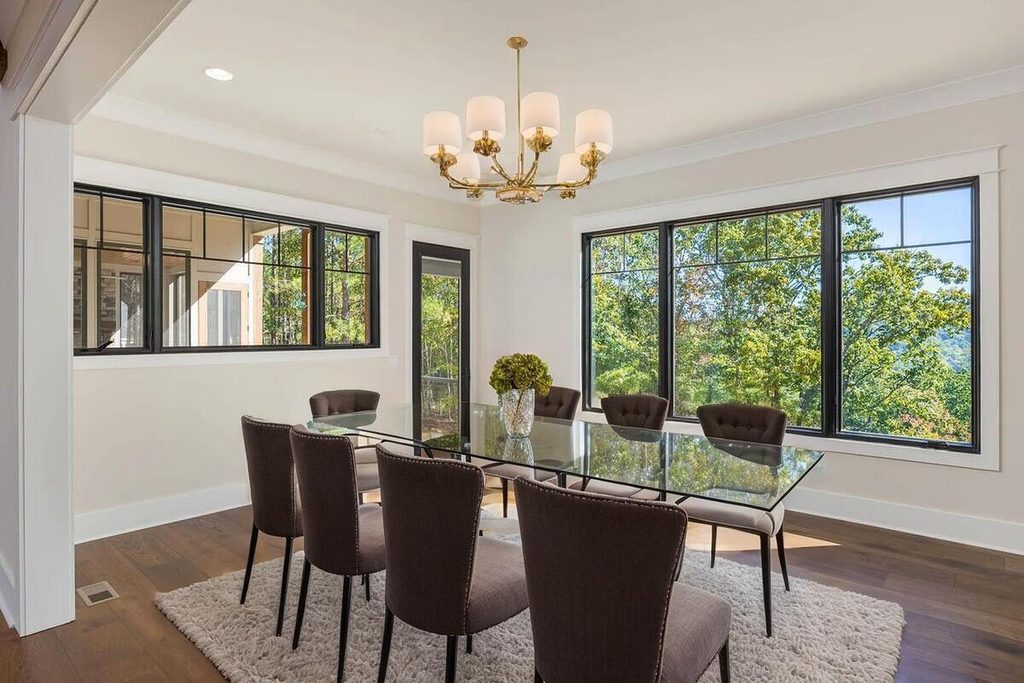
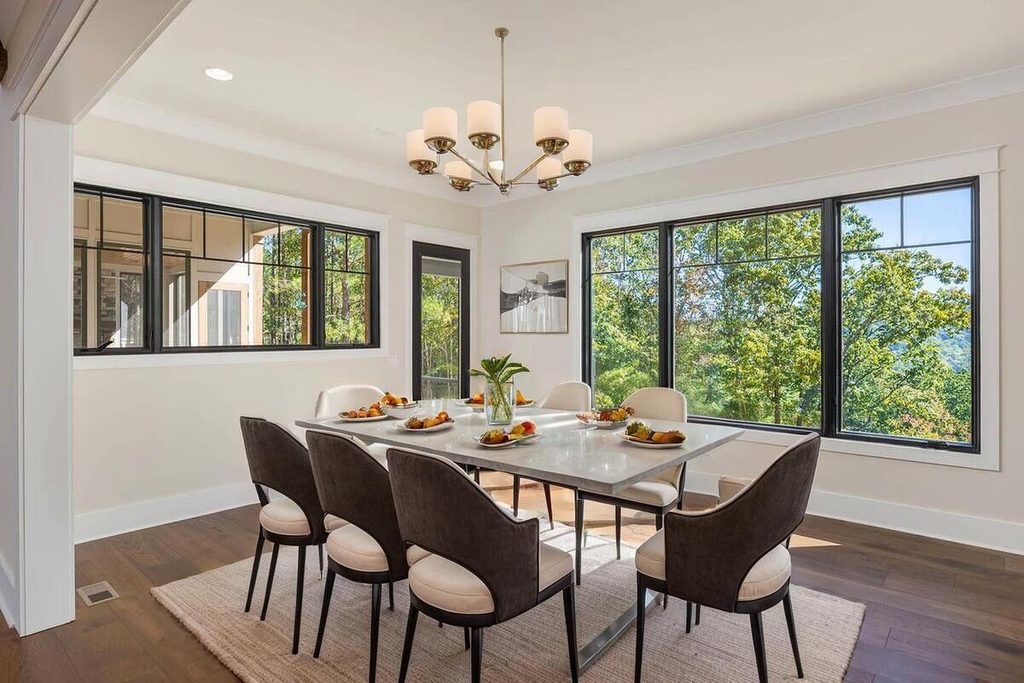
Staging answers a buyer’s first question about an empty room: how would I use this? According to NAR’s 2025 Profile of Home Staging, 83% of buyers’ agents said staging made it easier for a buyer to visualize the property as a future home.2
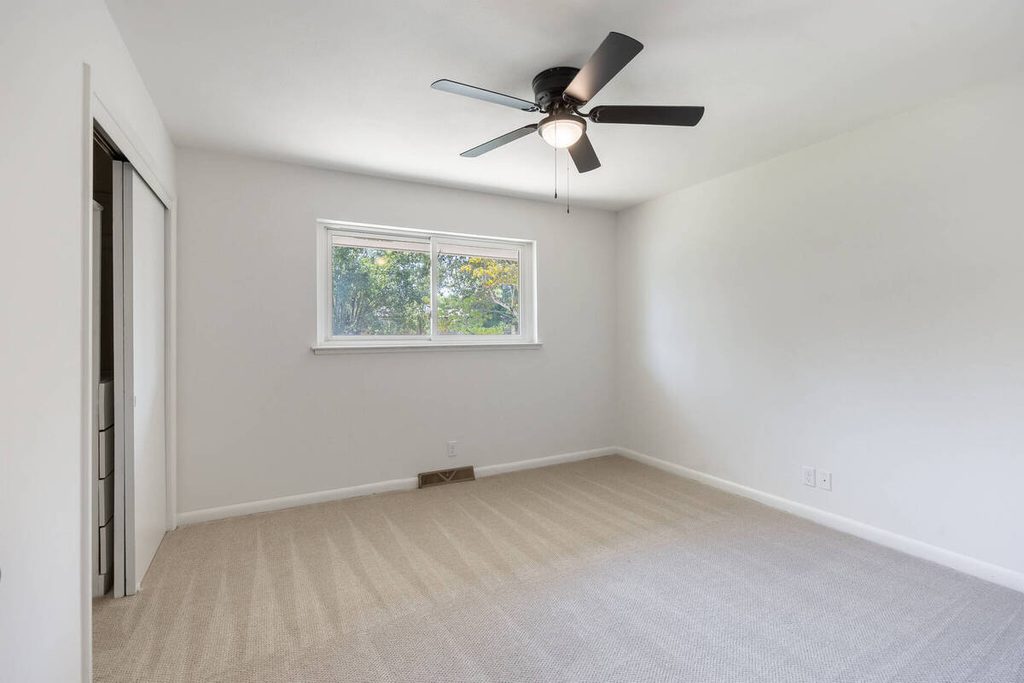
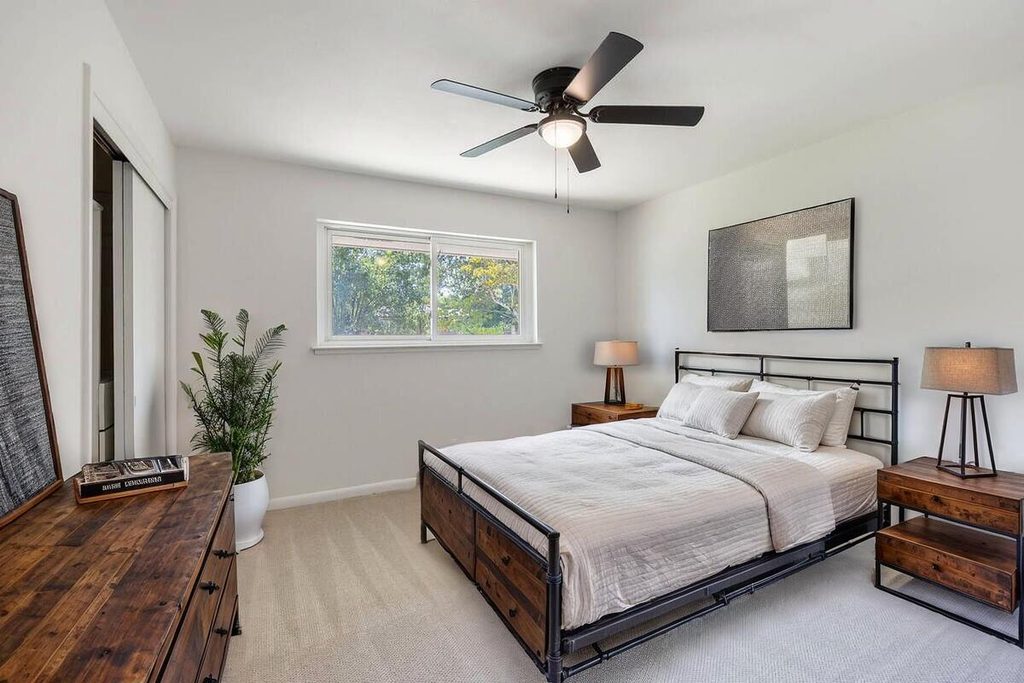
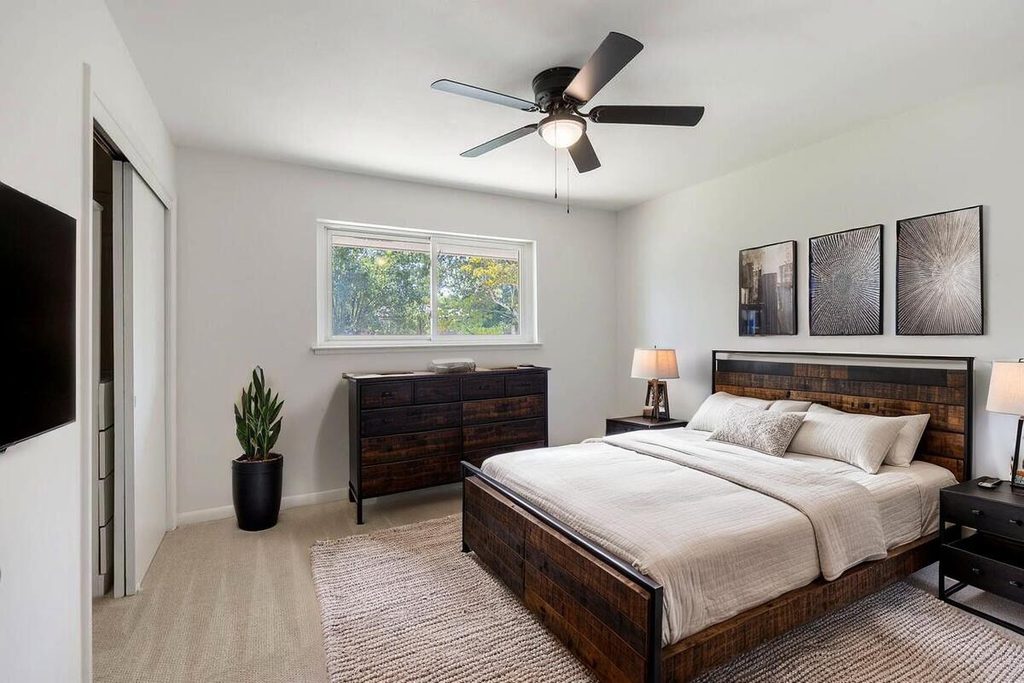
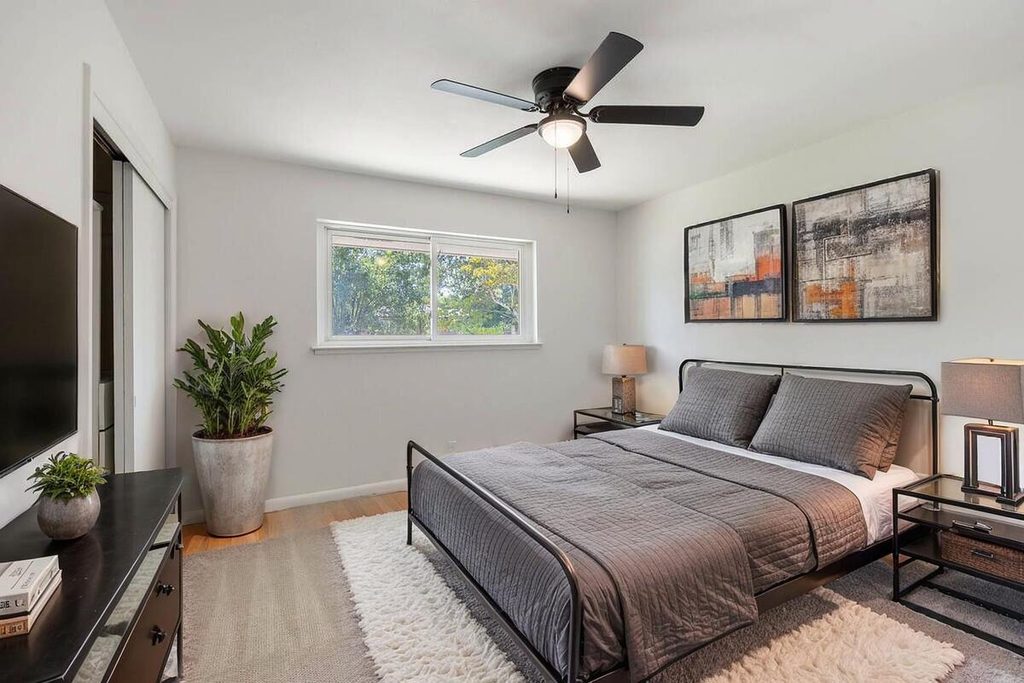
Before you order virtual staging, settle three things:
- Which rooms: PhotoUp stages dining rooms, bedrooms, and living rooms, so start with the empty or dated ones.
- Style: Match the home’s architecture and the likely buyer, not a trend.
- Scale and labeling: Check that furniture fits the real room, and label the photos as virtually staged. Our guide to staging a dining room shows what that review looks like.
Virtual Tours: What to Include
A virtual tour gives buyers a way to move through the home before they visit. A Rocket Mortgage survey of more than 800 buyers, reported by NAR in 2022, found the top elements of a successful virtual showing were photo or video quality (58%) and a sufficient number of images (51%).3
That points to a simple checklist:
- Format: Decide between a 360 tour, a 3D tour, or a video walkthrough based on the property and the time you have.
- Quality: Make sure the tour images are sharp and evenly lit, not an afterthought to the photo gallery.
- Floor plan: Include one if the layout isn’t obvious from the photos.
- Placement: Embed or link the tour wherever the listing appears.
PhotoUp’s virtual house tours can be white-labeled and shared across your networks.
Property Website: What to Include
A property website puts everything about a listing behind one link: photos, tour, video, floor plan, and a way to contact the agent. It’s useful because it gives buyers, and the agent’s own marketing, a single place to point to.
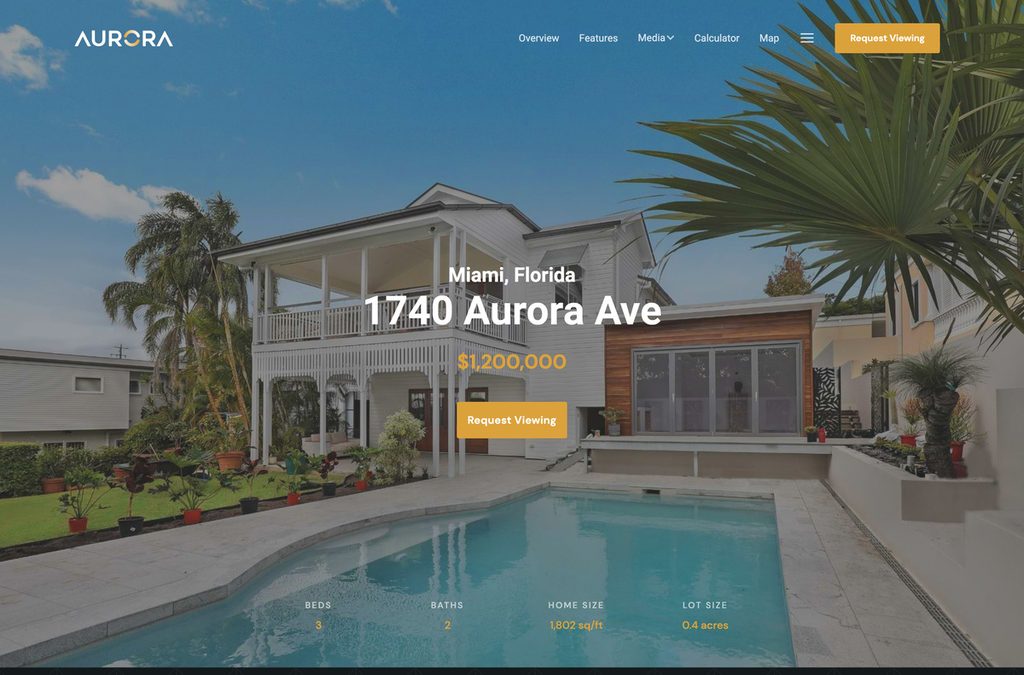
Here’s what to confirm before it goes live:
- Complete media: Photos, tour, video, and floor plan are all present and load properly on a phone.
- Contact details: The agent’s name, phone, and a contact form work.
- Link type: Check whether your MLS requires an unbranded link, and have both versions ready if it does.
- Flyer: A matching flyer for open houses and mailers, built from the same photos.
PhotoUp’s single property websites cover this setup, along with matching flyers.
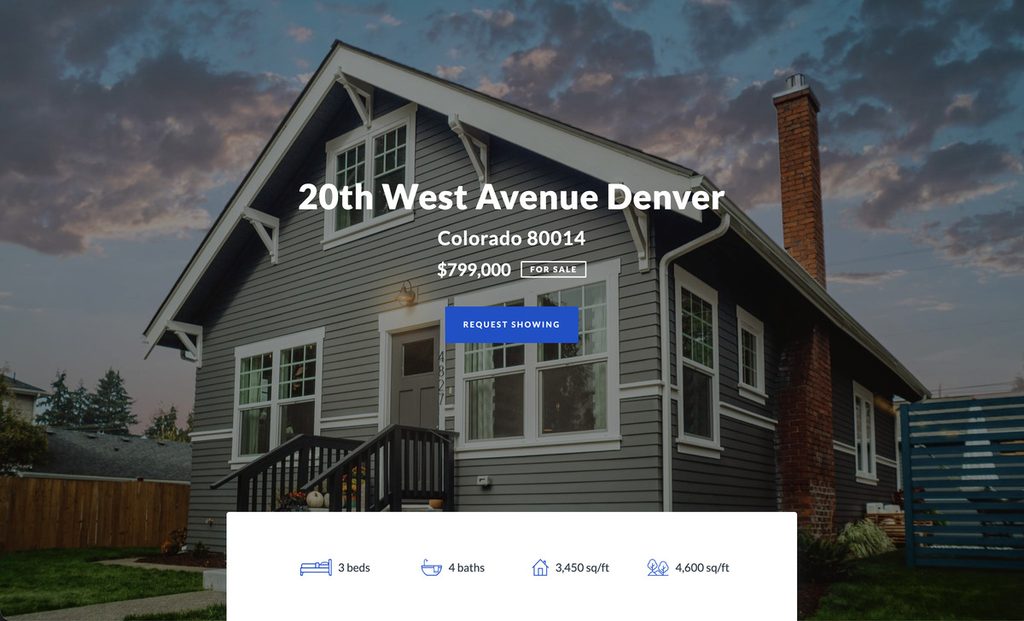
Launch Day: Where to Share the Listing
Once the assets are checked, the launch itself is a short sequence. Here’s the order that works for most listings:
- MLS: Upload the final photos and add the tour and website links where the MLS allows.
- Property website link: Add it to the agent’s profile, email signature, and listing pages.
- Social: Share the lead image and the tour or website link.
- Email: Send the listing to the agent’s list with the property website as the call to action.
- Print: Add a QR code to the flyer and yard sign that points to the property website.
This sequence is the core of a listing marketing plan, and it only works if everything above it on the real estate listing marketing checklist is done.
Focus on Photography
We'll Handle the Rest
Save time with a dedicated PhotoUp Coordinator.

Real Estate Listing Marketing Checklist at a Glance
| Asset | Done when | Check before launch |
|---|---|---|
| Photos | Culled, edited, and approved | Verticals, color, lead image, skies |
| Staging | Staged photos delivered and labeled | Scale, style, labeled as virtually staged |
| Virtual tour | Tour published with floor plan | Image quality, links work on mobile |
| Property website | Live with all media and contact form | MLS link rules, flyer matches |
| Launch | Shared across MLS, social, email, print | Same photos and links everywhere |
Where the Checklist Fits in an AI-Plus-Human Workflow
A real estate listing marketing checklist only works if someone runs it. In an AI-plus-human workflow, a Production Coordinator tracks every order across photos, staging, tours, and the website, and owns the QA checkpoint before anything goes out. That’s the same human review described in how human QA catches what AI misses, applied across the whole listing.
Browse Top Dedicated
Real Estate Photo Editors
Ready-to-hire editors for real estate photo editing, and more.
It also takes the chasing off your plate. Instead of tracking four deliverables separately, you have one person who knows what’s done, what’s late, and what’s ready to launch.
Keep Every Listing Launch on One Timeline
If listing launches keep slipping because the assets arrive at different times, a Production Coordinator can run the process end to end. A Coordinator owns:
| The AI editing workflow, set up and run with a human checkpoint at each stage |
| Quality control on photos, staging, and tours before they go out |
| Order tracking and delivery, so every asset lands before the go-live date |
| Logistics communication, including status updates and revision requests |
Why work with a PhotoUp Coordinator? Every Coordinator is trained specifically on real estate photography workflows. You get AI implemented with human oversight, so the repeatable work moves fast and a person owns every judgment call.
Focus on Photography
We'll Handle the Rest
Save time with a dedicated PhotoUp Coordinator.
How to get started
- Walk through how a listing moves from shoot to launch today
- Get matched with a Production Coordinator trained on real estate photography workflows
- Have an AI-plus-human workflow with QA built in running within the first two weeks
Keep every listing launch on track with PhotoUp.
Related Articles:
- How Human QA Catches What AI Photo Editing Misses in Real Estate Photos
- Staging a Dining Room: How Virtual Staging Handles It
- 90+ Key Real Estate Photography Statistics & Trends for 2026
- AI Photo Culling for Real Estate Photographers: What It Handles and What You Still Review
- Real Estate Photography Turnaround Time: What to Expect
References: