Table of Contents
- Why Real Estate Photo Editing with AI Is Getting Serious Attention
- What Photo Editing with AI Already Handles Well
- Where AI Editing Is Getting Noticeably Better
- Where the Ceiling Still Holds for AI Editing
- So How Far Can AI Photo Editing for Real Estate Go?
- Get AI Speed and Human Judgment With PhotoUp
AI photo editing has moved from a novelty add-on to a standard first pass in about two years. Photographers who dismissed it in 2023 are running it on every listing in 2026. The tools got better. But better isn’t the same as unlimited, and that gap is worth pinning down.
Routine adjustments like exposure correction, color balancing, and sky replacement are now faster and more consistent thanks to AI photo editing for real estate, making high-volume workflows easier to manage.
For photographers building a business on fast, consistent delivery, the real question isn’t whether AI editing works. It’s where the capability actually stops. This piece breaks that down section by section: what’s already reliable, what’s improving, and what hasn’t moved.
Why Real Estate Photo Editing with AI Is Getting Serious Attention
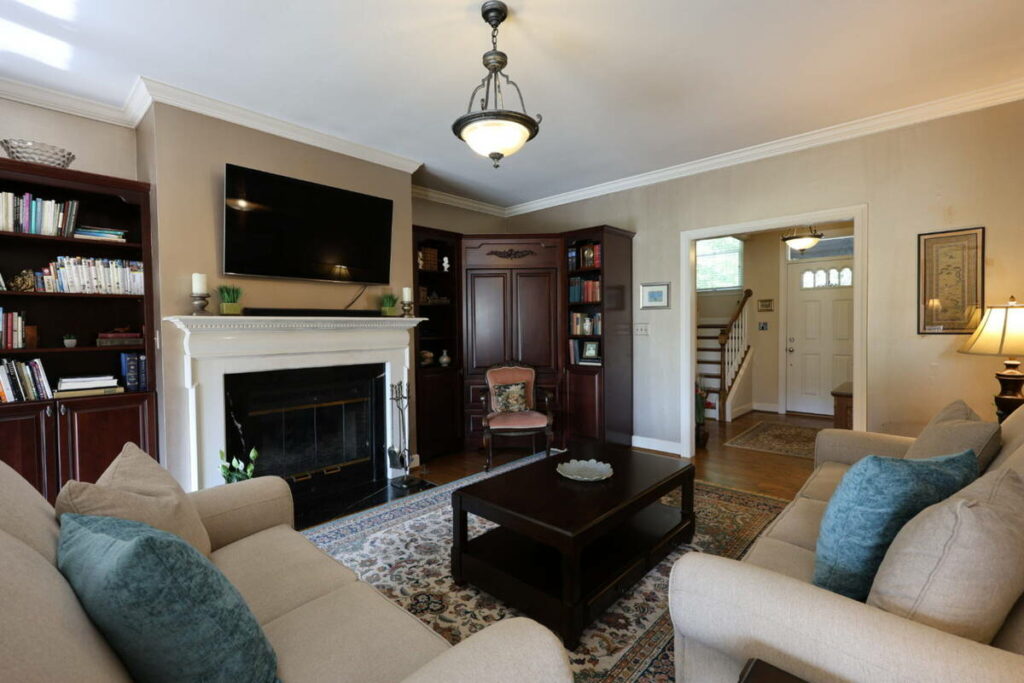
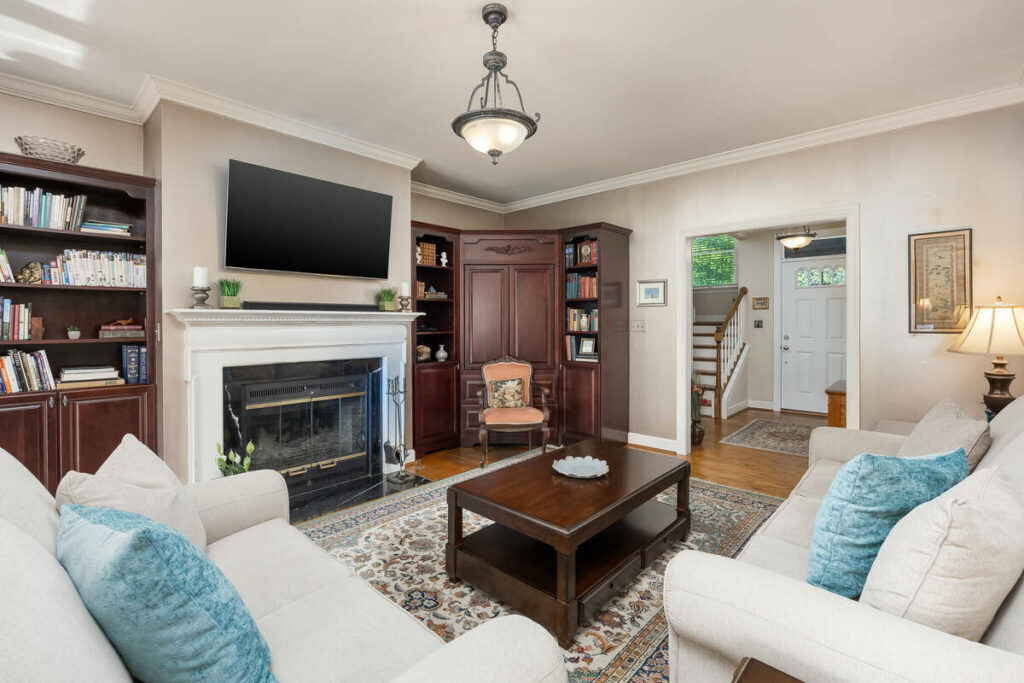
Listing photos aren’t a supporting element anymore. They’re the primary decision-making tool for buyers scrolling through search results, and roughly 40% of buyers cite online photos among the resources they value most when evaluating a property.1
That demand puts pressure on volume. Zillow Research found that listings with 22–27 photos consistently outperform thinner galleries.2 Homes with fewer than nine photos are about 20% less likely to sell within 60 days. More photos, shot and edited faster, is the direction the market is pushing.
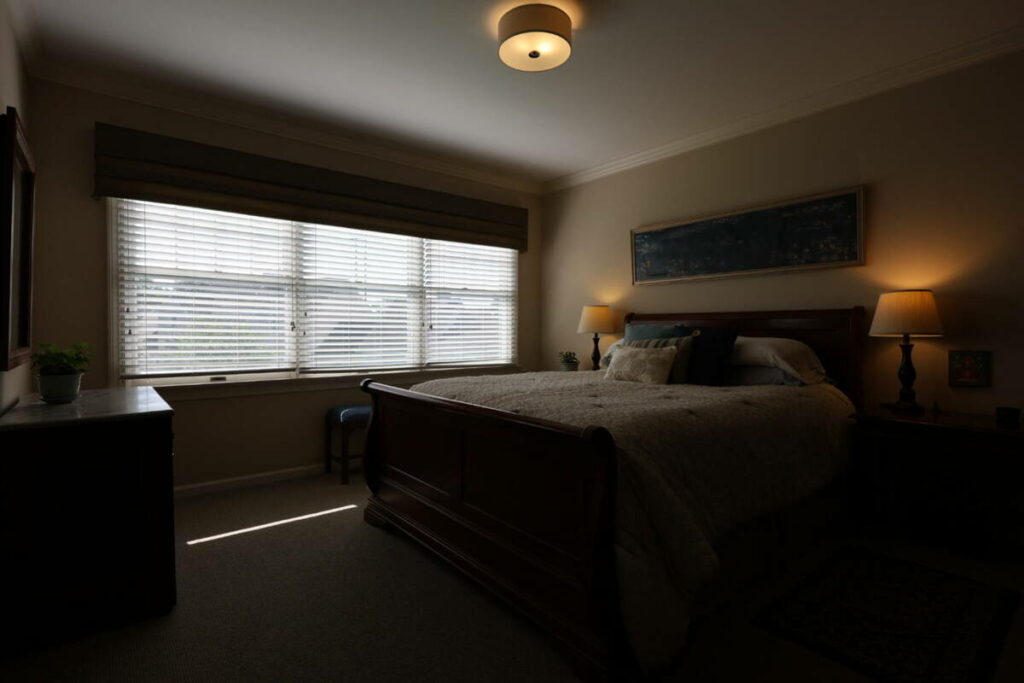
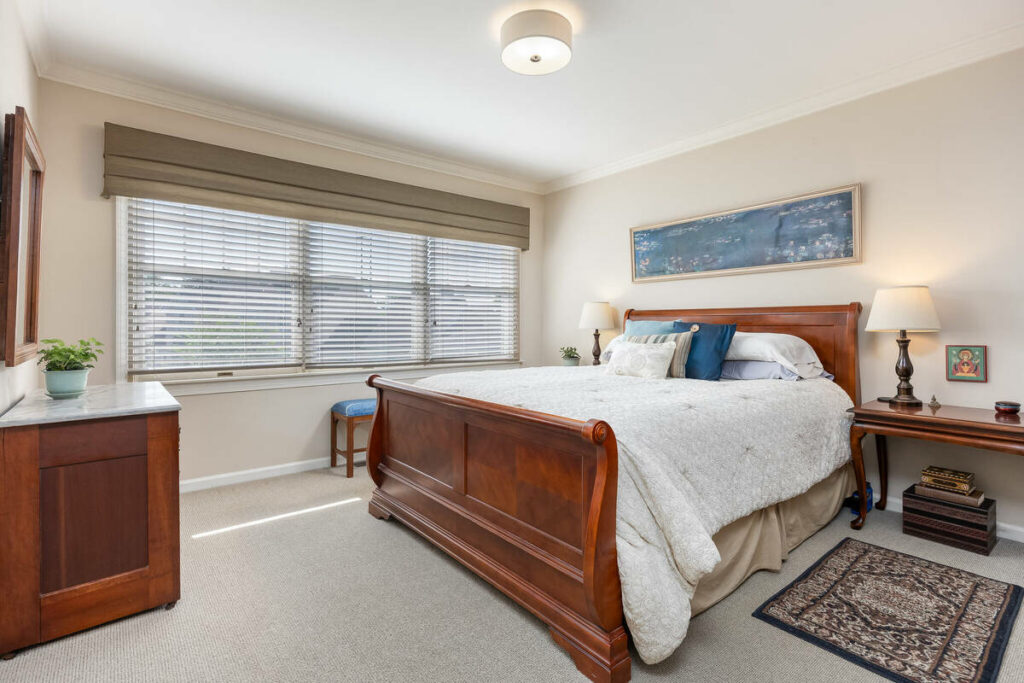
AI is the tool photographers reach for to keep up. AI culling and editing now save hours of repetitive work each week, giving photographers more time to focus on shooting, client communication, and growing their business.
None of that tells you where the technology actually stops, though. That’s the part that determines how you should structure your own workflow.
What Photo Editing with AI Already Handles Well
Here’s where AI editing is solid ground for real estate images:
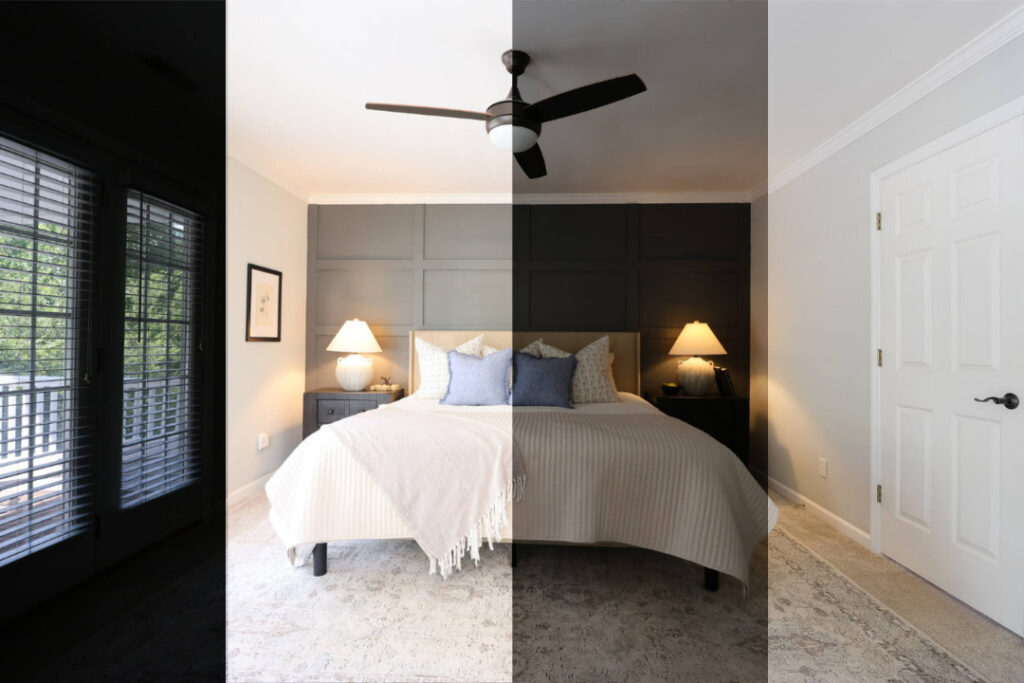
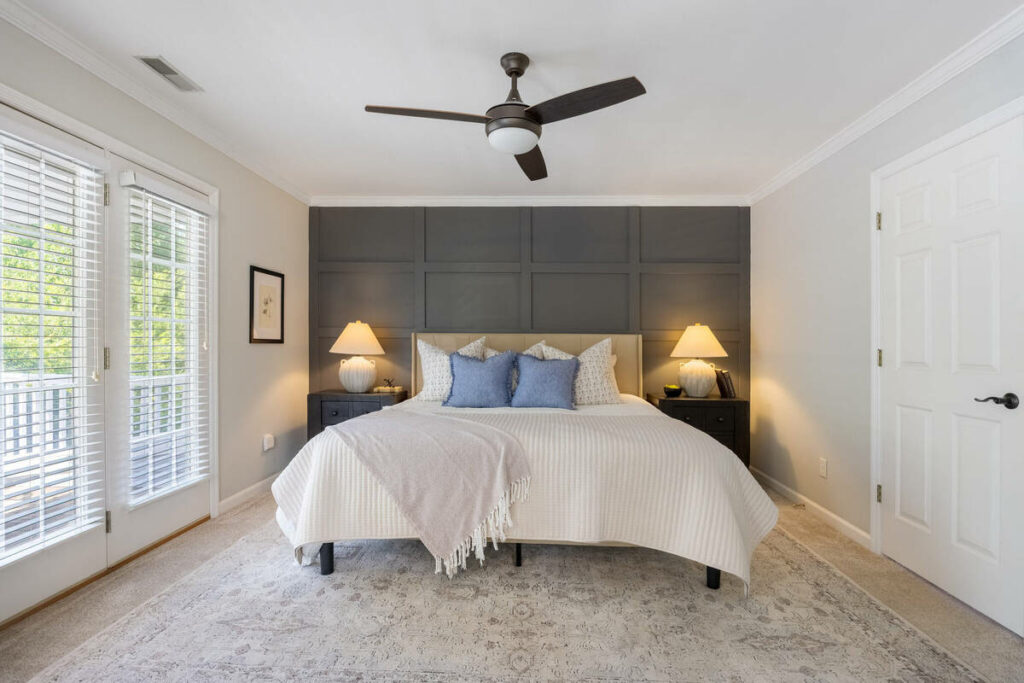
- Exposure balancing across bracketed HDR sets for standard daytime interiors
- White balance correction when a room mixes window light, tungsten cans, and overhead fixtures
- Batch color consistency across 30–80 images from the same shoot
- Basic object removal for small distractions like a power strip or a smudge on a wall
- Lens and perspective correction for converging verticals and barrel distortion
These tasks share a common trait: they’re technically defined and don’t require judgment about a specific client’s standard. That’s exactly where AI performs at or near the level of a trained editor, and it’s why the time savings above are real rather than theoretical.
AI + Human Review
Fast Edits. Trusted Results.
AI handles the workload. Humans handle the quality check.

Where AI Editing Is Getting Noticeably Better
A few areas sit in between “solved” and “still a problem.” Sky replacement on simpler rooflines and tree lines has improved enough that a second look often isn’t needed. Local adjustments (brightening one side of a room without blowing out a window on the other) are starting to show up in newer tools, though results are inconsistent from shot to shot.
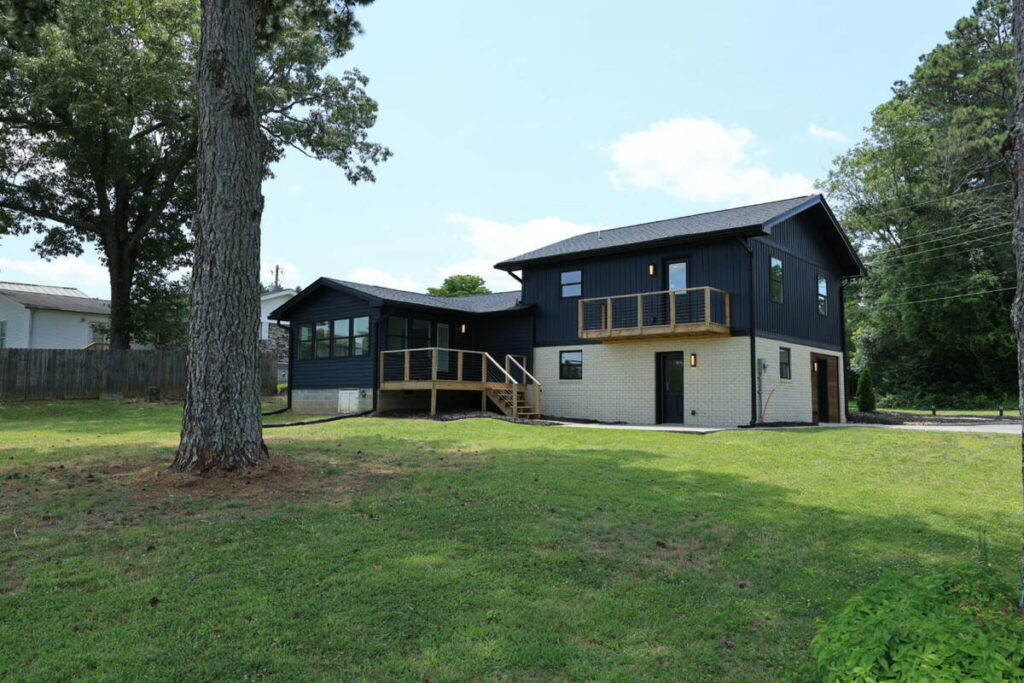
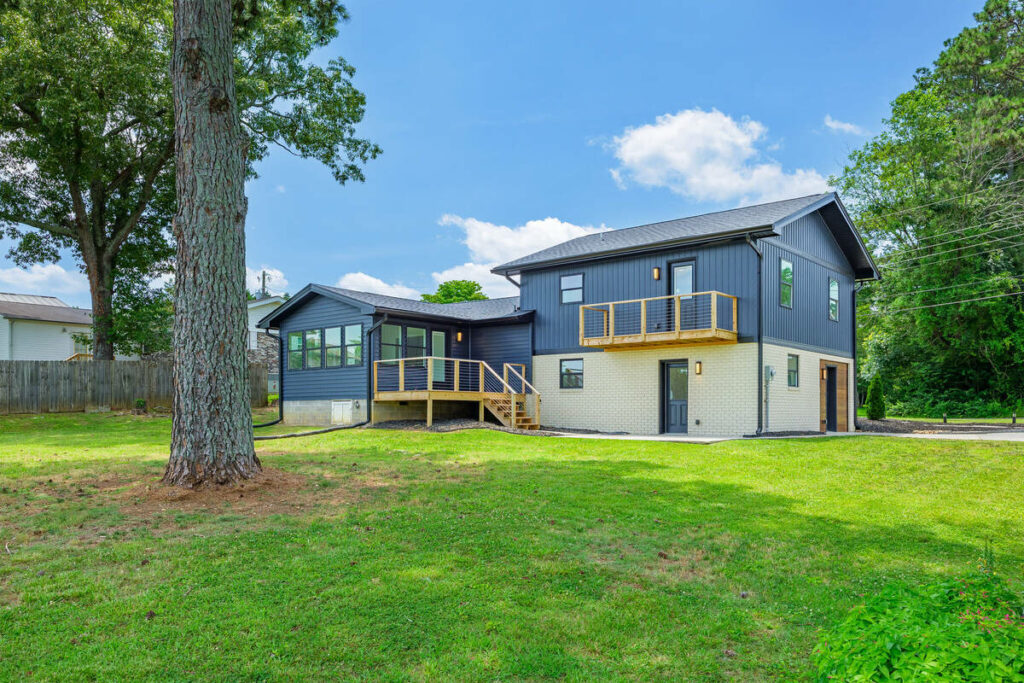
Batch processing has also gotten better at holding a consistent look across larger sets, closer to 80–100 images instead of the 30–80 range that was reliable a year or two ago.
But “improving” isn’t “finished.” These are categories to keep an eye on, not ones to hand off completely.
Where the Ceiling Still Holds for AI Editing

Some categories haven’t moved much. Naming them specifically matters more than waving at “AI isn’t perfect”:
- Luxury listings where subtlety is the standard: the calibration a high-end client expects (slight warmth in stone, neutral whites in cabinetry) varies property to property
- Sky replacement with complex tree lines or irregular architectural edges: the mask line shows, and a human editor catches it
- Twilight and day-to-dusk conversions: balancing an artificially lit interior against a dramatically lit exterior sky requires judgment calls current models don’t make consistently
- Mixed-light interiors requiring local adjustments: a bedroom with a bright window, a warm lamp, and recessed lighting overhead isn’t a pattern AI applies correctly yet
- Recurring clients with a defined, non-standard quality expectation: AI doesn’t know that a specific agent has been asking for warmer skies for two years
Each of these has one thing in common: they require context the software wasn’t trained on. That’s a different problem than raw processing power, and it’s not one more computer solves on its own.
So How Far Can AI Photo Editing for Real Estate Go?
Put the last two sections together and a pattern shows up. AI is excellent at technically defined, repeatable corrections. It struggles anywhere a decision depends on a specific client, a specific property, or a judgment call about what looks “right” rather than what’s technically correct.
With AI photo editing for real estate, the first 80% of edits—consistent adjustments applied across listings—can be completed automatically. A human editor then handles the remaining 20% that requires judgment, context, or a client-specific standard.
Browse Top Dedicated
Real Estate Photo Editors
Ready-to-hire editors for real estate photo editing, and more.
That split has held steady even as individual tools have improved. The ceiling moves a little each year. Sky replacement is better than it was in 2024, and batch consistency scales further than it used to. But the line between “technical correction” and “judgment call” hasn’t disappeared, and there’s no clear sign it’s about to.
The practical takeaway: build a workflow that lets AI handle the volume and route the judgment calls to a person, rather than betting on either extreme.
Get AI Speed and Human Judgment With PhotoUp
PhotoUp’s editing platform is built for real estate photographers who need professional-grade output at volume, without gambling on where AI’s limits happen to fall on a given shoot.
Here’s what that looks like:
- AI-assisted editing for fast exposure balancing, color correction, and white balance across full listing sets
- Professional manual editing for twilight conversions, complex sky replacement, luxury listings, and mixed-light interiors
- Dedicated editors who learn your style and your clients’ specific standards over time
- Virtual staging delivered alongside your edited set
- Property websites and virtual tours for market-ready presentation
AI + Human Review
Fast Edits. Trusted Results.
AI handles the workload. Humans handle the quality check.
PhotoUp combines fast turnaround with professional expertise. Most orders are delivered within 12 hours, while skilled editors refine the details AI often misses, ensuring every image meets a high standard before delivery.
How to Get Started:
- Sign up for a free PhotoUp account
- Upload your first listing
- Select your editing preferences and turnaround time
- Review and approve your edited images
- Deliver to your client
Try a test order — free. Upload one listing, get edits back in 12 hours, and compare AI-assisted and manual editing side by side on your own shoot.
Related Articles:
- Is AI Virtual Staging Becoming a Must-Have for Modern Listings?
- How AI Real Estate Photo Editing Reshapes Photographers Workflows
- How to Combine AI and Manual Real Estate Photo Editing for Fast & Flawless Results
- Can AI Real Estate Photo Editing Services Match the Eye of a Professional Editor?
- 7 Things to Look for When You Outsource Real Estate Photo Editing
References: