Table of Contents
- What AI Exposure Correction and White Balance Do
- Where AI Exposure Correction Works Well
- Where AI Exposure Correction Needs a Human
- How to Review AI Exposure and White Balance Before Delivery
- Get Consistent Interior Color With Human QA Built In
Open a finished gallery and compare the kitchen to the bedroom. If one has a yellow cast and the other looks cool, buyers notice before they can say why.
AI exposure correction fixes much of that automatically. Not all of it.
Here’s what AI exposure correction and white balance handle in interior photos, which rooms need a second look, and how to review the result before it ships.
What AI Exposure Correction and White Balance Do
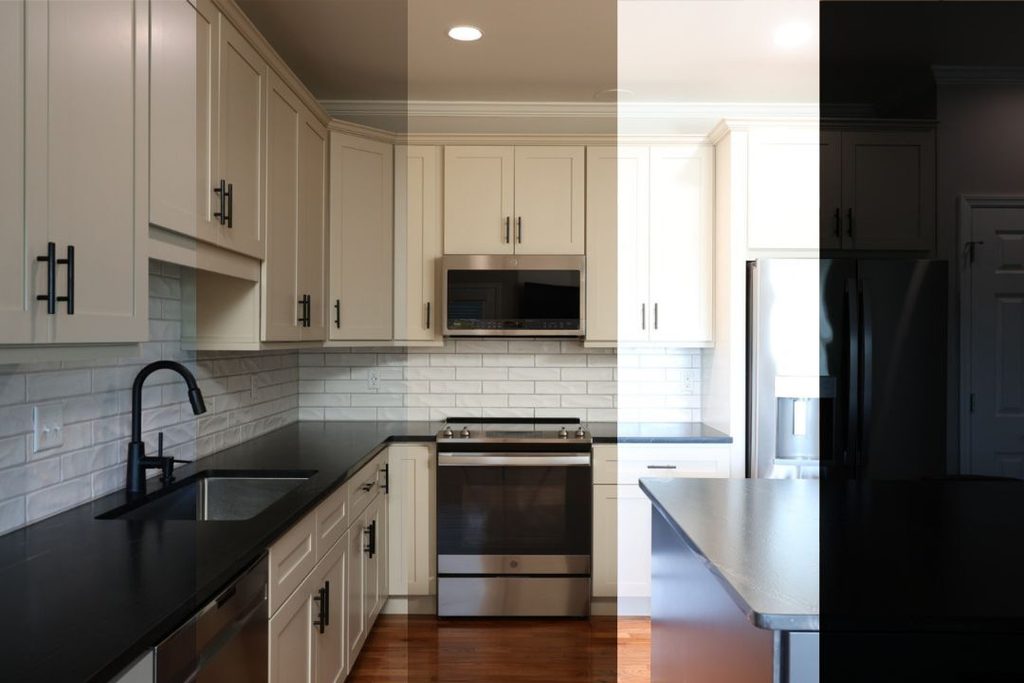
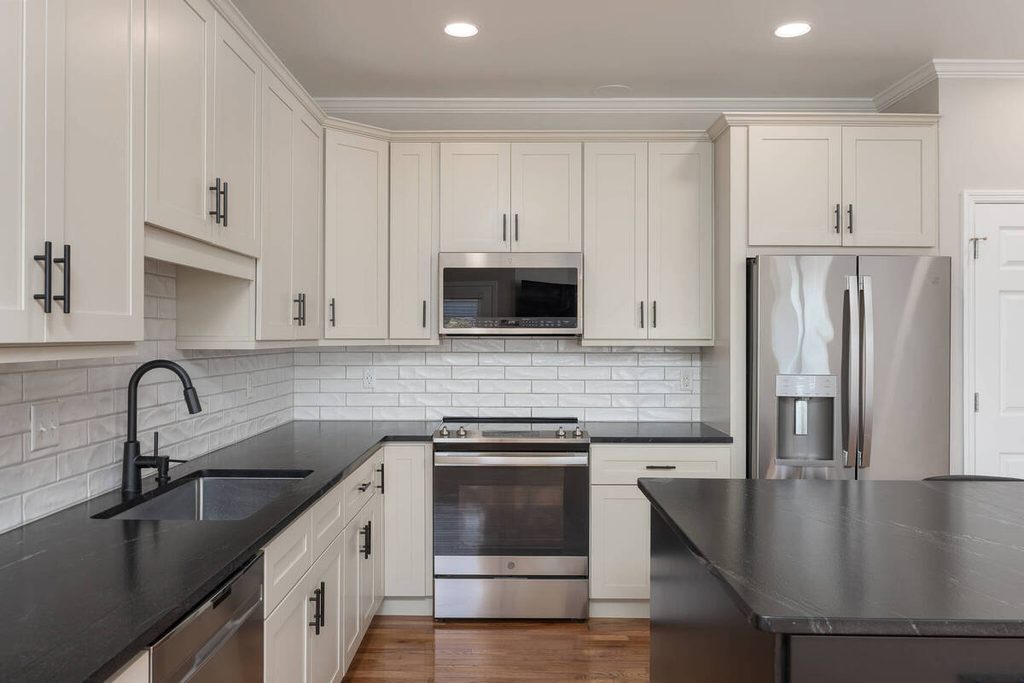
AI exposure correction balances brightness across a set of bracketed shots, so a room isn’t too dark in the corners or too bright at the windows. AI white balance correction neutralizes the color cast, so whites look white and wood looks like wood.
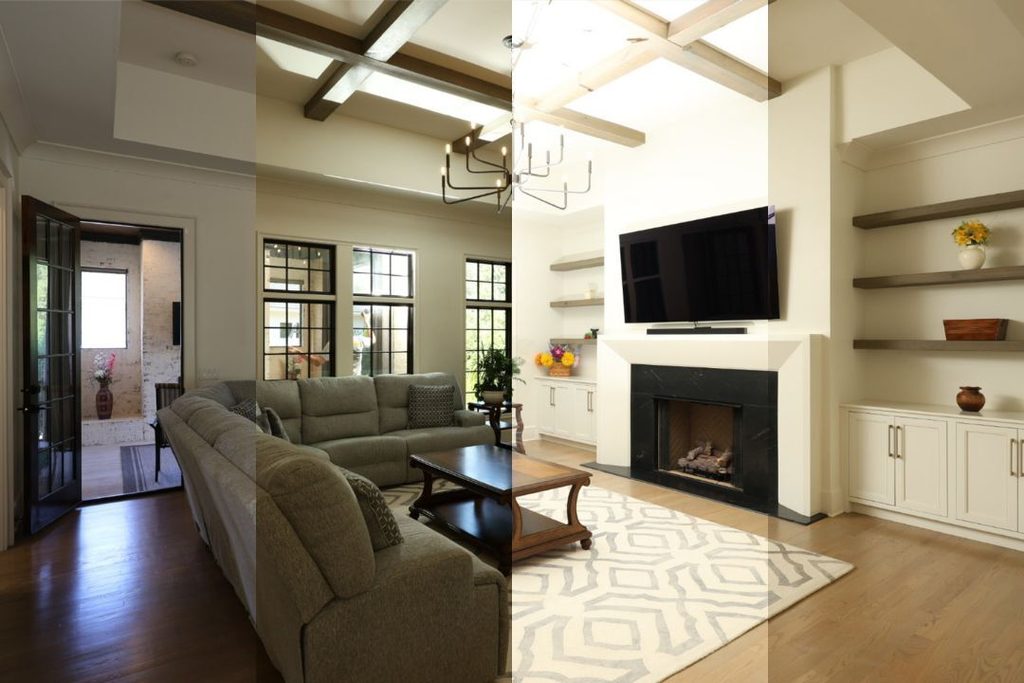
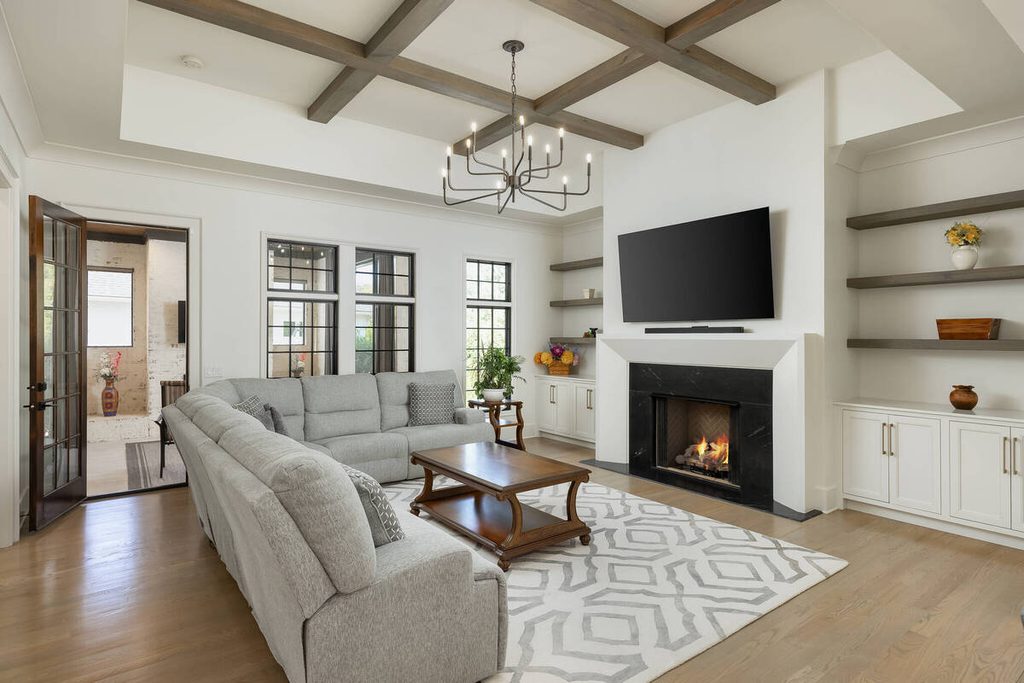
Applied across a gallery, the same tools keep color consistent from room to room. That consistency is the repeatable part of the job, and it’s where AI saves the most time. Exposure balancing across bracketed sets, white balance on standard daytime interiors, and batch color consistency across 30 to 80 images from the same shoot are all work AI handles well.
Why Interior Photos Are Harder Than They Look
An interior is lit by more than one kind of light. HDRsoft explains that natural light coming in from outside combined with light from interior lamps can confuse the camera’s automatic sensor, and the merged HDR image can end up with a yellow cast.1
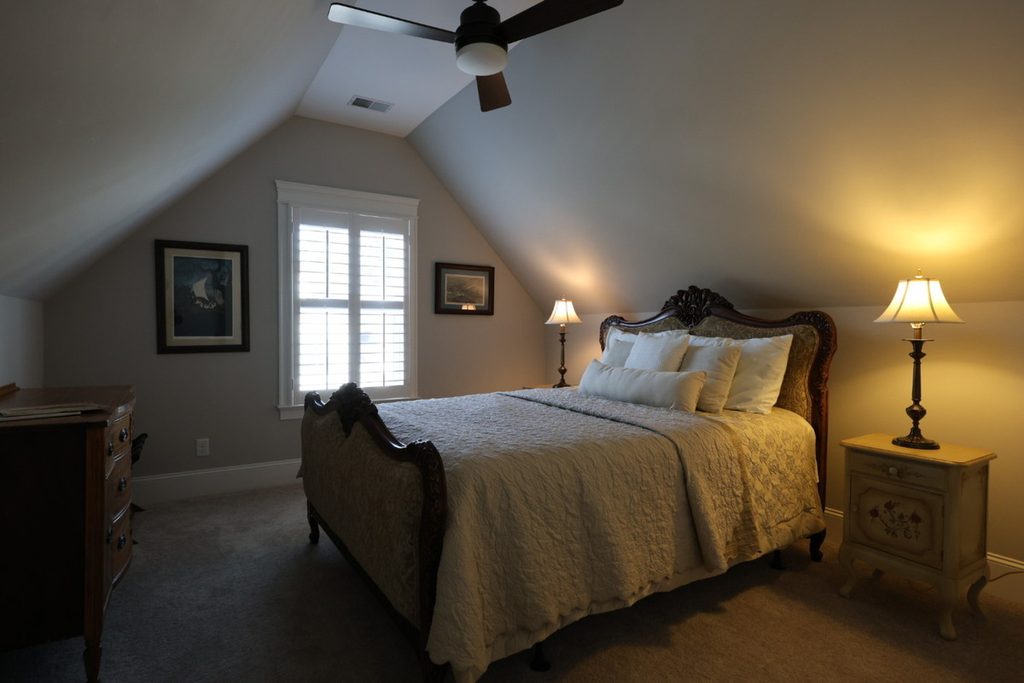
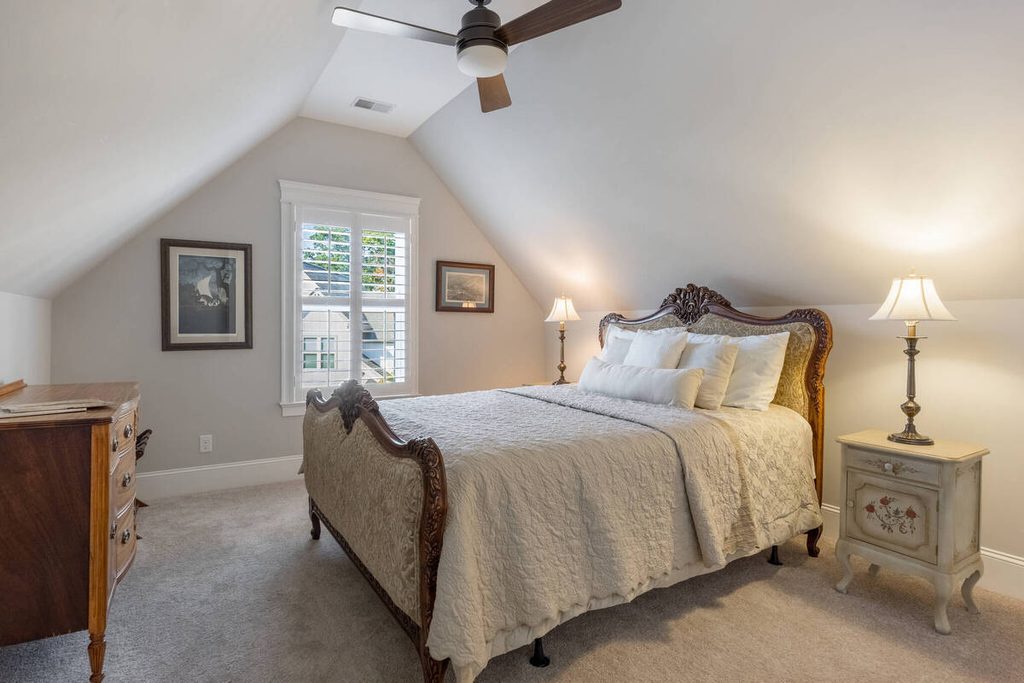
The window light is one source. Lamps, ceiling fixtures, and under-cabinet lights are others, and each can have a different color temperature. A PFRE post by Larry Lohrman lists the usual causes of casts: color from adjacent walls, interior lights of varied color temperatures, and sunlight.2
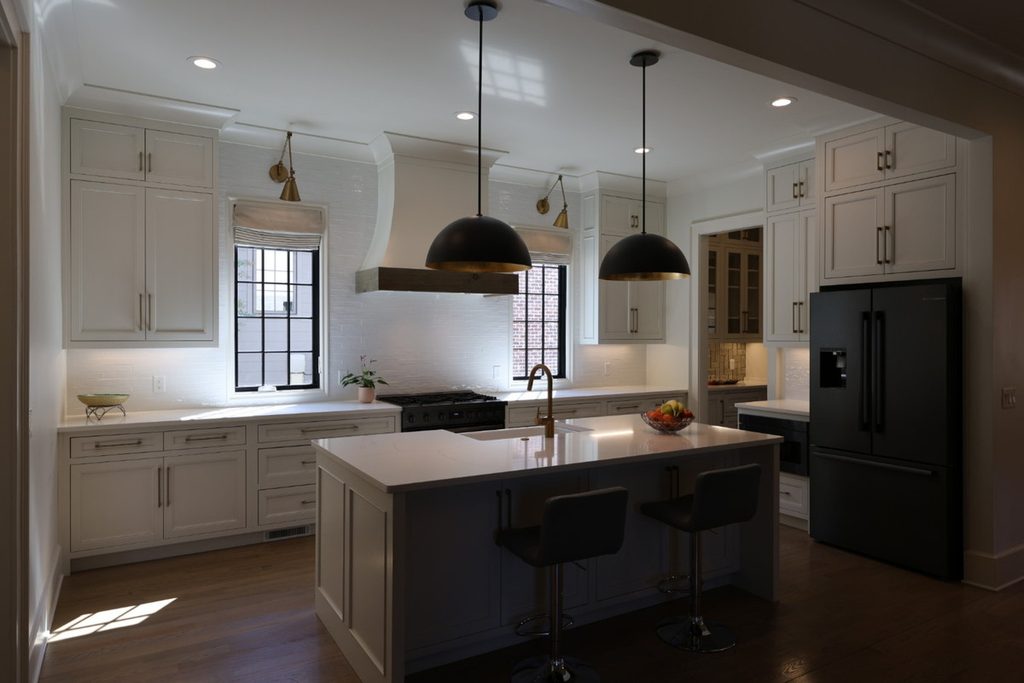
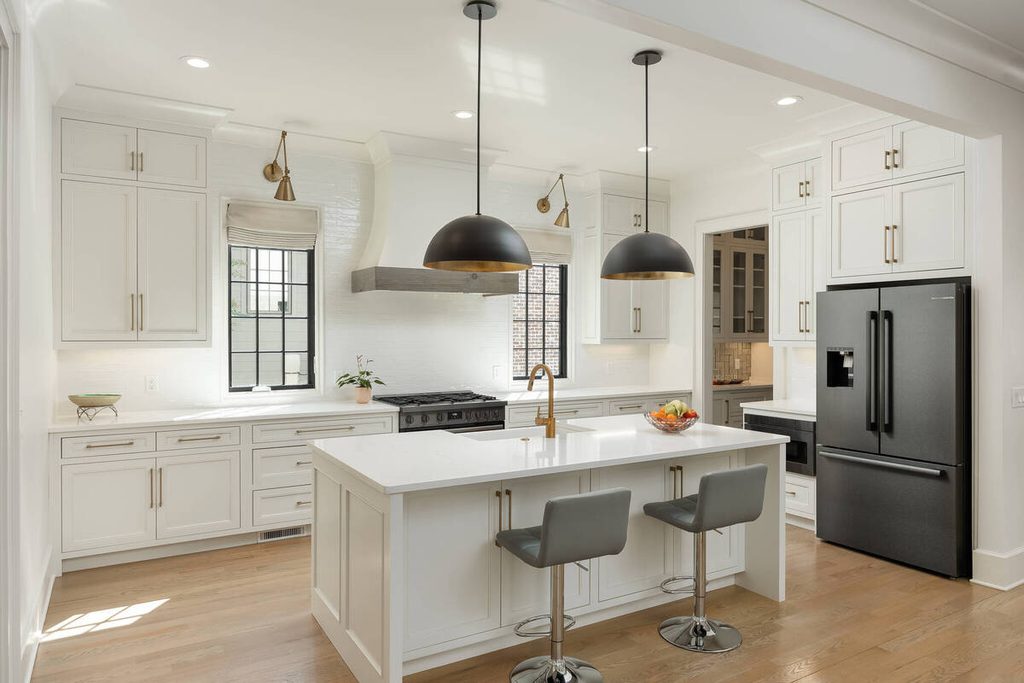
That mix is why one correction setting rarely fits a whole room. It’s also why the rooms look so different from one another in the same gallery.
Where AI Exposure Correction Works Well
AI exposure correction is at its best when the lighting is simple. Here’s where it earns its time:
- Standard daytime interiors: Rooms lit mainly by window light give the software one source to balance.
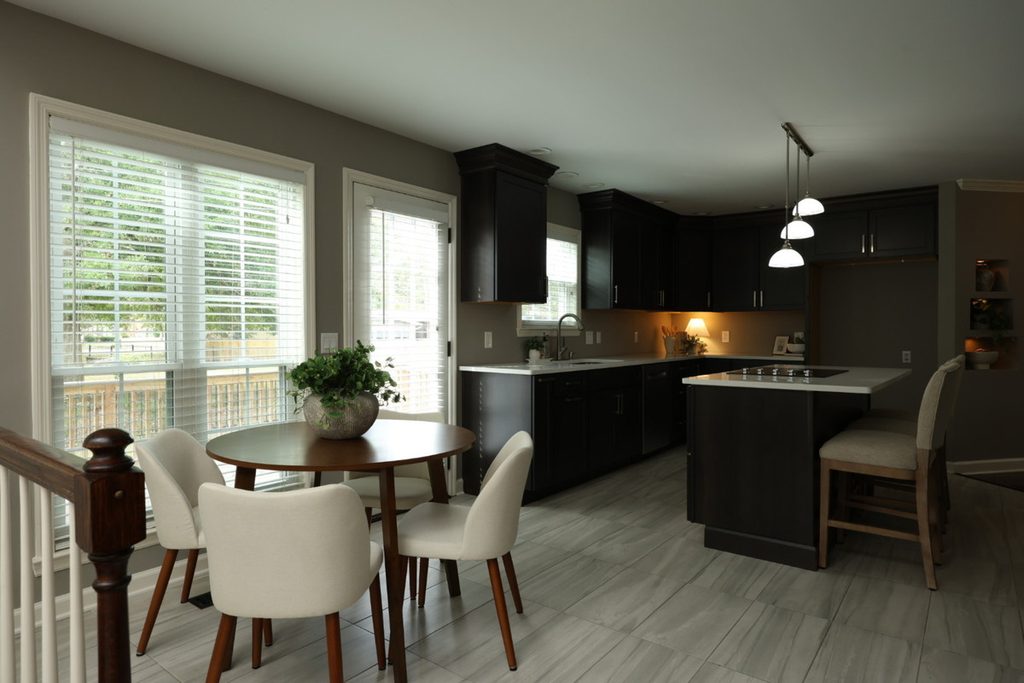
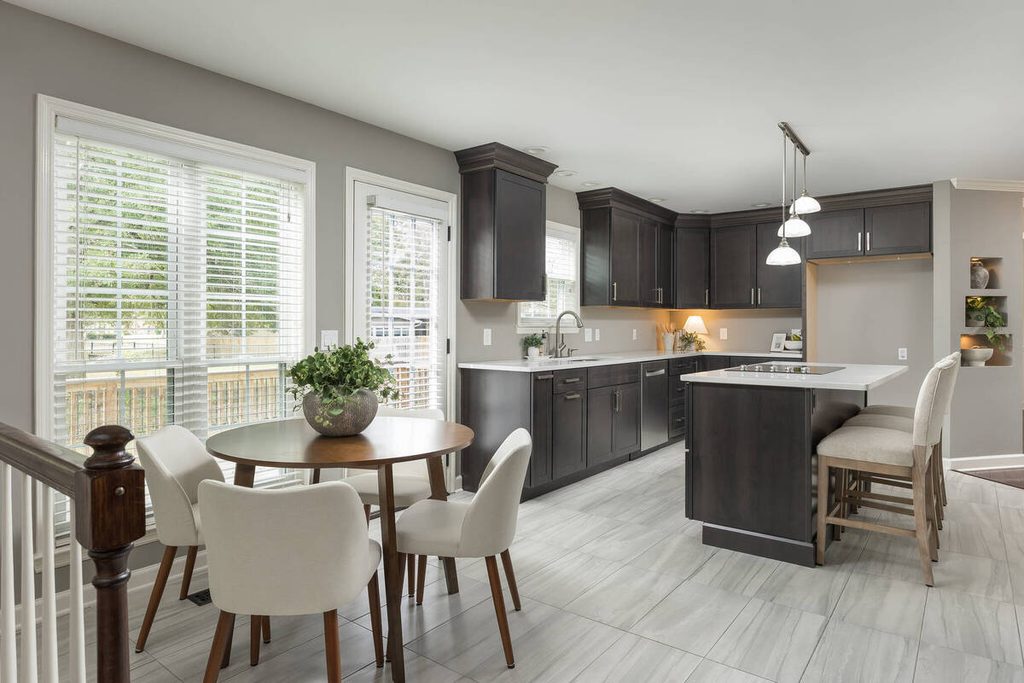
- Rooms with one type of light: When every fixture is the same kind of bulb, there’s less conflict to resolve.
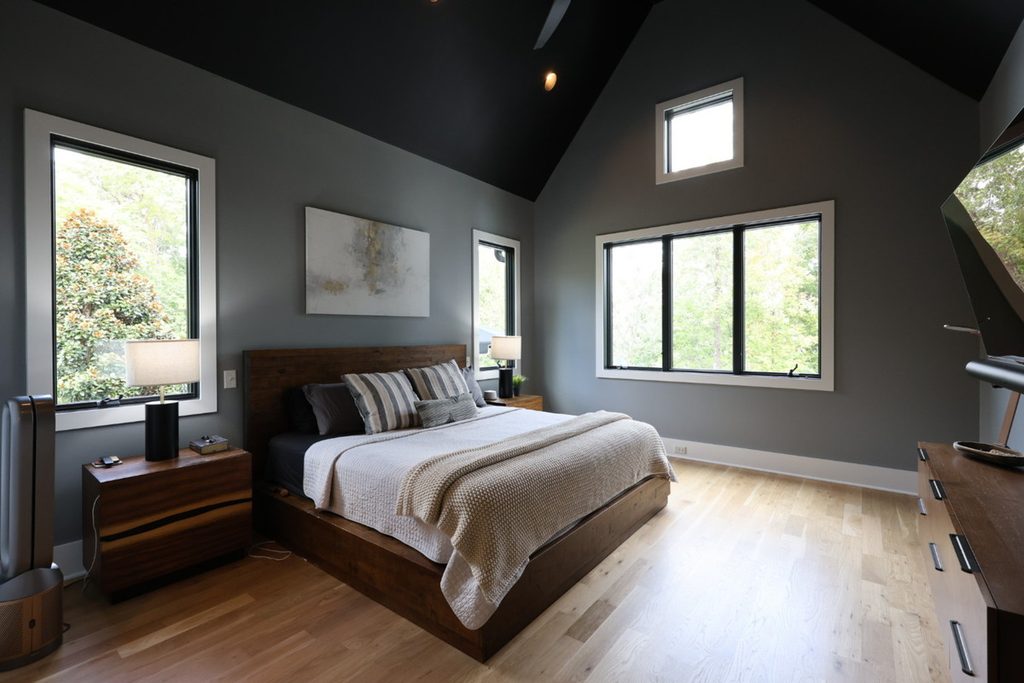
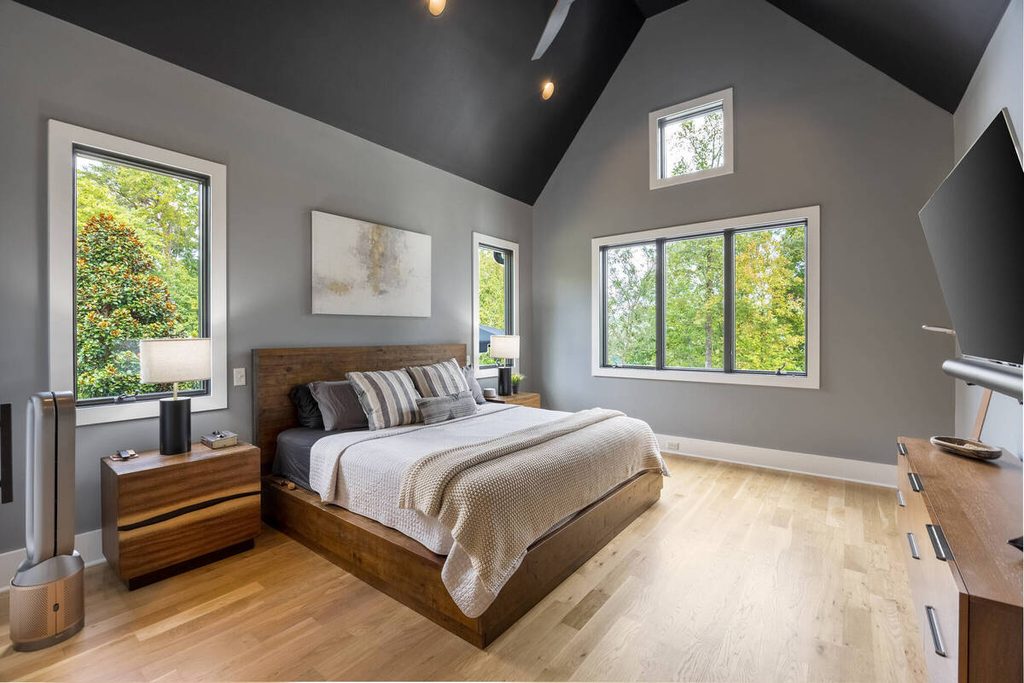
- Gallery-wide consistency: The same correction applied to every image keeps the gallery looking like one shoot.
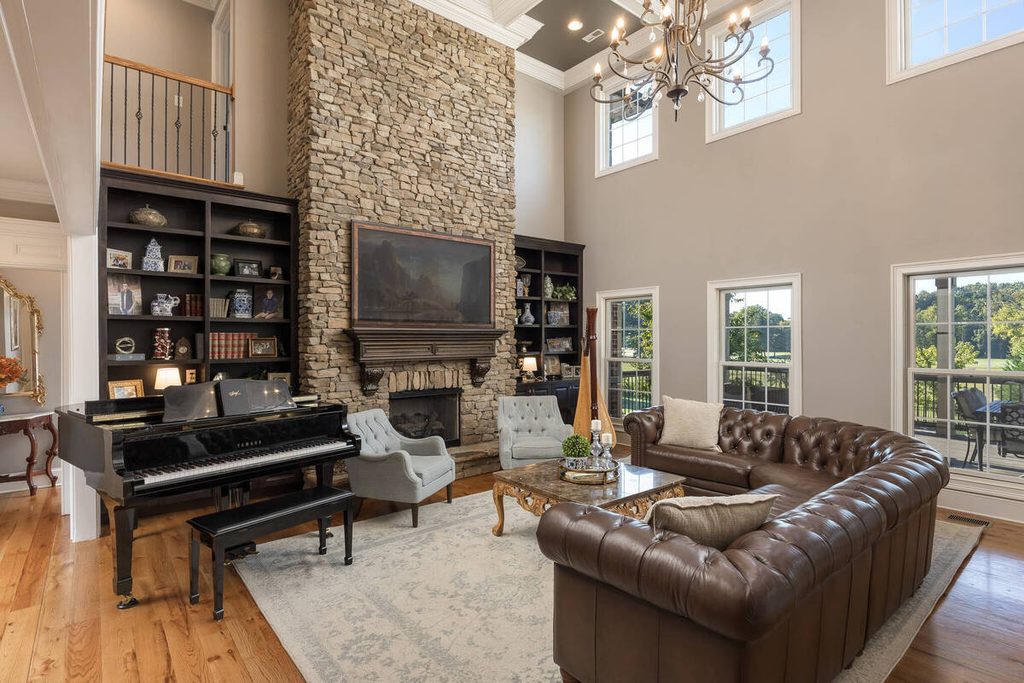
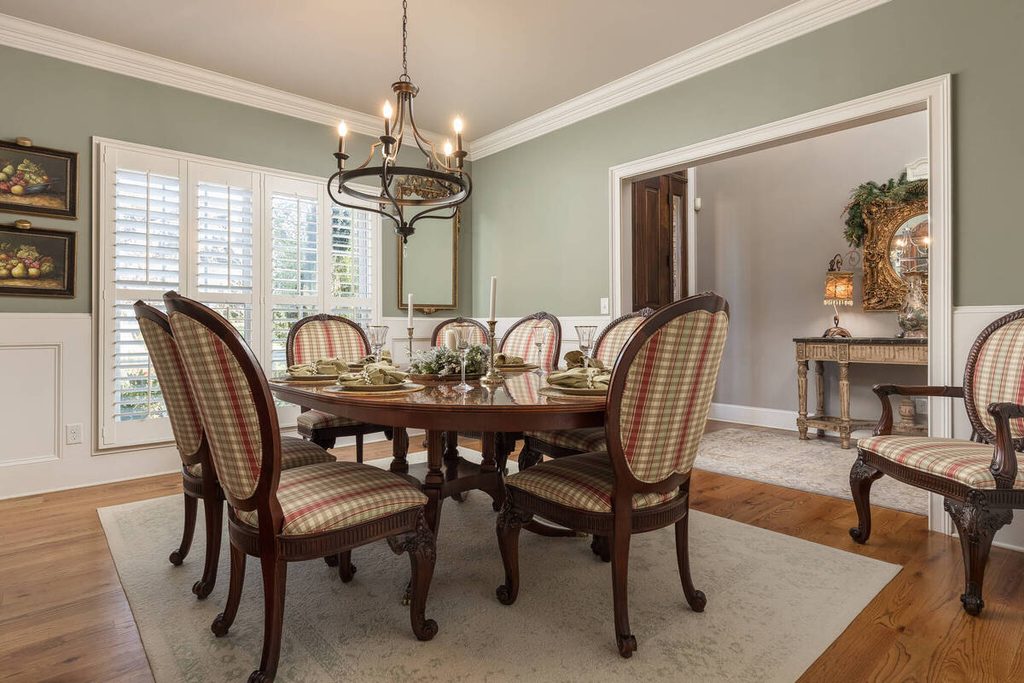
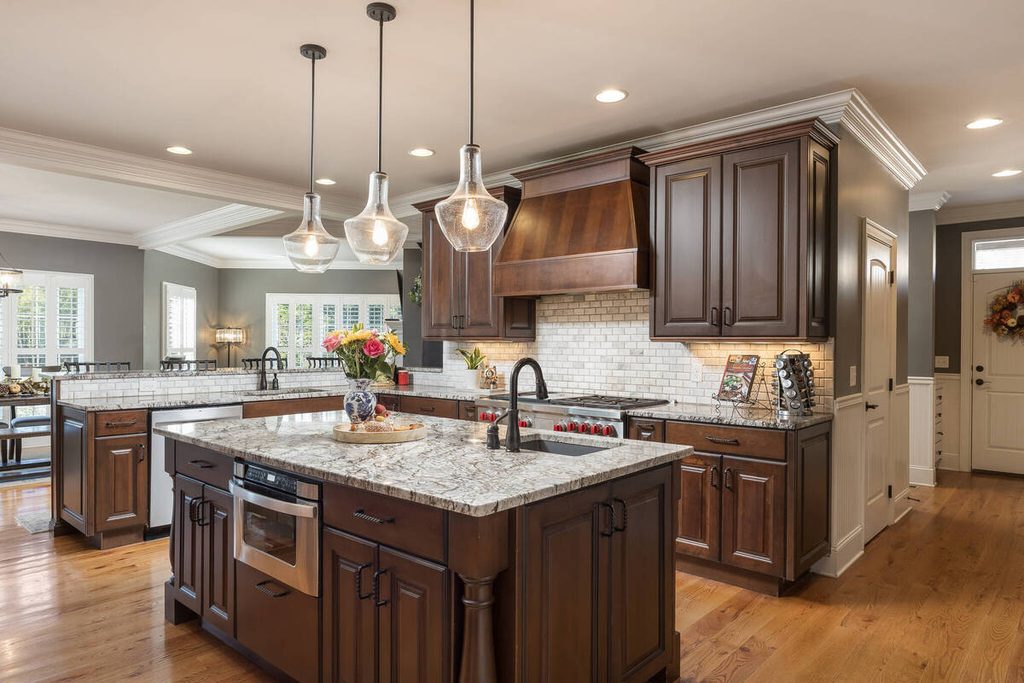
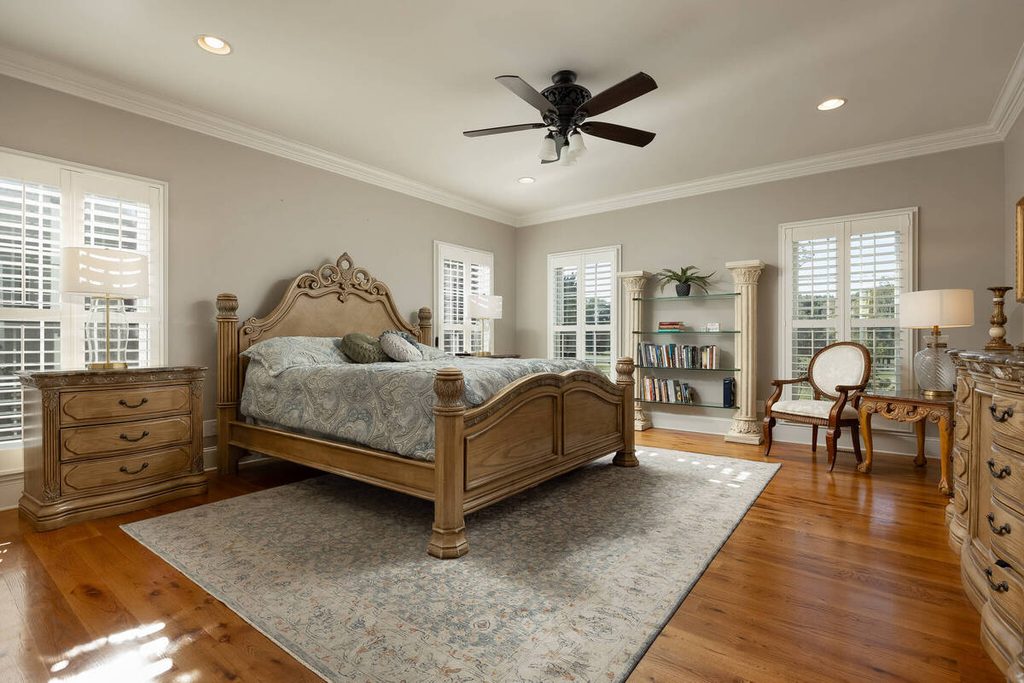
- Bracketed sets: Blending exposures so detail holds in both the shadows and the windows is a repeatable task.
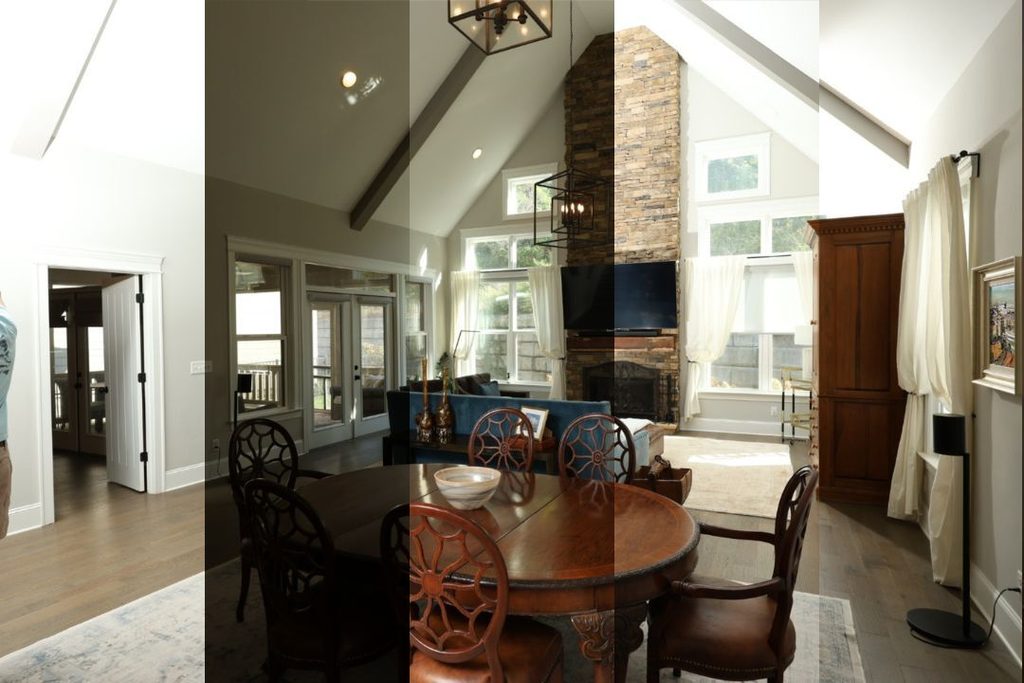
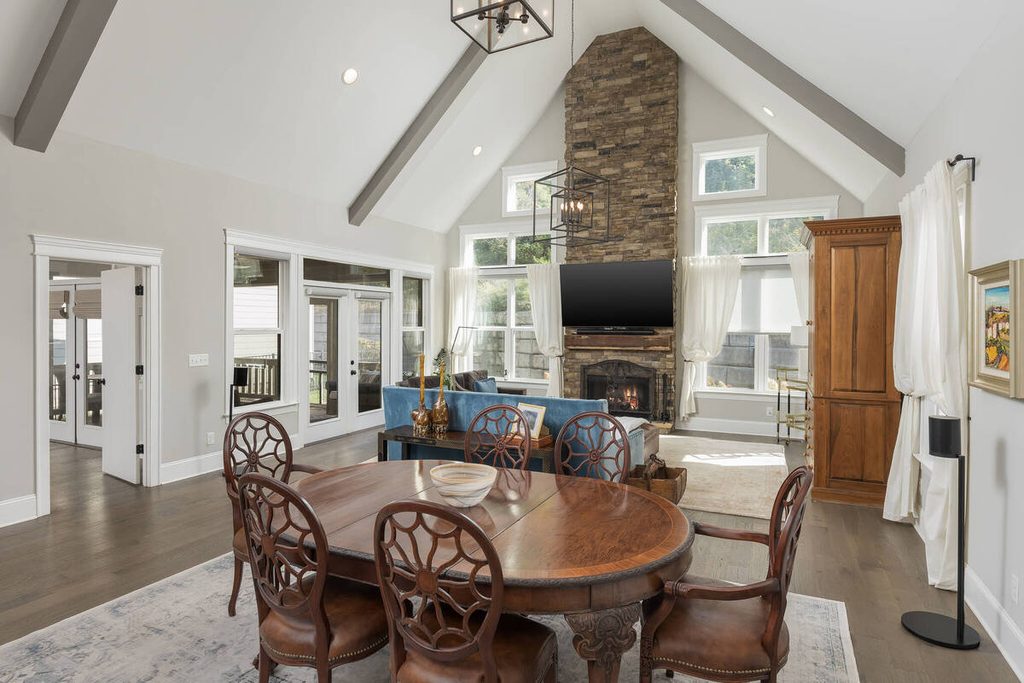
The takeaway is that AI exposure correction handles the foundational work, and it handles it consistently.
Focus on Photography
We'll Handle the Rest
Save time with a dedicated PhotoUp Coordinator.

Room by Room: What to Review in Kitchens, Bedrooms and Living Rooms
Every home is different, but some rooms tend to need more attention than others. This is practical guidance, not a study, so treat it as a starting point for what to check.
- Kitchens: Under-cabinet lights, a mix of fixtures, and a window over the sink all compete in one frame. Colored cabinets or a bold backsplash can also cast color onto nearby surfaces.
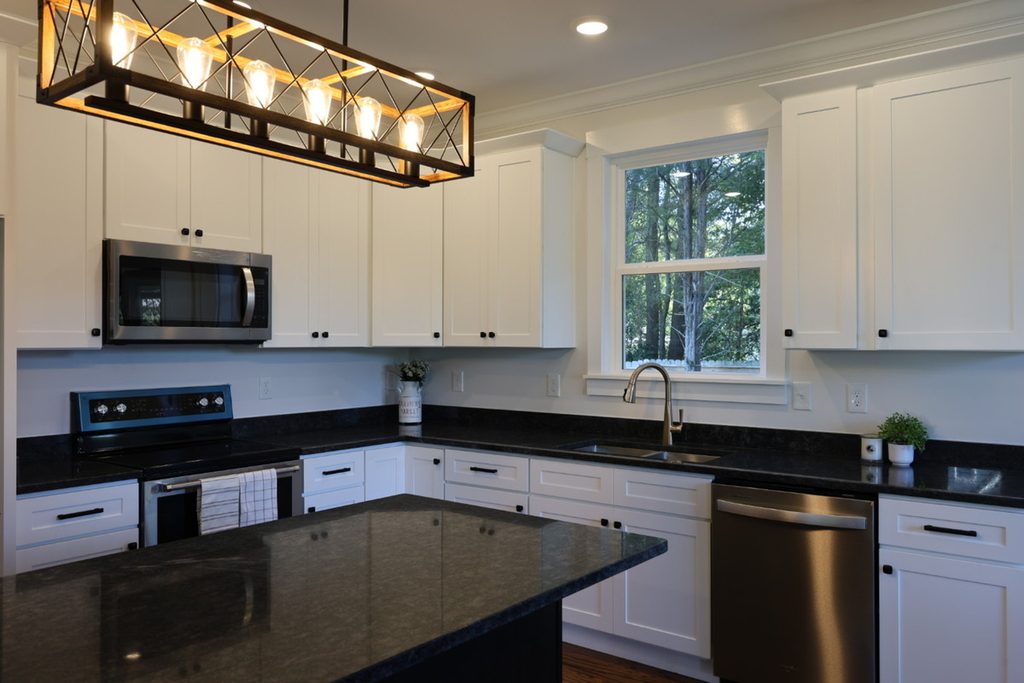
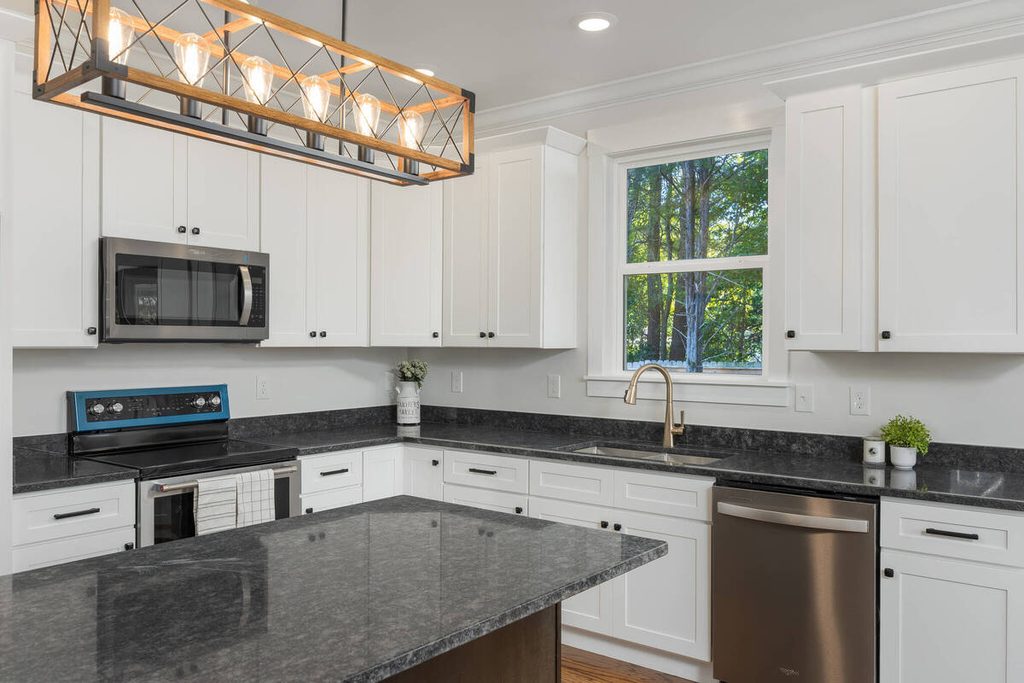
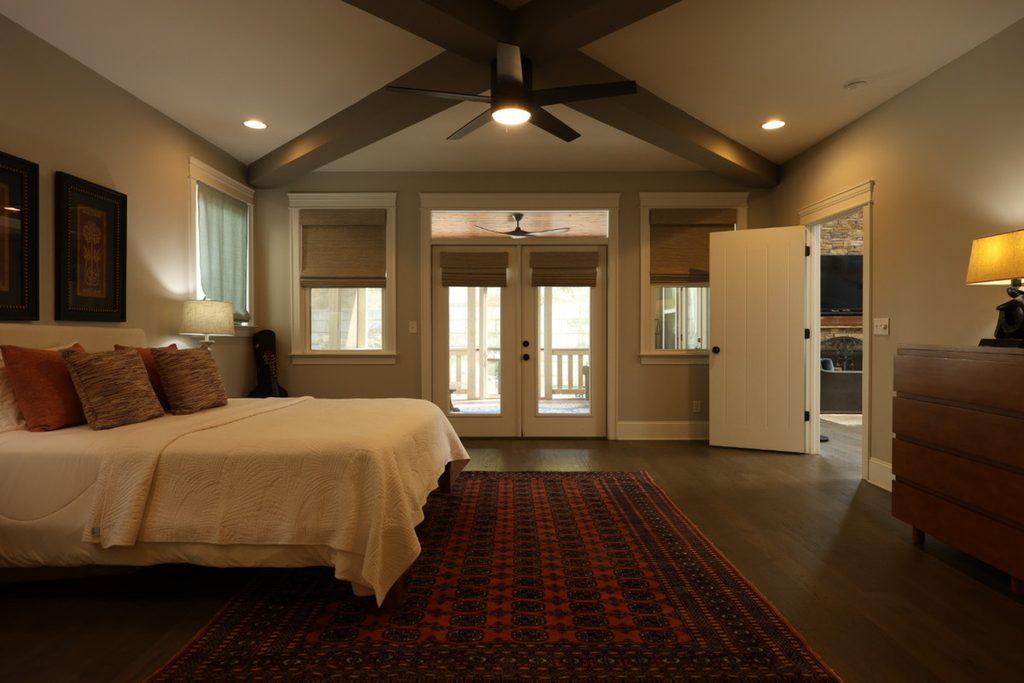
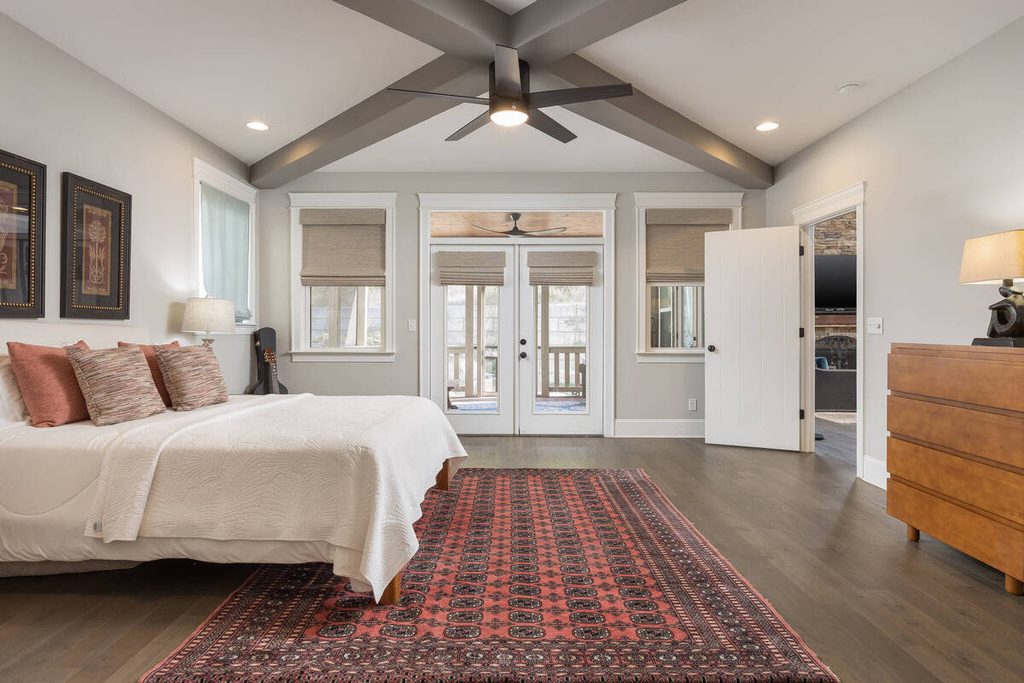
- Bedrooms: The lighting is often simpler, but warm lamp bulbs and bedding can pull whites toward yellow or blue. Check the sheets and the ceiling.
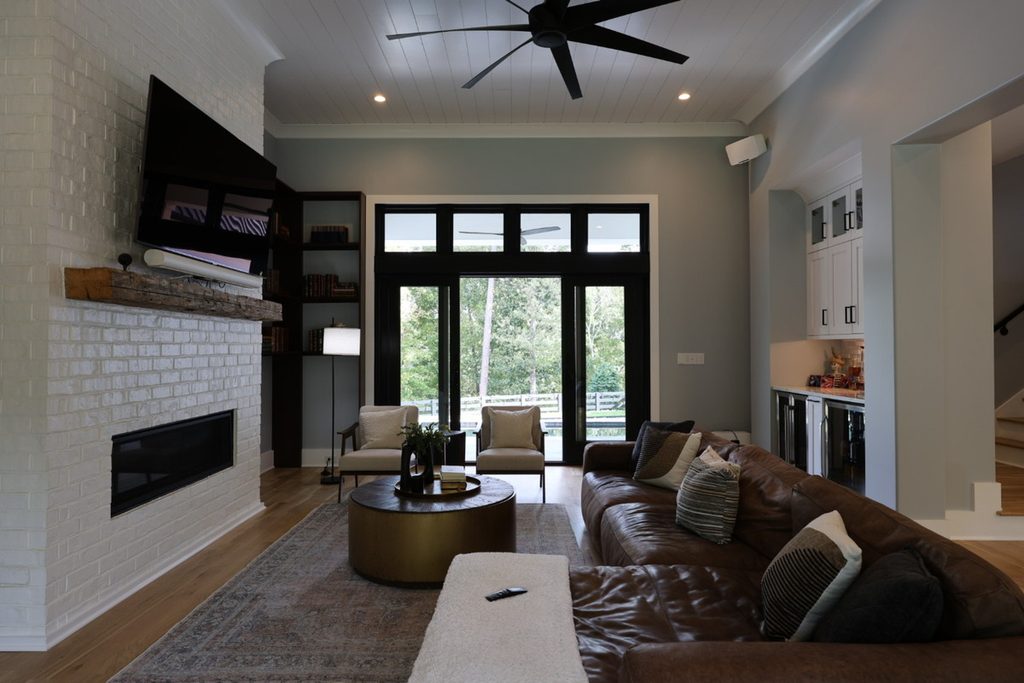
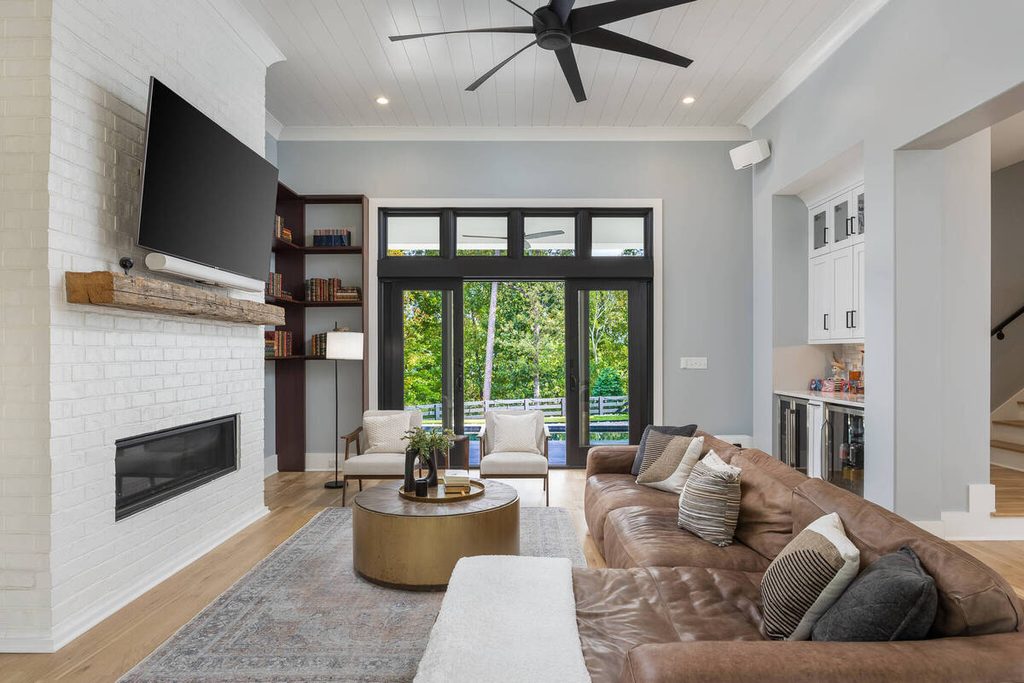
- Living rooms: These tend to have the largest windows plus lamps and screens, so the mix of light is widest here. They’re also the room most likely to be a lead image.
Where AI Exposure Correction Needs a Human
Here are the cases that still need a person:
- Mixed-light interiors: When daylight and lamps conflict, the fix often needs local adjustments, not a single global setting. One manual approach in the PFRE post is to blend two exposures, one with the lights on and one with them off.
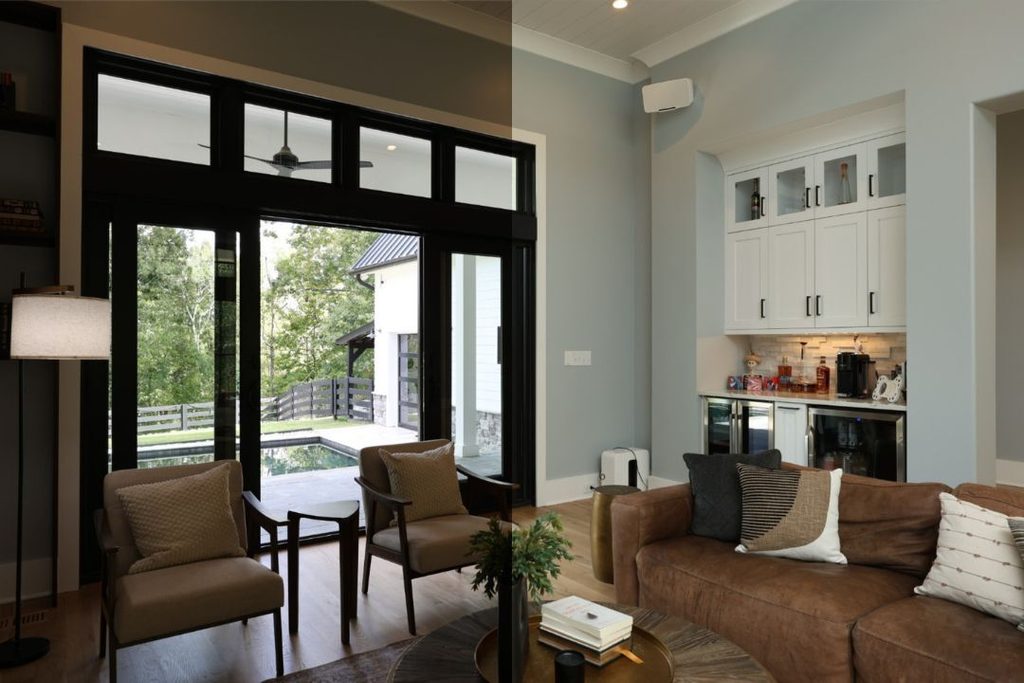
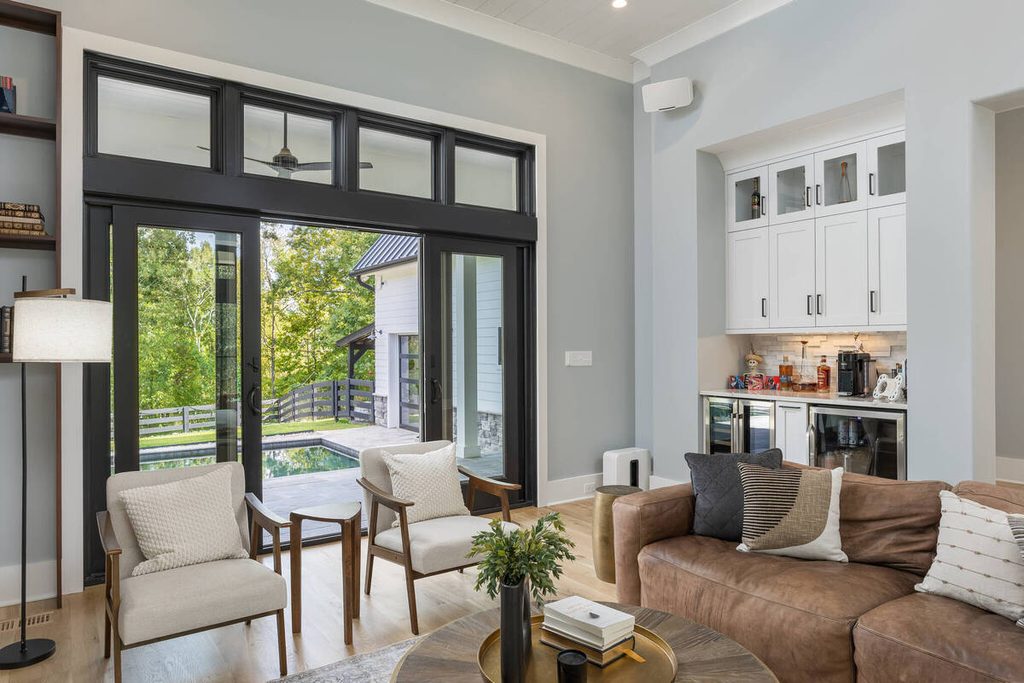
- Window view versus room brightness: Deciding how much of the view to keep while the room stays bright is a judgment call.
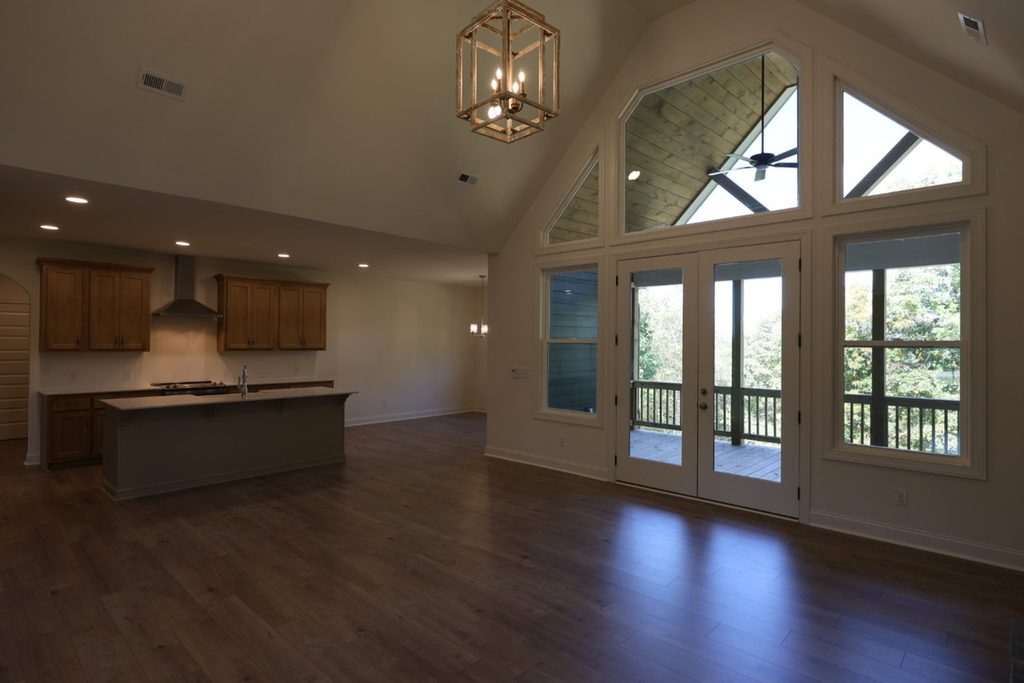
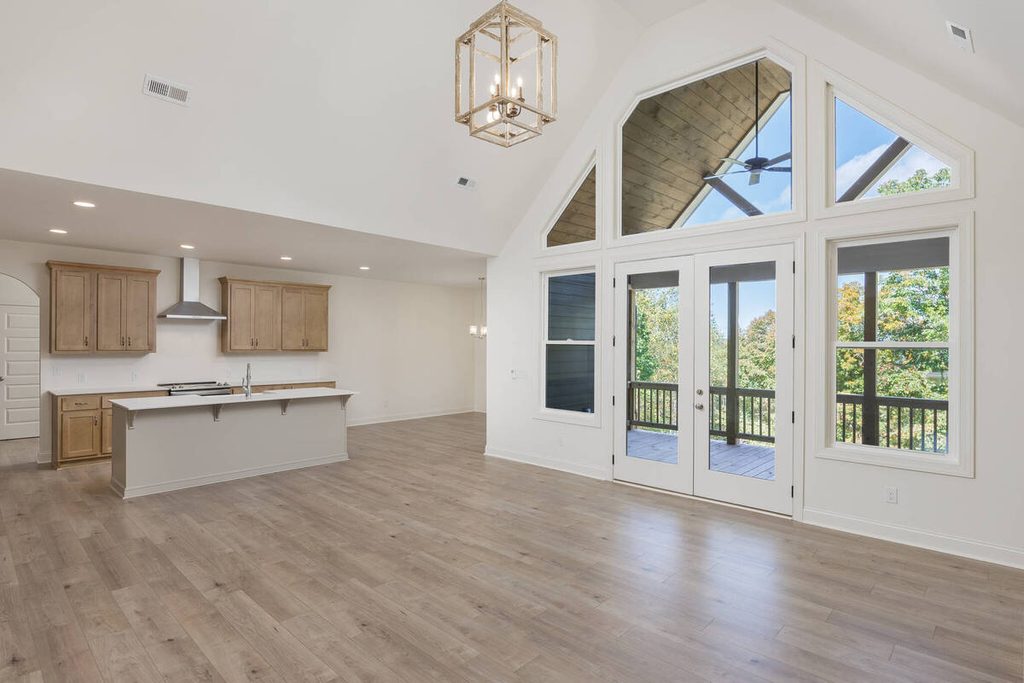
- Colored walls casting onto whites: A green or terracotta wall can tint a ceiling or trim, and the software may read it as the correct color.
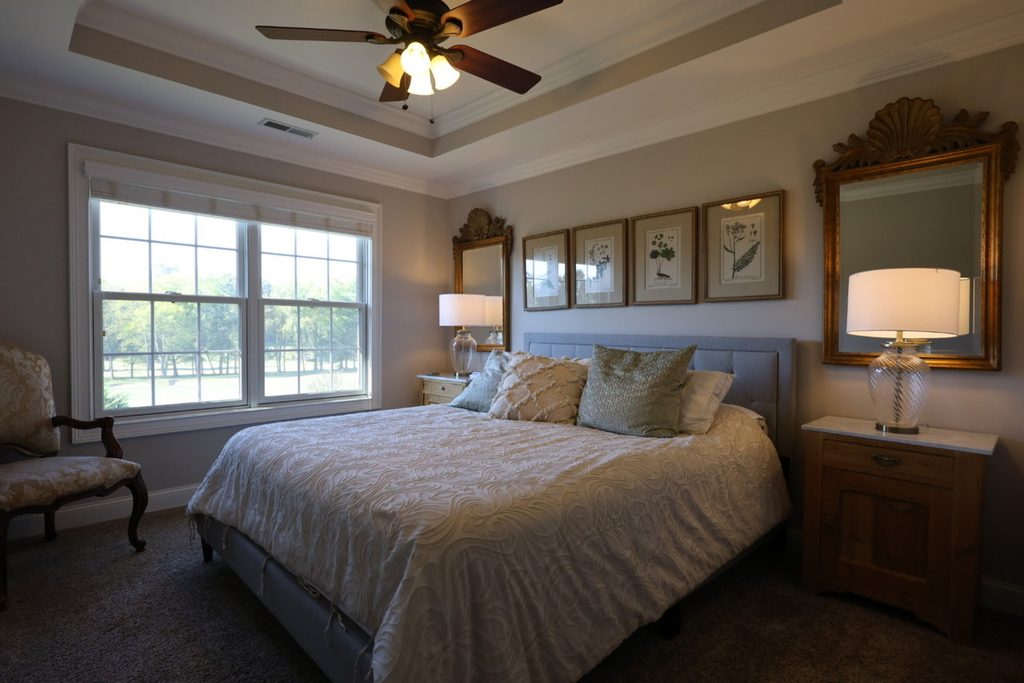
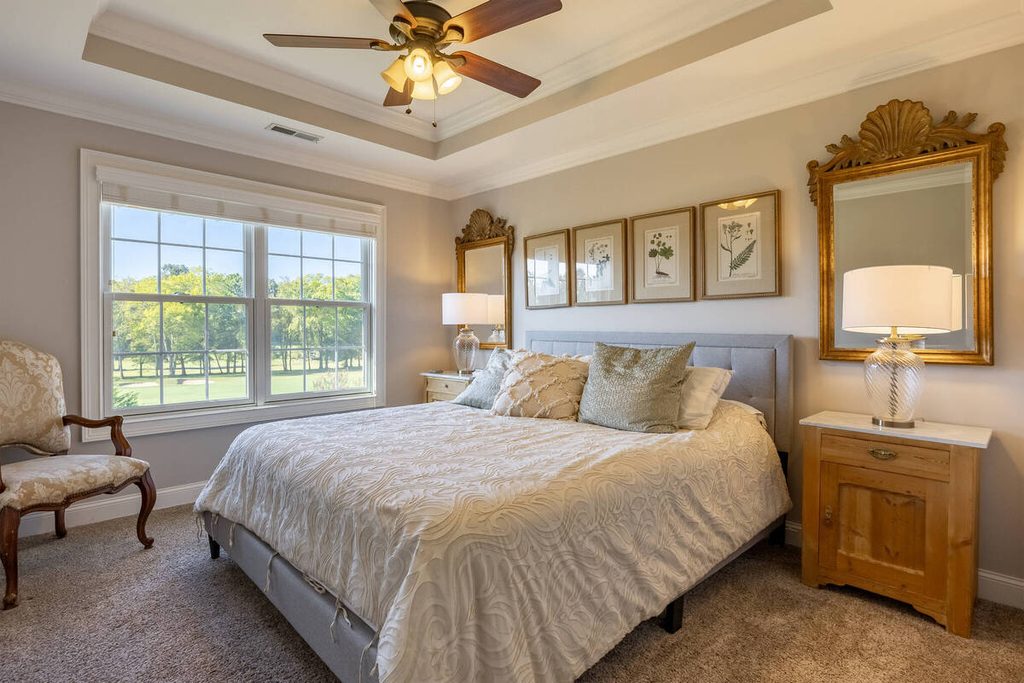
- Luxury listings: Where subtlety is the standard, small differences in warmth are noticeable.
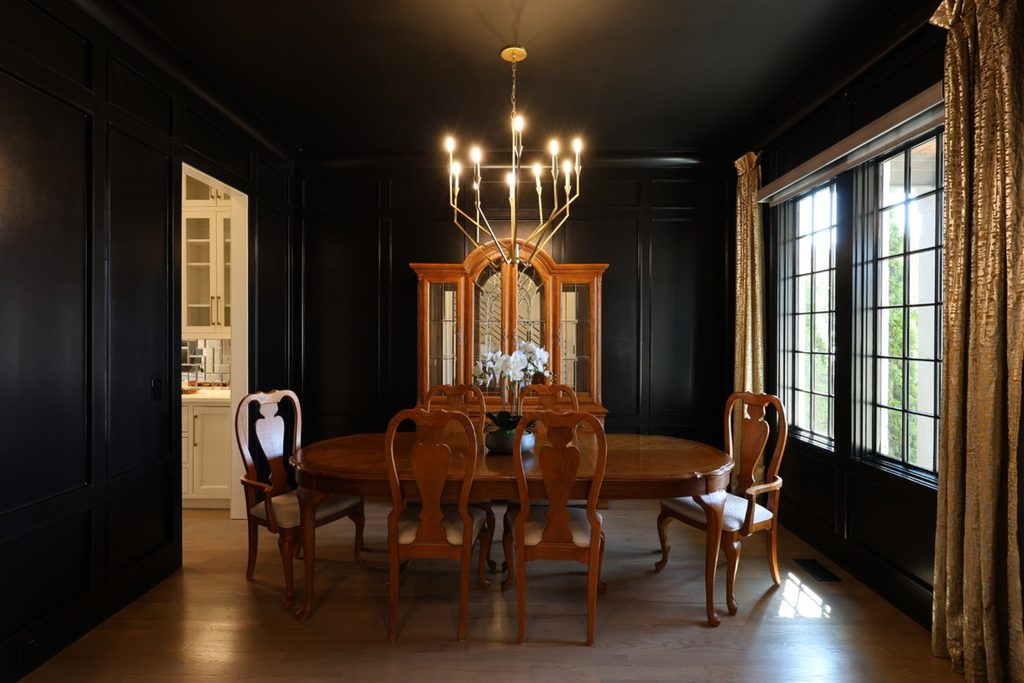
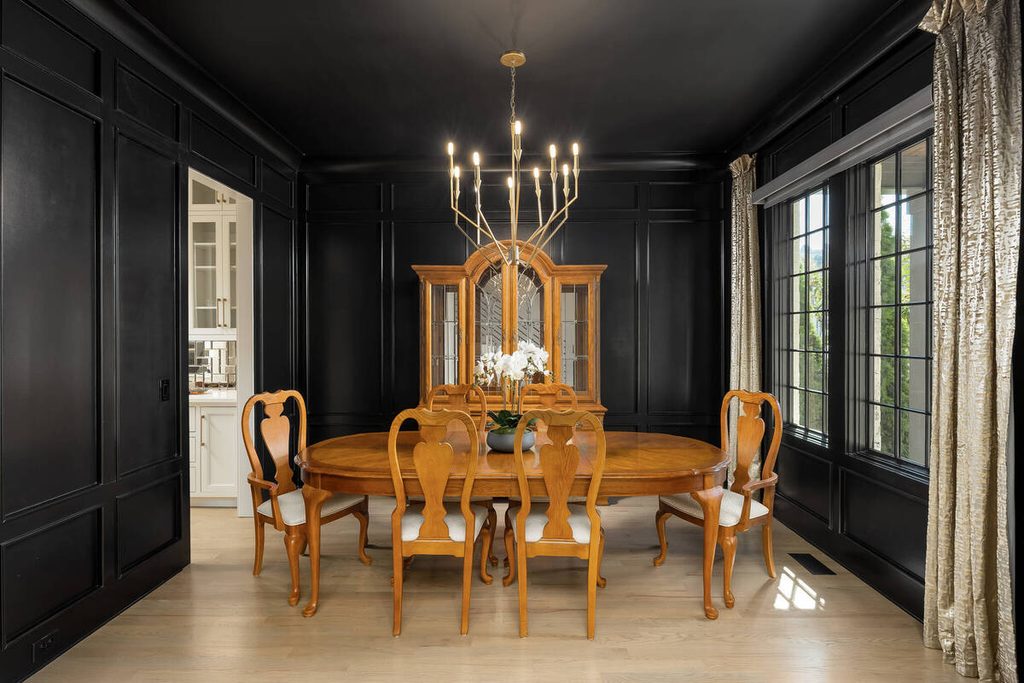
- Clients with a defined look: A recurring client’s preferred tone isn’t something a generic setting knows.
None of these are failures of the software. They’re calls that need context, which is why a review step belongs in the process. If you’d rather do the corrections by hand, PhotoUp has guides to adjusting white balance in Photoshop and changing exposure in Photoshop.
How to Review AI Exposure and White Balance Before Delivery
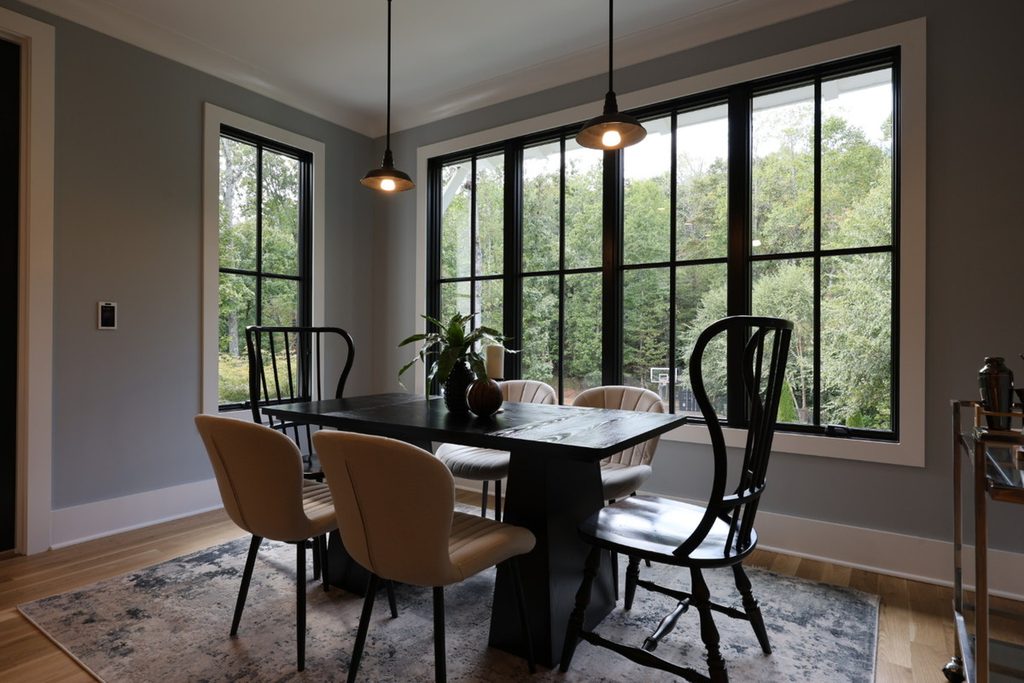
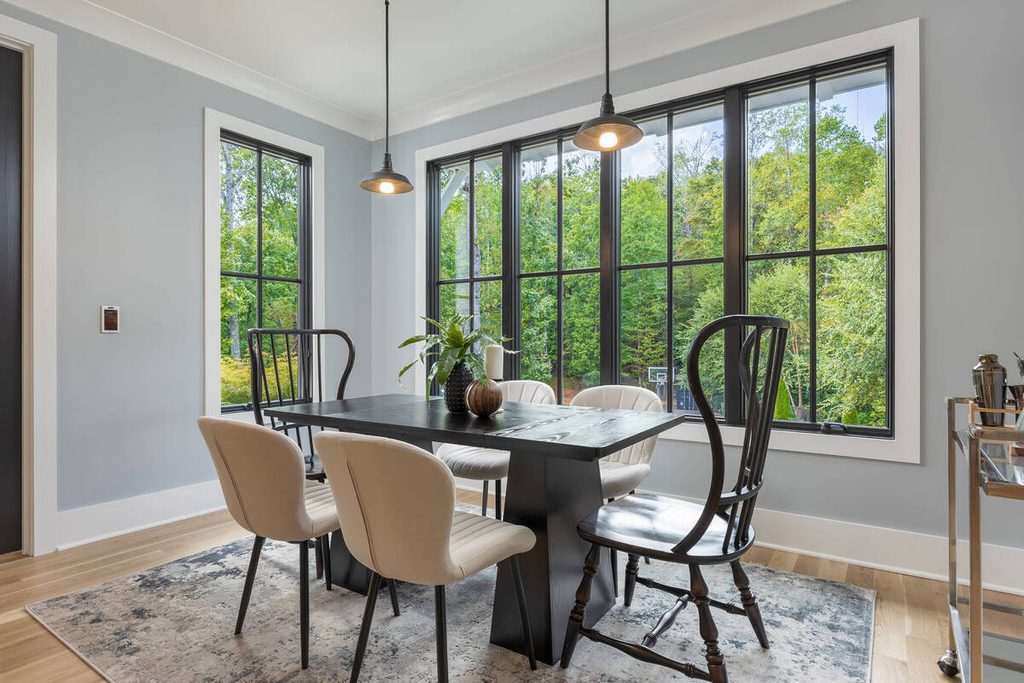
A short review catches most problems. Here’s the routine:
- Check the whites: Look at ceilings, trim, and bedding for a yellow, blue, or green tint.
- Compare room to room: Open the kitchen, bedroom, and living room side by side and check that the color feels like one home.
- Check the window view: Make sure windows aren’t blown out and the view isn’t a flat white rectangle.
- Look at lamps and fixtures: Bulbs and shades shouldn’t be glowing or turning orange.
- Check wood and floor tones: They should look natural, not orange or gray.
- Compare to the client’s standard: If the client has a preferred look, check against that, not just a neutral baseline.
It takes a few minutes per gallery, and it catches the problems that a gallery-wide setting can’t see.
Where AI Exposure Correction Fits in an AI-Plus-Human Workflow
Exposure and color are the middle of the pipeline: cull, correct, review, deliver. The culling step decides which bracket the software starts from, and the review step catches what it leaves behind. Exterior skies get the same treatment, as covered in our guide to AI sky replacement.
Browse Top Dedicated
Real Estate Photo Editors
Ready-to-hire editors for real estate photo editing, and more.
A Production Coordinator owns that review. The Coordinator checks the whites, compares rooms, and decides when a mixed-light interior needs manual work. It’s the same checkpoint described in how human QA catches what AI misses, applied to color.
Get Consistent Interior Color With Human QA Built In
If color corrections and revisions keep eating your editing time, a Production Coordinator can run the process end to end. A Coordinator owns:
| The AI editing workflow, set up and run with a human checkpoint at each stage |
| Quality control on exposure and color before any gallery goes out |
| Order tracking and delivery, so turnaround holds during busy stretches |
| Logistics communication, including status updates and revision requests |
Why work with a PhotoUp Coordinator? Every Coordinator is trained specifically on real estate photography workflows. You get AI implemented with human oversight, so the repeatable work moves fast and a person owns every judgment call.
Focus on Photography
We'll Handle the Rest
Save time with a dedicated PhotoUp Coordinator.
How to get started
- Walk through how your interior galleries move from shoot to delivery today
- Get matched with a Production Coordinator trained on real estate photography workflows
- Have an AI-plus-human workflow with QA built in running within the first two weeks
Start saving time on edits and deliver polished interior photos today!
Related Articles:
- How Human QA Catches What AI Photo Editing Misses in Real Estate Photos
- AI Sky Replacement for Real Estate Photos: Where It Works and Where It Needs a Human
- AI Photo Culling for Real Estate Photographers: What It Handles and What You Still Review
- How to Change Exposure in Photoshop (3 Simple Ways)
- How to Adjust White Balance in Photoshop – Real Estate Photo Editing
References: