Table of Contents
- What Is AI Photo Culling?
- What AI Photo Culling Handles Well
- What You Still Review After AI Photo Culling
- How to Set Up an AI Photo Culling Workflow
- Set Up an AI Editing Workflow With Human QA Built In
A single listing can leave you with 150 files to sort before any editing starts: several exposures of every room, a few near-duplicates, and a handful of frames where someone walked through the shot.
That’s the stage where AI photo culling earns its keep. It’s also where it can quietly pick the wrong frame.
Here’s what AI photo culling handles in a real estate workflow, what still needs your eyes, and how to set it up so the time you save doesn’t come back as revisions.
What Is AI Photo Culling?
AI photo culling is software that scores images and suggests which to keep or reject, helping you start with a shortlist instead of a full folder. Adobe’s Assisted Culling in Lightroom is one example. According to Adobe’s help page, it suggests selects based on sharpness and open eyes while flagging exposure issues and accidental misfires.1

The part that matters most is who decides. Adobe’s page says you can review the results and mark any photo as a select or reject “regardless of its Assisted Culling score.” Dedicated culling tools use their own scoring, but the principle is the same: the AI sorts, and you make the call.
Why AI Photo Culling Works Differently for Real Estate
In a wedding cull, the question is which frame has the best moment. In real estate, the question is which frame in a stack gives you the cleanest raw material for the edit.
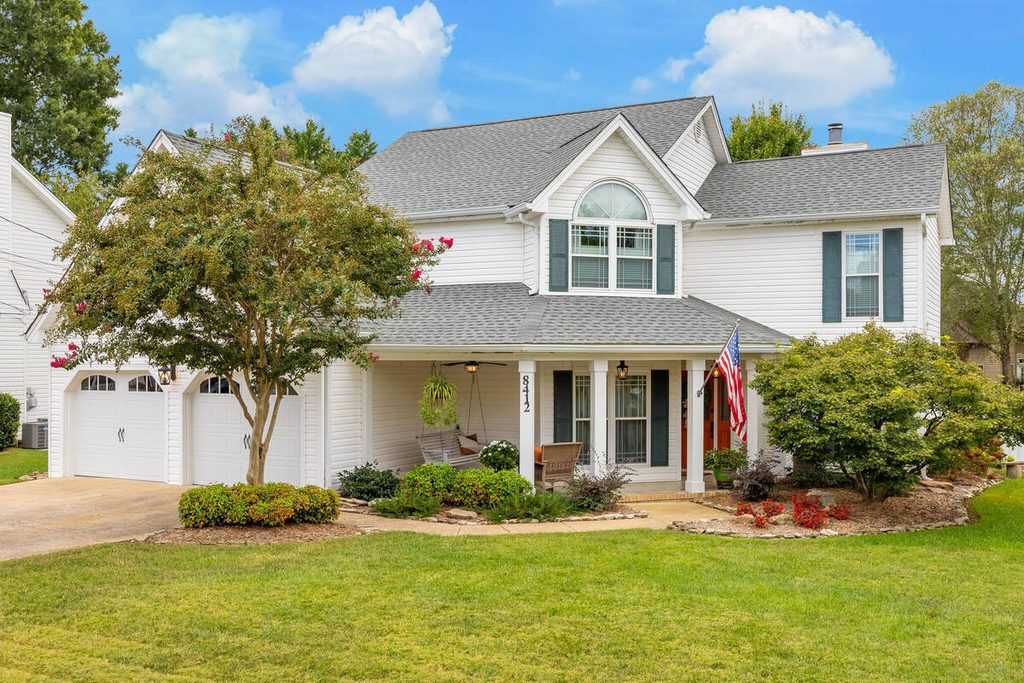
That changes the math. One real estate photographer’s HDR and flash walkthrough on PetaPixel shoots three frames two stops apart per composition, and notes that some photographers shoot five or even seven frames one stop apart. A house with 30 compositions comes to 90 files at three brackets, 150 at five, and 210 at seven.2
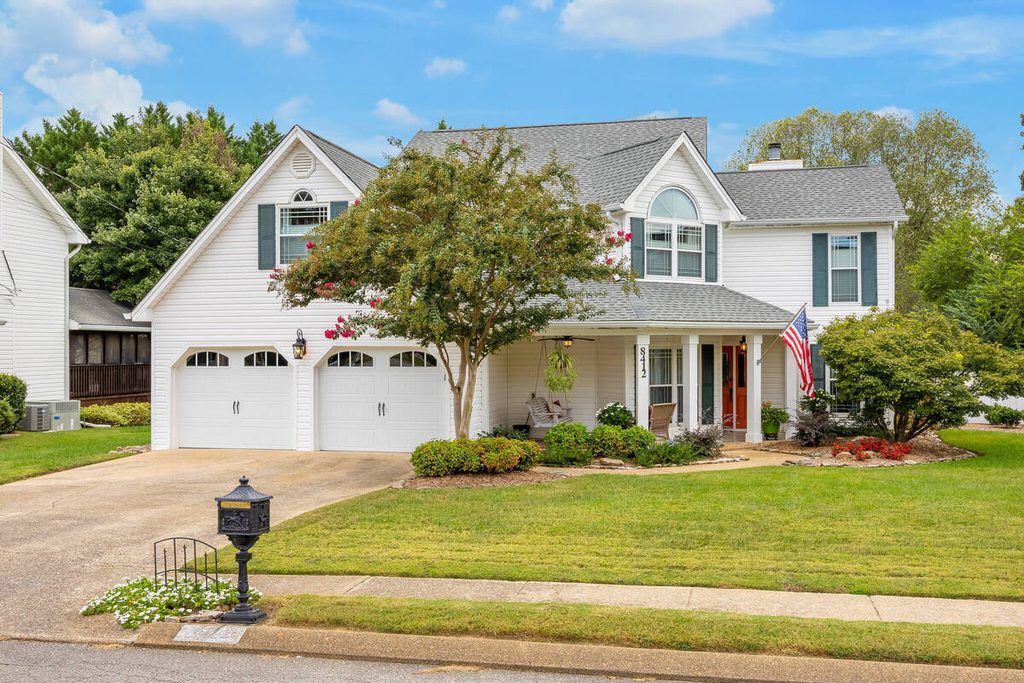

It also changes what “good” means. Several of the criteria in the Adobe list, like eyes open, were built for people photography, and a room has no eyes. The things that decide a good real estate frame are how much detail it holds at the windows, whether the verticals lean, and whether anything is cluttering the shot. None of those are on that list.
What AI Photo Culling Handles Well
The strongest use of AI photo culling is the first pass, the sorting that’s repetitive and doesn’t need judgment.
Grouping similar frames: Lightroom’s Auto Stack groups photos by time interval or visual similarity, which puts the brackets for one composition in a single stack.3 You decide once per stack instead of once per frame.
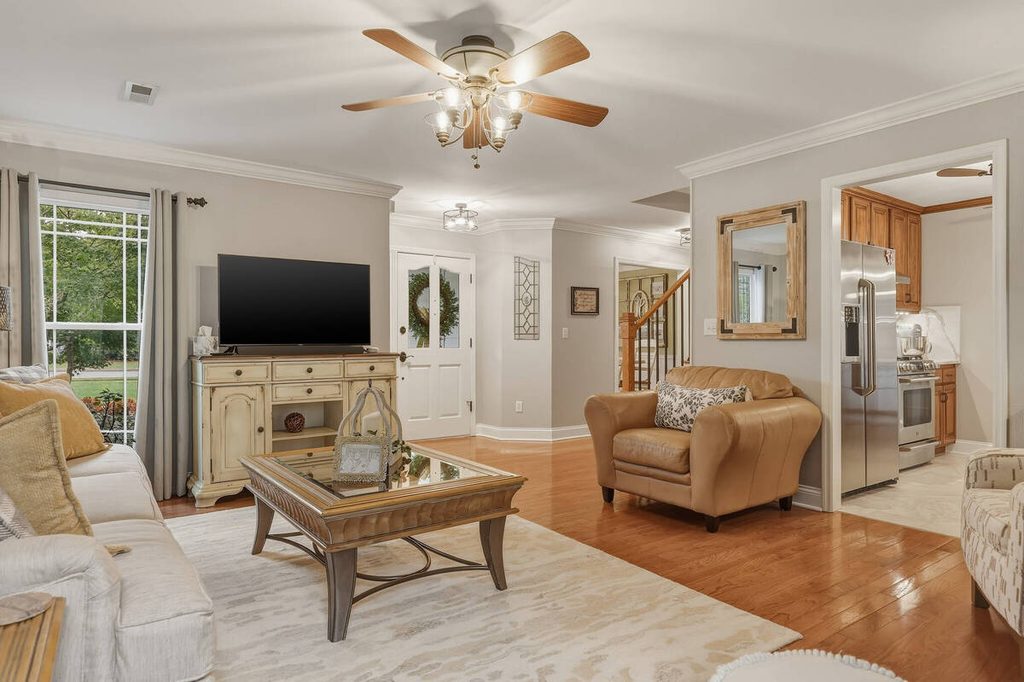

Flagging soft frames: A missed focus on the hero shot of the kitchen gets caught before it reaches an editor.
Catching misfires: Test shots, accidental frames, and shots of the floor are easy rejects.
Rejecting obvious exposure problems: Frames that are clearly too dark or too bright to use don’t need your attention.

For example, spending 30 seconds comparing frames across 30 stacks adds up to 15 minutes per listing, or 2.5 hours across ten listings a week. If AI handles the clear-cut selections and you only review close calls, that time drops significantly. Actual savings vary, but most come from the first pass.
Focus on Photography
We'll Handle the Rest
Save time with a dedicated PhotoUp Coordinator.

What You Still Review After AI Photo Culling
Here’s where honest limits matter. AI photo culling is good at objective problems and weaker on the judgment calls that decide how a gallery looks.
Exposure at the windows: The best frame in a stack is often not the brightest interior. It’s the one that keeps the view through the window. Mixed-light rooms usually need a person to decide which exposure gives the editor the most to work with.
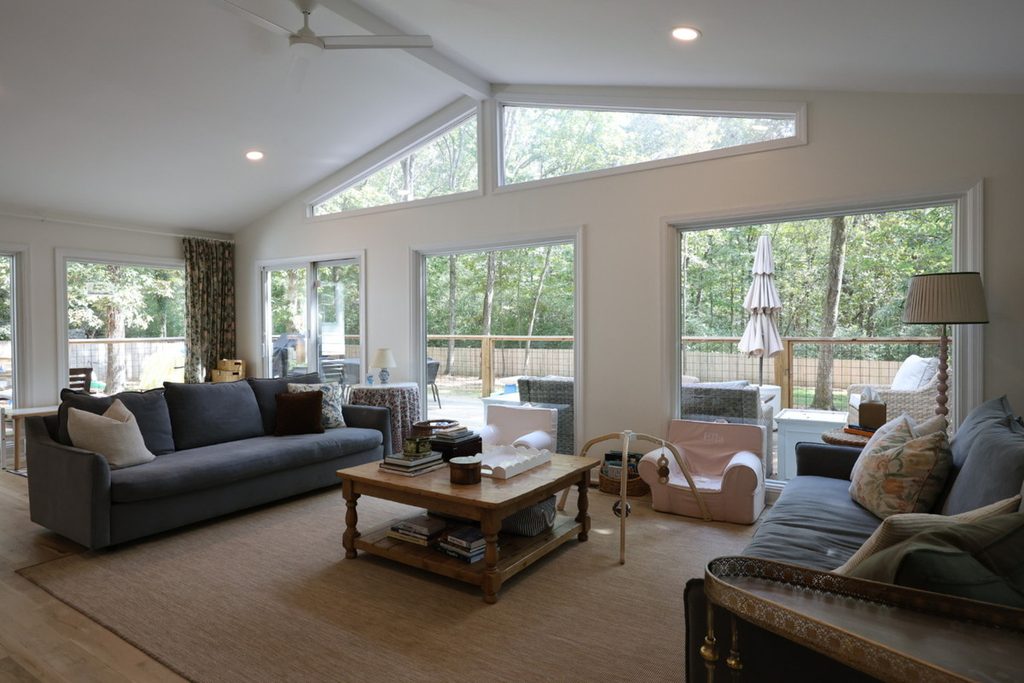

Verticals and composition: A frame can be perfectly sharp and still lean. Catching that at the cull stage saves a correction in the edit.

Clutter and timing: A trash can, a car in the driveway, or a shadow can appear in one frame of a stack and not another. A sharpness score won’t prefer the clean one.
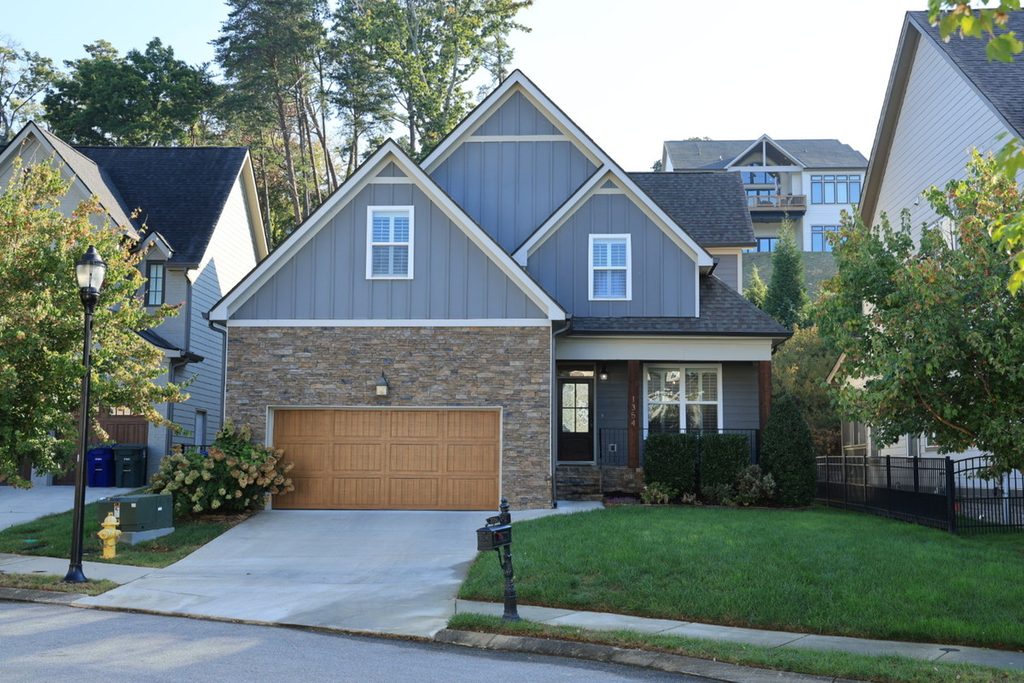
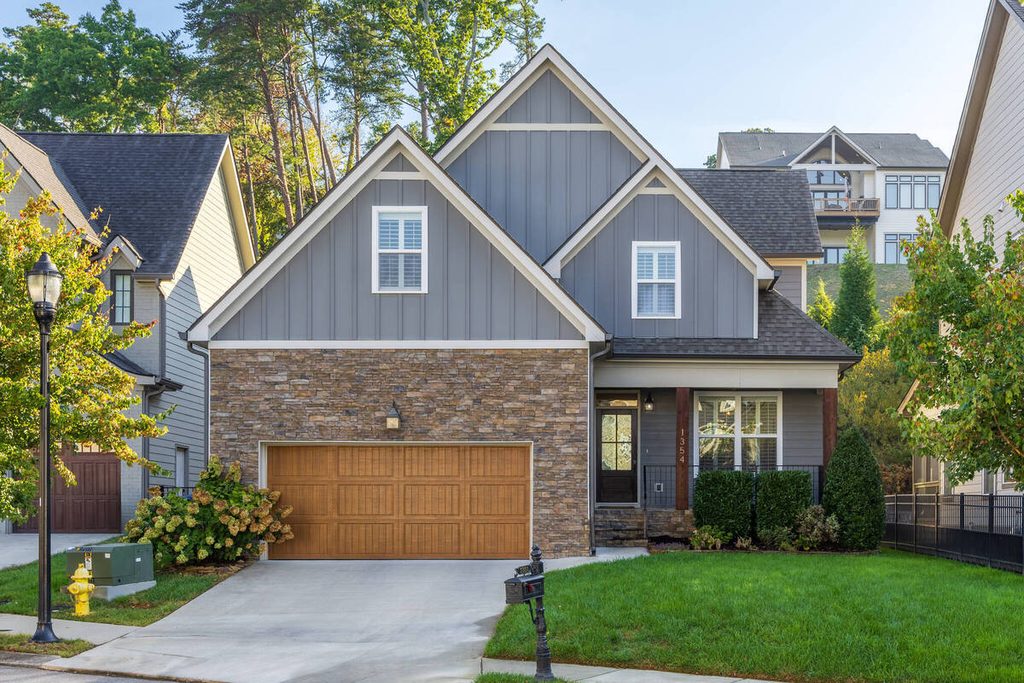
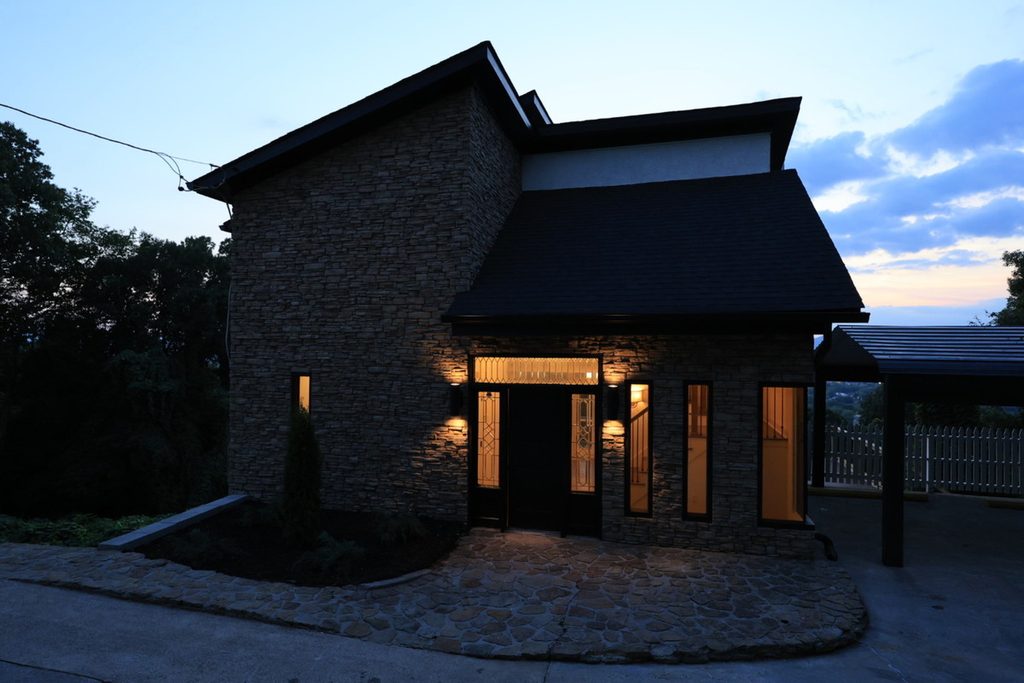
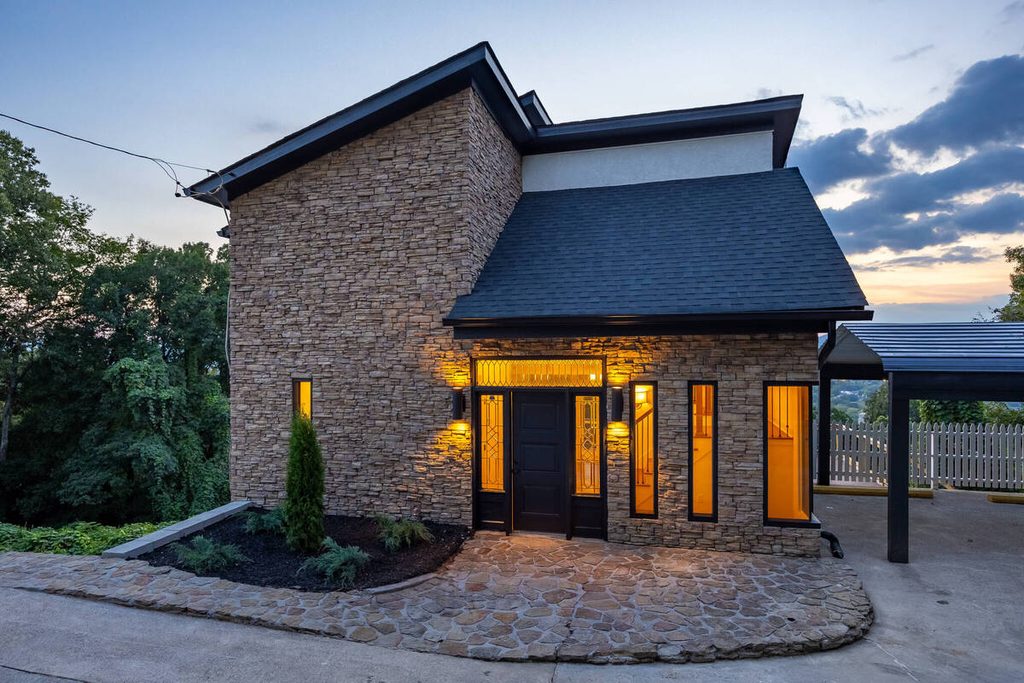
Twilight sequences: Picking the frame with the cleanest balance between ambient light and window glow is a human decision.
Client-specific standards: A recurring client with a defined look, or a luxury listing where subtlety is the standard, won’t be served well by generic scoring.
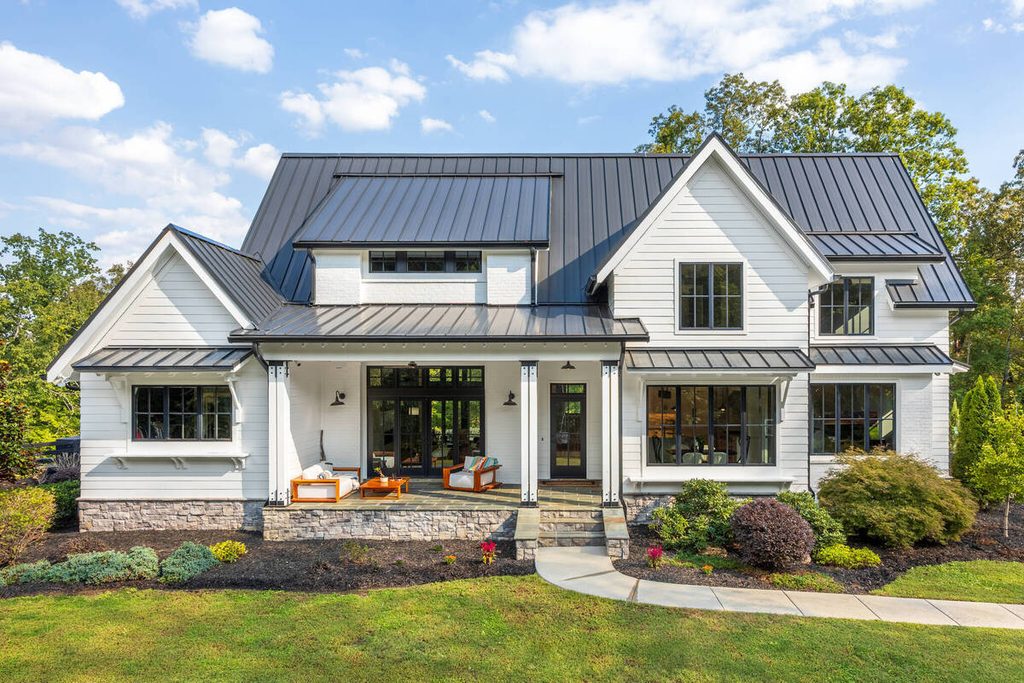

The takeaway is that AI photo culling narrows the field. It shouldn’t make the final pick on anything that affects how the listing looks.
How to Set Up an AI Photo Culling Workflow
Here’s how to build it so the AI saves time without costing you quality:
| 1. Group brackets first: Stack each composition before you cull, so every stack is one decision. |
| 2. Write a short rubric: Three or four rules is enough. Keep the sharpest frame that holds window detail, reject leaning verticals, avoid frames with clutter. |
| 3. Run the AI pass for obvious rejects: Let it clear misfires, soft frames, and duplicates. |
| 4. Review close calls and spot-check the rejects: Look in the rejects folder, not only the selects. A wrongly rejected hero shot is the costly miss. |
| 5. Hand keepers to editing as stacks: The editor, or the AI editing workflow, gets the best frame of each stack plus its brackets. |
| 6. Track the misses: When the AI or a reviewer picks the wrong frame, note why and tighten the rubric. |
Where Culling Fits in an AI-Plus-Human Editing Pipeline
Culling is the first checkpoint in the pipeline: cull, edit, human QA, delivery. A wrong pick at the start carries through every step after it, which is why it’s worth treating as a checkpoint and not a chore.
Browse Top Dedicated
Real Estate Photo Editors
Ready-to-hire editors for real estate photo editing, and more.
That’s where a Production Coordinator comes in. By managing the AI editing workflow, they set selection criteria, review AI rejects, and ensure the right images reach editing. This adds the human QA checkpoint needed to catch mistakes early and protect real estate photography turnaround time from costly revisions.
Set Up an AI Editing Workflow With Human QA Built In
If culling and editing are eating the hours you’d rather spend shooting, a Production Coordinator can run the process end to end. A Coordinator owns:
| The AI editing workflow, set up and run with a human checkpoint at each stage |
| Quality control on every gallery before it goes out |
| Order tracking and delivery, so turnaround holds during busy stretches |
| Logistics communication, including status updates and revision requests |
Why work with a PhotoUp Coordinator? Every Coordinator is trained specifically on real estate photography workflows. You get AI implemented with human oversight, so the repeatable work moves fast and a person owns every judgment call.
Focus on Photography
We'll Handle the Rest
Save time with a dedicated PhotoUp Coordinator.
How to get started
- Walk through how your galleries move from shoot to delivery today
- Get matched with a Production Coordinator trained on real estate photography workflows
- Have an AI-plus-human workflow with QA built in running within the first two weeks
Save time on editing with an AI-powered workflow.
Related Articles:
- What Does a Production Coordinator Do for Photographers?
- What Can a Photography Coordinator Take Off Your Plate?
- Real Estate Photography Turnaround Time: What to Expect
- How Human QA Catches What AI Photo Editing Misses in Real Estate Photos
- How to Build an AI Photo Editing Workflow for Real Estate Photography
References: