Table of Contents
- Why AI Photo Editing Workflow Management Doesn’t Happen on Its Own
- What a Production Coordinator Actually Does for AI Editing Workflow Management
- Production Coordinator vs. Managing AI Editing Yourself
- How PhotoUp’s Production Coordinators Manage AI Editing Workflows
- Get Started With a Production Coordinator
AI editing tools multiply fast: one for exposure, another for sky replacement, another for batch color. But adding more tools creates a new problem: who manages them all day to day? That’s where AI photo editing workflow management becomes essential.
More tools without a system just means more to manage alone.
Here’s why that gap shows up, what happens when photographers try to close it solo, and what a Production Coordinator does to manage an AI photo editing workflow end to end.
Why AI Photo Editing Workflow Management Doesn’t Happen on Its Own
AI project failures often come down to management, not the technology. More than 80% of AI projects fail to deliver business value, according to RAND Corporation, often because of gaps in implementation and oversight.1

The pattern appears elsewhere too. MIT’s Project NANDA found that 95% of organizations piloting generative AI saw no measurable return in 2025,2 while S&P Global Market Intelligence reported that 42% of companies abandoned most of their AI initiatives that year.3
The same problem can affect a photography studio. AI can handle exposure, HDR blending, sky replacement, and batch color, but someone still needs to review outputs, maintain consistency, and keep editing on schedule.
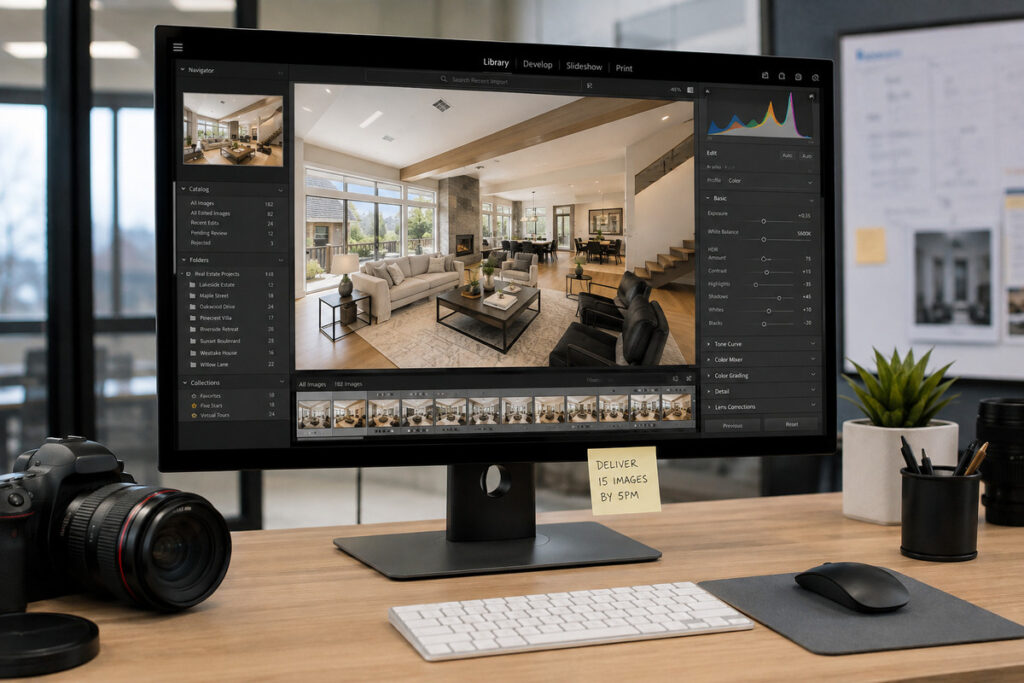
That is AI photo editing workflow management. It is not a feature toggle. It is the role of making sure multiple tools work together and the final gallery still meets the studio’s standards.
What Happens When Photographers Manage AI Editing Alone
Photographers are already stretched before AI enters the workflow. A third of small business owners work more than 50 hours a week, and a quarter work more than 60, according to SCORE.org.4 Adding AI tools creates another task in an already full schedule.
Delegation can also be difficult. Research cited by SCORE found that many business owners prefer handling tasks themselves, often because they trust their own work or lack time to delegate properly.

The result is a workflow gap. AI may handle the first pass, but someone still needs to catch a poor twilight conversion, inconsistent batch color, or other issues before delivery. Without that oversight, the first real review may happen only after the client spots a problem.
What a Production Coordinator Actually Does for AI Editing Workflow Management
A Production Coordinator, also called an Operations or Media Coordinator, is the person who actually owns AI photo editing workflow management, instead of leaving it to happen by accident:
| Sets up and configures the AI tools embedded in the editing and delivery process |
| Runs the human QA checkpoint that catches what AI shouldn’t decide alone |
| Manages turnaround and delivery, tracking jobs and flagging issues before they reach the client |
| Owns the standard, keeping edits consistent across shoots instead of drifting job to job |
The QA checkpoint is the part most self-managed workflows skip entirely. It’s not a second pass on every image. It’s a trained eye checking the specific edits AI shouldn’t be making alone, like twilight conversions or sky replacements on complex rooflines.
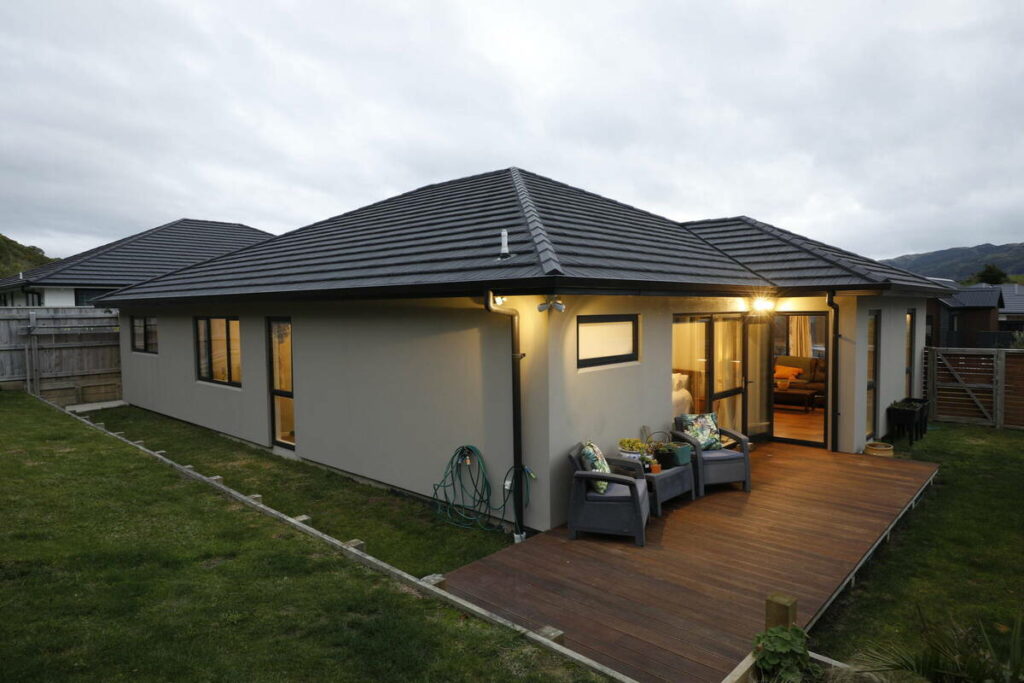



Owning the standard matters just as much. A Coordinator who knows the studio understands what “right” looks like, so the same quality standards are applied consistently without relying on the photographer to check every job.
None of this replaces the AI tools doing the editing. It’s the layer that makes sure the tools are actually being run well, not just running.
Focus on Photography
We'll Handle the Rest
Save time with a dedicated PhotoUp Coordinator.

What Good AI Photo Editing Workflow Management Looks Like
A well-managed AI photo editing workflow has a few consistent traits, regardless of who’s running it:
| Every image gets a human check before it reaches the client, even when the check is quick |
| The same edits get handled the same way across shoots, not adjusted case by case |
| Turnaround time holds steady whether it’s a slow week or a busy one |
| Someone can say exactly who’s responsible for catching a mistake before it ships |
Most photographers hit at least one of these gaps before they hit all of them. That’s usually the first sign the workflow needs a dedicated owner, not just another tool.

None of these signs mean the AI tools themselves are the problem. They mean nobody’s managing what the tools produce, and that’s a gap in process, not in software.
Production Coordinator vs. Managing AI Editing Yourself
The difference between a managed AI image enhancement workflow and a self-managed one shows up fastest under volume.
| Factor | Managing AI Editing Yourself | Production Coordinator |
|---|---|---|
| Setup & configuration | You research, test, and configure each tool | Configured and maintained for you |
| Ongoing quality control | Whatever you catch between other tasks | A dedicated human QA checkpoint on every job |
| Turnaround consistency | Varies with how busy your week is | Consistent, regardless of your schedule |
| Time cost | Hours folded into an already full week | Time back for shooting, booking, and clients |
| Scalability | Breaks down as volume increases | Built to absorb busy weeks |
Self-managing AI editing can work well at a small scale. The problem often appears as volume grows and reviewing every image starts competing with shooting, booking, and other work.
A photographer may know exactly how to manage AI editing tools, but that is different from having enough time to quality-check every job. Once that time disappears, the workflow becomes harder to maintain consistently.
Signs Your AI Editing Workflow Needs a Coordinator
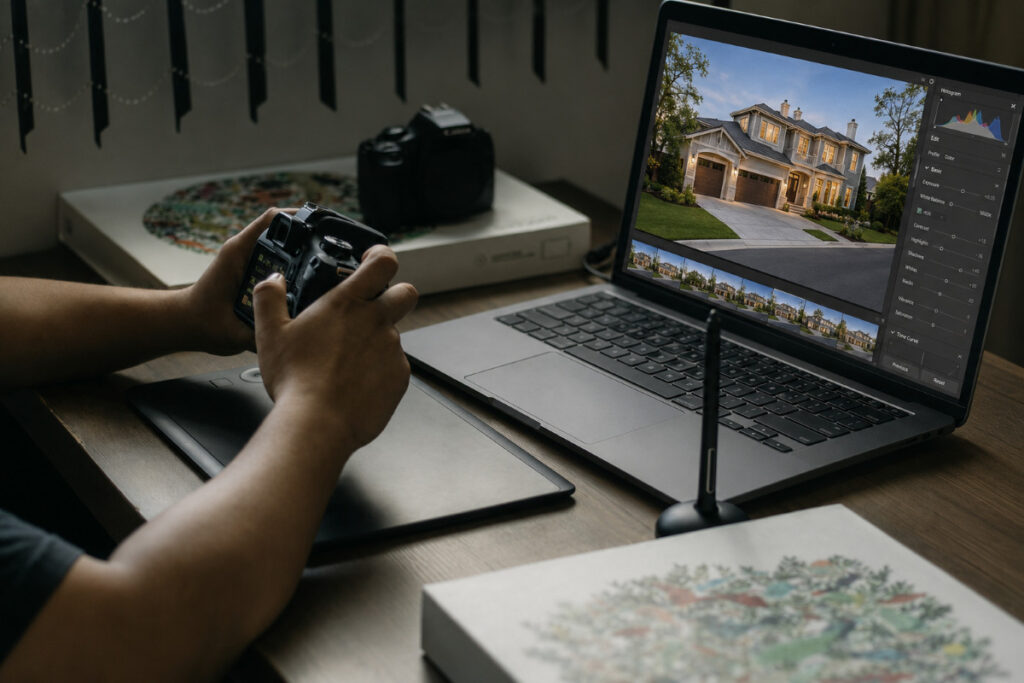
A few patterns tend to show up before photographers realize the gap has a name:
| You’ve caught an AI-edited image after it already went to a client, not before |
| Turnaround time depends on how busy your week already is |
| Nobody could tell you exactly who reviews AI-edited photos before delivery |
| You’ve added more than one AI editing tool and haven’t settled on a consistent process |
| Editing tasks regularly get pushed later into your evening or weekend |
If two or more of these sound familiar, the gap isn’t the AI tools. It’s the AI photo editing workflow management sitting around them.
How PhotoUp’s Production Coordinators Manage AI Editing Workflows
That’s where PhotoUp comes in. A PhotoUp Production Coordinator takes over AI photo editing workflow management directly: configuring the AI tools in your delivery pipeline, running the human QA checkpoint on every job, and managing turnaround so nothing waits on you to notice it.
Browse Top Dedicated
Real Estate Photo Editors
Ready-to-hire editors for real estate photo editing, and more.
The Coordinator also owns your standard. Once they know what a listing from your studio is supposed to look like, that standard holds whether it’s a slow Tuesday or a twelve-listing weekend.
A listing edited on a quiet Tuesday and a listing edited during that same twelve-job weekend get the same level of review either way. The Coordinator’s workload flexes with volume. The client’s experience doesn’t.
Get Started With a Production Coordinator
A Production Coordinator takes AI photo editing workflow management off your plate directly:
- Sets up and configures the AI editing tools in your workflow
- Runs the human QA checkpoint on every job, not just the flagged ones
- Manages turnaround and delivery timing
- Keeps your editing standard consistent as volume changes
Focus on Photography
We'll Handle the Rest
Save time with a dedicated PhotoUp Coordinator.
Why work with PhotoUp: a dedicated Coordinator who learns your studio’s standard, not a rotating queue of anonymous editors, backed by AI tools built specifically for real estate photo editing since 2011.
How To Get Started:
- Talk to a PhotoUp Coordinator about how you currently manage AI editing tools
- Get a walkthrough of the QA checkpoint and turnaround process
- Run a batch through the workflow and see the difference firsthand
Hire a Production Coordinator to run your AI editing pipeline end to end.
Related Articles:
- Dedicated Real Estate Photo Editor for Consistent, High-Quality Edits
- How to Choose the Right AI Photo Editing Software for Your Workflow
- AI Real Estate Photo Editing: What Can It Actually Fix?
- What Can a Photography Coordinator Take Off Your Plate?
- AI-Powered Real Estate Photo Editing Services for Photographers
References: