Table of Contents
- What Is AutoHDR?
- How AutoHDR Compares to AI-Powered Editing With Human Review
- Where Each Approach Makes Sense
- What This Looks Like in a Real Workflow
- Get an AI Workflow Review From a PhotoUp Coordinator
AutoHDR and PhotoUp solve the same problem in different ways: getting real estate HDR images edited fast without a photographer touching every file by hand. The difference is what happens after the AI pass runs.
One approach stops there. The other adds a trained person before the gallery goes out.
This comparison covers what AutoHDR actually does well, where a fully automated pass still needs a second look, and which approach fits which kind of shoot.
What Is AutoHDR?
It’s a real estate-specific photo editing platform built around full automation. Upload a bracketed exposure set, and it runs HDR blending, exposure correction, and a handful of real estate-specific edits without a person opening the file at any point in the standard process.
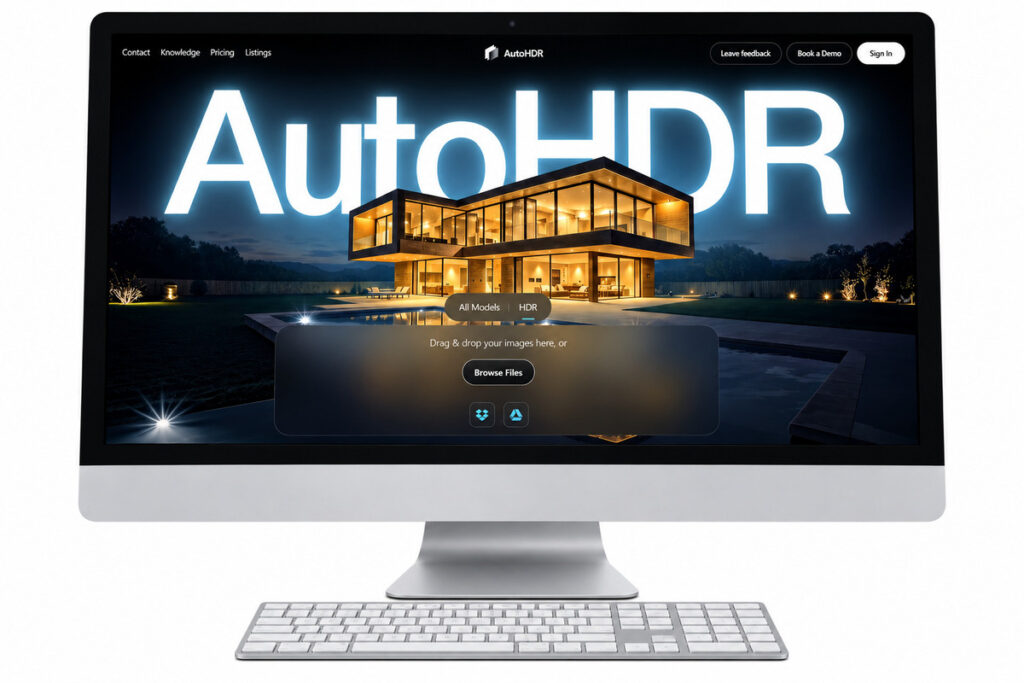
The workflow is simple: photographers upload a bracketed set, AI processes the batch, and finished images are ready for download. Manual review only happens if the photographer adds a full check or spot-check before delivery.
The feature set is built for the categories real estate photographers deal with most:
| HDR blending: merges a bracketed set into one balanced exposure automatically, the same baseline task most AI editing platforms in this category handle well. |
| Twilight conversion: offers a choice of sky styles for a dusk-look exterior. |
| Sky replacement: swaps a flat or overcast sky for a clearer one, using a preset style rather than a custom match to a specific listing. |
| Item and shadow removal: clears cords, realtor signs, and camera shadows from a scene. |
| Turnaround: markets a 15 to 30 minute delivery window per batch. |
| Pricing: credit-based, generally $0.37 to $0.50 per image depending on volume, with a free trial period for new accounts and lower rates at higher volume. |
| Integrations: connects with several booking and delivery platforms already common in real estate photography, which matters for how easily it drops into an existing pipeline. |
AutoHDR emphasizes full automation, even describing its process as “everything a human would do, fully automated.” While it offers team collaboration for reviewing edits, that step must be added and managed by the photographer.
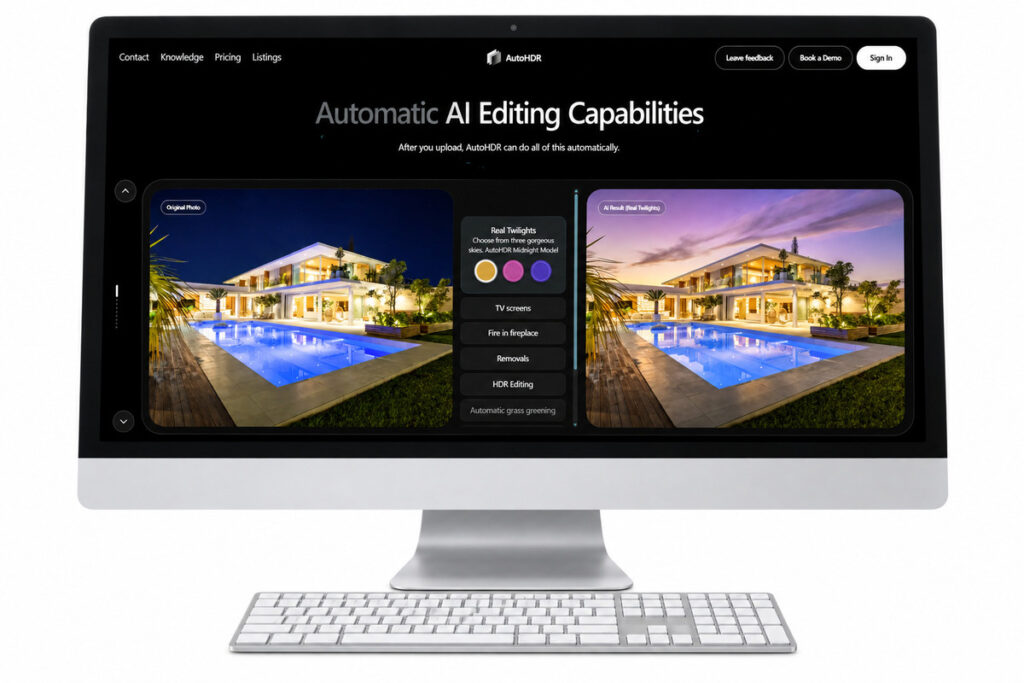
Its speed, real estate-specific features, and low per-image cost make it especially appealing to high-volume photographers working on tight margins.
How AutoHDR Compares to AI-Powered Editing With Human Review
Every fully automated tool, AutoHDR included, makes the same trade. Removing the human step is what makes a fast turnaround possible, and it’s also where the same handful of edge cases show up, no matter which automated platform runs the batch.
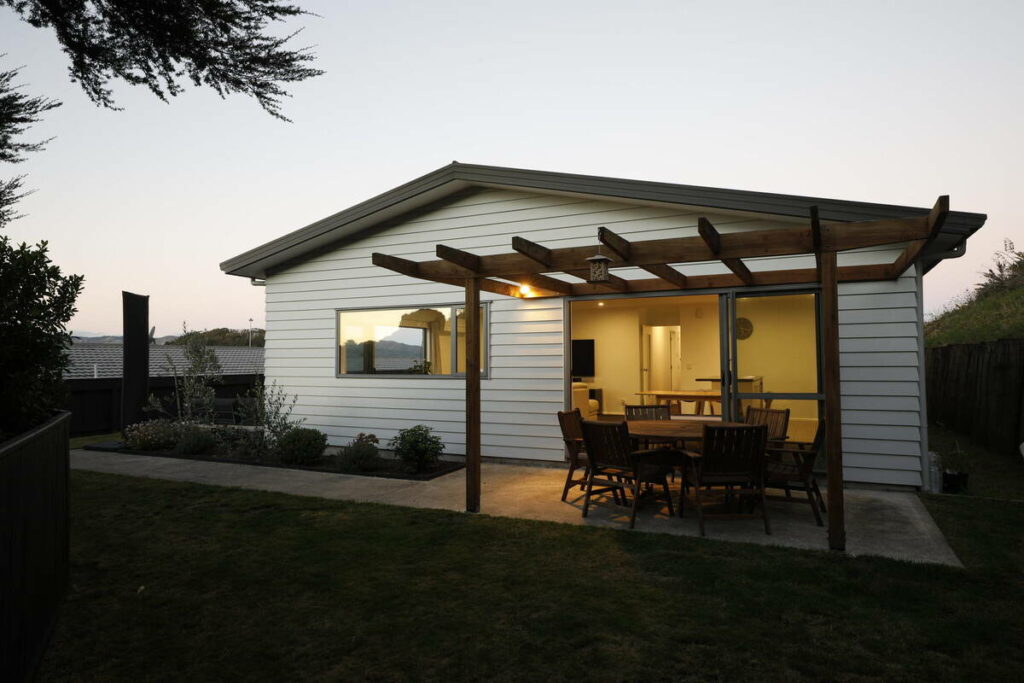
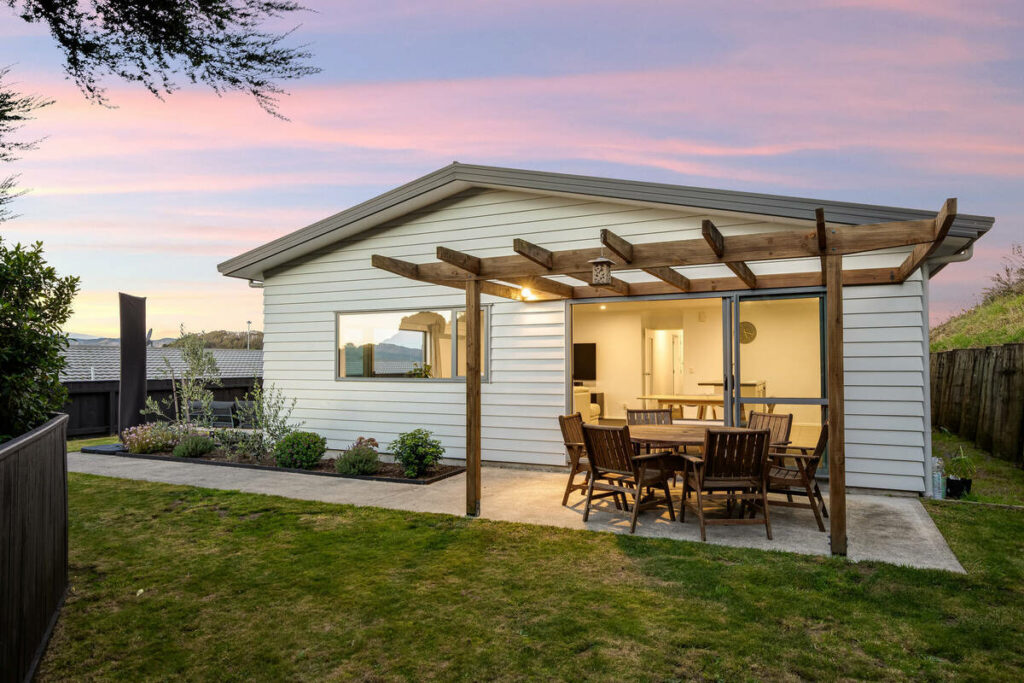
- Sky replacement on a complex roofline: a straightforward gable roof against open sky is a clean automated swap. A cantilevered structure, an angled parapet, or a busy tree line is a different problem for any AI tool working without review.
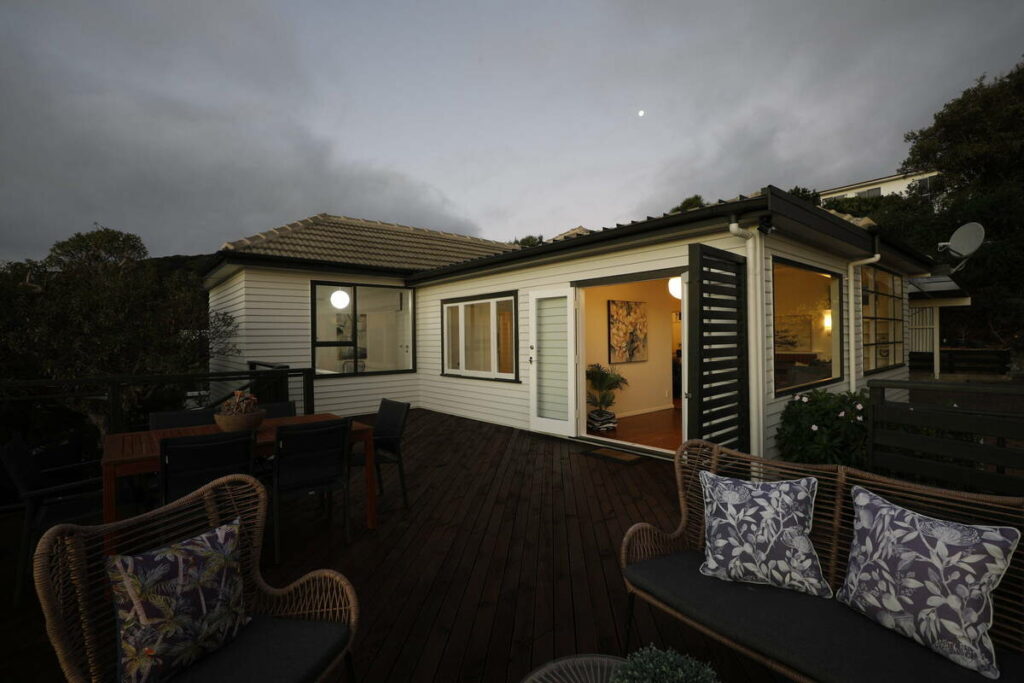
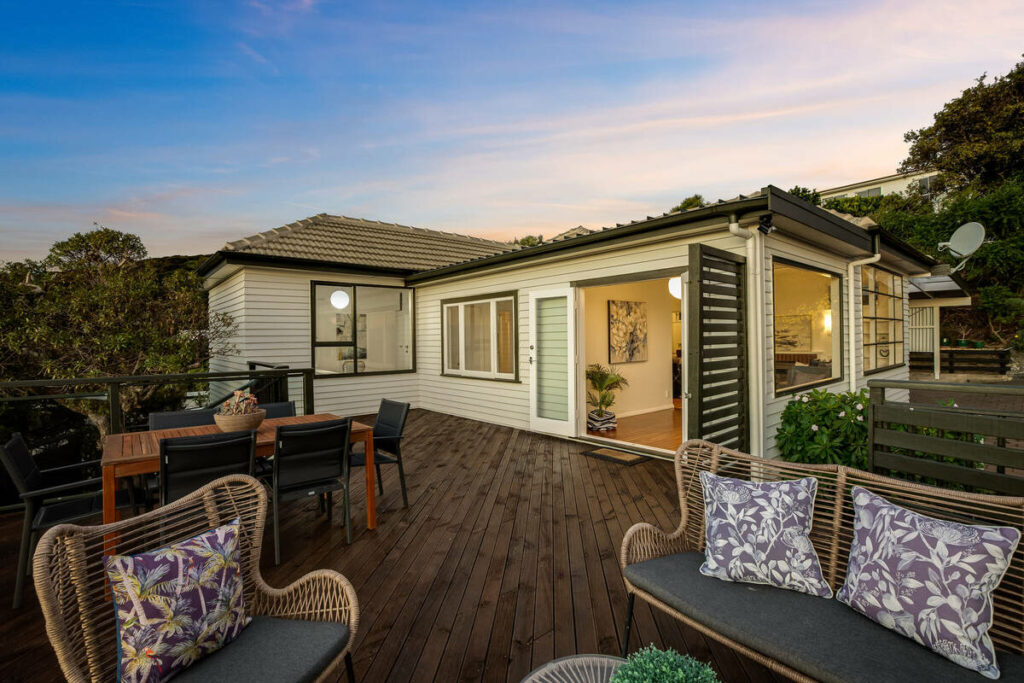
- Twilight consistency across a gallery: multiple sky styles is a strong feature, but getting a twilight edit that matches the rest of a gallery consistently, shoot after shoot, is a judgment call that benefits from a second look before delivery.
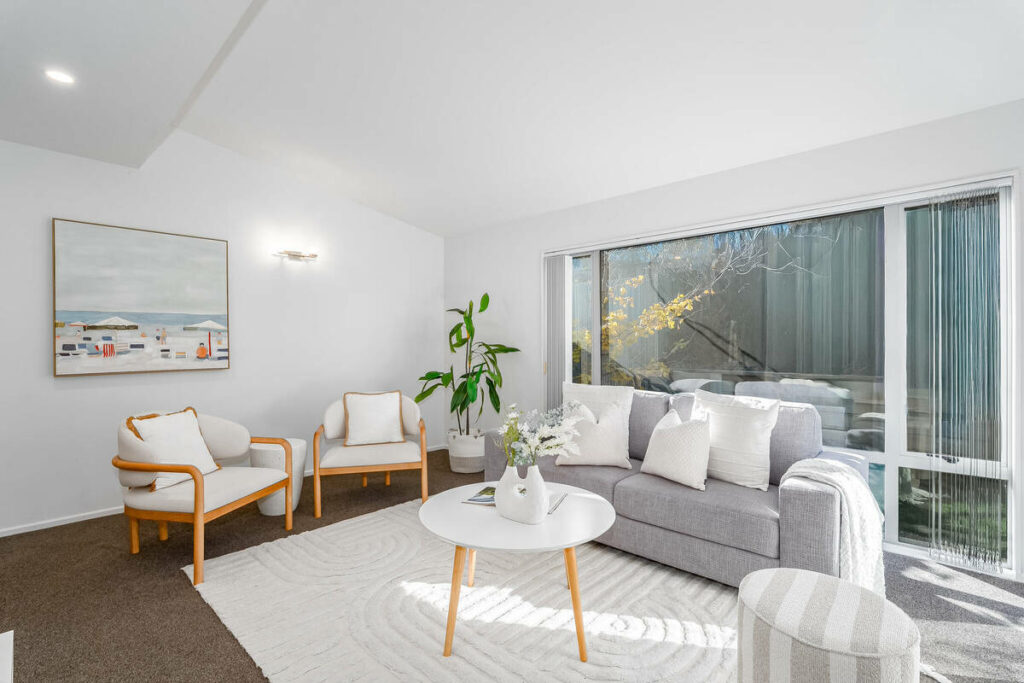
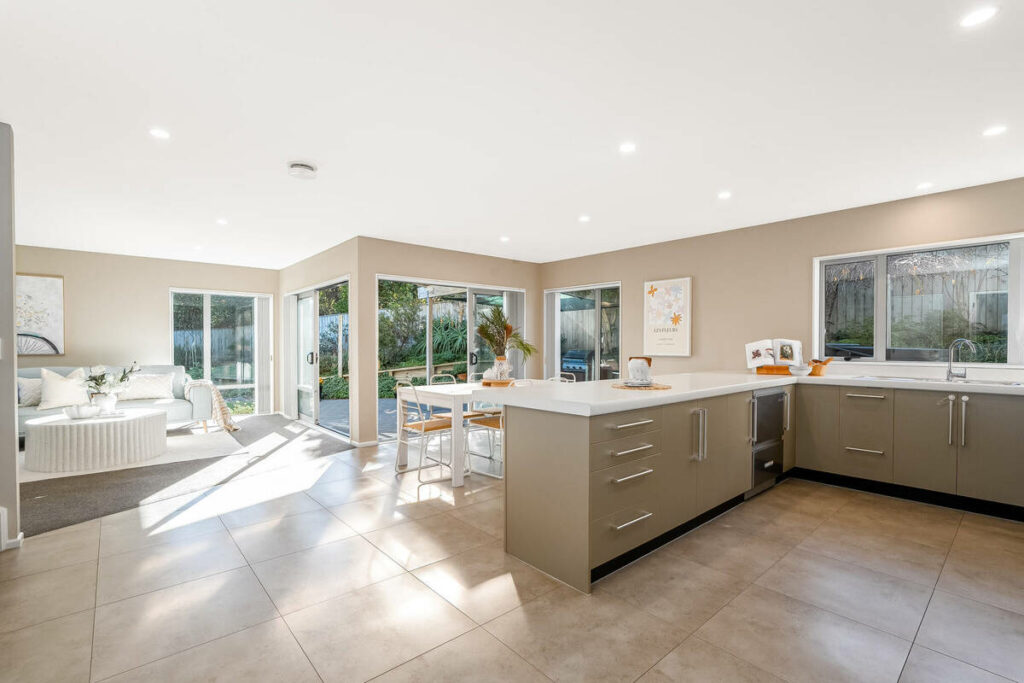
- Mixed-light interiors: a listing with several light sources in one frame needs local adjustment that a model trained on typical daylight interiors doesn’t always catch.
- Non-standard brokerage specs: a brokerage with its own finishing preferences, a warmer tone or a specific sky treatment, needs someone who knows that standard and applies it every time.
Focus on Photography
We'll Handle the Rest
Save time with a dedicated PhotoUp Coordinator.

There’s a cost dimension too. AutoHDR’s low per-image price doesn’t include review time, so even 10 minutes of checking per shoot adds labor back into the workflow.
For 15 listings at 30 to 40 images each, that’s upwards of 500 images and roughly $185 in editing costs. Add 10 minutes of review per listing, and that’s another two and a half hours of work each week.
Here’s the split in practice, task by task:
| Task | AutoHDR (automated) | AI editing plus human QA |
|---|---|---|
| Standard bracket HDR blend | Handled correctly | Handled correctly |
| Turnaround speed | Fastest option | Slower, review adds time |
| Sky replacement on a complex roofline | Can miss the edge | Checked and corrected |
| Twilight consistency across a gallery | Varies shot to shot | Reviewed against the rest of the gallery |
| Mixed-light interiors | Limited local adjustment | Manual adjustment when needed |
| Brokerage-specific standards | Not applied automatically | Applied consistently, shoot after shoot |
Where Each Approach Makes Sense
A fully automated tool works well for photographers who want a fast, low-cost editing pass and are comfortable reviewing galleries themselves. High-volume listing photography with predictable conditions is a natural fit.
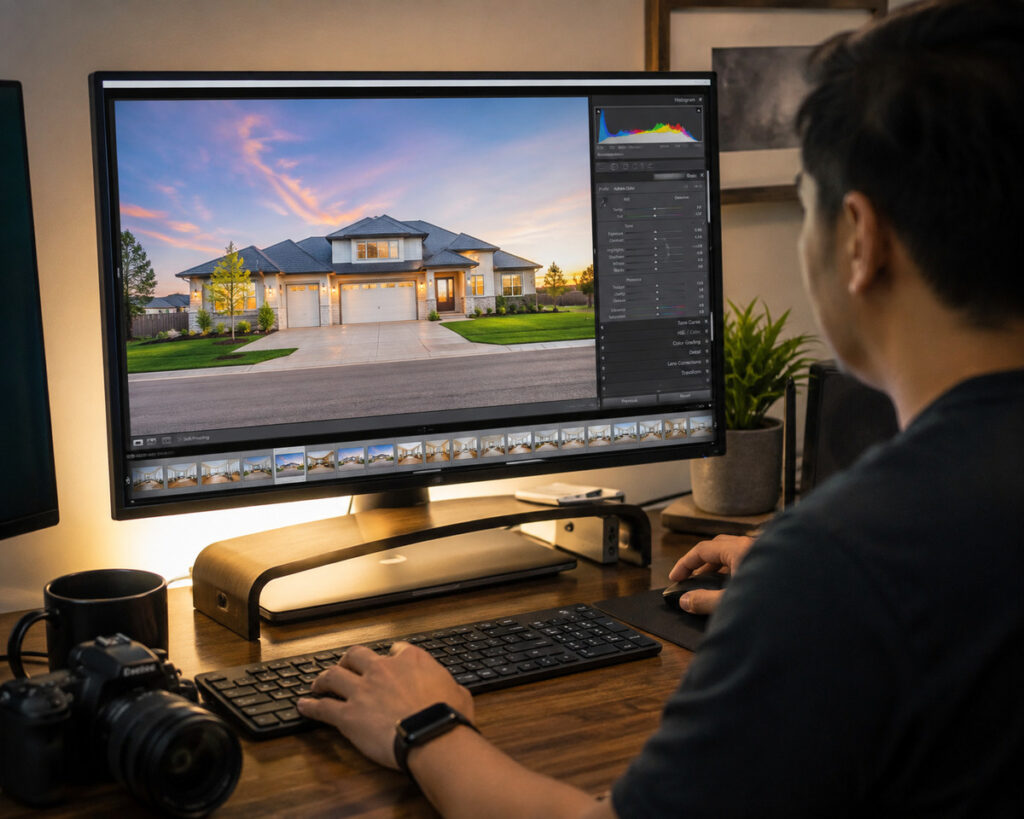
An AI-plus-human workflow makes more sense when photographers want someone else handling reviews on every shoot. It can also cover booking, delivery tracking, and revision requests as part of the same workflow.
The two approaches aren’t exclusive. A Coordinator can handle review and delivery on top of an existing automated tool like AutoHDR, adding human oversight without requiring photographers to replace their current editing workflow.

The choice comes down to who handles the final check. A solo photographer may be comfortable doing it personally, while a team serving multiple brokerages may benefit from having a trained person built into the process.
What This Looks Like in a Real Workflow
Picture a photographer running 15 listings a week, mostly standard interiors and exteriors with the occasional twilight add-on. A fully automated tool can process the bulk quickly, leaving the photographer to spot-check twilight shots, sky replacements, and other tricky edits before delivery.
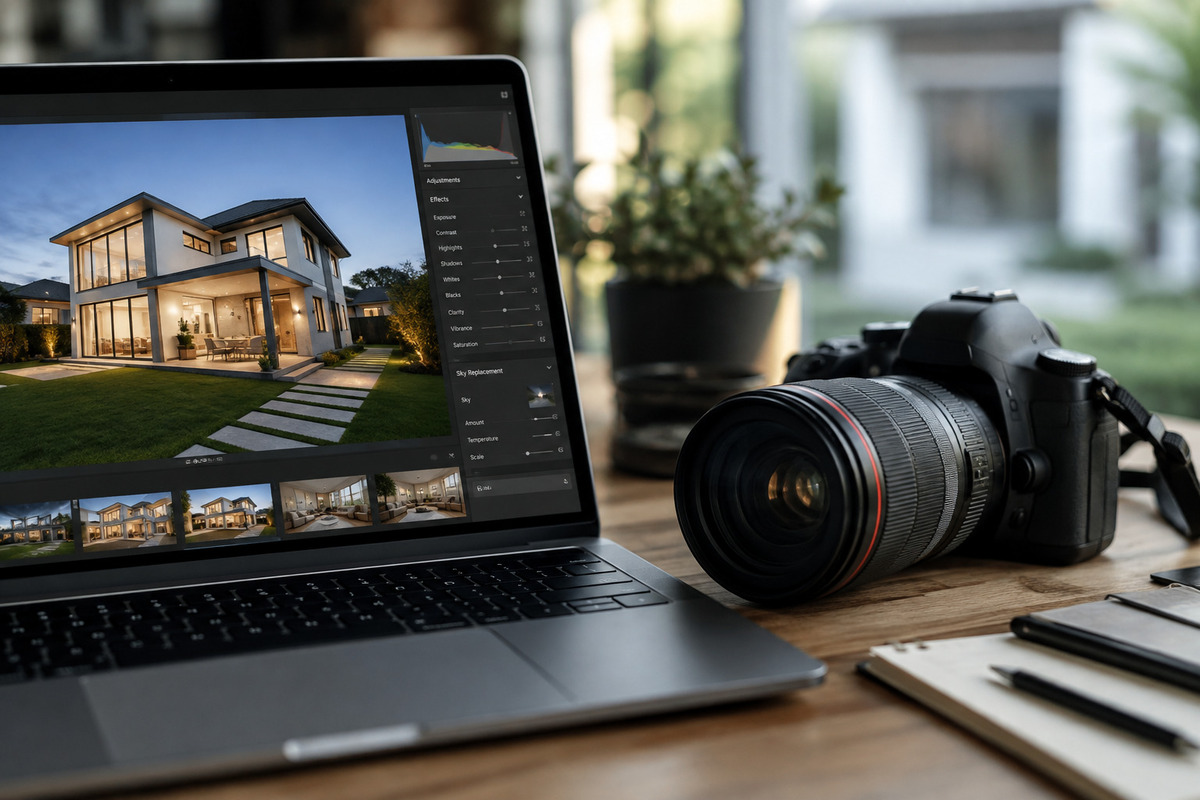
That works until volume or complexity grows. Add brokerage-specific finishing preferences, more twilight shoots, or a second shooter, and self-review starts taking back the hours automation was meant to save. Missed inconsistencies can also lead to revisions and delayed deliveries.
Adding a Coordinator doesn’t require changing the editing pipeline. The AI still handles the mechanical work, while someone else takes over review and delivery as a consistent part of every order.
Browse Top Dedicated
Real Estate Photo Editors
Ready-to-hire editors for real estate photo editing, and more.
The tipping point depends on workload. A photographer can self-review during slower periods and add a Coordinator when volume or client complexity increases. The editing tools stay the same; what changes is who handles the final review.
Get an AI Workflow Review From a PhotoUp Coordinator
PhotoUp helps photographers implement AI photo editing with a Production Coordinator who runs the human side of that workflow, whatever automated tool sits underneath it. That includes whatever platform is already in your rotation, not just PhotoUp’s own editing pipeline.
A Production Coordinator, also called an Operations or Media Coordinator, owns:
| AI editing workflow implementation and QA: reviewing every image against a real, client-specific standard, not just checking that the automation ran, and flagging patterns worth fixing at the source |
| Order management and delivery: tracking turnaround so a busy week doesn’t mean skipped review, and keeping revision requests from piling up |
| Scheduling and client booking: handling the logistics around a shoot so you’re not doing that on top of editing checks |
| Client communication: status updates and revision requests handled directly, in your voice |
Why work with a PhotoUp Coordinator? You get trained eyes on every gallery without adding review time to your week, whether you’re using PhotoUp’s editing pipeline or an automated tool you already have.
Focus on Photography
We'll Handle the Rest
Save time with a dedicated PhotoUp Coordinator.
How to get started
Tell us what editing tools you’re already using and how your galleries move today, and a Coordinator will map out where a review step fits without slowing anything down or asking you to switch platforms first.
Whether that’s a first step into AI-assisted editing or a review layer added to a tool already in use, the goal stays the same: catching the last 20 to 30 percent before a client does.
Get an AI workflow review from a PhotoUp Coordinator.
Related Articles:
- Auto Enhance vs Auto HDR vs Photello vs Imagen: Which AI Real Estate Photo Editing Tool Fits Your Workflow
- Phixer Photo Editing vs PhotoUp: Which Is the Best Service?
- How and When You Should Use HDR
- What Can a Photography Coordinator Take Off Your Plate
- How HDR Real Estate Photo Editing Services Create Balanced Listing Photos