Table of Contents
- What Makes Corporate Event Photography Different?
- Where AI Photo Editing Handles Corporate Event Photography Well
- Where AI Editing Still Needs a Human Eye in Corporate Event Photography
- What This Looks Like in a Real Workflow
- Keeping Corporate Events Photography Consistent, Gallery After Gallery
- See Where AI Fits (and Where It Doesn’t) in Your Editing Process
Corporate event photographers cover everything from keynotes to executive portraits, often on tight deadlines. That’s why AI editing is increasingly useful in corporate event photography.
Most of the gallery clears fast. A handful of shots almost always need a second look.
The rest of this piece breaks down which parts of an event gallery AI clears on its own, which ones still need a trained eye, and how that split should shape a photographer’s editing workflow.
What Makes Corporate Event Photography Different?
Corporate event photography can produce 500 to 2,000 final images in a single day, often across stage lighting, ballrooms, cocktail hours, and branded backdrops.
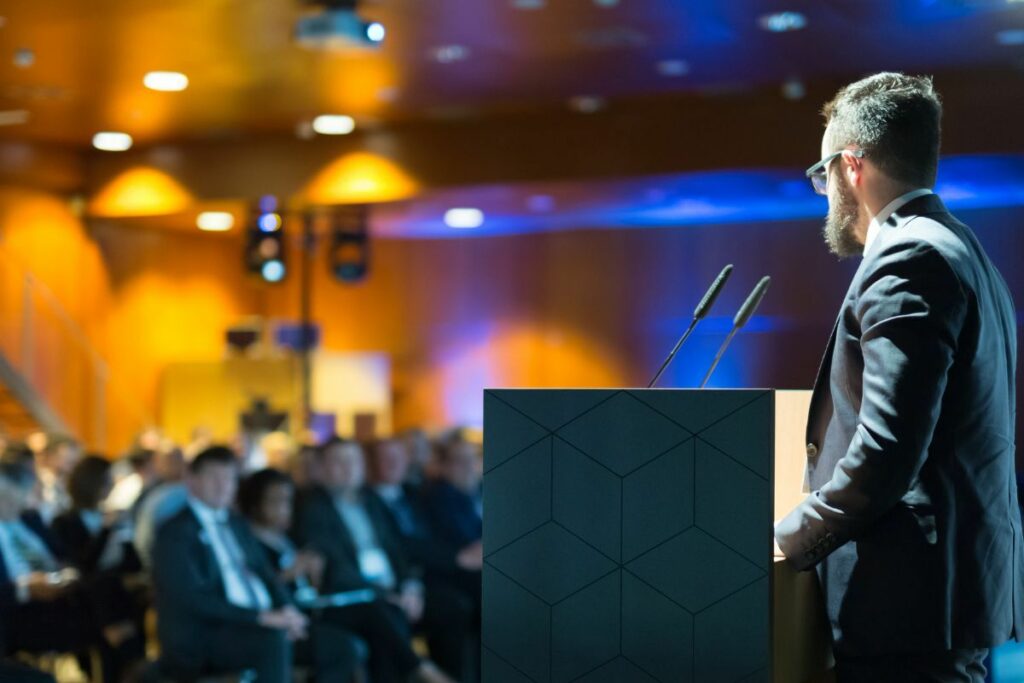
Turnaround is tight, with clients often expecting same-day highlights and a full gallery within 24 to 48 hours. That makes editing a large volume of images manually difficult.
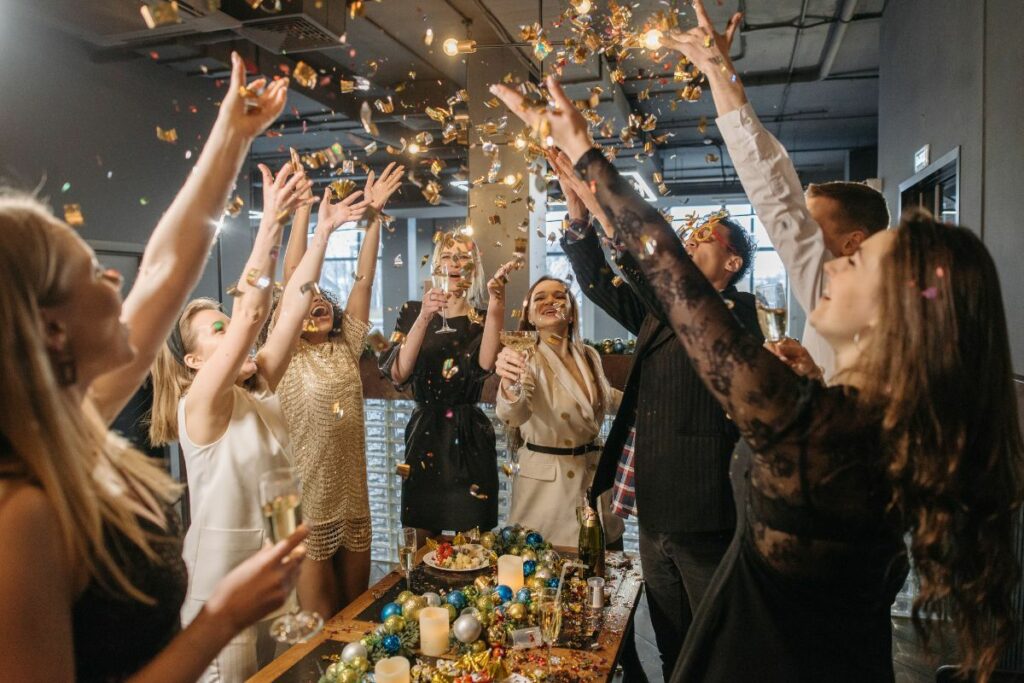
Brand accuracy also matters. Logos, signage, and company colors need to stay consistent because the final images may be used for press releases, social media, internal communications, and future promotions.
Where AI Photo Editing Handles Corporate Event Photography Well
AI editing earns its keep on the volume side of an event gallery. The specific tasks it clears reliably:
| Exposure and white balance: AI can quickly correct images shot under consistent ballroom or conference lighting. |
| Batch consistency: AI keeps exposure and color consistent across hundreds of event photos. |
| Background cleanup: Stray cables, signs, chairs, and minor distractions can be removed quickly. |
| Perspective correction: Wide stage and ballroom shots can benefit from automated lens correction. |
| Object and duplicate removal: AI can clear minor clutter and help identify near-duplicate frames. |
AI saves significant time at event volume. A survey covered by PetaPixel found 88% of working photographers now use AI, with 68% using it weekly or daily.1 Another PetaPixel report found 84% use AI mainly to save time on repetitive tasks.2
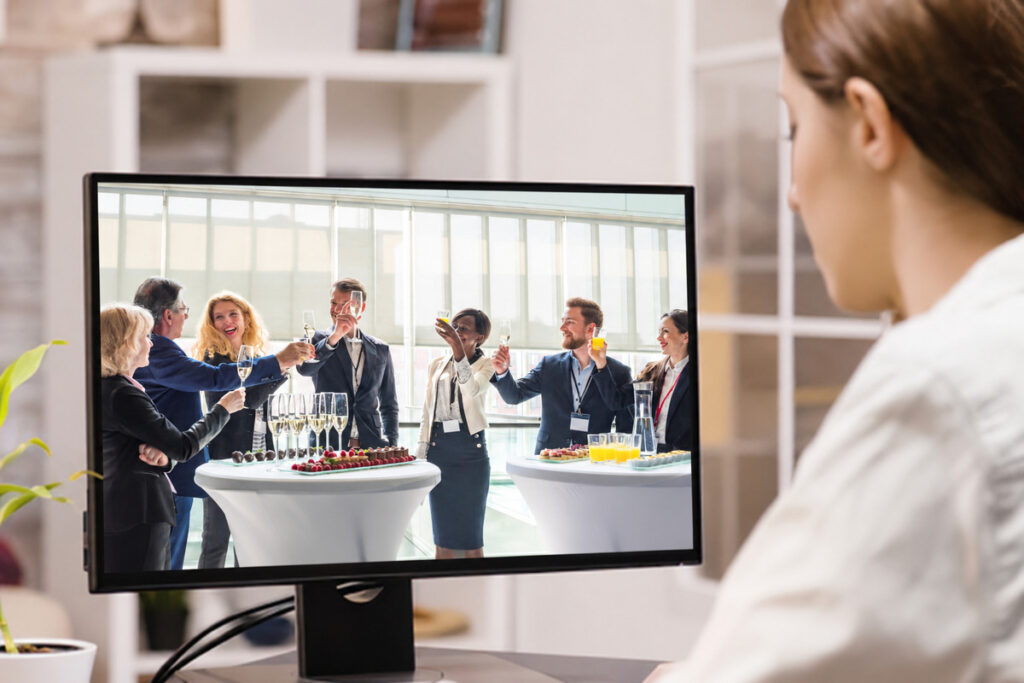
That matters for a 1,000-image event gallery, where even small color inconsistencies become noticeable as a client moves through the full set.
Focus on Photography
We'll Handle the Rest
Save time with a dedicated PhotoUp Coordinator.

Where AI Editing Still Needs a Human Eye in Corporate Event Photography
That same survey found clear limits to AI control. Only 24% would trust AI with full creative retouching, while 78% want it limited to 70–80% of the process. Corporate event photography sits in that remaining share, where venue conditions, branding, and client expectations still require human judgment.
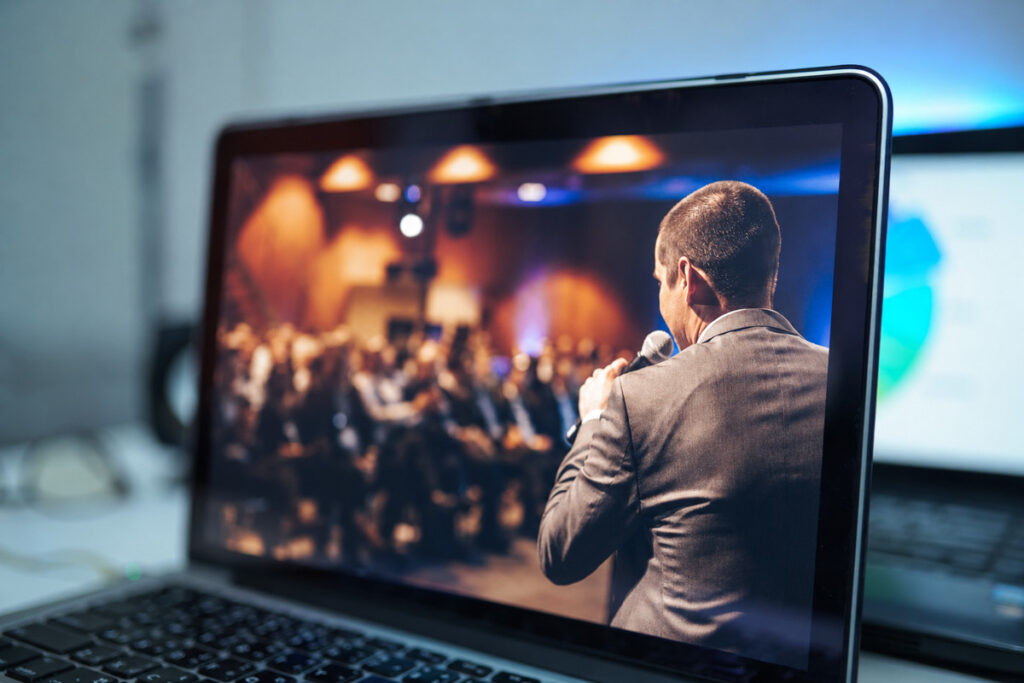
Here’s where that shows up on an actual event shoot:
| Mixed stage lighting: Blue or amber gels can distort skin tones and require careful correction. |
| Skin tones under artificial light: Venue lighting and flash need adjustments that keep skin looking natural. |
| Brand-color accuracy: Signage and backdrops need to preserve the client’s actual brand colors. |
| Executive retouching: Leadership portraits need subtle edits that avoid an artificial, overprocessed look. |
| Multiple lighting zones: Different lighting setups need to feel consistent across the final event gallery. |
Poor event lighting can have lasting consequences. An off-color executive portrait may end up on a company website or annual report for months.
AI still works well for corporate event photography, but the final 20–30% needs human review to account for venue lighting, brand standards, and other details automated tools can miss.
Here’s the split in practice, task by task:
| Task | AI editing alone | AI editing plus human QA |
|---|---|---|
| Batch consistency across 800 images | Handled correctly | Handled correctly |
| Colored stage lighting correction | Can misjudge skin tone | Checked and corrected |
| Brand-color match on event signage | Close, not exact | Checked against the brand guide |
| Executive portrait retouching | Can oversmooth | Reviewed for a natural result |
| Multi-zone lighting consistency | Varies zone to zone | Matched across the full gallery |
What This Looks Like in a Real Workflow
Picture a full-day conference with about 1,200 final images. AI can quickly handle most breakout-session and wide venue shots, leaving roughly 150 to 200 images with complex lighting, brand colors, or executive portraits for manual review.
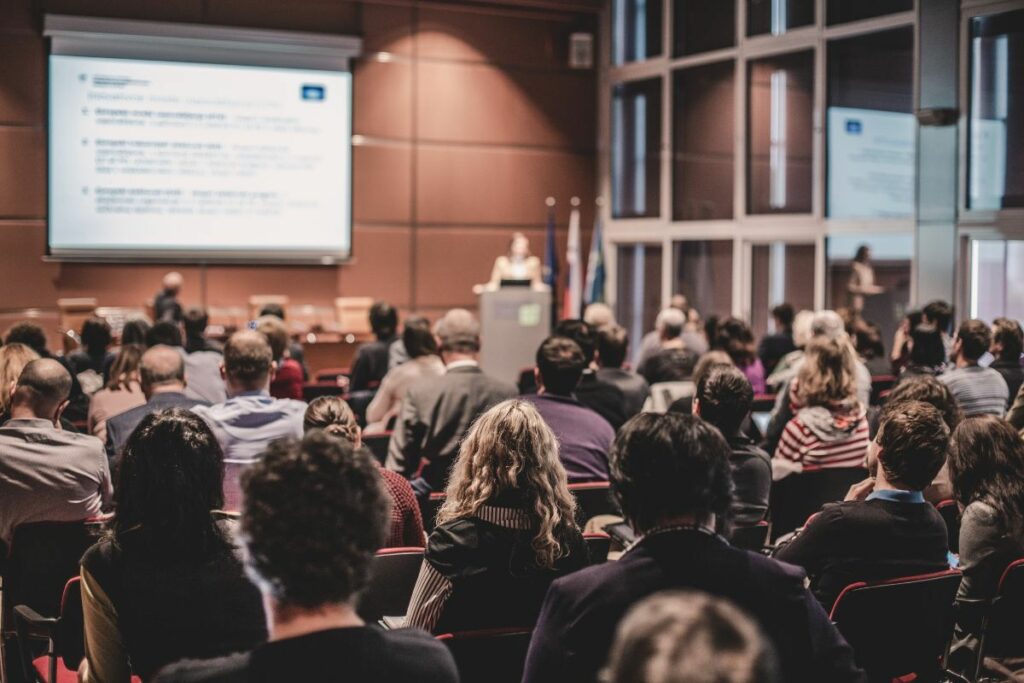
Instead of editing every image by hand, the team focuses on the shots that need judgment. That can cut several days of work down enough to meet a typical 24 to 48-hour turnaround.
The same applies to smaller events. AI handles the repeatable edits, while photographers spend their time on difficult images, client communication, and the next shoot.
Keeping Corporate Events Photography Consistent, Gallery After Gallery
The pattern across corporate event photography is consistent: AI handles the repeatable 70–80%, while a trained eye reviews the rest. The challenge is making sure that review happens in every gallery.
Browse Top Dedicated
Real Estate Photo Editors
Ready-to-hire editors for real estate photo editing, and more.
Someone still needs to catch off-brand colors, difficult keynote lighting, or overprocessed executive portraits before delivery. For solo photographers and small studios, that step can easily slip when several events land in the same week.
As the client list and event schedule grow, maintaining the same review standard becomes harder. AI helps with volume, but consistent human oversight keeps quality from dropping during busy event seasons.
See Where AI Fits (and Where It Doesn’t) in Your Editing Process
PhotoUp helps photographers implement AI photo editing with a Production Coordinator who runs the human side of that workflow.
A Production Coordinator, also called an Operations or Media Coordinator, owns:
| AI editing workflow implementation and QA: reviewing every image against the client’s actual brand standard, not just checking that the automated pass ran |
| Order management and delivery: tracking turnaround so a same-day highlight request doesn’t mean a rushed brand-color check |
| Scheduling and client booking: handling the logistics around a shoot so you’re not doing that on top of editing reviews |
| Client communication: status updates and revision requests handled directly, in your voice |
Why work with a PhotoUp Coordinator? You get someone who knows when AI works and when lighting or brand standards need a manual review, without checking a thousand-image gallery yourself.
Focus on Photography
We'll Handle the Rest
Save time with a dedicated PhotoUp Coordinator.
How to get started
Tell us about your typical event volume and turnaround expectations, and a Coordinator will map out where AI can take over the mechanical work and where a human review step should stay in place.
See where AI fits, and where it doesn’t, in your editing process. Talk to a PhotoUp Coordinator.
Related Articles:
- How Commercial Photographers Are Using AI to Speed Up Editing
- Why Photographers Need a Production Coordinator for AI Photo Editing Workflows
- How Human QA Catches What AI Photo Editing Misses in Real Estate Photos
- What Can a Photography Coordinator Take Off Your Plate
- What Professional Photo Editing Looks Like in the Age of AI
References: