Table of Contents
- What Counts as Commercial Photography?
- Where AI Editing Handles Commercial Photography Well
- Where AI Editing Still Needs a Human Eye for Commercial Photographers
- What This Looks Like in a Real Workflow
- How Commercial Photographers Keep Editing Consistent
- Hire a Production Coordinator to Run Your AI Editing Pipeline
Two edits can be equally sharp and well lit, and only one of them matches the client’s brand guide. That’s the actual bar for a commercial photographer, not whether an image looks good on its own.
AI can clear most of that work in minutes. Brand accuracy is a different question.
This piece covers where AI actually helps commercial photographers, where it still needs a trained eye, and what that means for how you build your workflow.
What Counts as Commercial Photography?
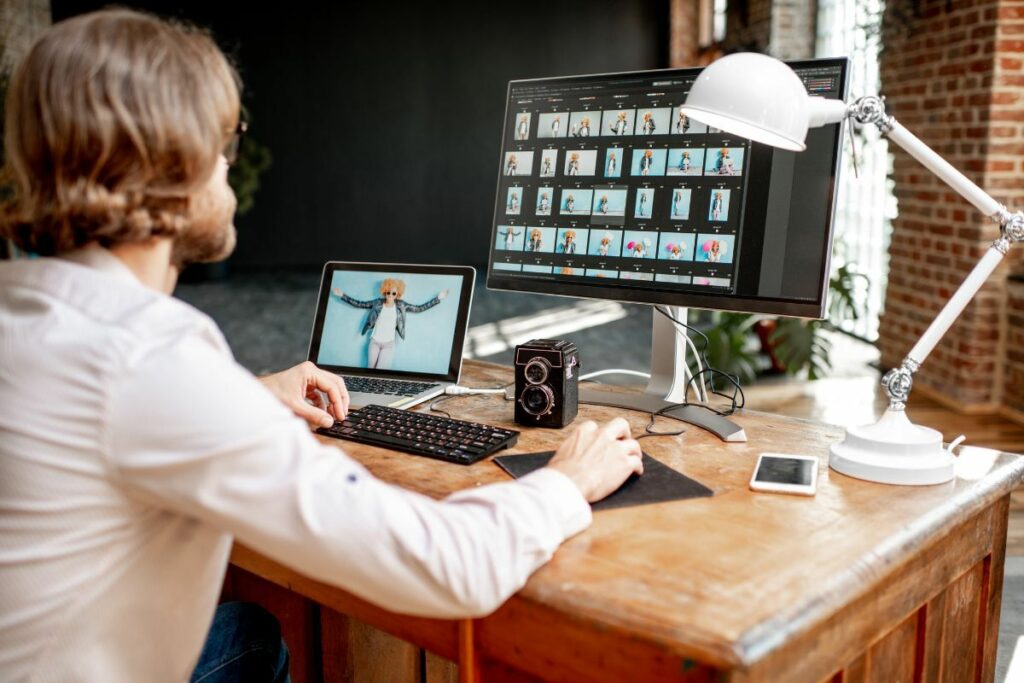
Commercial photography covers images a business uses to sell, promote, or represent itself. That includes advertising campaigns, brand and lifestyle imagery, corporate headshots, team photos, and editorial-style work commissioned by a company.
Two related categories fall outside that scope. Product photography focuses on still-life images of individual items and comes with its own editing demands. Commercial real estate photography focuses on buildings and properties, making it closer to architectural photography than people-and-brand work.
This article focuses on shoots built around a company’s image rather than its products or properties. For a commercial photographer handling headshots, lifestyle shoots, and campaigns, editing needs can vary widely, from nearly invisible corporate retouching to carefully polished images designed to feel candid and natural.
Where AI Editing Handles Commercial Photography Well
AI editing earns its keep on the mechanical side of commercial work too. Here’s where it actually helps:
| Exposure and white balance on standard setups: a studio shoot or a well-lit office space gives AI a clean, consistent base to correct, the same as any other controlled lighting situation. |
| Batch consistency across a campaign: a single brand shoot might produce 100 to 200 final images across lifestyle, product-in-scene, and headshot categories. AI keeps exposure and color consistent across that volume far faster than a manual pass. |
| Basic background cleanup: removing a stray cable, a reflection in a window, or a distracting object from a studio or location shoot is a solved problem at this point. |
| Standard skin tone correction: on evenly lit headshots with no unusual skin tones or lighting challenges, AI handles baseline color and exposure correction reliably. |
| Basic perspective correction: office and studio interiors benefit from the same lens correction that works on any architectural interior. |
AI is already part of many photography workflows. A survey covered by PetaPixel found 88% of working photographers now use AI,1 while a related report found 84% use it mainly to save time on repetitive tasks.2
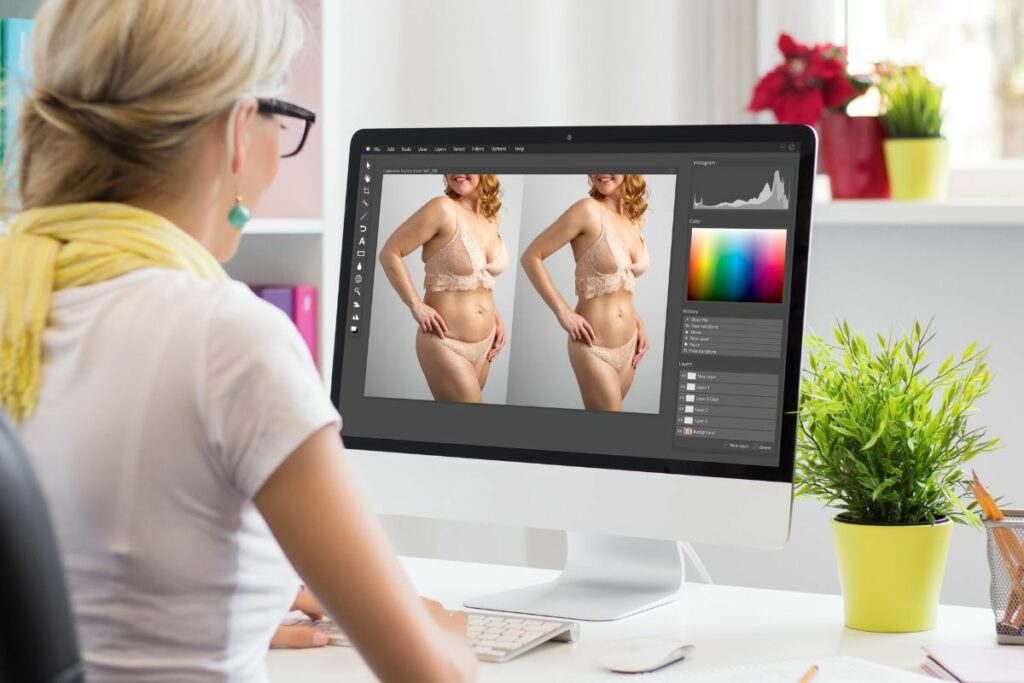
That efficiency matters in commercial work, where consistency across a 150-image campaign is much more noticeable than in a single photo.
Focus on Photography
We'll Handle the Rest
Save time with a dedicated PhotoUp Coordinator.

Where AI Editing Still Needs a Human Eye for Commercial Photographers
That same survey found clear limits to AI control. Only 24% would trust it with full creative retouching, while 78% want AI limited to 70 to 80% of the process. Commercial work often needs that human oversight because the final image must match specific brand standards, not simply “look good.”

Here’s where that shows up on an actual commercial shoot:
| Brand-exact color matching: a logo, product, or packaging color that reads slightly off from the client’s actual brand color is an easy miss for AI, and an easy catch for a client who knows their own brand guide by heart. |
| Retouching restraint on headshots and portraits: oversmoothing skin or over-correcting features gives a headshot the flat, synthetic look that makes a whole team page read as fake. Knowing where to stop takes judgment, not just a slider. |
| Mixed lighting across a multi-day or multi-location shoot: a campaign shot across two office locations and three lighting setups needs someone checking that the final gallery reads as one consistent look, not three stitched together. |
| Creative composite and art-direction requests: swapping a background, adding an element a creative director wants, or matching a mood board is production work, not a standard edit. |
| Non-standard brand guidelines: a client’s specific requirements, like a signature warm tone across every campaign or an exact color spec tied to their packaging, aren’t applied automatically unless someone builds that standard into the workflow every time. |
Brand color accuracy matters. A logo or product shade that is slightly off can break consistency across a client’s website, social media, and print materials.
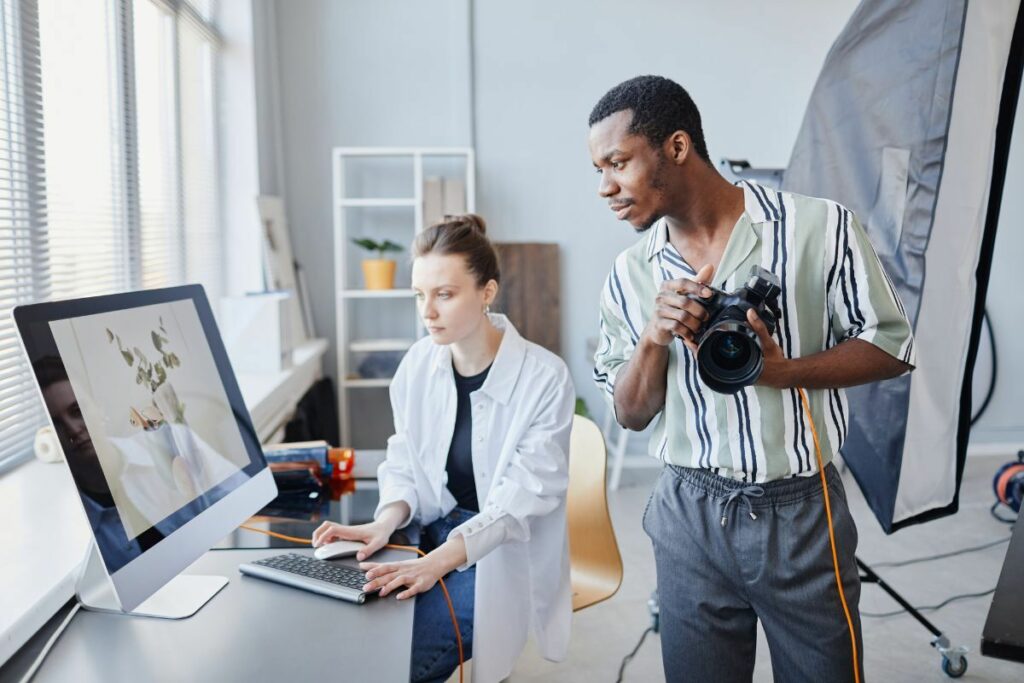
That does not make AI a poor fit for commercial photography. It simply means the final 20 to 30% still needs someone who understands the brand and its standards.
Here’s the split in practice, task by task:
| Task | AI editing alone | AI editing plus human QA |
|---|---|---|
| Batch color consistency across 150 images | Handled correctly | Handled correctly |
| Brand-exact color match | Close, not exact | Checked against the brand guide |
| Headshot retouching | Can oversmooth | Reviewed for a natural result |
| Multi-location lighting consistency | Inconsistent across sets | Matched across the full gallery |
| Non-standard brand guidelines | Not applied automatically | Applied consistently, shoot after shoot |
What This Looks Like in a Real Workflow
Picture a mid-size brand agency hiring you for a quarterly campaign with 40 lifestyle images, 20 product-in-scene shots, and 15 executive headshots. AI handles the first pass across all 75 images, including exposure, white balance, batch consistency, and background cleanup.
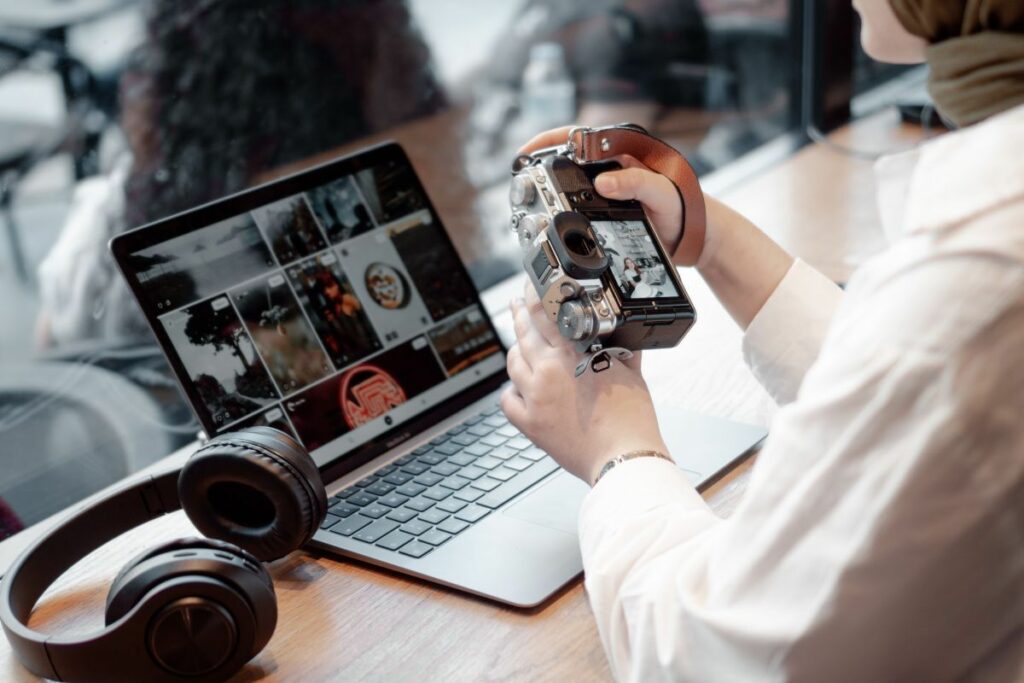
The 10 to 12 images that need more judgment then get a human pass. That might include headshot retouching, exact brand colors, or lifestyle shots that need to match images from another location. At 10 to 15 minutes each, that is roughly two hours of focused editing instead of spending most of a day correcting the entire set manually.
The same workflow scales to smaller jobs. A 20-person headshot session might need manual attention on only a few images, while an 80-image lifestyle campaign may require extra work mainly where brand colors need to stay exact. Across four or five monthly shoots, those saved hours can add up to several days that go back to shooting, clients, and running the business.
How Commercial Photographers Keep Editing Consistent
AI can handle much of the repeatable editing, but human review still matters. For a commercial photographer, the challenge is making sure that review happens on every shoot, especially for brand colors, headshots, and other details AI may not interpret correctly.
Browse Top Dedicated
Real Estate Photo Editors
Ready-to-hire editors for real estate photo editing, and more.
That becomes harder as volume grows. A single off-brand image is easy to fix, but inconsistent color across an entire campaign can create a much bigger problem. For solo photographers and small studios, quality checks are also more likely to get rushed when deadlines pile up.
As a commercial photographer takes on more agencies and direct-to-brand clients, maintaining the same review standard across every project becomes difficult to manage alone. A Coordinator can own that final review, flag images that need closer attention, and help keep every delivery consistent with the client’s brand.
Hire a Production Coordinator to Run Your AI Editing Pipeline
PhotoUp helps photographers implement AI photo editing with a Production Coordinator who runs the human side of that workflow.
A Production Coordinator, also called an Operations or Media Coordinator, owns:
| AI editing workflow implementation and QA: setting up the AI tools in your pipeline and reviewing every image against the client’s actual brand standard, not just a generic quality bar |
| Order management and delivery: tracking each campaign’s turnaround so a tight deadline doesn’t mean a rushed brand-color check |
| Scheduling and client booking: handling the logistics around a shoot so you can focus on the shot list |
| Client communication: status updates and revision requests handled directly, in your voice |
Why work with a PhotoUp Coordinator? You get someone trained to know where AI editing is reliable and where a commercial client’s brand standard needs a manual pass, without building that judgment in-house or reviewing every image yourself.
Focus on Photography
We'll Handle the Rest
Save time with a dedicated PhotoUp Coordinator.
How to get started
Tell us about your current shoot volume and client mix, and a Coordinator will map out where AI can take over the mechanical work and where a human review step should stay in place.
Hire a Production Coordinator to run your AI editing pipeline from booking to delivery.
Related Articles:
- How Product Photographers Are Using AI to Speed Up Editing
- What Is Commercial Real Estate Photography and How to Get Started?
- Is Commercial Real Estate Photo Editing Worth It?
- What Can a Photography Coordinator Take Off Your Plate
- Architecture Photography and AI Editing: What It Handles and What It Misses
References: