Table of Contents
- What Changes When an AI Photo Editing Workflow Has Multiple Photographers?
- Where a Shared Editing Workflow Handles a Team Well
- Where an AI Photo Editing Workflow Still Needs a Human Owner
- What This Looks Like in a Real Workflow
- Keeping a Multi-Photographer Workflow Consistent, Studio-Wide
- Hire a Production Coordinator to Run Your AI Editing Pipeline
One photographer running an AI photo editing workflow has one editing style to keep consistent. A five-photographer studio running that same workflow has five, and the tool won’t catch the difference on its own.
Matching five photographers’ galleries into one consistent studio look is a different job than making each edit fast.
This piece covers where a shared editing workflow holds up across a photography team, where it breaks down without oversight, and who ends up owning that difference.
What Changes When an AI Photo Editing Workflow Has Multiple Photographers?
A solo photographer can keep an editing style in their head. With a team, that style needs to become a shared standard. Different shooters bring their own habits in color, exposure, and shadows, and AI photo editing alone may not catch those differences.
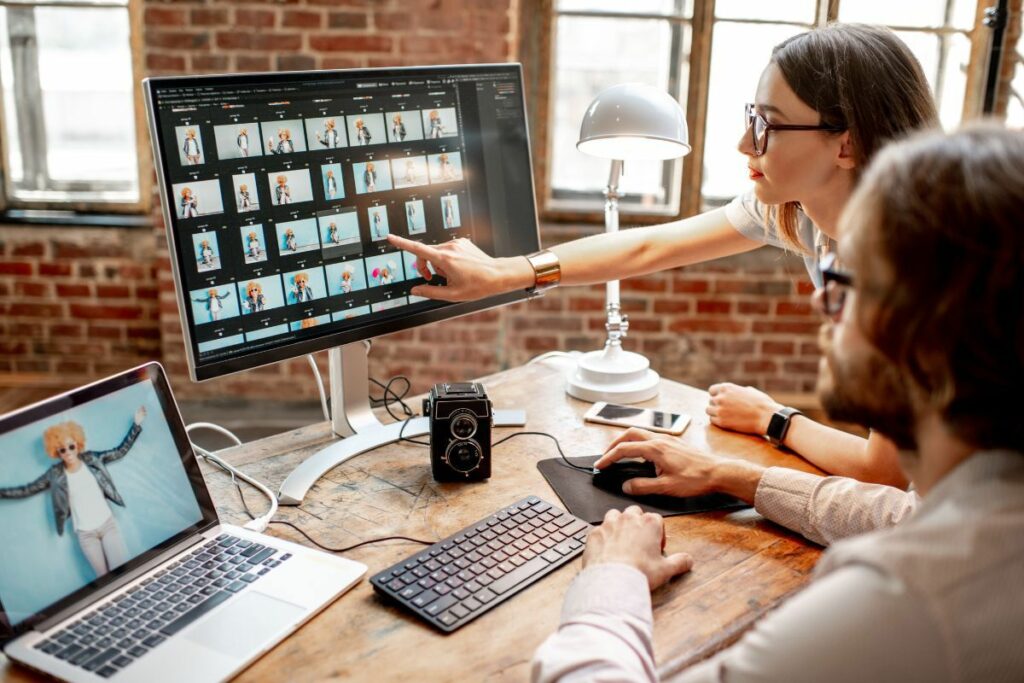
New photographers also need their first galleries reviewed against the studio’s established look. Clients expect the same results regardless of who shoots the property.
As the team grows, so does the review workload. Whether a studio uses staff photographers, independent contractors, or both, the editing workflow has to standardize differences in shooting styles while keeping every gallery consistent.
Where a Shared Editing Workflow Handles a Team Well
AI editing earns its keep at team scale just as much as it does for a solo shooter. Here’s where it holds up:
| Batch processing across multiple shooters’ galleries at once: the tool doesn’t care whether ten galleries came from one photographer or four, and processes them in parallel either way. |
| A consistent baseline correction regardless of who shot it: standard exposure and white balance corrections apply the same way to every shooter’s files, which removes one whole category of style drift before it starts. |
| Scaling editing capacity without adding editing headcount: a team can take on more shoots without hiring another in-house editor for every additional photographer. |
| Style presets applied uniformly: once a studio’s baseline look is set as a preset, it gets applied the same way across every photographer’s files, not reinterpreted shoot to shoot. |
The impact grows quickly once a team has multiple shooters. A survey covered by PetaPixel found 88% of working photographers now use AI in their workflow, with 68% using it weekly or daily.1 Another PetaPixel report found 84% use AI primarily to save time on repetitive tasks.2
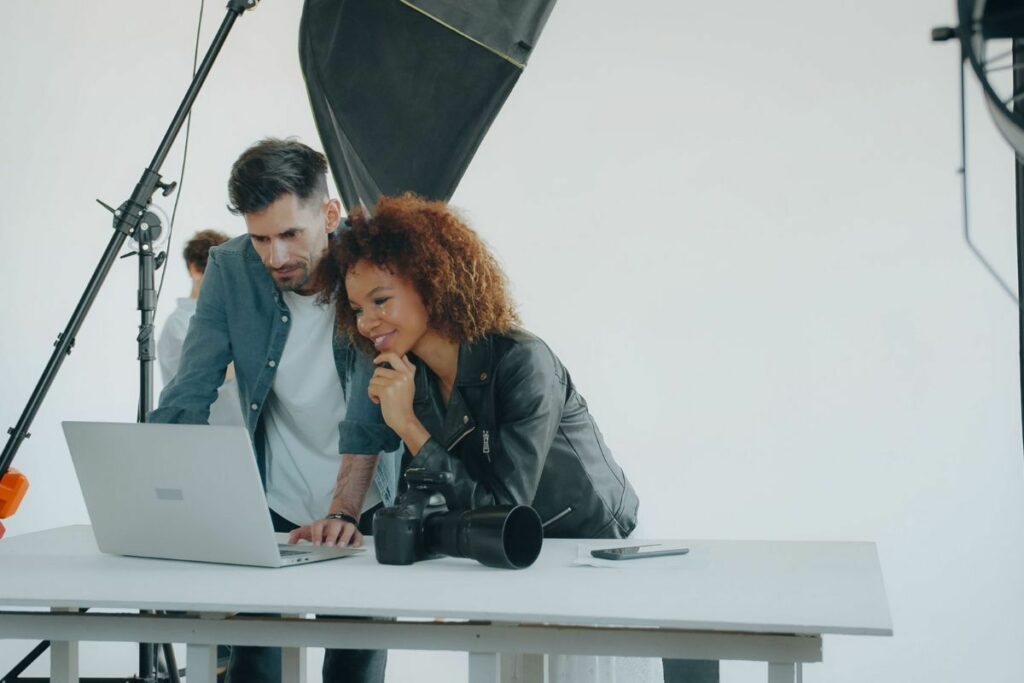
That efficiency scales across a team, but so do mistakes. A baseline correction error can affect every photographer’s output at once.
For example, a four-photographer team handling 60 listings a week can move roughly 7,000 to 9,000 images through the same workflow each month, making consistent corrections far faster than a fully manual process.
Focus on Photography
We'll Handle the Rest
Save time with a dedicated PhotoUp Coordinator.

Where an AI Photo Editing Workflow Still Needs a Human Owner
That same survey shows where photographers draw the line. Only 24% would let AI make full creative retouching decisions, while 78% want it limited to 70 to 80% of an image’s retouching. For teams, that final 20 to 30% matters even more because it ensures every photographer’s work matches the same studio standard.
Here’s where that shows up on an actual team workflow:
| Reconciling style drift between shooters: a photographer whose edits have quietly drifted warmer over a few months needs someone to catch it before a client notices the studio’s look has changed. |
| QA on a new photographer’s first galleries: the first several shoots from a new hire need a closer review than a solo photographer would ever run on their own files. |
| Catching a workflow-wide issue before it spreads: a misconfigured setting on the shared tool doesn’t affect one gallery. It affects every gallery every shooter delivers until someone catches it. |
| Applying a brokerage or client-specific standard consistently: a client with their own finishing preference needs that standard applied the same way no matter which photographer on the team shot the listing. |
| Owning accountability when something goes wrong: a client complaint about inconsistent quality needs one clear owner tracing it back to its source, not four photographers each assuming someone else caught it. |
Missing that oversight costs more on a team. Style drift can spread across weeks of galleries before anyone catches it, creating far more work to fix.

That doesn’t make AI photo editing a poor fit for multi-photographer studios. It means the workflow needs one clear owner who keeps every shooter aligned with the same standard.
Here’s the split in practice, task by task:
| Task | AI editing alone | AI editing plus a workflow owner |
|---|---|---|
| Batch processing across shooters | Handled correctly | Handled correctly |
| Style consistency across the team | Can drift shooter to shooter | Checked and reconciled |
| New photographer onboarding | No built-in review step | First galleries checked against the standard |
| Workflow-wide error detection | Spreads until noticed | Caught early, fixed once |
| Brokerage-specific standards | Not applied automatically | Applied consistently, shooter to shooter |
What This Looks Like in a Real Workflow
Picture a four-photographer studio handling 60 listings a week, with 30 to 40 final images per shoot. Running everything through AI photo editing first handles baseline exposure, white balance, and standard corrections across every shooter.
The next step is spot-checking roughly 8 to 10 images per photographer each week for style drift, with extra attention on newer team members. At about 10 minutes per gallery, that adds up to roughly six hours of review per week, far less than manually checking every image.
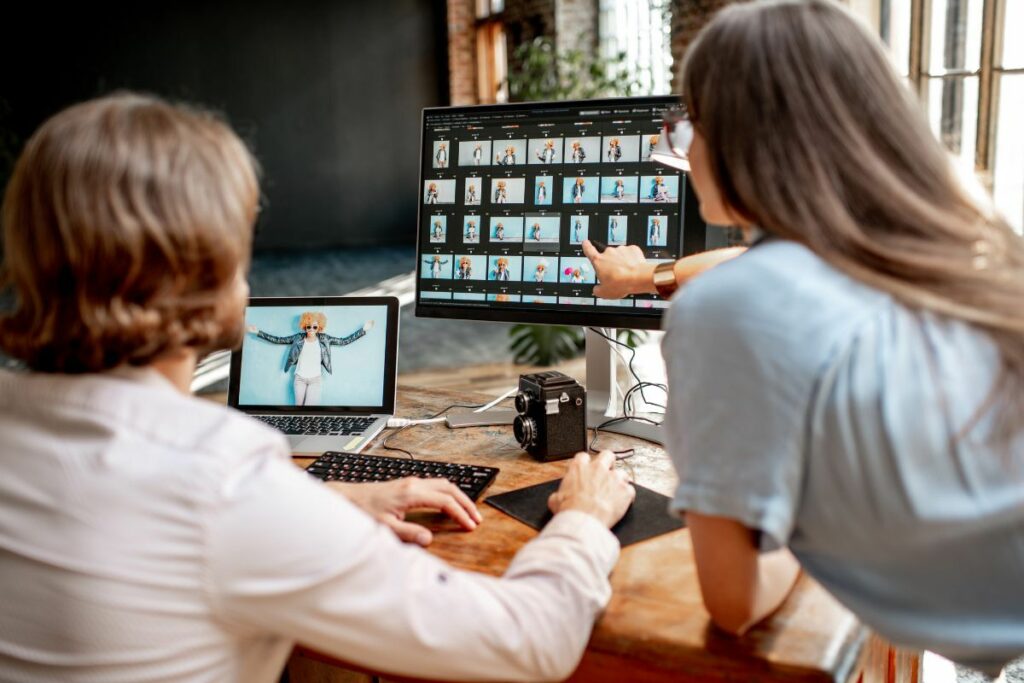
The same approach works for a two-photographer team or a studio adding a fifth or sixth shooter. The workload changes, but the need for consistent oversight doesn’t. Without it, style differences can reach the client before the studio catches them.
Keeping a Multi-Photographer Workflow Consistent, Studio-Wide
The pattern holds at any team size: AI photography editing handles the repeatable 70 to 80%, while a trained eye handles the rest. The challenge is keeping that review standard consistent across every photographer.
Browse Top Dedicated
Real Estate Photo Editors
Ready-to-hire editors for real estate photo editing, and more.
Someone needs to own the workflow, checking for style drift, reviewing new hires, and catching shared-tool issues before they affect the entire team. In smaller studios, that often falls on the founder and can quickly slip during busy periods or staff turnover.
Once a studio grows beyond three or four photographers, informal oversight becomes harder to maintain. A dedicated workflow owner can keep quality consistent as the team scales. PhotoUp’s Production Coordinator role is built around that responsibility.
Hire a Production Coordinator to Run Your AI Editing Pipeline
PhotoUp helps photography teams implement AI editing with a Production Coordinator who runs the human side of that workflow across every shooter on the roster.
A Production Coordinator, also called an Operations or Media Coordinator, owns:
| AI editing workflow implementation and QA across the team: reviewing every photographer’s galleries against one shared standard, not just checking that the automated pass ran |
| Order management and delivery: tracking turnaround across every shooter’s shoots so growth doesn’t mean a slower or less consistent gallery |
| New photographer onboarding: checking a new hire’s first several galleries against the studio’s actual standard before their work goes out under the same brand |
| Client communication: status updates and revision requests handled directly, in your voice, regardless of which photographer shot the job |
Why work with a PhotoUp Coordinator? You get one person to catch style drift and AI photo editing issues across your team, without reviewing every gallery or splitting your focus between shooting and quality control.
Focus on Photography
We'll Handle the Rest
Save time with a dedicated PhotoUp Coordinator.
How to get started
Tell us your team size and current workflow, and a Coordinator will show you where AI can handle the repetitive work and where human review matters most.
Hire a Production Coordinator to run your AI editing pipeline across your whole team.
Related Articles:
- Why Photographers Need a Production Coordinator for AI Photo Editing Workflows
- How Human QA Catches What AI Photo Editing Misses in Real Estate Photos
- How to Build an AI Photo Editing Workflow for Real Estate Photography
- What Can a Photography Coordinator Take Off Your Plate
- What Professional Photo Editing Looks Like in the Age of AI
References: