Table of Contents
- What Makes an Editorial Photo Editing Workflow Different?
- Where AI Handles Editorial Photo Editing Well
- Where Editorial Photo Editing Still Needs a Human Eye
- What This Looks Like in a Real Editorial Workflow
- Keeping Editorial Photography Editing Consistent, Assignment After Assignment
- Set Up an AI Editing Workflow With Human QA Built In
Art directors review editorial galleries against the approved mood board and shot brief. Technical quality matters, but the final images also need to match the intended mood, style, and creative direction.
AI photo editing can clear much of an editorial gallery quickly, but matching an approved creative direction still requires judgment.
This piece covers where AI handles editorial photo editing well, where a trained eye is still needed, and how to build a workflow around both.
What Makes an Editorial Photo Editing Workflow Different?
Editorial photography supports a story, whether it’s a magazine feature, branded content series, lookbook, or online publication. Each shoot follows an approved brief and mood board that defines the tone, color, and visual direction.
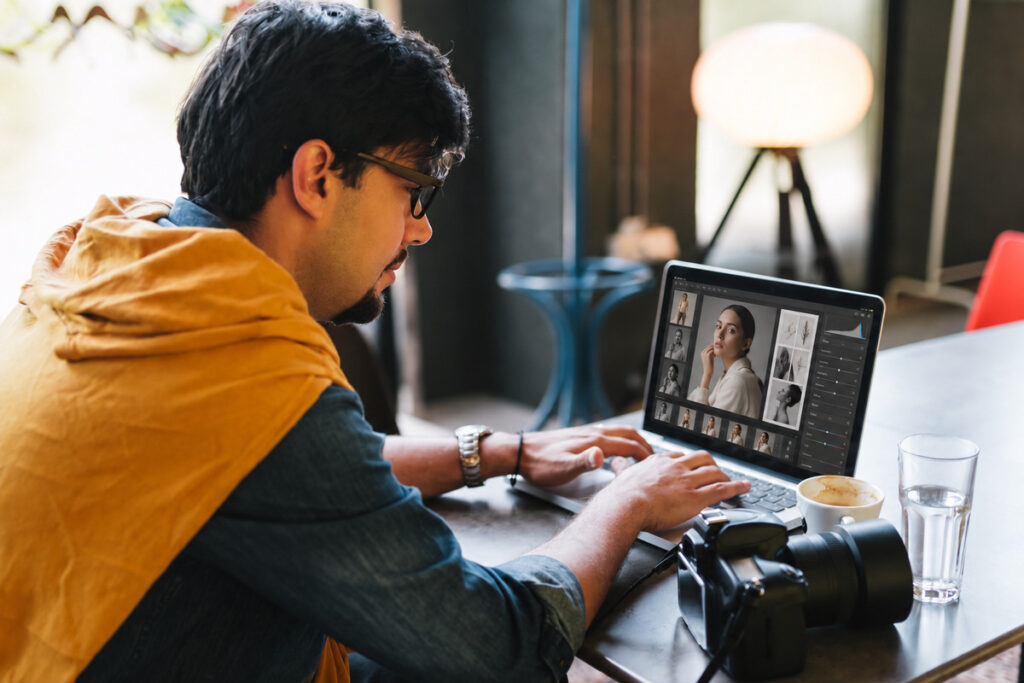
That makes editorial photo editing about more than exposure and composition. Editors and art directors also look for consistent mood, color grading, and narrative flow across the gallery.
Deadlines are often tied to fixed publication dates, so editing needs to move quickly without losing the intended style. Since magazines, brands, and agencies each have different creative priorities, a single automated editing pass may not meet every reviewer’s expectations.
Where AI Handles Editorial Photo Editing Well
AI photo editing earns its keep on the mechanical side of an editorial shoot too. Here’s where it holds up:
| Exposure and white balance on a consistent shoot setup: a single-location editorial shoot with one dominant light source gives AI a clean, predictable baseline to correct. |
| Batch consistency across a full editorial set: a 20-image spread or a 40-image lookbook needs the same exposure and color baseline from the first frame to the last, and AI holds that baseline faster than a manual pass. |
| Basic background and object cleanup: clearing a stray cable, an out-of-place prop, or a distracting reflection from an editorial frame is a solved problem at this point. |
| Standard color grading matched to a known preset: once a look is defined as a preset or LUT, AI applies it consistently across a batch without drifting frame to frame. |
| Basic retouching on straightforward portraits: on evenly lit portraits with no unusual skin tones or expression challenges, AI handles baseline retouching reliably. |
AI can save significant time on an editorial deadline. A survey covered by PetaPixel found 88% of working photographers now use AI somewhere in their workflow, with 68% using it weekly or daily.1 A related PetaPixel report found 84% primarily use AI to save time on repetitive, mechanical tasks.2

That efficiency matters under fixed publish deadlines. Keeping exposure and color consistent early in the workflow leaves more time for the creative decisions that require a trained eye.
Focus on Photography
We'll Handle the Rest
Save time with a dedicated PhotoUp Coordinator.

Where Editorial Photo Editing Still Needs a Human Eye
The same survey found clear limits to AI control. Only 24% of photographers would trust AI with full creative retouching, while 78% prefer to limit it to 70–80% of the process. That matters in editorial work, where matching an approved mood board requires more than technically correct edits.
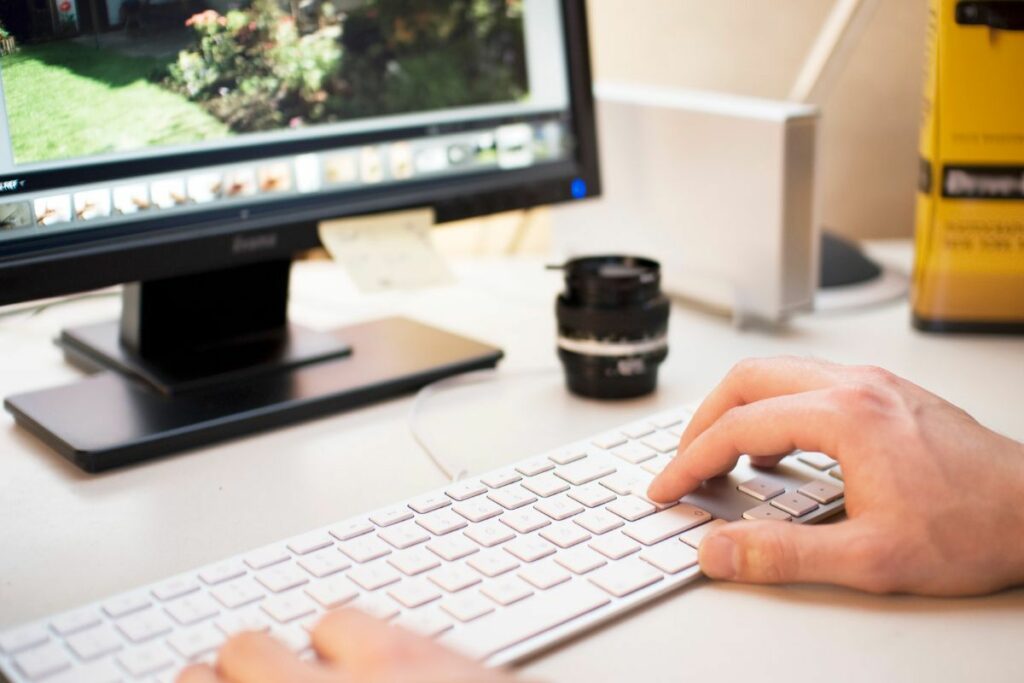
Here’s where that shows up on an actual editorial assignment:
| Matching an approved mood-board tone: a warm, filmic grade or a deliberately desaturated look is a specific creative reference, not a generic style AI can infer from the raw files alone. |
| Story-sequencing judgment: knowing which frame opens a spread, which one carries the emotional beat, and which one gets cut entirely is an editorial decision, not a technical one. |
| Retouching restraint on portrait-driven work: oversmoothing skin or over-correcting a subject’s features flattens the personality an editorial portrait is often built around. |
| Color consistency across a multi-location or multi-day shoot: a feature shot across two settings on different days needs someone checking that the full set reads as one consistent story. |
| Non-standard art-direction notes: a specific note from an art director, an unconventional crop, or an intentional shadow left in, doesn’t get applied automatically unless someone builds it into the process. |
Missing the intended tone can mean re-editing an entire set, not just one image, especially when the same settings were applied across the gallery.

That doesn’t make AI a poor fit for an editorial photo editing workflow. It simply means the final 20–30% still benefits from someone who understands the creative direction behind the shoot.
Here’s the split in practice, task by task:
| Task | AI editing alone | AI editing plus human QA |
|---|---|---|
| Batch consistency across a 30-image set | Handled correctly | Handled correctly |
| Mood-board tone matching | Generic, not specific | Checked against the reference |
| Story-sequencing decisions | Not addressed | Reviewed by a trained eye |
| Portrait retouching restraint | Can oversmooth | Reviewed for a natural result |
| Multi-location color consistency | Varies shot to shot | Matched across the full set |
What This Looks Like in a Real Editorial Workflow
Consider a 10-page magazine feature shot across two locations, with 200 raw frames narrowed to 45 final images. AI can handle exposure, white balance, background cleanup, and an initial color preset across the set in minutes.
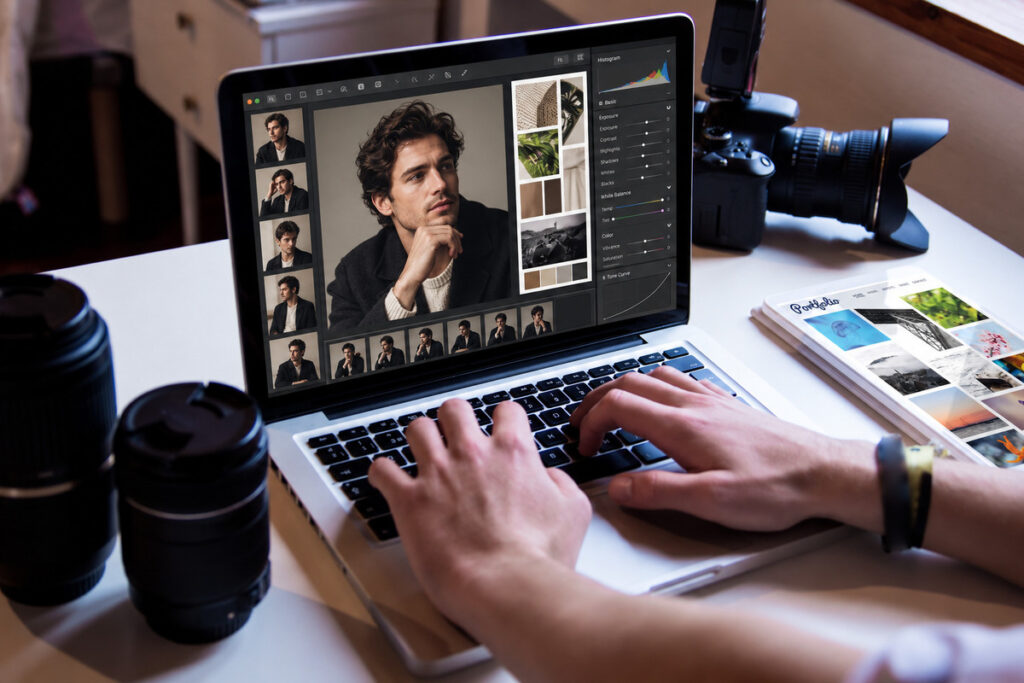
The remaining 12 to 15 images may need closer review for mood, sequencing, and consistency between locations. At 15 to 20 minutes each, that’s roughly four hours of focused work instead of manually treating every image.
Smaller assignments follow the same pattern. A 15-image online feature may need manual attention on only a few portraits where expression, tone, or retouching requires more judgment.
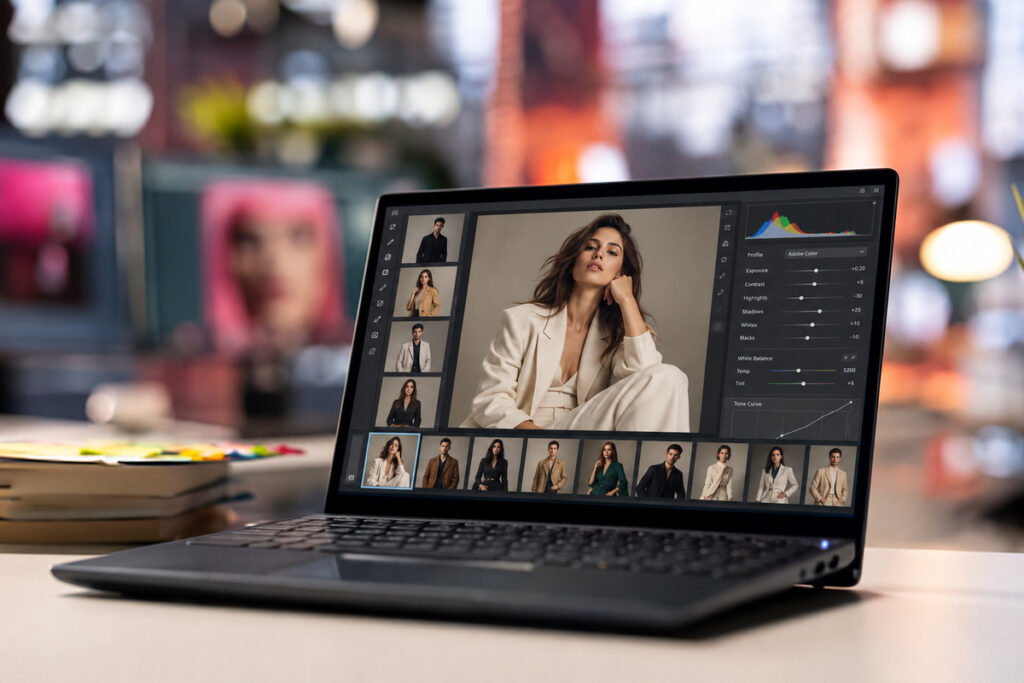
Across four larger assignments a month, that adds up to roughly 16 hours of focused review rather than several full days of manual editing. For recurring brand editorial work, the same review also helps maintain a consistent look across each new campaign.
Keeping Editorial Photography Editing Consistent, Assignment After Assignment
AI can handle the repeatable 70 to 80% of editorial photo editing, but tone and sequencing still need a trained eye. The challenge is making sure that review happens on every assignment.
Someone needs to manage the AI tools, identify images that need closer attention, and catch any drift from the approved mood board before delivery.
Browse Top Dedicated
Real Estate Photo Editors
Ready-to-hire editors for real estate photo editing, and more.
That gets harder as assignments and deadlines overlap. Rushing the final review can lead to inconsistent galleries, extra revisions, and more proofing from publications or brands.
As the client list grows, maintaining the same review standard across every assignment becomes just as important as editing quickly.
Set Up an AI Editing Workflow With Human QA Built In
PhotoUp helps photographers implement AI photo editing with a Production Coordinator who runs the human side of that workflow.
A Production Coordinator, also called an Operations or Media Coordinator, owns:
| AI editing workflow implementation and QA: reviewing every image against the mood board and shot brief an assignment was built around, not just checking that the automated pass ran |
| Order management and delivery: tracking turnaround so a fixed publish date doesn’t mean a rushed tone check |
| Scheduling and client booking: handling the logistics around a shoot so you’re not doing that on top of editing reviews |
| Client communication: status updates and revision requests handled directly, in your voice |
Why work with a PhotoUp Coordinator? You get someone trained to know where AI editing is reliable and where an editorial assignment’s tone or sequencing still needs a manual pass, without personally reviewing every set yourself.
Focus on Photography
We'll Handle the Rest
Save time with a dedicated PhotoUp Coordinator.
How to get started
Tell us about your typical assignment volume and deadline structure, and a Coordinator will map out where AI can take over the mechanical work and where a human review step should stay in place.
Set up an AI editing workflow with human QA built in. Talk to a PhotoUp Coordinator.
Related Articles:
- How Commercial Photographers Are Using AI to Speed Up Editing
- Why Photographers Need a Production Coordinator for AI Photo Editing Workflows
- How Human QA Catches What AI Photo Editing Misses in Real Estate Photos
- What Can a Photography Coordinator Take Off Your Plate
- What Professional Photo Editing Looks Like in the Age of AI
References: