Table of Contents
- What Is Architectural Photography?
- Where AI Photo Editing Handles Architecture Photography Well
- Where AI Editing Still Needs a Human Eye in Architecture Photography
- What This Looks Like in a Real Workflow
- Set Up an AI Editing Workflow With Human QA Built In
A technically clean edit can still come back with revision notes, because architecture photography isn’t judged on how appealing a shot looks. It’s judged on whether it matches the building the client actually designed, down to the material and the sightlines.
AI photo editing speeds up most of that work. It doesn’t always know when the result stops being accurate.
Here’s where AI editing helps architecture photographers work faster, where it still needs a second pair of eyes, and what that split means for how you build your workflow.
What Is Architectural Photography?
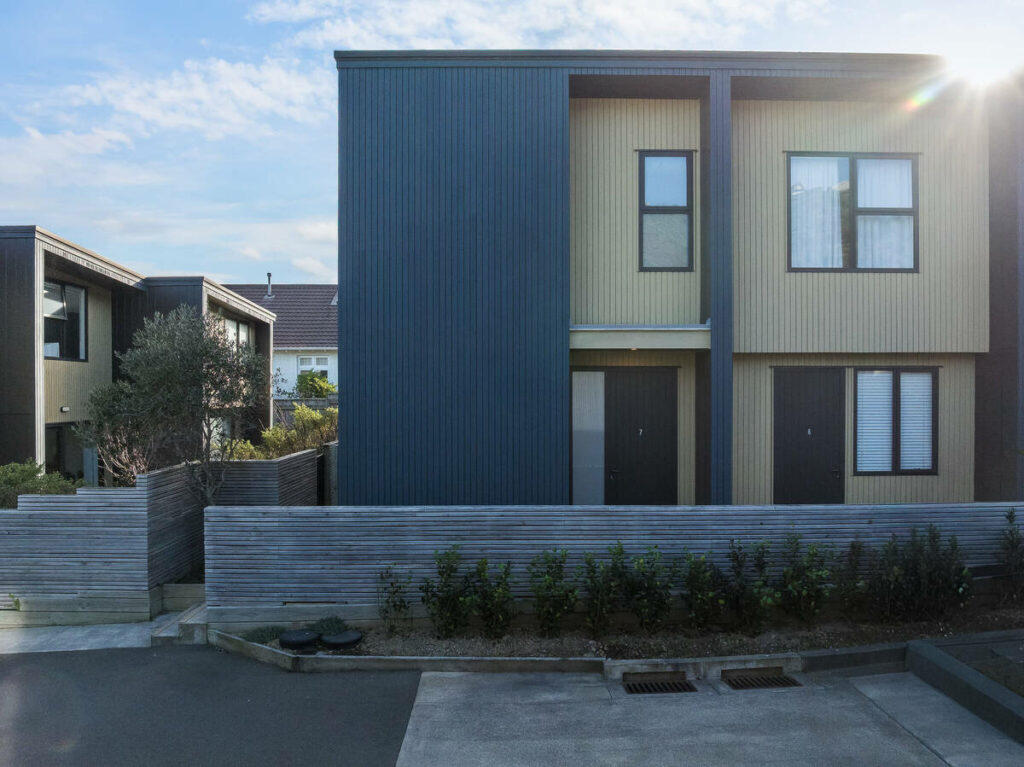
Architectural photography documents a building the way its architect or designer intended it to be seen. Unlike real estate photography, which is primarily used to sell or lease a property, architectural photography is often commissioned by architects, developers, interior designers, or publications to document the design itself.
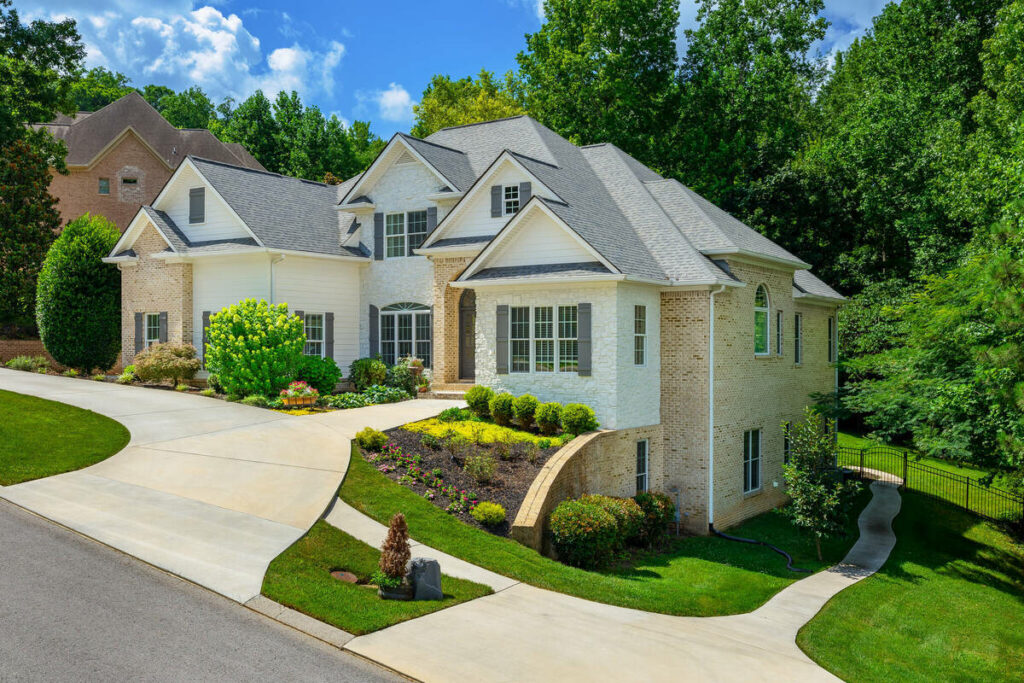
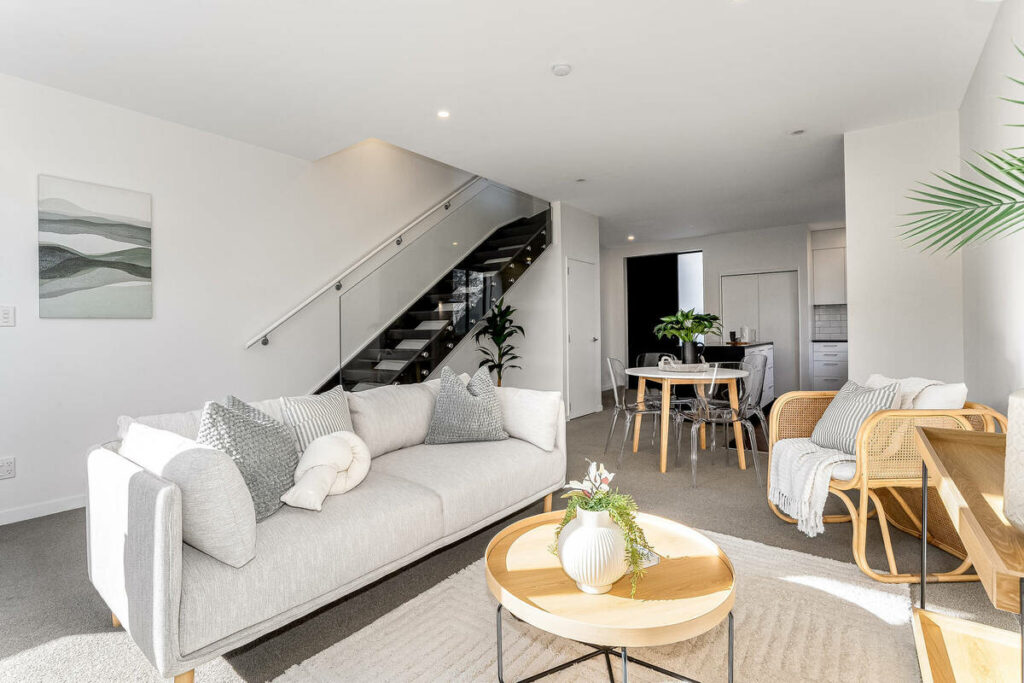
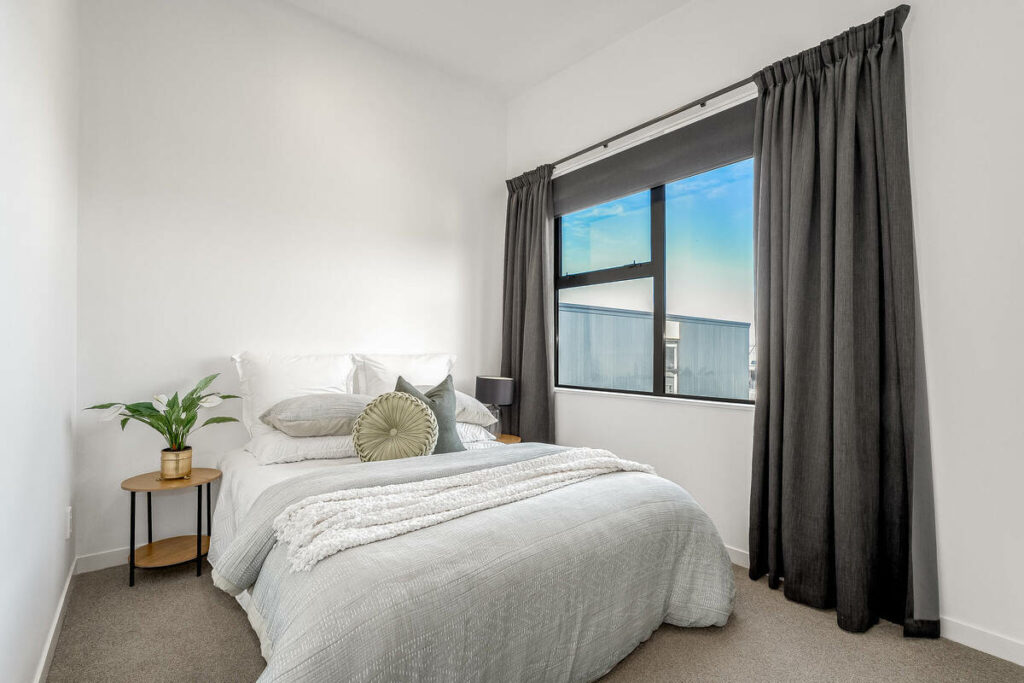
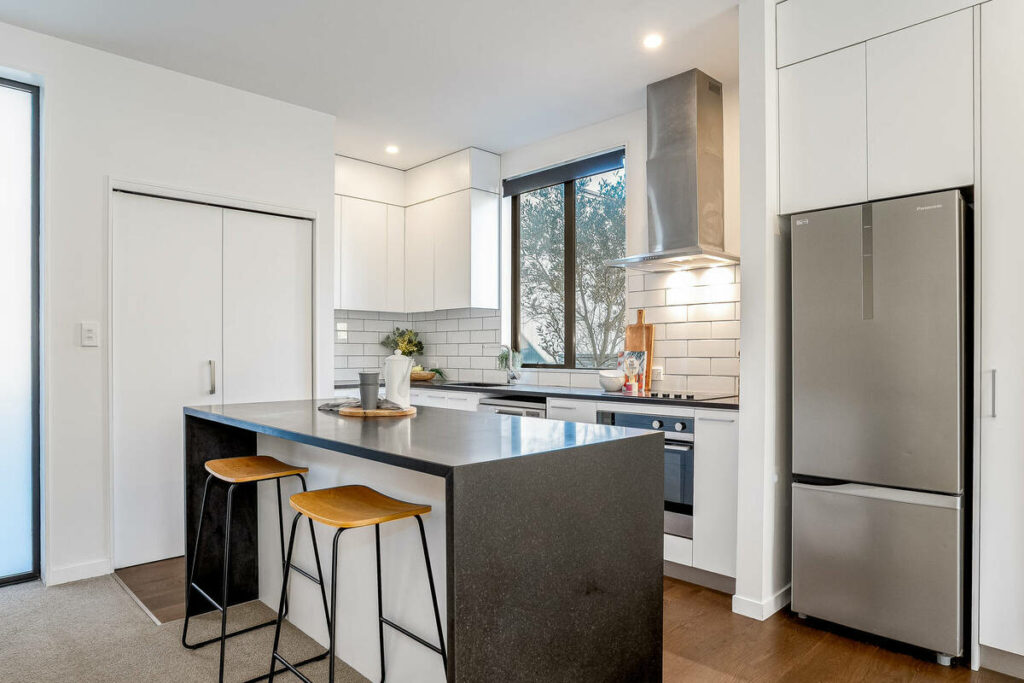
The focus varies by project. Commercial shoots may emphasize a building’s form, materials, and relationship to its surroundings, while residential projects often document custom homes and renovations for design portfolios. Interior photography places more attention on symmetry, sightlines, finishes, and other details that define the space.
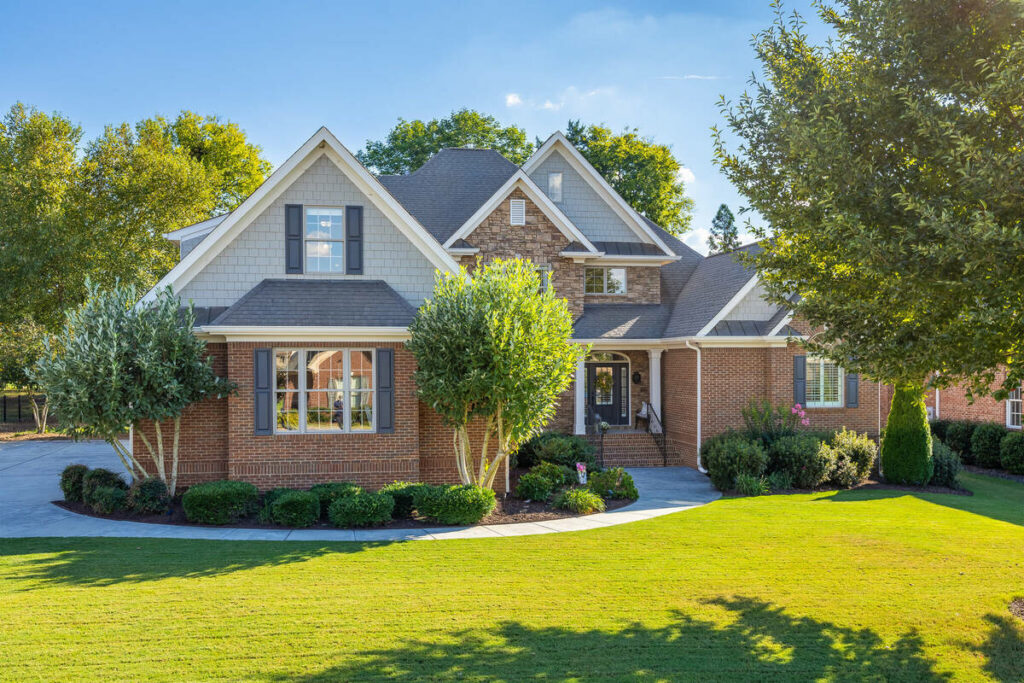
The same standards apply to institutional and hospitality projects such as schools, hotels, and civic buildings. Regardless of building type, accuracy matters. A real estate photo needs to make a room inviting; an architectural photo needs to represent the designer’s choices in materials, colors, proportions, and layout faithfully.
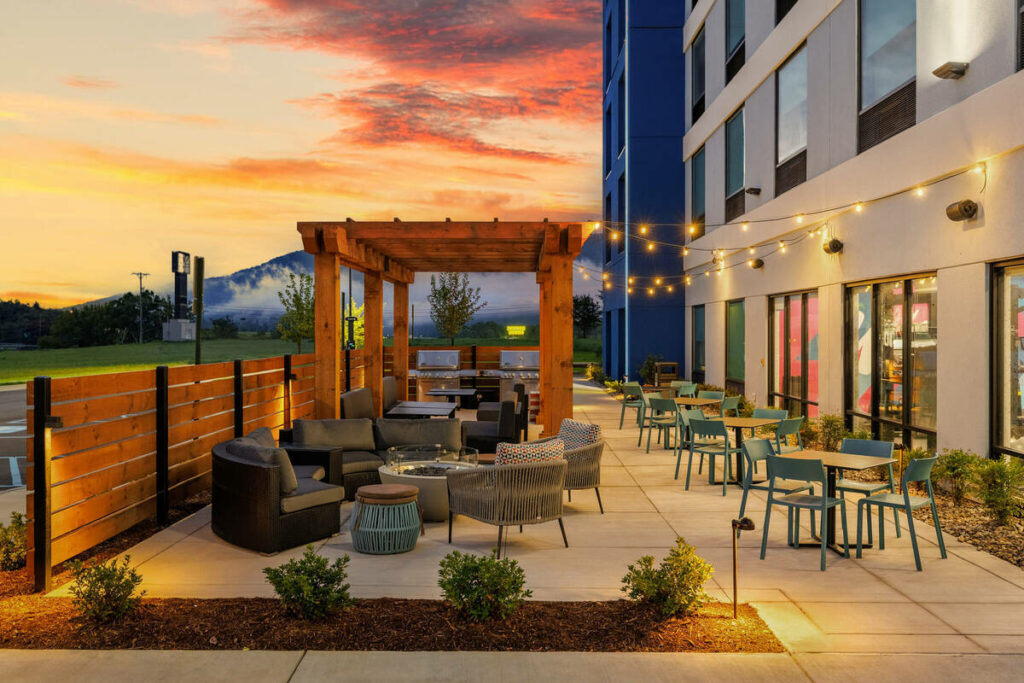
That standard holds whether the project is a small renovation or a twelve-story tower. For an architectural photographer, this emphasis on accuracy shapes the entire editing process, including where AI can save time and where human judgment remains essential.
Where AI Photo Editing Handles Architecture Photography Well
AI photo editing earns its keep on the mechanical side of the job. Here’s where it actually helps:
- Exposure balancing across bracketed sets: most architecture shoots involve bracketed exposures because buildings carry far more dynamic range than a living room, between bright sky, reflective glass, and shaded interior corners. AI tools blend that reliably on a standard bracket.
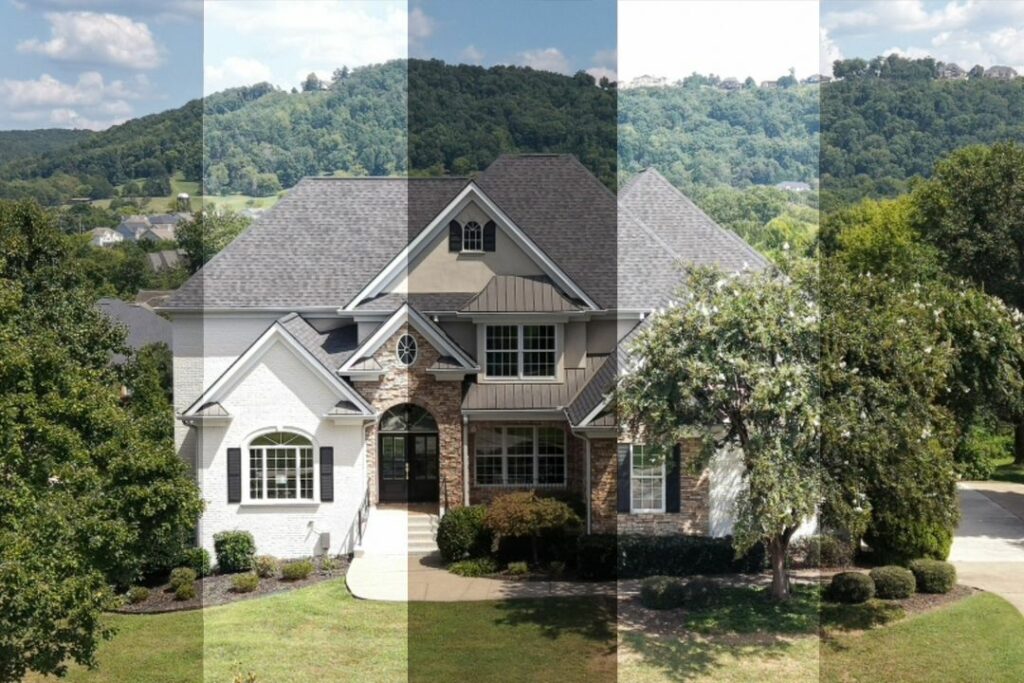
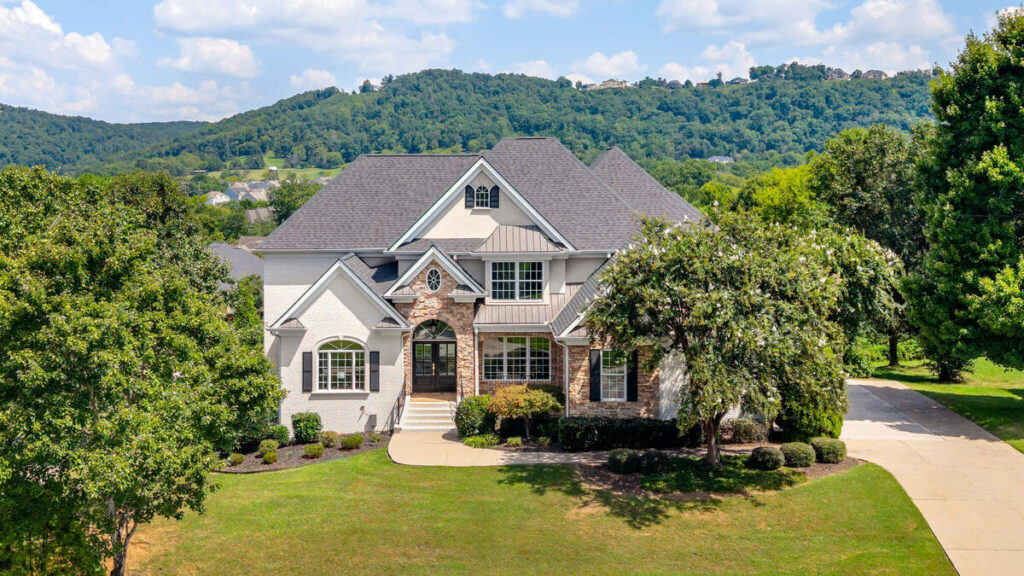
- White balance on daylight exteriors: a clean midday shot of a building facade is close to the easiest case AI editing handles. Standard daylight with no mixed light sources is exactly what these models were built for.
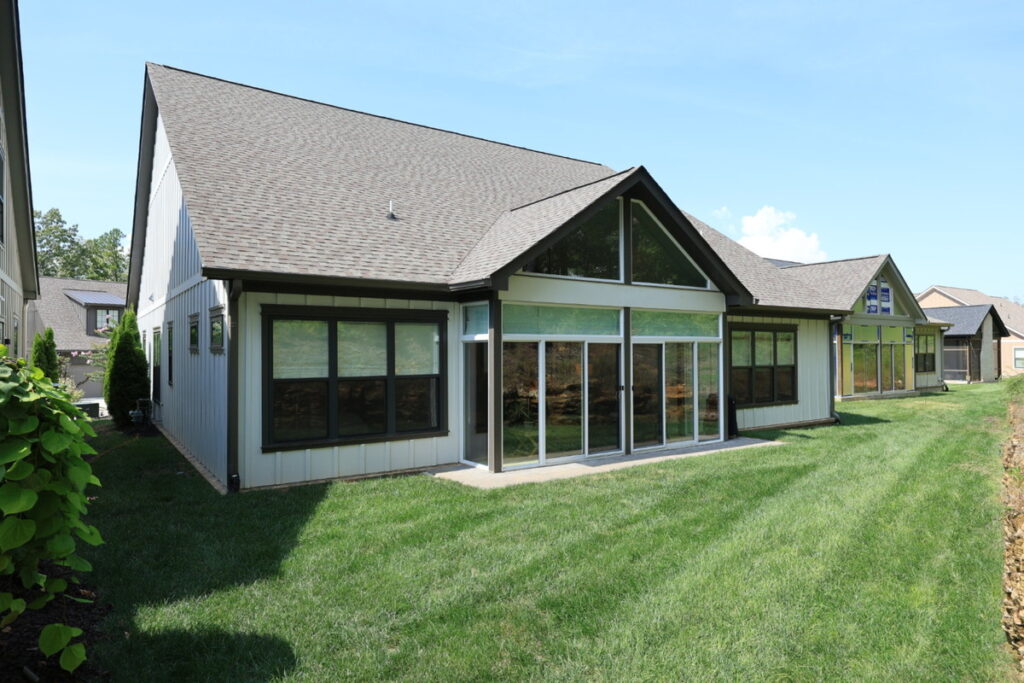
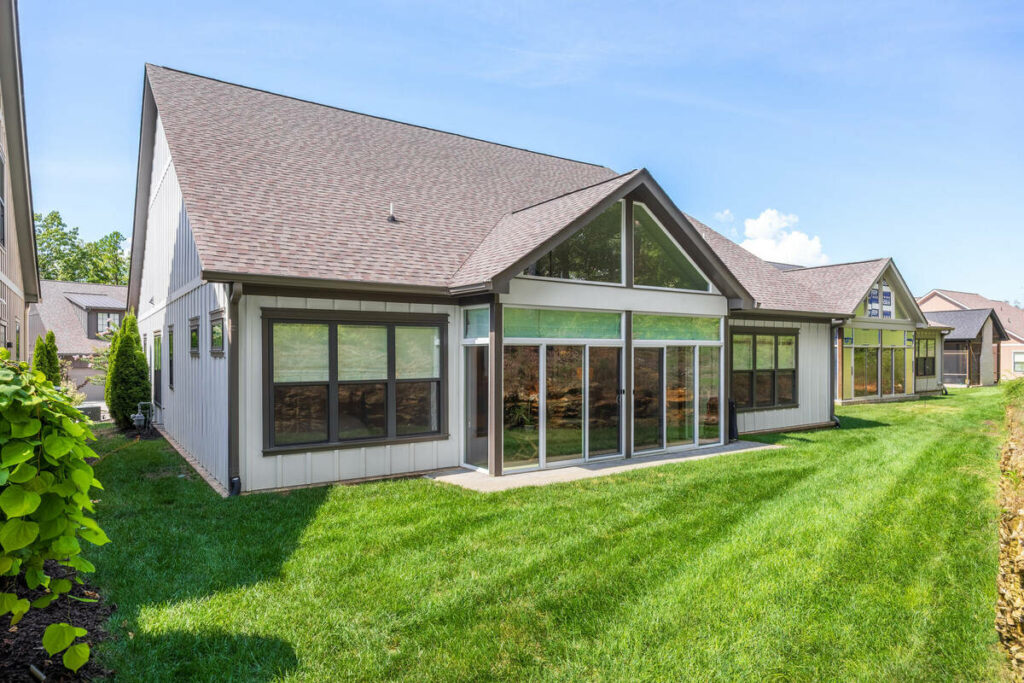
- Batch consistency across large shoots: a single commercial project might produce 60 to 100 final images across multiple buildings, floors, or units. AI keeps color and exposure consistent across that volume in a way that would take a person hours to match manually, frame by frame.
- Standard HDR blending: clean bracket sets with no ghosting or moving elements blend cleanly without a manual touch.
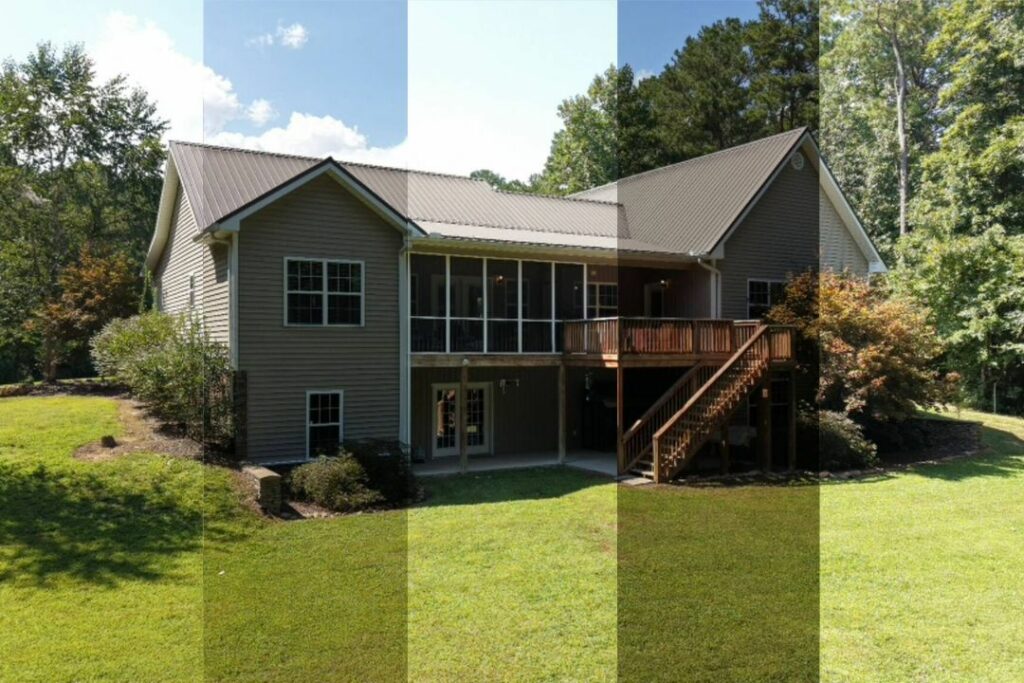
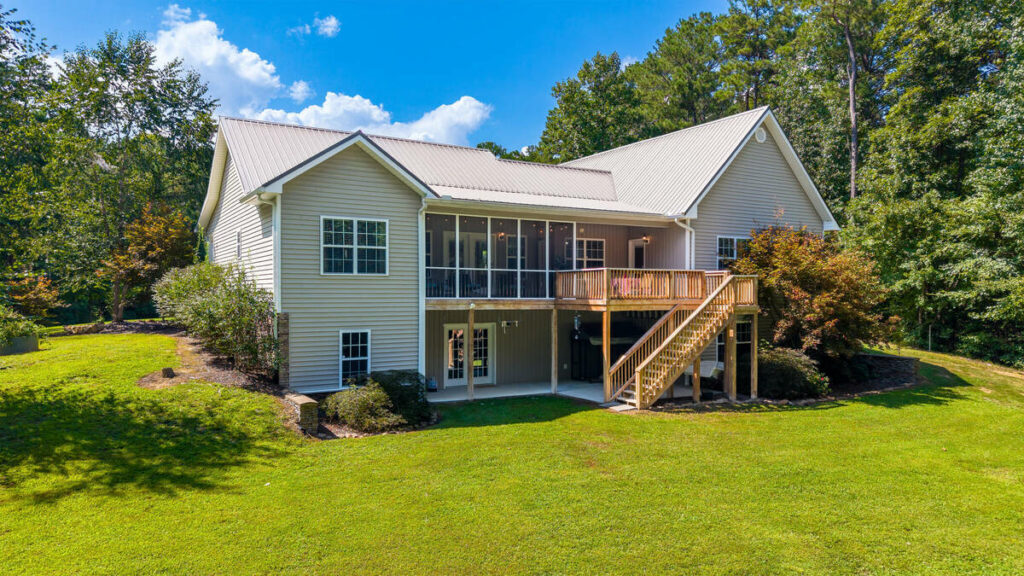
- Basic lens and perspective correction: wide-angle lenses are standard on architecture shoots because they need to fit a whole building into frame, and that produces converging verticals. AI handles baseline correction on a straightforward facade competently.
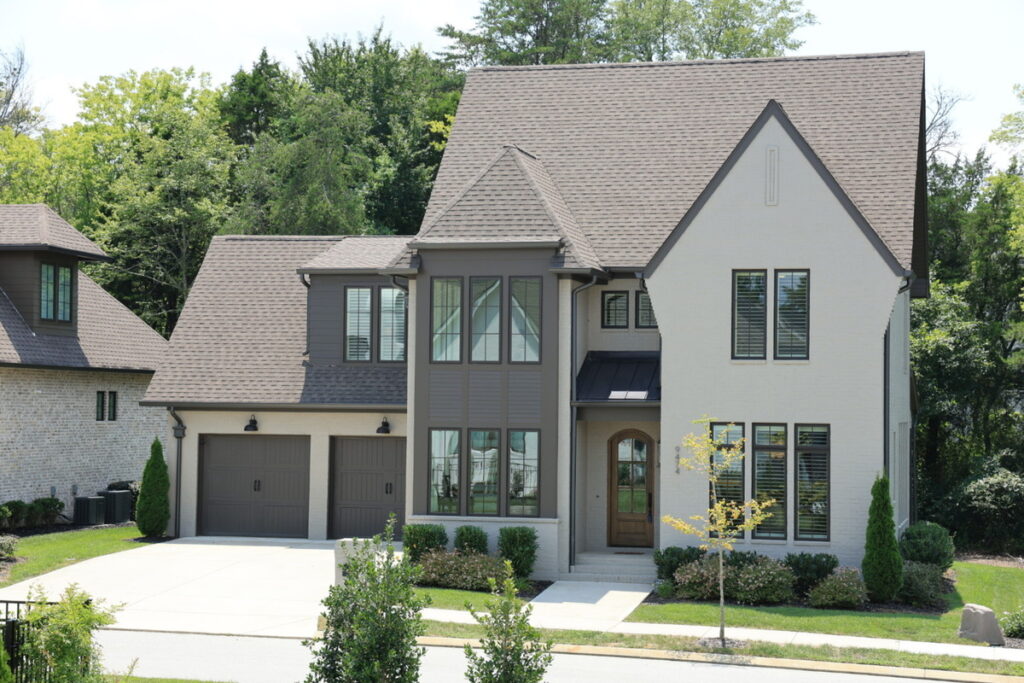
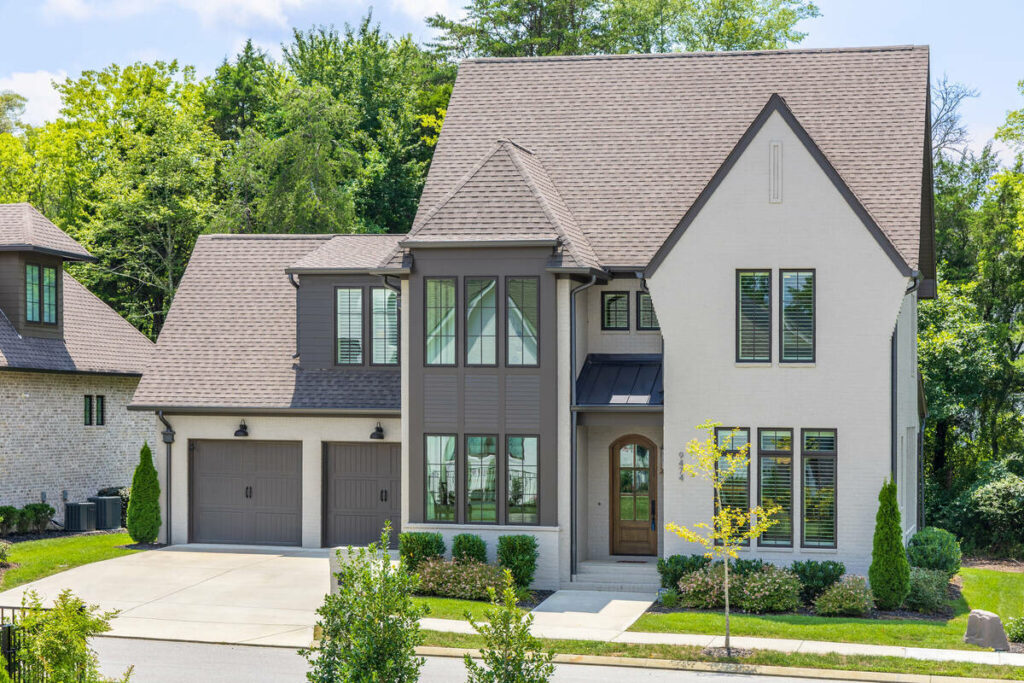
- Minor object removal: construction debris, a stray traffic cone, a parked car at the edge of frame. Small, isolated distractions are a solved problem for AI editing at this point.
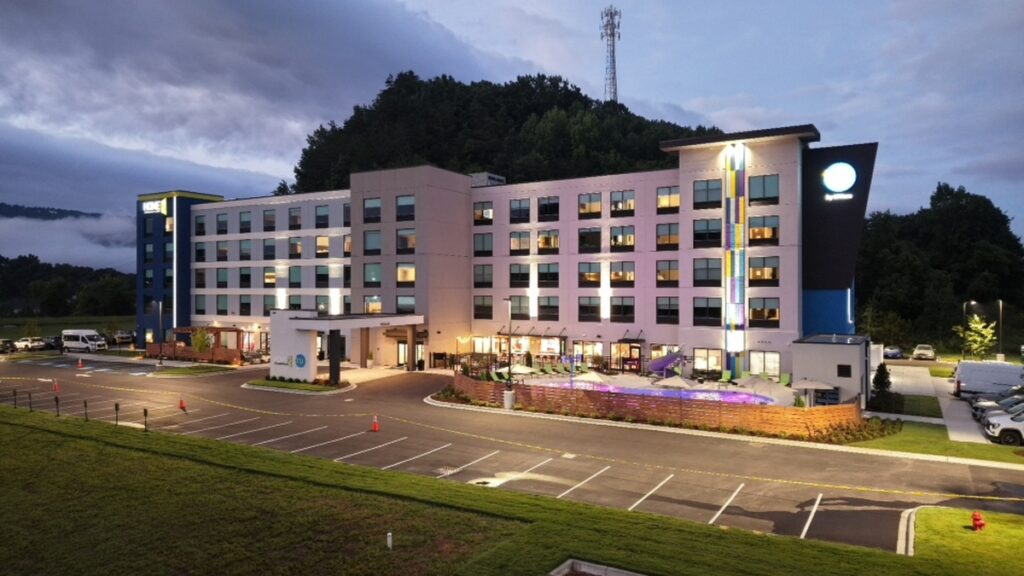
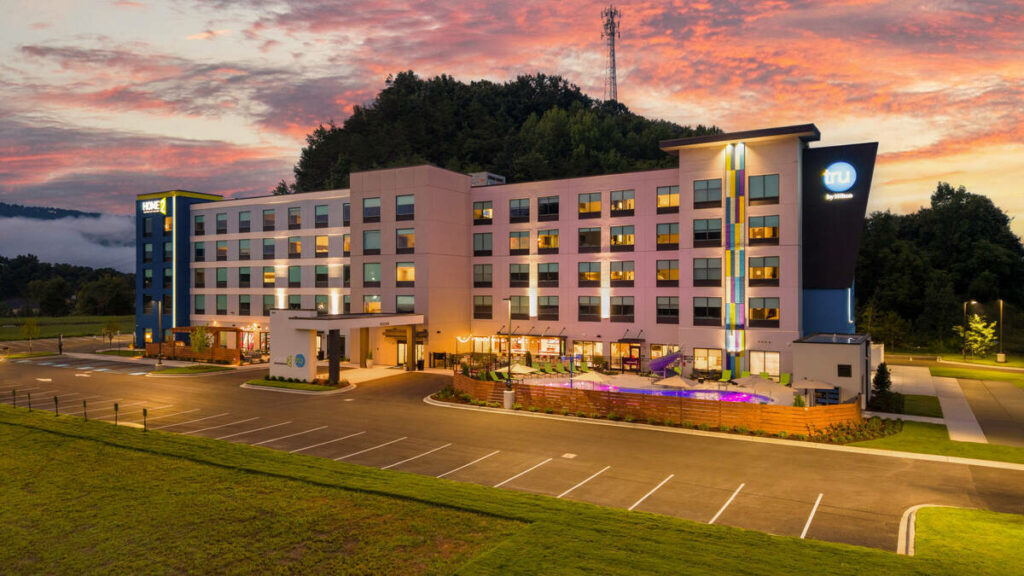
A PetaPixel survey found 88% of working photographers use AI, with 68% using it weekly or daily.1 The main reason is time: 84% use AI to handle repetitive, mechanical tasks, rather than for creative control.2
Focus on Photography
We'll Handle the Rest
Save time with a dedicated PhotoUp Coordinator.

Where AI Editing Still Needs a Human Eye in Architecture Photography
The same survey found clear limits to AI control. Only 24% would trust AI with full creative retouching, while 78% want it limited to 70–80% of the process. Architecture photography falls into that remaining share, where accuracy depends on the client’s design intent, not simply what “looks good.”
Here’s where that plays out on an actual shoot:
- Complex rooflines and irregular edges: a straightforward gable roof against open sky is an easy sky swap for AI. A cantilevered roofline, an angled parapet, or a building with several setbacks against a busy tree line is a different problem, and a bad edge around a roof detail is obvious to anyone who looks at the photo for more than a second.
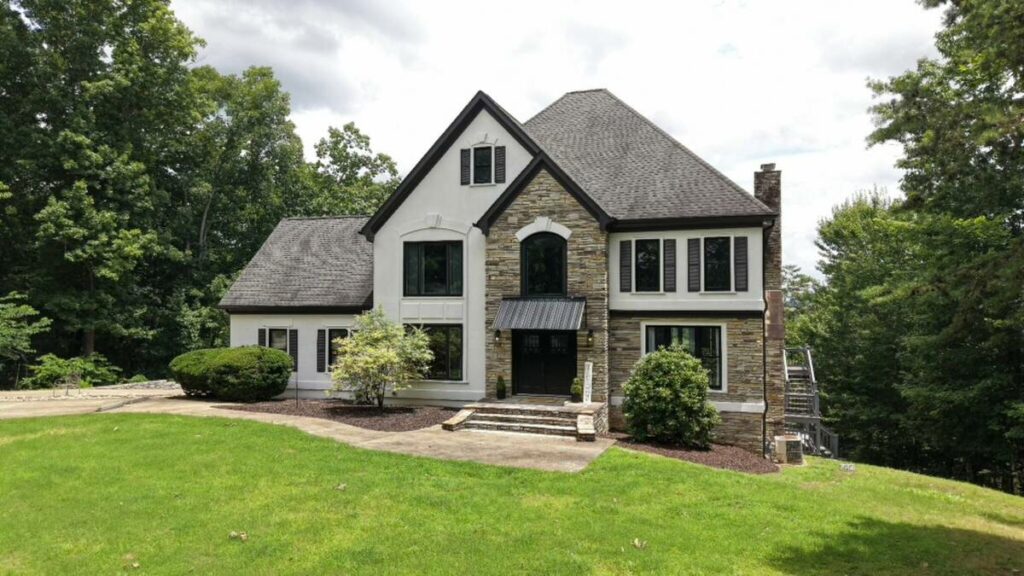
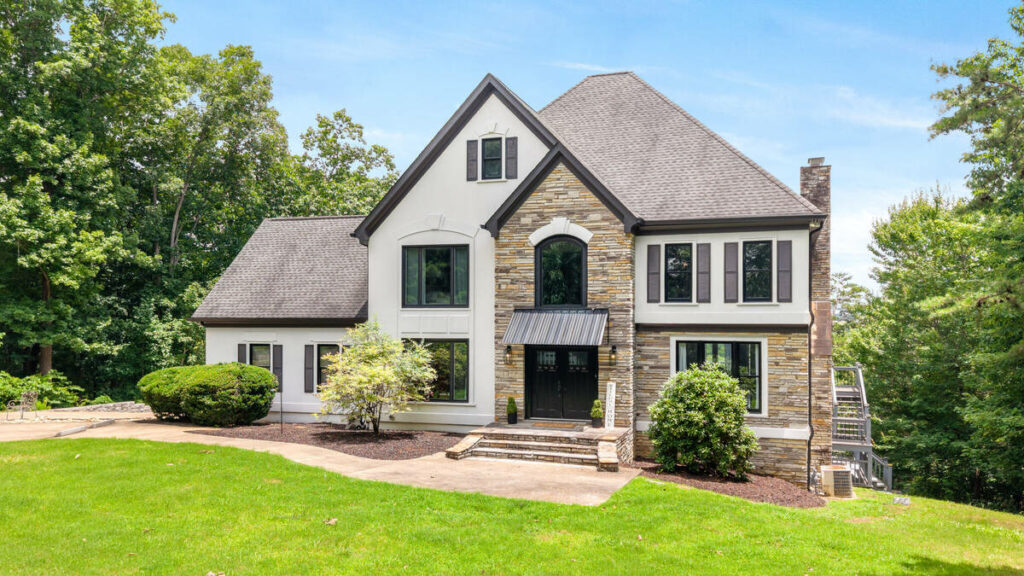
- Twilight and dusk conversion: blending ambient light with interior and landscape lighting at dusk still benefits from a manual pass, the same as it does on a real estate exterior.
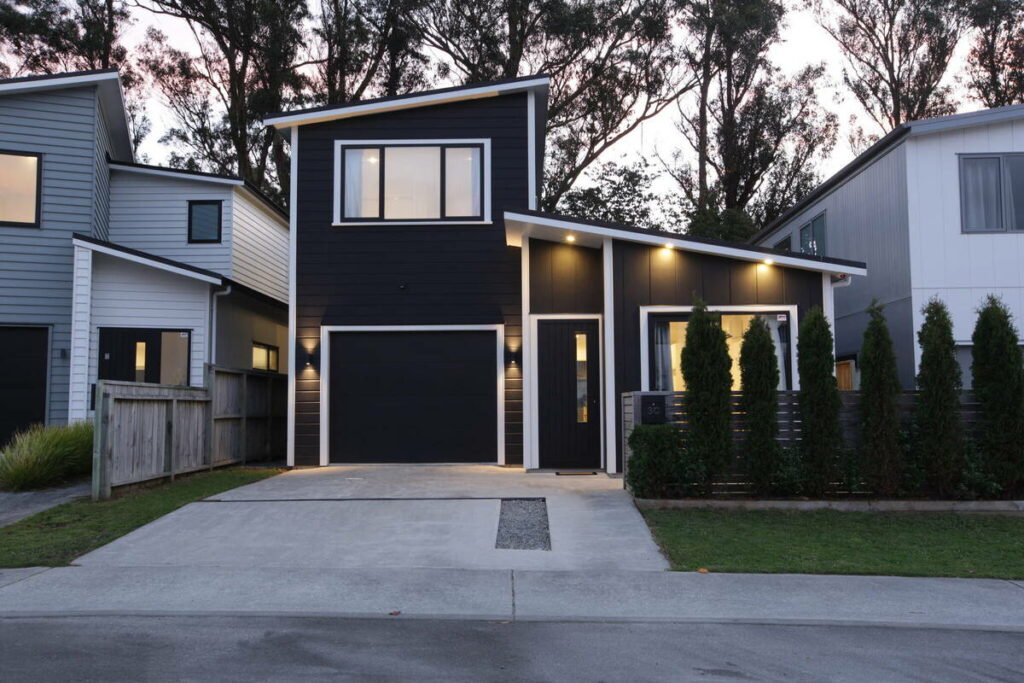
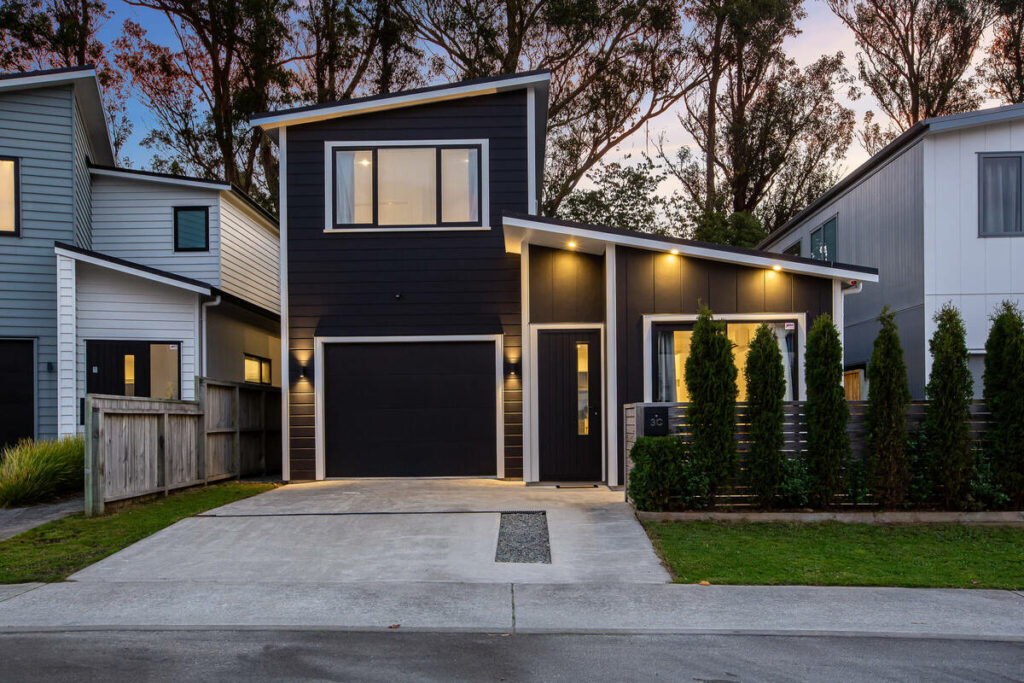
- Mixed-light interiors: architecture interiors often combine large glazing with layered interior lighting, task lights, accent fixtures, and daylight through floor-to-ceiling windows. Getting color balance right across three light sources in one frame usually needs local, manual adjustment.
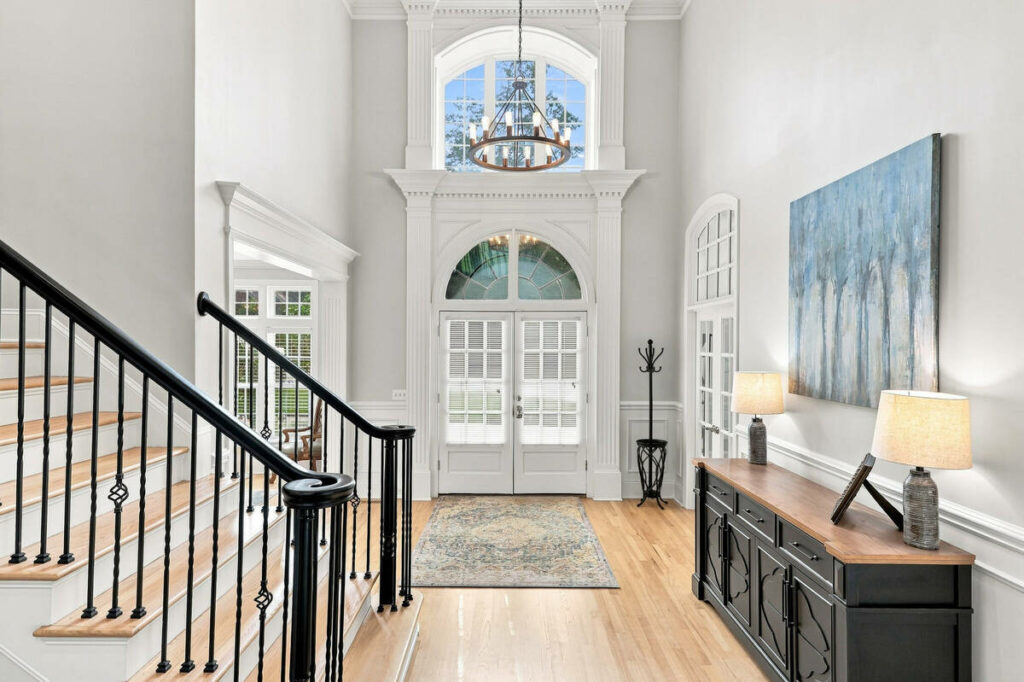
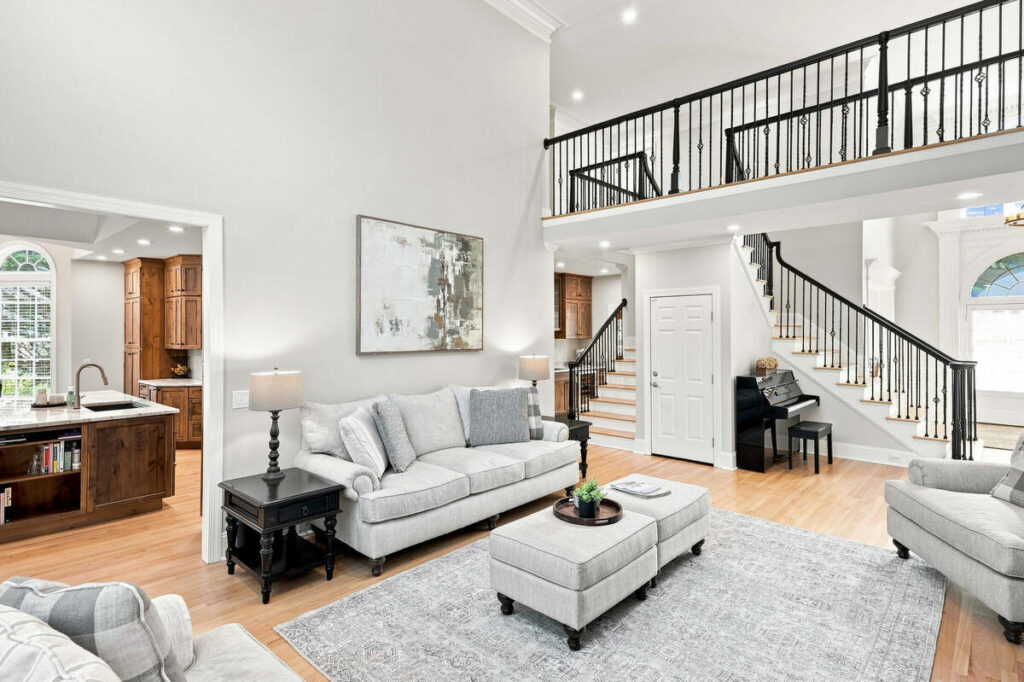
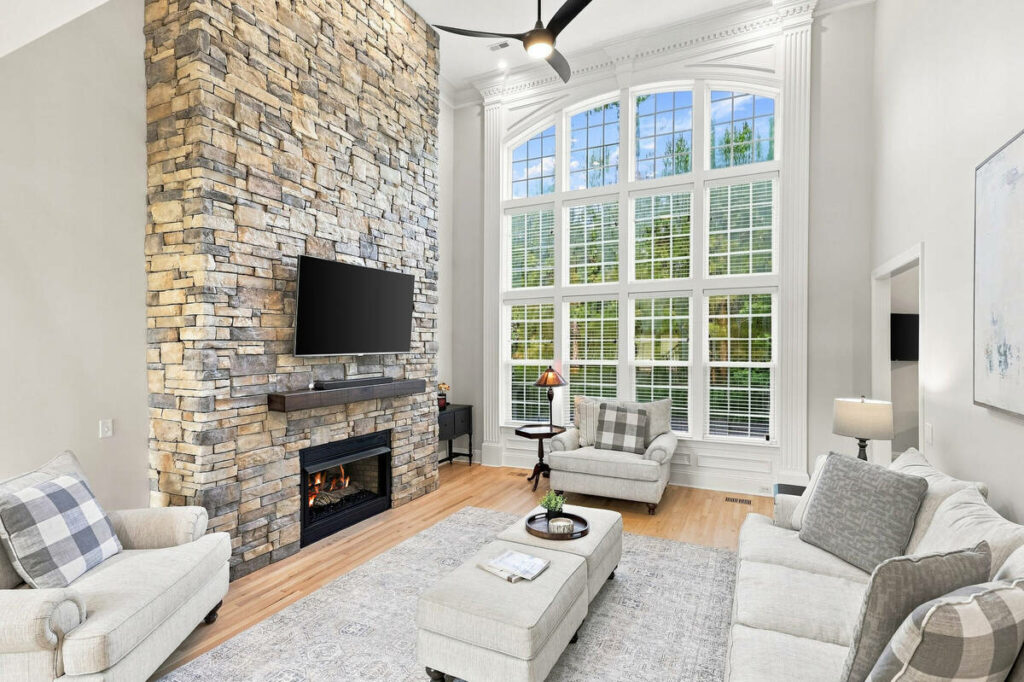
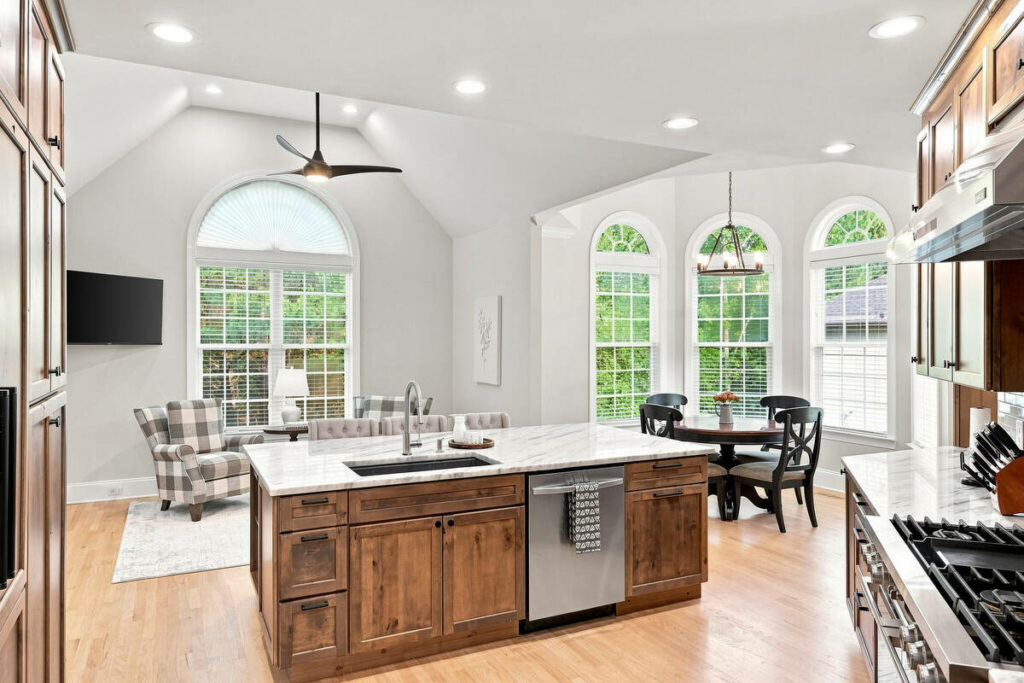
- Material and texture fidelity: stone, wood grain, brushed metal, and glass all read differently depending on how much an editing pass smooths or sharpens them. Over-processed materials look synthetic, and a client who specified a particular limestone or a specific wood species will notice.
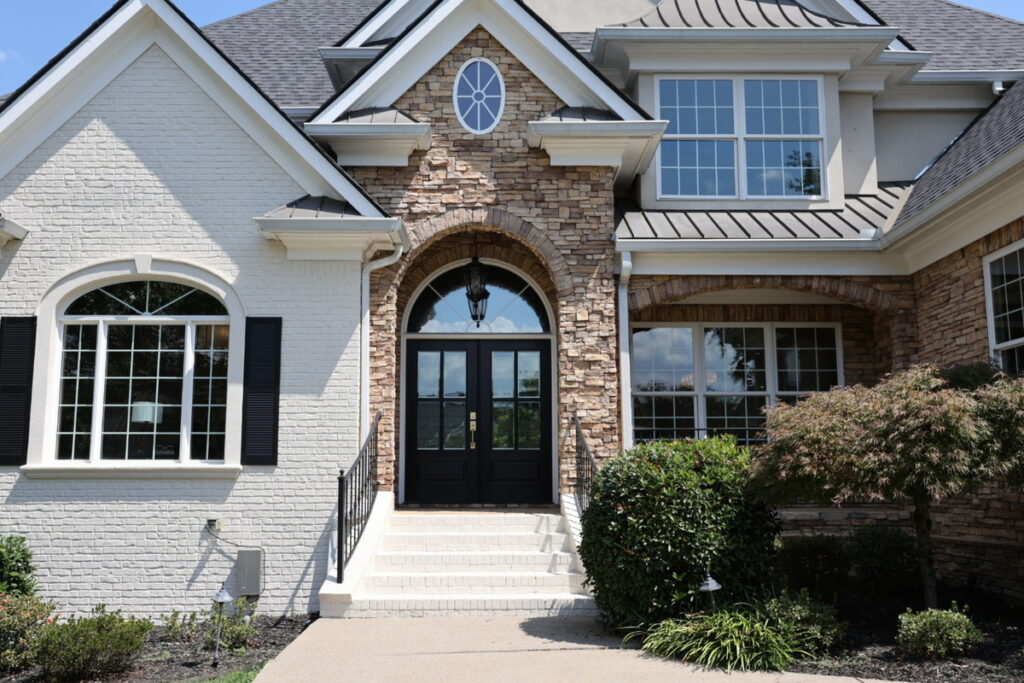
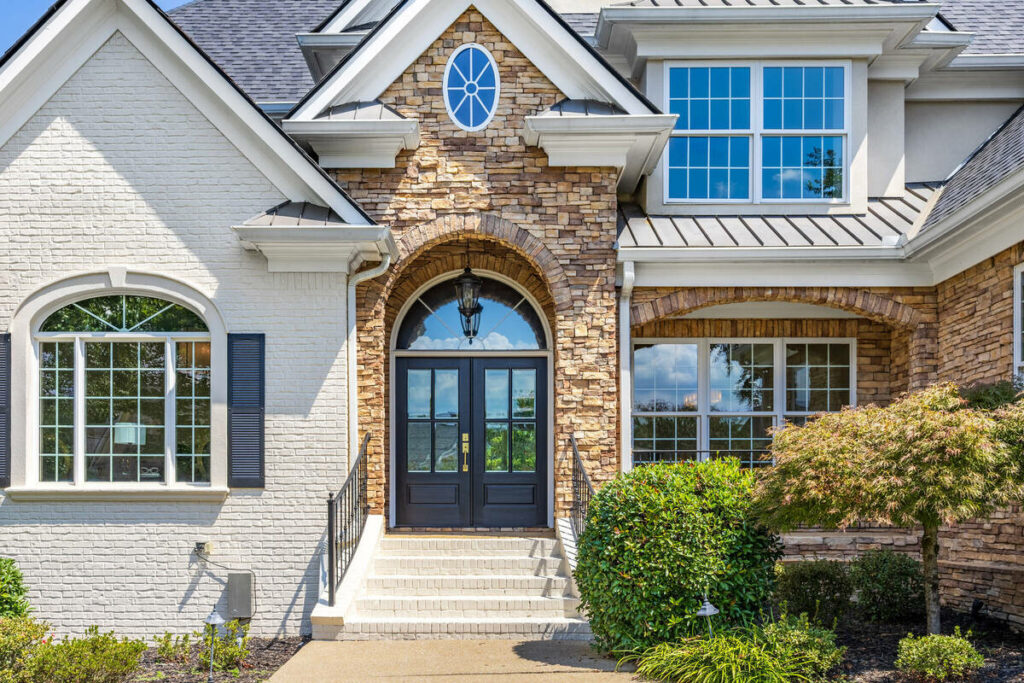
- Non-standard client specs: an architecture firm’s brand guidelines might call for a cooler white balance across every project, or a developer might want their glass facades to read a specific way in every gallery. AI editing doesn’t know that standard unless someone tells it, shoot after shoot.
None of this means AI is the wrong tool for architecture photography. It means the last 20 to 30% still needs a person who knows what the client actually wants, not just what looks technically correct.
Here’s the split in practice, task by task:
| Task | AI editing alone | AI editing plus human QA |
|---|---|---|
| Bracket exposure blend on a clean facade | Handled correctly | Handled correctly |
| Batch color consistency across 80 images | Handled correctly | Handled correctly |
| Sky swap on a cantilevered roofline | Misses or blurs the edge | Edge checked and corrected |
| Twilight and dusk conversion | Inconsistent from shot to shot | Reviewed against the rest of the gallery |
| Material color (client-specified stone or wood) | No awareness of the spec | Checked against what the client asked for |
| Firm-specific brand guidelines | Not applied automatically | Applied consistently, shoot after shoot |
What This Looks Like in a Real Workflow
Say an architecture firm hires you for four projects a month, with 50 final images each. AI can handle exposure, white balance, batch consistency, and basic corrections across those 200 images in minutes, cutting down the mechanical editing work.
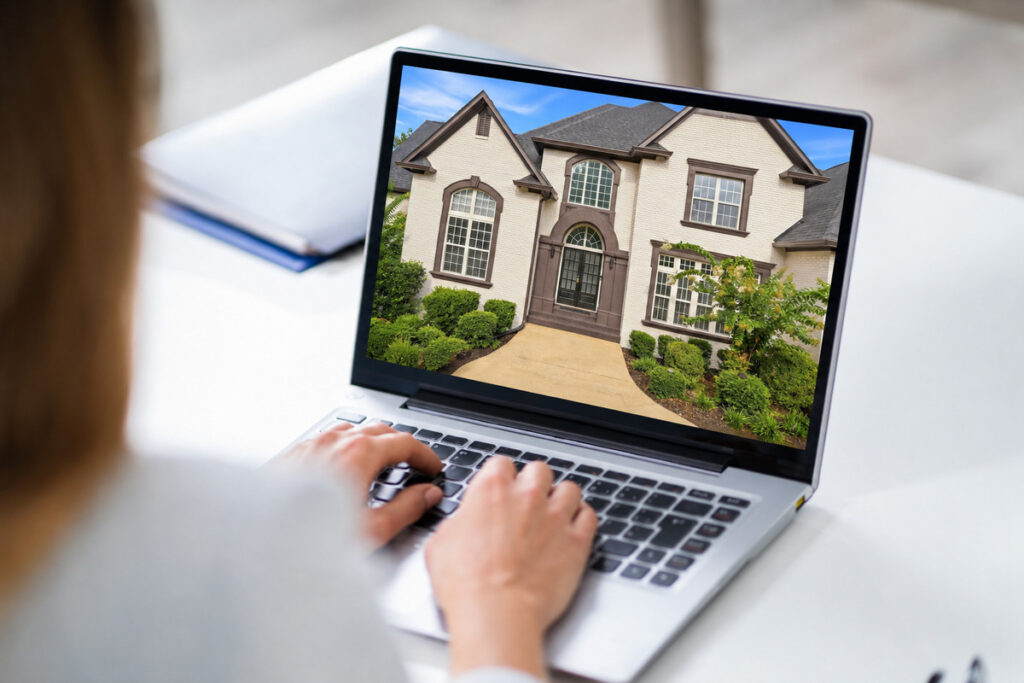
The manual pass is reserved for the 10 to 15 images per project that need more judgment, such as twilight exteriors, mixed-light interiors, or material details. At 10 to 15 minutes each, that’s roughly two to four hours of focused editing instead of a full day spent adjusting every image by hand.
The same approach works for smaller residential shoots. Most of a 25- to 30-image set can move through AI quickly, leaving only challenging lighting, important material details, and portfolio-worthy shots for manual attention.
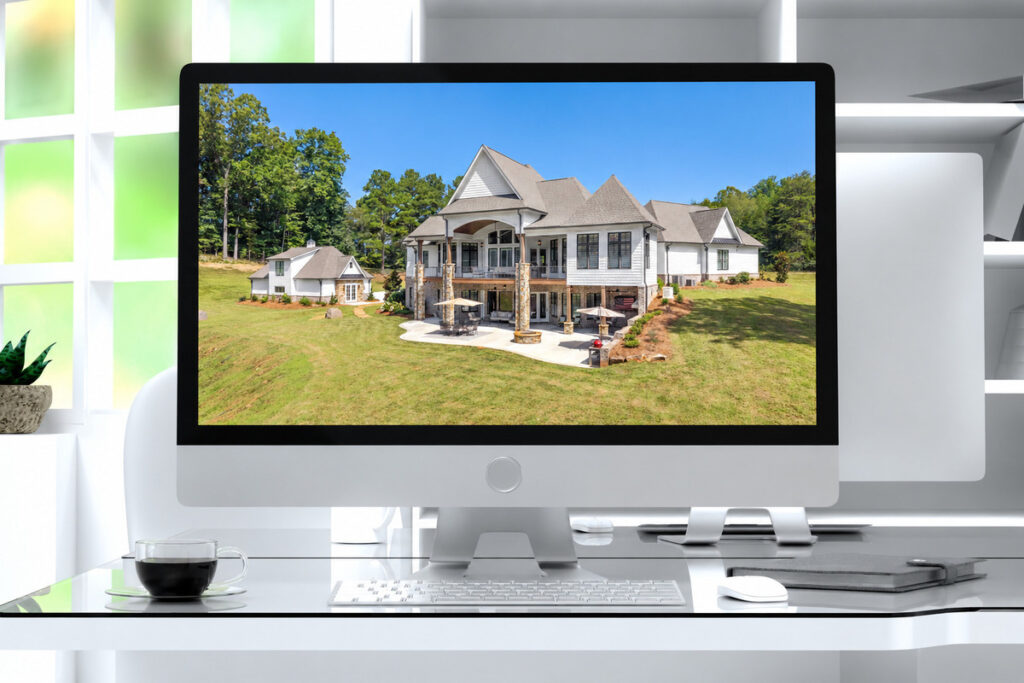
The result is less time spent on repetitive corrections and more time for the work that needs a trained eye. Those saved hours can go back into shooting, client communication, or running the business.
Getting Architecture Photography Editing Right, Every Time
The pattern holds across architectural photography: AI handles the repeatable 70 to 80%, while a trained eye handles the rest. The challenge is making sure that human review happens on every shoot, even when deadlines are tight.
Browse Top Dedicated
Real Estate Photo Editors
Ready-to-hire editors for real estate photo editing, and more.
Someone still needs to oversee the AI output, identify images that need a manual pass, and catch issues like poor sky edges or inaccurate material colors. For solo photographers and small studios, that review is an essential part of the architecture photography workflow, but it can be easy to rush, especially on twilight shots and important design details.
As your client list grows, maintaining the same review standard across every project becomes harder. When several galleries are due at once, a consistent workflow helps ensure quality doesn’t slip before the images reach an architect, developer, or designer.
Set Up an AI Editing Workflow With Human QA Built In
PhotoUp helps photographers implement AI photo editing with a Production Coordinator who runs the human side of that workflow.
A Production Coordinator, also called an Operations or Media Coordinator, owns:
| AI editing workflow implementation and QA: setting up the AI tools in your editing pipeline and reviewing every image against your client’s actual standard, not just a generic quality bar |
| Order management and delivery: tracking each project’s turnaround so a tight architecture deadline doesn’t mean a rushed review |
| Scheduling and client booking: handling the logistics around a shoot so you can focus on the shot list |
| Client communication: status updates and revision requests handled directly, in your voice |
Why work with a PhotoUp Coordinator? You get someone trained specifically to know where AI editing is reliable and where an architecture client’s expectations need a manual pass, without building that judgment in-house or reviewing every image yourself.
Focus on Photography
We'll Handle the Rest
Save time with a dedicated PhotoUp Coordinator.
How to get started
Tell us about your current shoot volume and client mix, and a Coordinator will map out where AI can take over the mechanical work and where a human review step should stay in place.
Set up an AI editing workflow with human QA built in. Talk to a PhotoUp Coordinator.
Related Articles:
- How Human QA Catches What AI Photo Editing Misses in Real Estate Photos
- How to Build an AI Photo Editing Workflow for Real Estate Photography
- What Can a Photography Coordinator Take Off Your Plate
- What Can AI Image Enhancement Fix in Exterior Property Photos?
- How to Choose the Right AI Photo Editing Software for Your Workflow
References: