Table of Contents
- How to Evaluate AI Virtual Home Staging Software Before You Commit
- How PhotoUp Fits Into Your AI Virtual Home Staging Workflow
The AI virtual home staging software market is growing rapidly, and platforms that look similar in demos can perform very differently once you’re working with real listings under real deadlines. Knowing what to evaluate before you choose helps you avoid switching platforms after investing time and money into your workflow.
Choose the wrong software, and you could end up dealing with unrealistic AI-generated results, repeated regenerations, and missed delivery deadlines—all while your listing is waiting to go live.
Whether you’re a real estate agent or photographer, choosing the right software takes more than comparing prices. The right platform can help you create realistic, listing-ready images quickly and consistently.
How to Evaluate AI Virtual Home Staging Software Before You Commit
Before choosing a platform, compare these key factors to find the best fit for your quality standards, workflow, and budget.
1. Image Realism and Rendering Quality
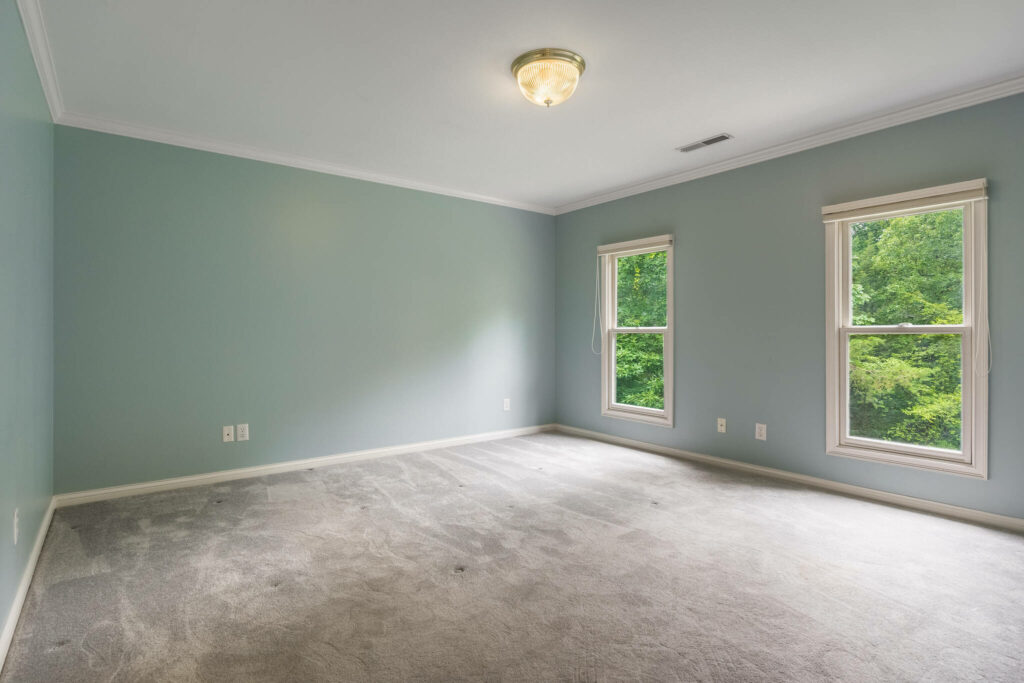
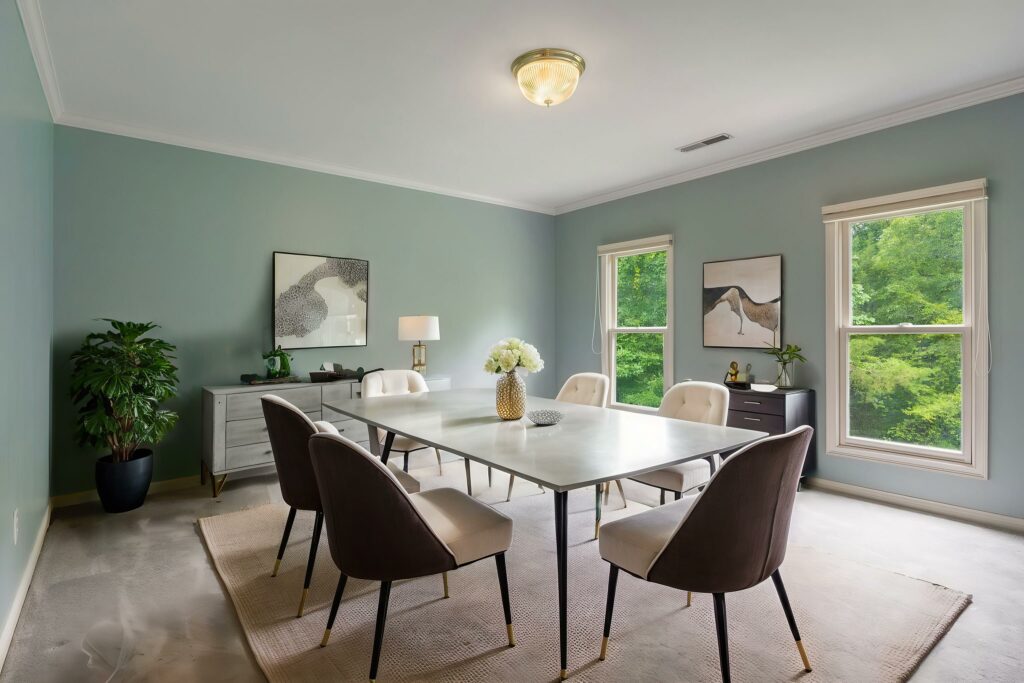
The most visible difference between platforms is how the finished image looks. Strong virtual staging should be indistinguishable from physical staging in MLS photos — furniture shadows align with the room’s lighting, material textures match the space, and proportions feel natural.
A good way to evaluate image quality is by testing the software with photos similar to your typical listings. A platform that produces excellent results for modern downtown condos may not handle an older colonial with lower ceilings as well.
Watch for: floating furniture, inconsistent shadows, furniture that looks pasted rather than placed, and materials that look digital. These are consistent tells that the rendering pipeline isn’t handling depth and lighting well.
2. Furniture Style Library and Range
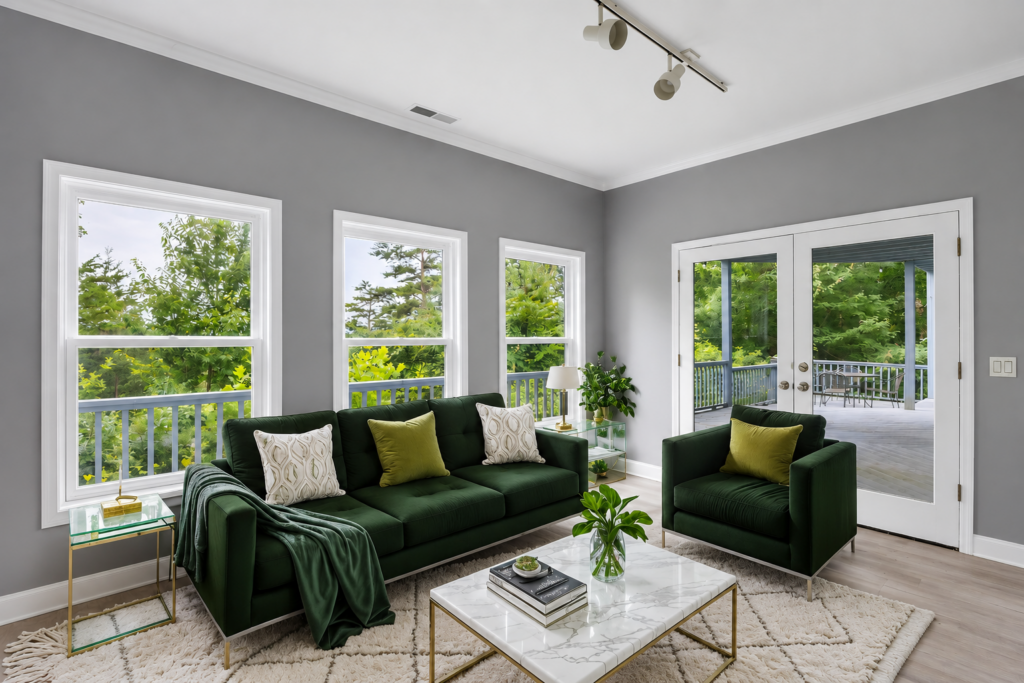
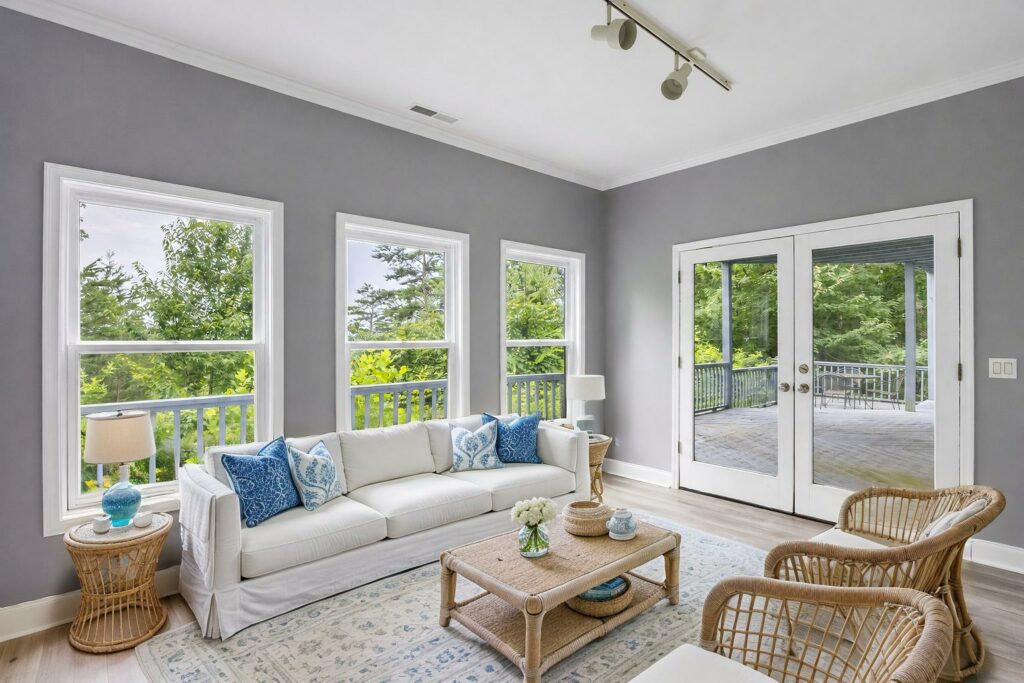
A single staging style won’t work across every listing. The platform’s furniture catalog needs to cover the range of properties you work with — from minimalist modern to transitional to traditional.
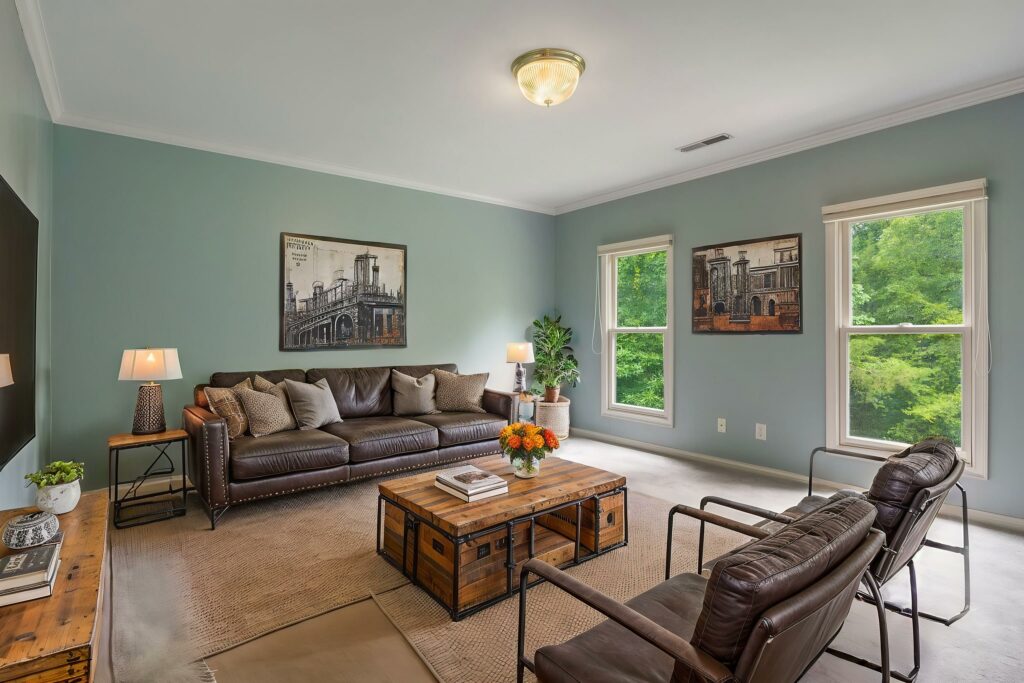
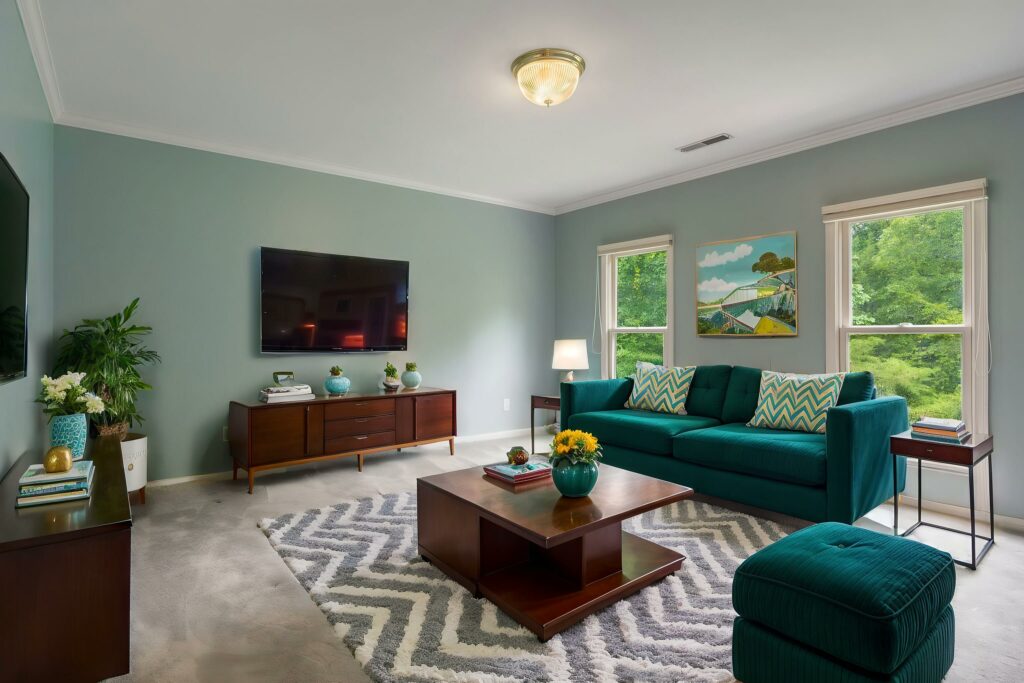
Check the depth of each category, not just the breadth. A library of 200 sofas sounds substantial, but if they’re all variations of the same contemporary aesthetic, you’ll be limited on listings that call for something warmer or more classic.
For photographers working across multiple markets or agents managing diverse inventory, variety in the furniture library directly affects how consistently useful the platform is across your whole book.
3. Turnaround Time
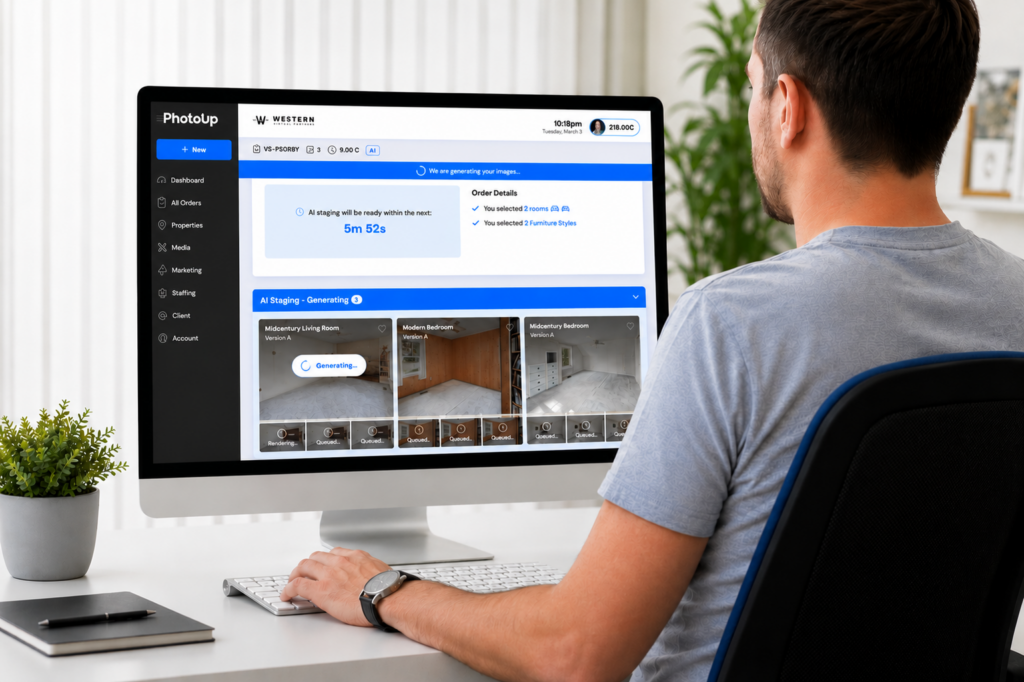
Standard turnaround for most virtual staging platforms runs 12 to 48 hours. Some offer same-day or rush delivery at a premium.
Your workflow determines how much this matters. If agents expect photos delivered the day after a shoot, a 48-hour staging turnaround can break the timeline. If you have buffer built in, a slightly slower platform with better quality may be the smarter trade.
Get specific during evaluation. Ask for guaranteed delivery windows, not estimates. “Fast” means different things to different platforms.
4. AI Capabilities and Output Quality
Not all AI virtual home staging software works the same way. While most platforms use artificial intelligence to furnish empty rooms, the quality of the generated images depends on how well the AI understands room dimensions, lighting, perspective, and furniture placement.
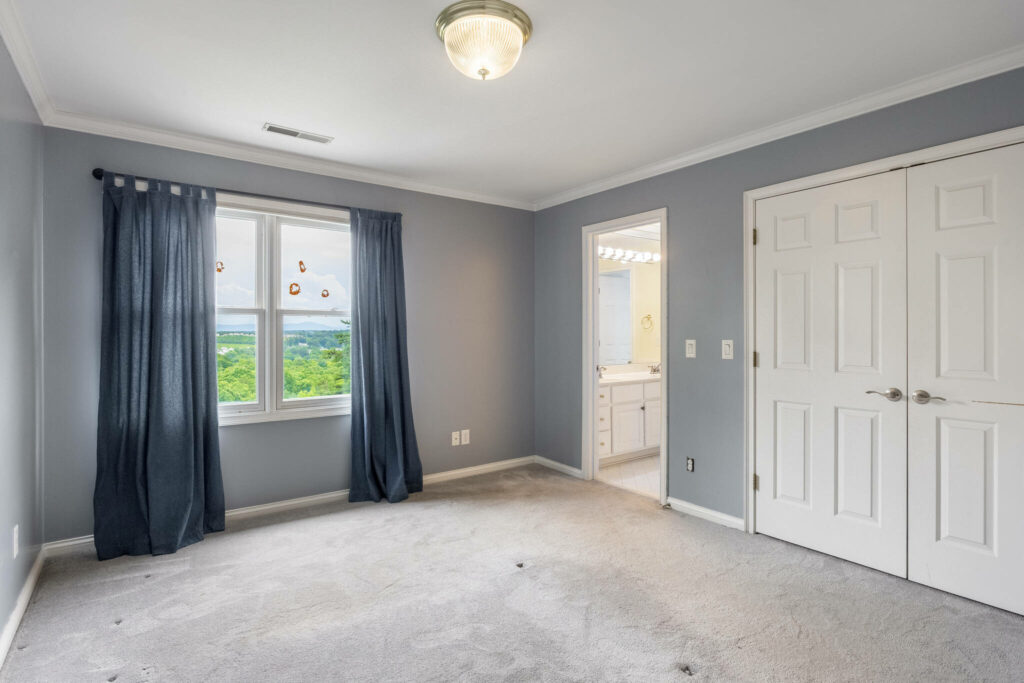
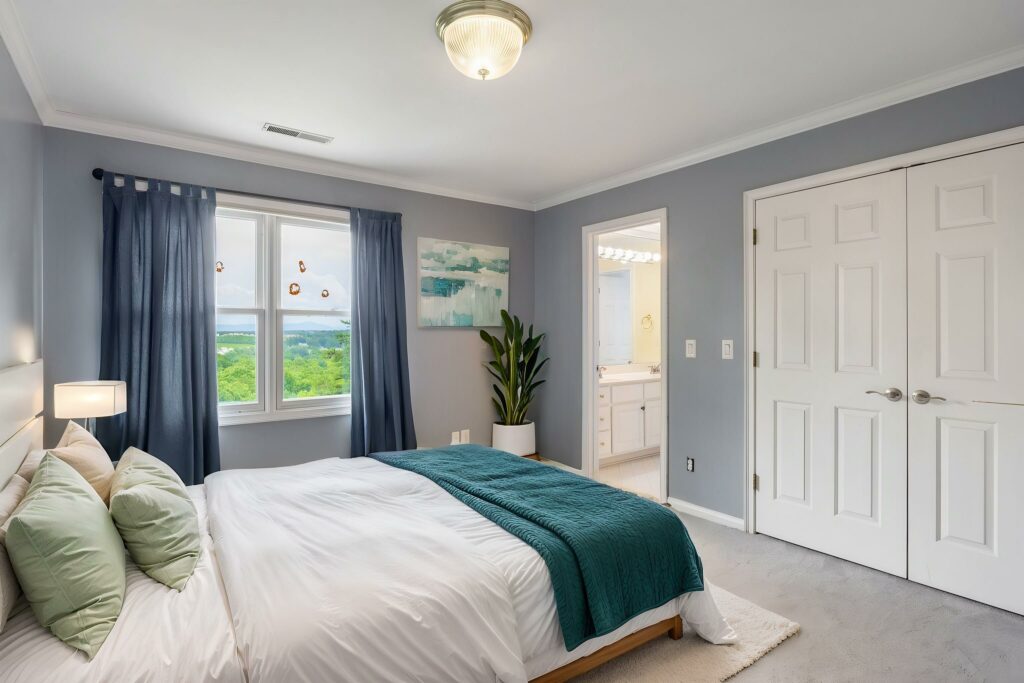
Look for software that consistently produces realistic, MLS-ready images with furniture that appears naturally integrated into the space. Poor AI staging often results in floating furniture, distorted proportions, mismatched lighting, or objects that block architectural features.
If possible, test the platform using one of your own listing photos rather than relying solely on marketing samples. This gives you a better idea of how the AI performs with the types of properties you photograph most often.
Quick & Easy
AI Virtual Staging
Interiors. Landscapes. Commercial. Virtually transform any space.

5. Pricing Structure and True Cost Per Image
Pricing models vary significantly — per image, credit bundles, monthly subscriptions, and flat-rate listing packages all exist in this market.
The right model depends on your volume. Occasional users generally do better with pay-per-image or small credit packs. Photographers staging multiple listings weekly benefit from subscription or bulk pricing.
Watch for credit expiration dates and overage fees on subscription plans. Calculate cost per image across the scenarios you actually run — a platform that looks cheaper per credit may cost more once revisions or add-ons are factored in.
6. Number of Rooms Included Per Order
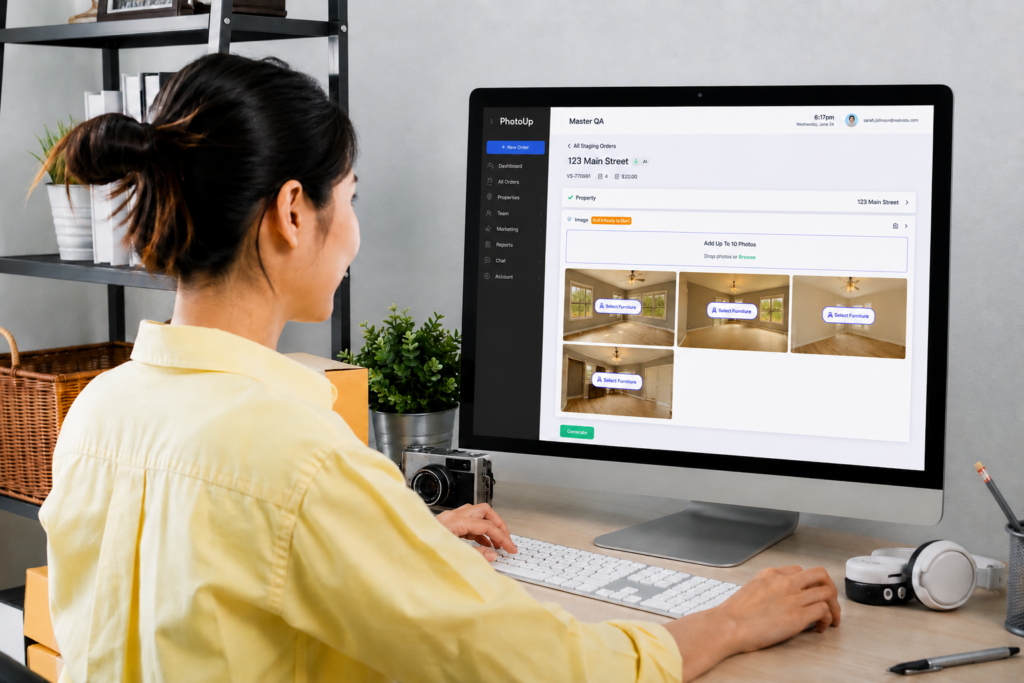
Some platforms price per room; others price per image or per listing. The distinction matters when you’re staging a 4-bedroom home and need to furnish a living room, primary bedroom, kitchen, and dining area.
Understand what you’re buying before you commit. A $29 listing package covering two rooms may cost more per listing than a $49 package covering five.
Clarify this before your first paid order, especially if you’re working with agents who want full staging coverage across a property.
7. Regenerate Images
One of the biggest advantages of AI virtual home staging is the ability to generate multiple versions of the same room. Instead of settling for the first result, you should be able to quickly regenerate new layouts, furniture arrangements, or design styles until you find the best fit for the property.
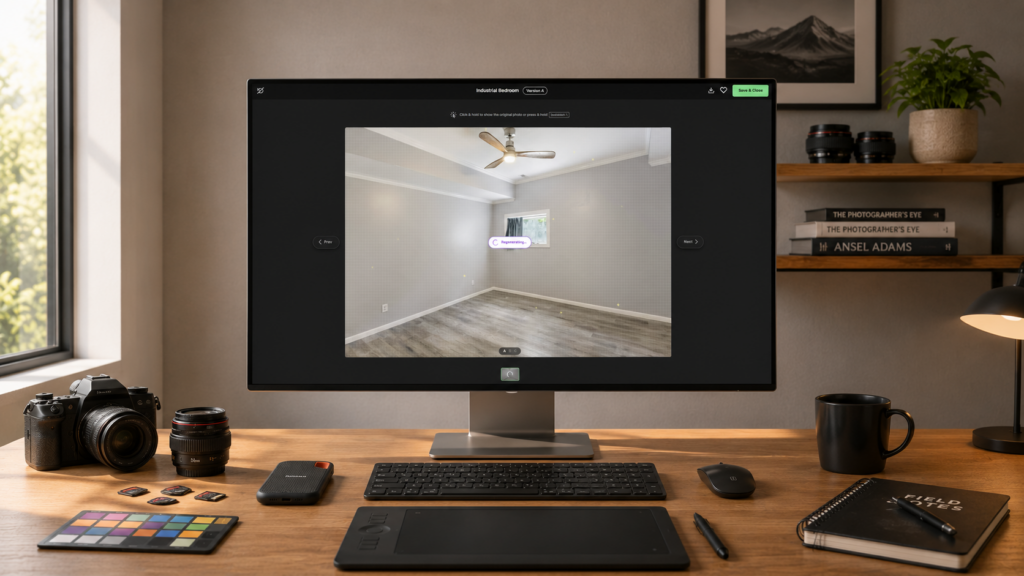
Regeneration is especially useful when marketing different buyer personas. A modern design may appeal to one audience, while a transitional or farmhouse style may better suit another. Being able to compare several AI-generated options allows you to select the version that best complements the home’s architecture and target market.
Before choosing a platform, check how regeneration works. Some software limits the number of variations you can create or charges extra for additional generations, while others include multiple versions as part of the standard workflow. Having this flexibility can save time and help you deliver stronger listing images without starting the entire process over.
PhotoUp’s AI Virtual Staging, for example, provides three different staging variations for every image, allowing you to compare layouts and styles before choosing your final version. Images can also be regenerated before download if you’d like to explore additional options.
How PhotoUp Fits Into Your AI Virtual Home Staging Workflow
PhotoUp’s AI virtual staging software is designed to help real estate agents and photographers create professionally staged listing images in just a few minutes. Instead of waiting for manual edits, simply upload your vacant room photos, choose a room type and furniture style, and let the AI generate multiple photorealistic staging options. AI-generated images are typically ready in about one to two minutes.
Quick & Easy
AI Virtual Staging
Interiors. Landscapes. Commercial. Virtually transform any space.
PhotoUp AI virtual staging services include:
- AI-generated virtual staging with realistic furniture placement
- Three staging variations for every image
- Multiple interior design styles to match different property types
- Optional decluttering before staging
- Optional “Virtually Staged” watermark for MLS compliance
How to get started:
- Create a free PhotoUp account.
- Upload your vacant listing photos.
- Select the room type and furniture style.
- Review the three AI-generated staging options.
- Download your preferred version or regenerate the image before downloading if you’d like to explore additional layouts or styles.
Try a free test order and compare the results with other AI virtual home staging software using your own listing photos.
Related Articles:
- AI Virtual Staging Mistakes That Can Hurt Your Listing
- Can AI Real Estate Photo Editing Services Match the Eye of a Professional Editor?
- How to Combine AI and Manual Real Estate Photo Editing for Fast & Flawless Results
- The Future of Real-Estate Photo Editing: Metaverse Listings, XR Staging & Beyond
- How to Cut Staging Costs by 97% With AI Virtual Staging