Table of Contents
- What Is Lens Distortion Correction, and Why Real Estate Needs It?
- Where AI Handles Lens Distortion Correction Well
- Where Lens Distortion Fixes Still Need a Manual Eye
- What This Looks Like in a Real Workflow
- Keeping Lens Distortion Fixes Consistent Across Every Gallery
- See Where AI Fits (and Where It Doesn’t) in Your Editing Process
A 16mm lens fits a whole room into one frame, and it does that by bending straight lines that shouldn’t bend. Lens distortion correction is how that bending gets fixed before a listing photo goes out.
AI now corrects most of that automatically. The edges of the frame are where it still gets it wrong.
This piece covers what the correction actually fixes, where AI now handles it well, and where a manual pass still catches what the automated pass misses.
What Is Lens Distortion Correction, and Why Real Estate Needs It?
Wide-angle lenses let real estate photographers fit an entire room into one frame, but they can also create barrel distortion, making straight walls and door frames appear curved near the edges.
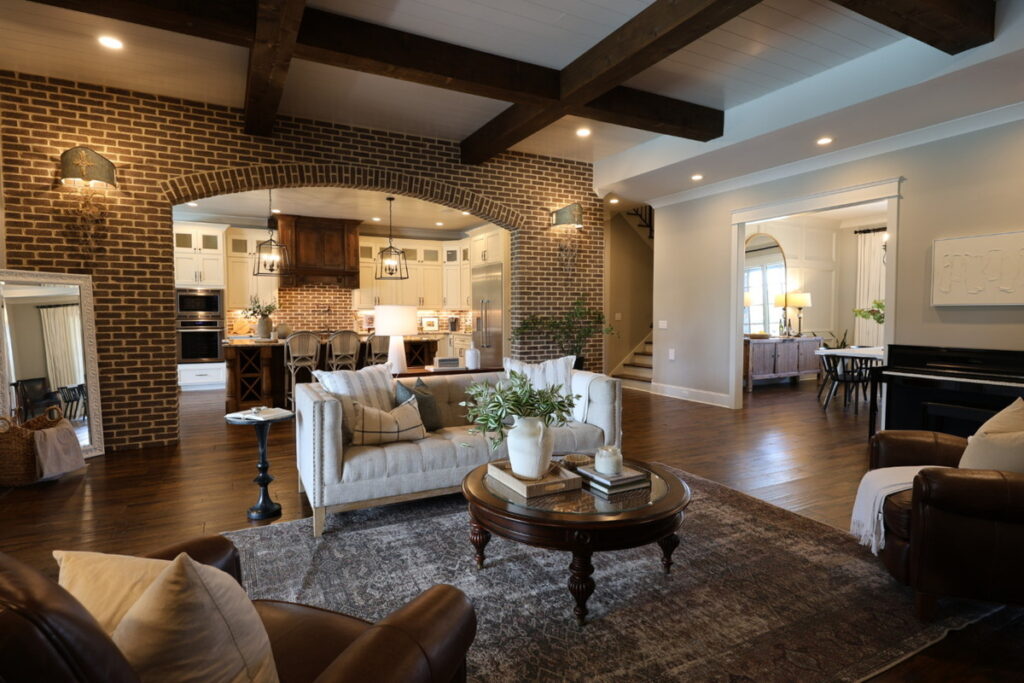
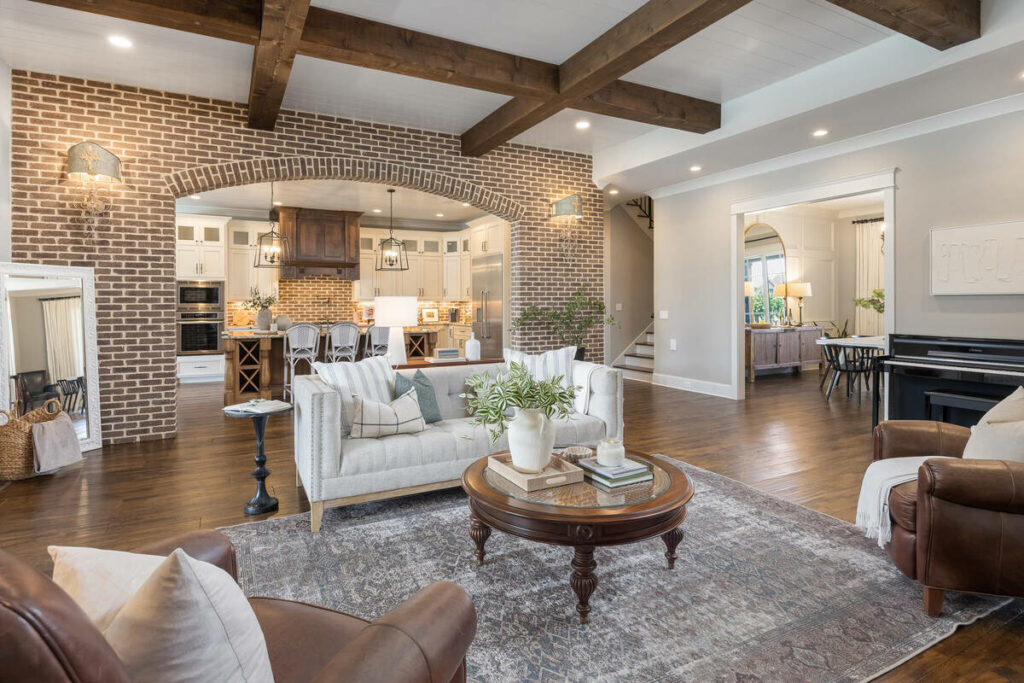
Another common issue is converging verticals. Tilting the camera up or down can make walls, windows, and building edges appear to lean inward or outward. While separate from lens distortion, both problems are typically corrected during the same editing pass.
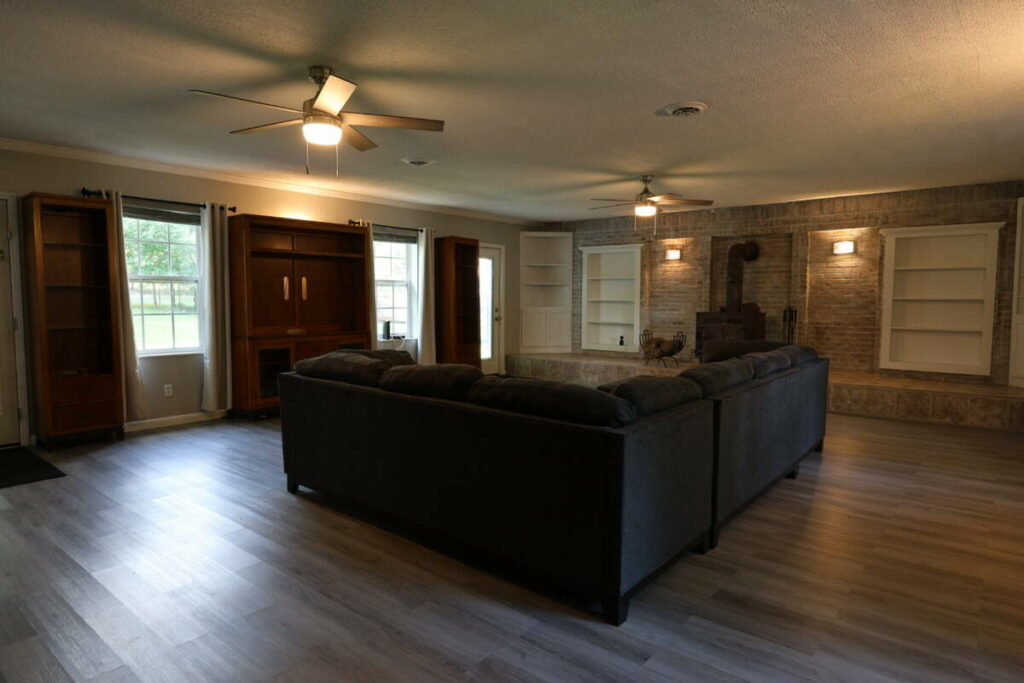
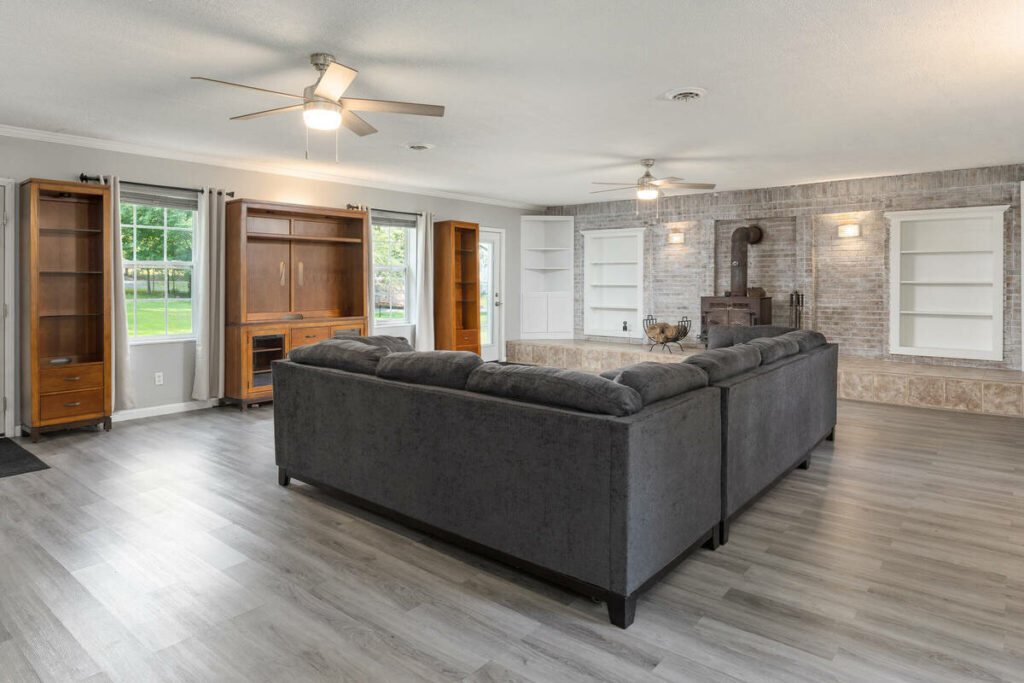
These issues stand out in real estate photography because buyers expect rooms and structures to look straight and natural. Exterior shots can require even more correction, especially when a wide lens is used close to a tall property, causing rooflines and walls to appear tilted or stretched.
Where AI Handles Lens Distortion Correction Well
AI editing tools now cover most of the mechanical side of this work. Here’s where it holds up:
- Lens-profile-based automatic correction: for common, well-documented lens and camera combinations, software applies a known correction profile that removes standard barrel distortion reliably.
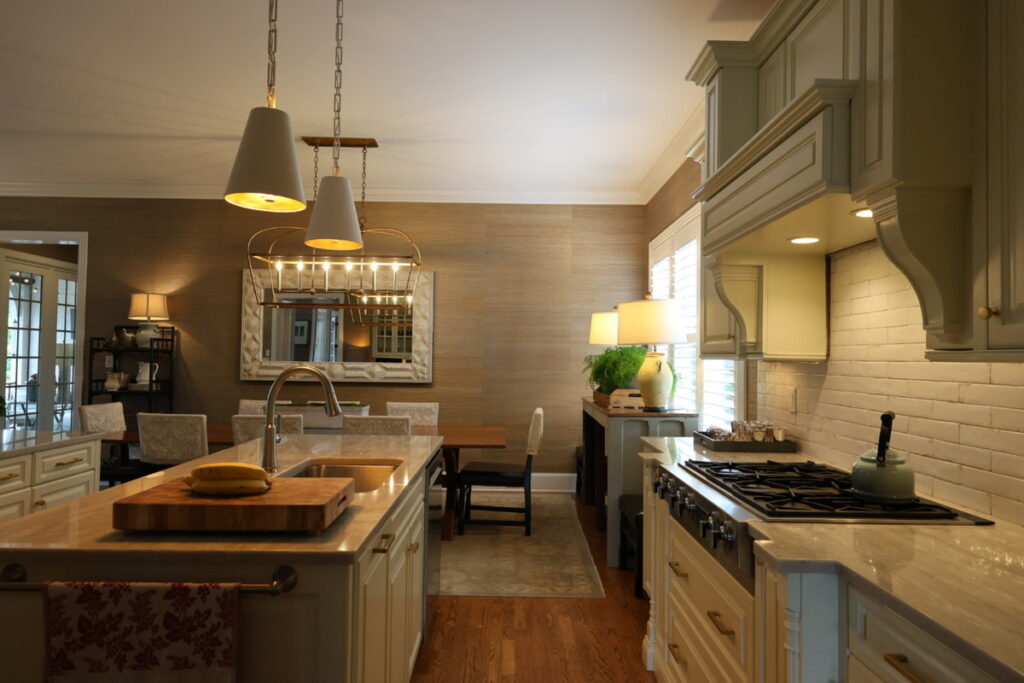
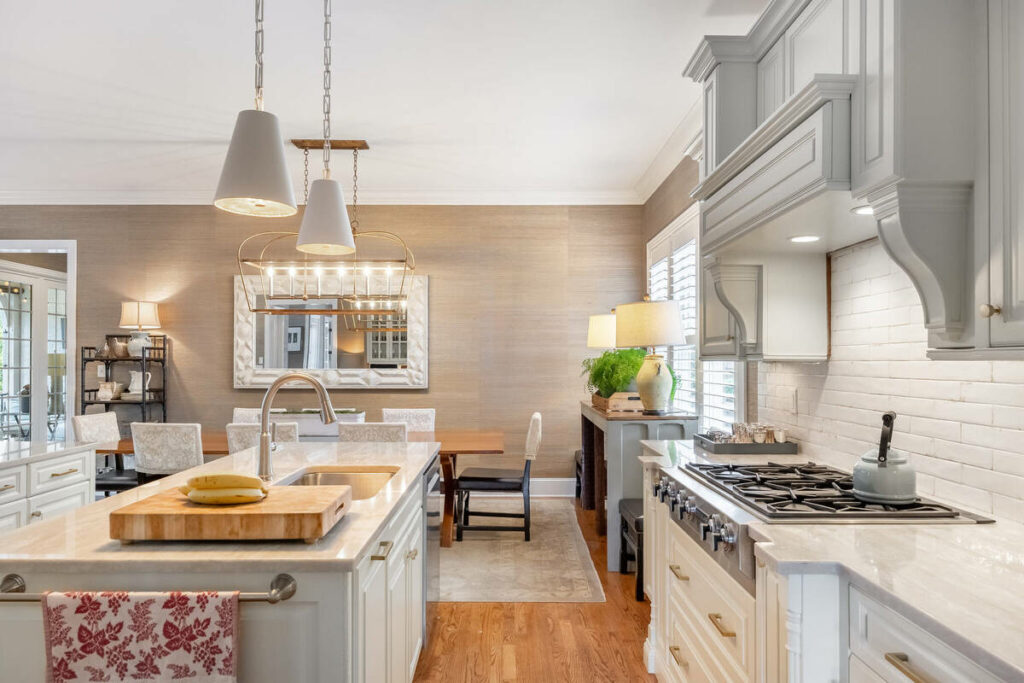
- Batch consistency across a full shoot: the same lens correction applies uniformly across 30 to 40 images shot with the same camera and lens, without drifting frame to frame.
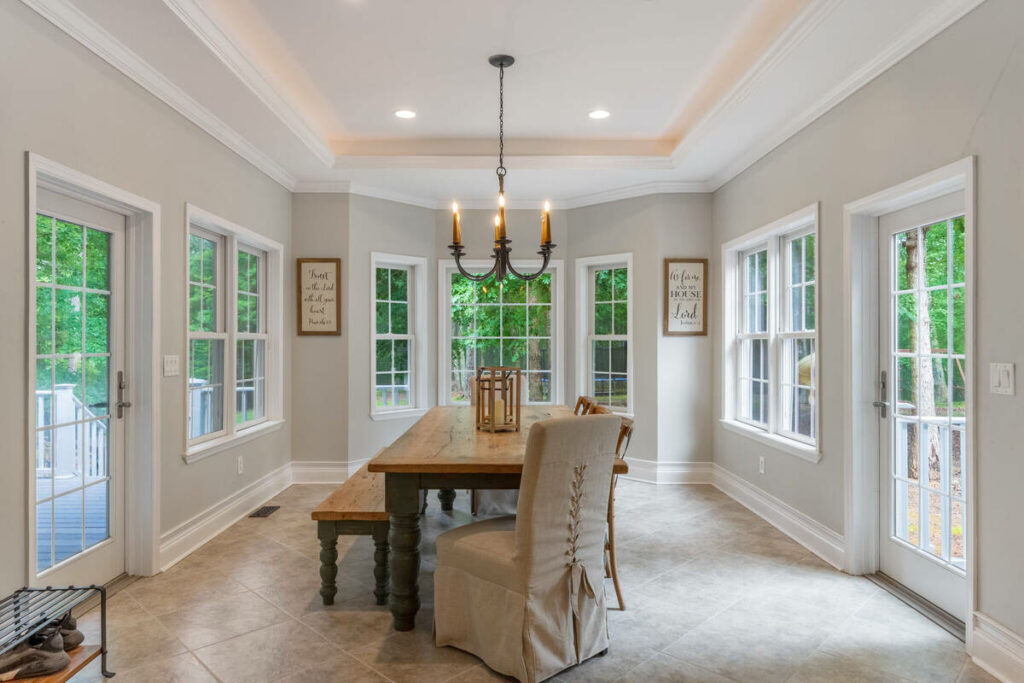
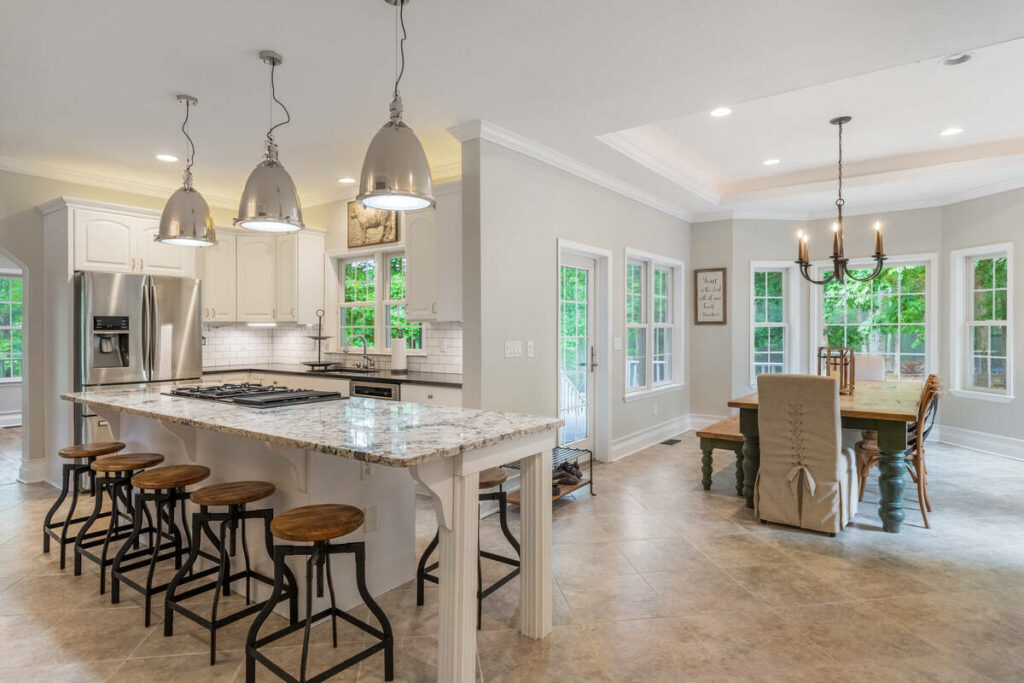
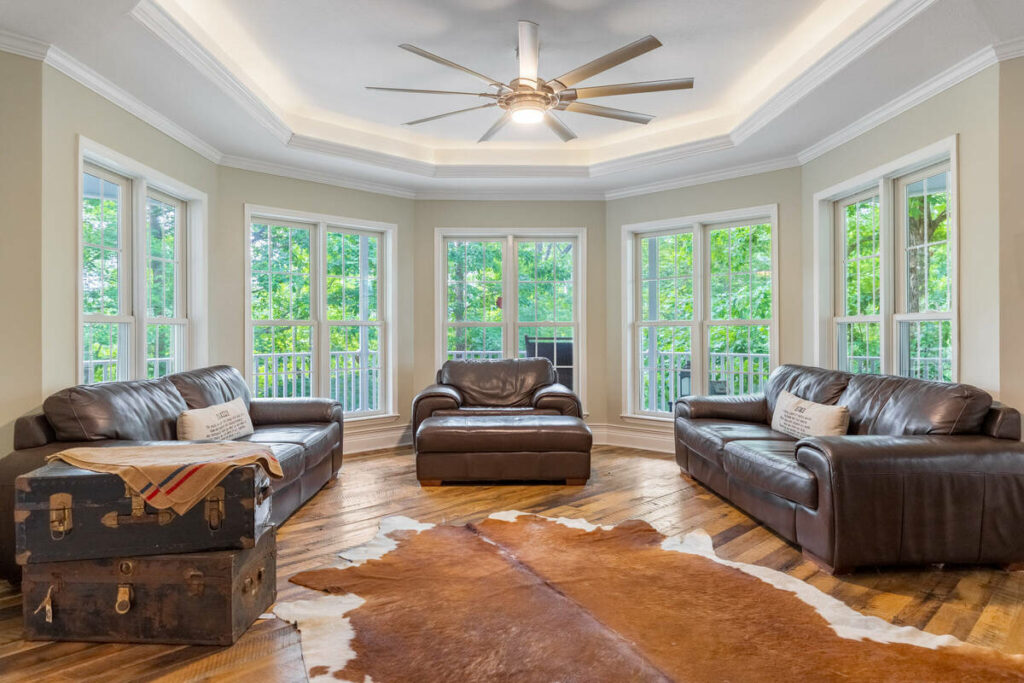
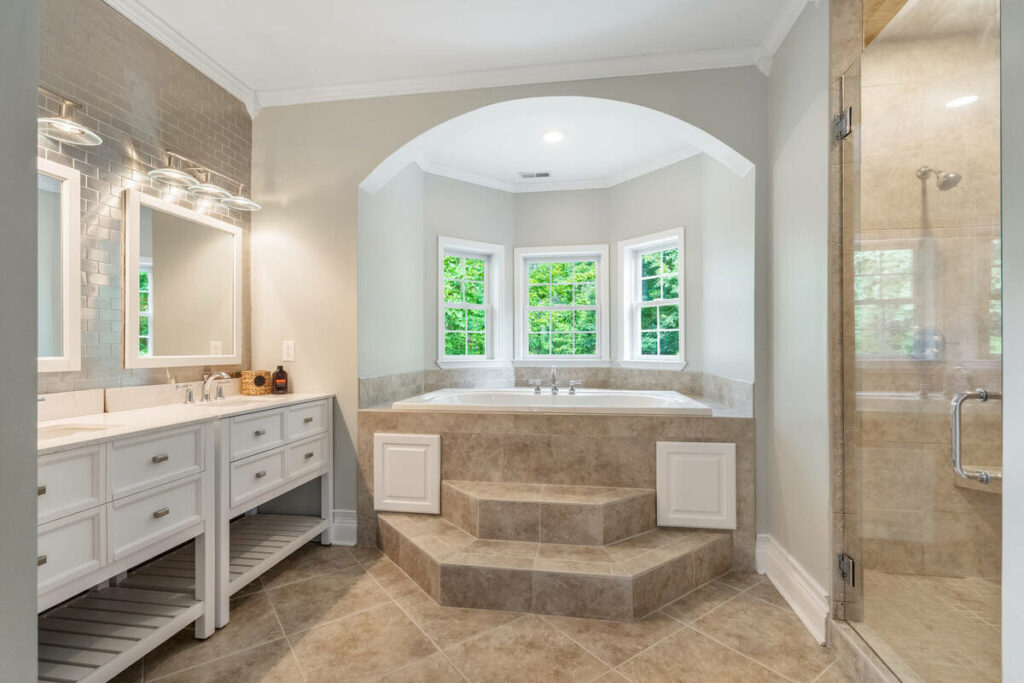
- Standard vertical alignment: straightening converging verticals on a typical rectangular room is a well-solved problem for most current editing tools.
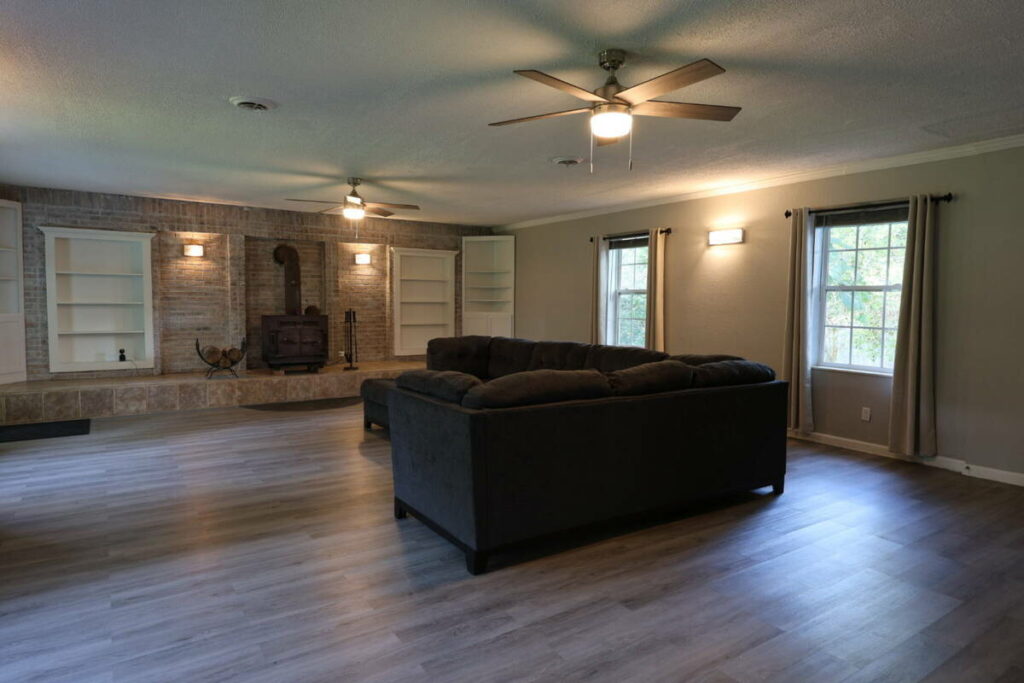
- Correction for common lens models: the most widely used real estate lenses have well-established profiles, so a standard shoot rarely needs anything beyond the automated pass.
A PetaPixel-covered survey found that 88% of working photographers use AI, with 68% using it weekly or daily.1 Another PetaPixel report found 84% use AI primarily to save time on repetitive tasks like standard lens correction.2
Automation has reduced the need to manually correct every image. For a photographer shooting eight to ten listings a week with well-supported lenses, lens distortion correction may require a manual check on fewer than a dozen frames, mainly where automated profiles fall short.
Focus on Photography
We'll Handle the Rest
Save time with a dedicated PhotoUp Coordinator.

Where Lens Distortion Fixes Still Need a Manual Eye
The same survey found that only 24% of photographers would let AI handle full creative retouching, while 78% prefer it limited to 70 to 80% of the work. Lens correction sits closer to the automatable end, but some images still need a manual pass.
Here’s where that shows up on an actual shoot:
- Missing profiles for third-party or uncommon lenses: a lens without a documented correction profile in the software’s database won’t get an accurate automatic fix, and the result can look worse than doing nothing.
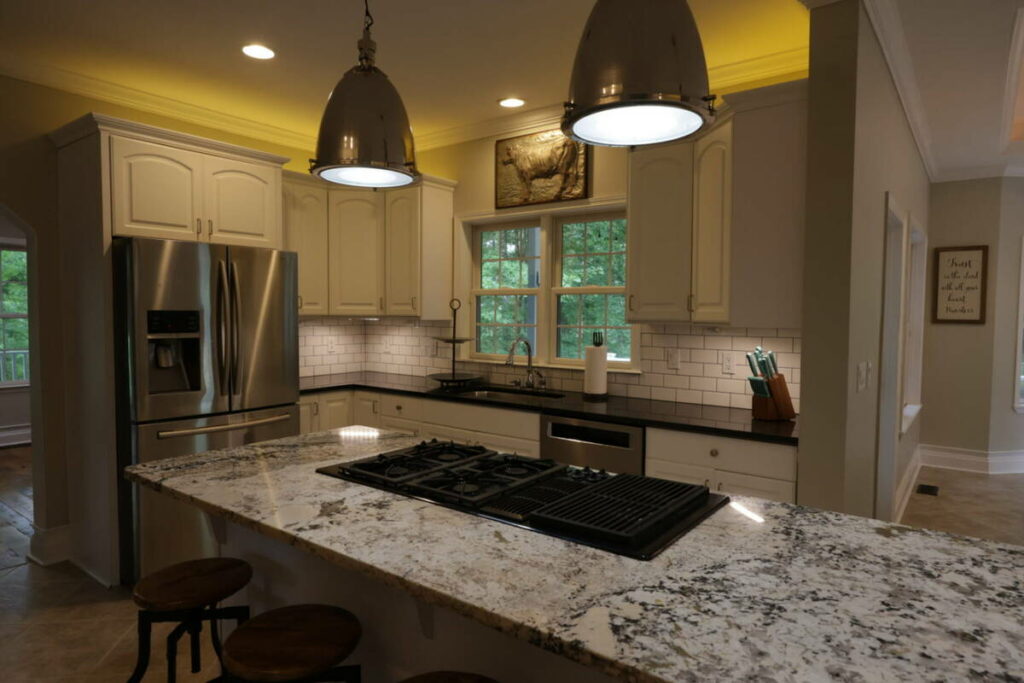
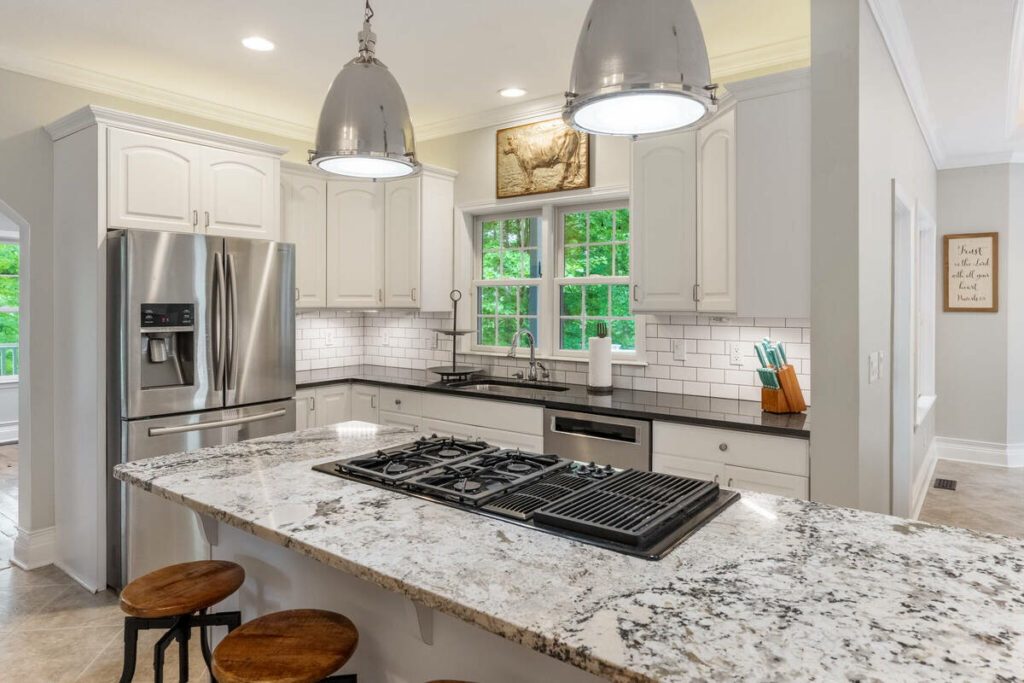
- Edge-of-frame stretching: furniture, light fixtures, or architectural details near the corners of an ultra-wide shot can stretch or warp in ways a standard correction profile doesn’t fully account for.
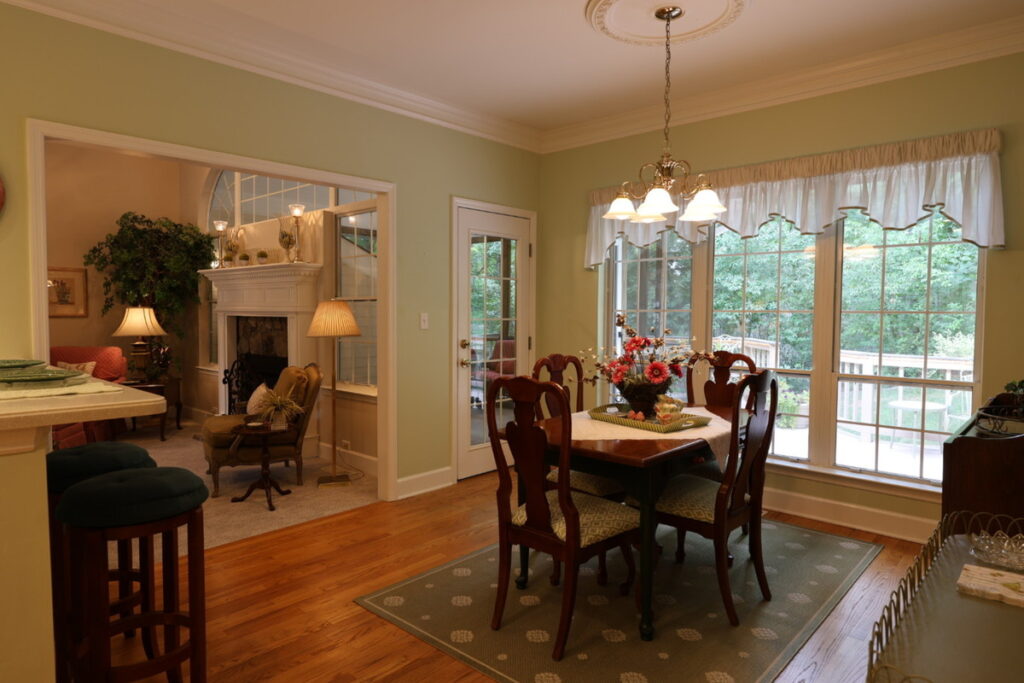
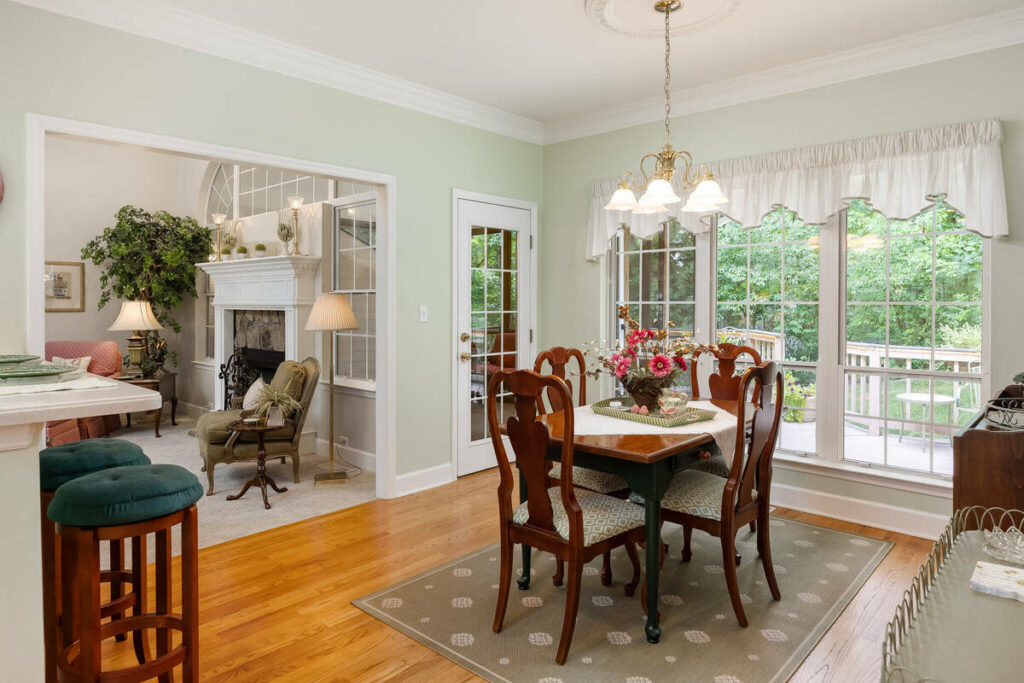
- Complex rooms with competing lines: an open floor plan with several walls at different angles, or a room with an unusual ceiling shape, gives an automated correction more conflicting lines to reconcile than a simple rectangular room.
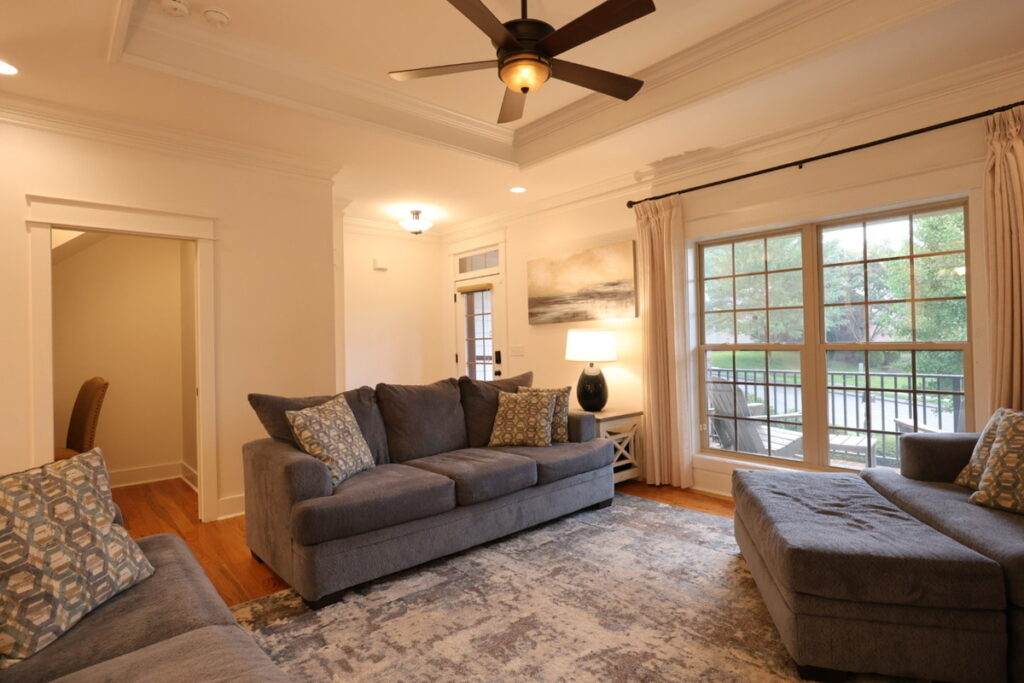
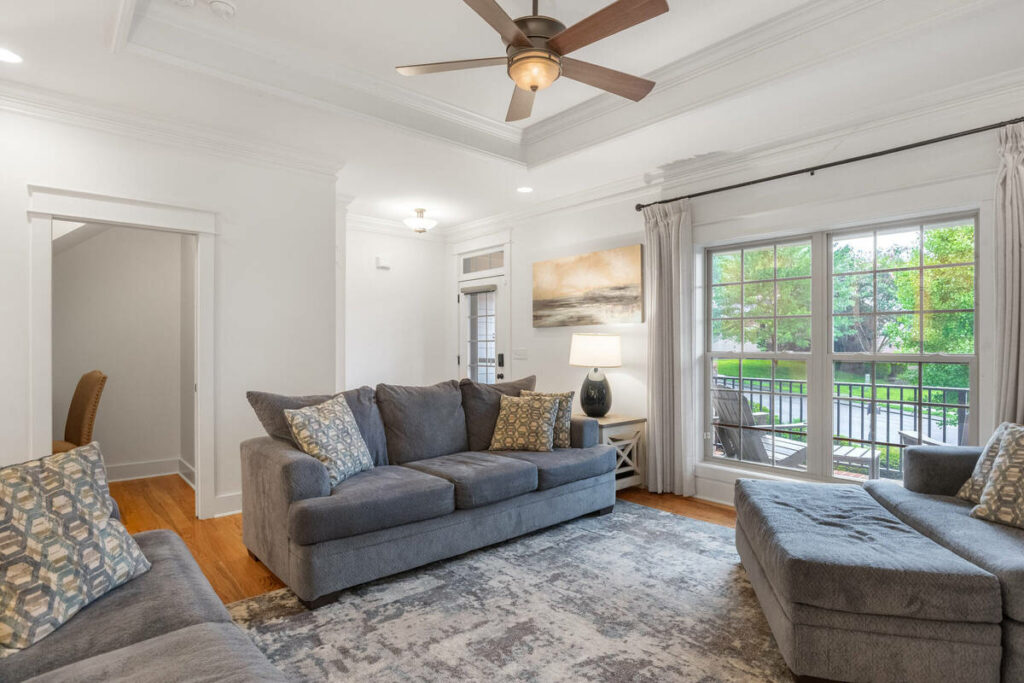
- Ultra-wide and fisheye shots: anything wider than a standard real estate lens usually needs a manual warp adjustment on top of the automated pass to avoid an obviously distorted result.
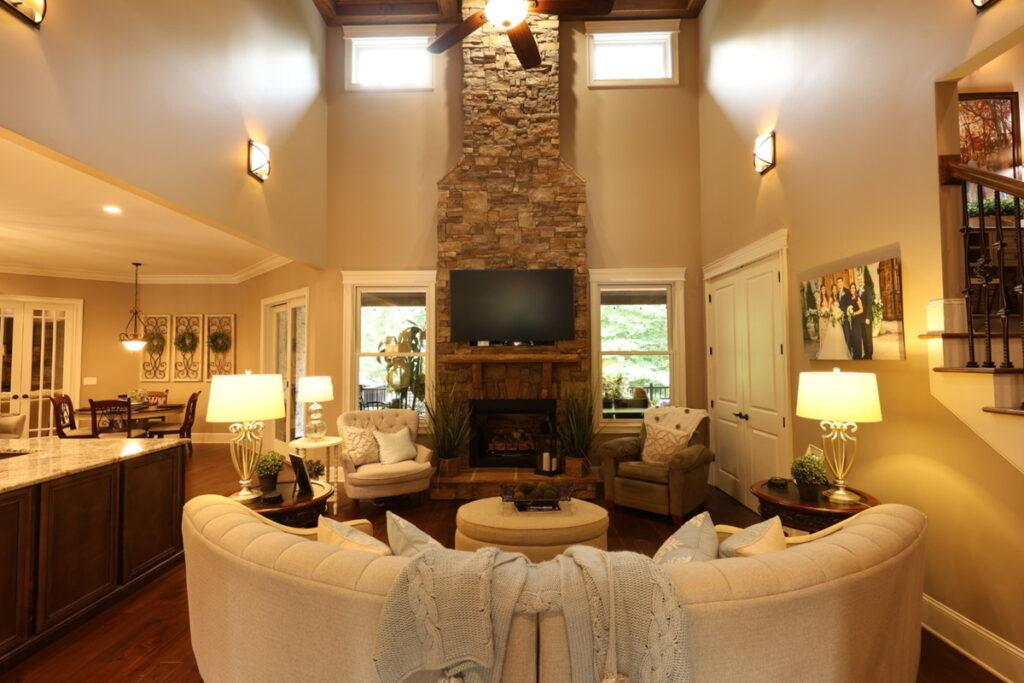
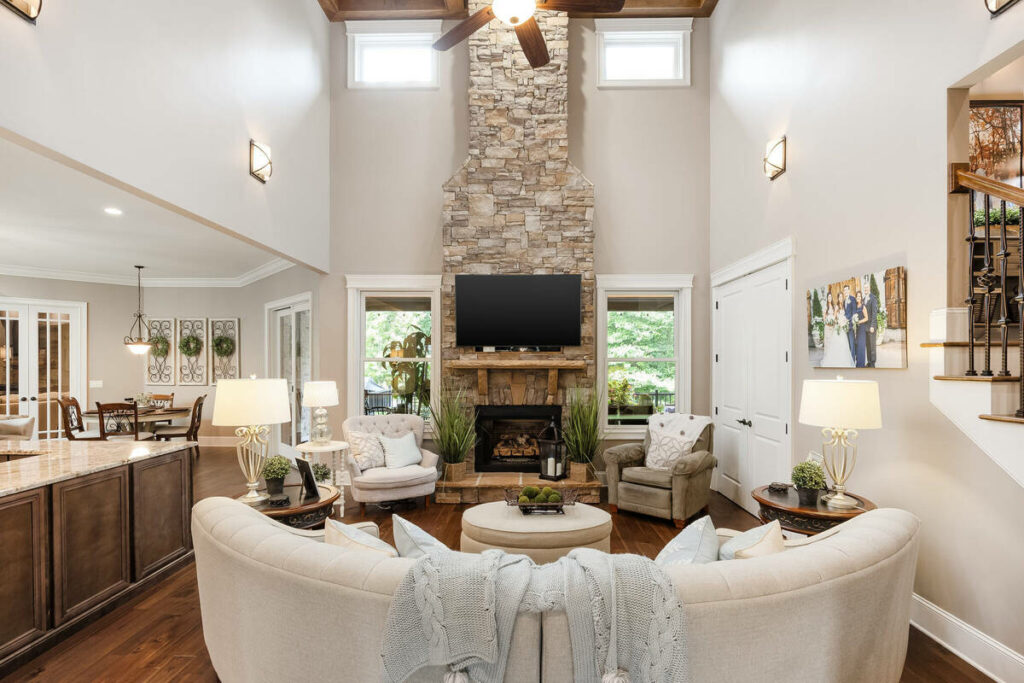
- Fine perspective work on architecturally distinct homes: a home with intentional angles, vaulted ceilings, or non-standard geometry needs a trained eye to tell an intentional design feature from something the lens introduced.
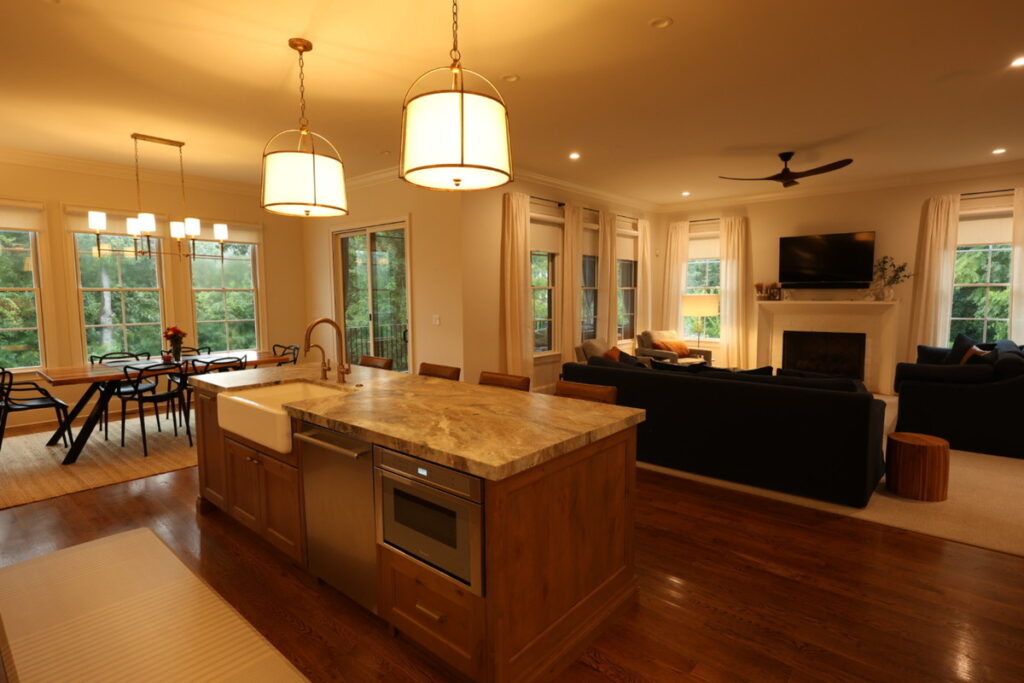
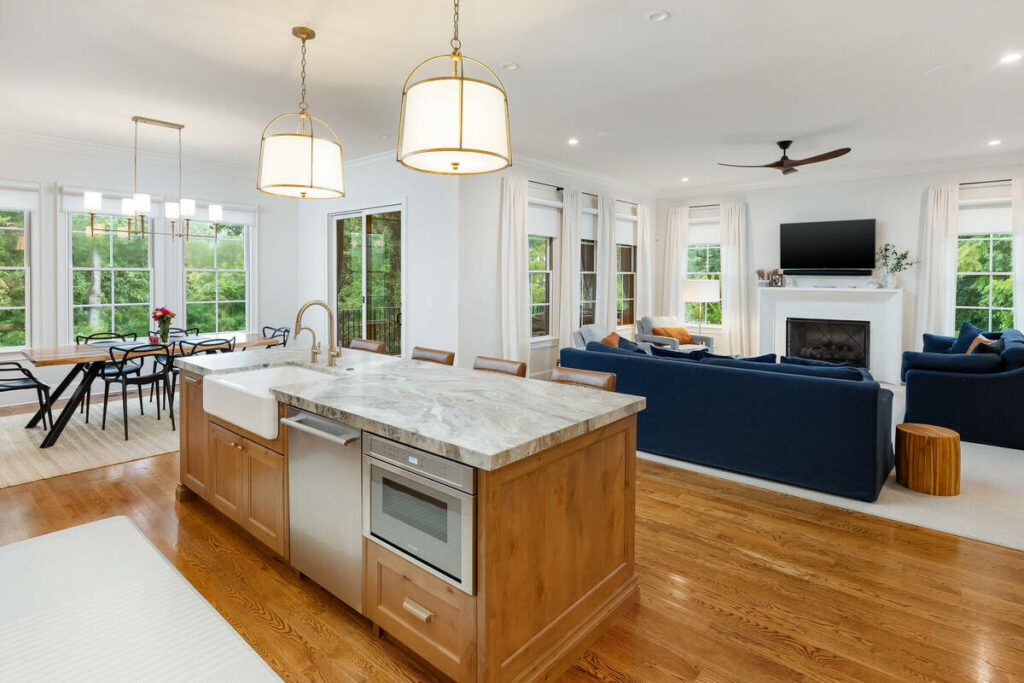
Manual review matters most on architecturally distinct homes, where over-correction can flatten intentional features like vaulted ceilings or angled walls. Lens distortion correction works well with AI, but the final 20 to 30% still needs a trained eye to separate distortion from intentional design.
Here’s the split in practice, task by task:
| Task | AI editing alone | AI editing plus a manual pass |
|---|---|---|
| Standard barrel distortion, common lenses | Handled correctly | Handled correctly |
| Batch consistency across a shoot | Handled correctly | Handled correctly |
| Third-party or uncommon lens profiles | Can misfire without a match | Corrected manually |
| Edge-of-frame stretching | Not fully addressed | Adjusted by eye |
| Architecturally distinct homes | Can flatten intentional features | Distinguished from lens artifacts |
What This Looks Like in a Real Workflow
A standard 35-image listing can run through AI lens distortion correction and vertical alignment within minutes, leaving only 3 to 5 images for manual review. At 5 to 10 minutes each, that’s well under an hour of focused work.
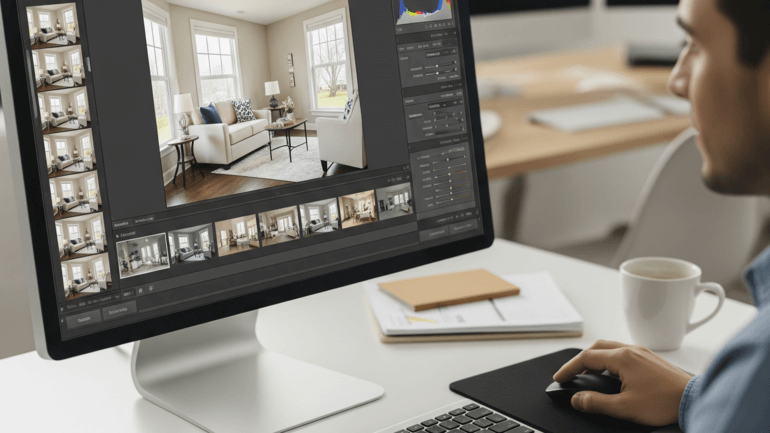
Less common lenses may require more checks when the software lacks an exact profile. Architecturally distinct homes also need closer review so angled walls, vaulted ceilings, and other intentional features aren’t mistakenly corrected.
Either way, the workflow shifts from manually checking every image to focusing only on the frames where automation falls short.
Keeping Lens Distortion Fixes Consistent Across Every Gallery
AI can handle the repeatable 70 to 80% of corrections, but someone still needs to catch stretched edges, flattened ceilings, and other issues before delivery.
Browse Top Dedicated
Real Estate Photo Editors
Ready-to-hire editors for real estate photo editing, and more.
For solo photographers, that review is easy to rush during a busy week, especially with unusual properties or less familiar lenses. As more lenses and property types enter the workflow, maintaining the same review standard becomes harder.
Multi-photographer teams face the same challenge at a larger scale. Different shooters may use different lenses and brands, creating more profile gaps and making consistent review across every gallery even more important.
See Where AI Fits (and Where It Doesn’t) in Your Editing Process
PhotoUp helps photographers implement AI photo editing with a Production Coordinator who runs the human side of that workflow.
A Production Coordinator, also called an Operations or Media Coordinator, owns:
| AI editing workflow implementation and QA: reviewing every gallery for the images that still need a manual correction pass, not just checking that the automated pass ran |
| Order management and delivery: tracking turnaround so an unusual lens or property doesn’t mean a rushed correction pass |
| Scheduling and client booking: handling the logistics around a shoot so you’re not doing that on top of editing reviews |
| Client communication: status updates and revision requests handled directly, in your voice |
Why work with a PhotoUp Coordinator? You get someone trained to know which images in a gallery still need a manual lens distortion correction check, without personally reviewing every frame yourself.
Focus on Photography
We'll Handle the Rest
Save time with a dedicated PhotoUp Coordinator.
How to get started
Tell us about your typical lens setup and property mix, and a Coordinator will map out where AI can take over the mechanical work and where a manual pass should stay in place.
See where AI fits, and where it doesn’t, in your editing process. Talk to a PhotoUp Coordinator.
Related Articles:
- How to Do Lens Correction in Photoshop
- How to Correct Lines, Angles, and Distortion in Real Estate Photo Editing
- Best Lens for Real Estate Photography
- What Can a Photography Coordinator Take Off Your Plate
- How to Integrate AI Photo Editing Tools Into Your Real Estate Business
References: