Table of Contents
- What Automated Photo Editing Really Means
- Set a Clear Editing Standard Before Using AI
- Using PhotoUp Real Estate Photo Editing AI Effectively
- Leveraging AgentUp Editing AI for Fast, Polished Results
- Other Powerful Tools to Pair With Automated Editing
- What to Automate—and What Not To
- AI Photo Editing FAQ
- Scale Smarter With AI Real Estate Photo Editing
Automated or AI real estate photo editing has become essential for photographers, agents, and media teams navigating today’s fast-paced listing market. With buyers scrolling quickly and competition rising, high-quality images are critical for standing out.
AI-powered editing tools now deliver polished, listing-ready photos faster and more consistently—but only when used strategically. Rather than replacing your creative eye, automation should handle repetitive tasks so you can focus on accuracy, style, and visual storytelling.
This blog post walks you through how to use automated real estate photo editing the right way and offers you some of the best editing tools available.
Let’s begin with a definition of automated/AI real estate photo editing.
What Automated Photo Editing Really Means🤖
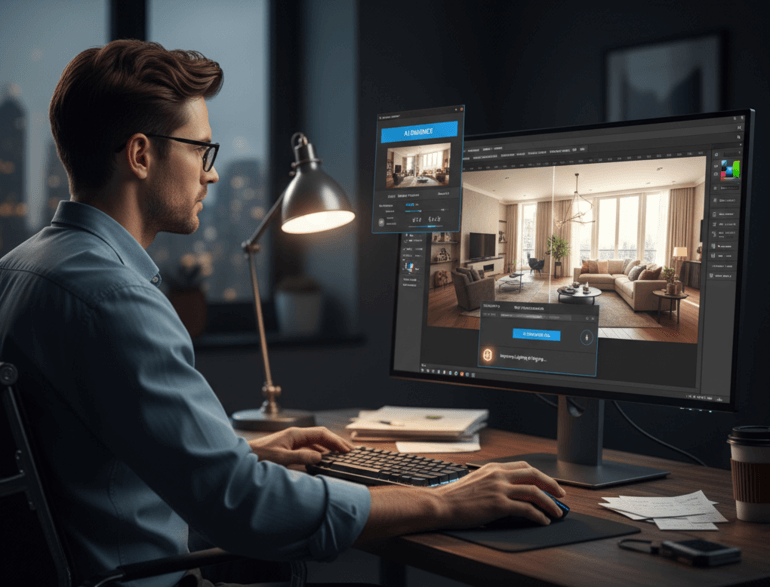
Automated photo editing in real estate isn’t about pushing a single “enhance” button. It’s about using AI to streamline predictable, time-consuming tasks that appear in nearly every listing.
According to recent studies, AI-powered image editing tools can reduce editing time by up to 90%, and 60% of photographers use AI tools to enhance their creative process.
Common automated edits include:
- Exposure balancing and tonal correction
- White balance cleanup
- Sky replacement and lawn enhancement
- Noise reduction and sharpening
- And batch color consistency
Because these edits follow recognizable patterns, AI can execute them quickly and reliably—especially when images are well-shot to begin with.
Understanding what automation does best sets the stage for using it intentionally rather than blindly.
Here are some AI real estate photography statistics to showcase its impact on streamlining the editing process:

Set a Clear Editing Standard Before Using AI🎯
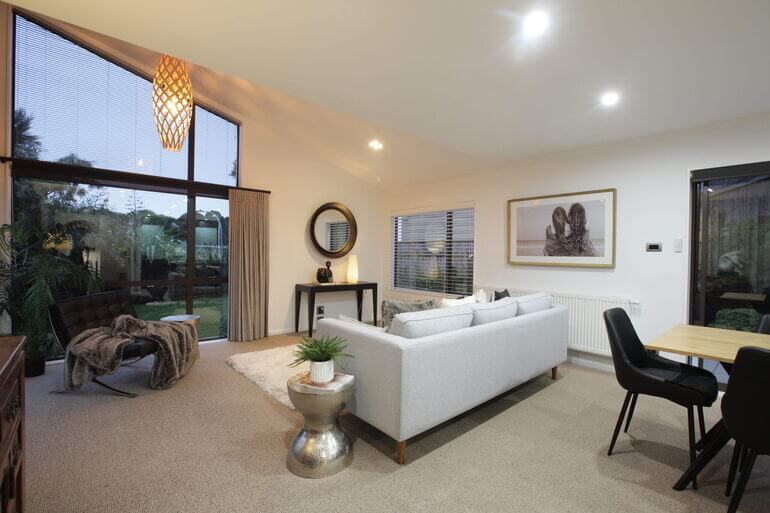
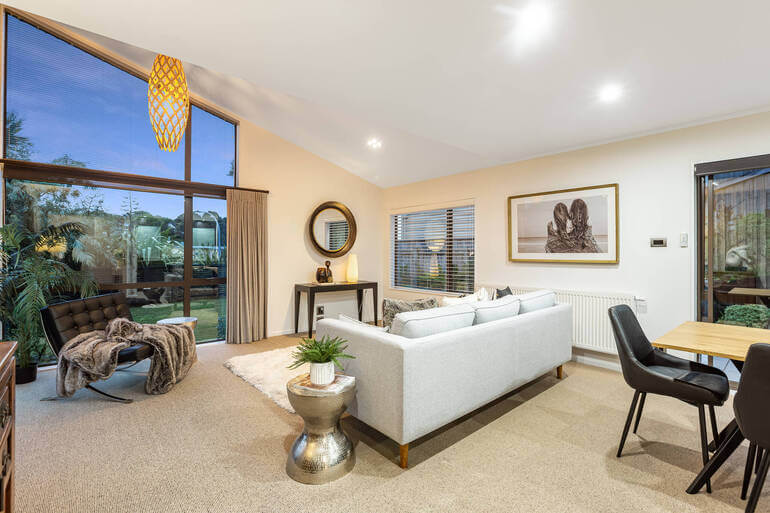
Before introducing any AI tool into your workflow, define what “listing-ready” means for your brand. Without a visual standard, automated edits can vary wildly and lead to inconsistent results.
A strong real estate photo editing baseline usually includes:
- Bright but natural lighting
- Neutral, accurate whites
- Straight verticals
- Clean, realistic window views
- Healthy—but believable—greens
- Sunny and inviting yet realistic skies
- And a consistent look across the entire photo set
Once this standard is established, AI becomes a tool to reach that look faster, not redefine it.
With expectations set, you can now build a workflow that uses automation intelligently.
Create a Hybrid Workflow🔁
The most effective real estate editors follow a hybrid workflow—letting AI handle the bulk corrections, then applying human judgment where it matters most.
AI can’t replace the artistic skills of human editors, which is crucial for high-end real estate photography.
A proven process looks like this:
- Cull and select the best images
- Apply automated global edits
- Review for realism and accuracy
- Refine details manually if needed
- Export MLS- and marketing-ready files
This approach lets automation handle 80–90% of the work, while you protect quality in the final stretch.
This is exactly where PhotoUp and AgentUp’s AI tools shine.
Using PhotoUp Real Estate Photo Editing AI Effectively⚡

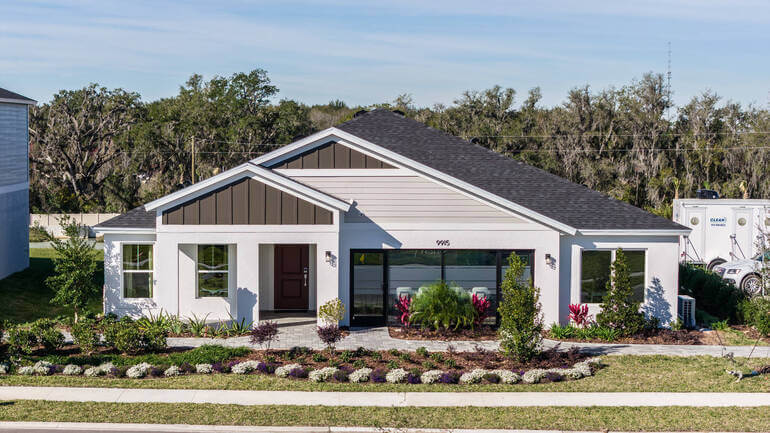
PhotoUp Real Estate Photo Editing AI is designed specifically for real estate workflows—making it ideal for photographers who need speed, consistency, and scalability.
Here’s the process for PhotoUp’s Editing AI:
- You upload clean, properly exposed images
- PhotoUp’s editors then use AI for repeatable enhancements like lighting, skies, and color balance
- In the next step, they perform manual professional adjustments to create a final, top-notch quality image based on your style
- You should always do a quick realism check before delivery.
- Lastly, request reviews inside the user-friendly platform if needed
PhotoUp’s AI works especially well because it’s paired with human-editing expertise, giving you the flexibility to scale without losing control.
As we move from photographers to agent-focused workflows, AgentUp offers another strong option.
Leveraging AgentUp Editing AI for Fast, Polished Results🚀
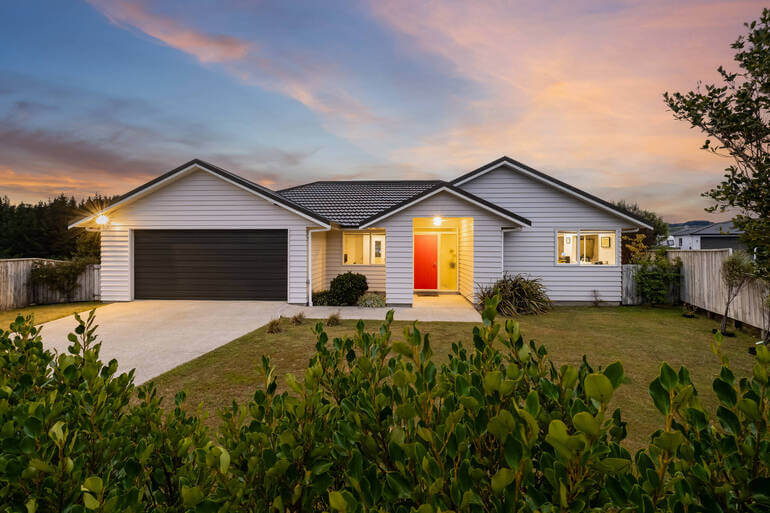
AgentUp Editing AI is optimized for speed and presentation—making it a great choice for agents, teams, and high-volume listings that need a fast turnaround of 5 minutes.
Here are some benefits of this ground-breaking tool:
- AI algorithms ensure uniform edits across all images, maintaining a cohesive look for property listings
- While manual editing can take hours, AI editing completes the process in minutes
- You can batch-process similar images together
- The app offers you a free sky replacement
- You get access to AI virtual staging using 5 different design styles
- Additionally, you can also request Pro Edits in the app for manual retouching
AgentUp AI excels at delivering clean, marketing-ready visuals that agents and Realtors can use immediately across listings and promotional channels.
Once these AI tools are in place, it’s time to round out your stack.
AgentUp for iOS
AI Real Estate Photo Editing
Try instant AI-powered photo editing with the AgentUp iOS Media App.

Other Powerful Tools to Pair With Automated Editing🤖
Automation works best when paired with professional finishing tools. Here are some good tools to help you create captivating real estate photos:
- Adobe Lightroom: Ideal for batch consistency, lens corrections, and syncing edits across rooms
- Adobe Photoshop: Best for precise object removal, advanced masking, and final refinements
- Topaz Labs Photo AI: Excellent for noise reduction and sharpening in low-light interiors
- Luminar Neo: Useful for fast enhancements and sky control—just avoid overprocessing
- Canva: Great for social media graphics, flyers, and branded marketing assets
Each tool plays a different role, but together they form a complete, scalable system.
AI Real Estate Editing Tool Comparison📊
To give you a better overview of the tools’ key strengths and who they are best for, here’s a comparison table:
| Tool | Best For | Key Strength |
| PhotoUp AI | Photographers & teams | Consistent, listing-ready edits |
| AgentUp AI | Agents & high-volume listings | Speed + marketing polish |
| Lightroom | Batch workflows | Consistency and control |
| Photoshop | Precision edits | Advanced cleanup |
| Topaz AI | Low-light images | Noise reduction |
| Luminar Neo | Quick enhancements | Fast visual impact |
What to Automate✅—and What Not To⛔
Knowing what to automate—and what to handle with extra care—is key to using AI-powered real estate photo editing effectively without compromising quality or accuracy.
Here are the typical edits you can automate:
- Exposure and tone balancing
- White balance correction
- Sky replacement (subtle)
- Lawn enhancement
- And noise reduction
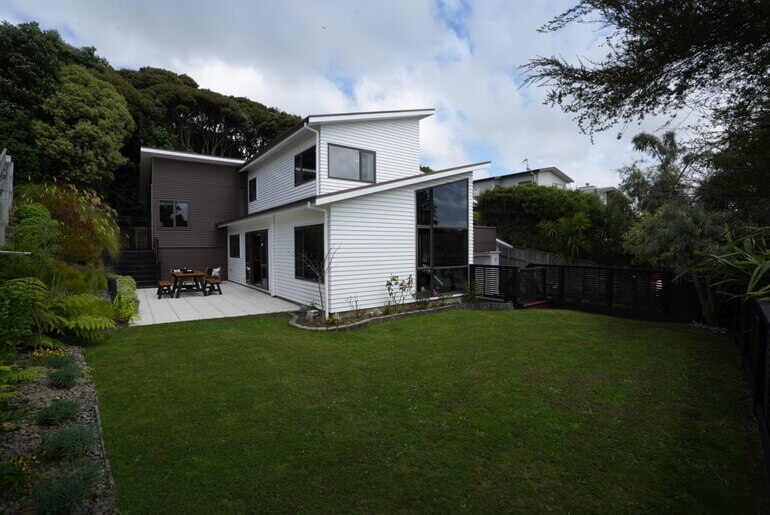
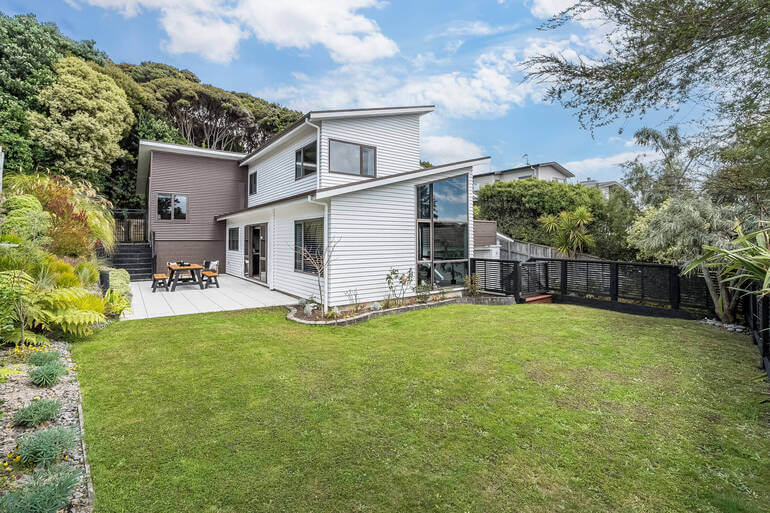
On the other hand, edits to not automate and review extra carefully are:
- Large object removal
- Detailed window masking
- Luxury interior color accuracy
- And anything affecting property representation
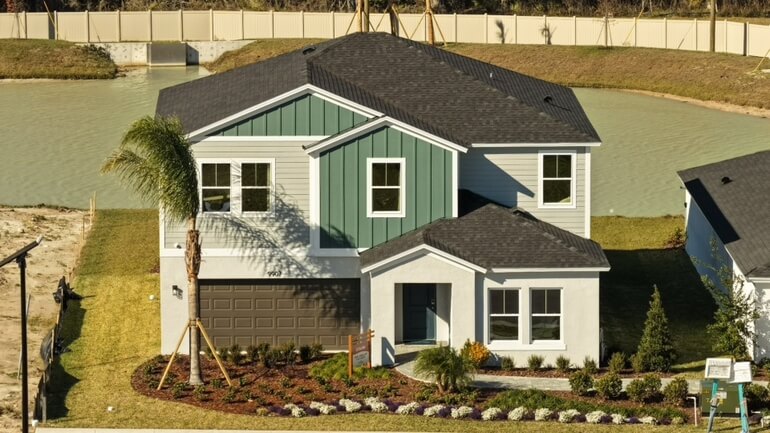
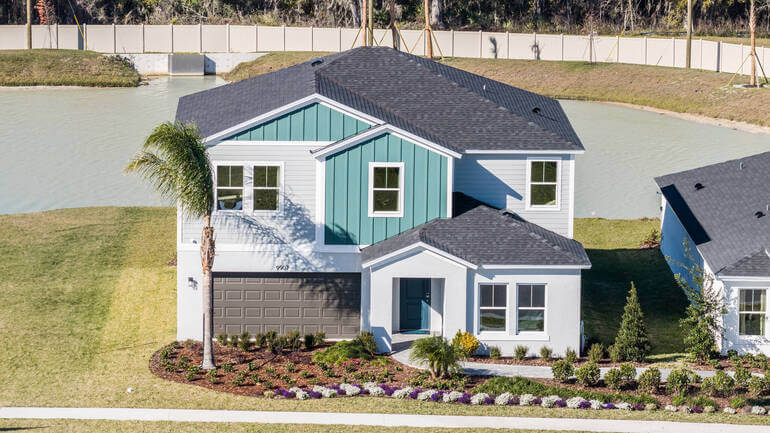
Overall, automation should support accuracy—not compromise it.
By automating routine adjustments while carefully reviewing complex or high-impact edits, you can enjoy the speed of AI while still delivering realistic, trustworthy listing photos that meet professional and MLS standards.
AI Photo Editing FAQ❓
Is automated real estate photo editing MLS-compliant?
Yes! As long as it’s used responsibly and reviewed for accuracy.
Can AI fully replace human editing?
No! Not for complex or high-end listings. AI is best used as a foundation.
Will AI make my photos look fake?
Only if overused. Subtlety and careful review of your images are key.
Is automated editing good for luxury listings?
Only when paired with careful human refinement.
Have You Ever Thought To
Outsource Photo Editing?
Try it today with 5 free edits from three professional photo editors.
Scale Smarter With AI Real Estate Photo Editing🦾
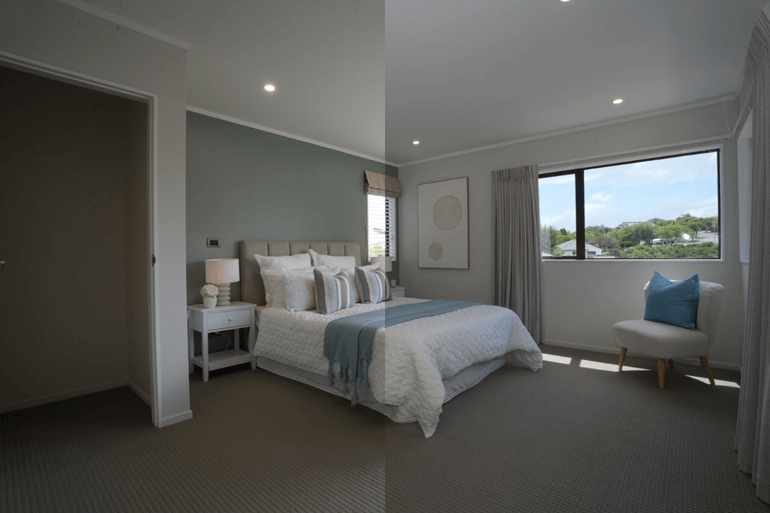
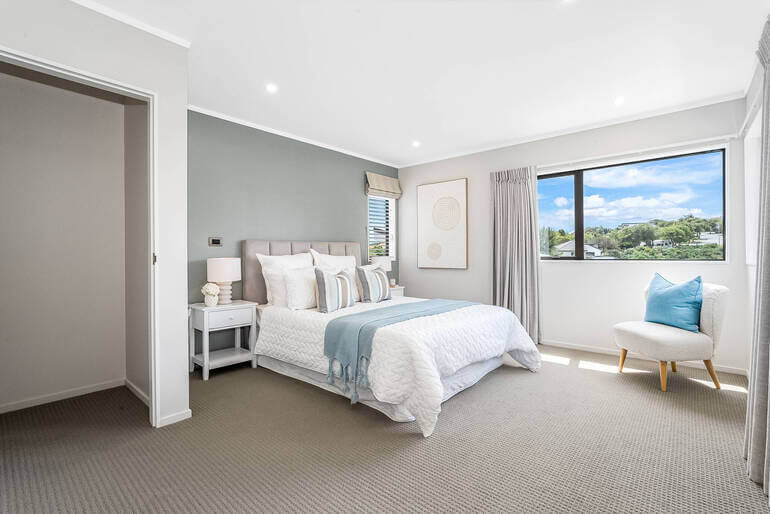
Automated real estate photo editing is one of the most powerful ways to scale your business, speed up delivery, and maintain consistent quality.
When used strategically, tools like PhotoUp Real Estate Photo Editing AI and AgentUp Editing AI help photographers and agents stay competitive without cutting corners.
By combining AI efficiency with human oversight, you can deliver images that are fast, accurate, and emotionally compelling—helping listings stand out and sell faster.
So don’t wait!
👉 Sign up for a free PhotoUp account today and try our AI human hybrid real estate photo editing approach. For a limited time, we even offer 10 free credits to get started!
Or, check out AgentUp Editing AI, and get a free sky replacement!👈
We hope this blog post helped you learn how to best use automated/AI real estate photo editing. Before you go, you may also want to check out the following resources: