Table of Contents
- What Is Dodge and Burn in Real Estate Photo Editing?
- Where AI Handles Dodge and Burn Well
- Where the Technique Still Needs a Manual Eye
- What This Looks Like in a Real Workflow
- Keeping the Treatment Consistent Across Every Gallery
- Get an AI Workflow Review From a PhotoUp Coordinator
A blown-out window and a dark corner in the same frame look like two separate problems. A photographer fixes both with dodge and burn.
AI now handles a lot of that automatically, in seconds rather than minutes per image. The selective, judgment-based part still takes a trained eye.
This piece covers what the technique actually does for real estate interiors, where AI now handles it well, where a manual pass still makes the difference, and what that split means for a photographer’s day-to-day editing time.
What Is Dodge and Burn in Real Estate Photo Editing?
Dodge and burn began as a darkroom technique for selectively lightening (dodging) or darkening (burning) parts of an image without changing the overall exposure. Digital editing uses the same principle with brushes and masks.
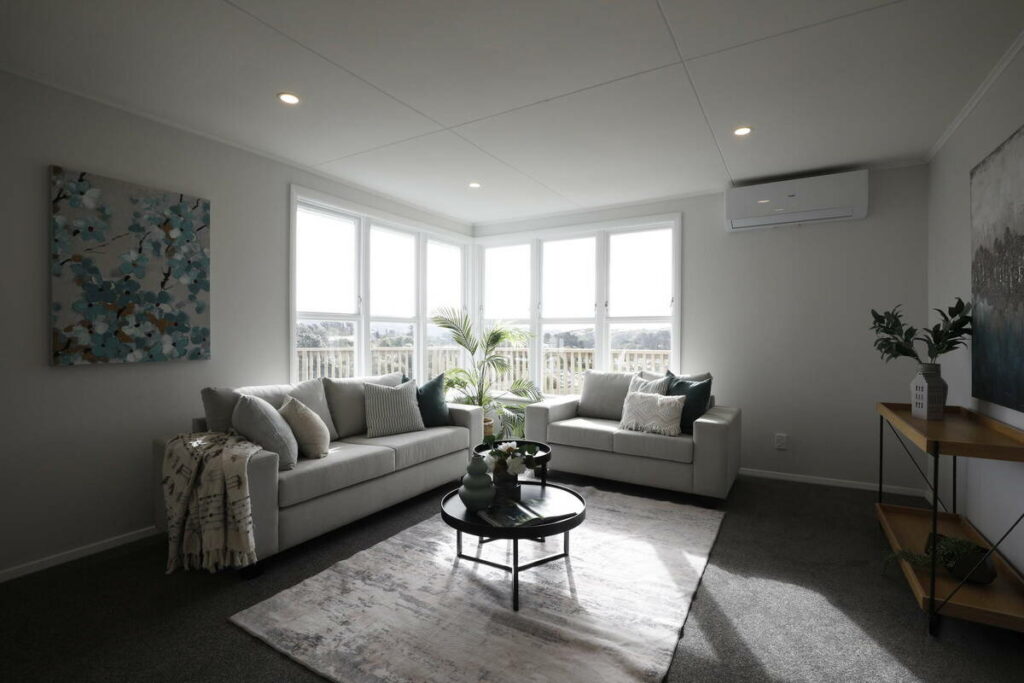
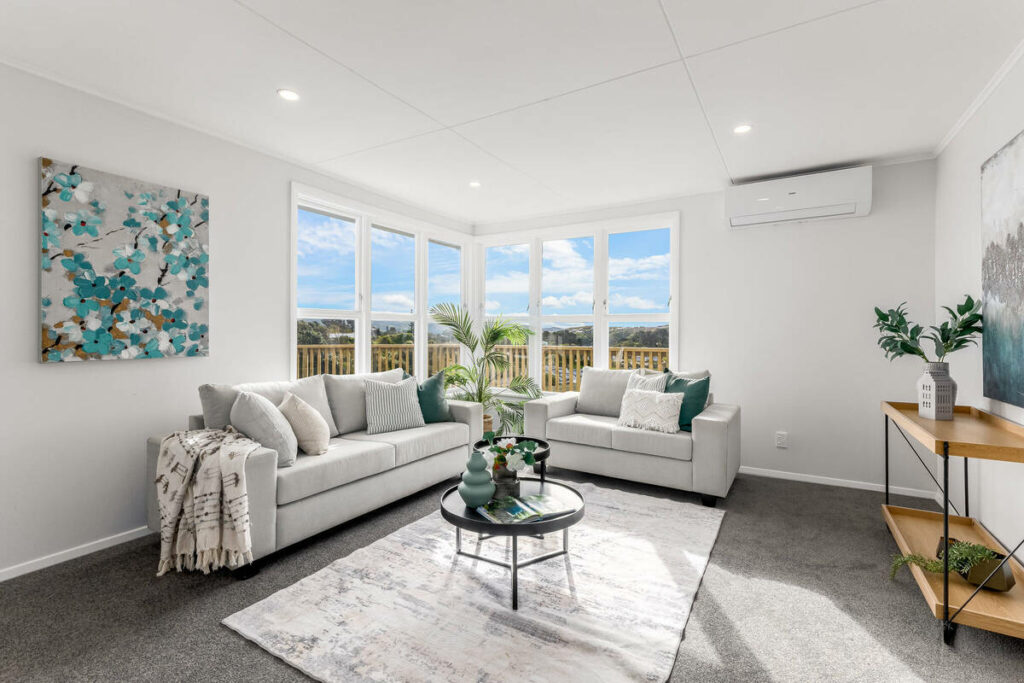
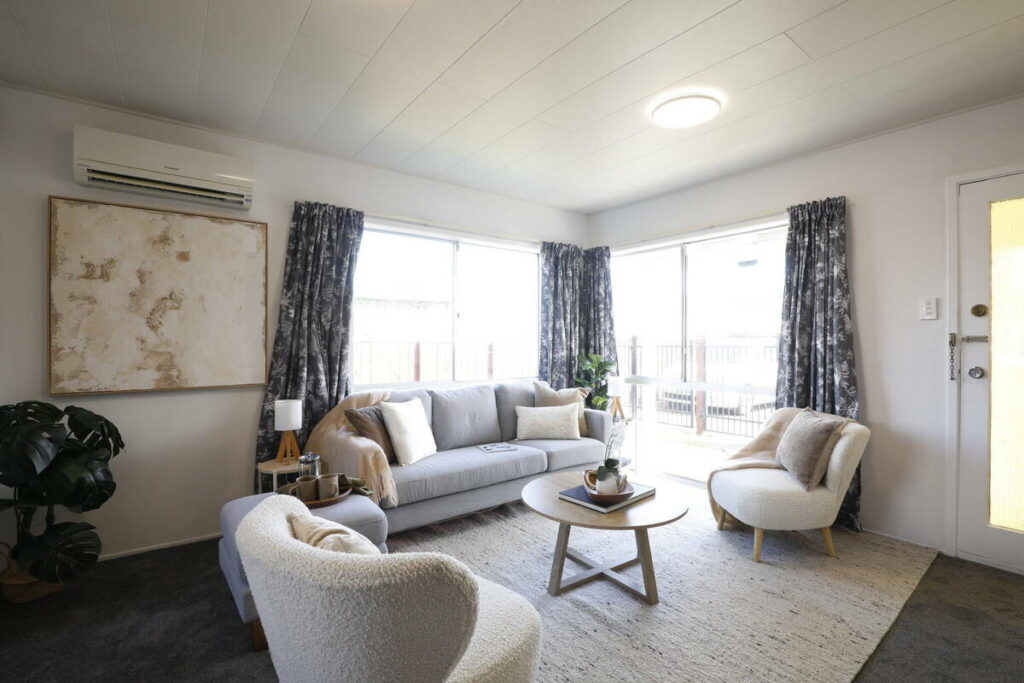
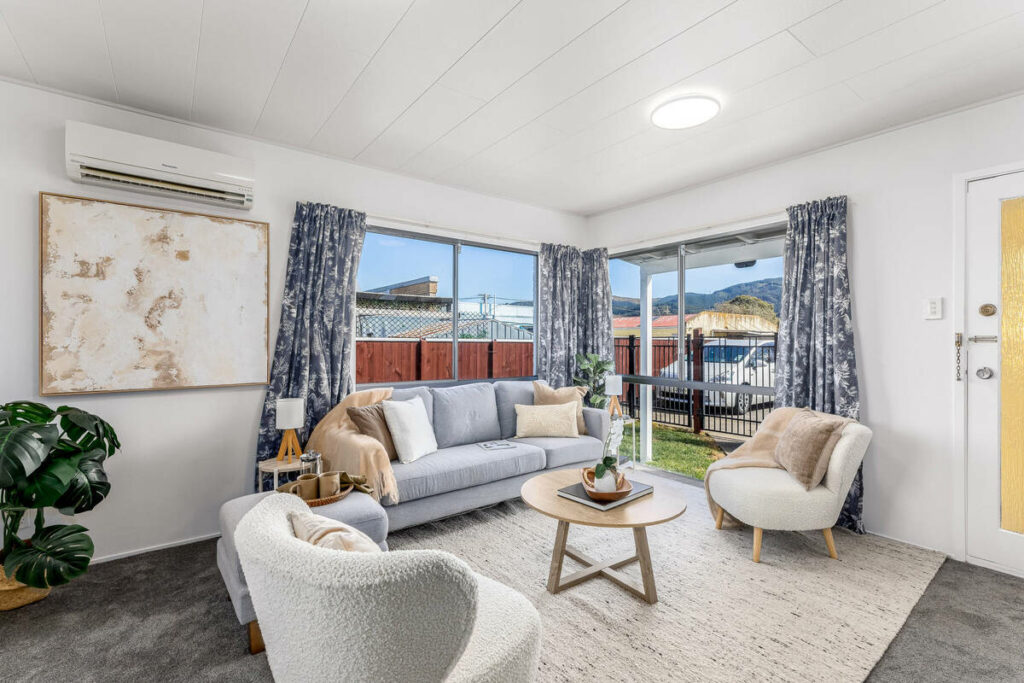
In real estate photo editing, it helps balance difficult lighting, such as bright windows, dark corners, and unevenly lit rooms. It can also guide attention toward important features like a fireplace, view, or vaulted ceiling.
Interiors benefit especially because one room can contain several light sources and a wide range of brightness. Dodge and burn balances these areas without making the entire image look flat or overprocessed.
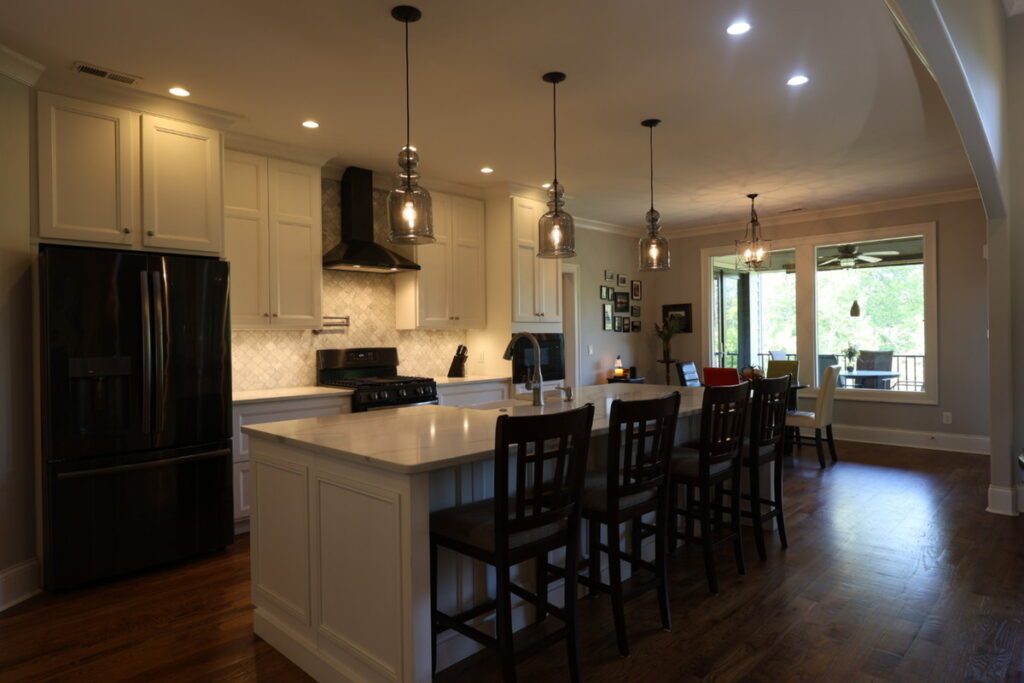
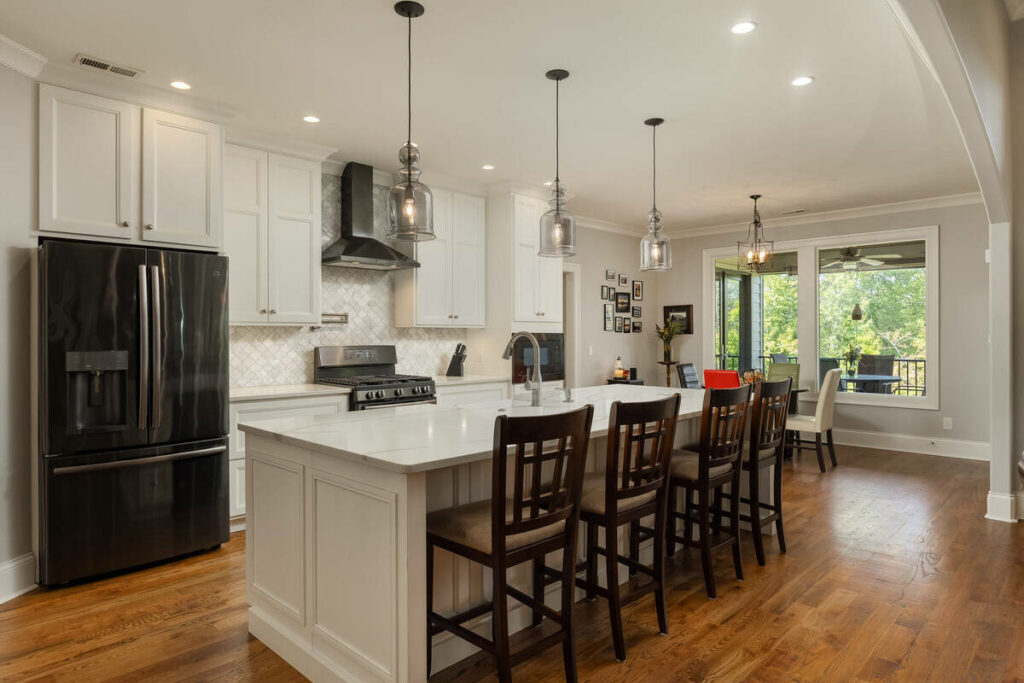
The amount of work also depends on the property. A standard listing may need a quick, clean pass, while luxury or architecturally distinctive homes often require more detailed adjustments for a polished finish.
Where AI Handles Dodge and Burn Well
AI editing tools now cover most of the mechanical side of this work. Here’s where it holds up:
- HDR blending on standard bracketed shots: merging a bracketed exposure set already handles most window-pull and shadow-recovery work that used to require a manual pass.
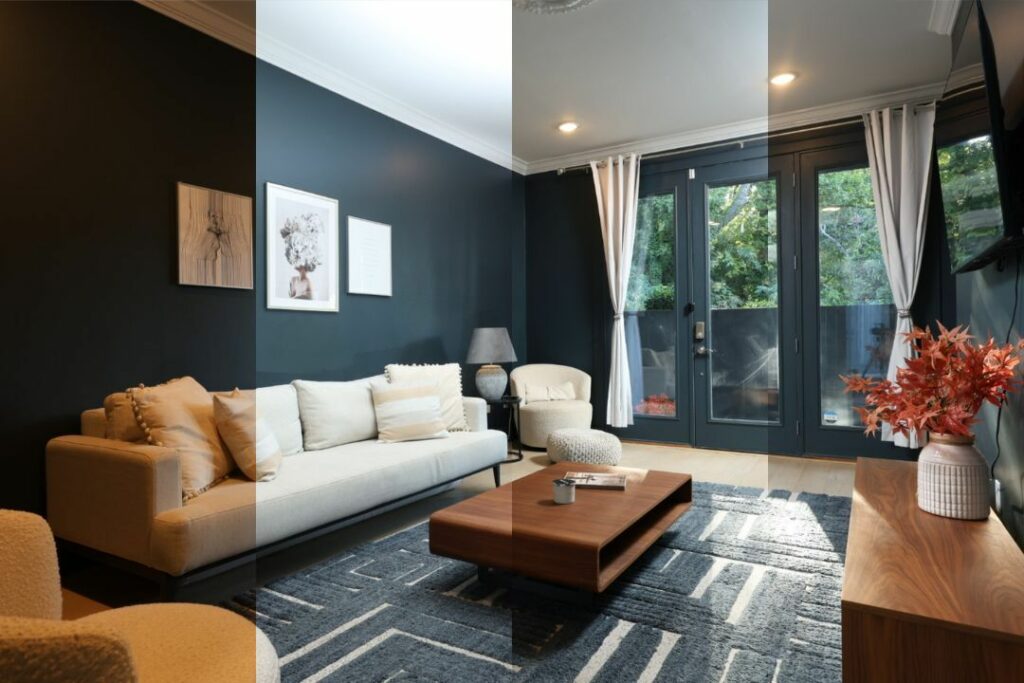
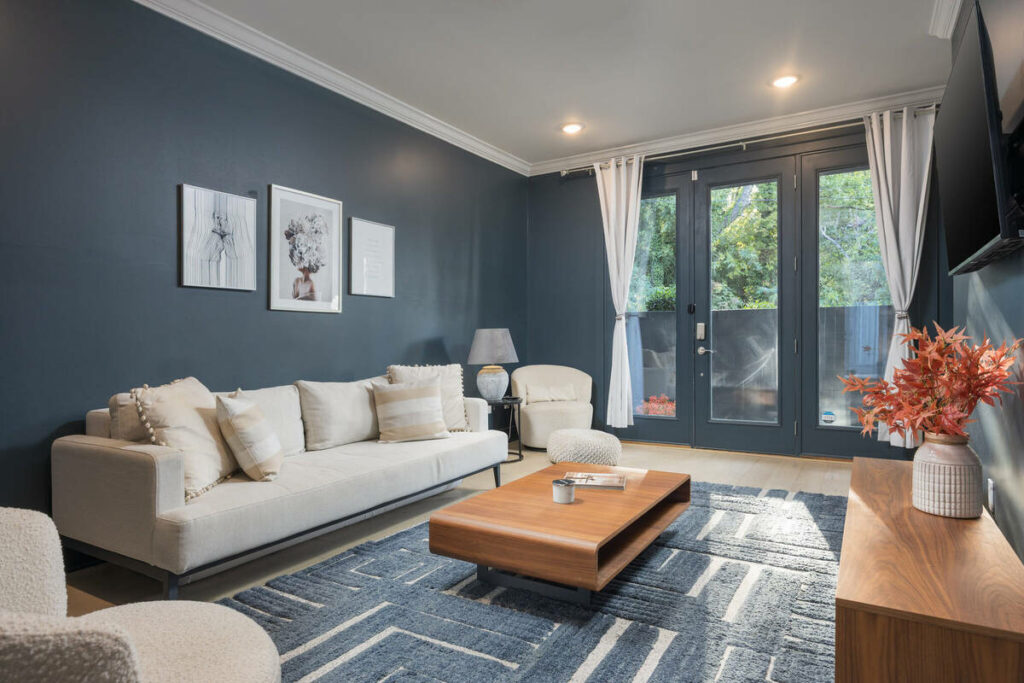
- Batch consistency across a full shoot: the same baseline local-contrast correction gets applied across 30 to 40 images without drifting from room to room.
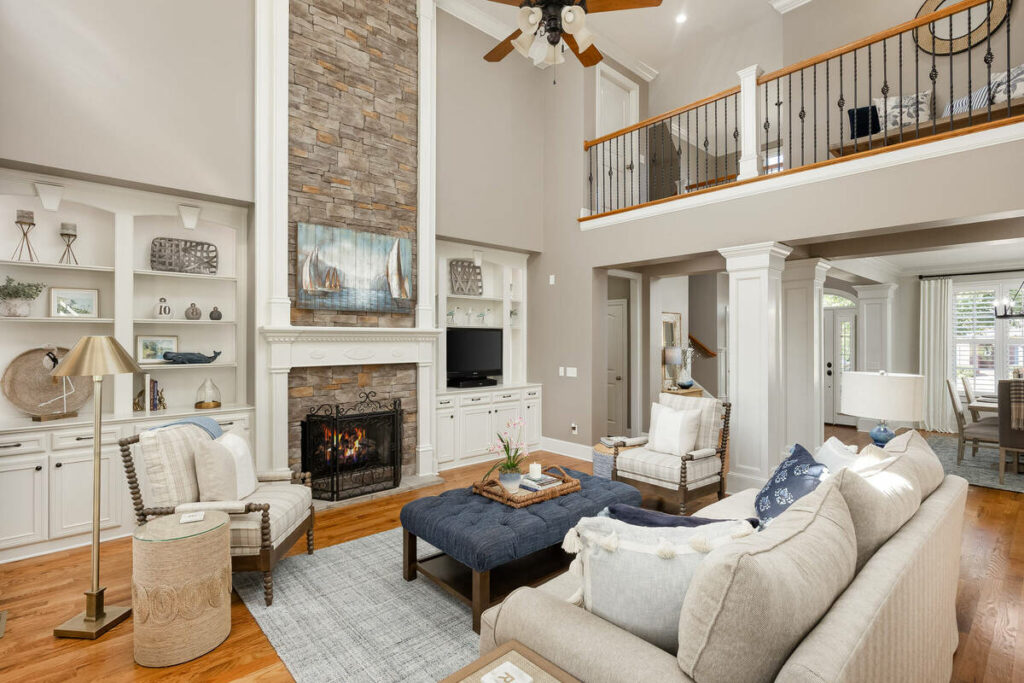
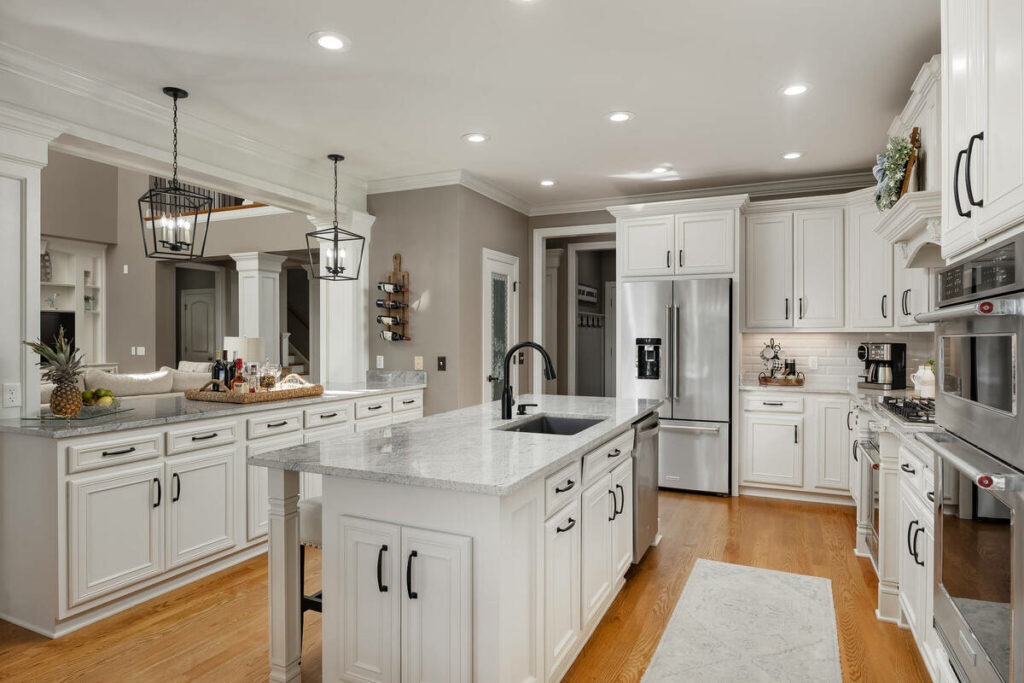
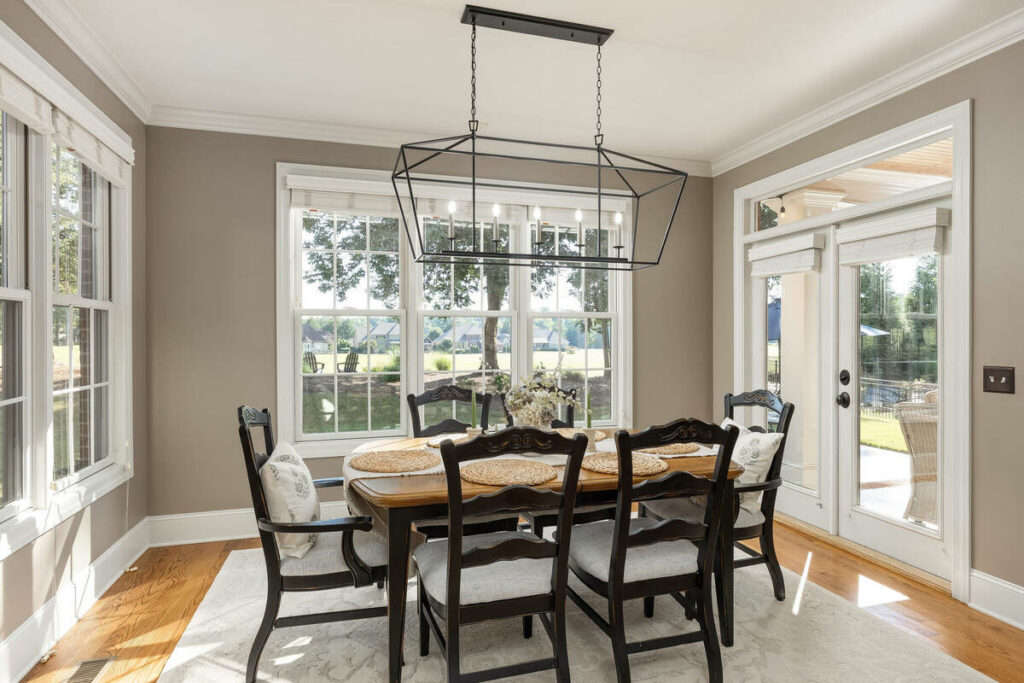
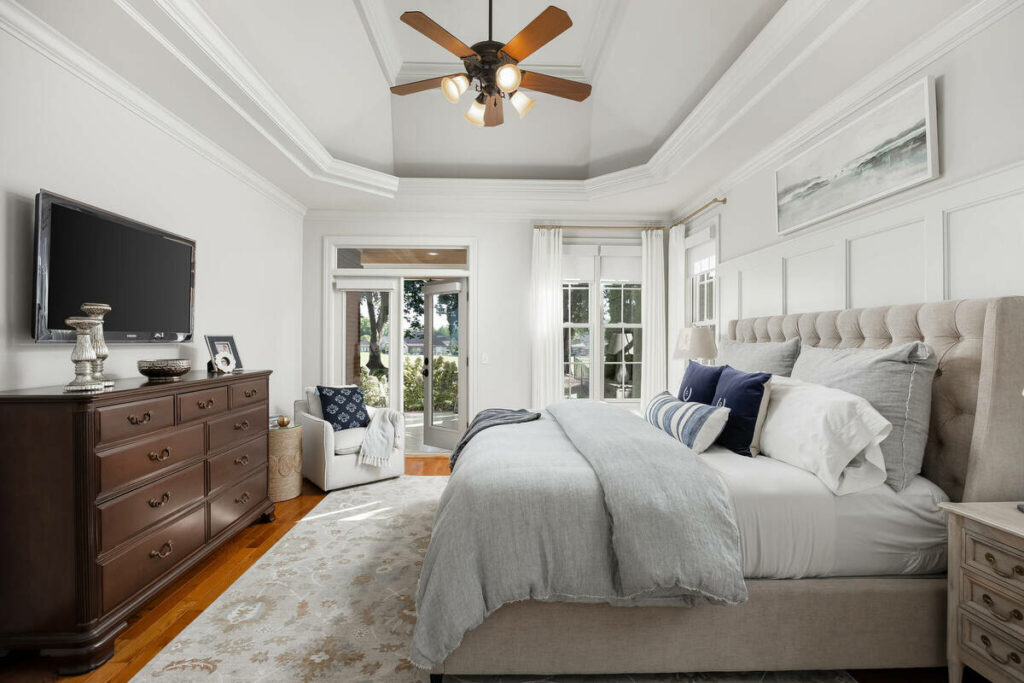
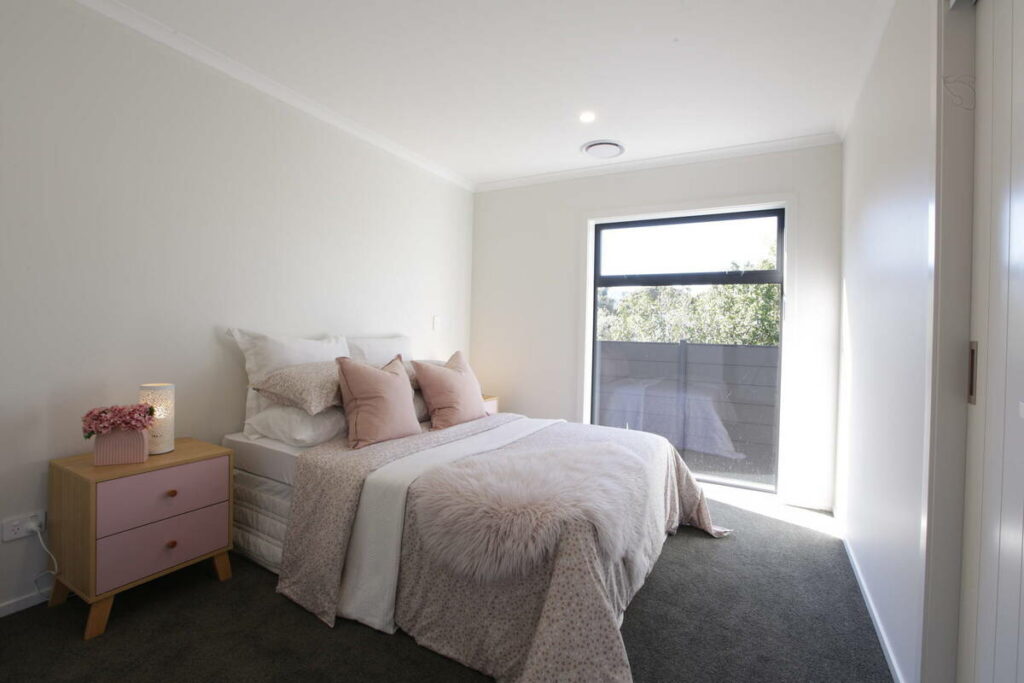
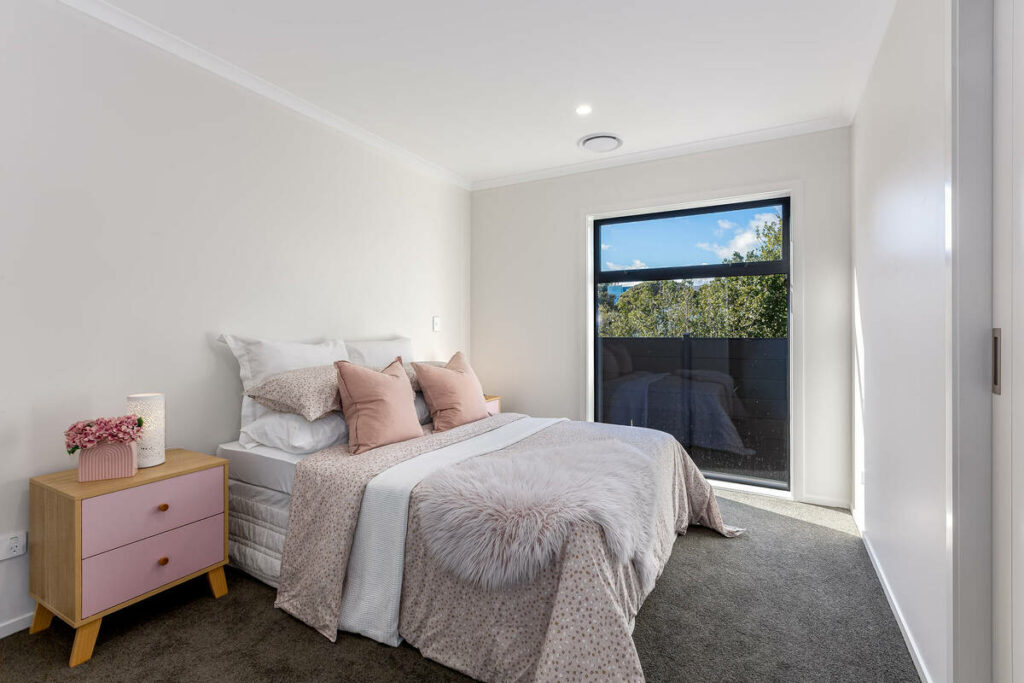
- Standard shadow and highlight recovery: on a typical daylight interior with one dominant light source, automated recovery handles the exposure range reliably.
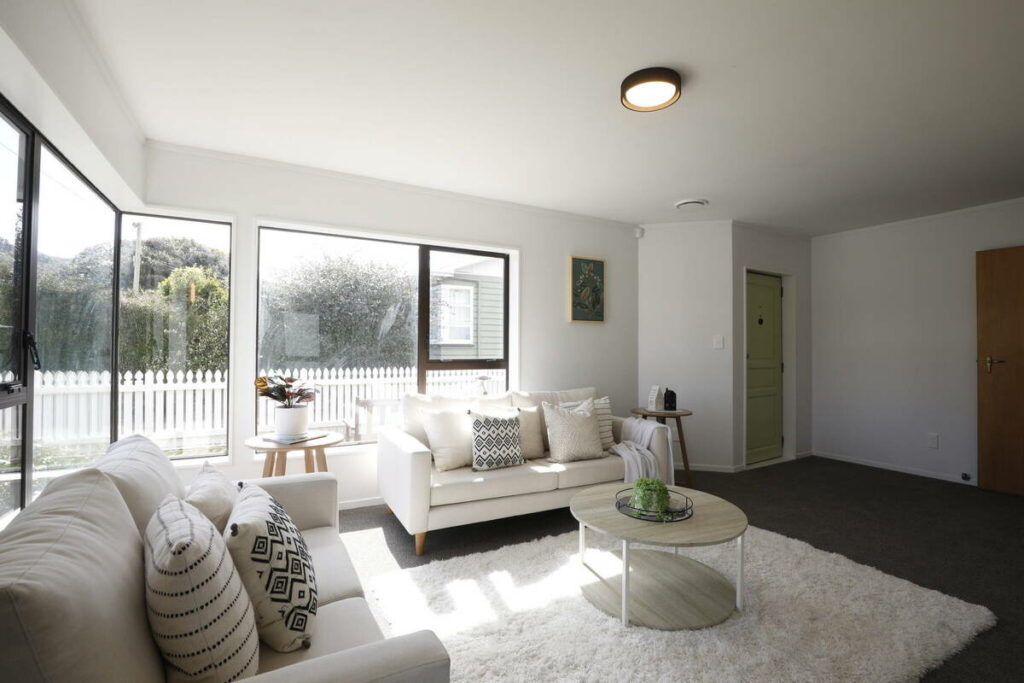
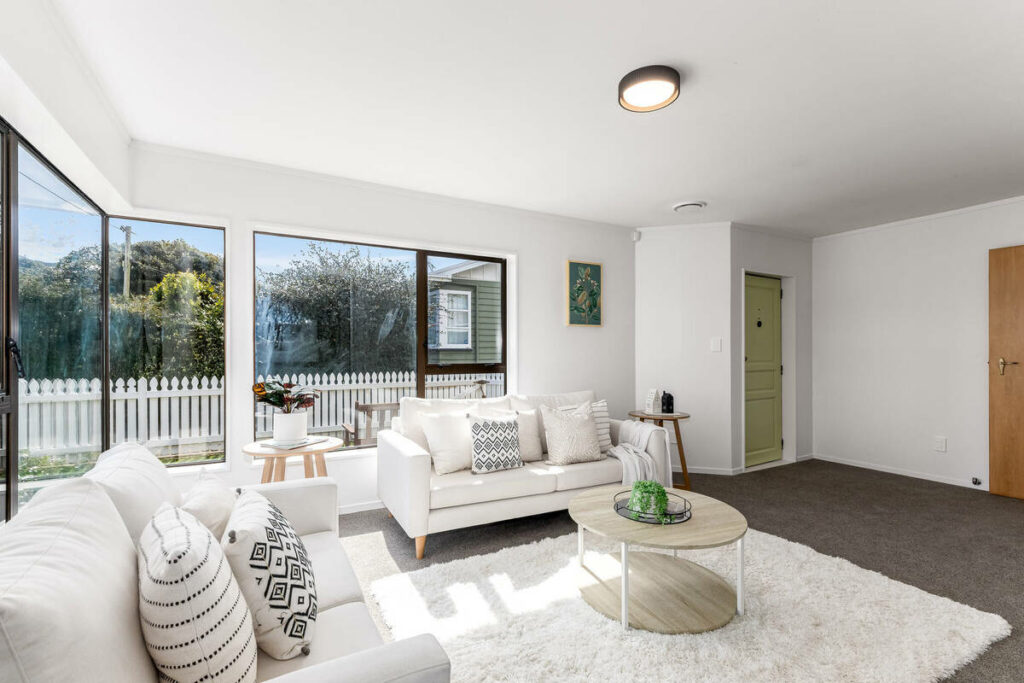
- Automated window pulls: replacing a blown window with a properly exposed one is now close to a solved problem for a standard listing shot.
- Basic object and clutter removal: clearing a stray cord or a small distracting item from a corner before any manual finishing work even starts.
That work adds up on a typical shoot. A PetaPixel-covered survey found 88% of working photographers now use AI, with 68% using it weekly or daily.1 Another report on the same survey found 84% use AI mainly to save time on repetitive tasks like window pulls and shadow recovery.2
That changes the role of dodge and burn. Instead of manually adjusting every image, editors can focus on the frames AI doesn’t fully resolve, shifting more of the workload from editing to review.
Where the Technique Still Needs a Manual Eye
That same survey found limits to how much control photographers give AI. Only 24% would trust it with full creative retouching, while 78% prefer AI to handle no more than 70 to 80% of an image.
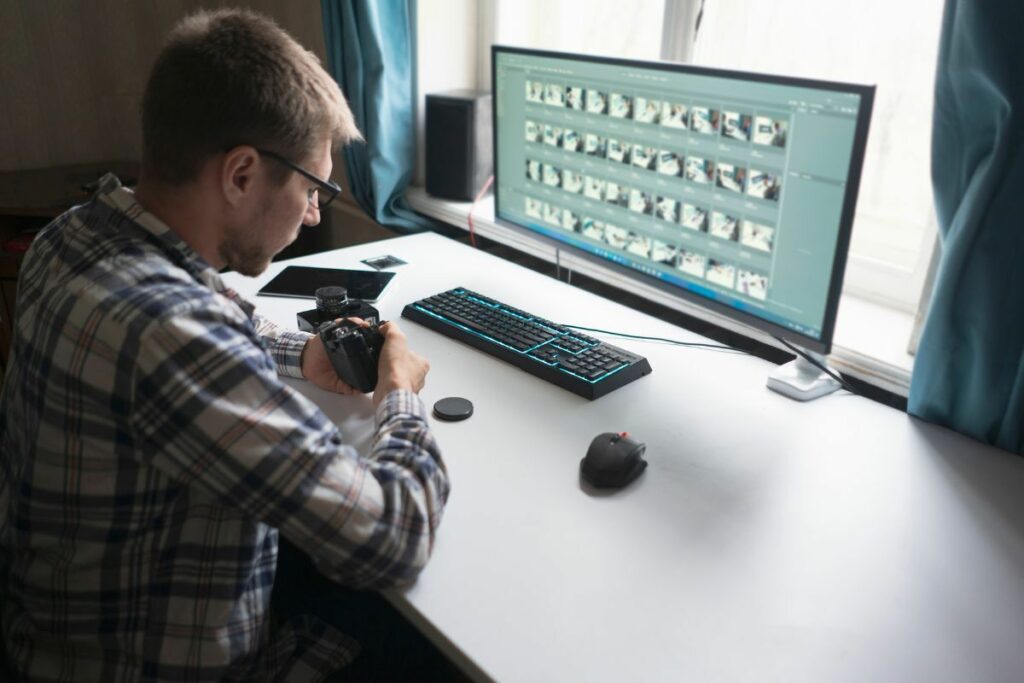
Dodge and burn sits near that limit because it isn’t purely technical. Deciding what to brighten, darken, or emphasize often requires a creative judgment about where the viewer’s eye should go.
Here’s where that shows up on an actual listing shoot:
- Selective emphasis toward a focal point: deciding to lighten a fireplace or darken a distracting doorway so the eye goes where the listing agent wants it is a judgment call, not a formula.
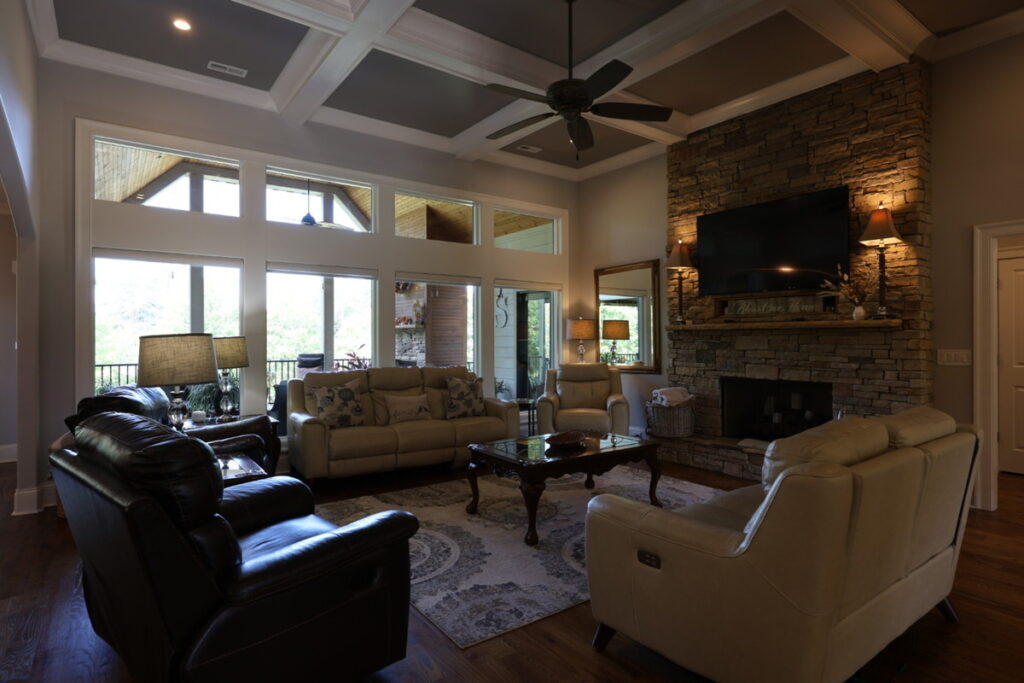
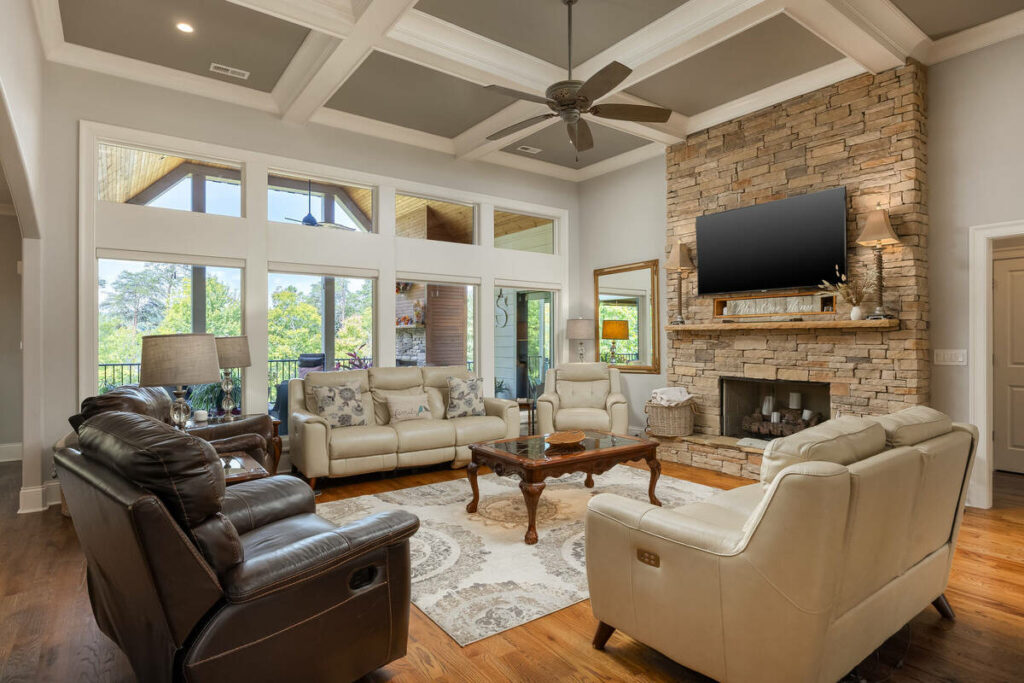
- Cleaning up distracting elements without flattening the image: darkening down a reflection, a stray cord, or a busy corner has to happen without making the rest of the room look artificially even.
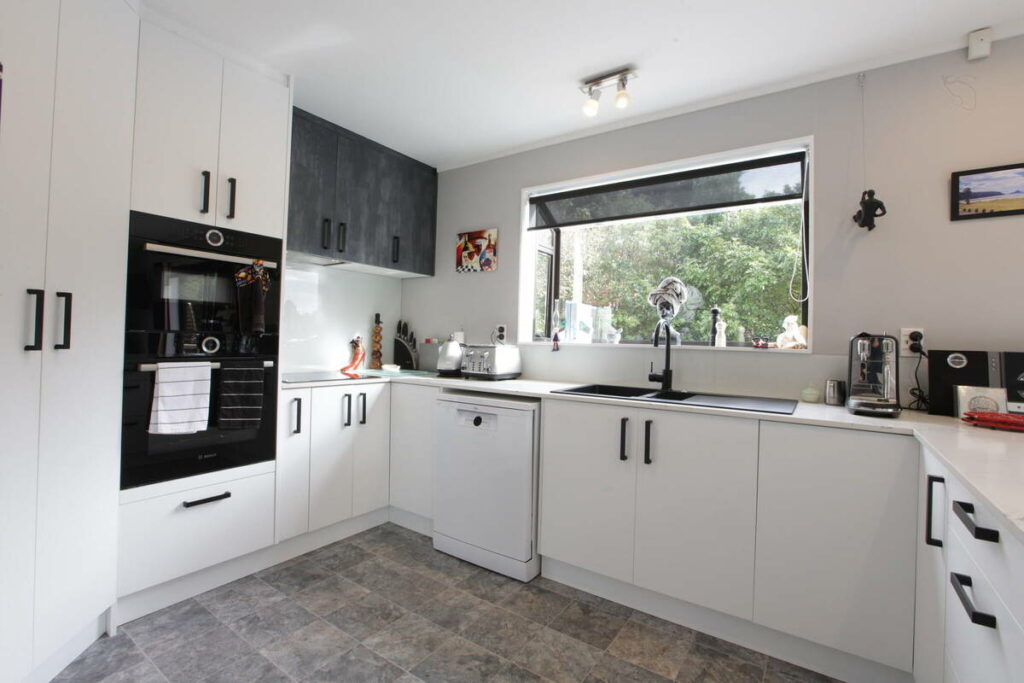
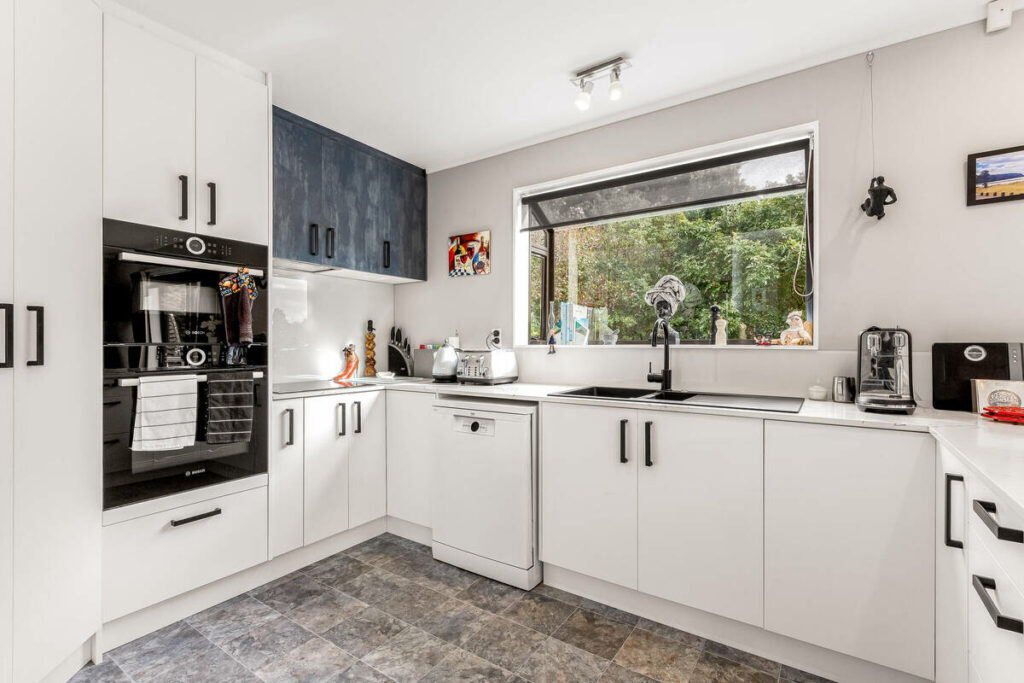
- Mixed-lighting rooms: a kitchen with under-cabinet lights, a window, and overhead fixtures all in one frame can trip up an automated pass that doesn’t know which light source should read as the dominant one.
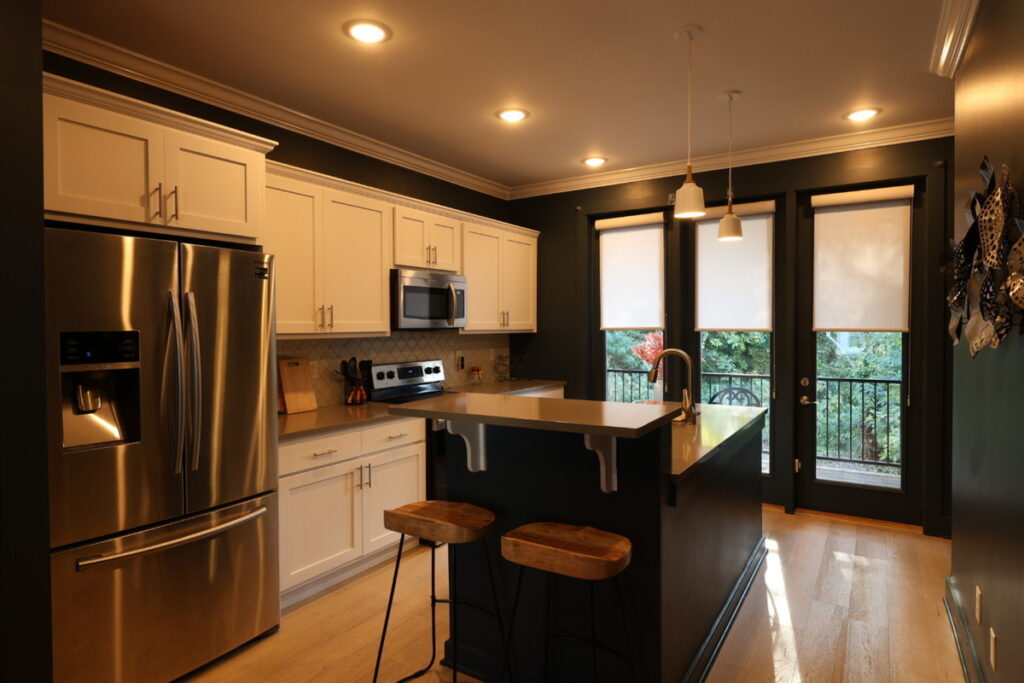
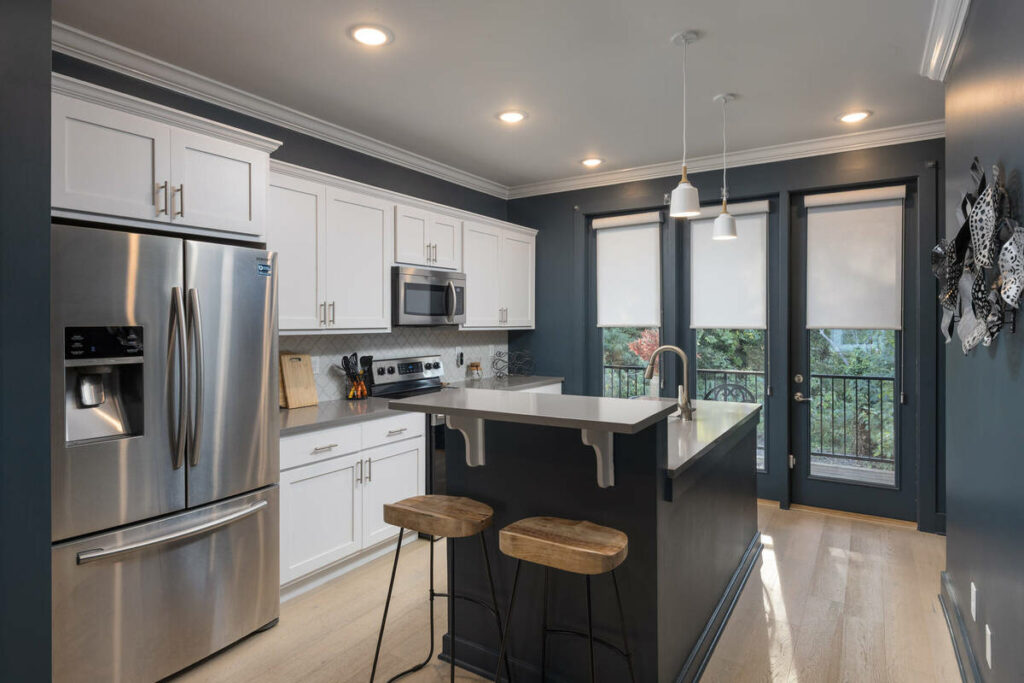
- Luxury-listing finishing: a higher-end listing often calls for a subtler, more deliberate treatment than a standard automated pass produces.
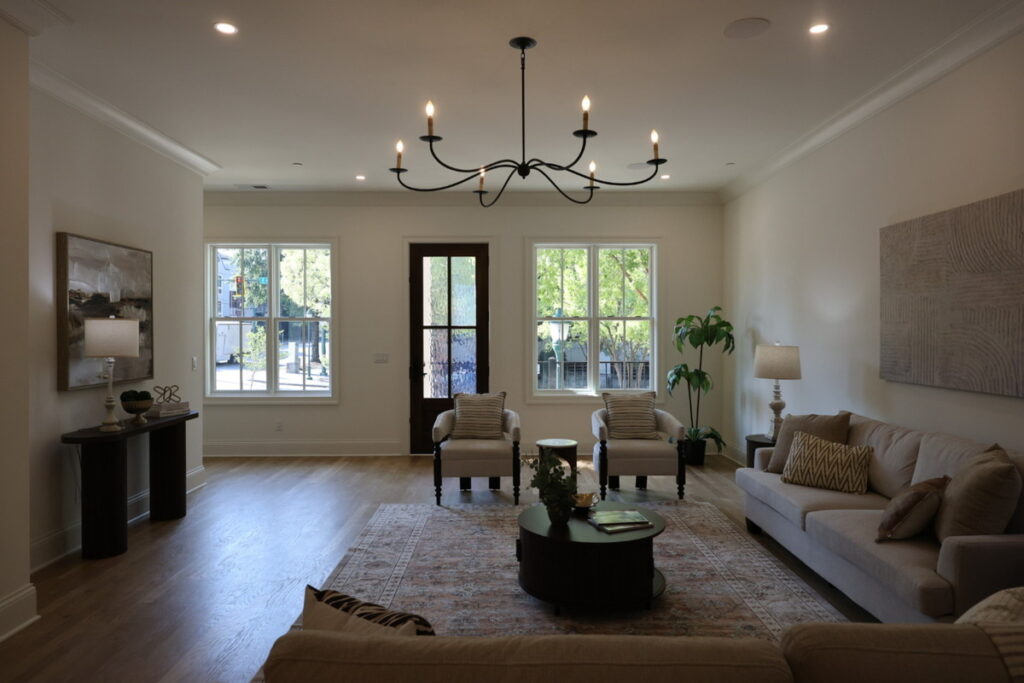
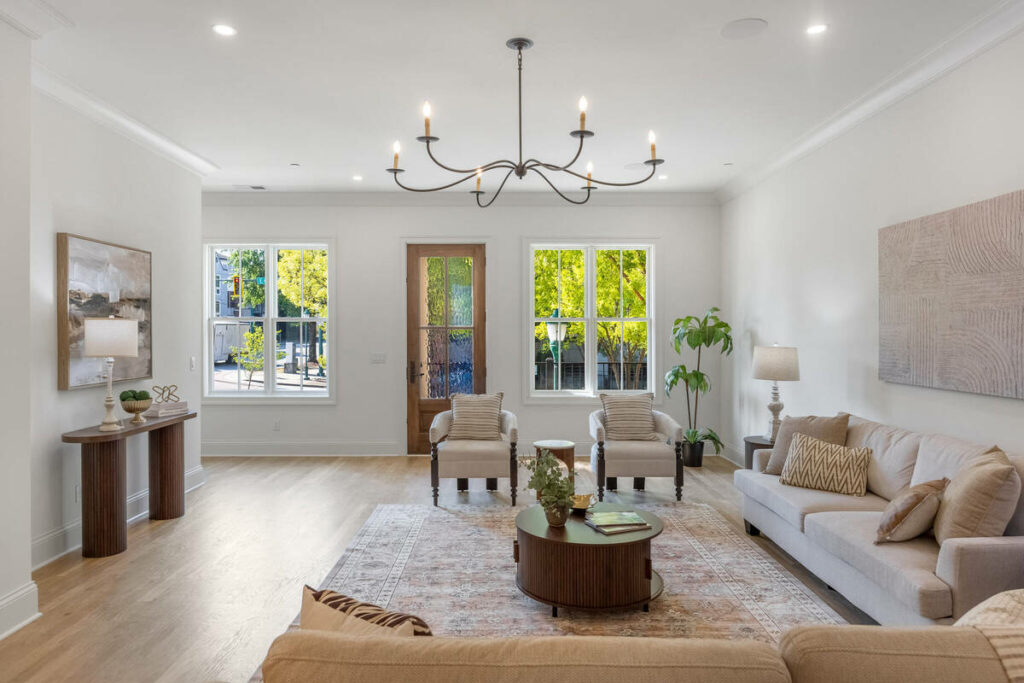
- Consistency across a full gallery: a treatment that looks right on one room needs to read as the same style choice across the rest of the gallery, not a one-off.
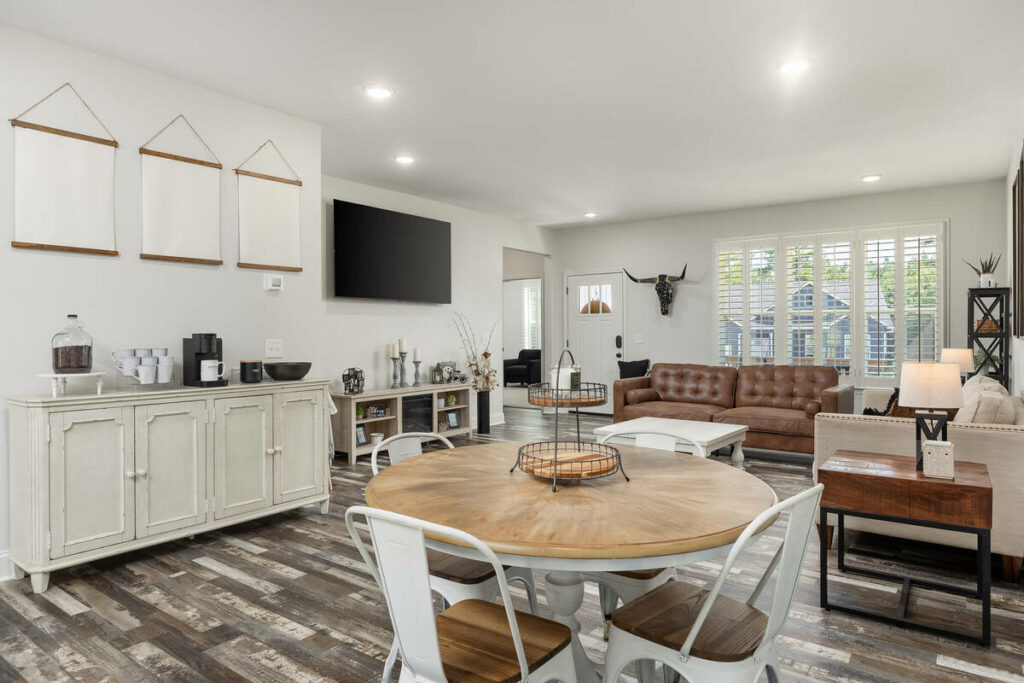
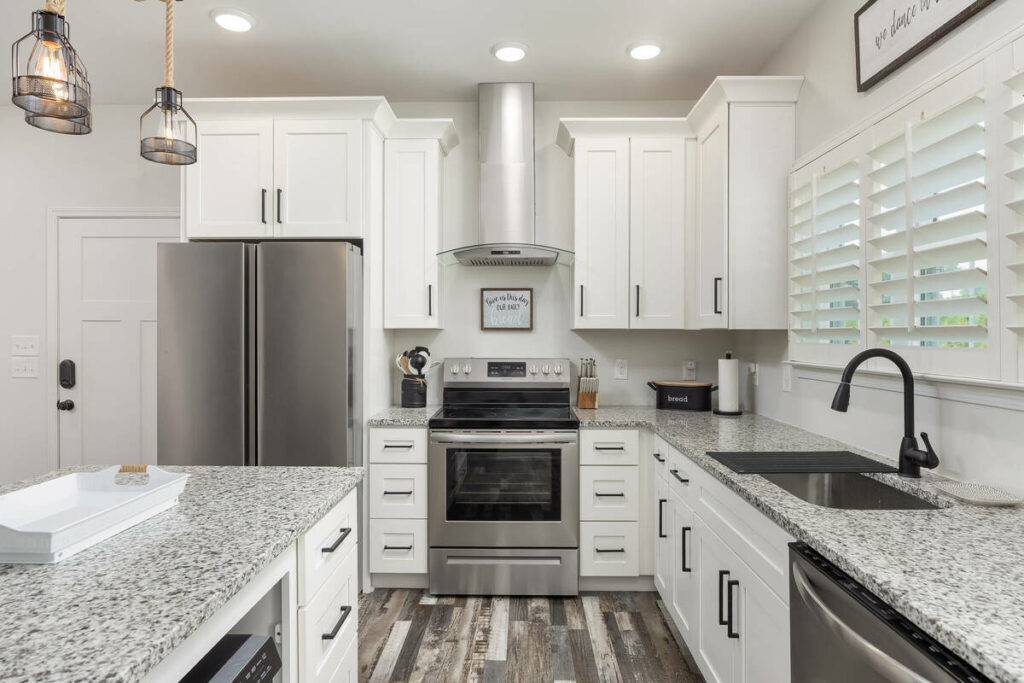
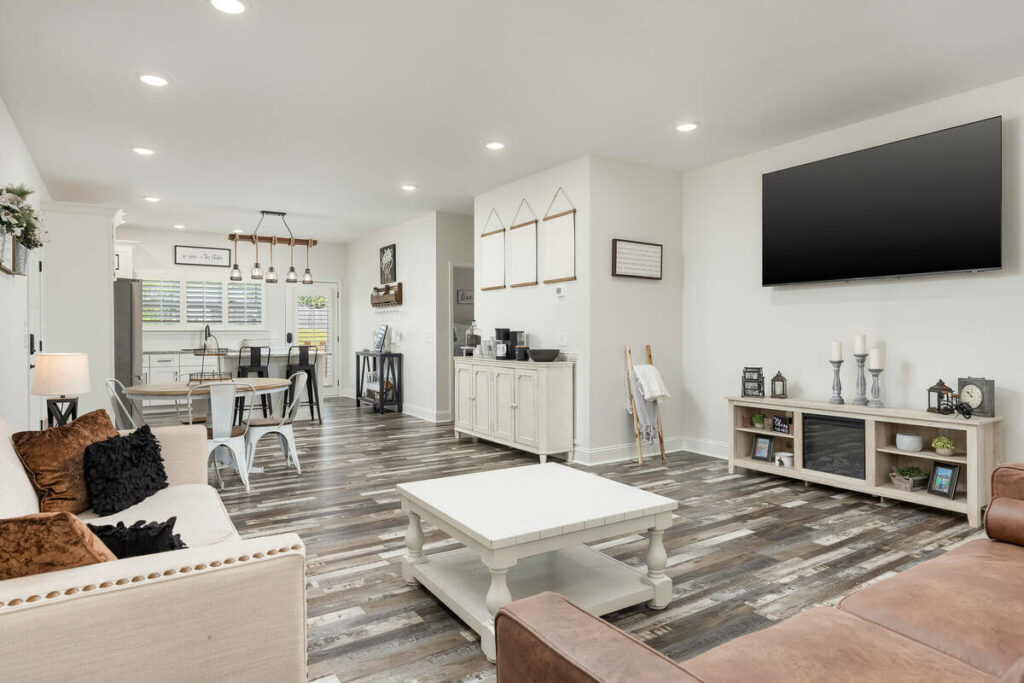
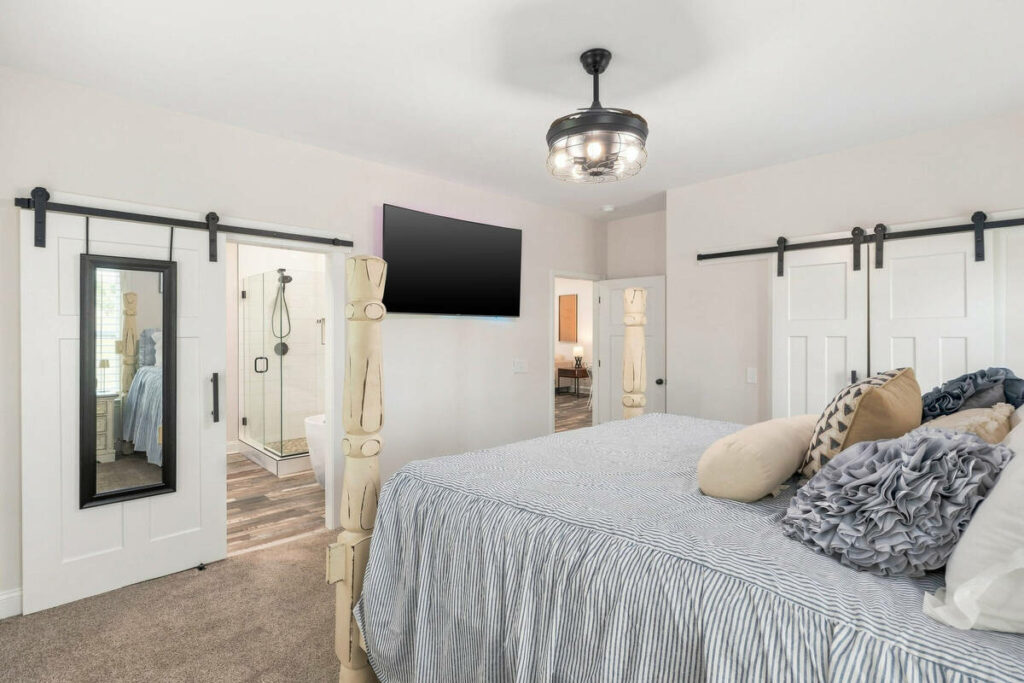
That manual pass matters more on luxury listings, where every image faces closer scrutiny. A flat kitchen, harsh shadow, or inconsistent finish is easier to notice when an agent is paying for premium photography than on a standard, fast-turnaround listing.
Focus on Photography
We'll Handle the Rest
Save time with a dedicated PhotoUp Coordinator.

None of this makes AI the wrong fit for this kind of work. It means the last 20 to 30% still needs someone deciding where the eye should go, not just correcting what’s technically off.
Here’s the split in practice, task by task:
| Task | AI editing alone | AI editing plus a manual pass |
|---|---|---|
| Standard window pull and shadow recovery | Handled correctly | Handled correctly |
| Batch consistency across a shoot | Handled correctly | Handled correctly |
| Selective emphasis toward a focal point | Not addressed | Applied deliberately |
| Mixed-lighting rooms | Can misjudge the dominant light | Corrected by eye |
| Luxury-listing finishing | Generic treatment | Tailored to the listing |
What This Looks Like in a Real Workflow
Picture a standard 35-image listing. AI can handle baseline exposure, HDR blending, and standard window pulls across most of the gallery within minutes.
That might leave just 5 to 7 images needing manual attention, such as mixed kitchen lighting, fireplace emphasis, or bathroom reflections. At 5 to 8 minutes each, that’s under an hour of focused work instead of manually editing the entire gallery.

Luxury listings follow the same pattern at a higher standard. More images may need manual attention, but AI still clears the mechanical work first.
Across eight weekly listings, that could mean roughly 40 to 50 images requiring closer attention, or about four to six hours of focused work instead of manually refining several hundred images.
Keeping the Treatment Consistent Across Every Gallery
The pattern holds across real estate interiors: AI handles the repeatable 70 to 80%, while a trained eye handles the rest. The challenge is making sure someone catches the images that still need manual attention before delivery.
Browse Top Dedicated
Real Estate Photo Editors
Ready-to-hire editors for real estate photo editing, and more.
That includes mixed-lighting kitchens, fireplace shots, reflective bathrooms, and other scenes where automated adjustments fall short. For solo photographers, this review is often the first step rushed during a busy week, especially on luxury listings that demand more attention.
As volume grows, maintaining that standard becomes harder. Multi-photographer studios face the same issue at scale, since each photographer may approach local adjustments differently. Without consistent review, galleries can vary noticeably across the team even when every image is technically correct.
Get an AI Workflow Review From a PhotoUp Coordinator
PhotoUp helps photographers implement AI photo editing with a Production Coordinator who runs the human side of that workflow.
A Production Coordinator, also called an Operations or Media Coordinator, owns:
| AI editing workflow implementation and QA: reviewing every gallery for the images that still need a manual finishing pass, not just checking that the automated pass ran |
| Order management and delivery: tracking turnaround so a luxury listing doesn’t mean a rushed finishing pass |
| Scheduling and client booking: handling the logistics around a shoot so you’re not doing that on top of editing reviews |
| Client communication: status updates and revision requests handled directly, in your voice |
Why work with a PhotoUp Coordinator? You get someone trained to know which images in a gallery still need a manual dodge and burn pass, without personally reviewing every room in every listing yourself.
Focus on Photography
We'll Handle the Rest
Save time with a dedicated PhotoUp Coordinator.
How to get started
Tell us about your typical listing mix and turnaround expectations, and a Coordinator will map out where AI can take over the mechanical work and where a manual finishing pass should stay in place.
Get an AI workflow review from a PhotoUp Coordinator.
Related Articles:
- Understanding Real Estate Photo Editing: 27 Common Terms to Know
- How to Edit to Guide the Viewer’s Gaze in Real Estate Photo Editing
- How to Edit Real Estate Photos for Luxury Listings
- What Can a Photography Coordinator Take Off Your Plate
- How Human QA Catches What AI Photo Editing Misses in Real Estate Photos
References: